


S7-BLE TTLock electronic lock


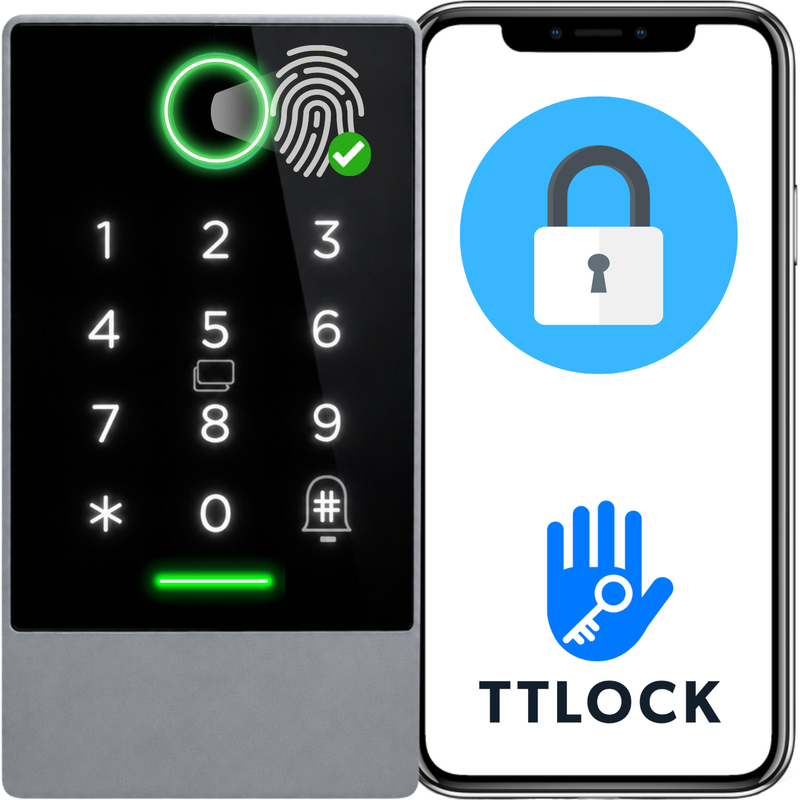
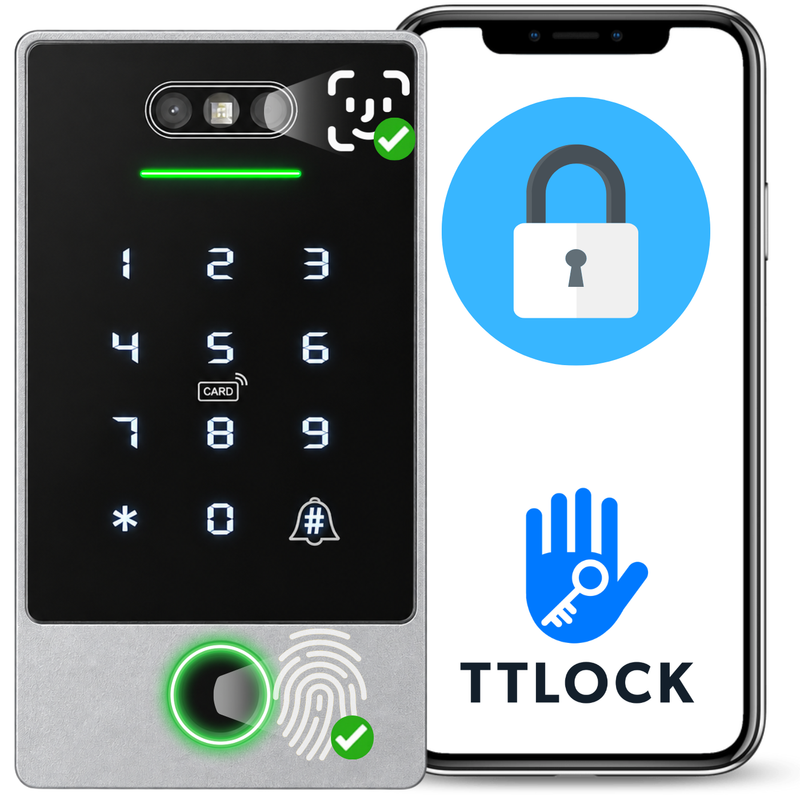



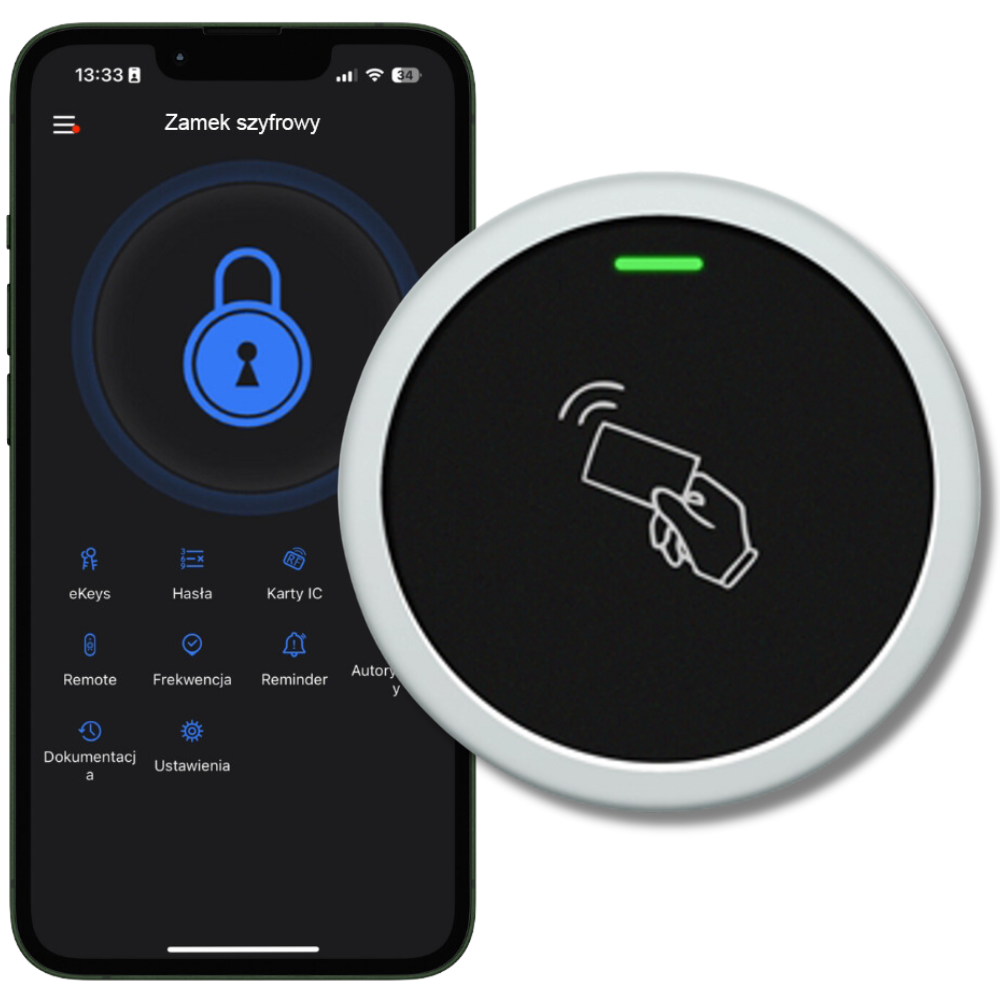
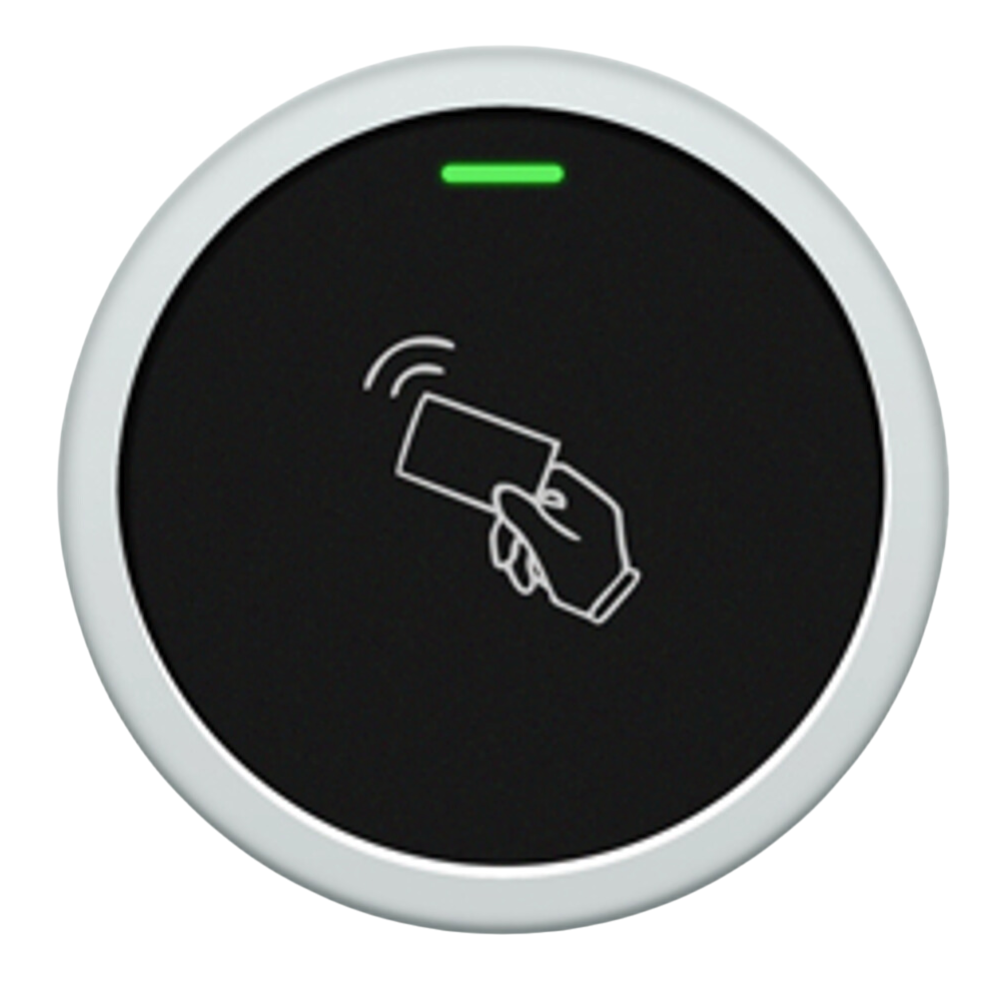
Discover the innovative Spreest WiFi access panel, which combines modern technologies, high functionality, and reliability. Ideal for both indoor and outdoor applications, this panel provides not only security but also exceptional ease of use. Thanks to integration with the TTLock app, the lock offers a wide range of advanced features that will meet the expectations of even the most demanding users.

Key features
1. Versatile unlocking:
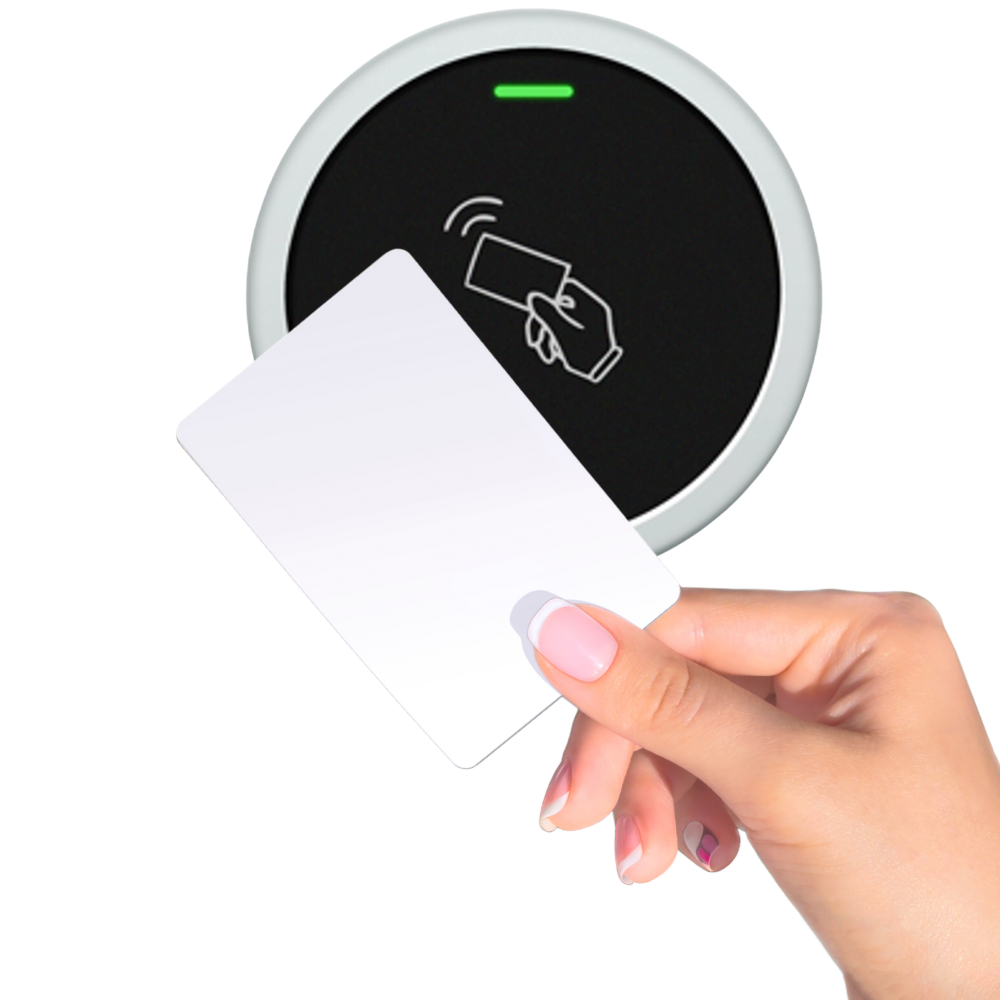
- Proximity IC card: Convenient and quick unlocking of the lock by bringing the IC card close. The lock's capacity is 2000 IC cards.
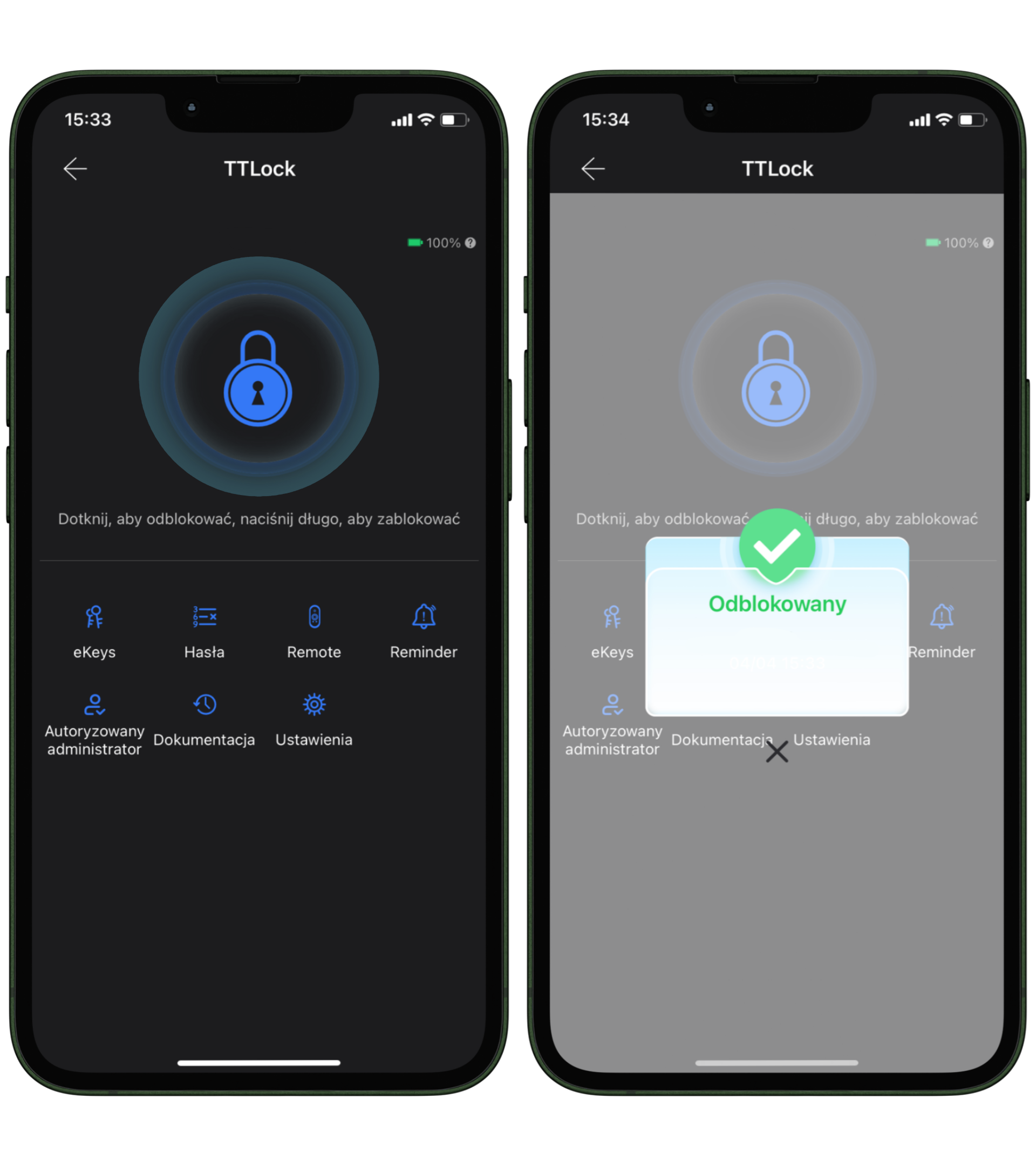
- Remote unlocking: Ability to open doors remotely using the TTLock app via a button (option available when purchasing a TTLock gateway).
- Unlocking via remote control: Ability to add remote controls for remote lock control.
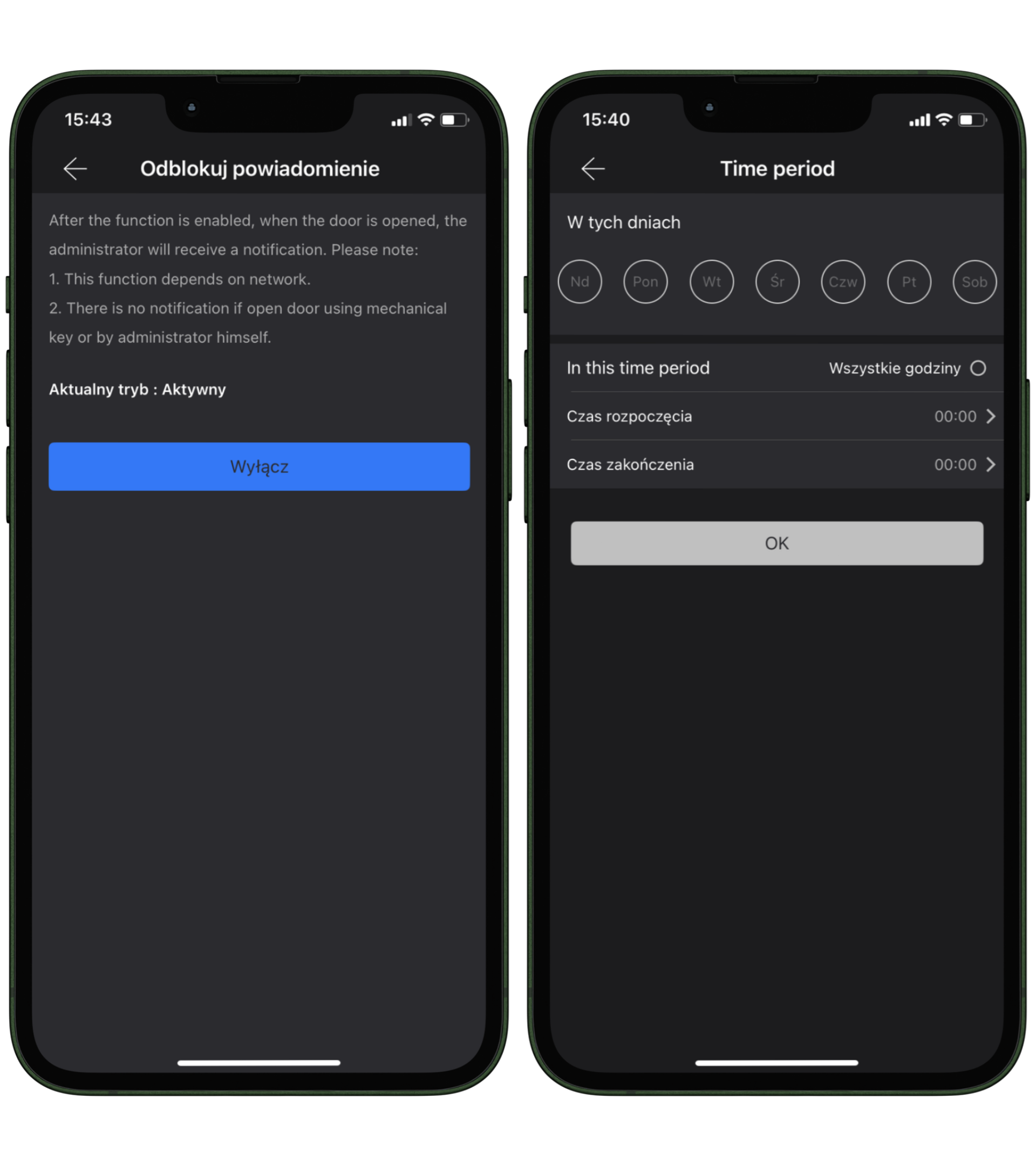
2. Notifications: Activation of notifications in case the lock is unlocked or an attempt is made to force it open.
3. Company management function: Advanced functions for managing employees by assigning them RFID cards, which enables monitoring of arrivals and departures, generating reports.
4. Automatic locking: Thanks to the auto-lock function, the lock automatically secures the door after a specified time.
5. Integration with access management systems for rented spaces. Particularly useful for managing multiple rooms when renting e.g. on the Airbnb platform
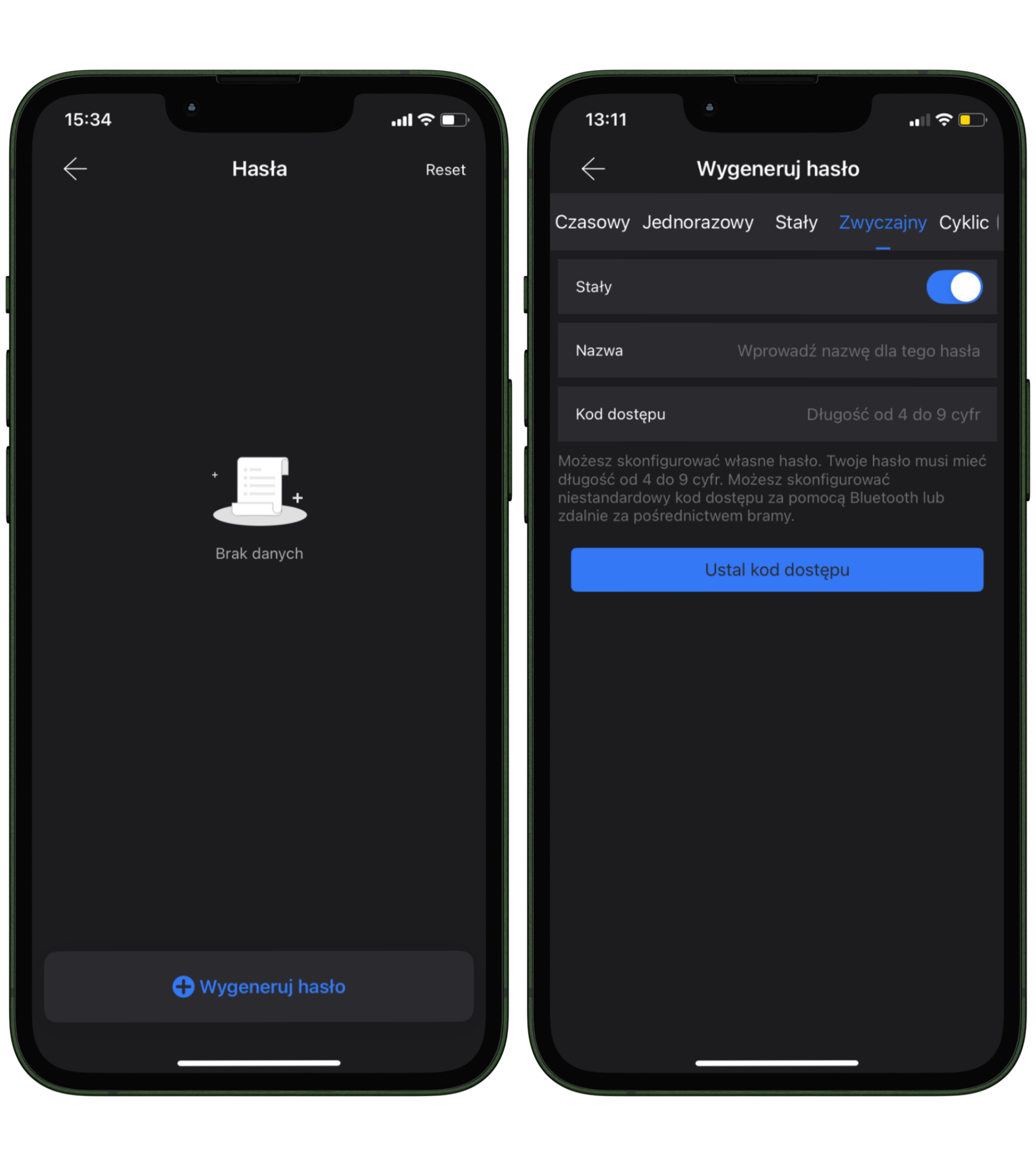
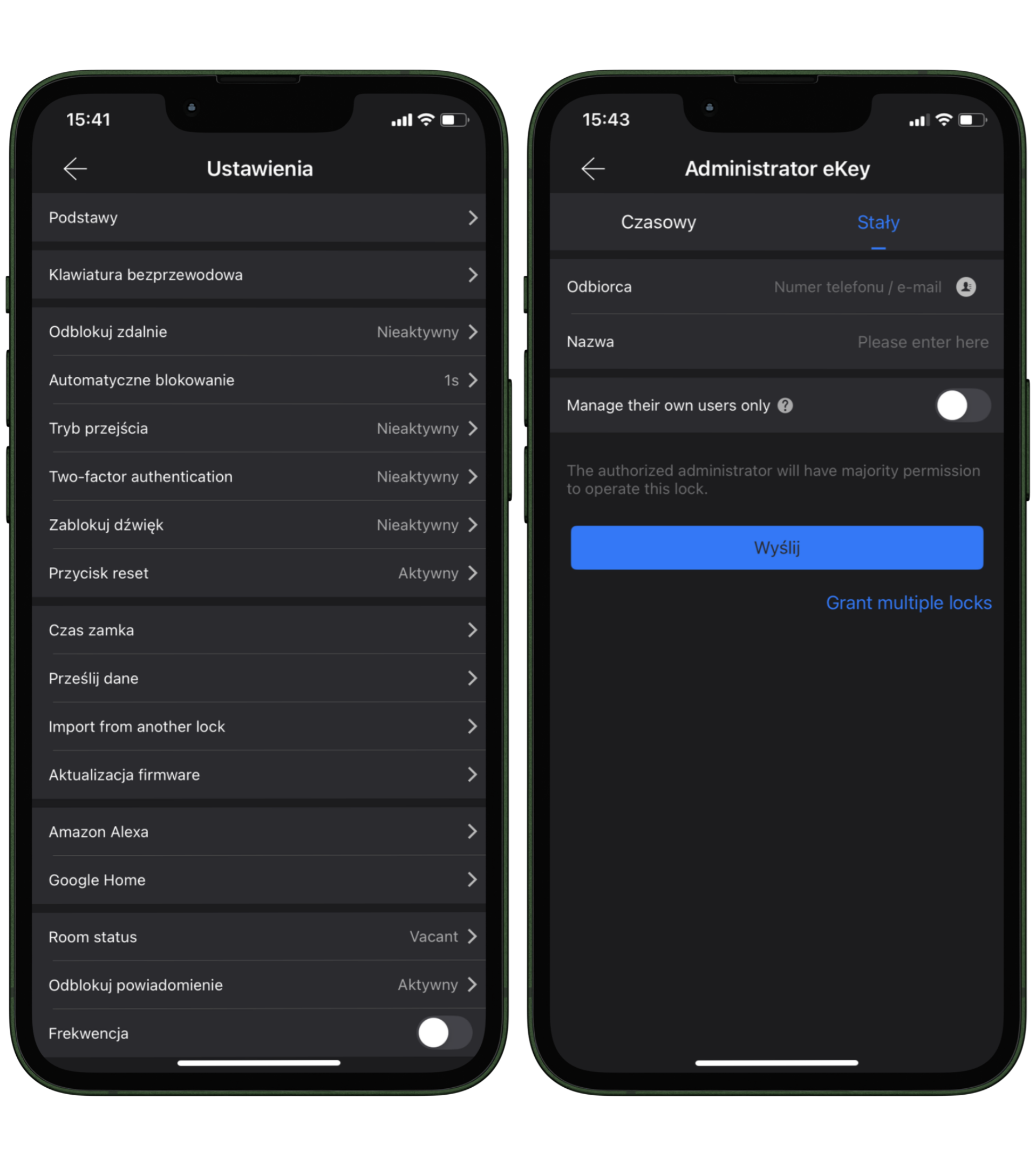
6. Emergency lock access blocking function, once activated the lock will only be accessible via a physical key. Which can provide security in emergency situations.
7. Water resistance: IP67 waterproof rating, ideal for outdoor applications.
8. Simple configuration: Easy process of adding new users and managing access via the TTLock app.
9. Open door mode: Allows temporary deactivation of the locking mechanism, which is ideal during meetings or events.
10. Smart home integration: Compatible with Amazon Alexa and Google Home for even greater convenience and voice control.
11. Quiet operation: Ability to mute signaling sounds, ensuring comfort especially at night.
12. Updates and security: The panel allows for easy software updates, guaranteeing access to the latest features and security.
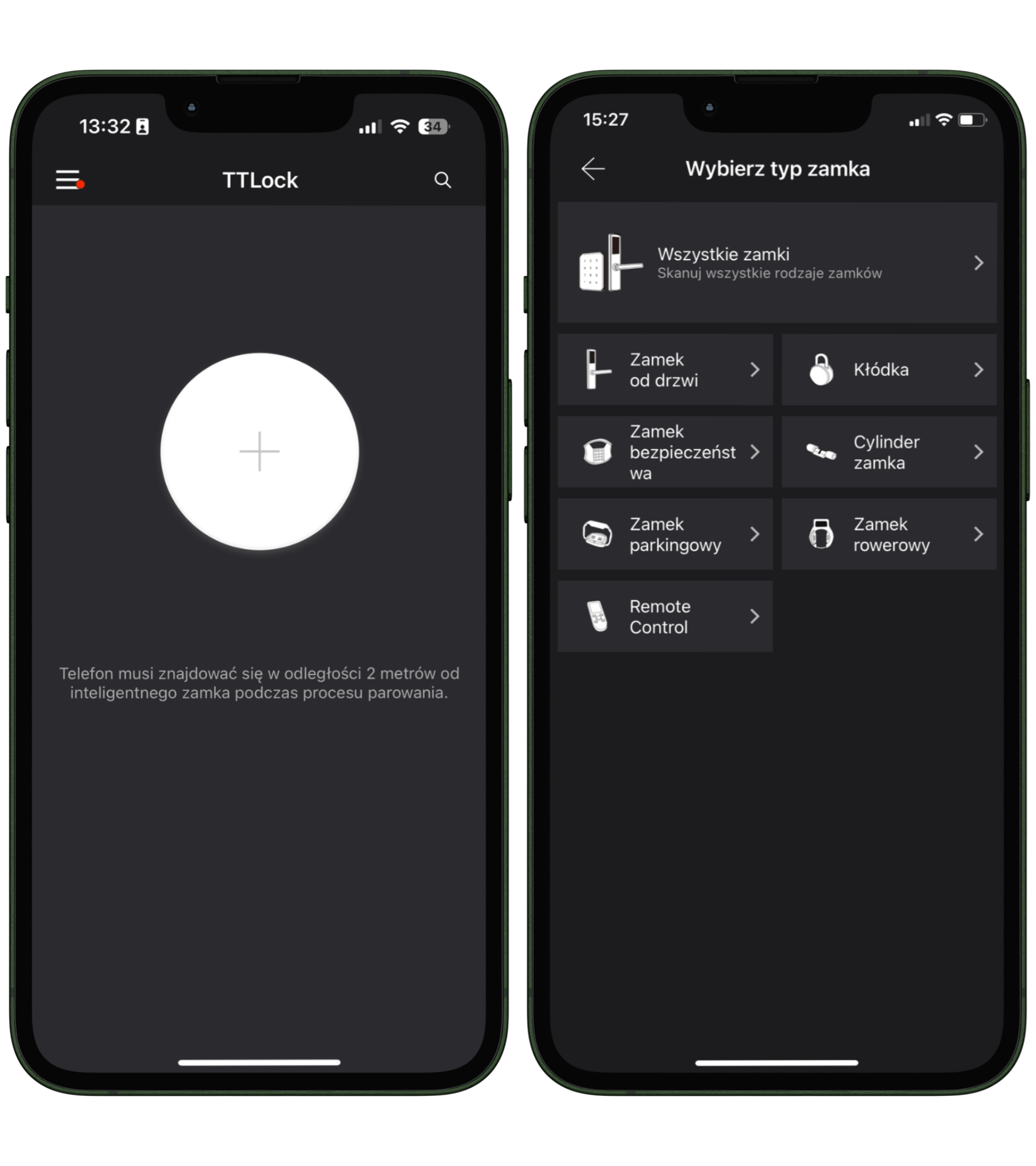
To connect to the panel, follow the steps below:
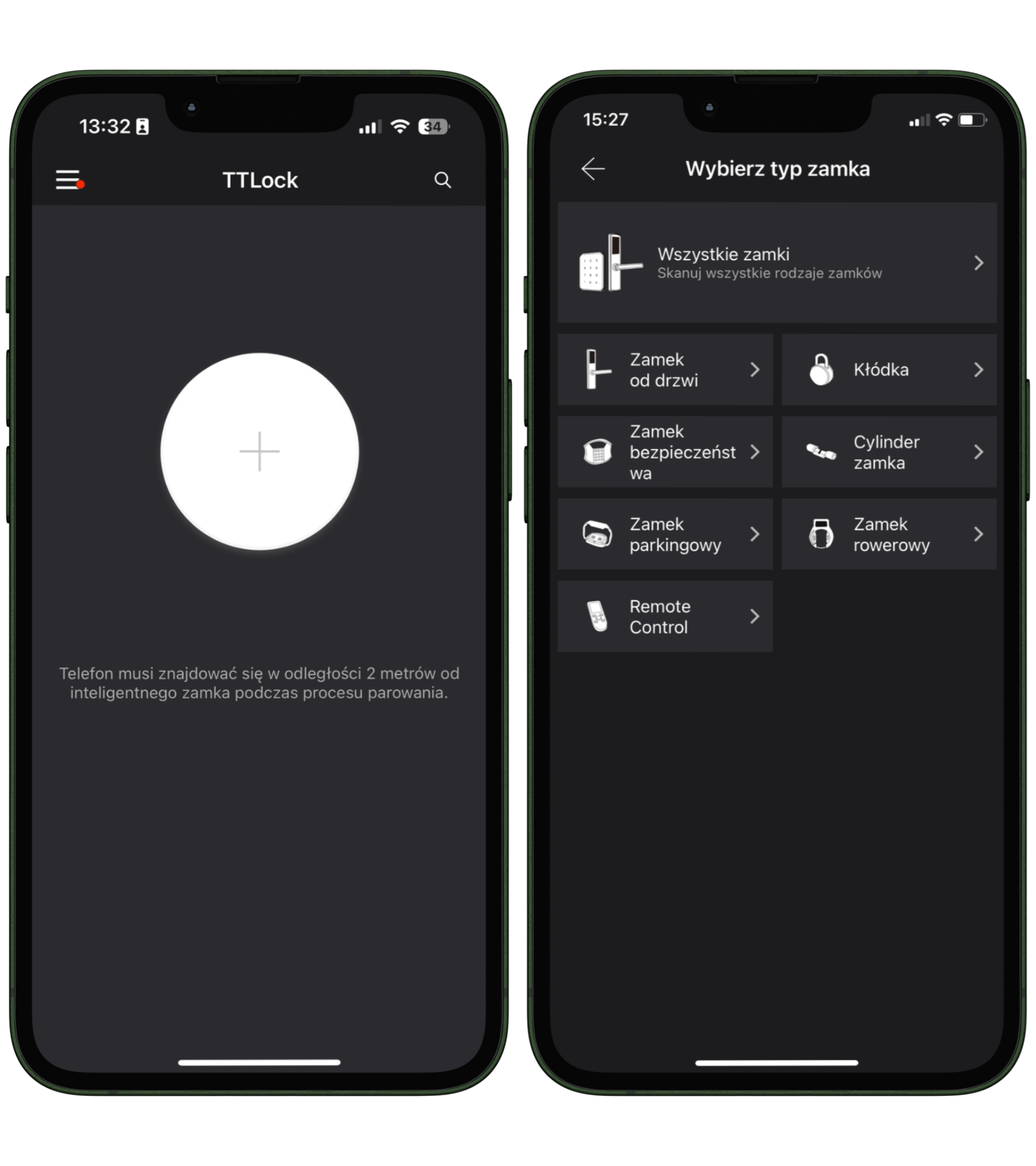
1. Make sure your phone is no more than 2 meters from the smart lock during the pairing process.
2. Open the TTLock app and select the option to add a new lock by clicking the "+" button.
3. Select the appropriate lock type from the available options: door lock, padlock, security lock, lock cylinder, parking lock, or bike lock.
4. The app will automatically search for nearby locks. Once your lock is found, select it from the list.
5. Give your lock an appropriate name to easily identify it in the future.
6. The pairing process will complete successfully, and your lock will be ready for use.

IP67 Waterproofing
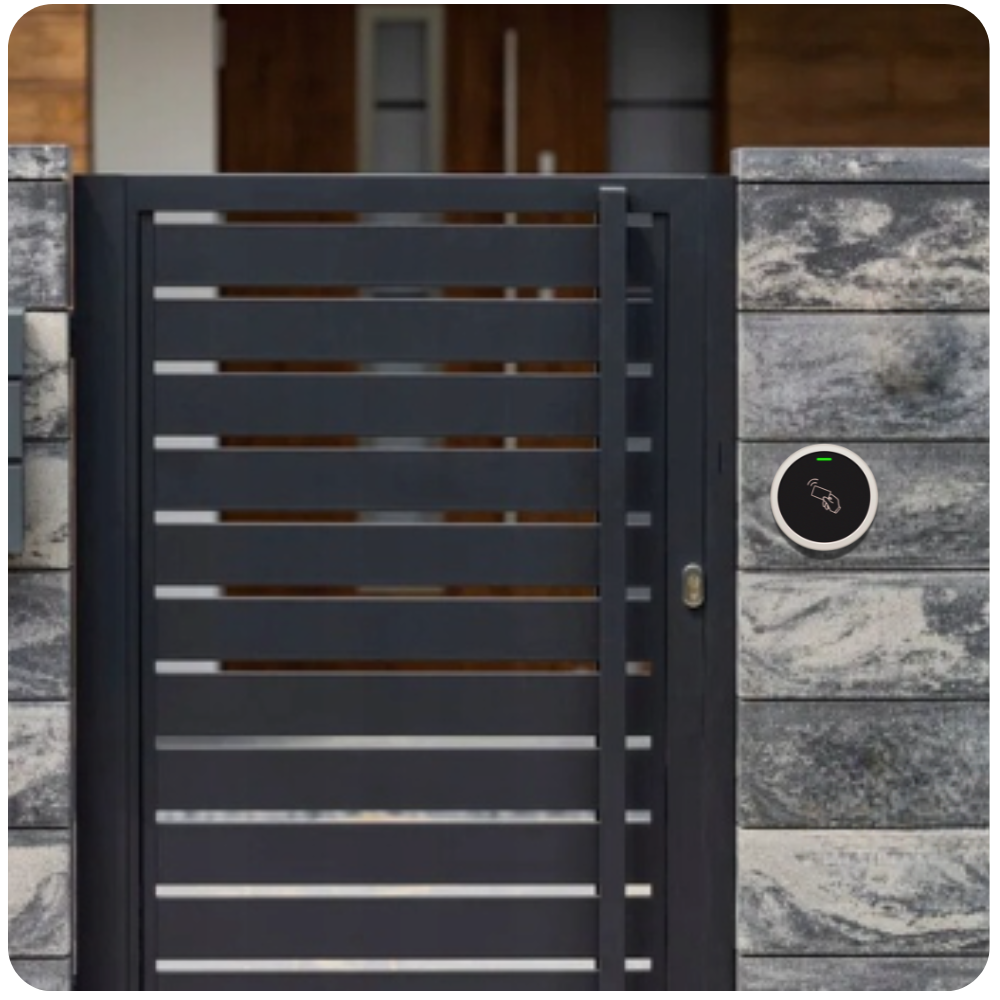
It stands out with its water resistance, making it an ideal solution for both indoor and outdoor applications.
Thanks to its high water resistance class, the panel effectively operates in all weather conditions, from rainy days to snowy winters. Regardless of whether you mount it on a gate, garage, or front door, you can be sure that the lock will provide reliable protection and durability for many years.

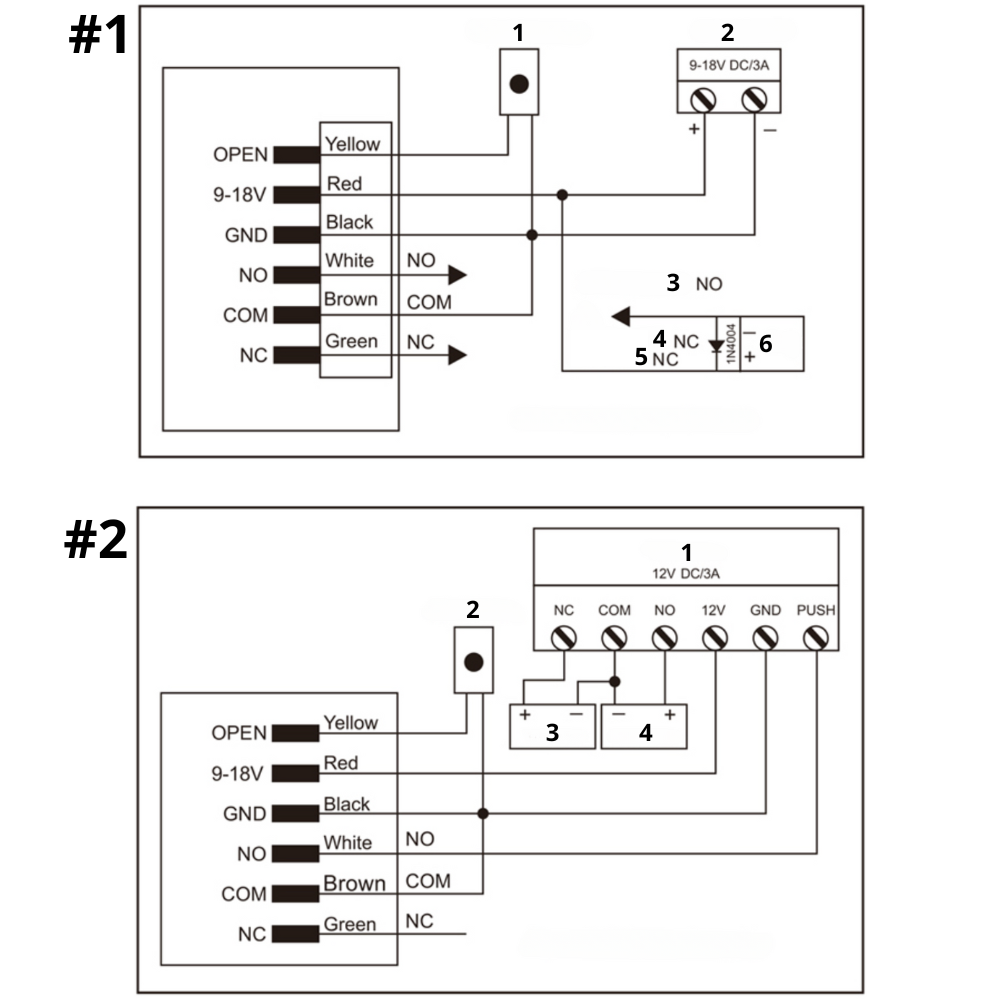
Connection diagram
Description of possible connections for scenario #1 (Standard power supply)
- OPEN (Yellow): Output for unlocking the door, controlled by a controller (e.g., card reader).
- 9-18V (Red): Power supply for the controller, requires voltage in the range of 9 to 18V.
- GND (Black): Ground for the entire system.
- NO (White): Normally open output, connected to an electric lock (e.g., a strike that opens when activated).
- COM (Brown): Common connection point for lock control signals.
- NC (Green): Normally closed output, can be used to connect an electromagnetic lock that requires continuous power in the closed state.
Additional components in scenario #1
- Exit Button: Exit button, allowing manual door opening from the inside.
- 9-18V DC/3A: System power supply
- Electric Strike (NO): Electric strike, normally open, opens when the circuit is closed.
- Electric Bolt (NC): Electromagnetic lock, normally closed, opens when the circuit is disconnected.
- EM Lock (NC): Electromagnetic lock, normally closed, opens when the circuit is disconnected.
- Lock
Description of possible connections for scenario #2 (Powered by an external power controller)
- OPEN (Yellow): Output for unlocking the door, controlled by the controller.
- 9-18V (Red): Controller power supply.
- GND (Black): Ground for the entire system.
- NO (White): Normally open output, connected to an electric lock (e.g., an electric bolt).
- COM (Brown): Common connection point for lock control signals.
- NC (Green): Normally closed output, used for electromagnetic locks.
Additional components in scenario #2
- Power Supply (12V DC/3A): System power supply, a special power adapter with 12V voltage and 3A current.
- Exit Button: Exit button, allowing manual door opening.
- Electric Bolt: Bolt, connected according to installation requirements.
- Electric Strike: Electric lock, connected according to installation requirements.

Technical specification
- Model: S7-BLE
- Bluetooth: BLE Bluetooth (BLE 4.1)
- Phone compatibility: Android 4.3 / iOS 7.0 and newer
- Card user capacity: 1000
- Card type: 13.56 MHz Mifare, M1 card
- Card reading range: 2-4 cm
- Operating voltage: 12V DC
- Operating current: ≤80mA
- Lock output load: ≤2A
- Operating temperature range: -20°C to +60°C
- Operating humidity: 0%RH to 85%RH
- Outdoor application: Waterproof, IP66
- Material: Zinc alloy
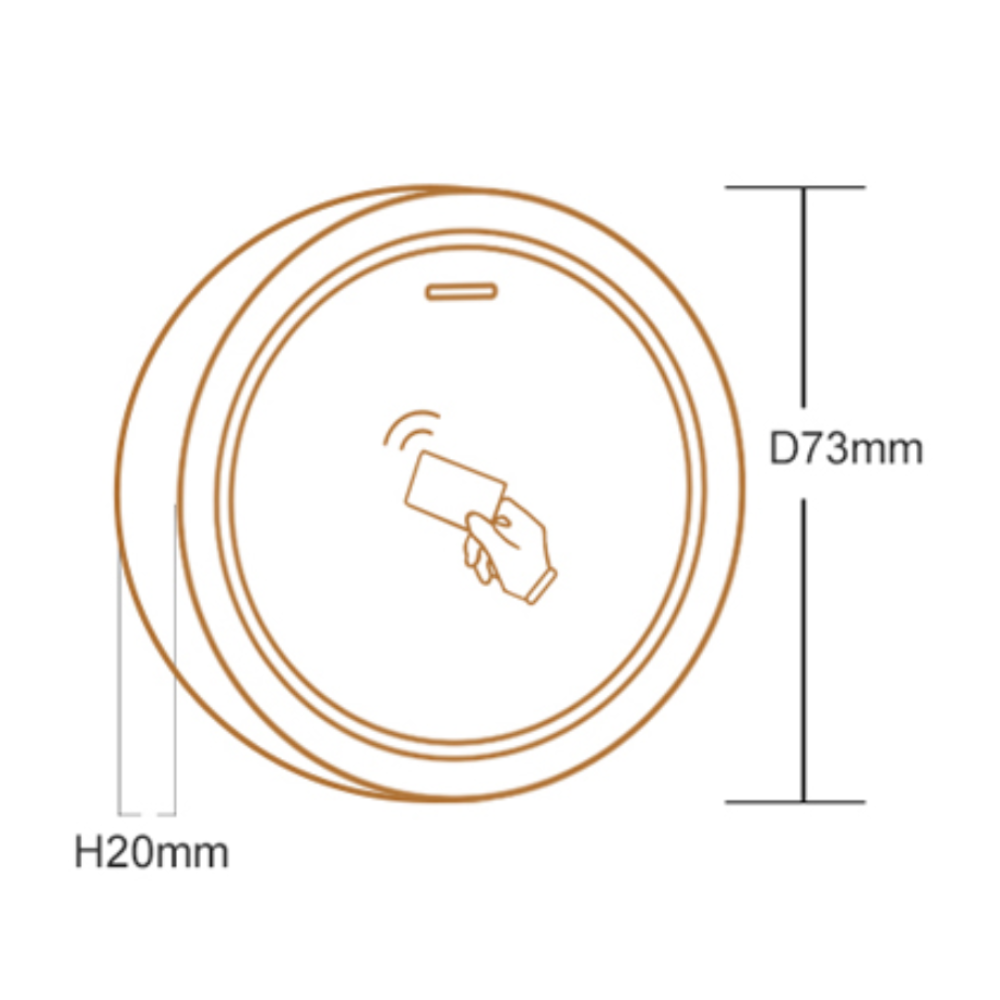
- Dimensions: Diameter 73 mm, thickness 20 mm
- Unit weight: 180g
- Shipping weight: 260g
Set contains
- 1x S7-BLE access panel
- 1x Mounting accessories kit
- 1x User manual
Manual in Polish in electronic version available as an attachment for download. You can find it below our product description.