
Filters
20 products






Customer reviews

M…h
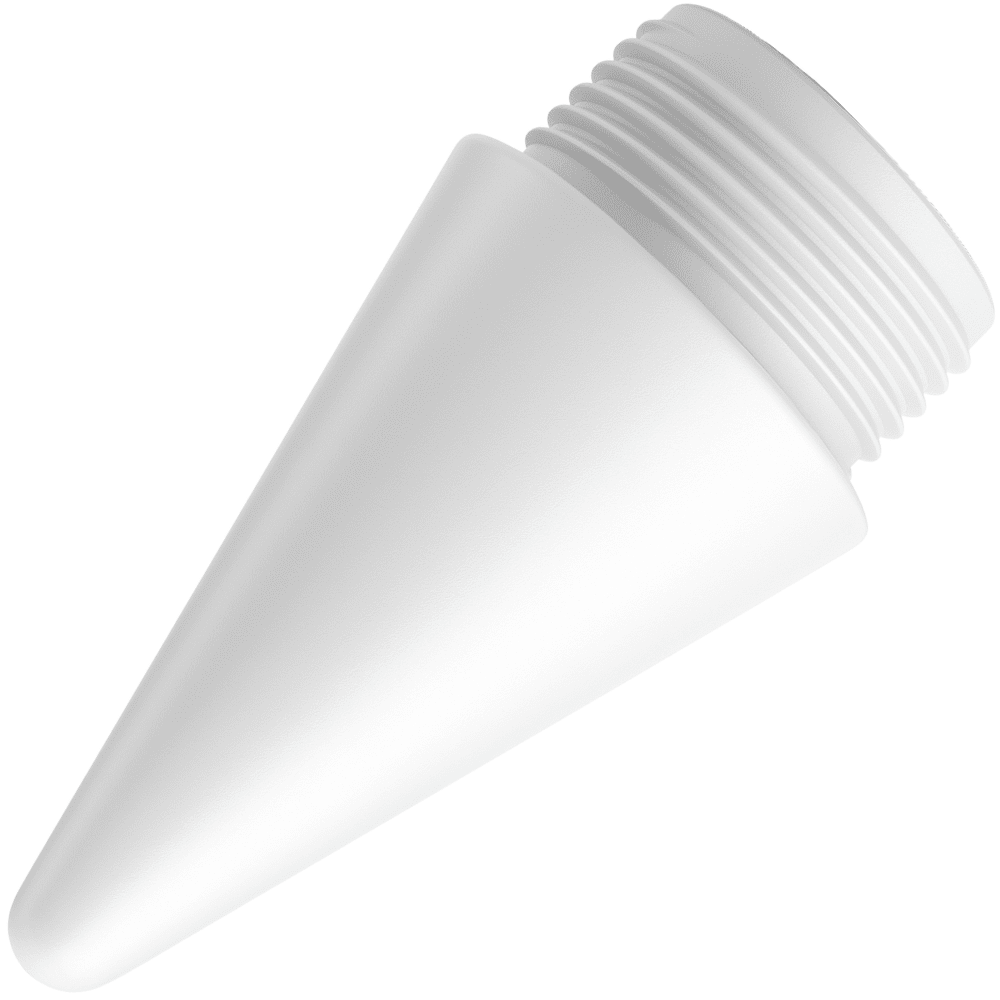
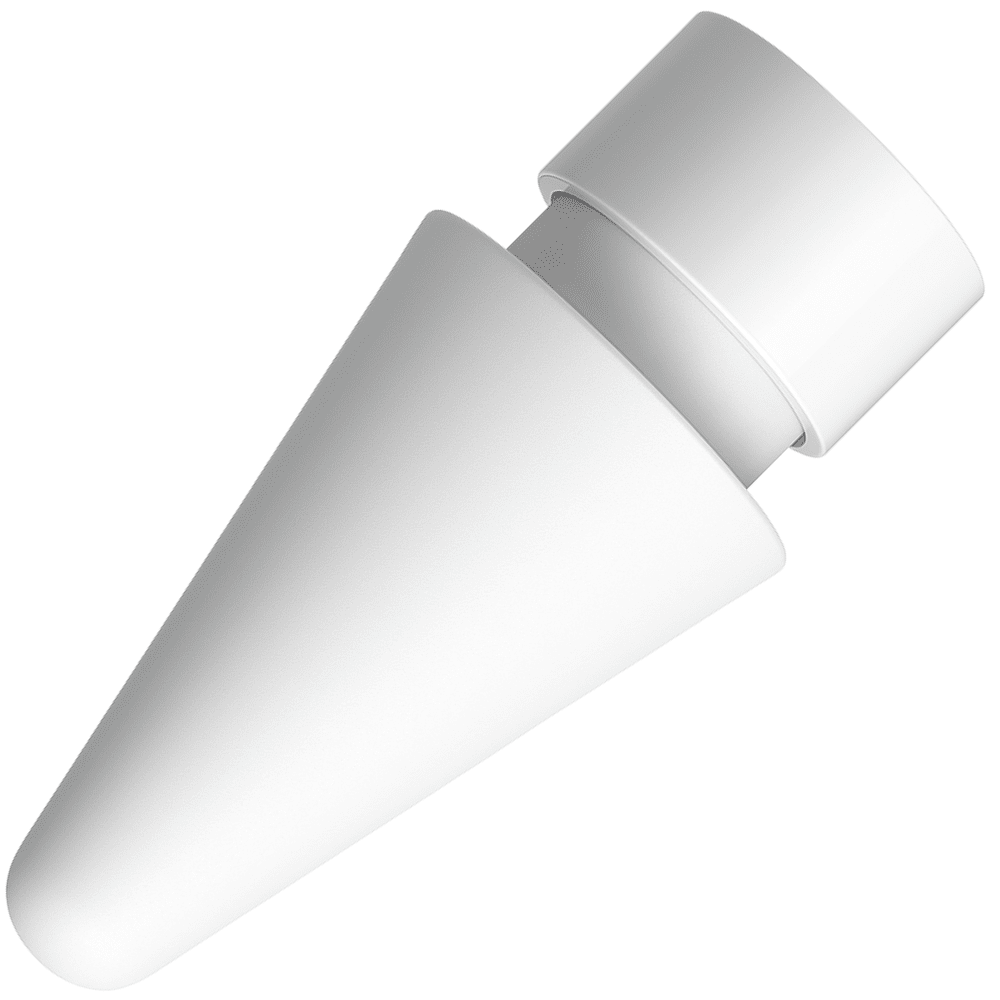
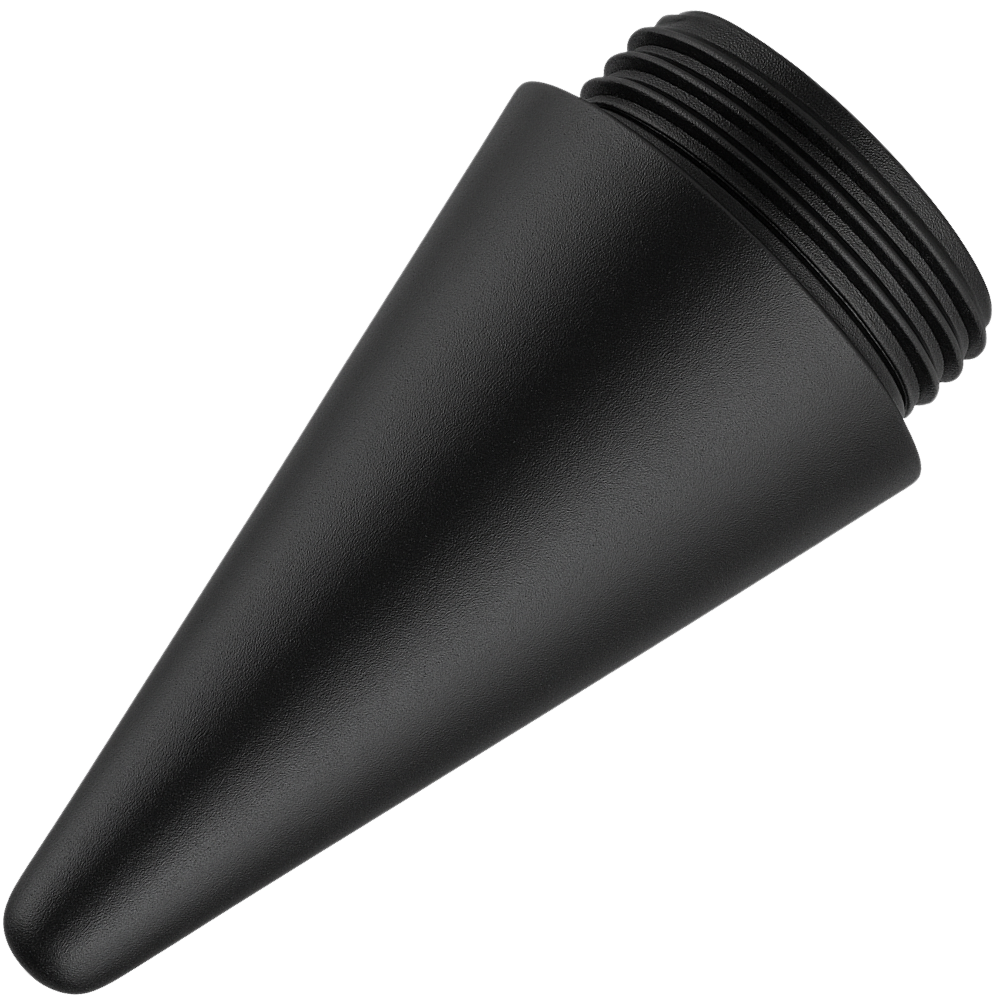
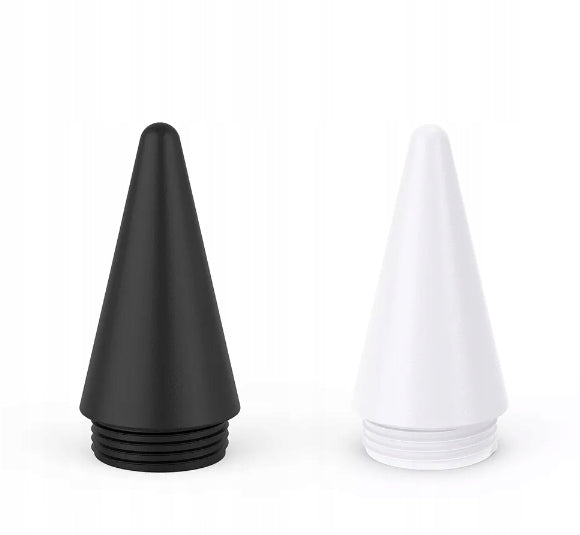
Tip slightly different from the original
The plastic is slightly porous compared to the original tip. It's only noticeable when touching it and in a direct comparison. You don't feel it while writing/drawing.

L…l
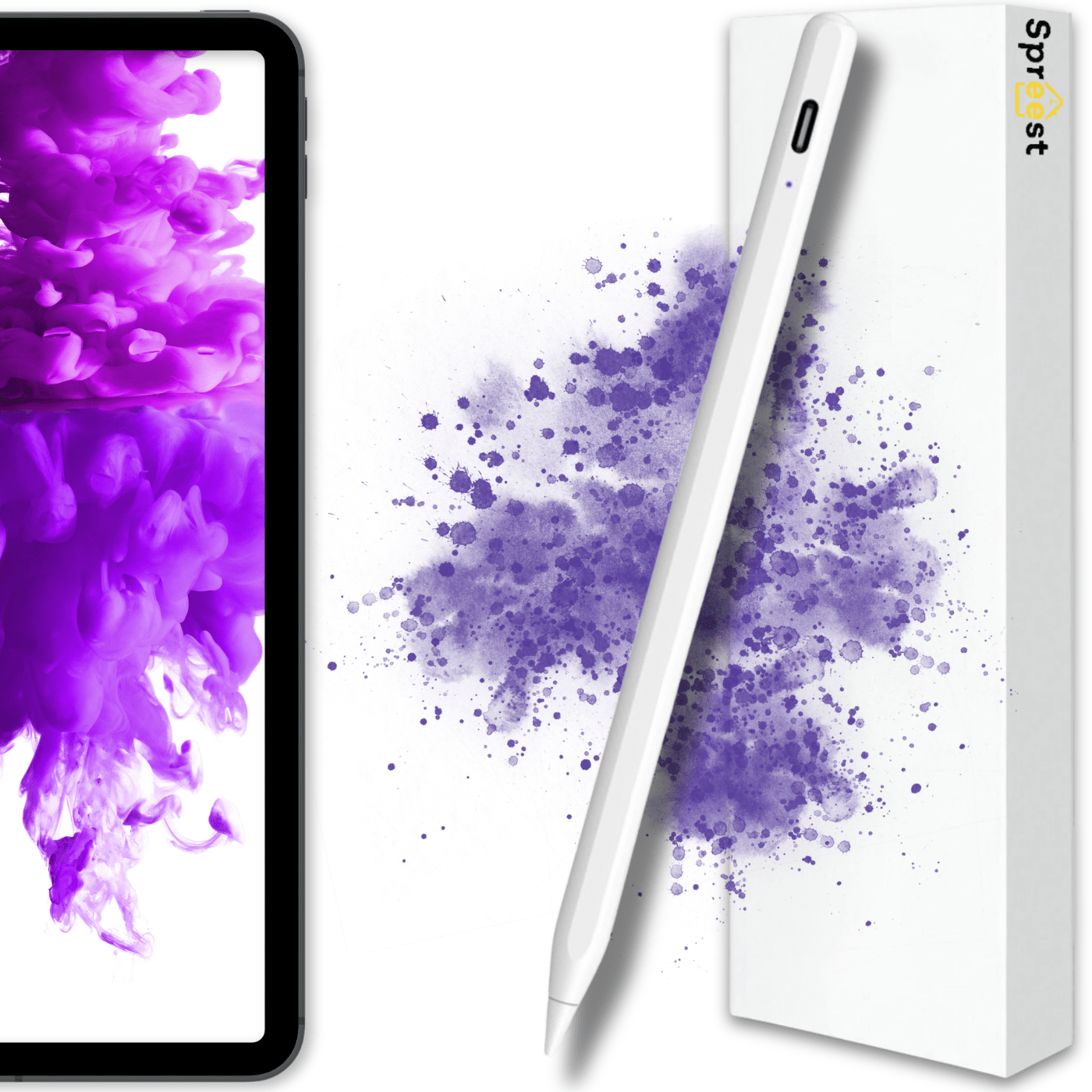
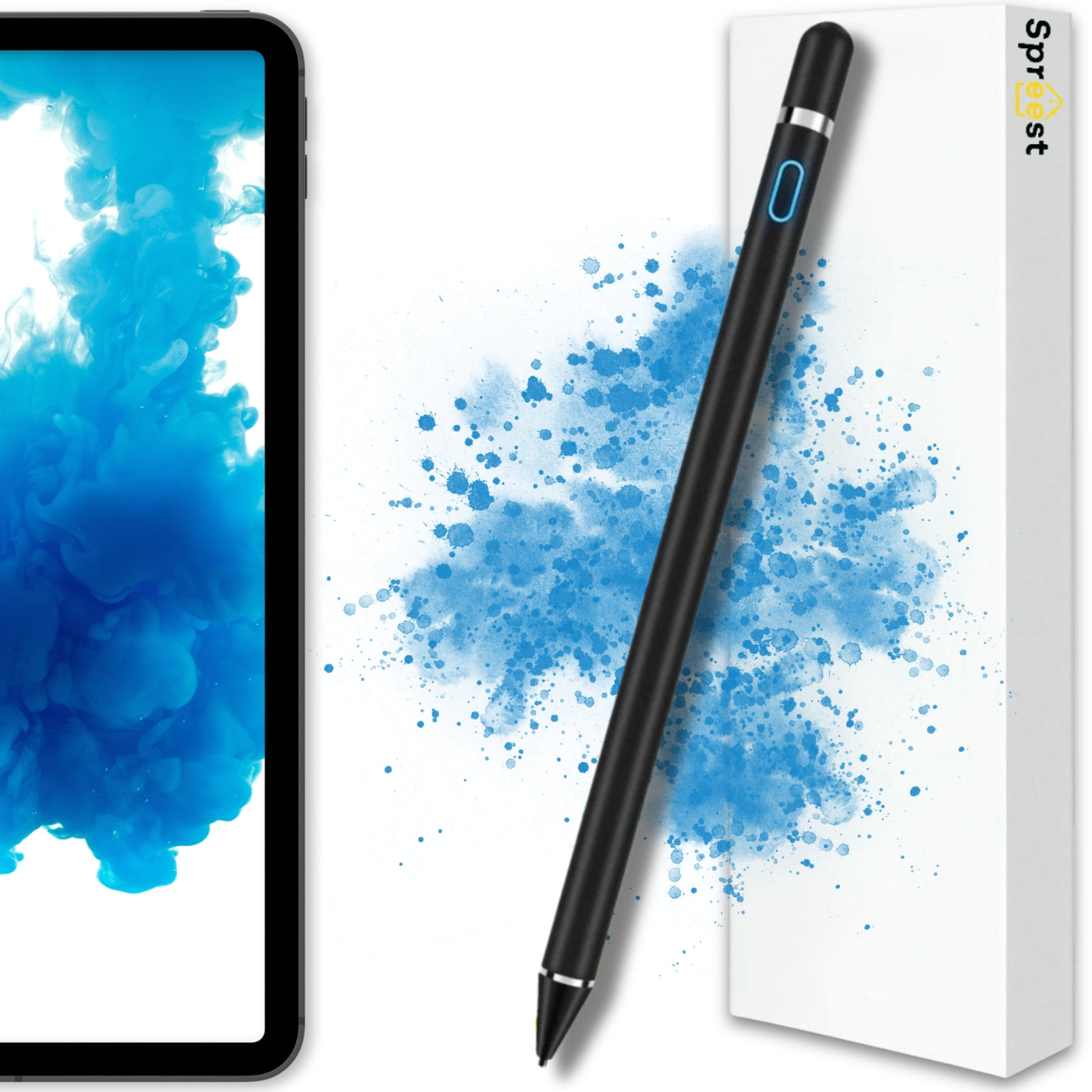
Great quality pen.
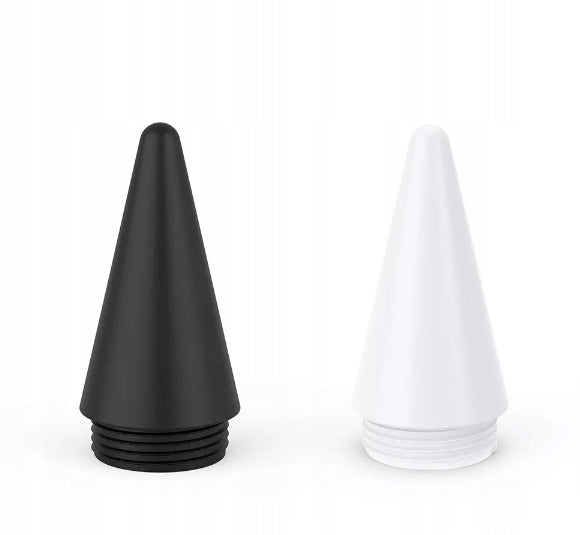
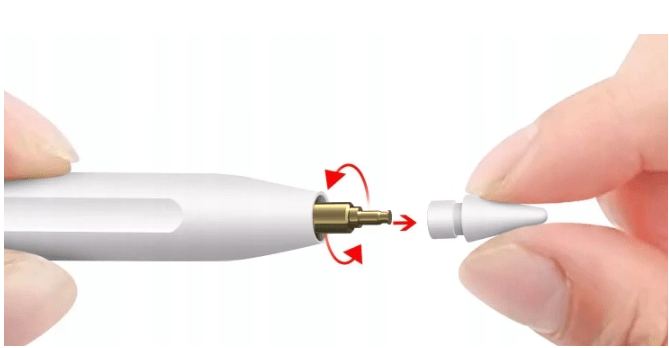
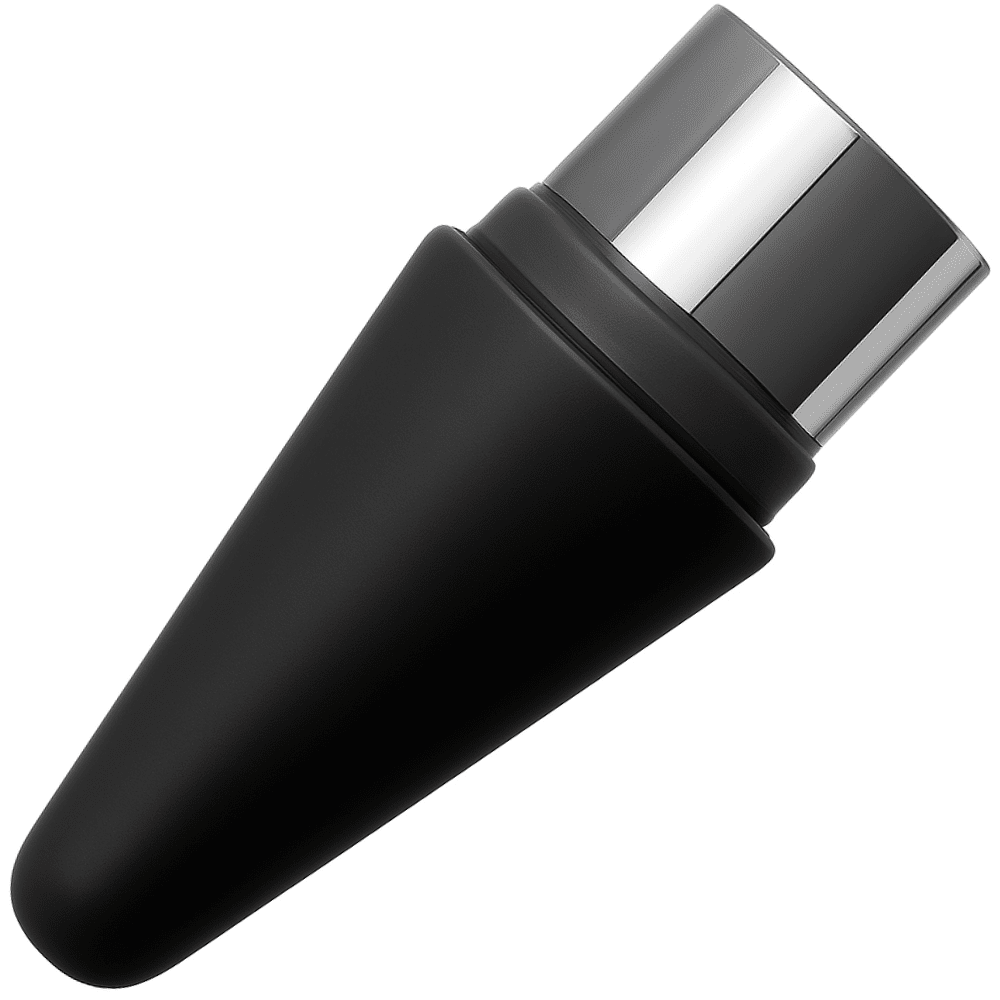
The only thing you could pick on is the stylus tip. If it falls out of your hand and happens to hit tip-first, it's fairly easy to damage. When cracked or damaged it exposes the steel part underneath. Even so it's still usable, it just becomes easier to damage further. You can unscrew it to glue it back. I thought I'd need to buy another one, but the spare tip in the set saves the day.

A…r
Price and durability are a plus
A nice budget option to start with for people who are either just beginning to draw and don't want to spend a lot on an original stylus, or who simply like using a stylus.
Styluses for screens
Styluses for touchscreens
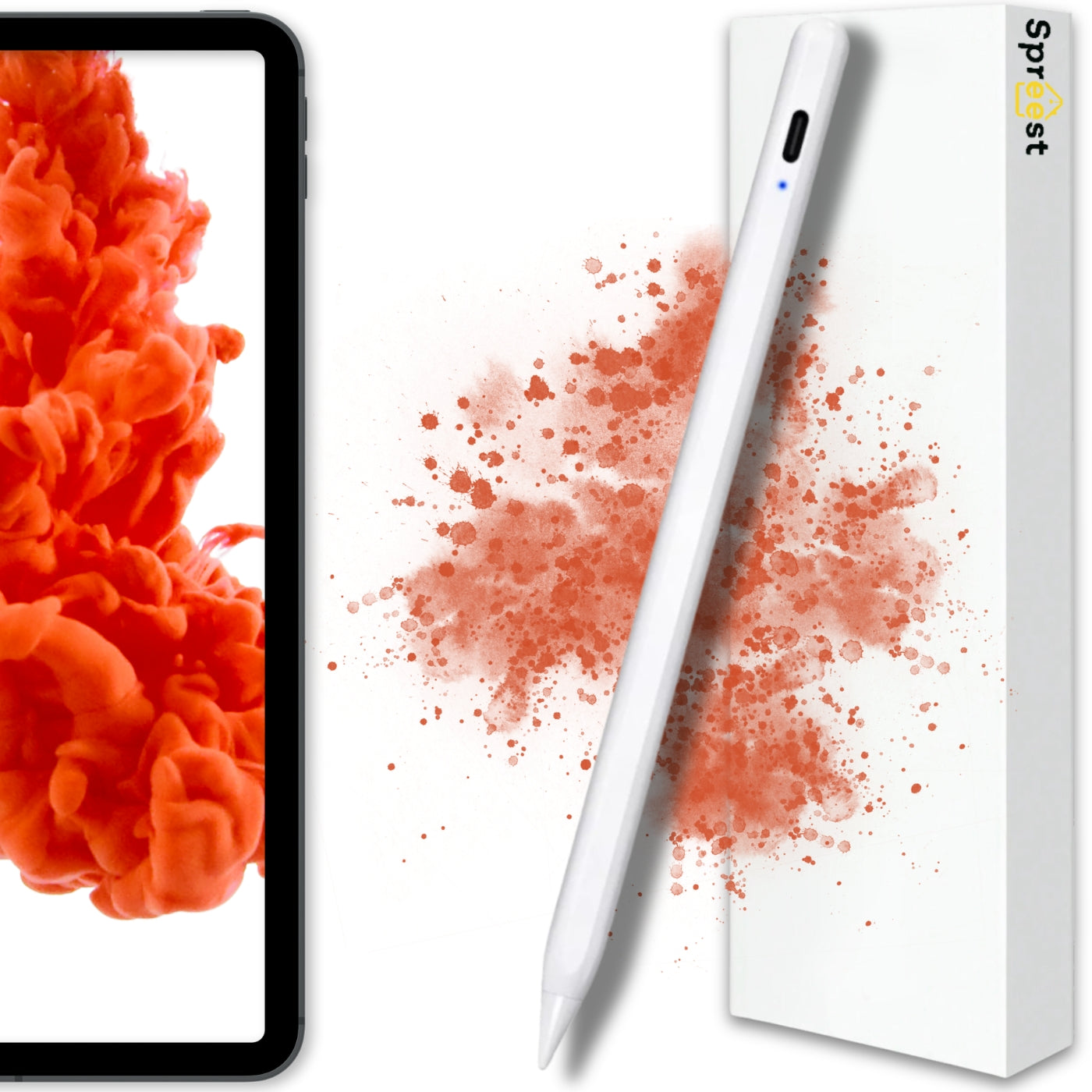
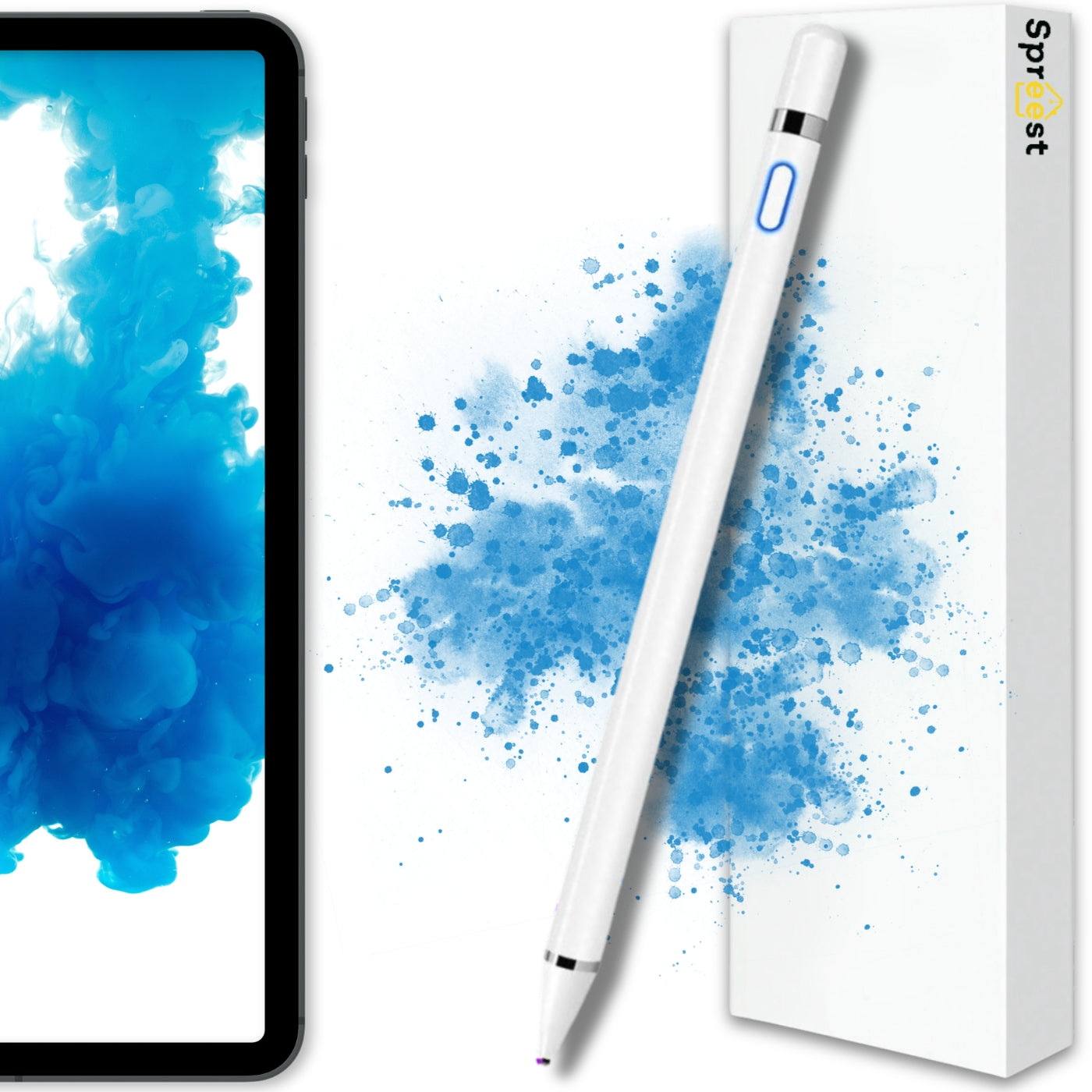
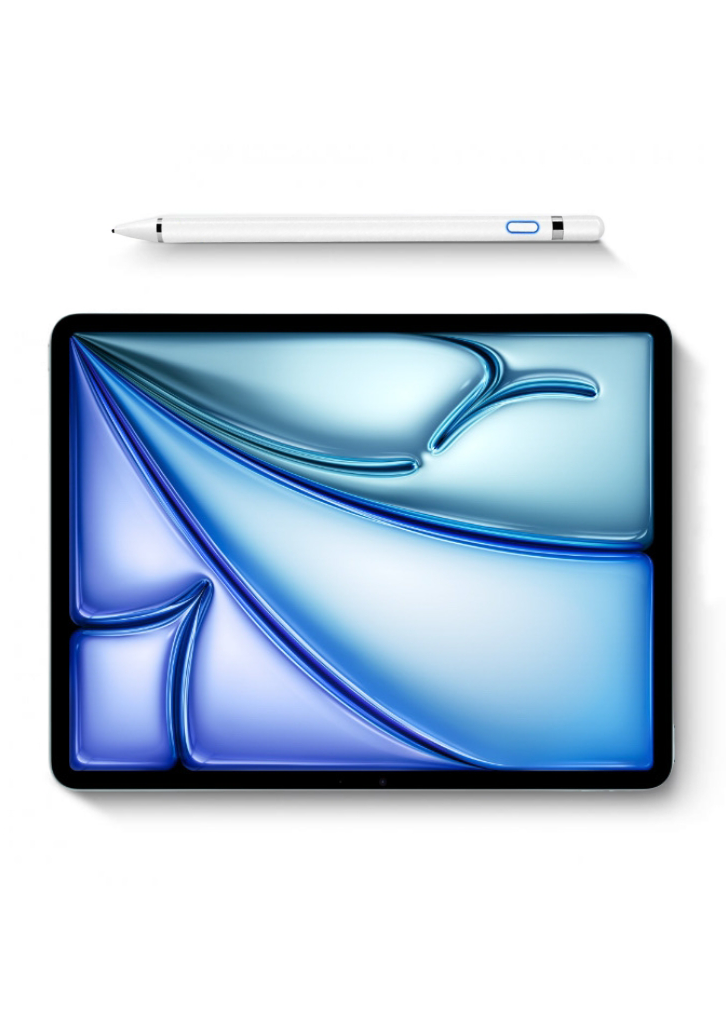
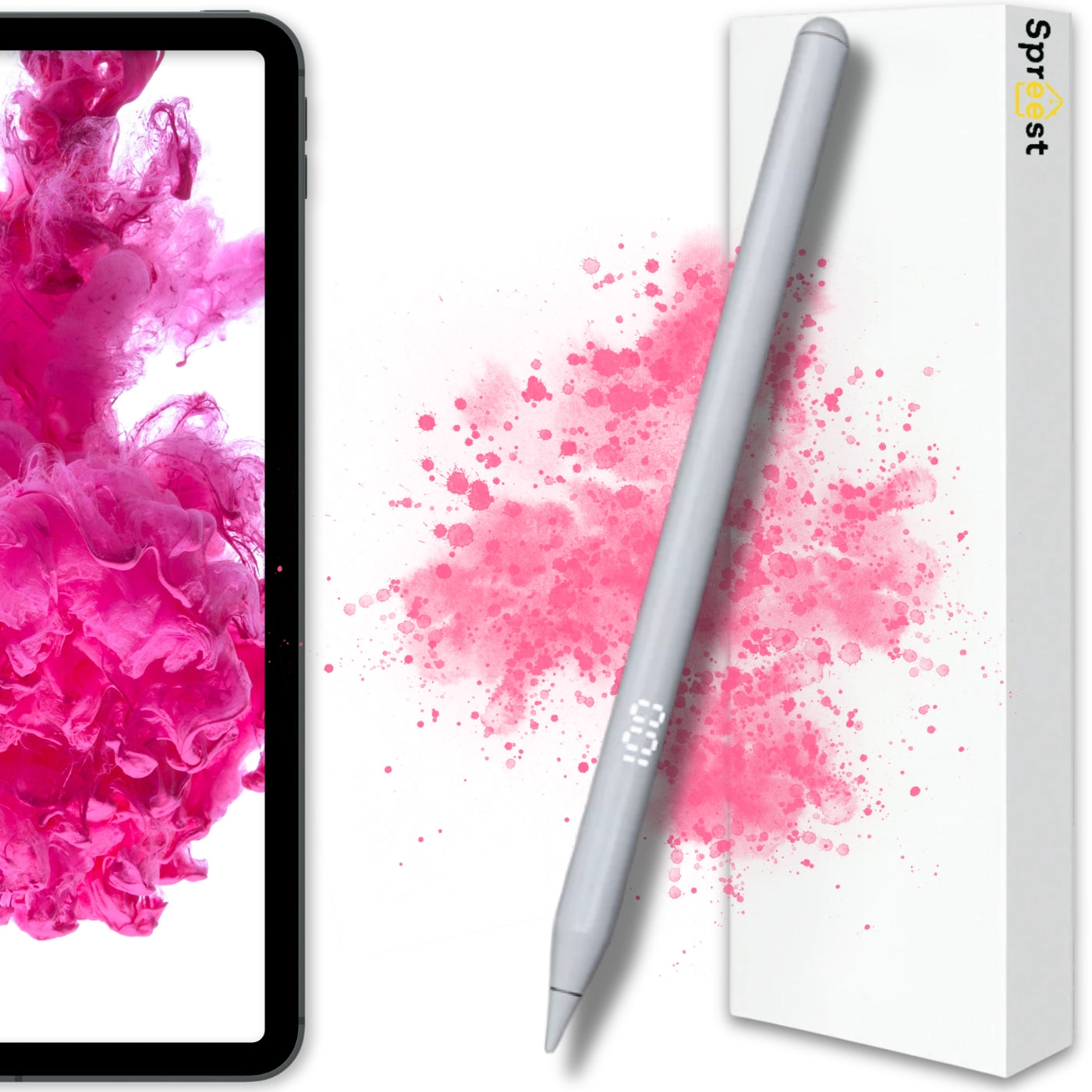
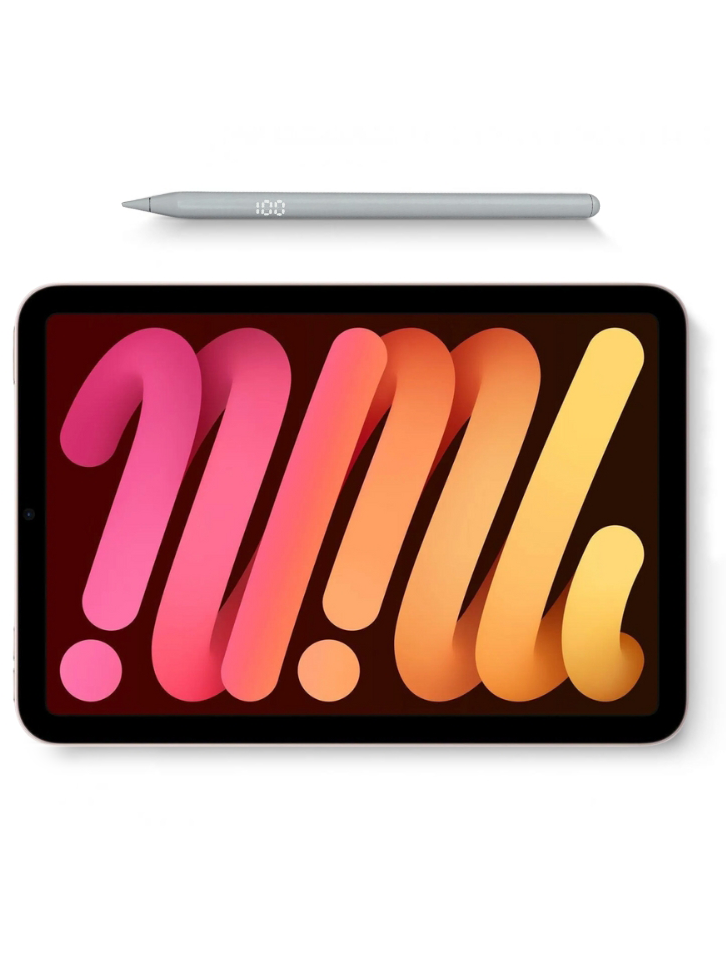
In our offer, you will find a wide selection of styluses for touchscreens, ideal for work, study, drawing, and everyday use.
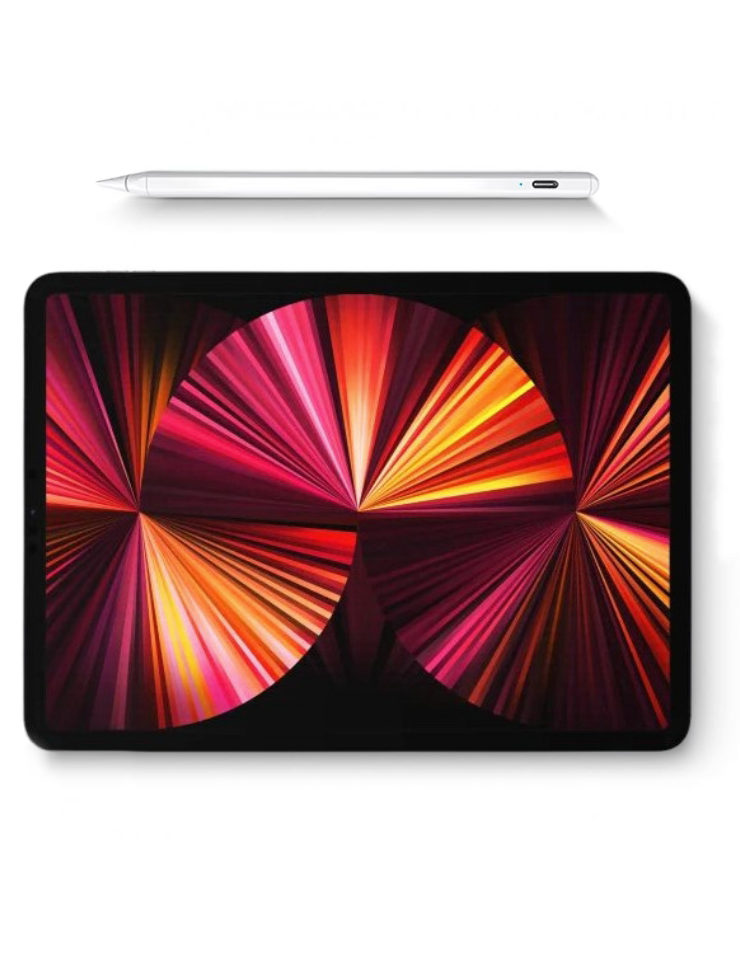
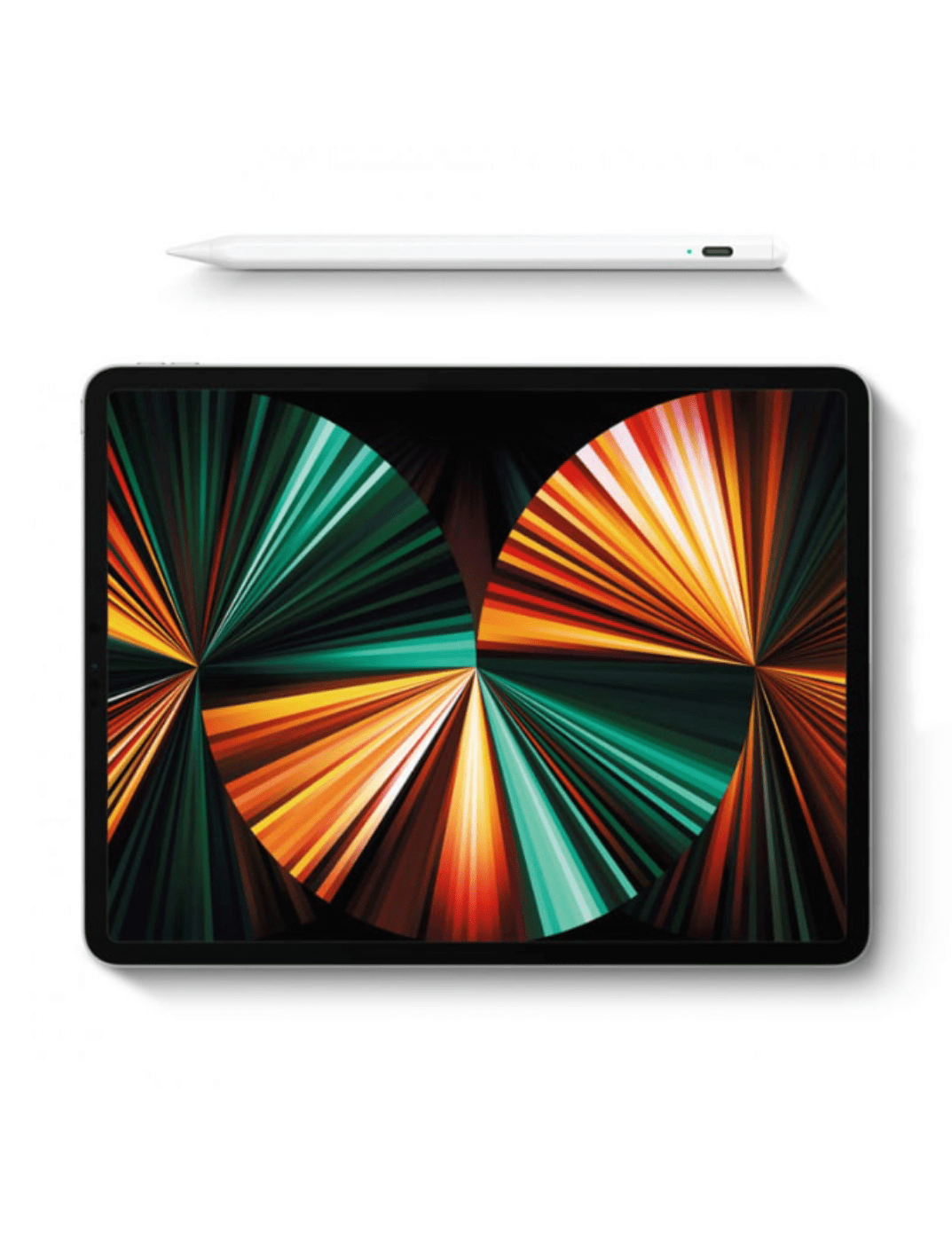
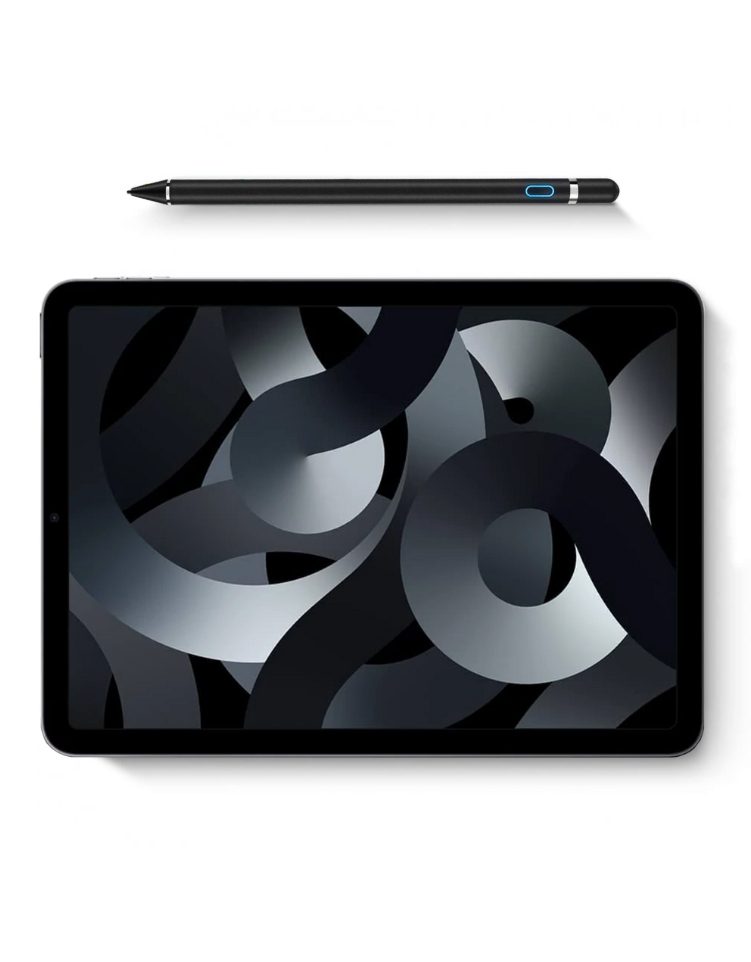
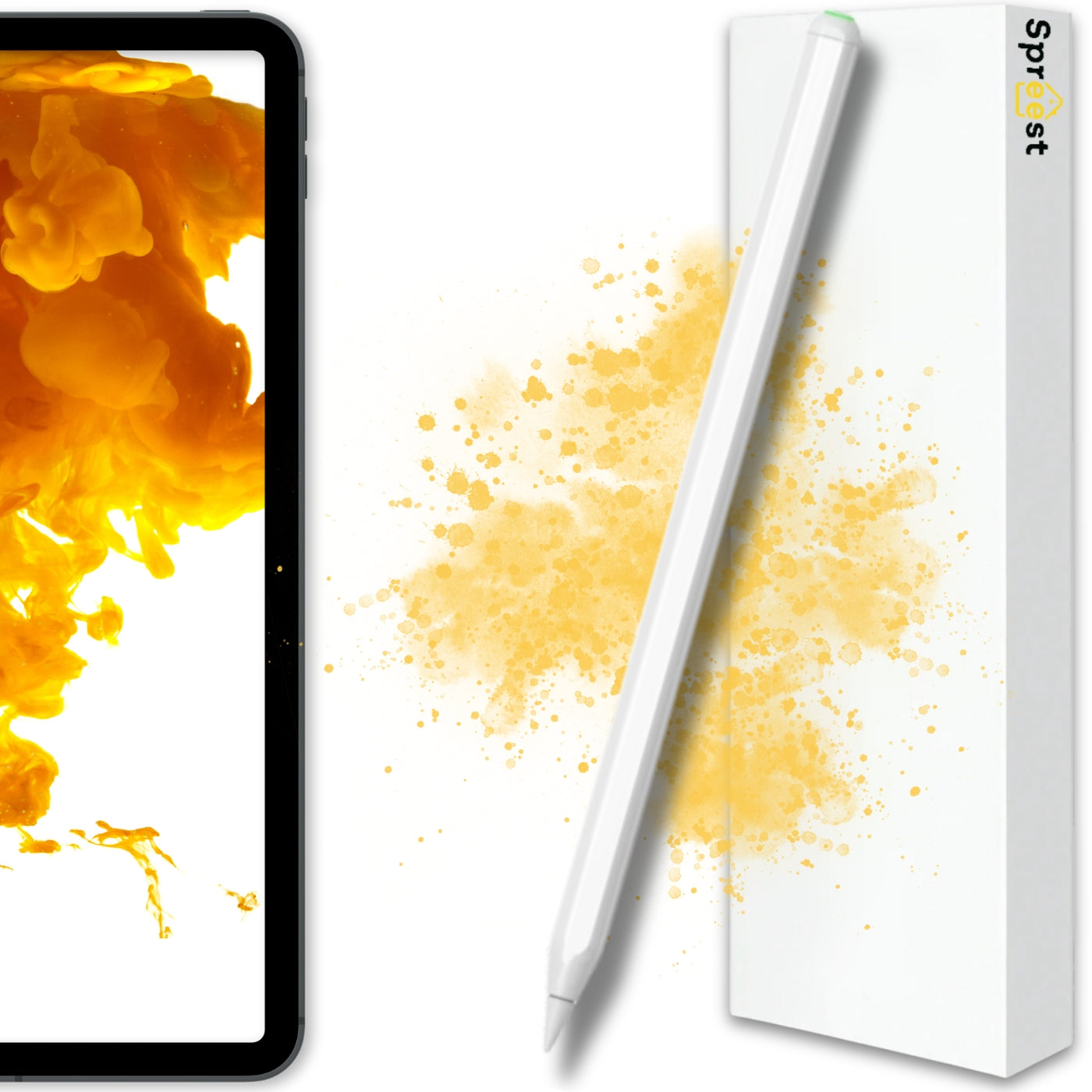
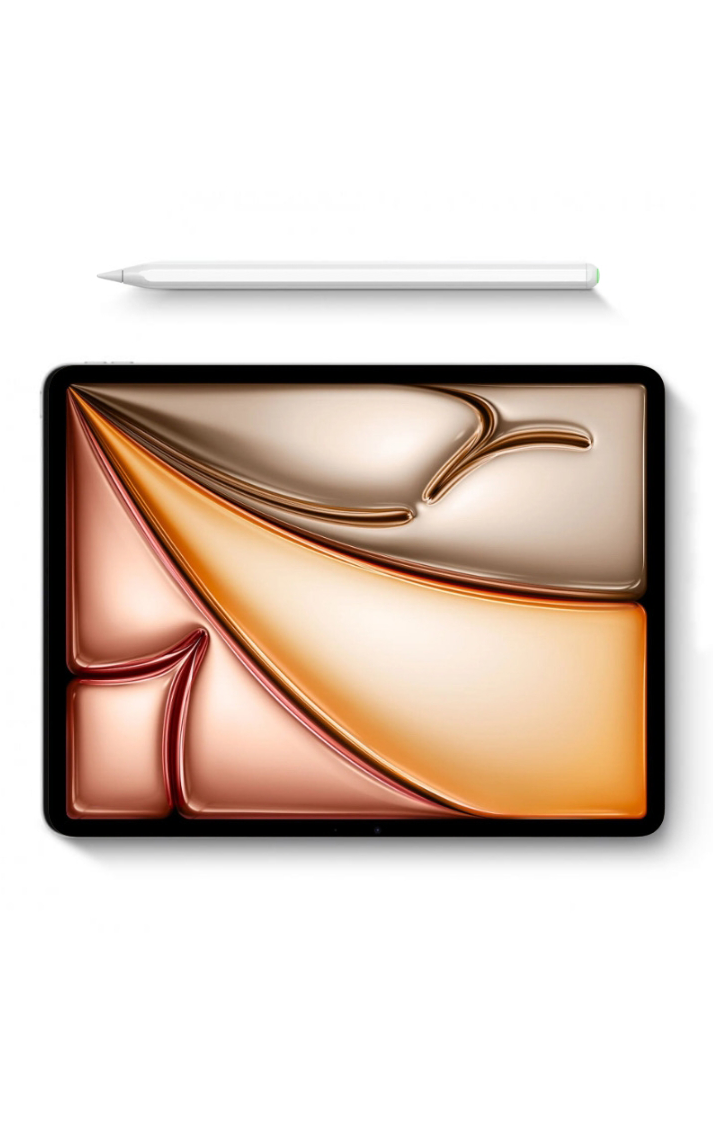
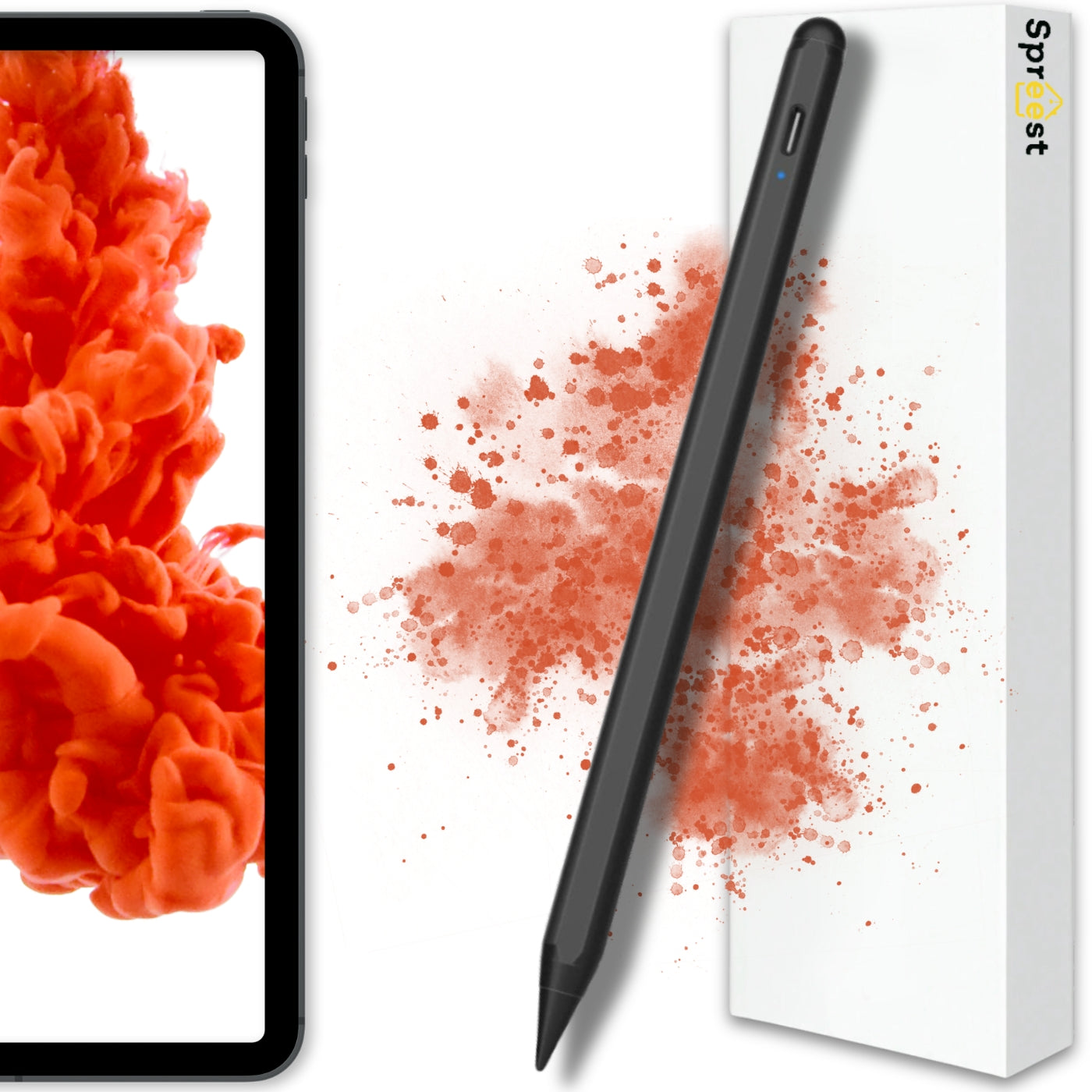
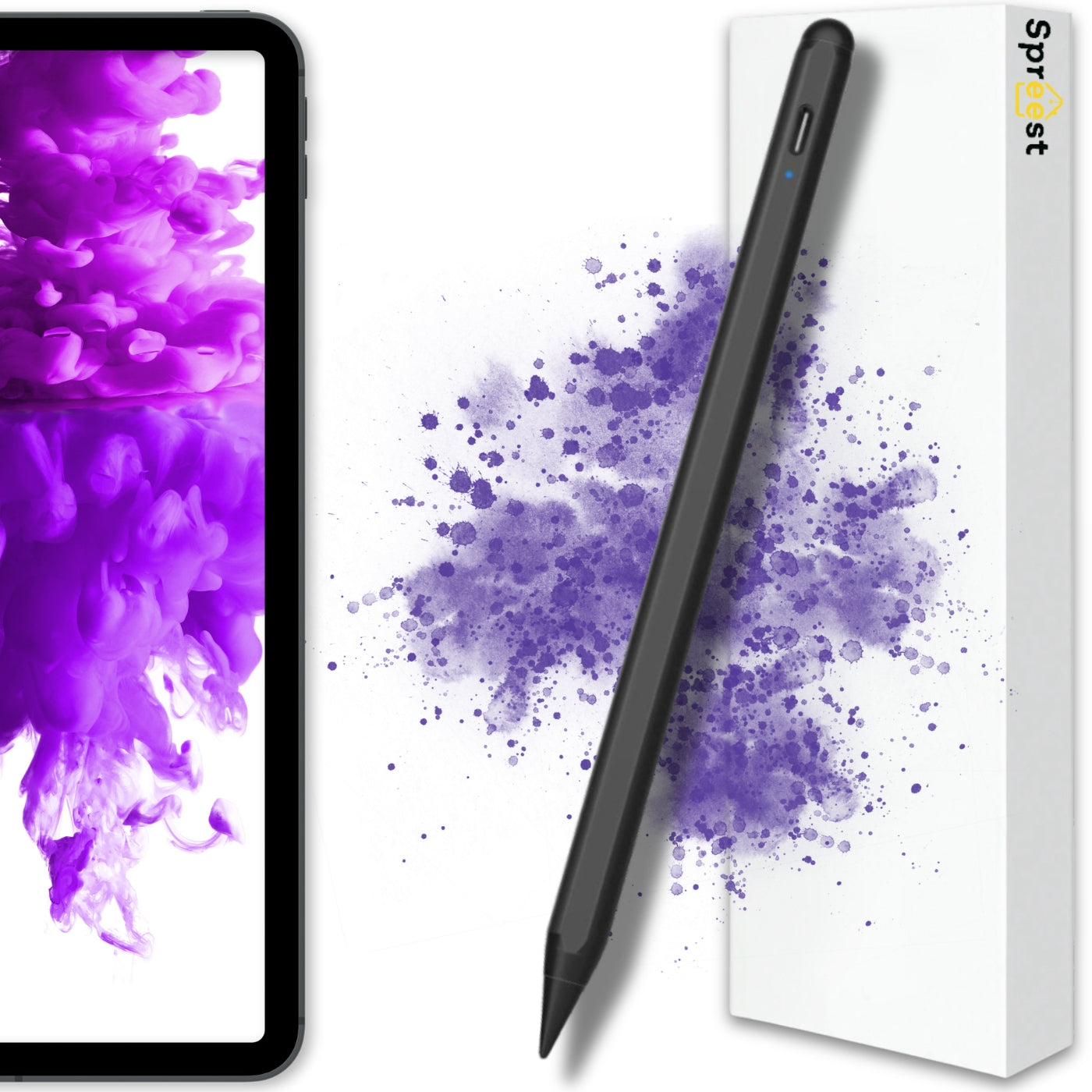
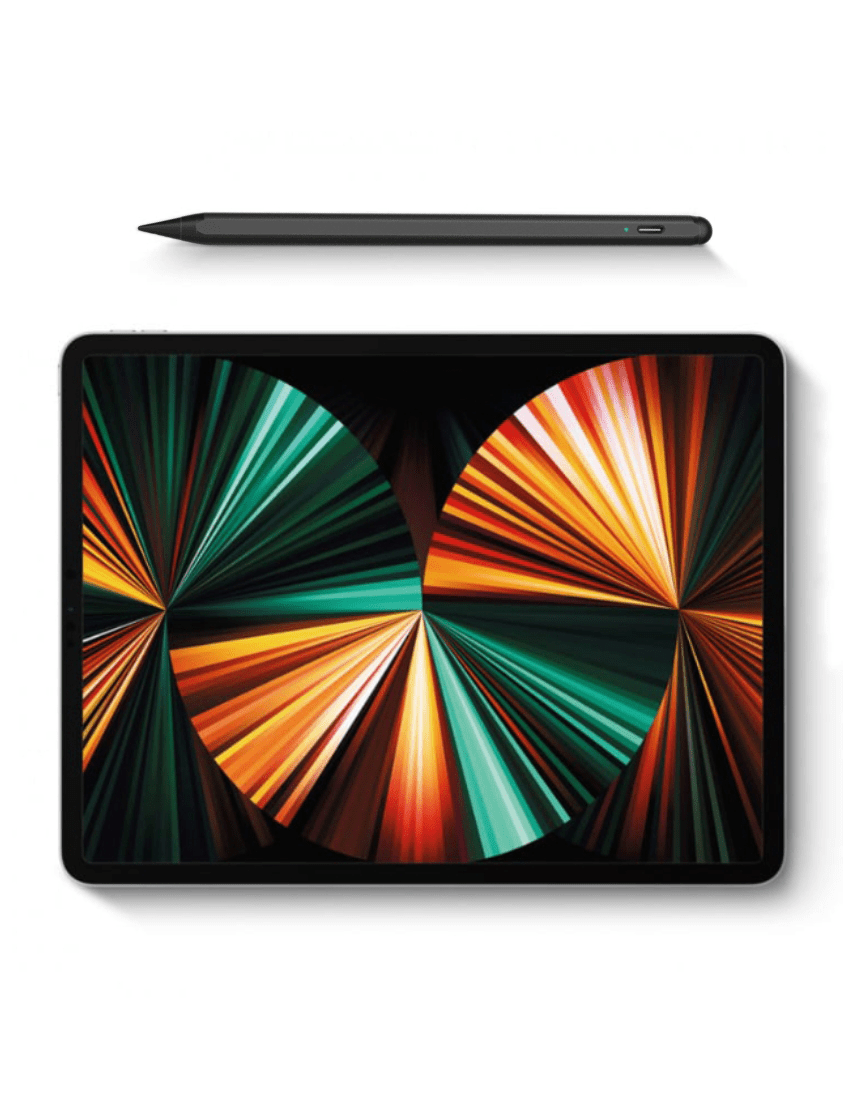
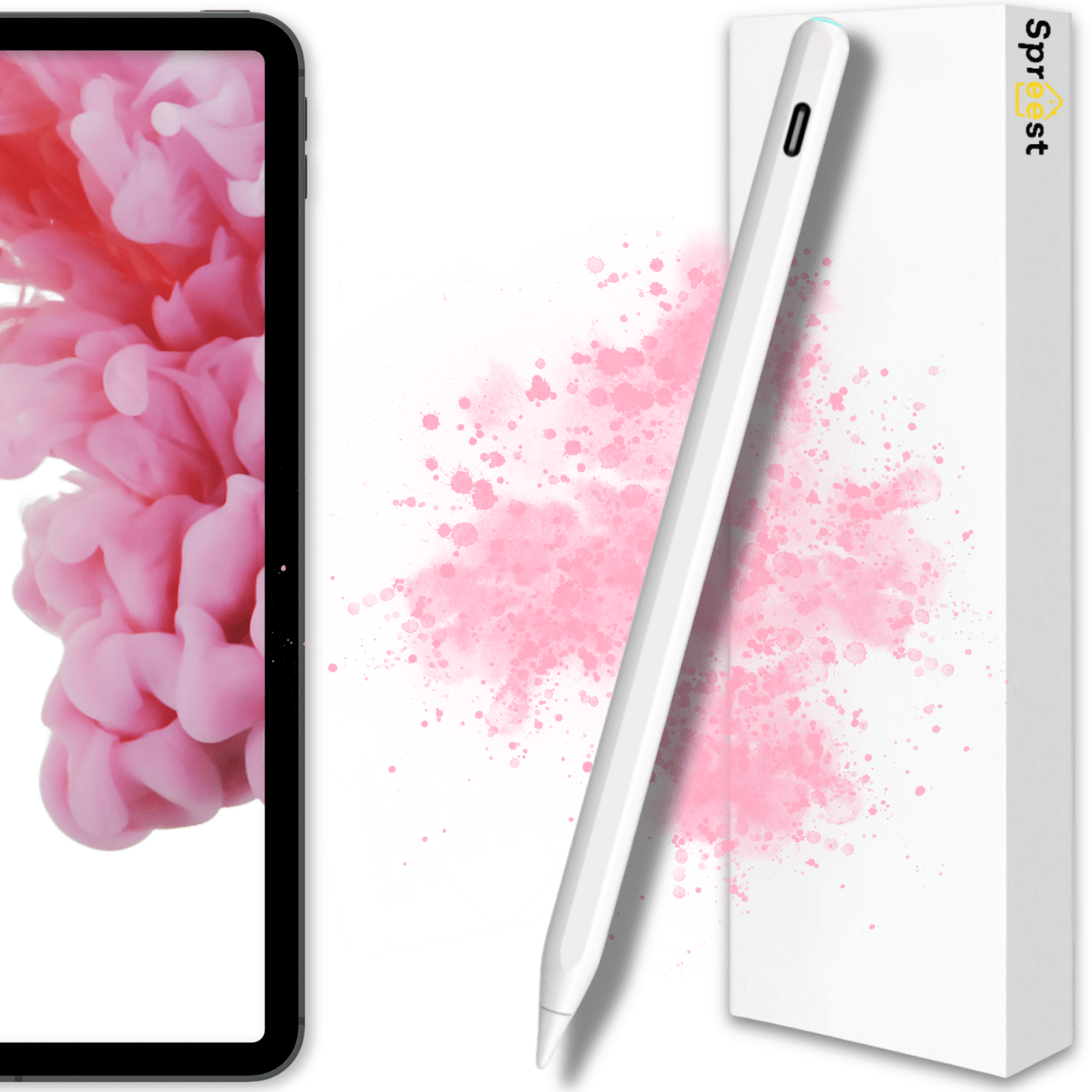
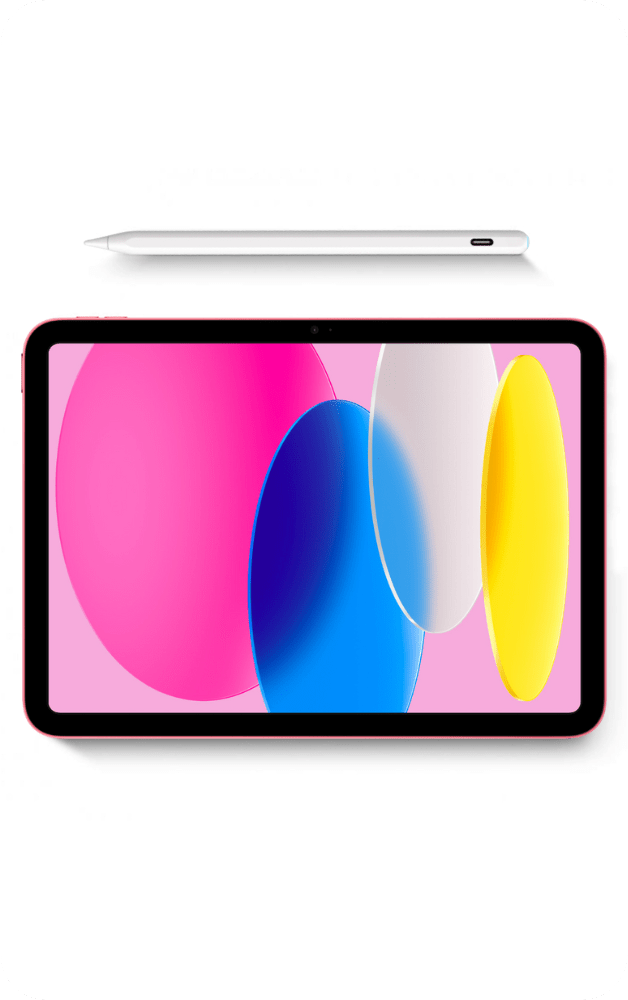
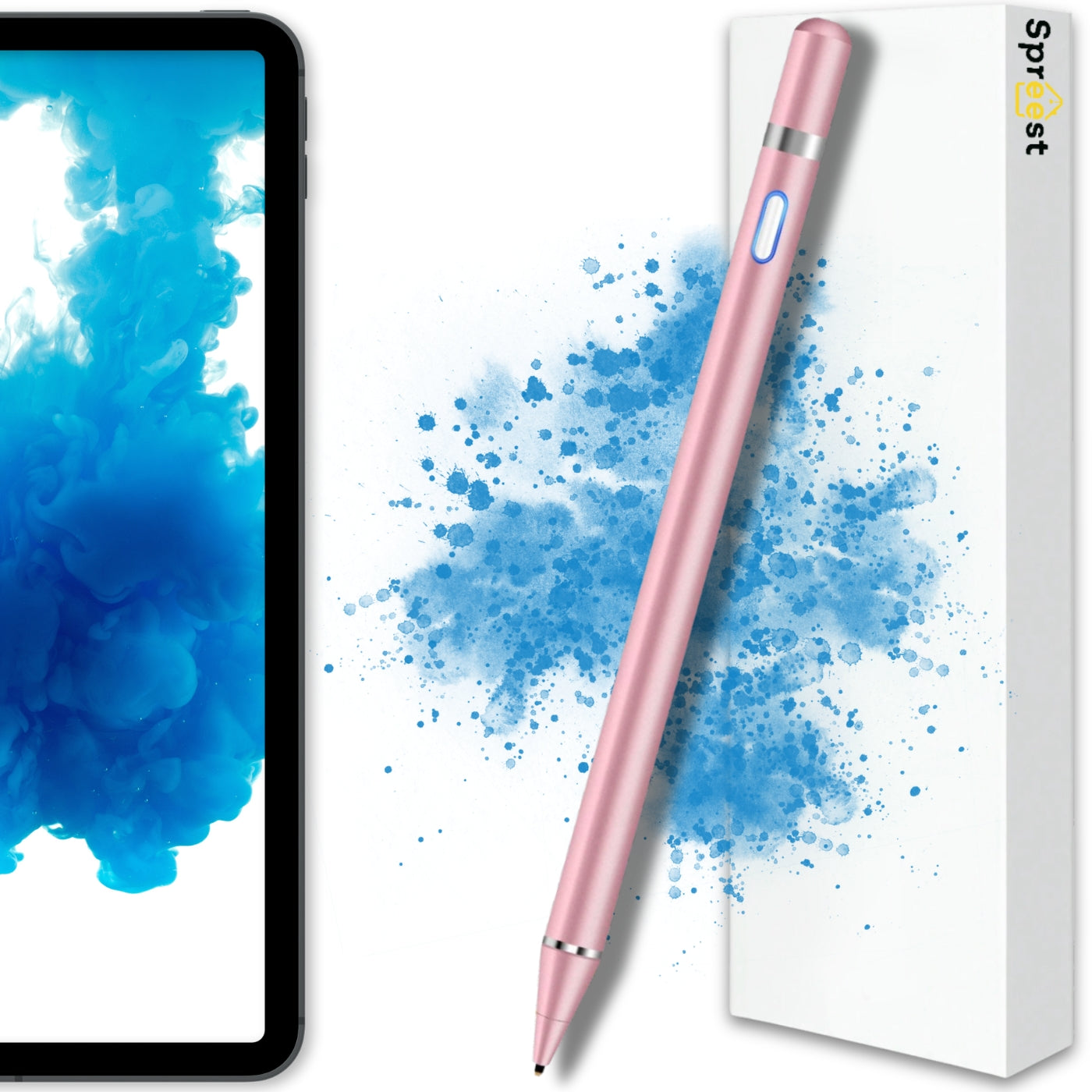
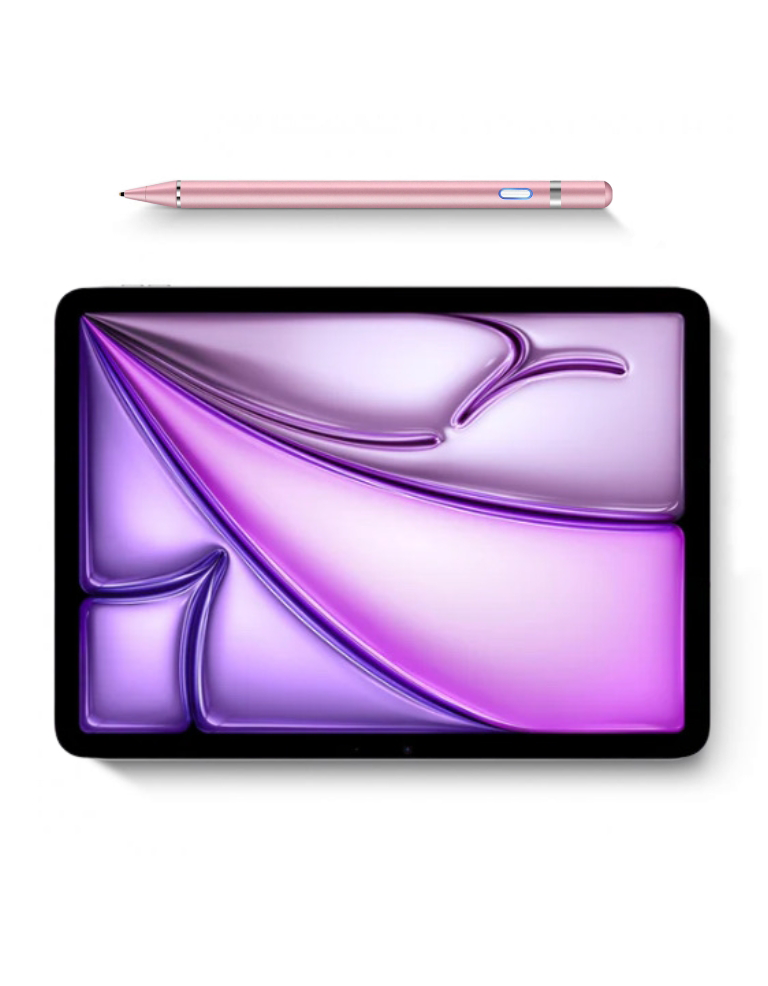
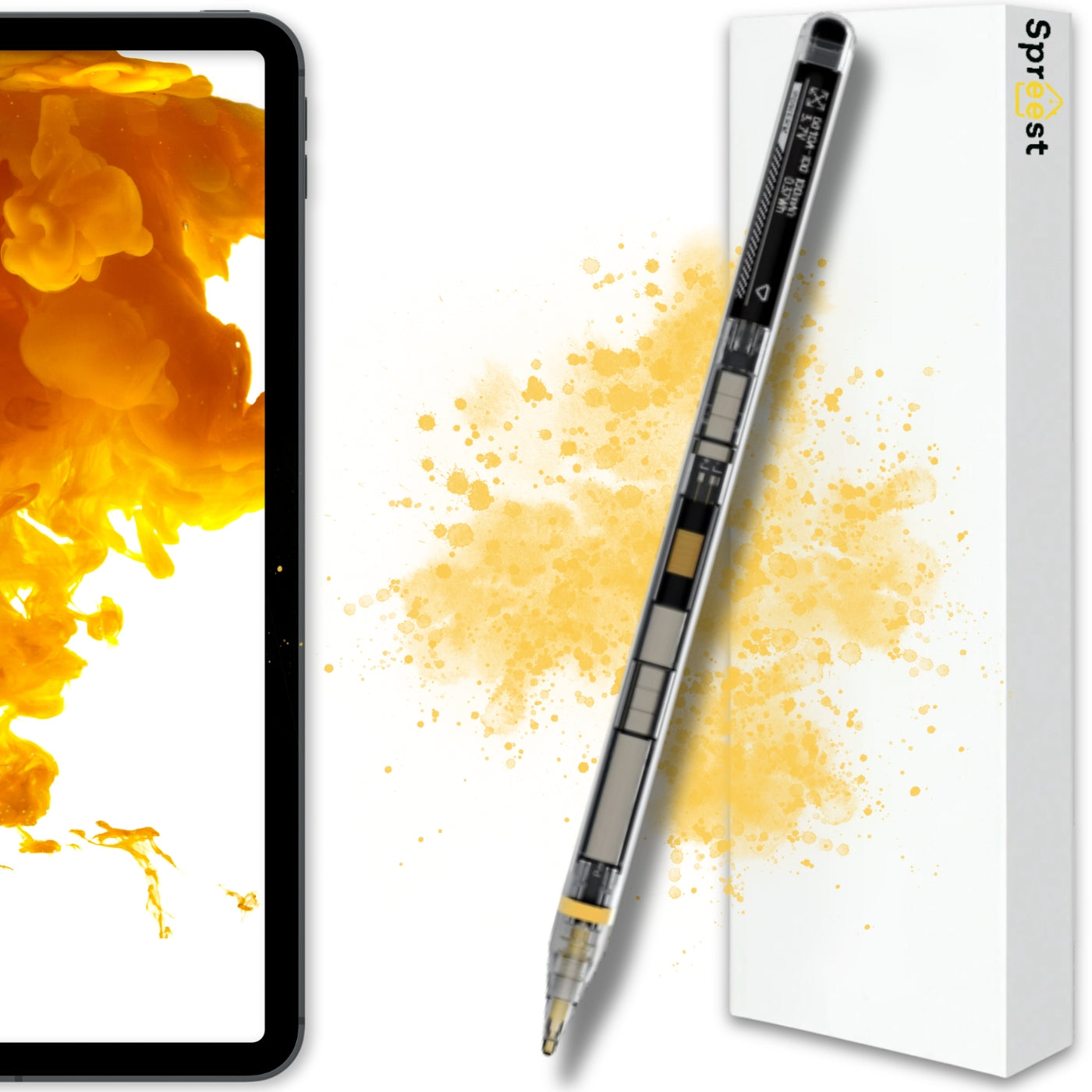
We offer Apple Pencil alternatives that work perfectly with iPads, providing high precision and features such as palm rejection.
For users of other devices, we have prepared universal styluses compatible with most smartphones and tablets – both Android and Windows systems.
Our styluses are a great tool for graphic designers, students, teachers, and anyone who values accuracy and ease of use.
Regardless of whether you need a simple stylus for notes or an advanced tool for design – you will find something for yourself here.
Are the styluses in this category compatible with my device?
Most of our styluses work universally with capacitive screens – the ones that respond to finger touch. In addition, we offer styluses dedicated to iPads and to models that support active technology.
What's the difference between a passive and an active stylus?
Passive (universal) styluses don't need charging and work like a finger – ideal for basic use. Active styluses offer greater precision, pressure sensitivity and extra features (e.g. palm rejection), but usually need charging and are dedicated to specific device models.
Are the styluses on offer replacements for the Apple Pencil?
Yes, we have high-quality Apple Pencil replacements that work with many iPad models. Compatibility information is provided in each product's description.
Do I need a special app to use the stylus?
No. Most styluses work as soon as you switch them on – they don't require installing an app. For more advanced models it's worth checking whether they offer extra features in combination with specific drawing or note-taking apps.
Can the stylus scratch the screen?
No. The styluses have tips made of materials that are safe for touchscreens. For extra protection it's worth using tempered glass or a protective film.
Recommendations for you