

WiFi Voice Recorder EL-AR01
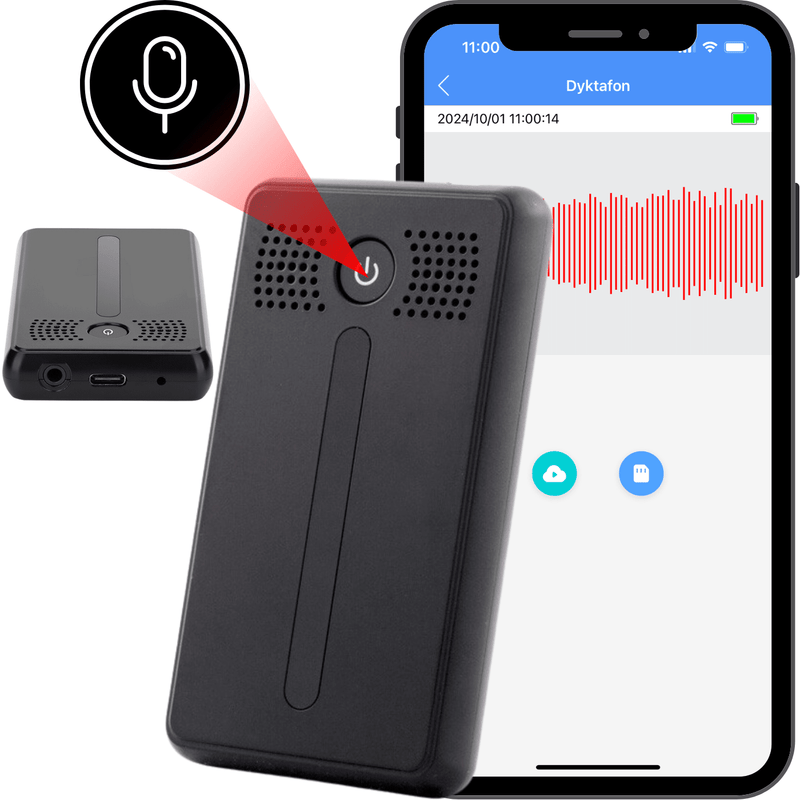
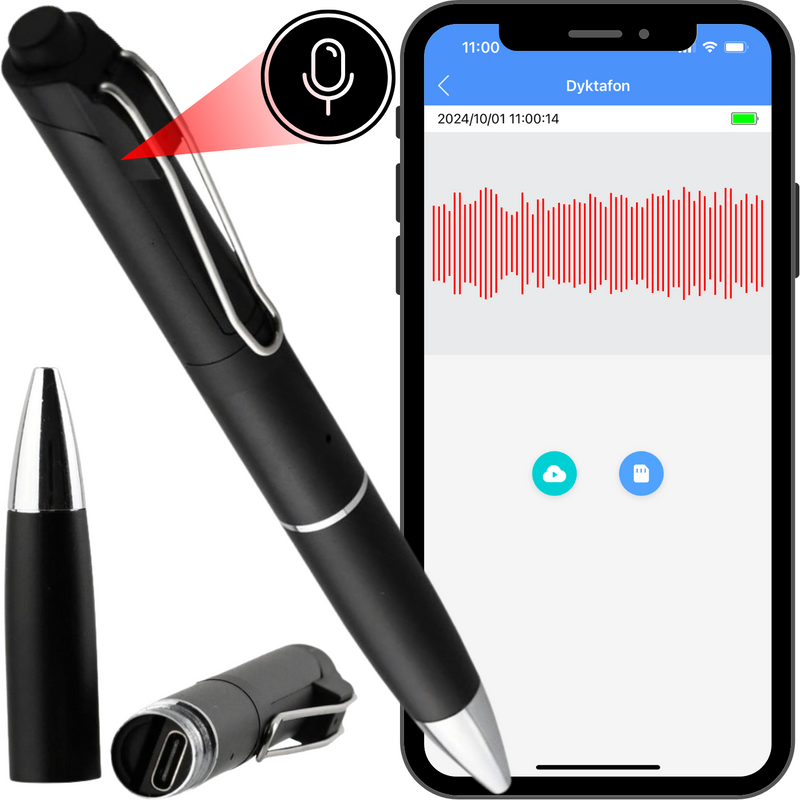
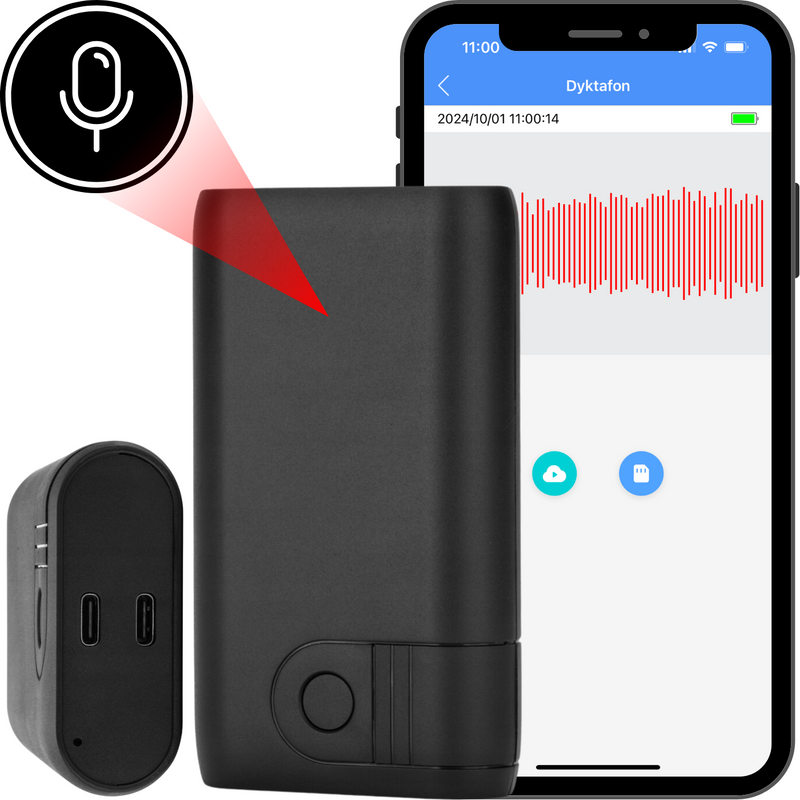
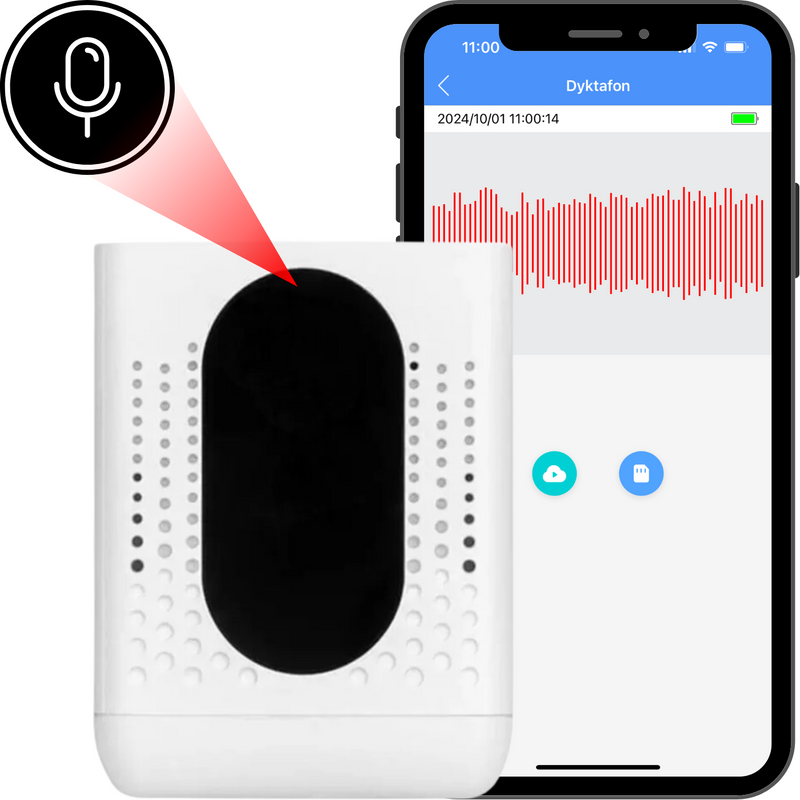
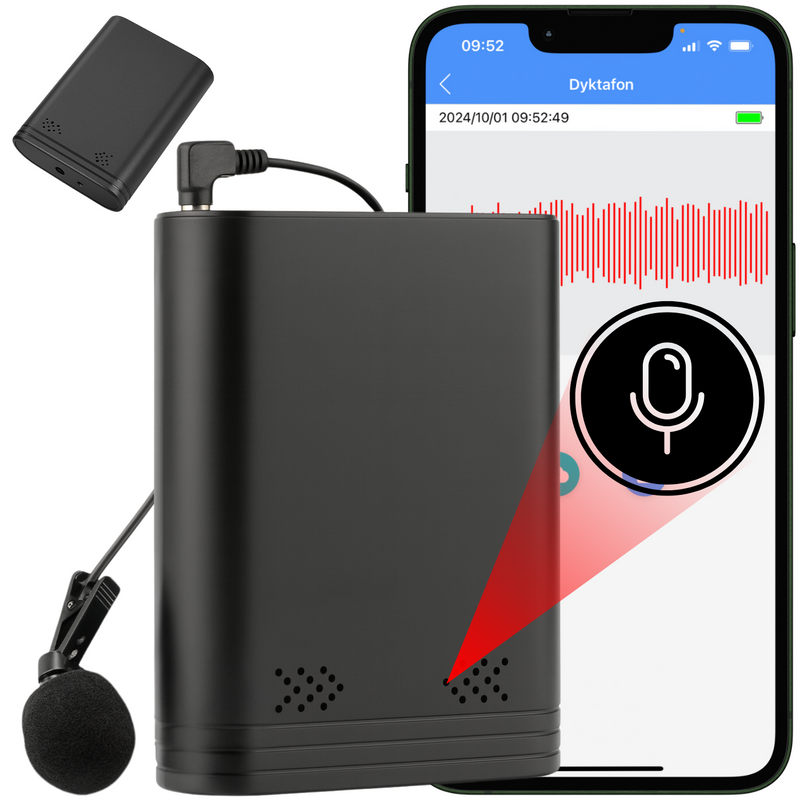
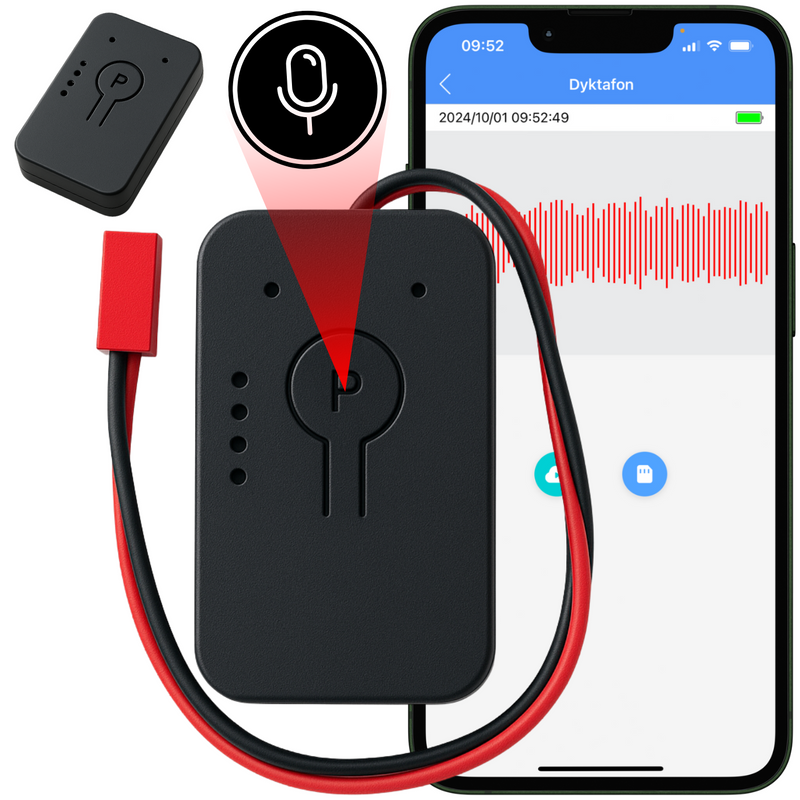




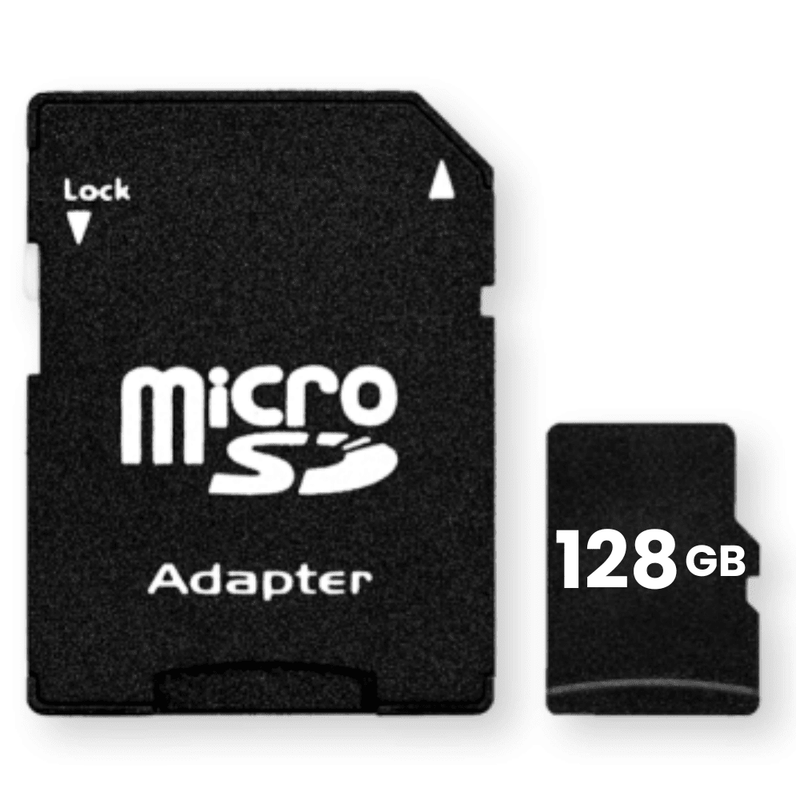
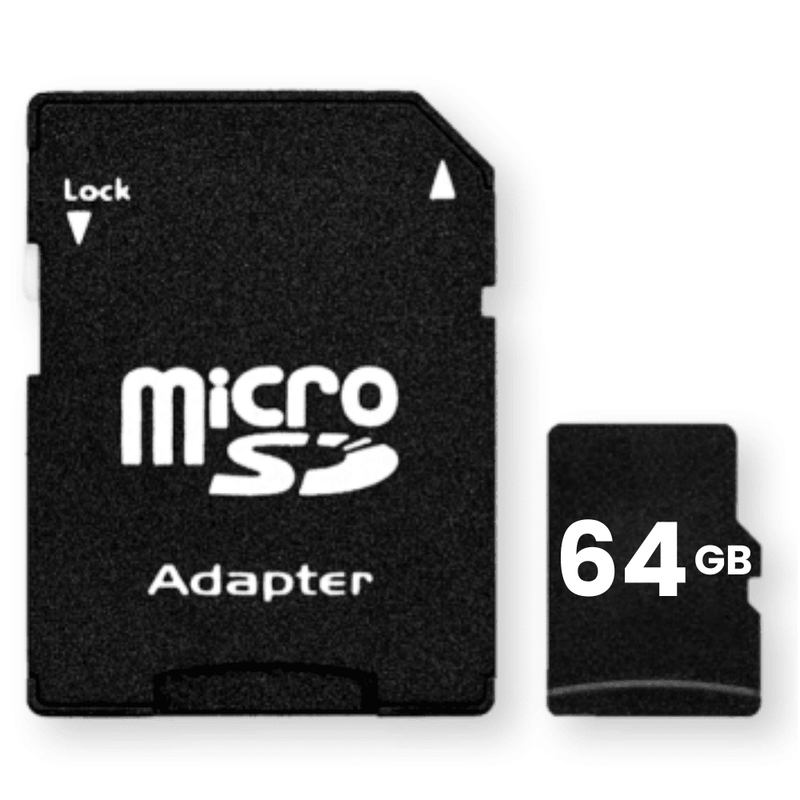
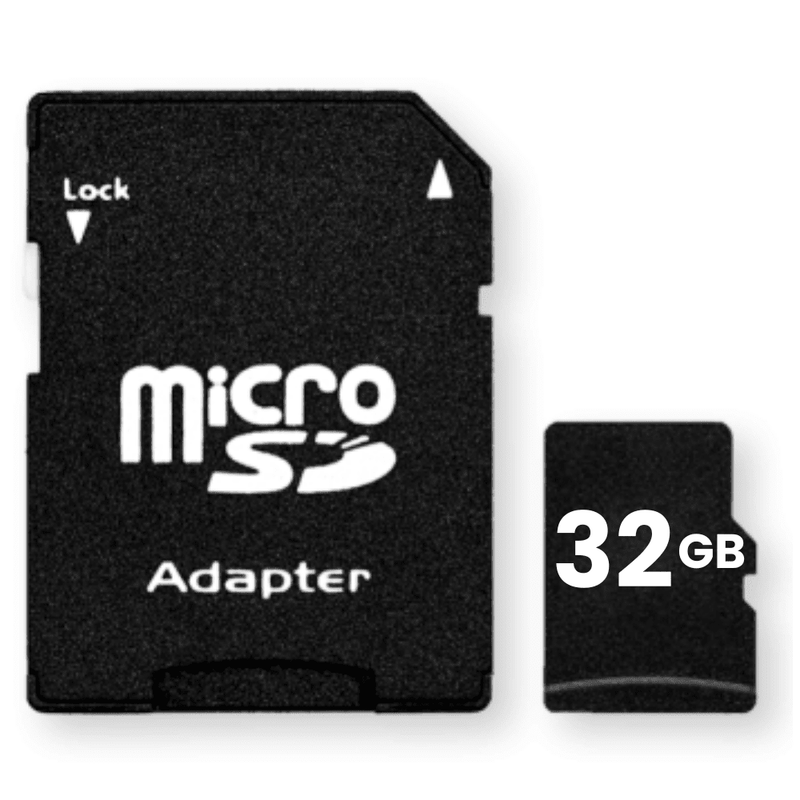
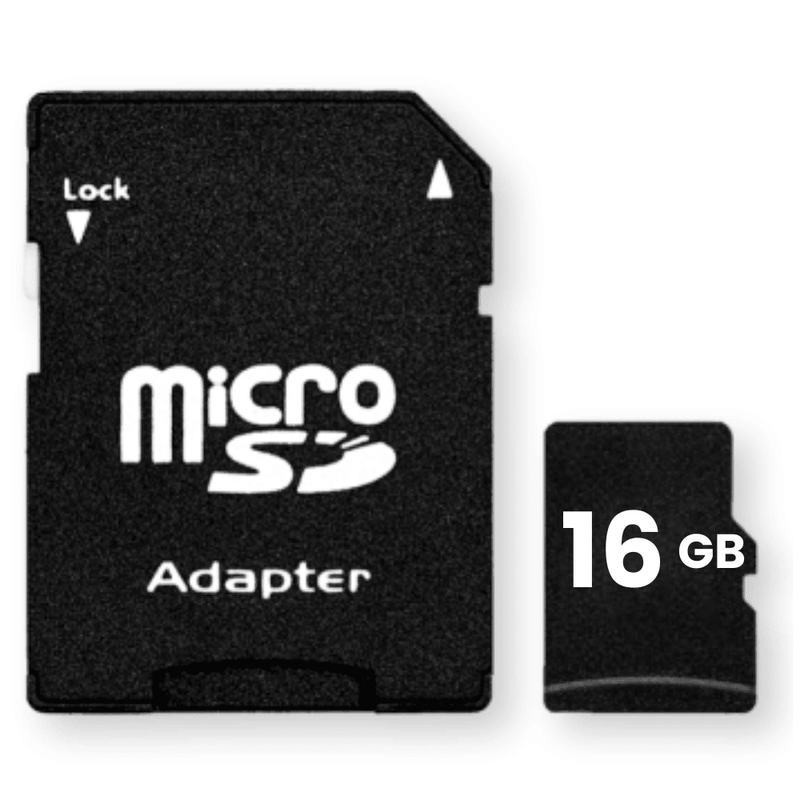


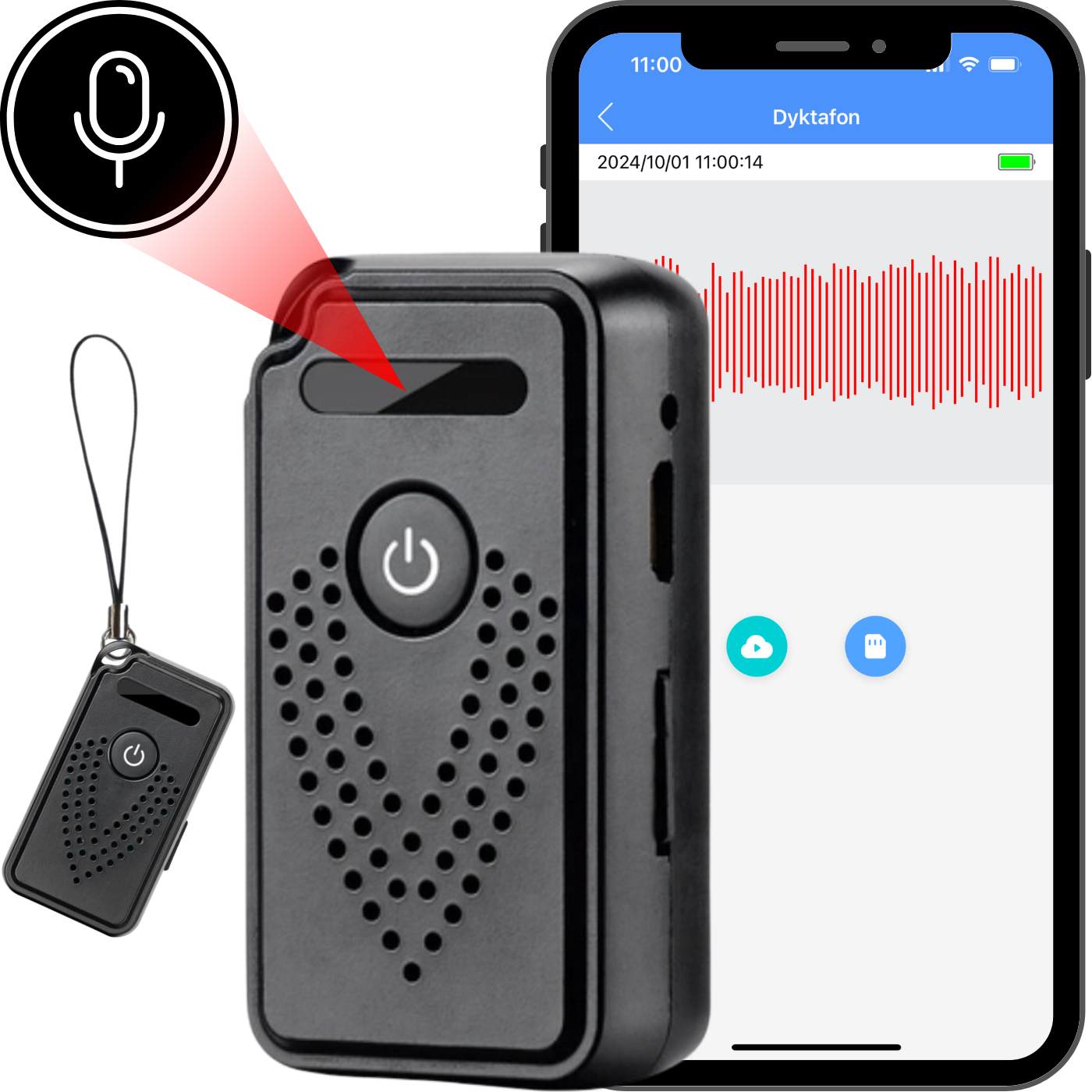
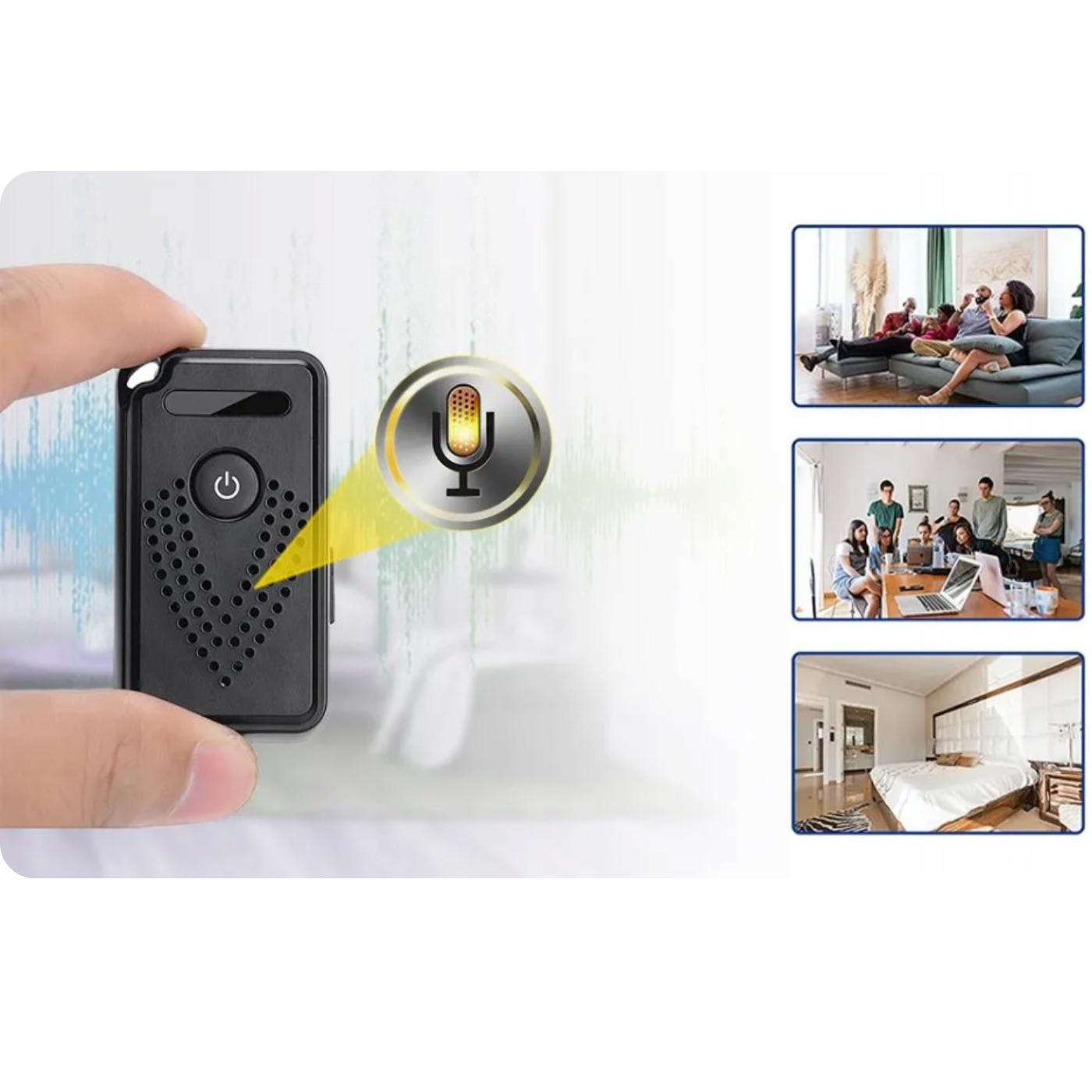
The Spreest WiFi Voice Recorder —your new tool for discreet and effective audio recording . This compact and elegant voice recorder offers exceptional functionality, combining advanced technology with ease of use.
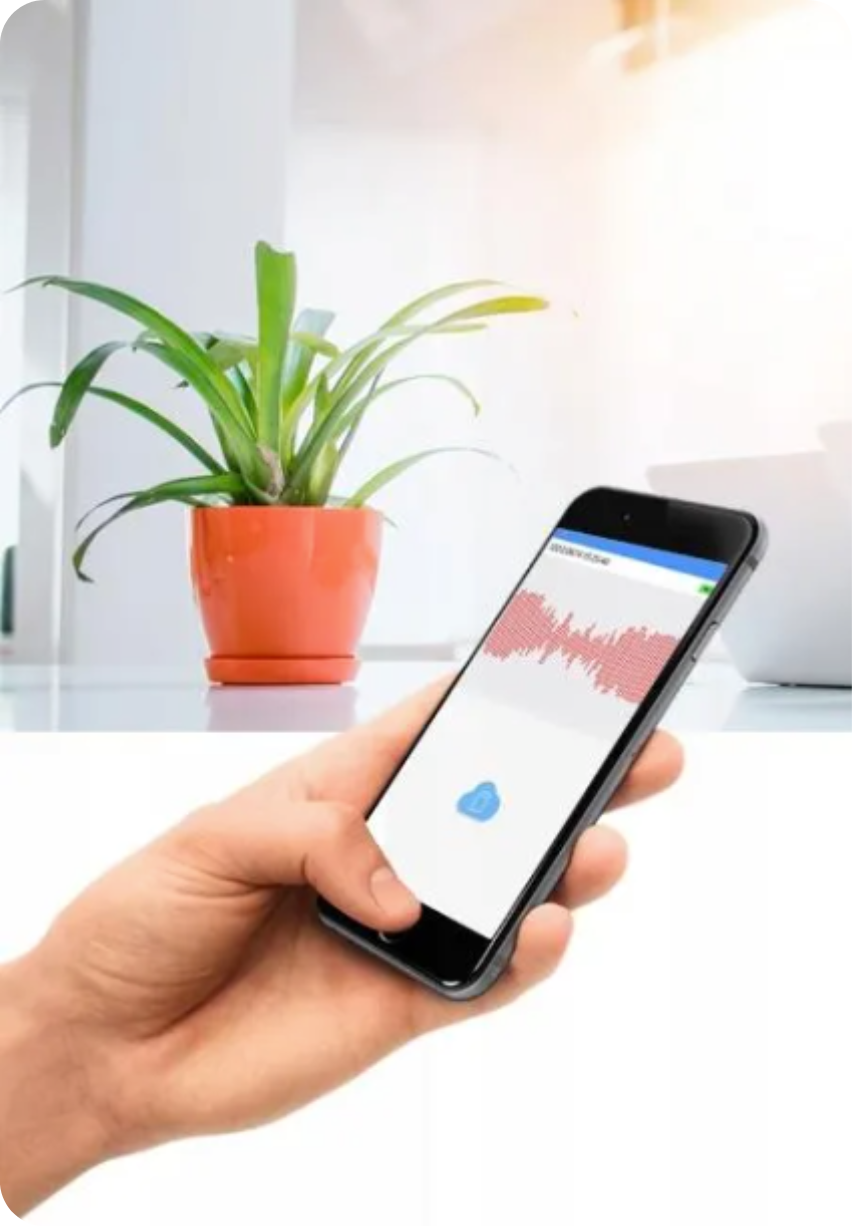
With the dedicated CamSC Pro app, you have full control over the device directly from your smartphone . Monitor audio in real time , receive automatic PUSH audio alerts , and enjoy long-term recording storage on a microSD card up to 128 GB, allowing for 1,600 hours of recording , or in the cloud. High battery life allows for recording up to about 7 hours on a single charge, and various recording modes allow you to adapt the device to your individual needs.
Advanced recording management and the ability to share them with other users make it an ideal solution for monitoring offices, homes or other places that require constant supervision.
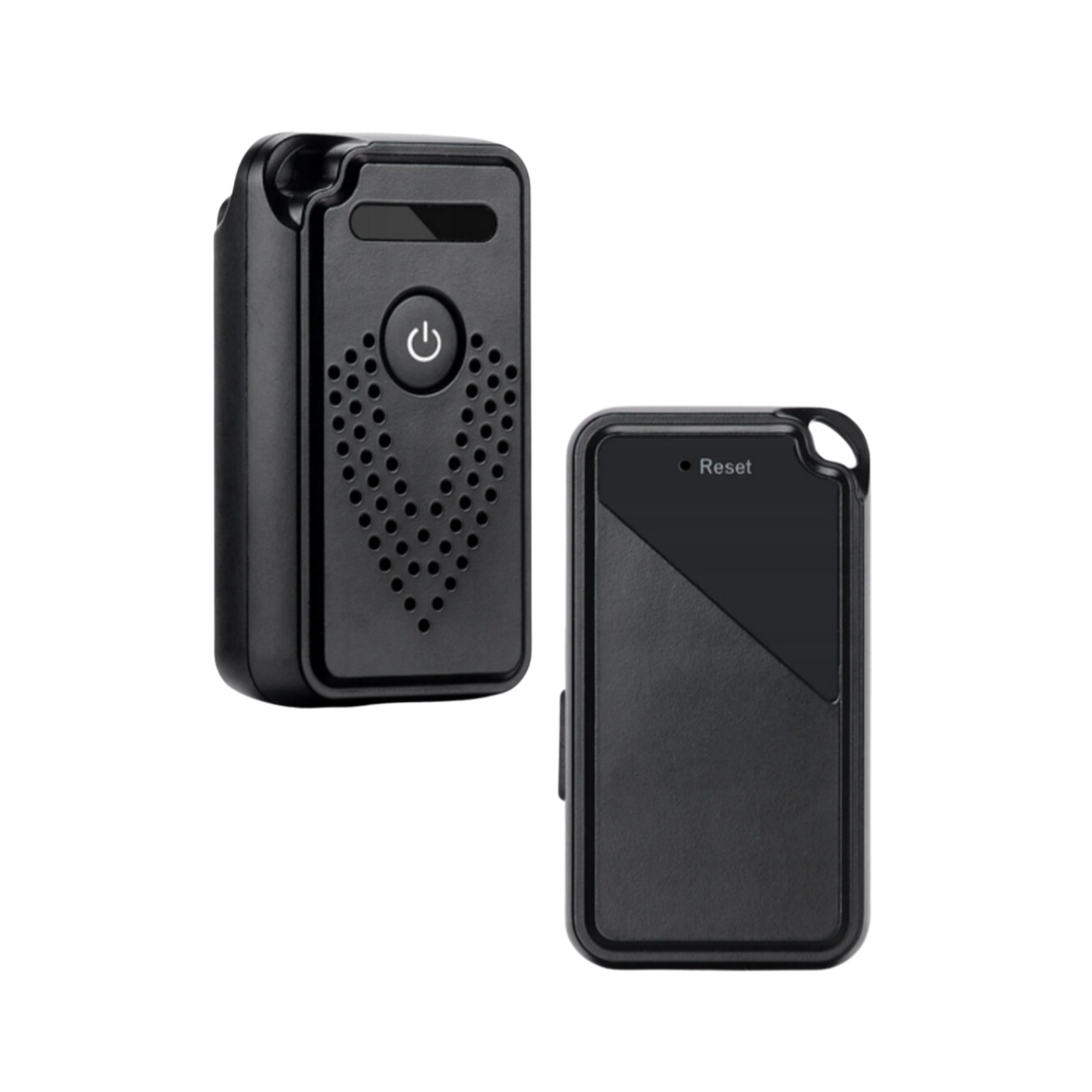
The recorder has a place to attach it to a pendant . Additionally, the included magnet with mounting tape allows it to be easily attached to metal surfaces , significantly increasing its versatility .

Key Features
1. Dedicated CamSC Pro app: The app provides full control of the device from your smartphone. It's intuitive and easy to use, so setting up the recorder takes just a few moments .
2. Real-time monitoring: Thanks to the application, you can listen to the sounds recorded by the device in real time, which allows you to react immediately .
3. Automatic PUSH sound alerts: These will notify you when sound is detected , making the device ideal for monitoring your office, home or other places that require constant supervision .
4. Long-term storage of recordings: The voice recorder offers flexibility in storing recordings – you can choose to save them in the cloud (an additionally paid service and requires a minimum of 8GB of microSD card) or only on a microSD card up to 128GB, which allows for 1600 hours of recordings .
5. High-performance battery: Equipped with a high-capacity battery that allows for up to 7 hours of recording on a single full charge . It also has a low-battery notification function and the ability to record while charging .
6. Various recording modes: The device offers three recording modes:
- Continuous mode: The device records sound non-stop and saves it in a loop mode, overwriting older recordings .
- Power Saving Mode A: Starts recording when sound is detected , providing live listening while consuming less power . It allows for approximately 14 days of standby time.
- Power Saving Mode B: The most energy-efficient mode, it only activates when sound is detected and live listening is possible for one minute after activation. It allows for approximately 20 days of standby time.

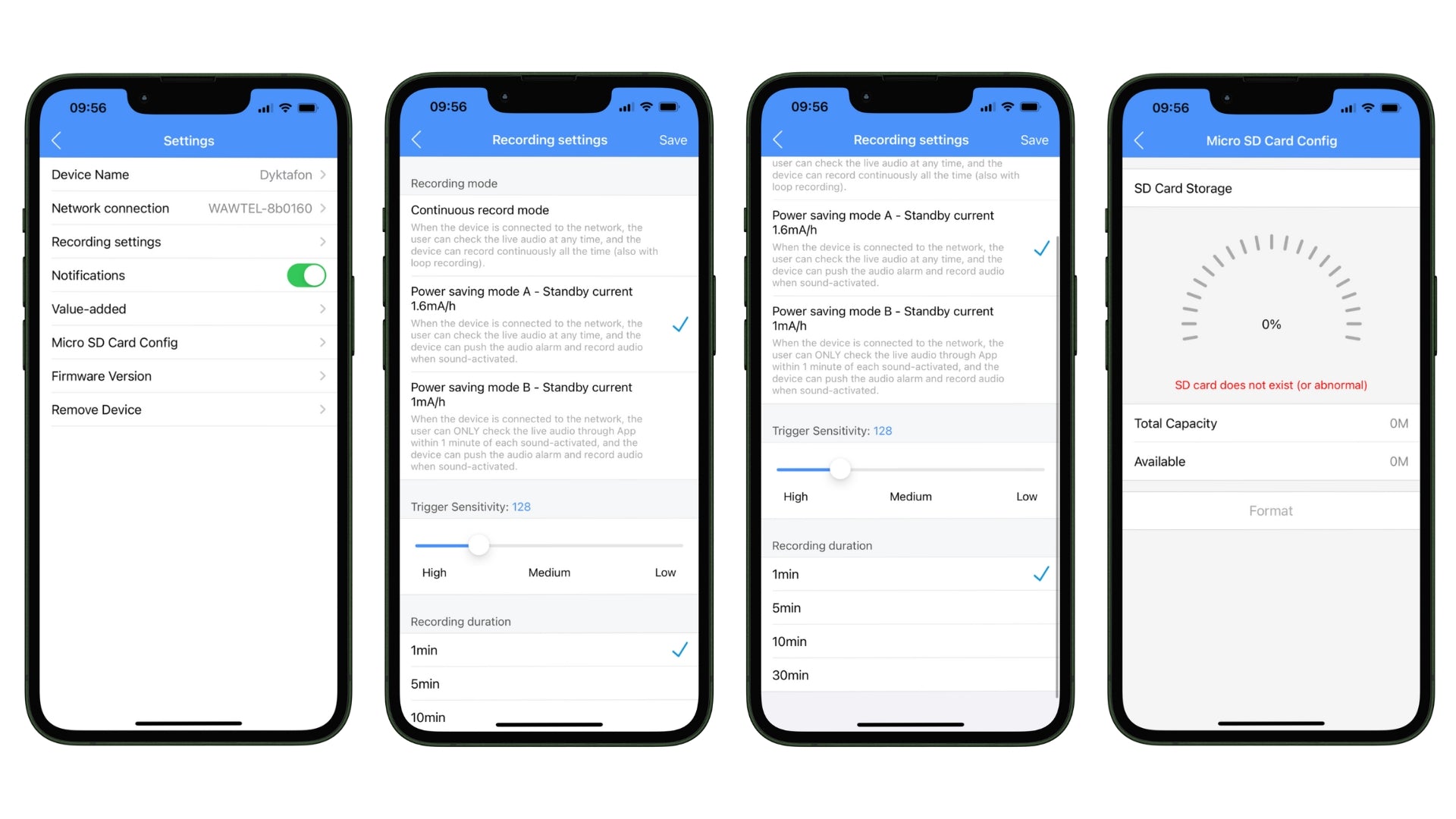
7. Advanced recording management: From the app, you can adjust sound detection sensitivity and select recording duration from 1 to 5 minutes. You have full control over how and when the recorder records sounds, ensuring flexibility and customization to your needs.
8. Hassle-free memory card management: The app allows you to monitor the status of your microSD card , including available space and capacity . For your convenience, the card can be formatted directly from the app, making it easier to manage your recordings.
9. High-quality sound recording: The device is equipped with a high-quality microphone that ensures clean and clear recordings .
10. Ability to share recordings and devices: The recorder offers the ability to share recordings with other users. You can precisely define which data will be available (voice monitoring, notifications, events) , as well as set the time period during which recordings will be shared.
11. One-button operation: Intuitive and easy to use – allows you to turn the device on and off with a single button. This makes using the device extremely convenient and quick in situations requiring an immediate response .
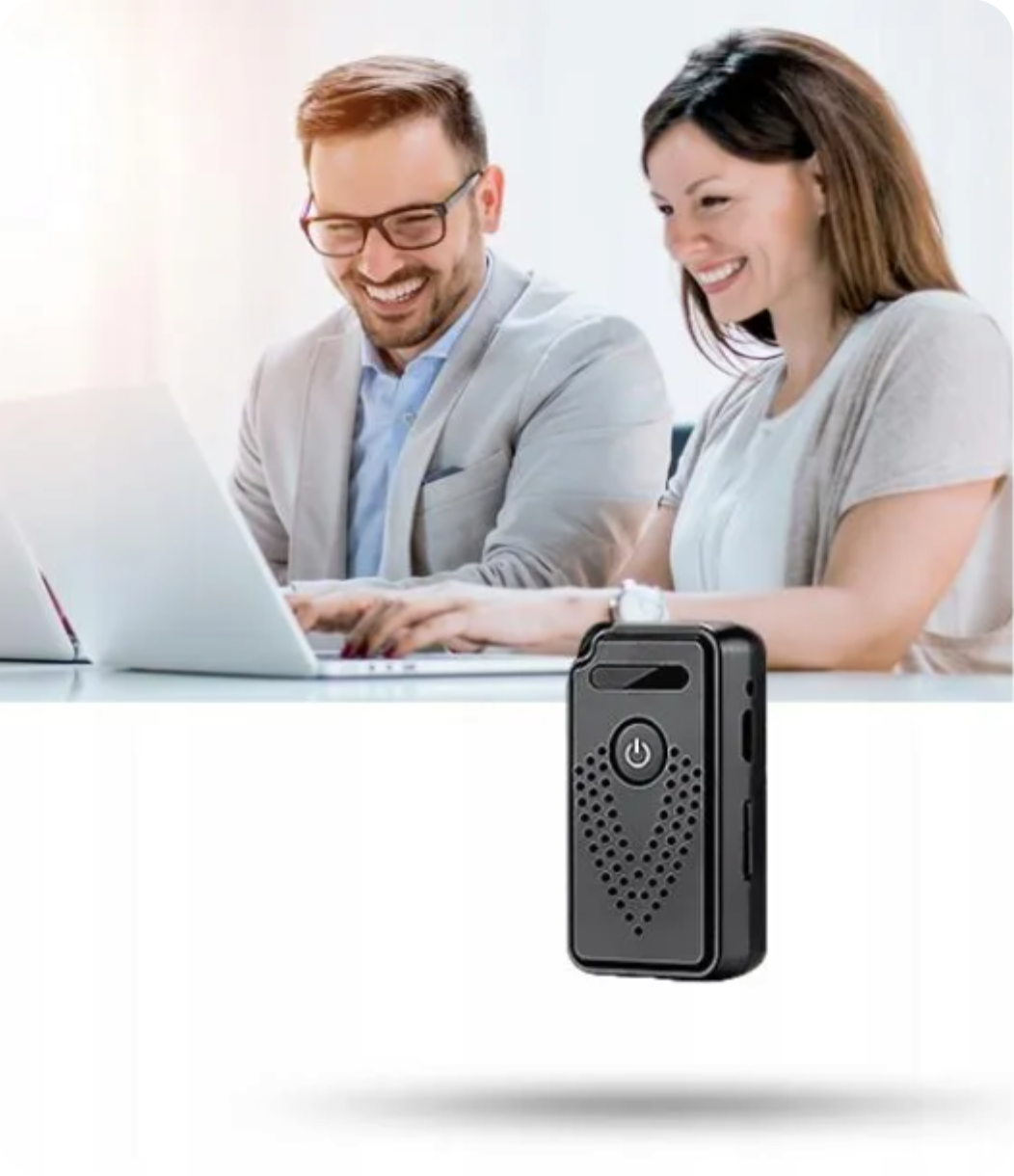
12. Discreet mounting: Its small size and elegant design make the recorder easy to conceal and unobtrusive. Additionally, the included magnet with mounting tape allows for mounting the device on metal surfaces, and there's a place to hang the recorder (hanger not included) , ensuring even greater discretion and stability during monitoring .
13. Preventing overheating: The device is equipped with ventilation holes that improve cooling and working efficiency.

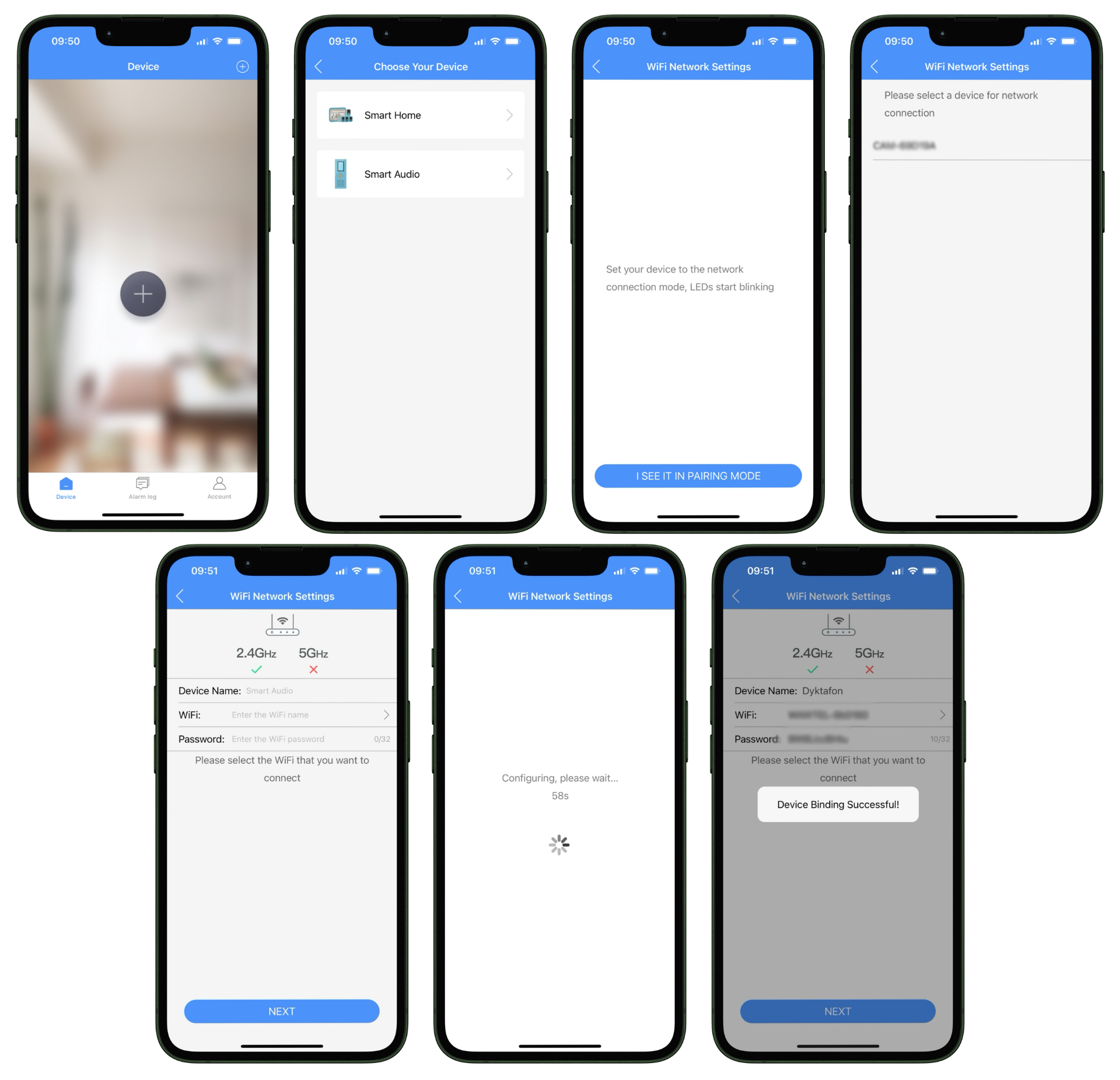
To add a device to the app, follow the steps below:
1. Open the application on your smartphone and select the option to add a new device by clicking on the "+" icon.
2. Select the "Smart Audio" device category.
3. Put your device into pairing mode – make sure the LEDs on your device start flashing .
4. Select your Wi-Fi network – remember that the device supports 2.4 GHz networks .
5. Enter your Wi-Fi password and then click "Next" to continue.
6. Wait for the setup to complete – it may take a few seconds.
7. Once the process is complete, a message will appear saying that the device has been successfully added ("Device Binding Successful") .
Your device is now ready for use.

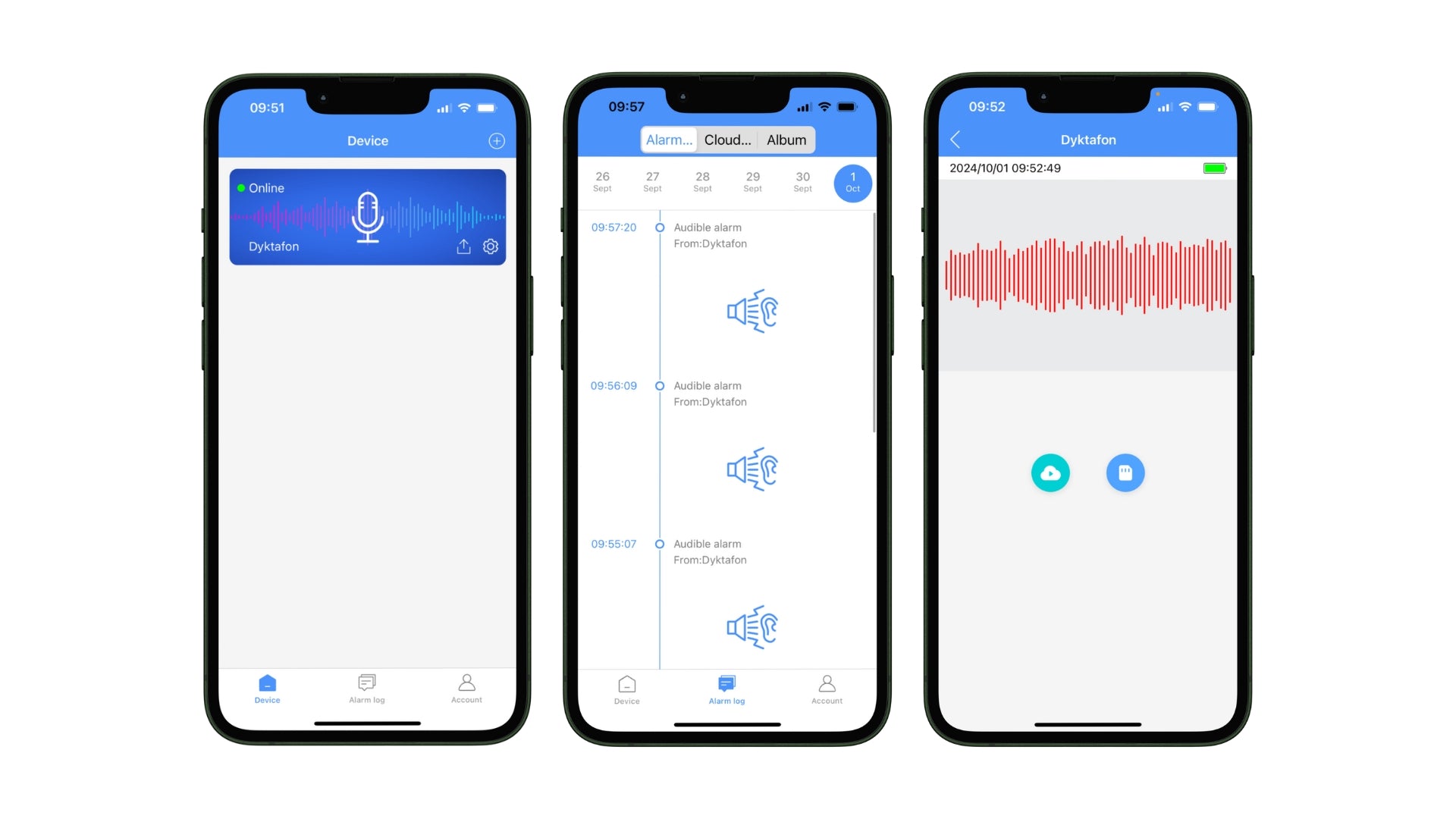
To use the device panel and sound monitoring features in the app, follow these steps:
1. Added Devices Panel – On the app's main screen, you'll find all your connected devices . Simply click on a device to access its features.
2. Sound Detection Alerts – The app automatically generates alerts when it detects sound. You can view these alerts in the event log , allowing you to easily monitor any activity in your surroundings.
3. Real-time listening – This feature allows you to listen to the sounds being recorded by the device live . Simply click the voice recorder icon in the app to instantly begin listening .

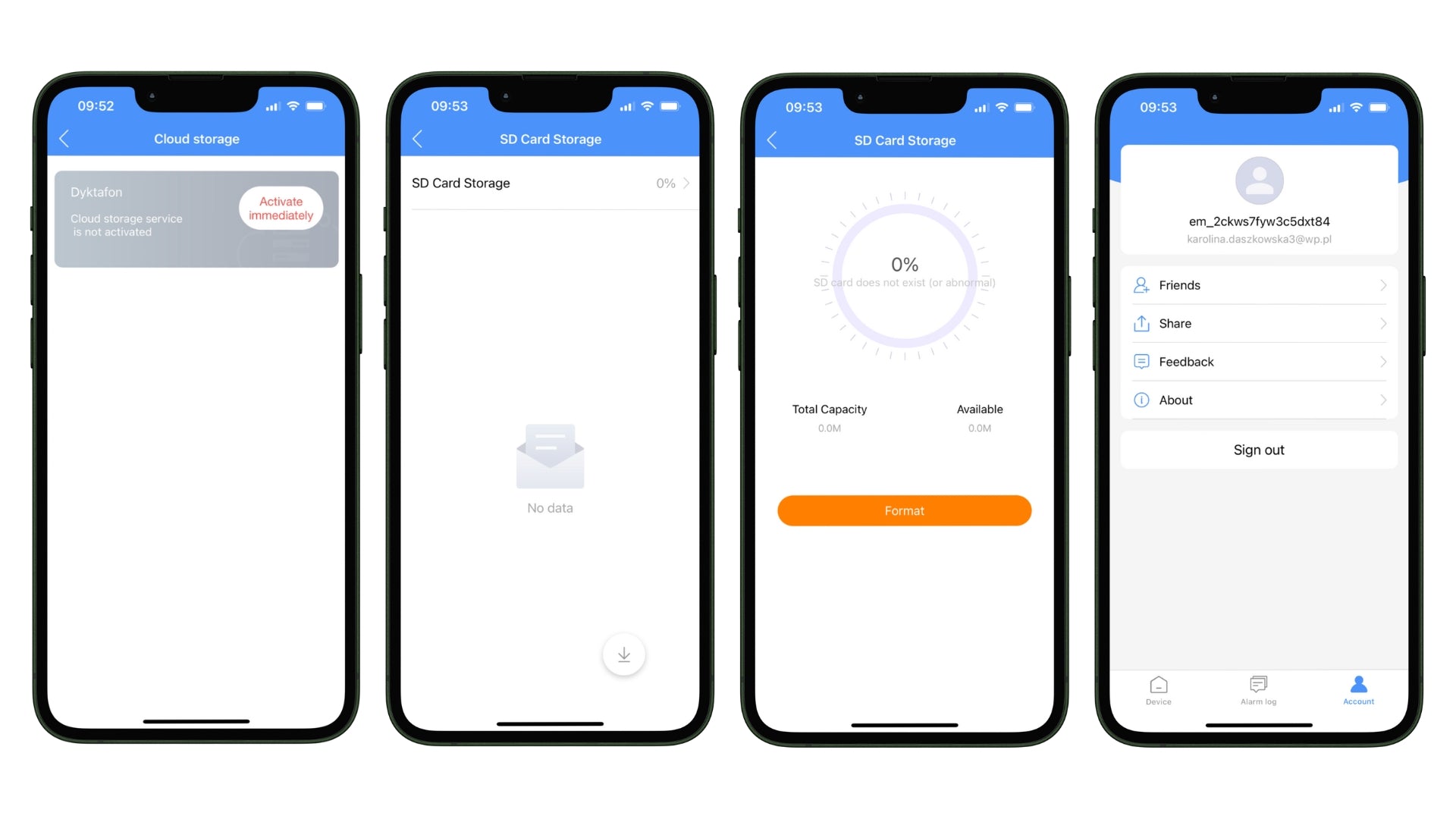
To manage your audio files and account in the app, you have several options:
1. Cloud storage – The app offers the ability to store recordings in the cloud, providing easy access to your data from anywhere . This is an additional fee-based service that you can activate directly in the app. To activate cloud storage, you'll need a minimum 8GB microSD card.
2. Storage on a memory card – If you don't want to use the cloud, you can save your files on an SD memory card .
3. Memory card management – The application provides detailed information about the status of the memory card , including capacity , available space and the ability to format the card to prepare it for writing new data.
4. Account Management – The app allows you to share recordings and devices with other users . You can add friends to give them access to your device and its features, and easily share saved recordings with them.

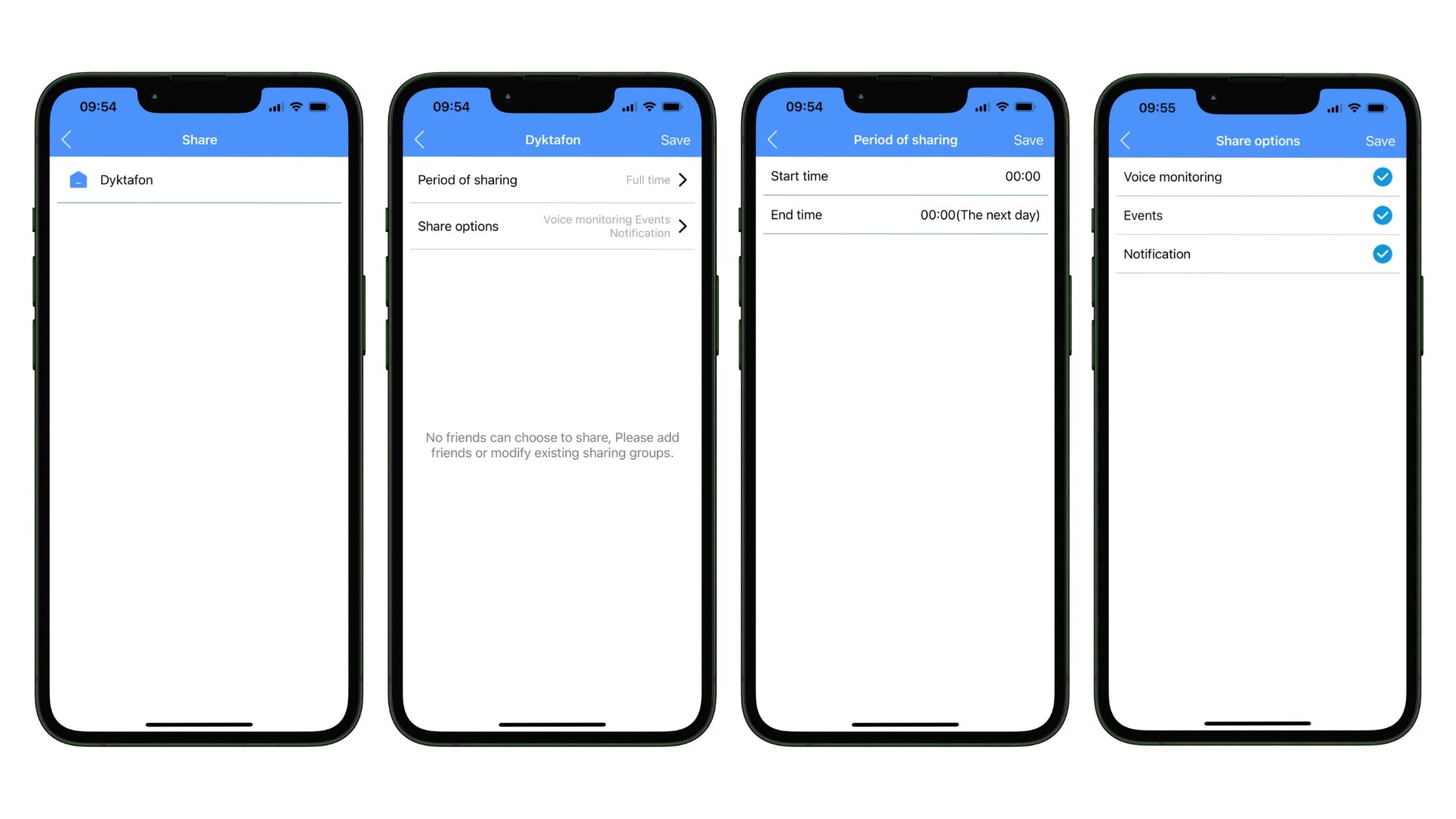
You can precisely share recordings and other data from a selected device. You can easily set:
1. Sharing Period – Select a specific time period during which you want others to have access to your device and recordings. You can set both a start and end time .
2. Data Scope – Specify what data you want to share. Options include voice monitoring, notifications, and events . You can select options to share only what's important to you.
3. Sharing a selected device – You have the option to share selected recordings from a specific device , so that other users will only have access to the data you assign to them.

You can fully manage your device by adjusting various parameters to your needs:
1. Notifications – Turn notifications on or off to receive real-time event information. This will keep you up to date with all device activity.
2. Sensitivity Settings – You can adjust the sound detection sensitivity using the slider, choosing between high, medium, and low sensitivity . This allows you to adapt the device to different conditions and needs.
3. Recording Duration Settings – Specify how long a single recording should last. Options range from 1 minute to 30 minutes , giving you great flexibility in managing your recording space.
4. Recording Modes – There are various recording modes available in the app, including:
- Continuous Recording Mode – The device records non-stop , allowing for live listening and loop recording , meaning that when memory runs out , older recordings are overwritten with new ones . This allows for approximately 7 hours of continuous recording .
- Power Saving Mode A – The device wakes up when it detects sound , allows live listening, and sends audible alerts while using less power (1.6 mA/h) . It allows for approximately 14 days of standby time.
- Power saving mode B – The most energy-saving mode (1 mA/h) , activates recording when sound is detected , live listening is only available for one minute after activation . It allows for approximately 20 days of standby time.
5. Memory Card Management – Easily check the status of your memory card, including its capacity and available space. If necessary, you can also format the card directly from the app.

Flexibility in assembly
The voice recorder can be easily mounted anywhere, adapting its location to your monitoring needs. The included magnet allows the device to be attached to metal surfaces, allowing for discreet installation in the office, home, or other locations requiring constant audio monitoring.
It is also equipped with a hole for a hanger , which allows you to carry it with you or mount it in hard-to-reach places.
This flexibility in mounting makes the device a perfect solution for monitoring various spaces – whether you want to monitor activity at home, at work or during meetings .

Long-lasting battery
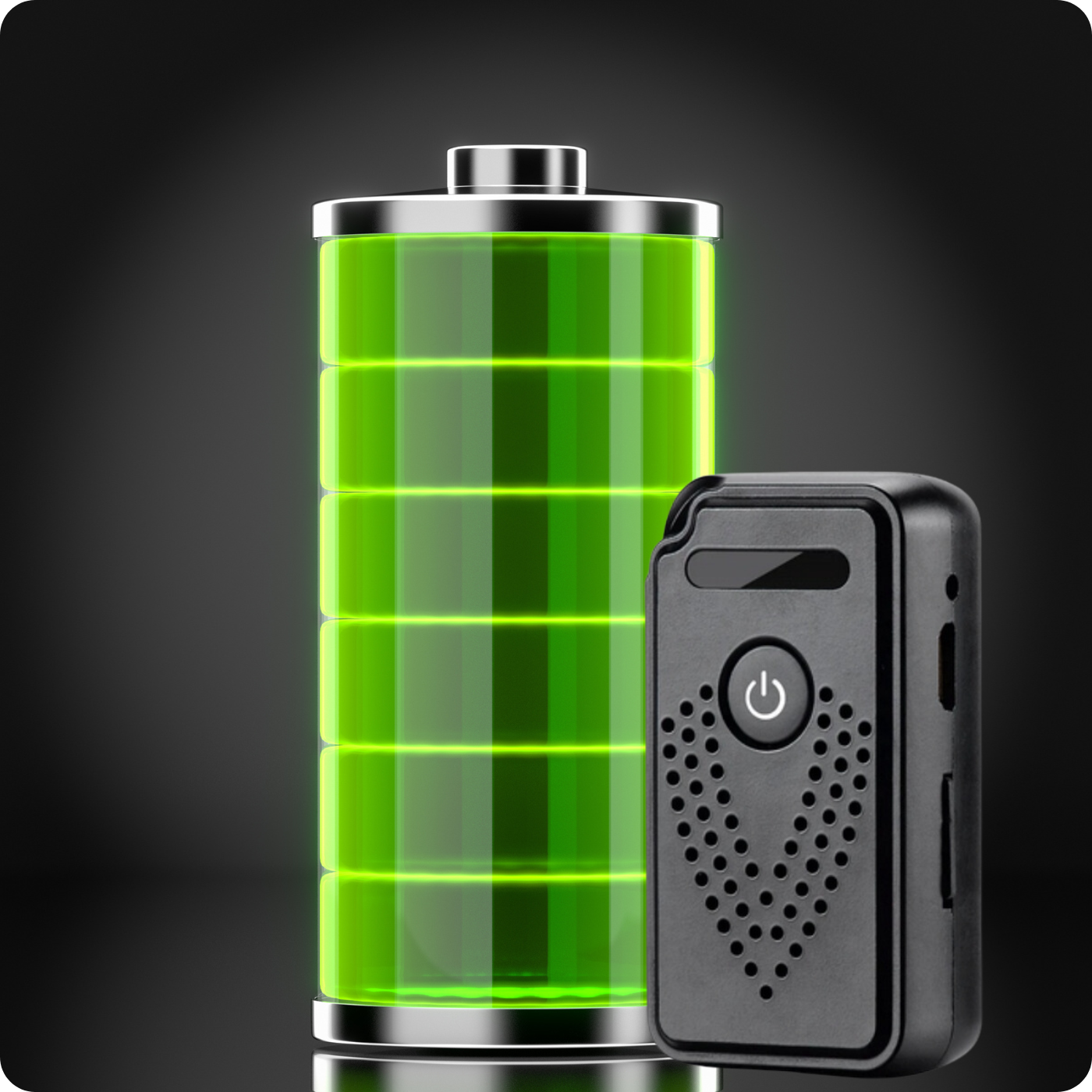
It has a powerful 600 mAh battery that allows for continuous recording for up to 7 hours on a single full charge.
The device also has energy-saving modes that significantly extend the operating time – depending on the selected mode, the voice recorder can operate in standby mode for 14 to even 20 days .
Additionally, you can record while charging or using a power bank . Using a 5000mAh power bank, the standby time is up to 116 days .
Built-in LED indicators provide information about the battery status, making it easier to monitor and preventing unexpected interruptions in the device's operation.

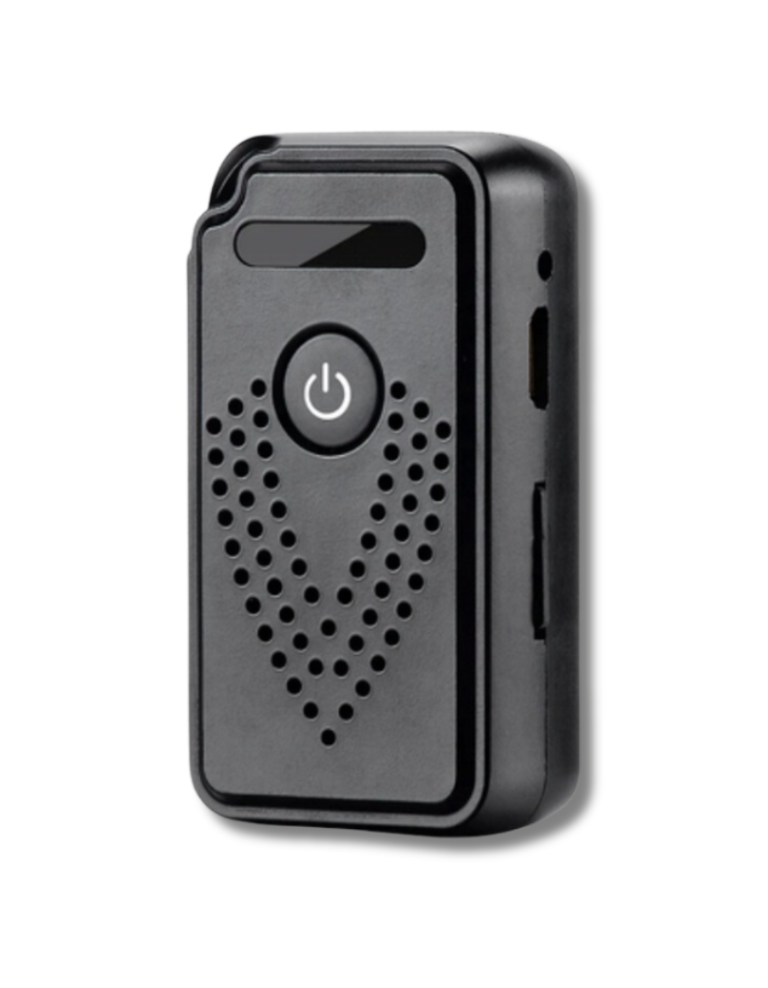
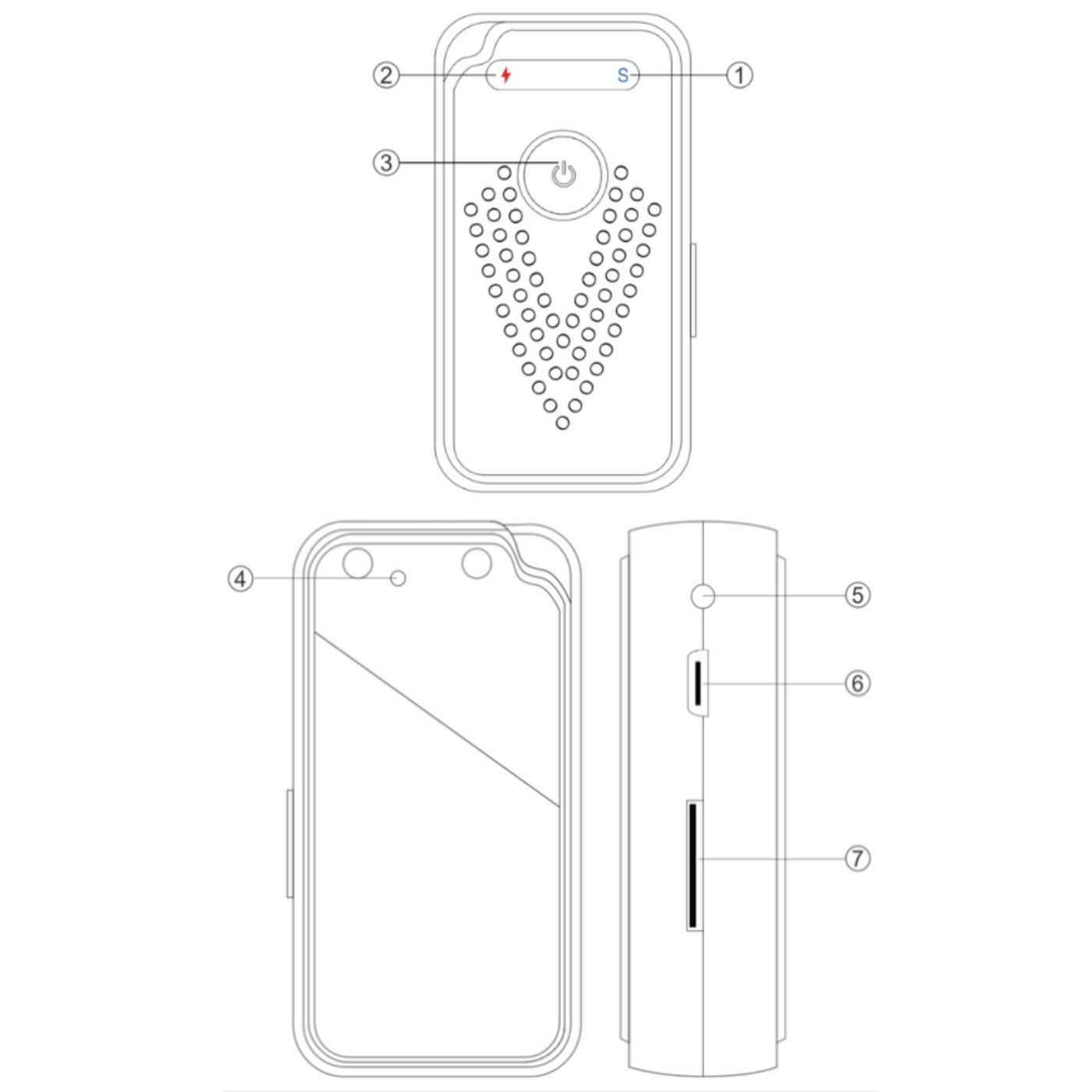
Dictaphone components
1. Operation indicator - Shows the operating status of the device.
2. Charging indicator - Informs about the charging process (red LED when charging, blue LED when pairing).
3. ON/OFF switch - Device on/off button.
4. Reset button - Allows you to reset the device to factory settings.
5. Socket for connecting an external battery (optional) - Possibility to connect additional power supply.
6. USB port - Used to charge the device and transfer data.
7. MicroSD card slot - Place to insert a microSD card on which audio recordings are stored.

Technical specifications
- Battery: 600 mA
- Storage Type : Supports SD cards from 8 to 128 GB (Not included)
- Charging time: Approximately 3 hours
- Power consumption during operation: 80 mA
- Working time in continuous recording mode: About 7 hours
- Standby current in energy saving mode A: 1.6 mA/h
- Standby time in power saving mode A: About 14 days
- Standby current in energy saving mode B: 1 mA/h
- Standby time in power saving mode B: About 20 days
- Wifi Connection: Yes
- Possibility of operation on DC power: Yes
- Possibility of connecting additional power supply: Yes
- Power supply: MicroUSB, 5V
- Dimensions: 10 x 30 x 60 mm
- Weight: 26 g

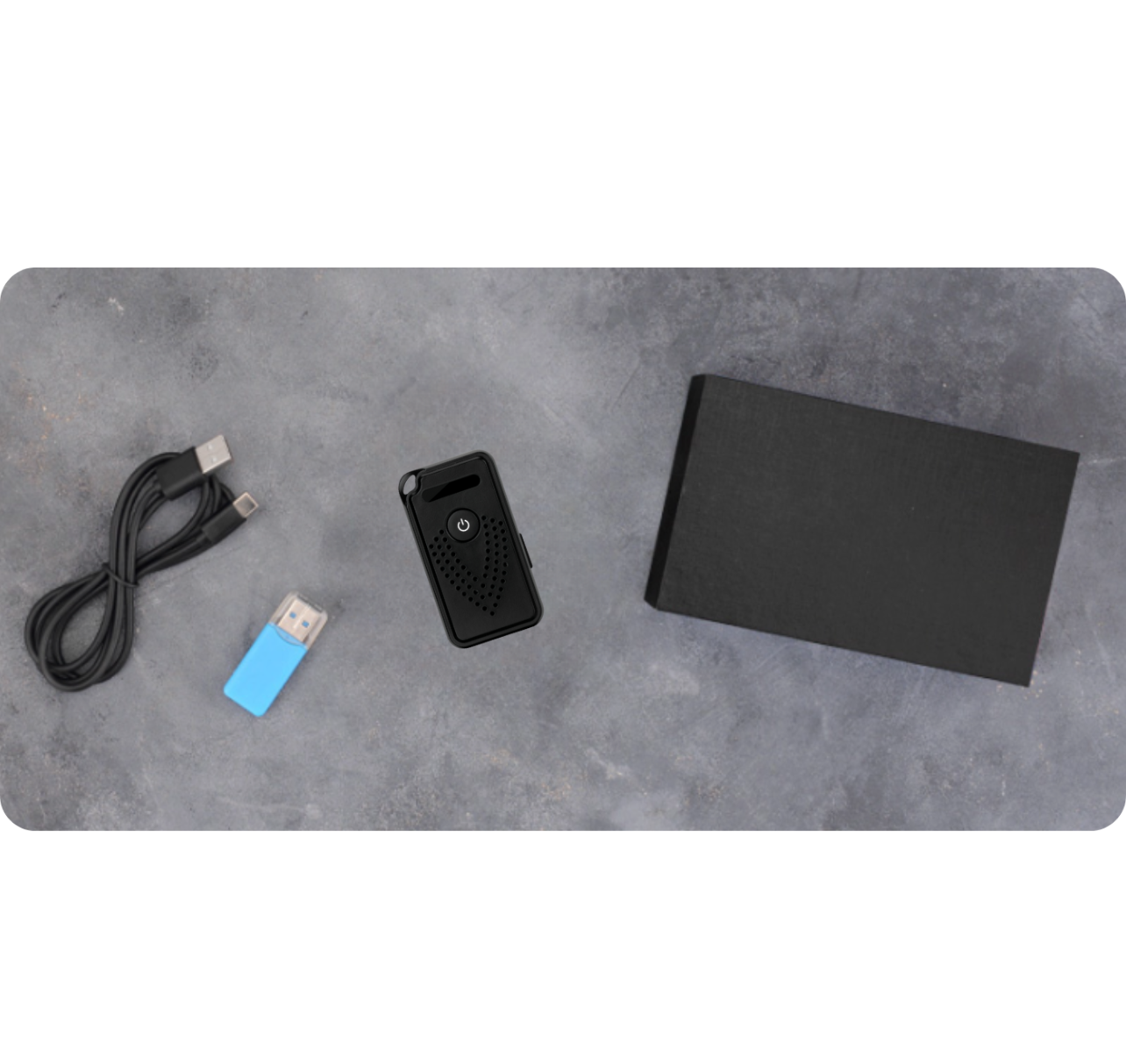
The set includes
- 1x WiFi Voice Recorder EL-AR01
- 1x MicroUSB cable
- 1x SD card reader
- 1x Restart Key
- 1x Magnet with mounting tape
- 1x User Manual
The Polish manual is available as an electronic download in the attachment. You'll find it below our product description .