




Electronic lock SA-0109EM

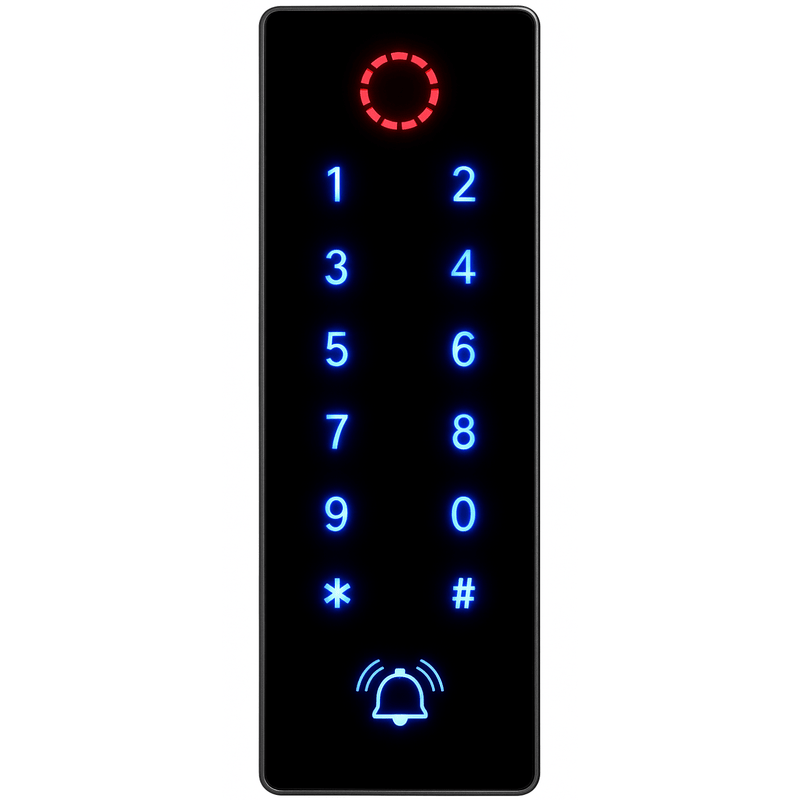

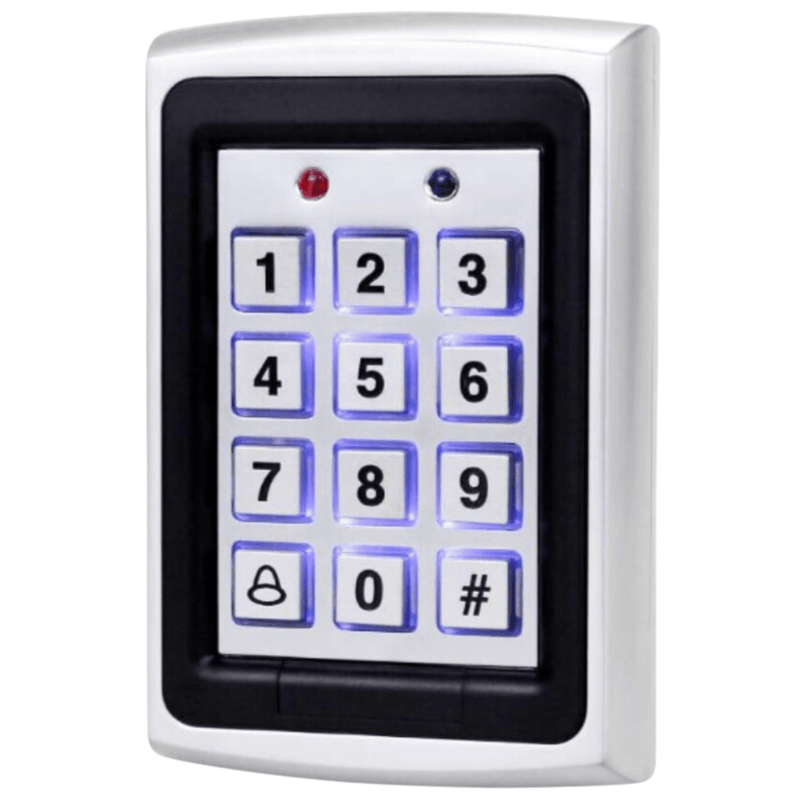




The Spreest keypad code lock is a modern and versatile access control device that provides exceptional flexibility and ease of use. It is ideal for homes, offices, and other facilities requiring an advanced security system. Thanks to various opening methods and easy installation, this lock will meet the expectations of even the most demanding users.

Key features
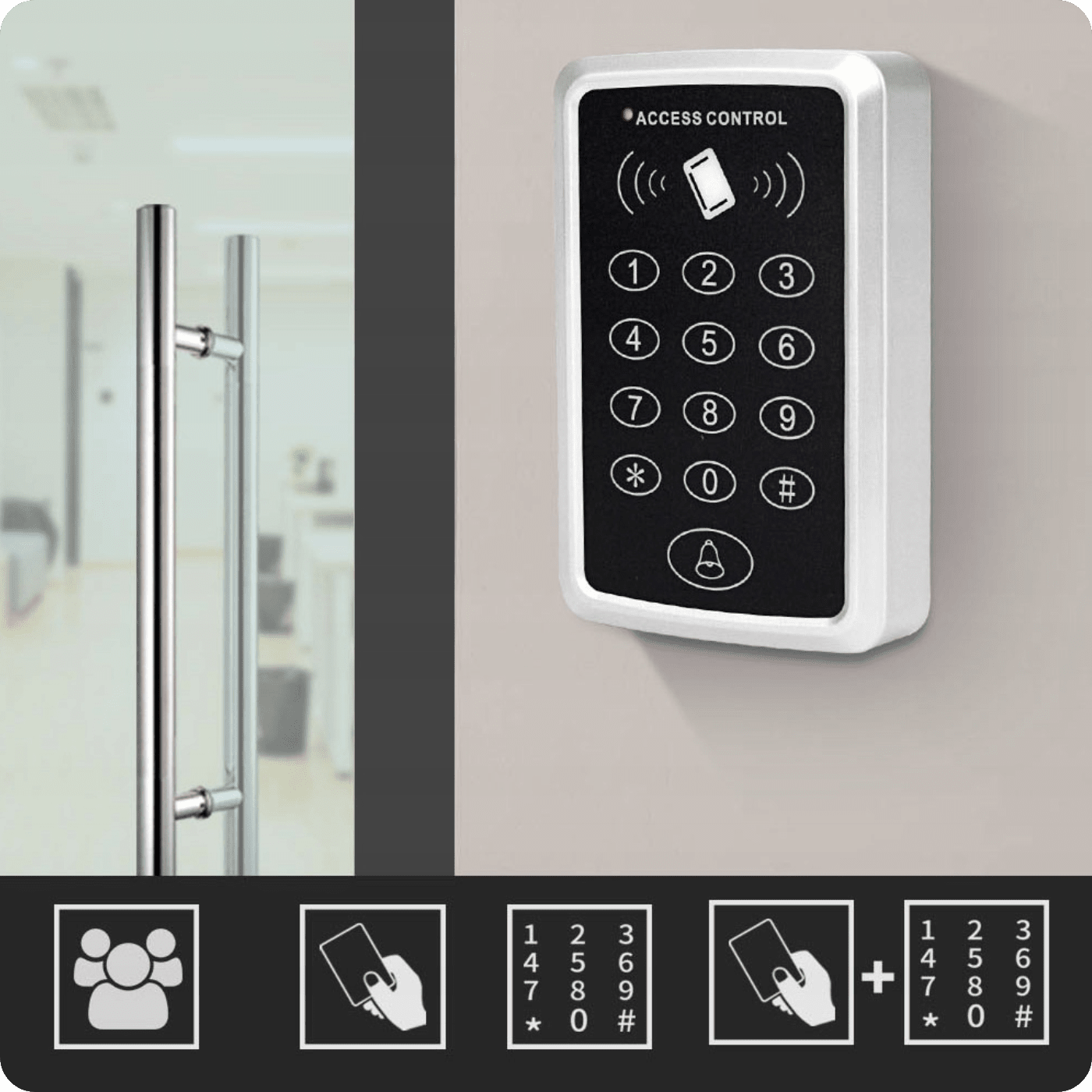
1. Versatile opening methods: Proximity card/fobs, proximity card/fobs and code, code provide flexibility and convenience of use.
2. Indicators: Signal the lock status, facilitating use.
3. Easy installation: Clear instructions and various connection options ensure quick and hassle-free installation.
4. Possibility to connect an external doorbell.
5. Simple commands sent to the code lock.
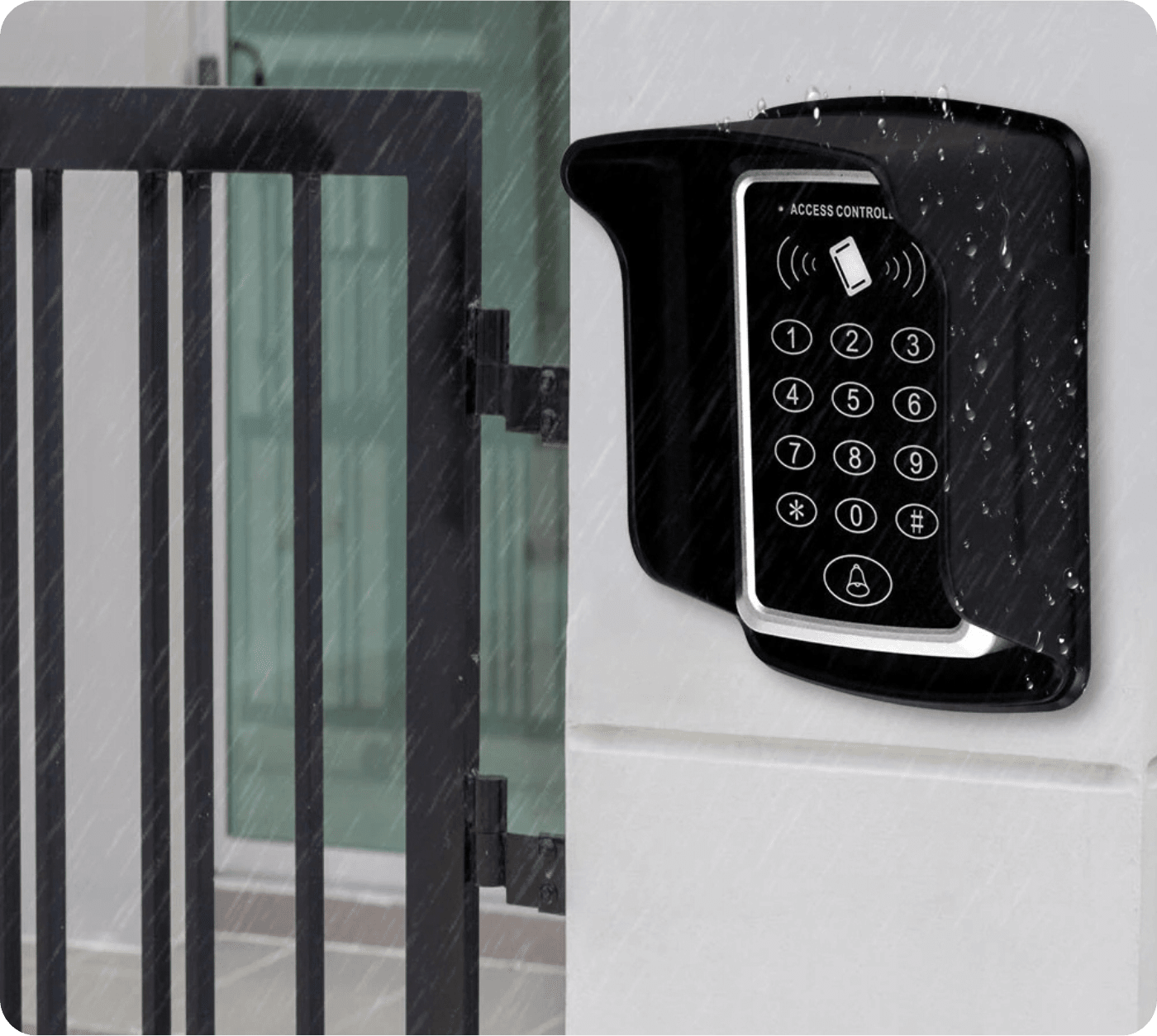
6. Waterproof keypad of the cipher, after proper installation, is suitable for outdoor use. We recommend installing a protective cover.

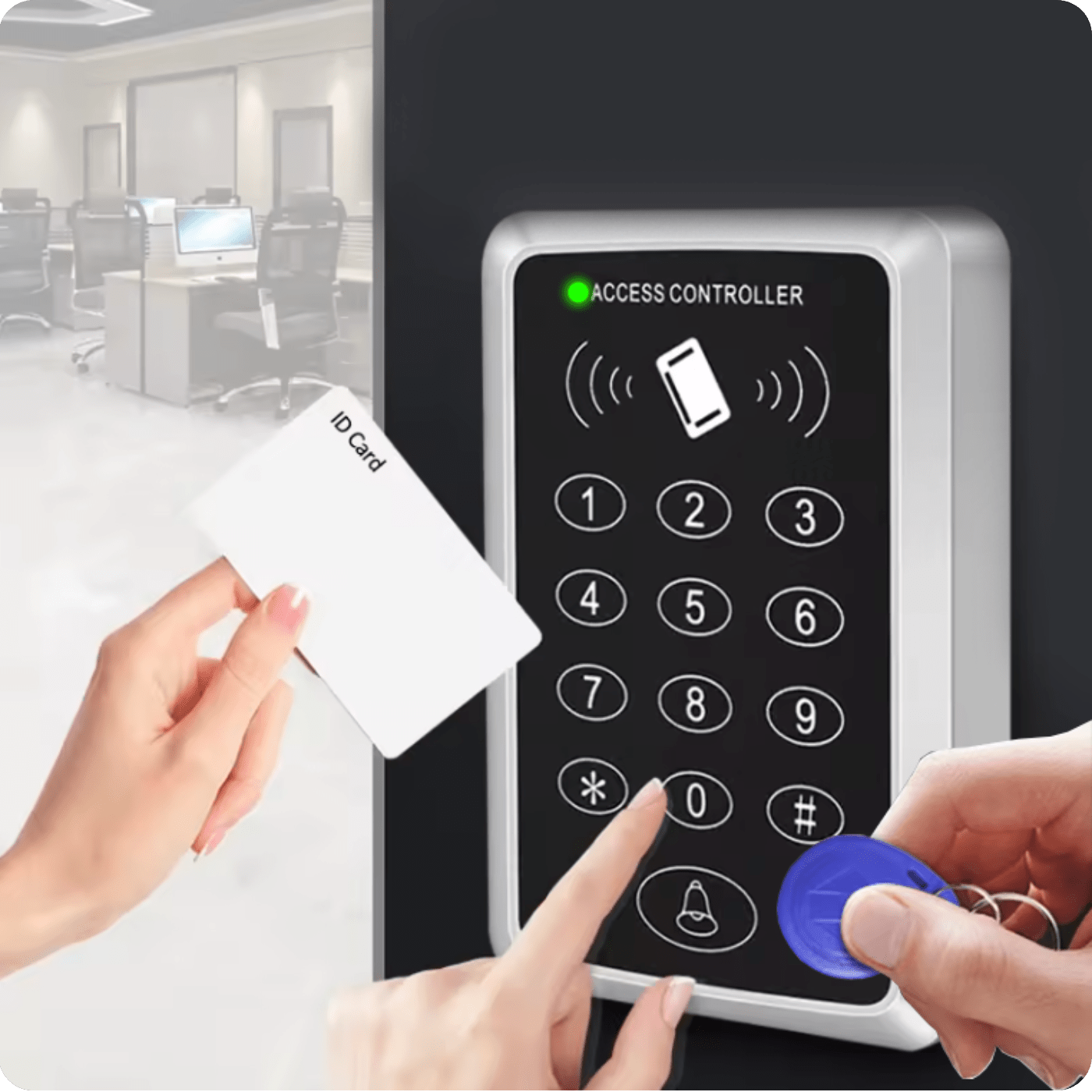
The code lock offers versatility in opening methods to meet your needs and preferences:
1. Proximity card/fobs - Quick and convenient unlocking using a proximity card or fobs.
2. Proximity card/fobs and code - Two solutions. A security feature that requires both a proximity card or fobs and entering a code. If you do not have a proximity card or fobs with you, you can enter a pre-set code.
3. Code - Enter a unique code on the lock keypad to gain access.
Thanks to these diverse options, every user can choose the most suitable way to open the lock, which enhances comfort and security of use.

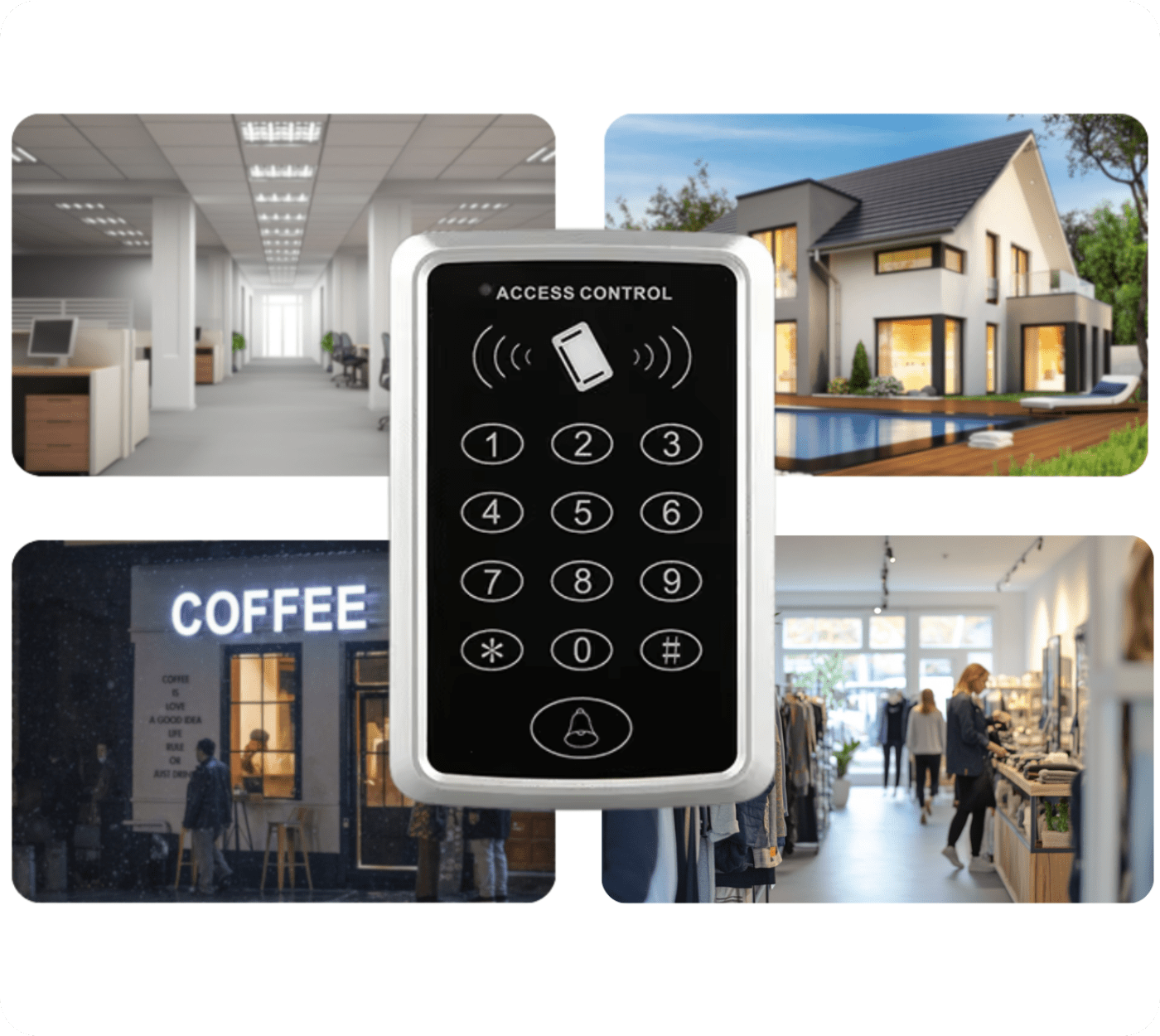
An electric lock in an access control system can be used in various facilities in many ways.
Here are some examples of electric lock applications:
1. Office:
- Access restriction: The lock can be used to restrict access to certain areas of the office, such as IT rooms, archives with documents, or research laboratories.
- Data security: Securing access to server rooms or other critical areas where important company data is stored.
2. Home:
- Security: Electric locks on entrance doors can increase security by preventing unauthorized access.
The lock will also find its application in e.g. schools, shops, and other facilities.

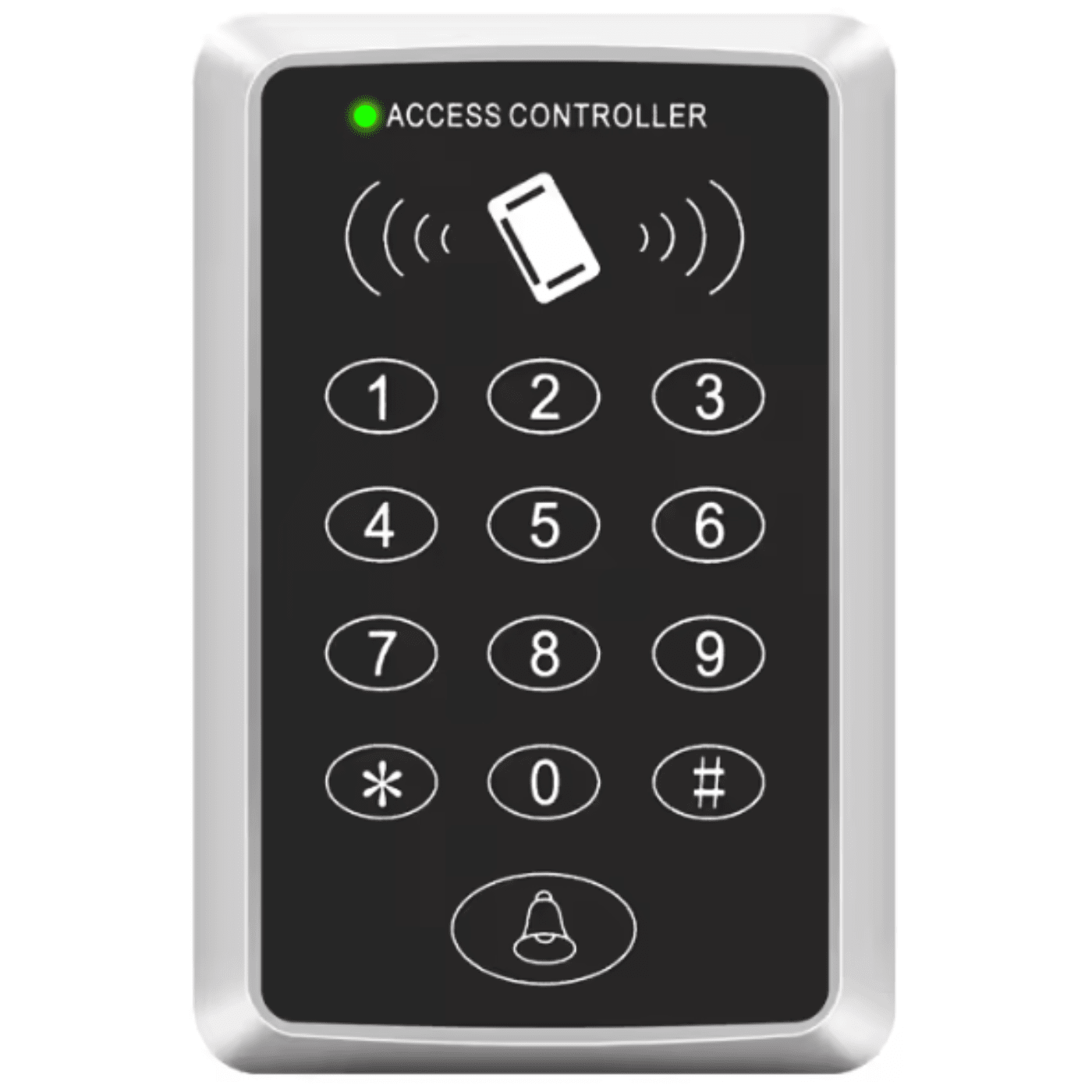
Data on the display
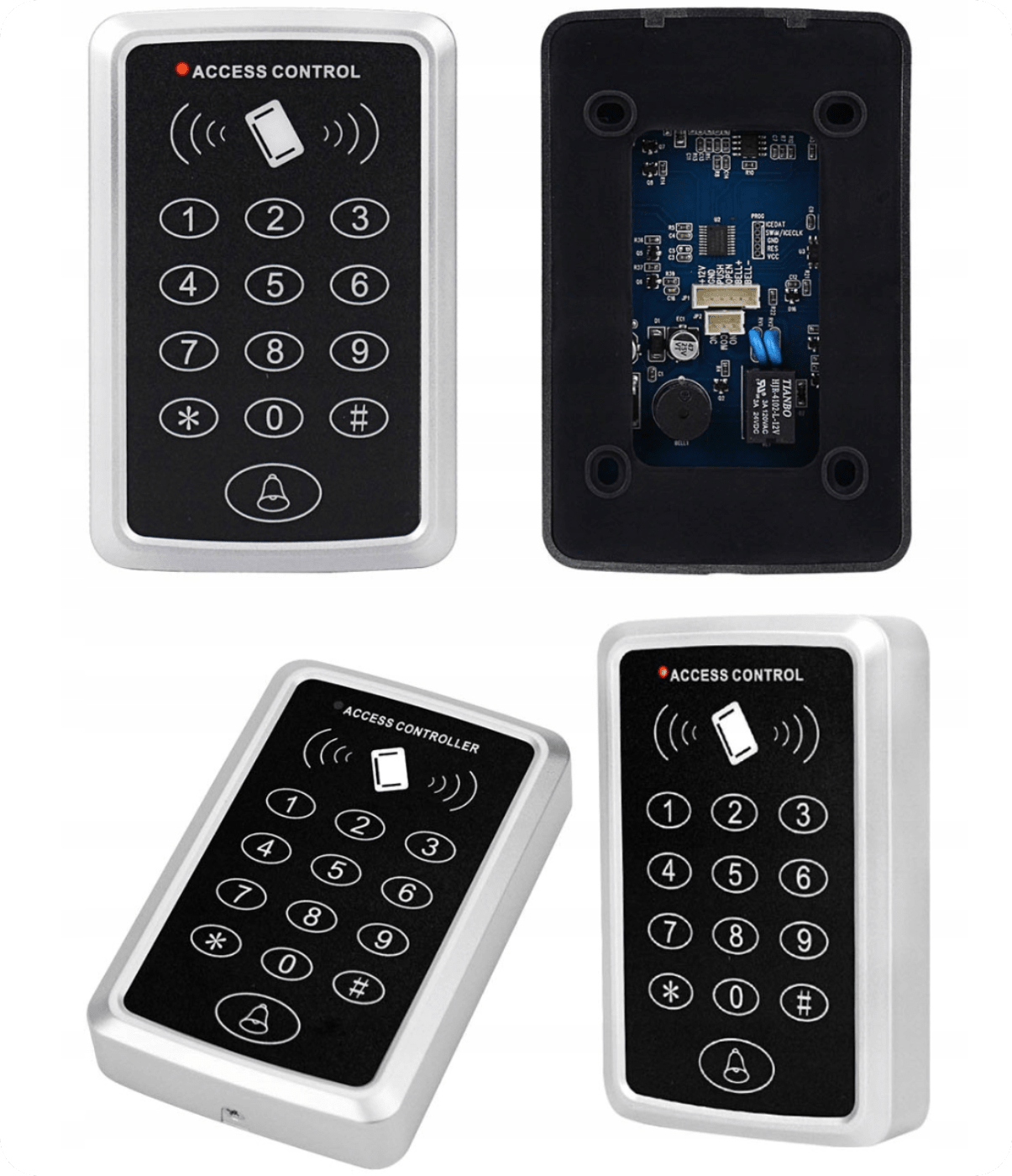
1. Lock indicator LED (red light), unlock (green light)
2. Card/fob proximity area (1000 users)
3. Touch area for code entry
4. Doorbell button (bell installation required)
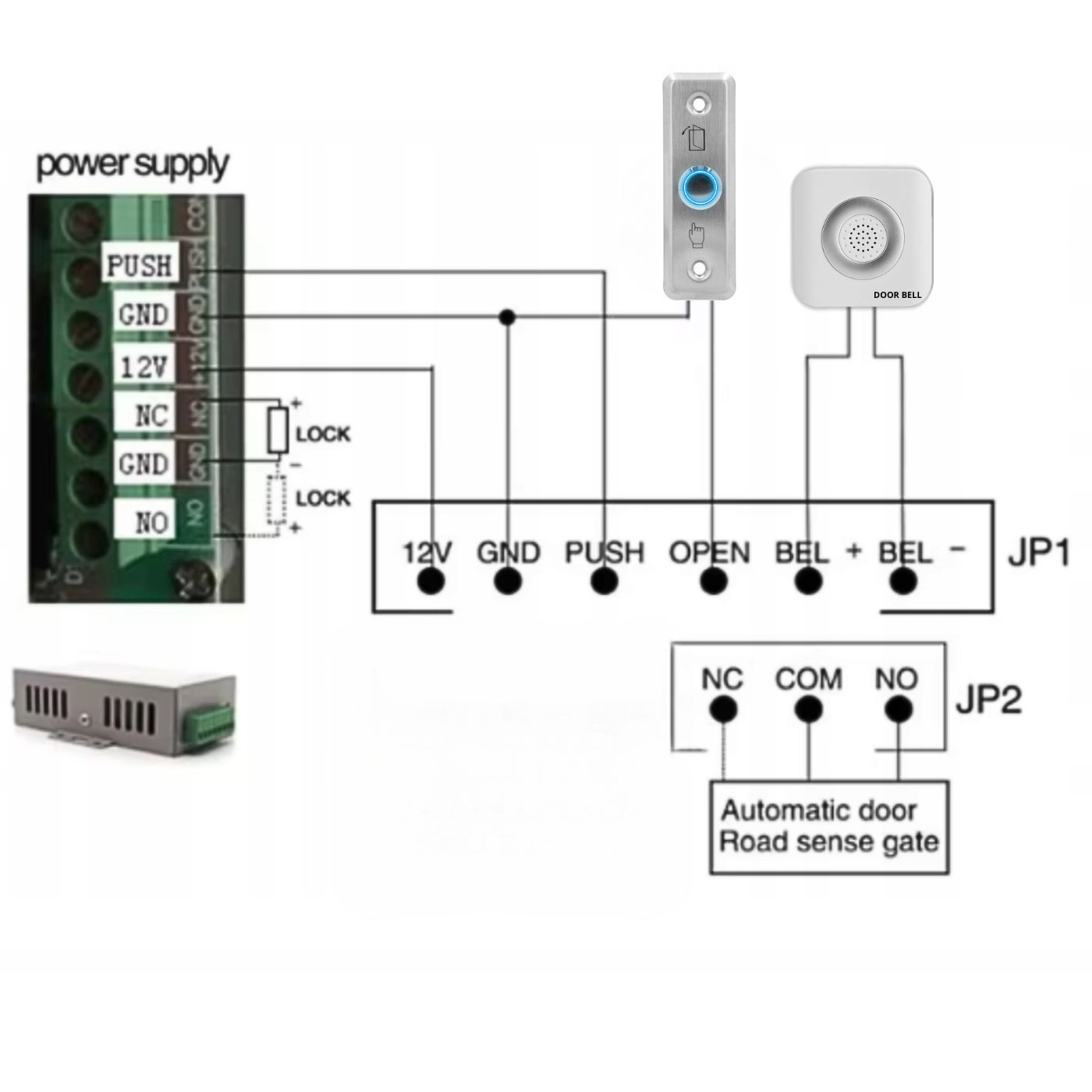
The diagram shows the connections of various elements of an access control system, which includes a power supply, outputs to an electric lock (strike), an exit button, a doorbell, and an automatic gate.
Here is a detailed description of possible connections and their applications:
1. Power supply:
- 12V (12 Volt) and GND (Ground) are standard power supplies for the electric lock and other system components.
- + and - (NC) - Normally Closed terminals for the electric lock; in this state, the lock is closed when the system is inactive.
- + and - (NO) - Normally Open terminals for the lock; the lock is open when the system is inactive.
2. Exit button:
- Connecting the exit button to the power supply allows the door to be opened from the inside without using the access control system.
3. Doorbell:
- BELL + and BELL - doorbell connections; signals an attempt to enter or exit.
4. JP1 terminals:
- 12V, GND, PUSH - typical connections for a button (PUSH) used to open the lock.
- OPEN - input for remote door opening.
- BELL + and BELL - doorbell connections, as mentioned above.
5. JP2 terminals:
- NC (Normally Closed), COM (Common), NO (Normally Open) - terminals for the electric door lock. COM is the common connection for the lock circuit, NO and NC are control terminals for the lock state (open or closed).
6. Automatic gate (Road sense gate):
- Using an output that controls the automatic gate, connected to an appropriate controller or sensor.

Technical specifications
- Operating voltage: DC 12V
- Card reading distance: 1 ~ 5 cm
- Operating temperature: 0℃ ~ 60℃
- Standby current: <100mA
- Capacity: 1000 users
- Supported cards: 125 MHz
- Door relay time: 5 s

Set includes
- 1x SA-0109 lock
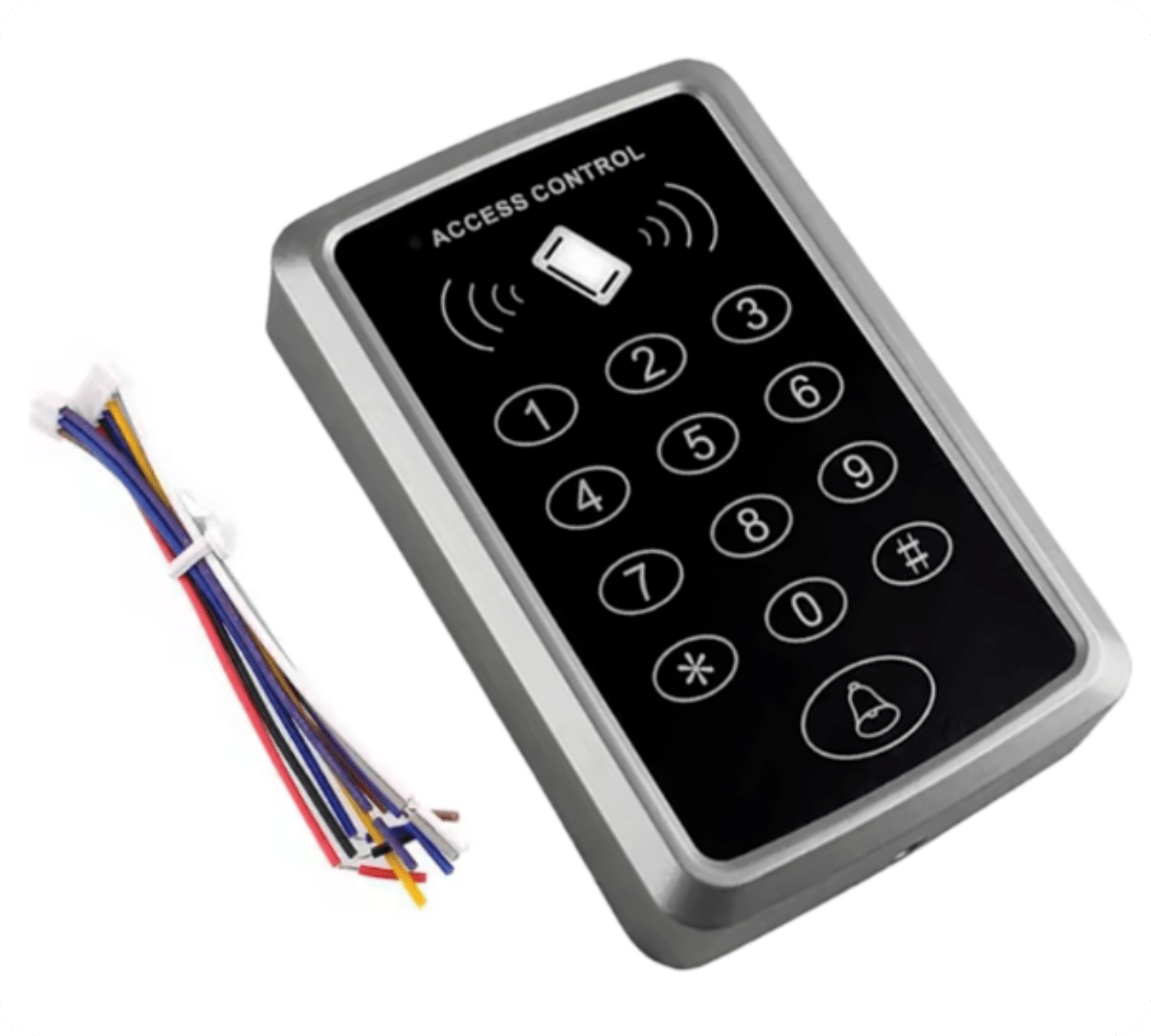
- 1x Installation cable set
- 1x User manual
The manual in Polish is available in electronic version as an attachment for download. You will find it below our product description.