
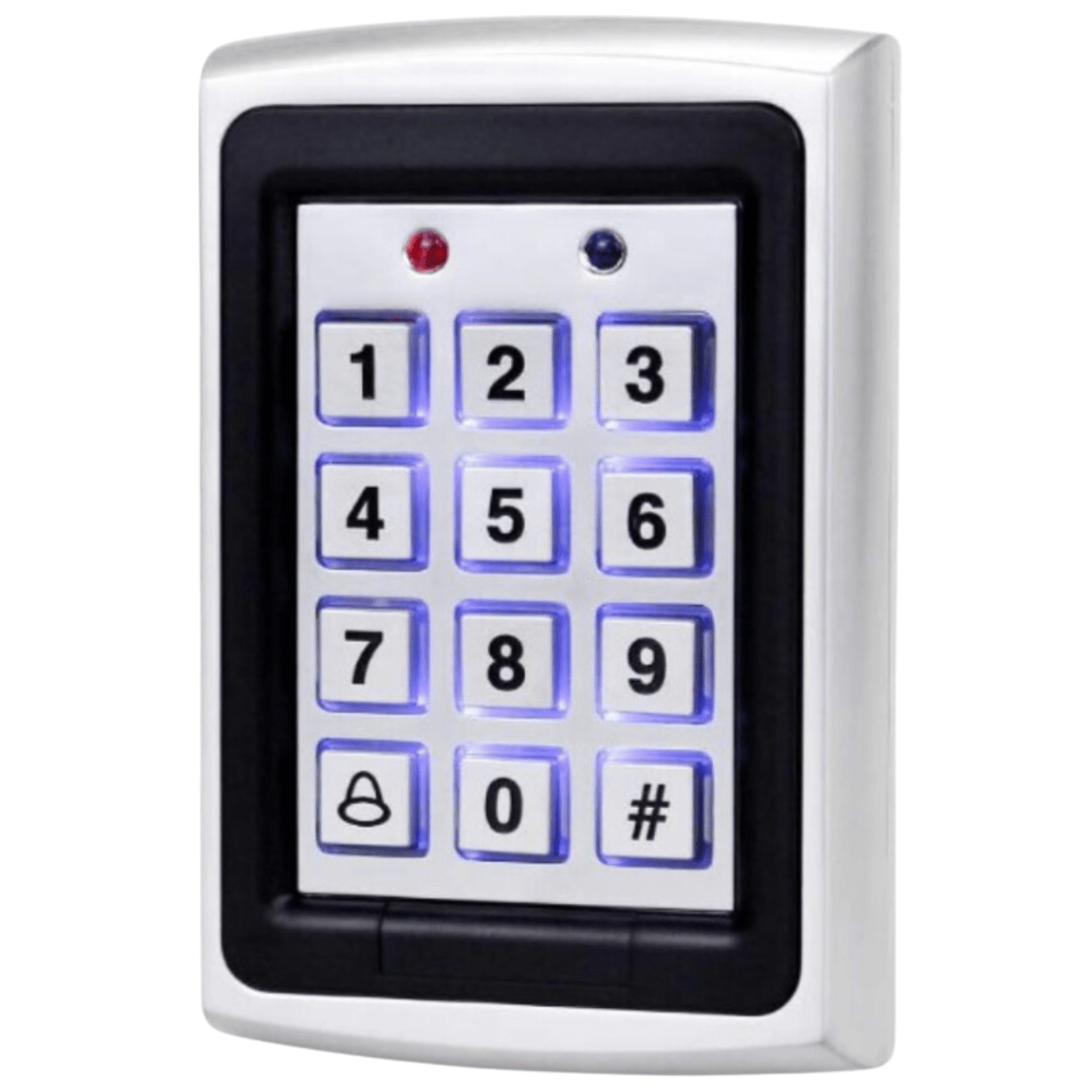
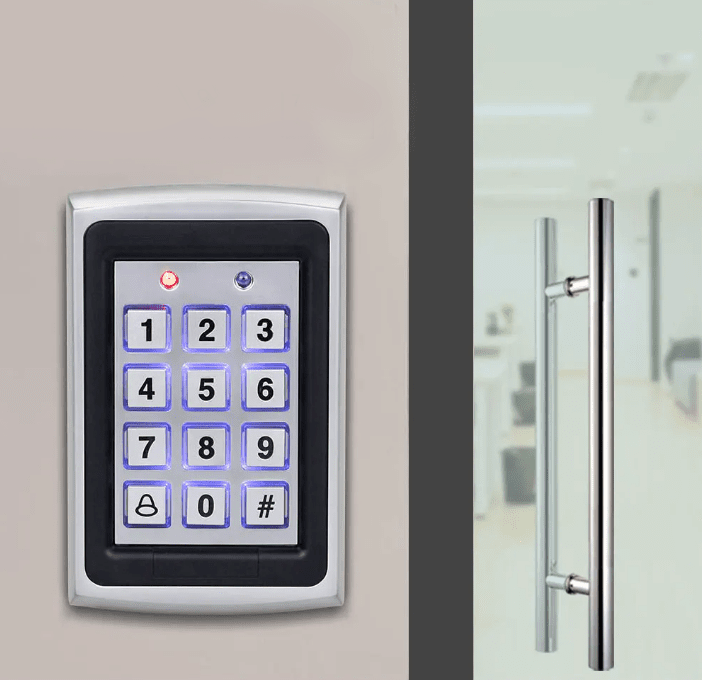
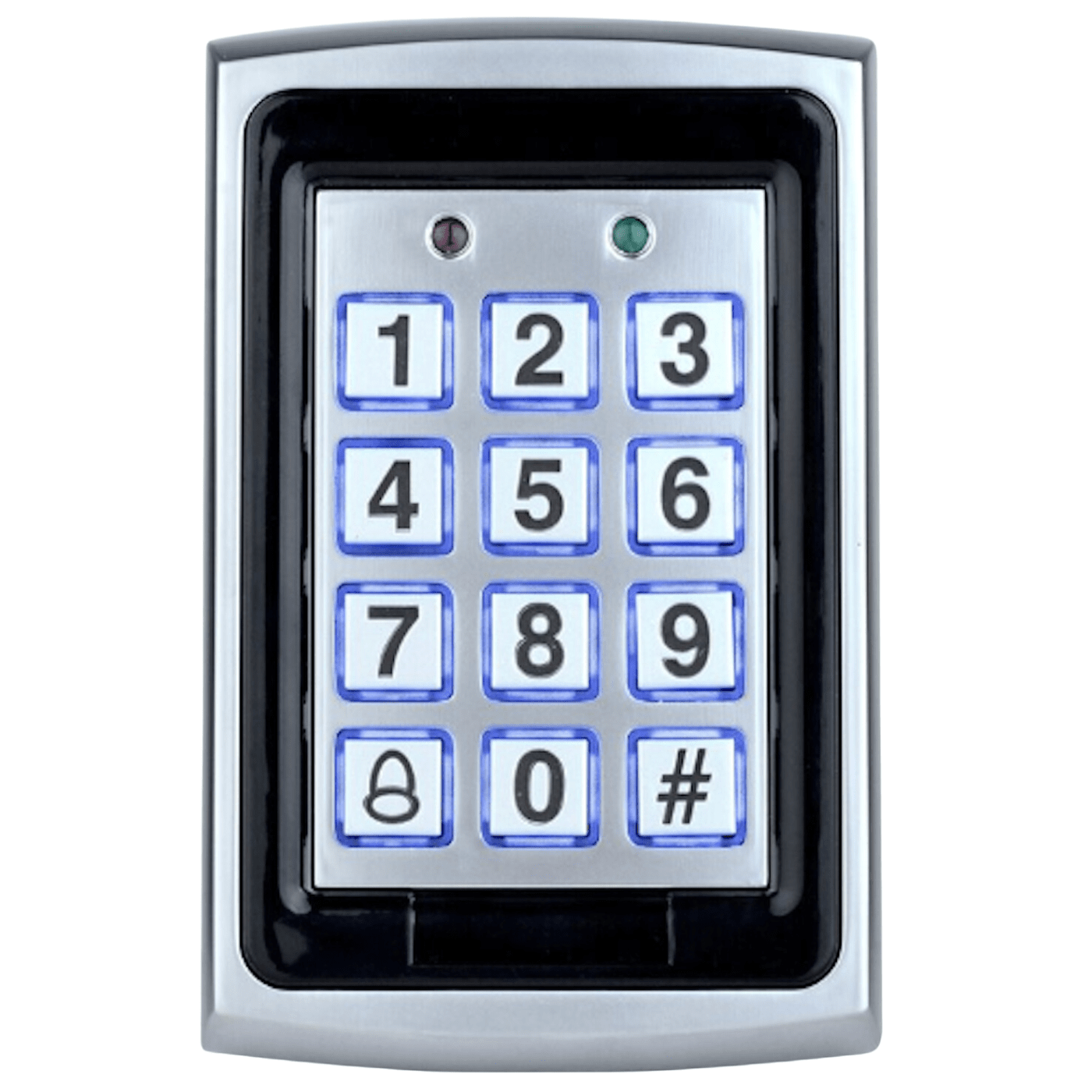
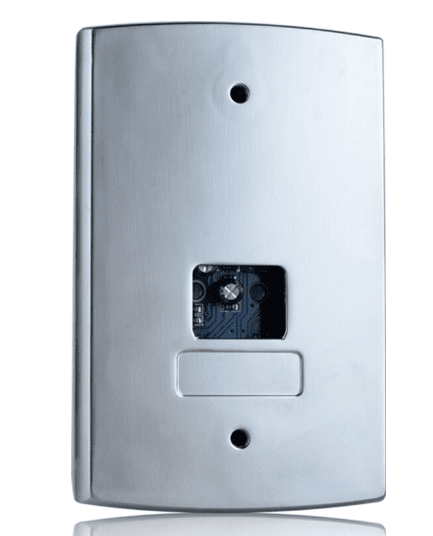
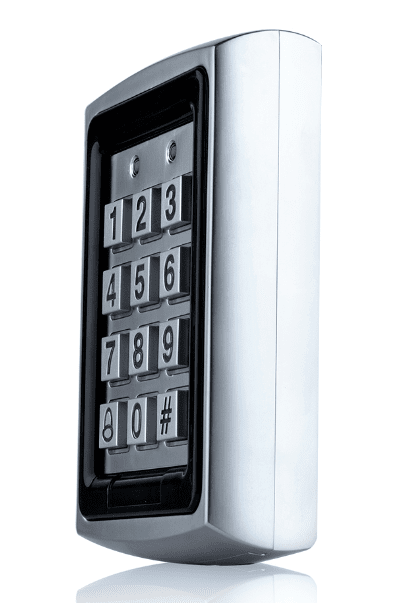
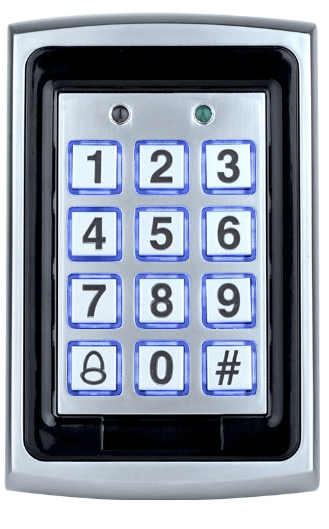

Electronic lock SA-0103


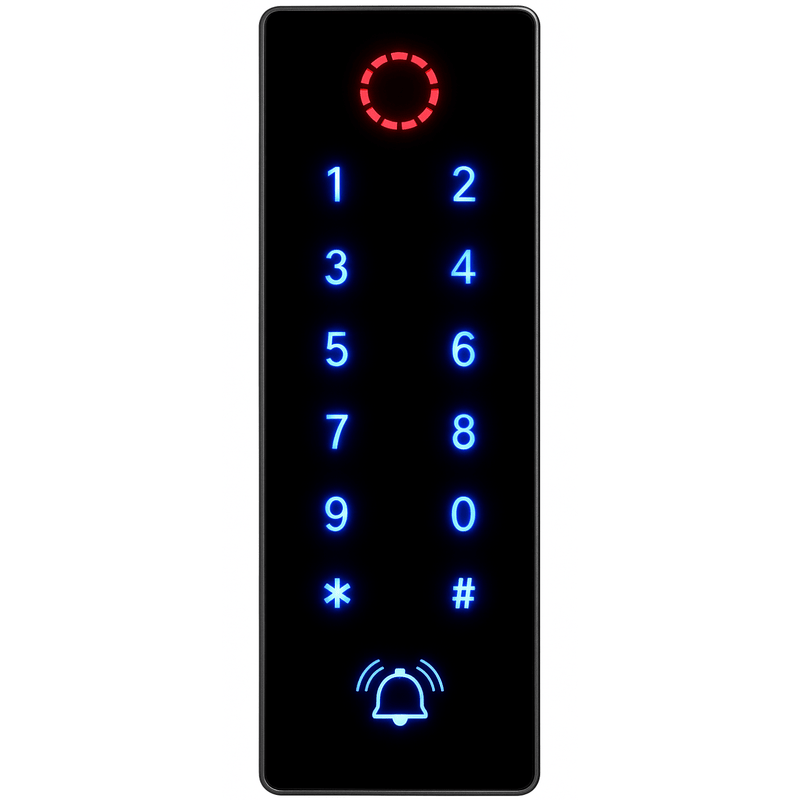





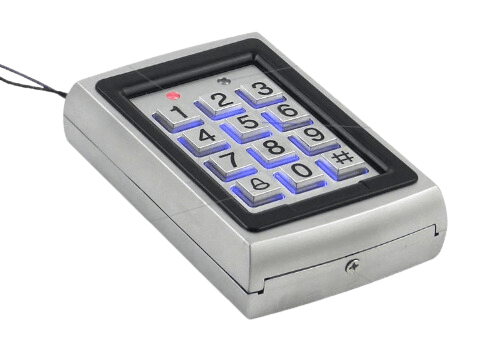
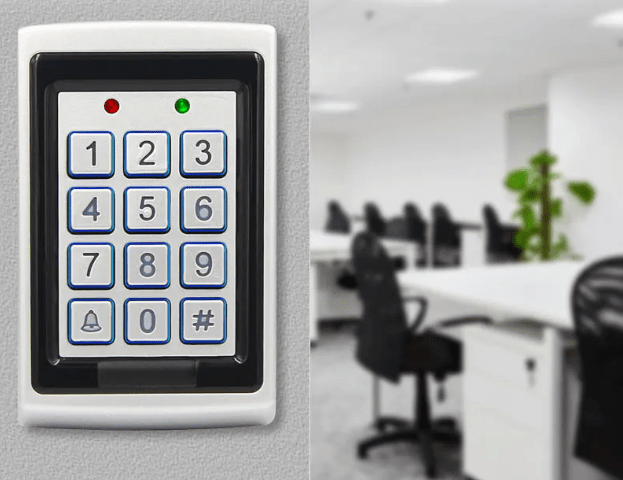
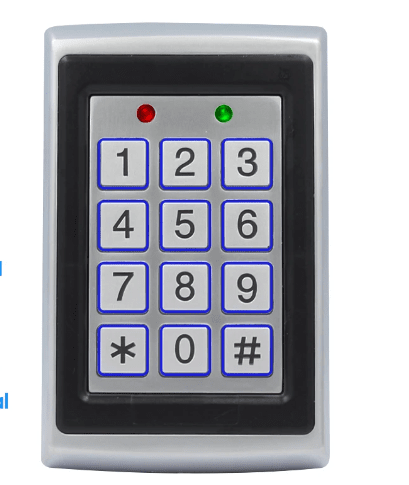
The Spreest code lock with keypad is a modern and versatile access control device that provides exceptional flexibility and ease of use. It's ideal for homes, offices, and other facilities requiring advanced security. With a variety of opening methods and easy installation, this lock will meet the expectations of even the most demanding users.

Key features
1. Versatile opening methods: Proximity card/pipettes, proximity card/pipettes and code, code only, or proximity card/pipettes only provide flexibility and convenience of use.
2. Indicators: These indicators inform the user about the lock status, errors and successful operations.
3. Easy installation: Clear instructions and a variety of connection options ensure quick and hassle-free installation.
4. Possibility to connect an external doorbell.
5. Simple commands sent to the code lock.
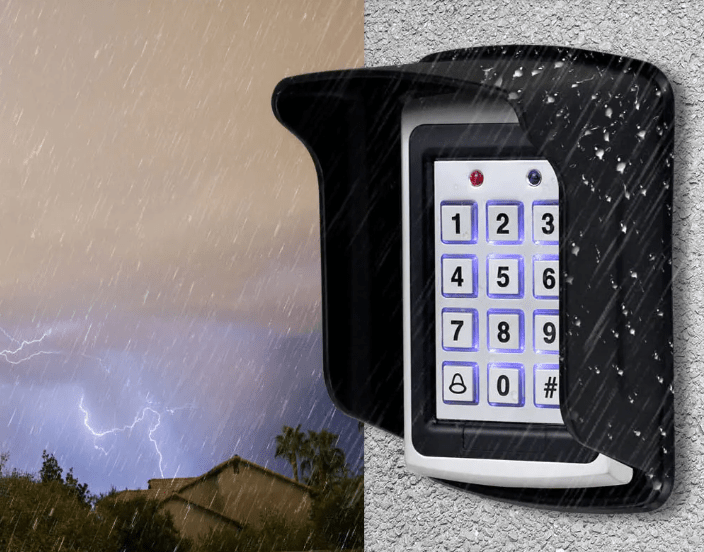
6. The waterproof encryption keypad is suitable for outdoor use after proper installation . We recommend installing a protective cover.
7. The lock can store information for up to 10,000 people, making it ideal for use in high-traffic areas such as offices, schools, and apartment complexes.
8. Lock Mode: The lock mode function allows you to temporarily lock the lock, e.g. in the event of a suspected break-in attempt or in emergency situations.
9. Tamper Alarm: The lock is equipped with a tamper alarm function that increases security and protects against unauthorized access.

The code lock offers versatility in opening methods to meet your needs and preferences:
1. Contactless card/pipettes - Quick and convenient unlocking using a contactless card or pipettes.
2. Proximity card/pipettes and code - Two solutions. This security solution requires a proximity card or pipettes, as well as entering a code. If you don't currently have a proximity card or pipette, you can enter a pre-determined code.
3. Code - Entering a unique code on the lock keypad to gain access.
Thanks to these various options, each user can choose the most suitable method of opening the lock, which increases the comfort and safety of use.

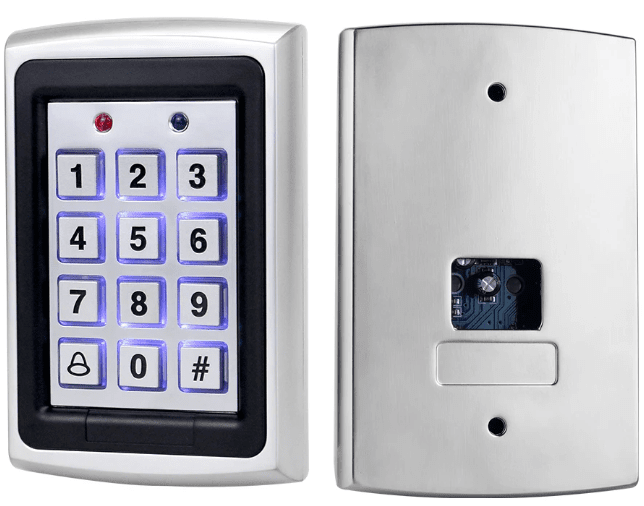
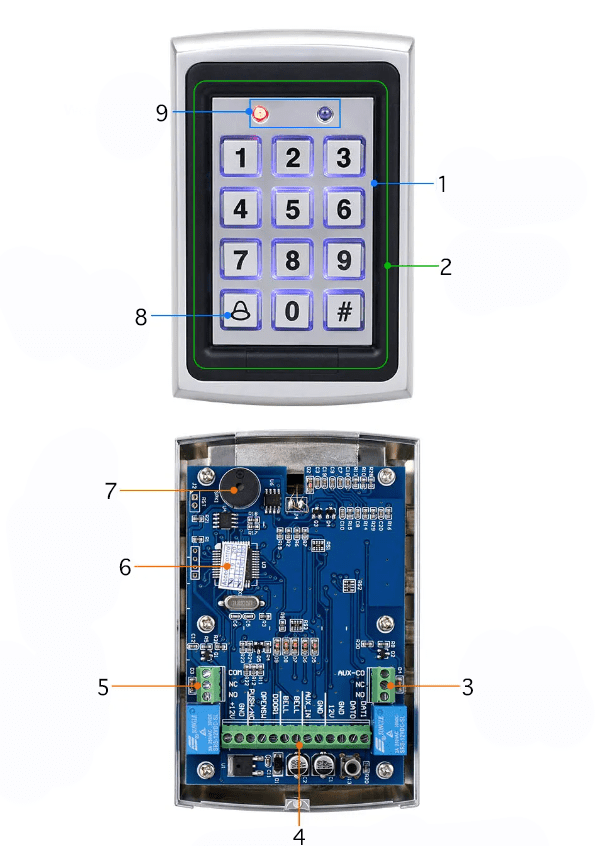
Lock components
1. Digital button: Used to enter codes and operate the lock.
2. Operation indicator: Informs about the operating status of the lock.
3. Alarm relay output: Used to connect to an alarm system.
4. Power Cable Socket: Power connection point for the lock.
5. Electric lock relay output: Used to connect an electric lock.
6. Memory chip: Stores user data and lock configurations.
7. Speaker: Plays information sounds such as beeps.
8. Doorbell Button: Allows guests to press the doorbell.
9. Card Area: The place where you should place your contactless card.

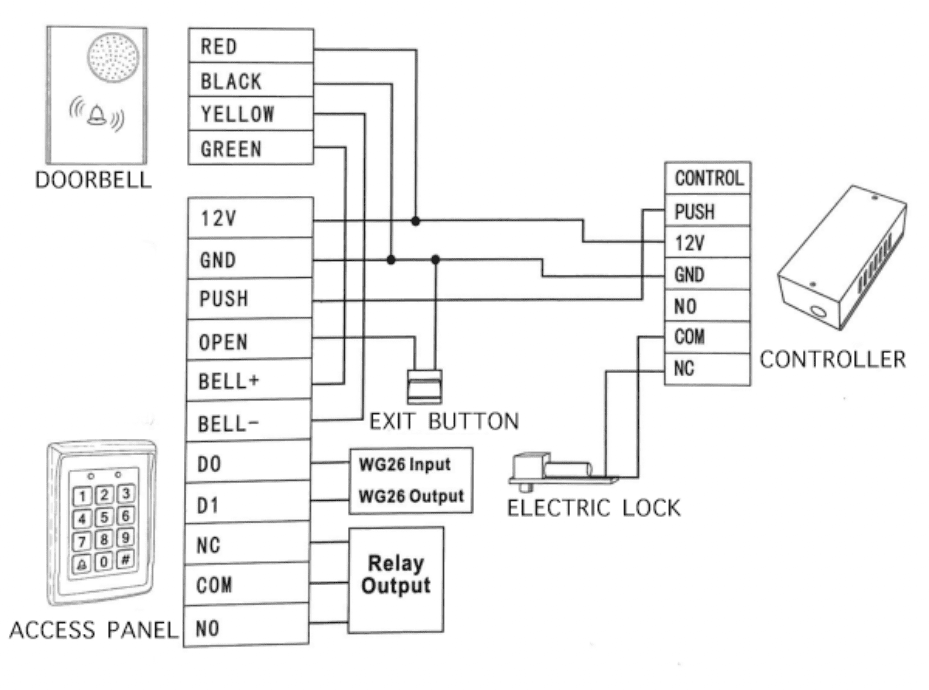
Example connection diagram
1. Doorbell:
RED, BLACK, YELLOW, GREEN - doorbell wires connected to the appropriate terminals on the access panel.
2. Access panel:
12V - 12V power supply.
GND - ground.
PUSH - exit to the exit button.
OPEN - output for remote door opening.
BELL+ and BELL- - connections to the bell, signaling an attempt to enter or exit.
D0 and D1 - inputs/outputs for integration with other access control systems.
NC (Normally Closed), COM (Common), NO (Normally Open) - terminals for the electric lock. COM is the common connection for the lock circuit, NO and NC are terminals that control the lock's state (open or closed).
WG26 Input and WG26 Output - inputs/outputs for RFID card readers or other identification devices using the Wiegand protocol.
3. Exit button:
Connection to the PUSH terminal on the access panel and the corresponding terminal on the controller.
4. Electric lock:
Connected to the COM and NO terminals on the controller and to the corresponding terminals on the access panel.
5. Controller:
PUSH - exit to the exit button.
12V - 12V power supply.
GND - ground.
NO (Normally Open), COM (Common), NC (Normally Closed) - outputs to the electric lock.

Technical specifications
- Operating voltage: DC 12V
- Standby current: ≤40mA
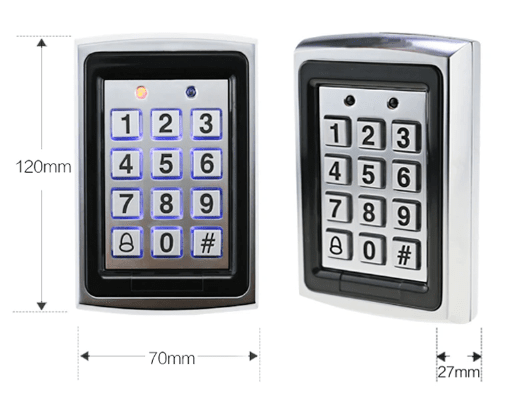
- Dimensions: 120 x 70 x 27mm
- Working current: ≤100mA
- Door Opening Mode: Card, Password, Card or Password, Card + Password
- Card type: 125KHz ID Card
- Management Card: One add card and one remove card
- User capacity: 10,000
- Input/Output Format: WG26/WG34

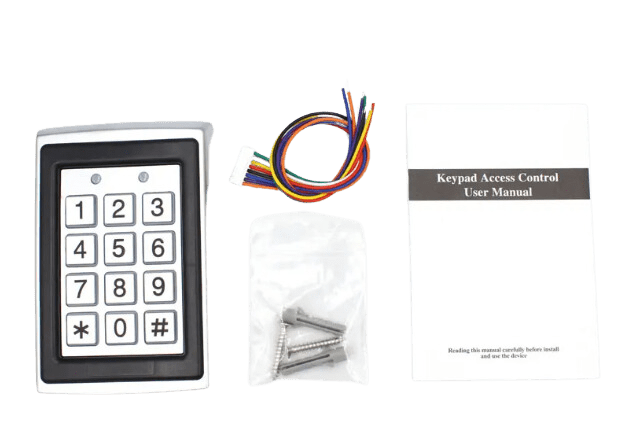
The set includes
- Code lock B02
- Mounting accessories
- Set of installation cables
- User manual
The Polish manual is available as an electronic download in the attachment. You'll find it below our product description .
Here are some of the most interesting functions (commands) described in the manual:
Administrative Mode
Change programming password
- Operations: # Programming Password # 00 New Password # repeat new password #
- Instructions: The default password is 123456. If you forget the password, you can restore the default password by pressing the door button and turning on the power after a power failure.
Set user card
- Operations: # Programming Password # 01 read card
- Instructions: Add users using a card. Only one user card can be set.
Set admin card
- Operations: # Programming Password # 02 read card
- Instructions: Only one administrator card can be set or deleted using an administrator card.
Working Mode
All-in-one mode
- Operations: # Programming Password # 03 1 #
- Instructions: Set the machine to all-in-one mode (default mode) by switching Wigan mode to entry mode.
Reader Output Output Mode
- Operations: # Programming Password # 03 2 #
- Instructions: Set the machine to Reader Output Mode and Wigan Output Mode.
Normal door opening mode
- Operations: # Programming Password # 03 3 #
- Instructions: Set the machine to electric mode, press a valid card, or enter a valid password to permanently open the door. To close the door, press a valid card again or enter a valid password.
Automatic user addition
- Operations: # Programming Password # 03 4 #
- Instructions: Set the machine to auto-add user mode, swipe any user card, add user and open the door at the same time.
Passwords and other settings
Set a public password to open the door
- Operations: # Programming Password # 04 3-6 digit password #
- Instructions: Set a public password to open the door.
Change user password
- Operations: # Programming Password # 05 3-6 digit password or swipe card #
- Instructions: Set a suitable password for each cardholder that is the same as the public password.
Set the input and output format of the card reader
- Operations: # Programming Password # 06 XX #
- Instructions: Set Wigan input and output format, XX can be 26 or 34, format as WG26 or WG34.
Restore factory settings
- Operations: # Programming Password # 09 9999 #
- Instructions: Restore default settings, remove public password, do not change programming password.
Adding users
Add user card
- Operations: # Programming Password # 10 1 read card #
- Instructions: Continuous card scanning, adding card users, automatic number, range number 0000-9999.
Add user password
- Operations: # Programming Password # 102 3-6 digit new password #
- Instructions: Enter passwords continuously, increase number of user passwords, no card number assigned, automatic number, number range 0000-9999.
Deleting users
Remove all users
- Operations: # Programming Password # 30 0 0000 #
- Instructions: Delete all users, do not delete the public door opening password.
Delete card user
- Operations: # Programming Password # 30 1 Swipe Card #
- Instructions: Swipe the card to remove the corresponding user.
Delete user password
- Operations: # Programming Password # 30 2 User Password #
- Instructions: Delete user password, delete the corresponding user password.
Other functions
Disable password security feature
- Operations: # Programming Password # 50 1 #
- Instructions: Disable the password security feature (default setting).
Enable password security feature
- Operations: # Programming Password # 50 2 #
- Instructions: Enable the password security function, enable the password security function, password entry error more than 10 times, locked for 5 minutes, the key does not work, the card can be swiped.
Disable the anti-tamper alarm function
- Operations: # Programming Password # 50 3 #
- Instructions: Disable the tamper alarm function (default setting).
Enable the anti-tamper alarm function
- Operations: # Programming Password # 50 4 #
- Instructions: When the back cover is opened, the alarm will sound continuously and the machine will not work.
Keyboard light
Always off button
- Operations: # Programming Password # 60 1 #
- Instructions: Keyboard light off mode.
Always on button
- Operations: # Programming Password # 60 2 #
- Instructions: Keyboard light on mode.
Keyboard light delay
- Operations: # Programming Password # 60 3 #
- Instructions: Keyboard light automatic mode, no operation, 5 seconds off (default setting).