

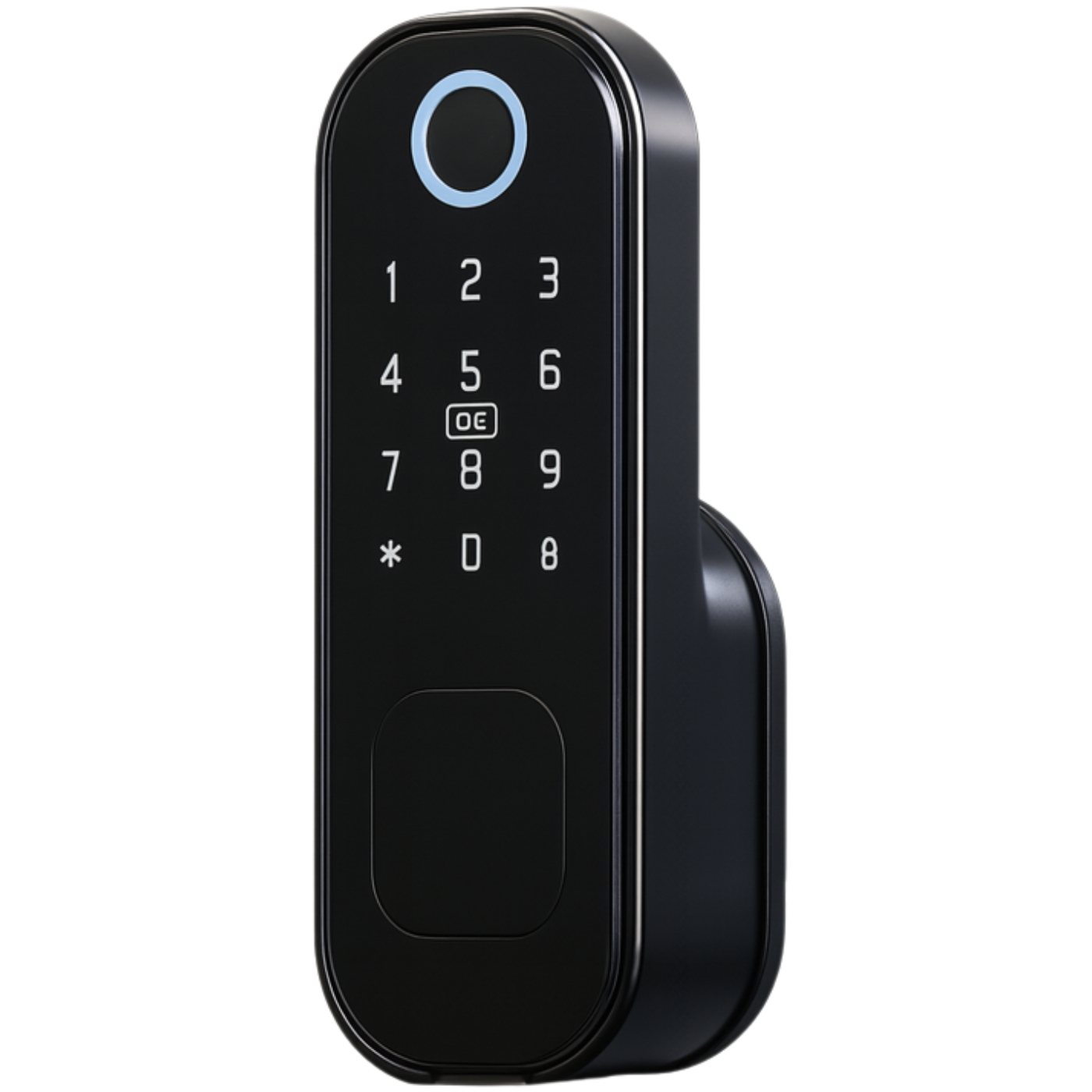

Electronic rim lock iFinger-S TTLock
Lowest price in the 30 days before the discount: 439,99 zł
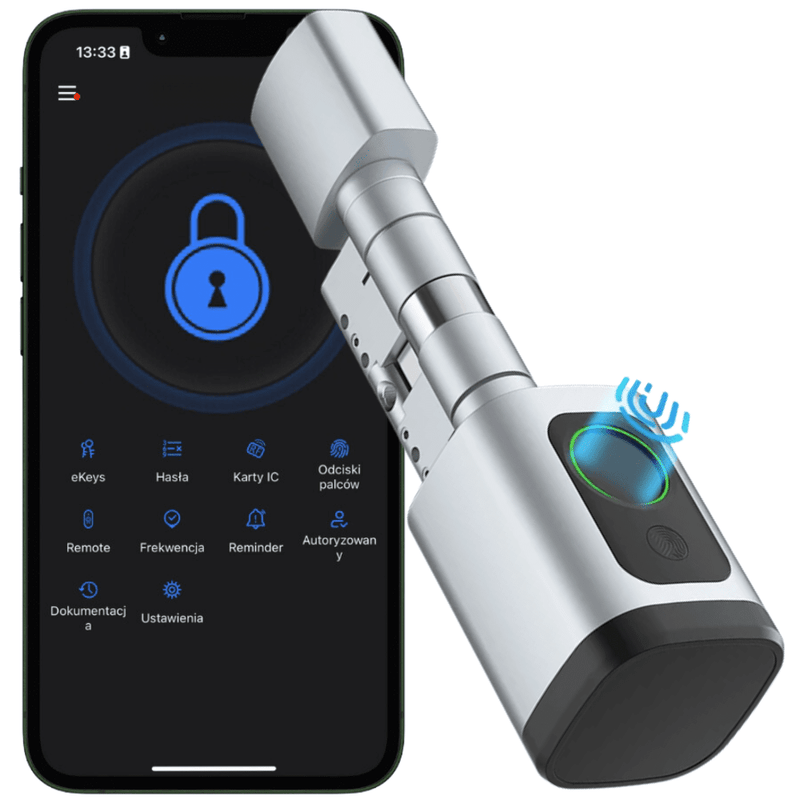
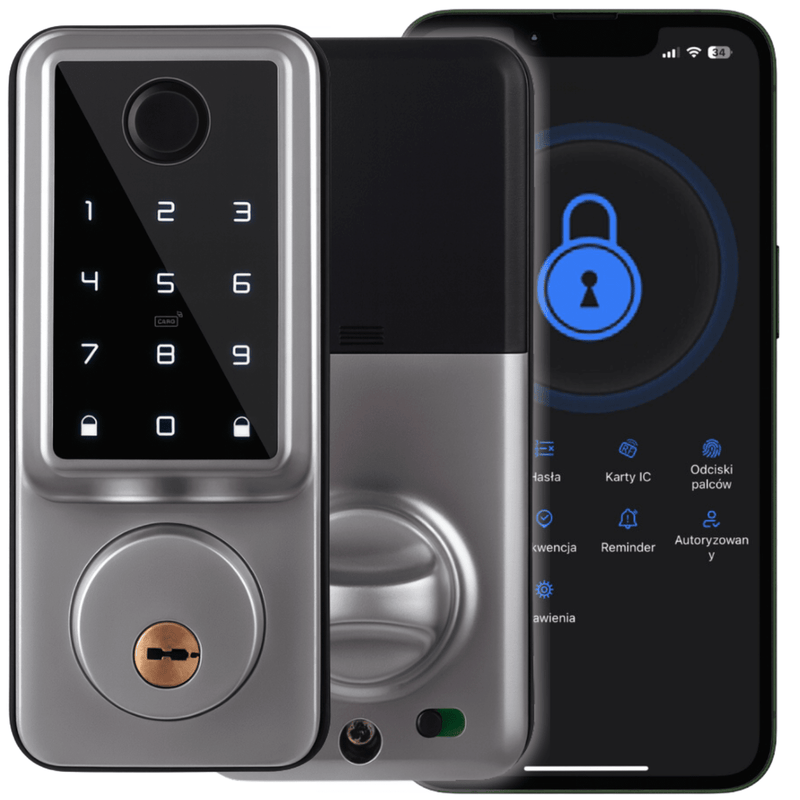
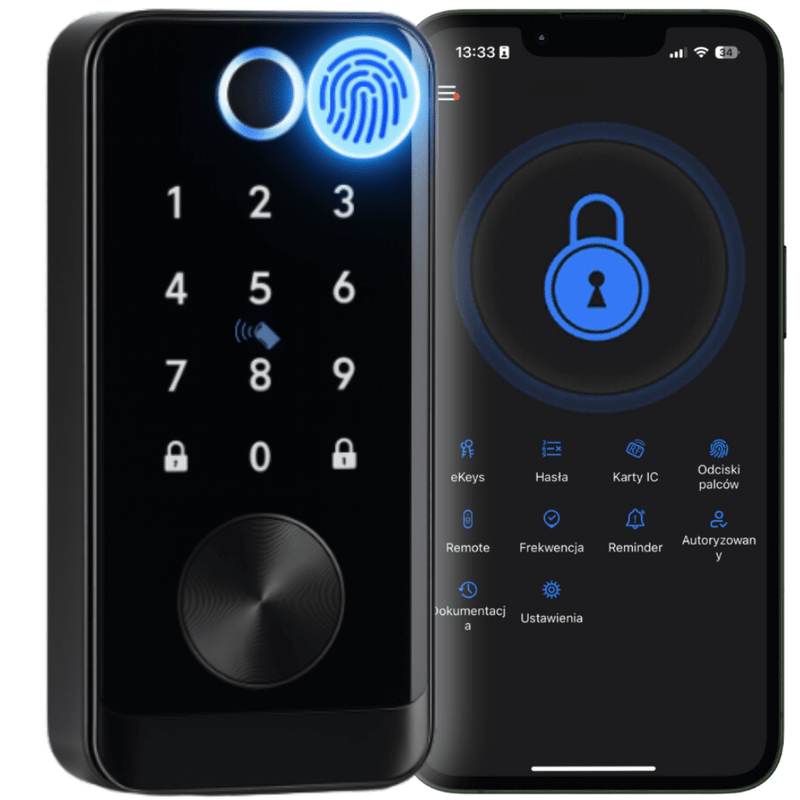
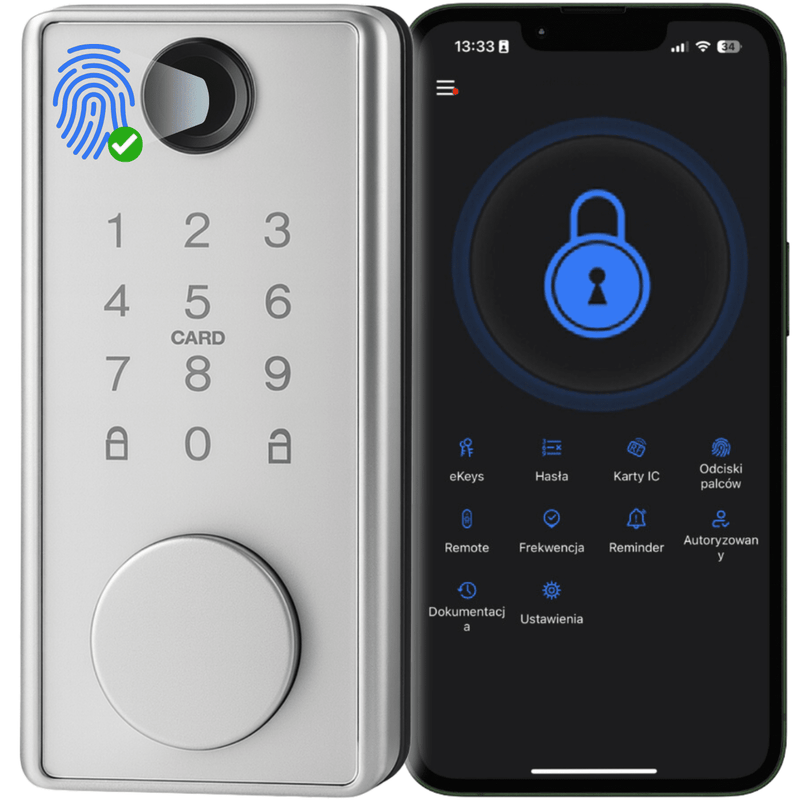




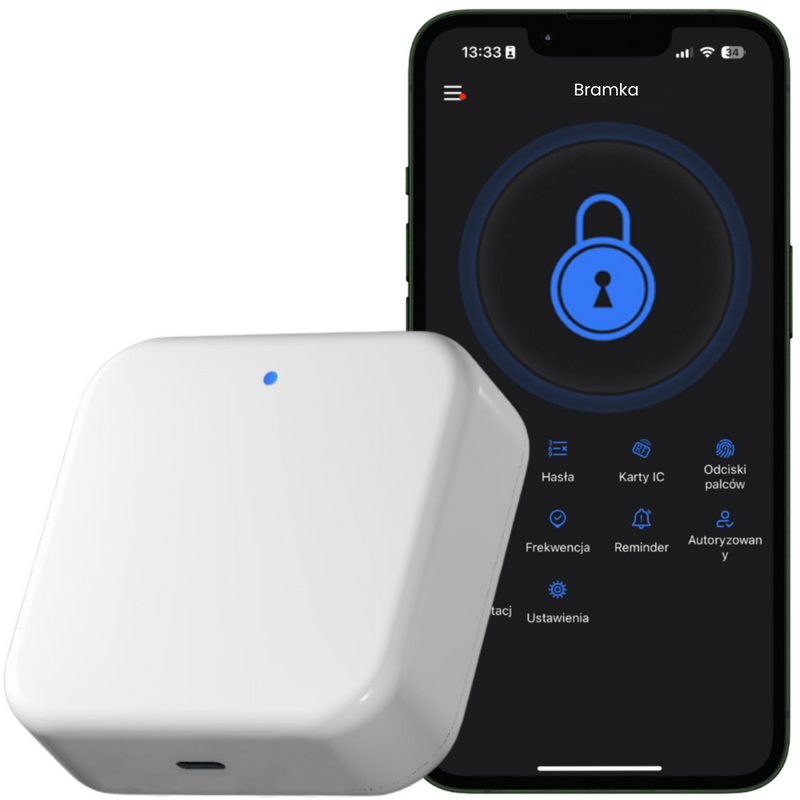
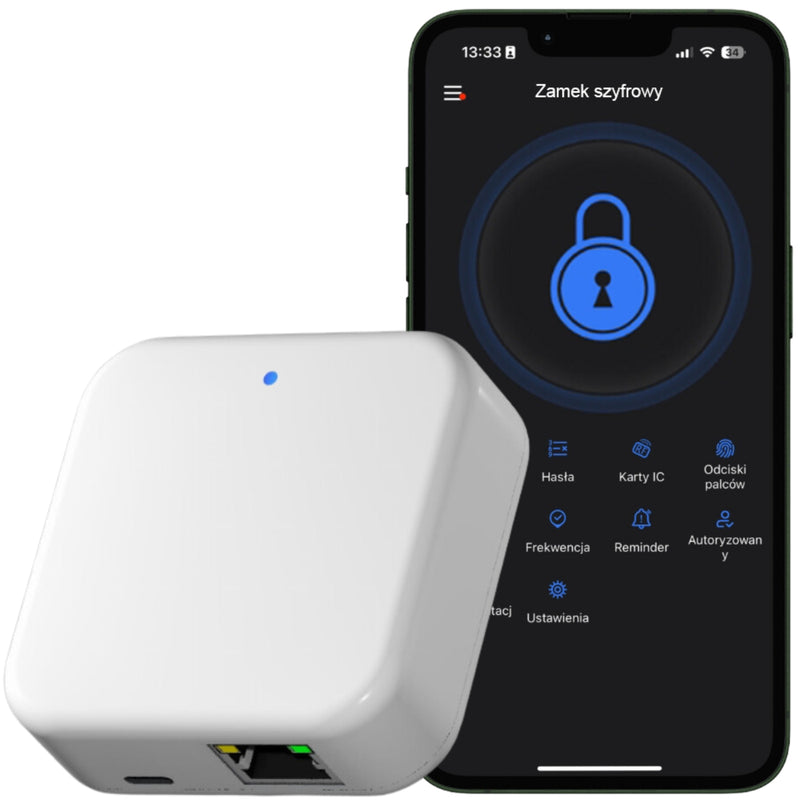


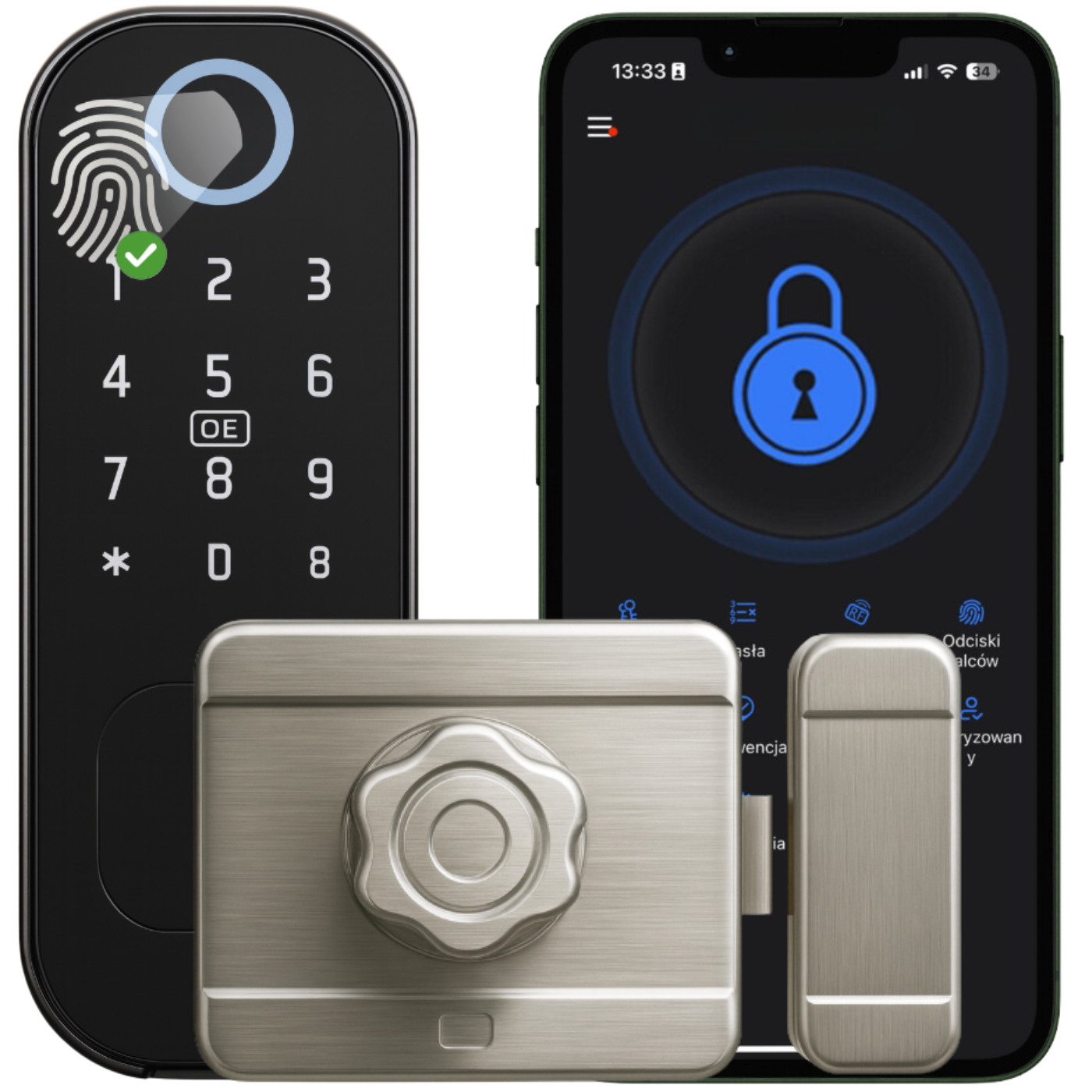
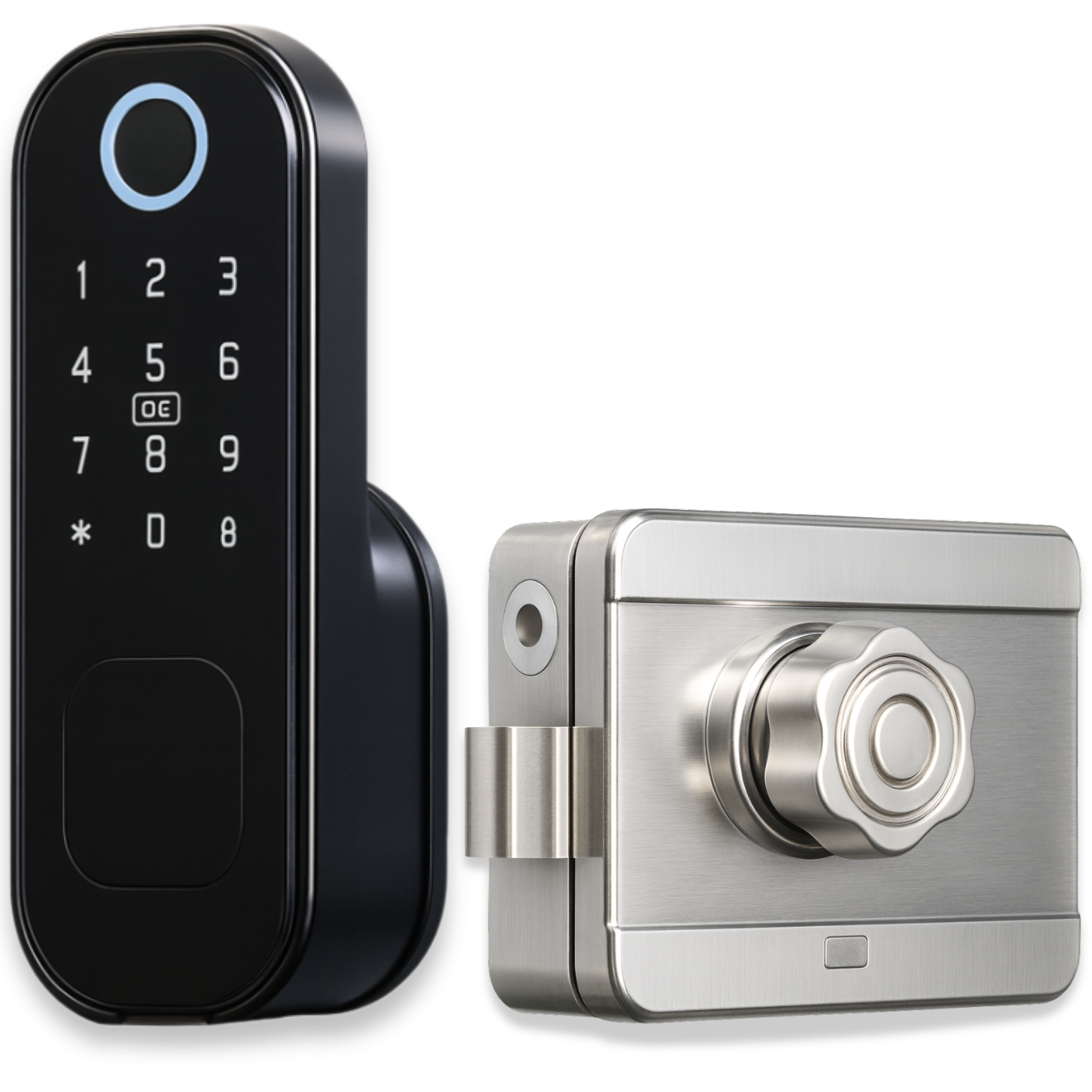
The Spreest iFinger-S TTLock electronic lock is a modern and convenient solution that turns any ordinary door into a smart access point in moments. Keyless opening – using a code, card, fingerprint, or e-key in the app – makes using the lock quick, intuitive, and secure .
Create one-time codes for guests , grant temporary access to cleaning crews, or use automatic locking when the door is closed.
The lock is perfect for short-term rentals (e.g. Airbnb), self-check-in hotels, offices or warehouses , where remote access at specific times significantly simplifies space management.
Automatic locking after slamming eliminates the risk of leaving the door open— the lock only locks when both elements are in the correct position , which is monitored by a magnetic sensor. Built-in memory allows you to store up to 200 cards, 200 fingerprints, 200 PIN codes, and an unlimited number of e-keys in the app . The lock also works offline , ensuring data security and uninterrupted access.
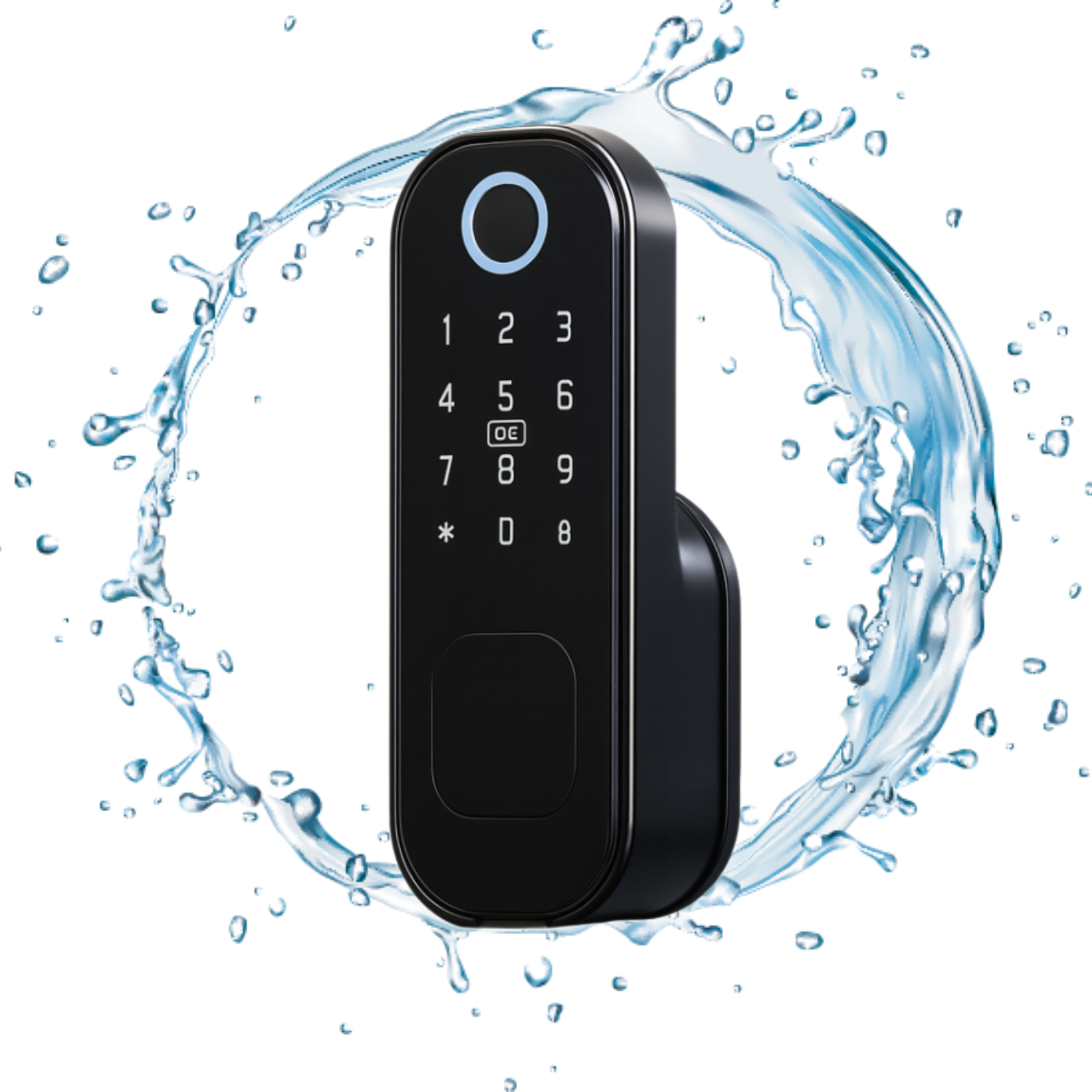
The IP54 rated external panel provides resistance to rain and dust, so the device can also be successfully installed in external doors.
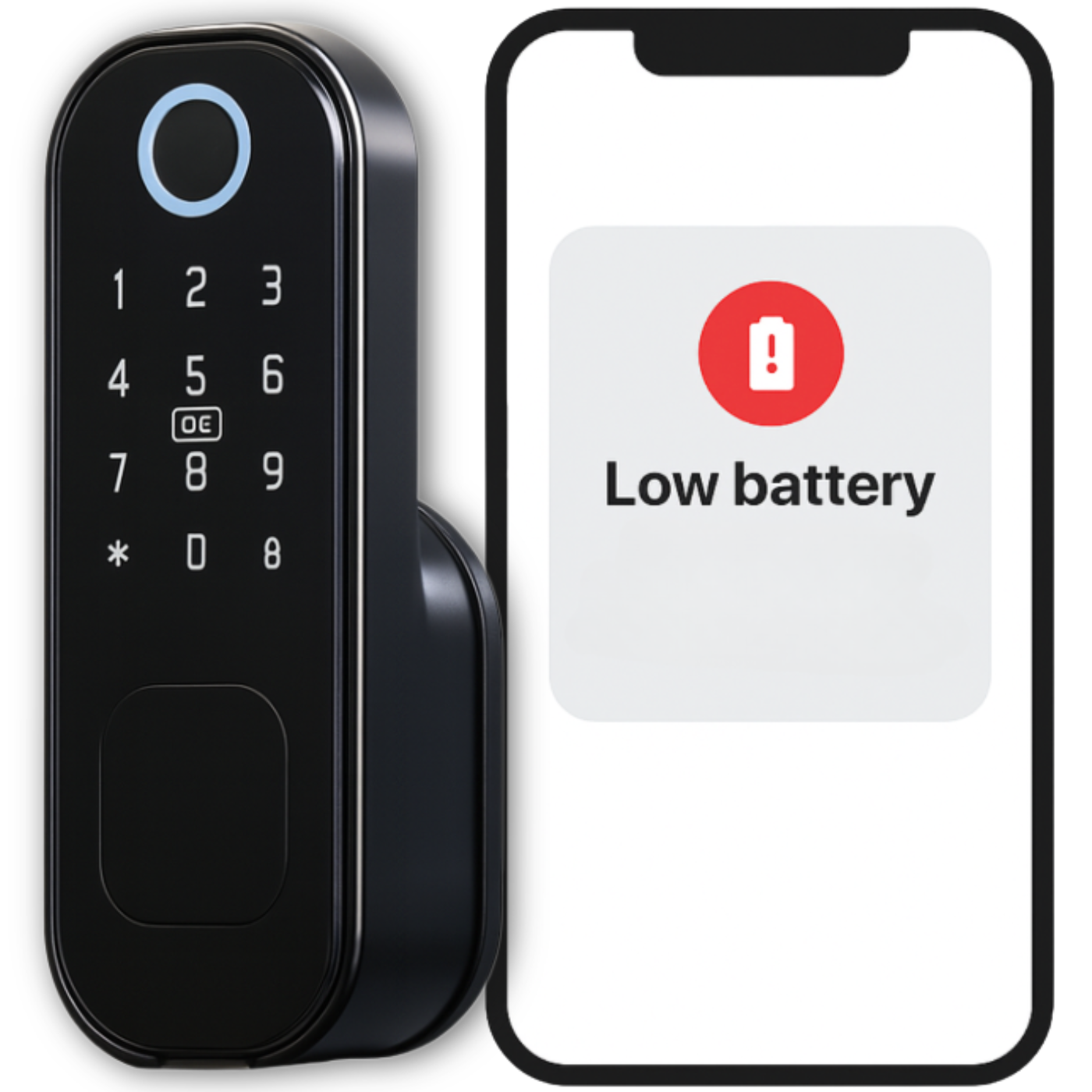
The battery power lasts for approximately 12 months of operation, and the system automatically notifies you when the battery level is low .
The insert fits left and right doors with a thickness of 35–70 mm , made of wood, steel or aluminum.
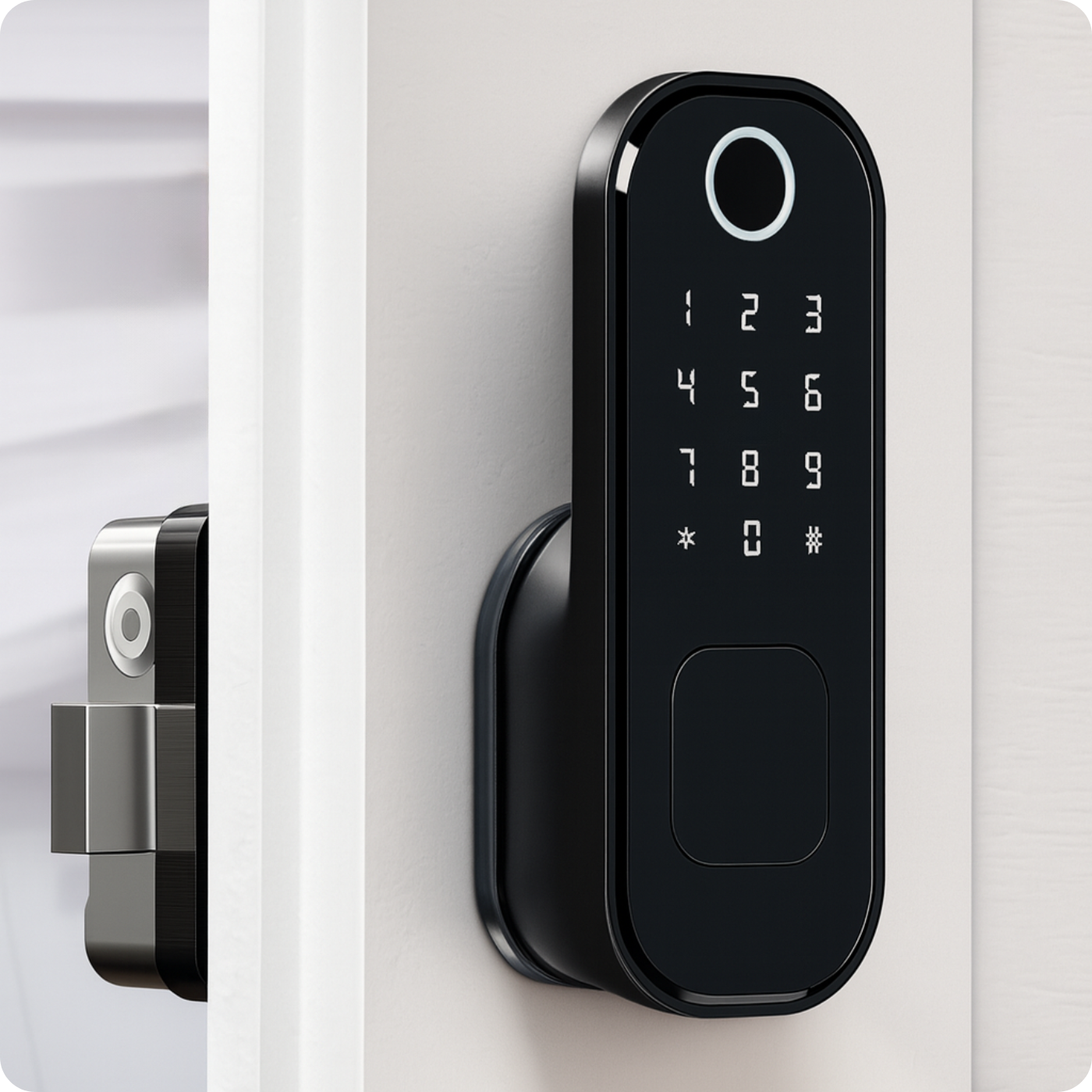
Opening methods
- Fingerprint – quick entry thanks to fingerprint recognition.
- Mechanical key – a classic emergency option when the batteries are dead.
- Contactless card or key fob – just place it on the reader and you’re done.
- PIN code – enter your own code and enter without keys.
- Bluetooth and app – the lock opens with one click on your phone.
Automatic closing after slamming eliminates the risk of leaving the door open - the lock only locks when both elements are in the correct position , which is controlled by a magnetic sensor.
Application capabilities
- Remote control – open and configure the lock from anywhere (gateway required), without a gateway within Bluetooth range.
- Automatic locking – set the time after which the lock will close itself.
- Alerts and event log – push notifications + full opening history.
- Code profiles and eKeys – permanent, temporary, cyclical or one-time guest access.
- Card, remote and fingerprint support – add and manage in just a few clicks.
- OTA updates – wireless firmware updates.
- Voice integration – commands via Amazon Alexa and Google Assistant.
- Silent Mode – Mute lock beeps when you need silence.
Additional features for businesses
- Integration with Booking, Airbnb, Hotres – automatic assignment of codes for online bookings.
- Multi-location panel – manage multiple locks and objects in one application.
- Roles and permissions – create groups (administrator, reception, service) with different levels of access.
- Work schedules – define office opening hours and grant access only at specific times.
- Attendance reports – export check-in/check-out reports (late arrivals, early departures).
- Lock “freeze” – temporary deactivation of all electronic opening methods (e.g. alarm).
- Bulk addition of users – importing a list of employees or tenants from a CSV file.
- Wi-Fi gateway → multiple locks – economical expansion of the system in a large facility.
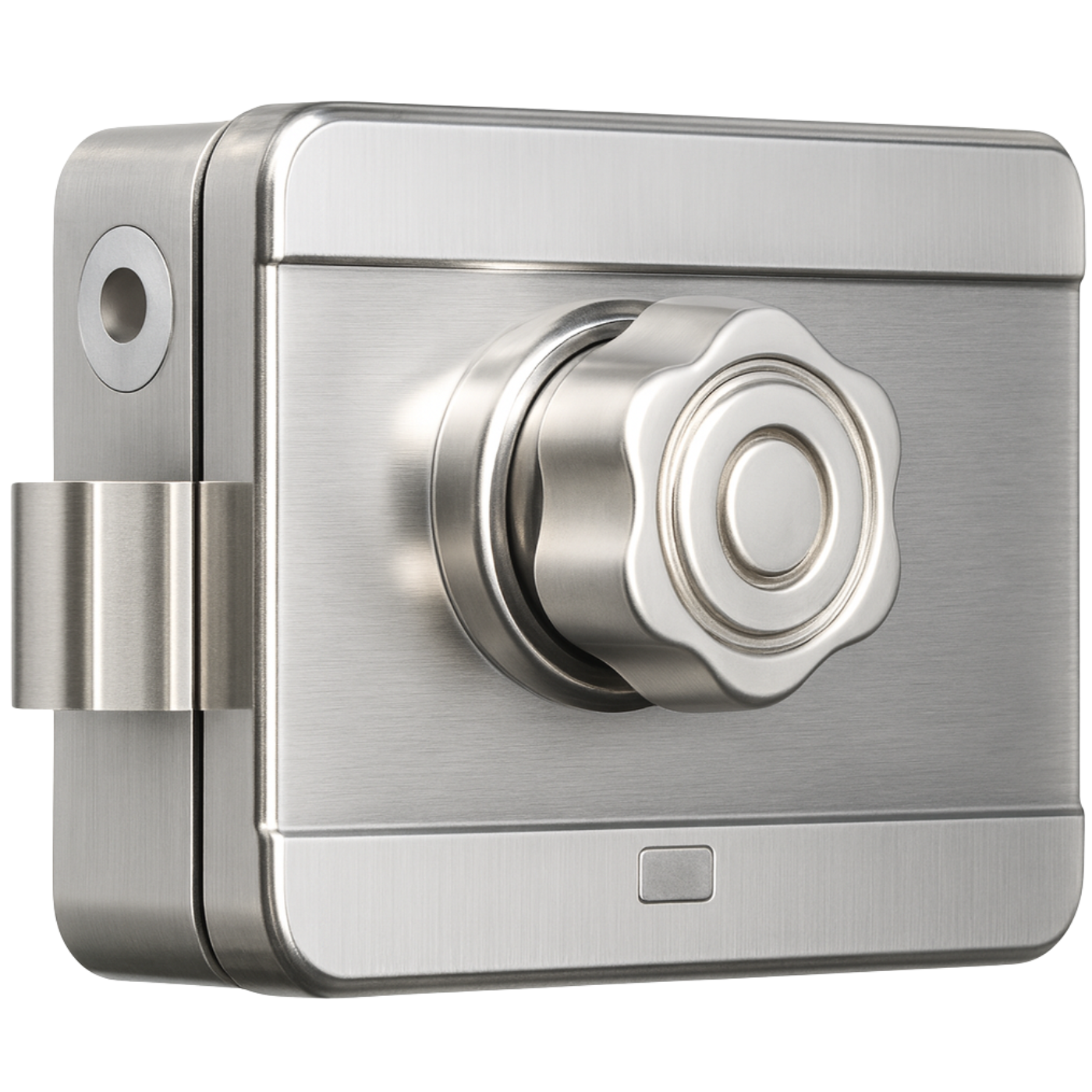
Installation
You can install the lock yourself—installation is quick and requires no specialized tools. The device fits most doors 35–70 mm thick , both left- and right-handed , made of wood, steel, or aluminum.
The set includes sets of screws and spacers , adapted to different door thicknesses.
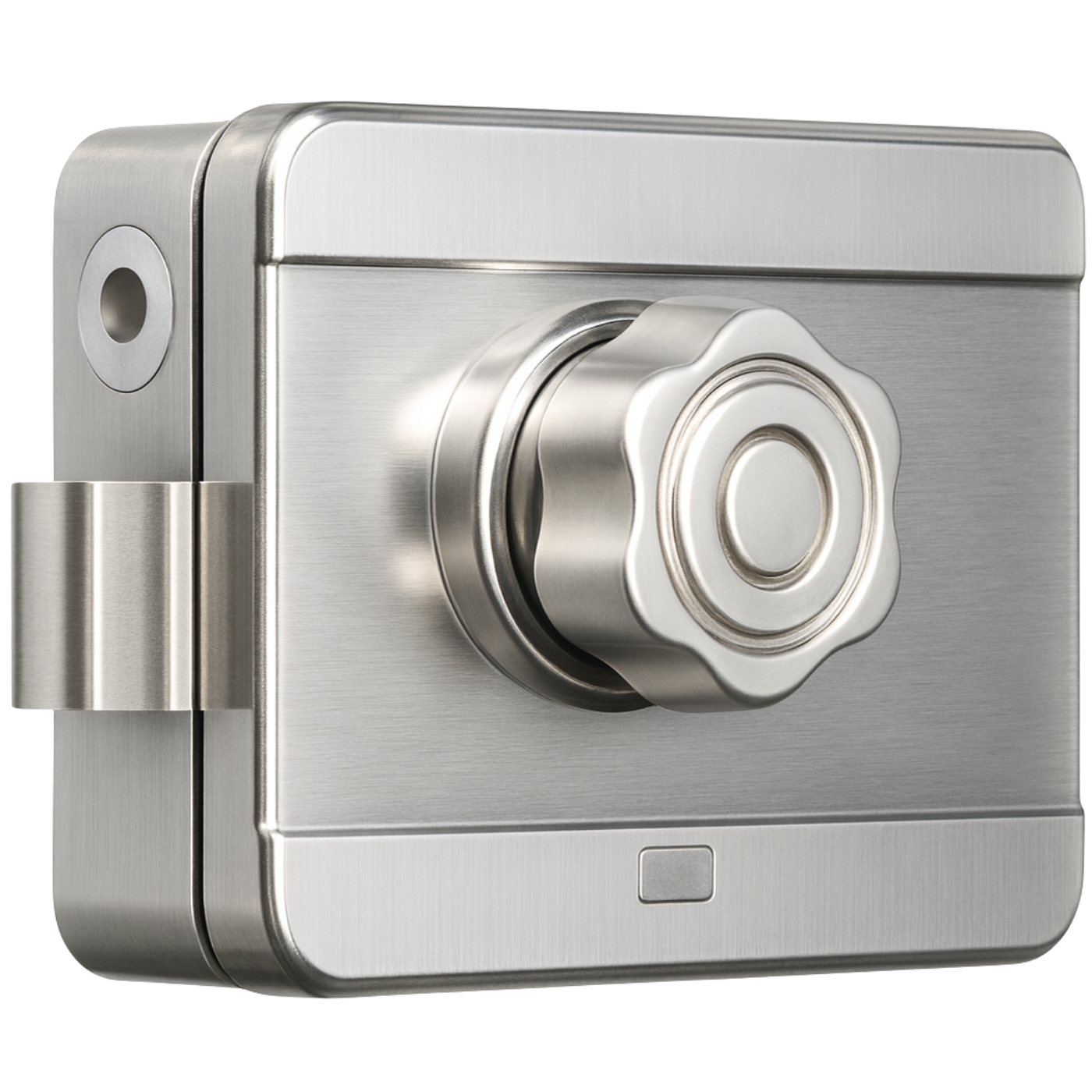
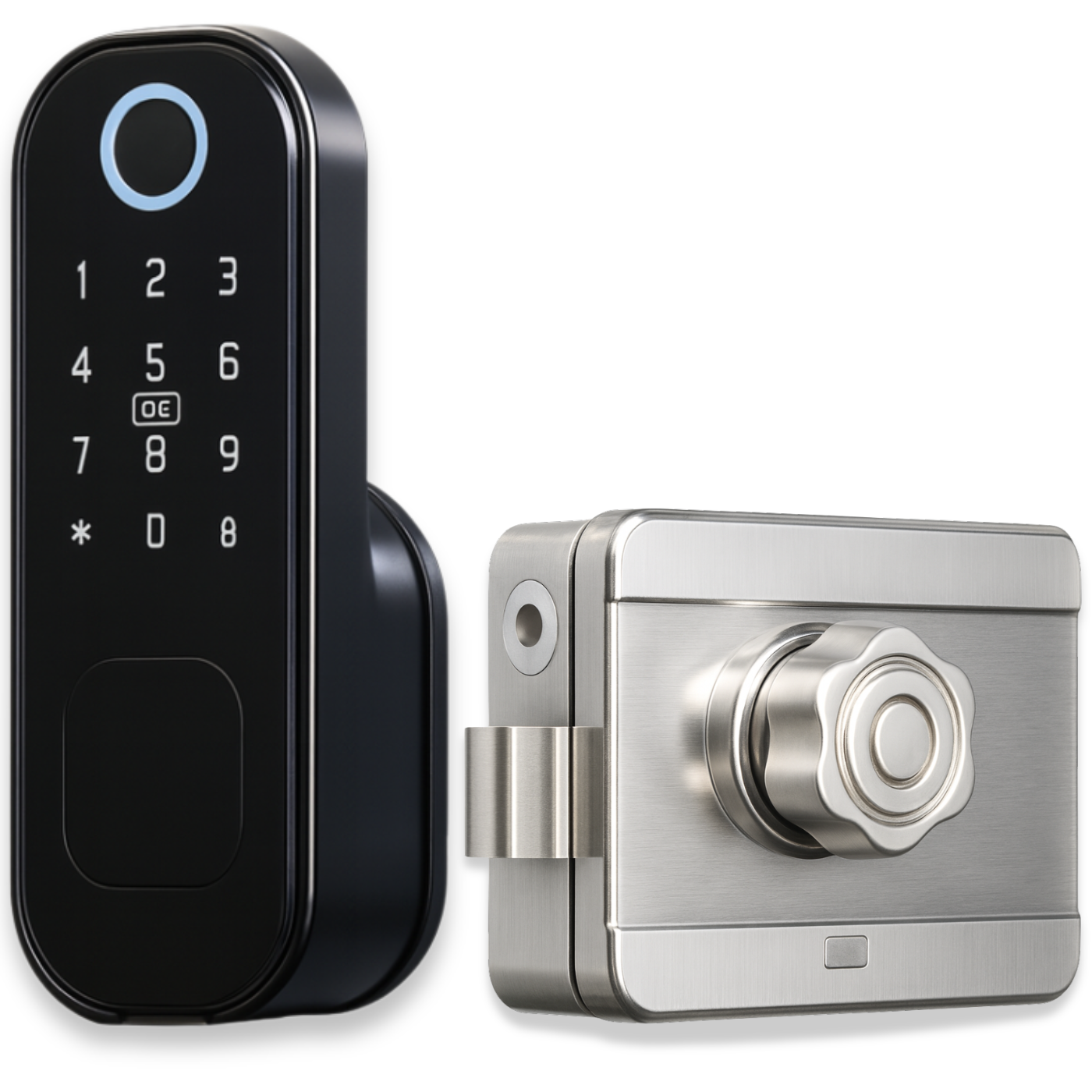
You install the silver lock from the inside of the door , screwing it to the surface with the included screws. You mount the second element on the door frame so that the bolt fits snugly into the lock and the door closes without resistance. When you open the lock from the outside, the lock automatically locks when the door is closed and in the appropriate position.
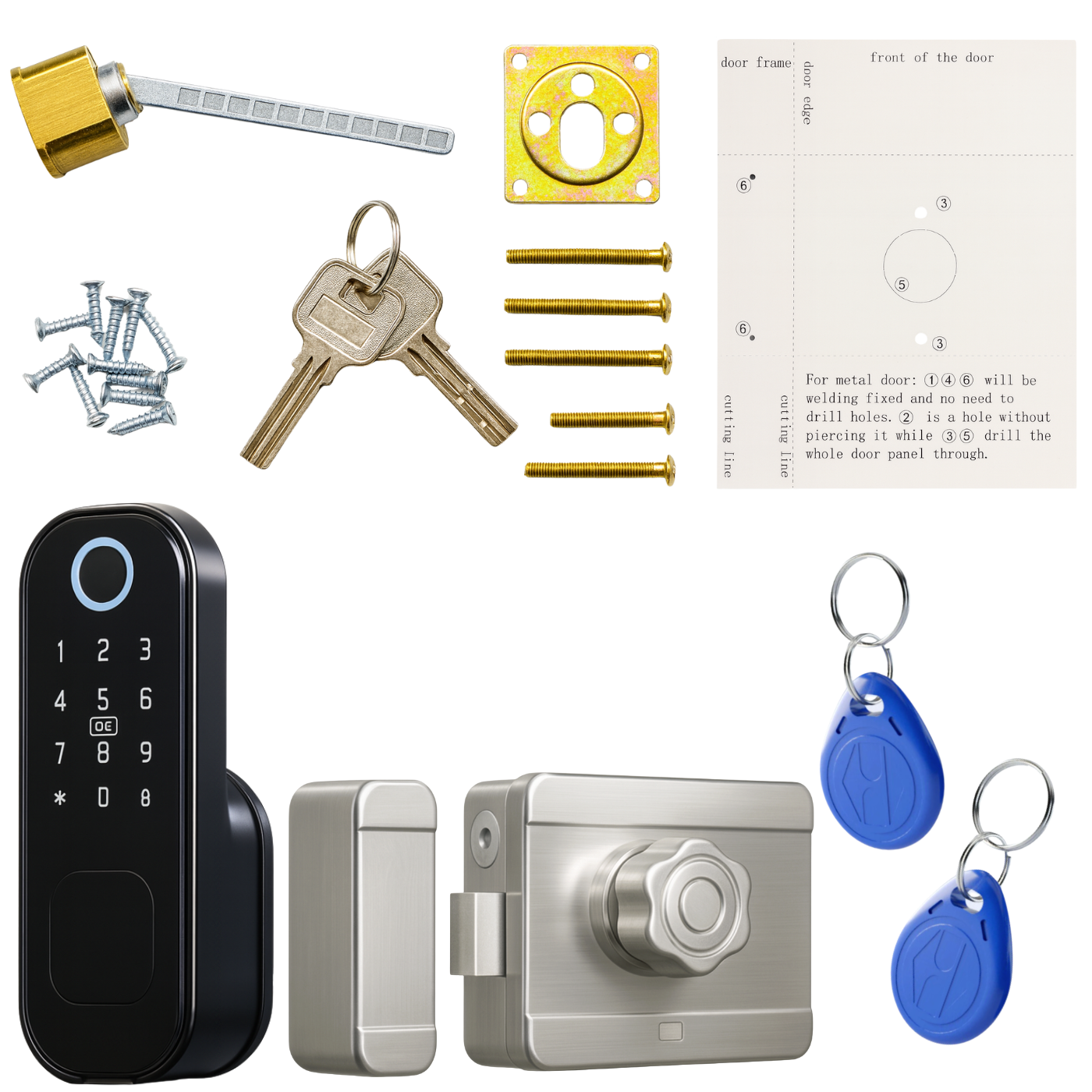
If the door does not have pre-prepared holes, the kit includes a drilling template that will help you drill them correctly and precisely.
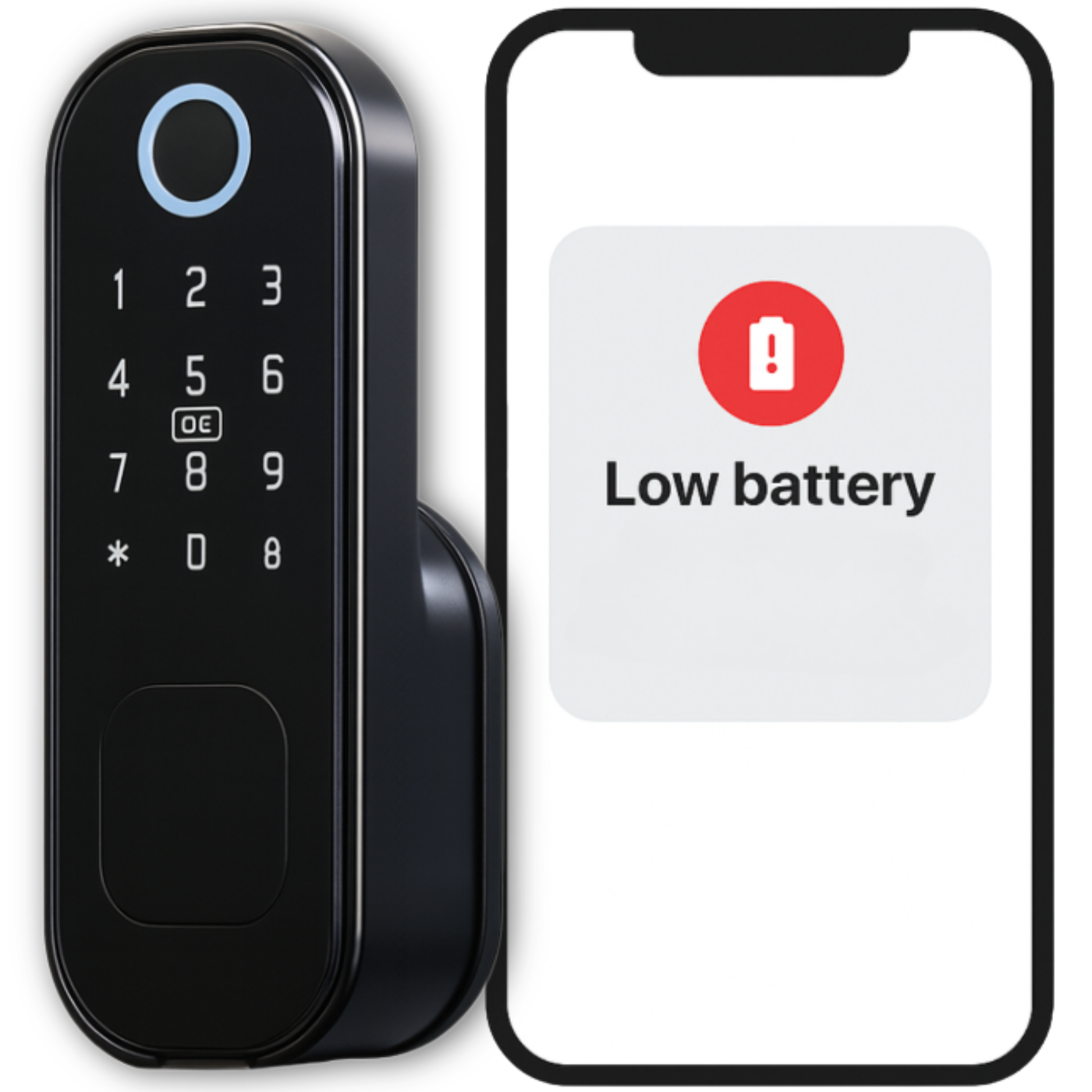
Low battery alarm
The lock is equipped with a low battery alarm, allowing you to constantly monitor the power status . A notification will be sent to the app when the battery level is ≥20%, ≥10%, or ≥5% , and the lock itself will flash a red light (3 flashes) when it unlocks.
The device is powered by four AA batteries that can last up to 9 to 12 months.
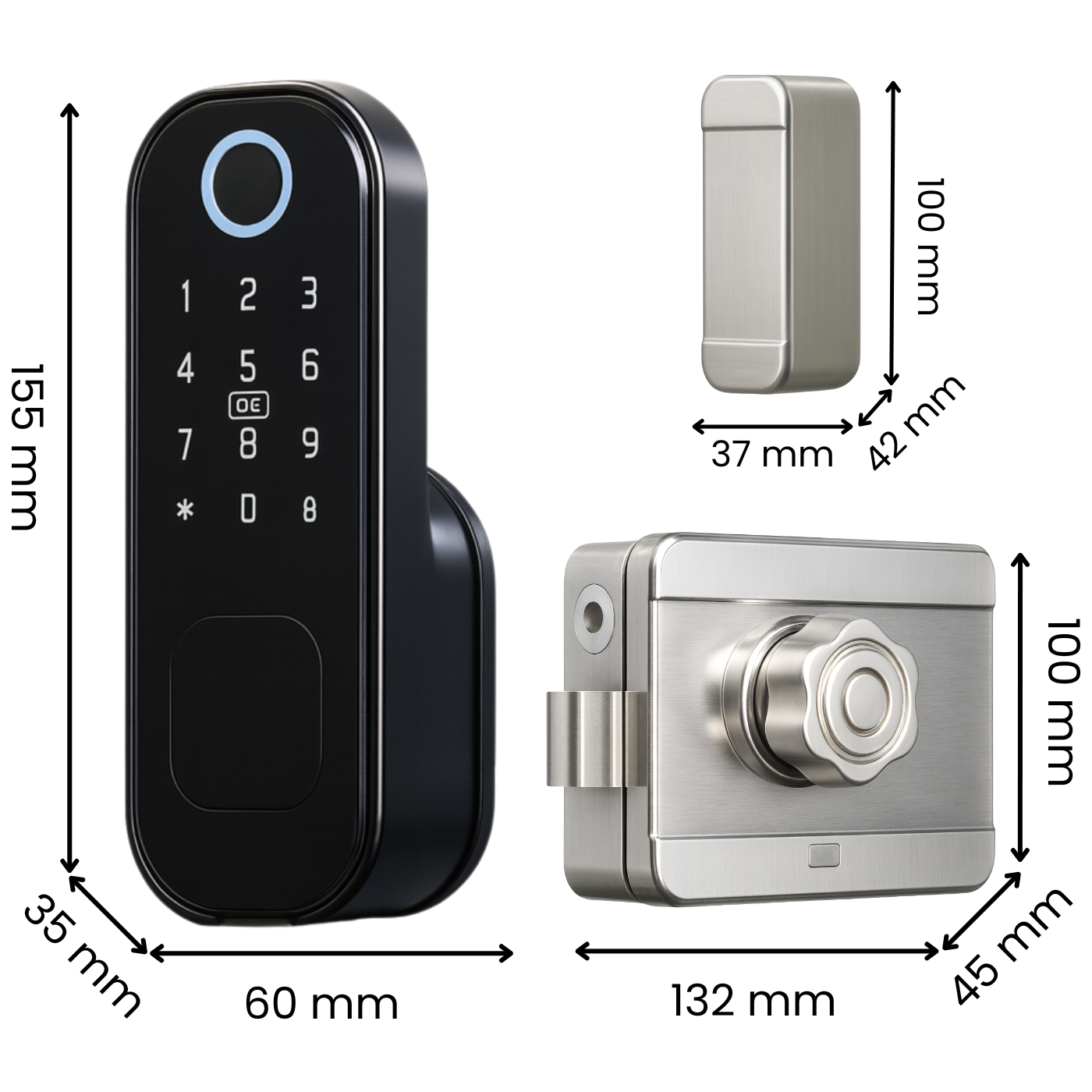
Technical specifications
- TTLock App (Bluetooth): Remote management and unlocking
- Supply voltage: 6.0 ± 0.3 V
- Power source: 4 × AA alkaline batteries (LR06)
- Quiescent current: ≤ 80 µA
- Operating current: < 250 mA
- Low voltage alarm: 4.8 ± 0.2 V, LED indication (flashes 5 times), approx. 100 uses after signal
- Unlocking not possible: at voltage < 4.5 V
- Operating temperature: from -25 °C to +65 °C
- Operating humidity: 20–90% RH
- Waterproof: IP53
- Fingerprint: Up to 100 fingerprints
- PIN code: up to 100 codes (6–9 digits, confirmation with the lock key)
- IC card/RFID key fob: up to 100, frequency 13.56 MHz
- Mechanical key: emergency opening in case of battery discharge
- Number of users: up to 300 (administrators + users)
- Protection against hacking attempts: after 5 incorrect attempts, there is a 1-minute lock
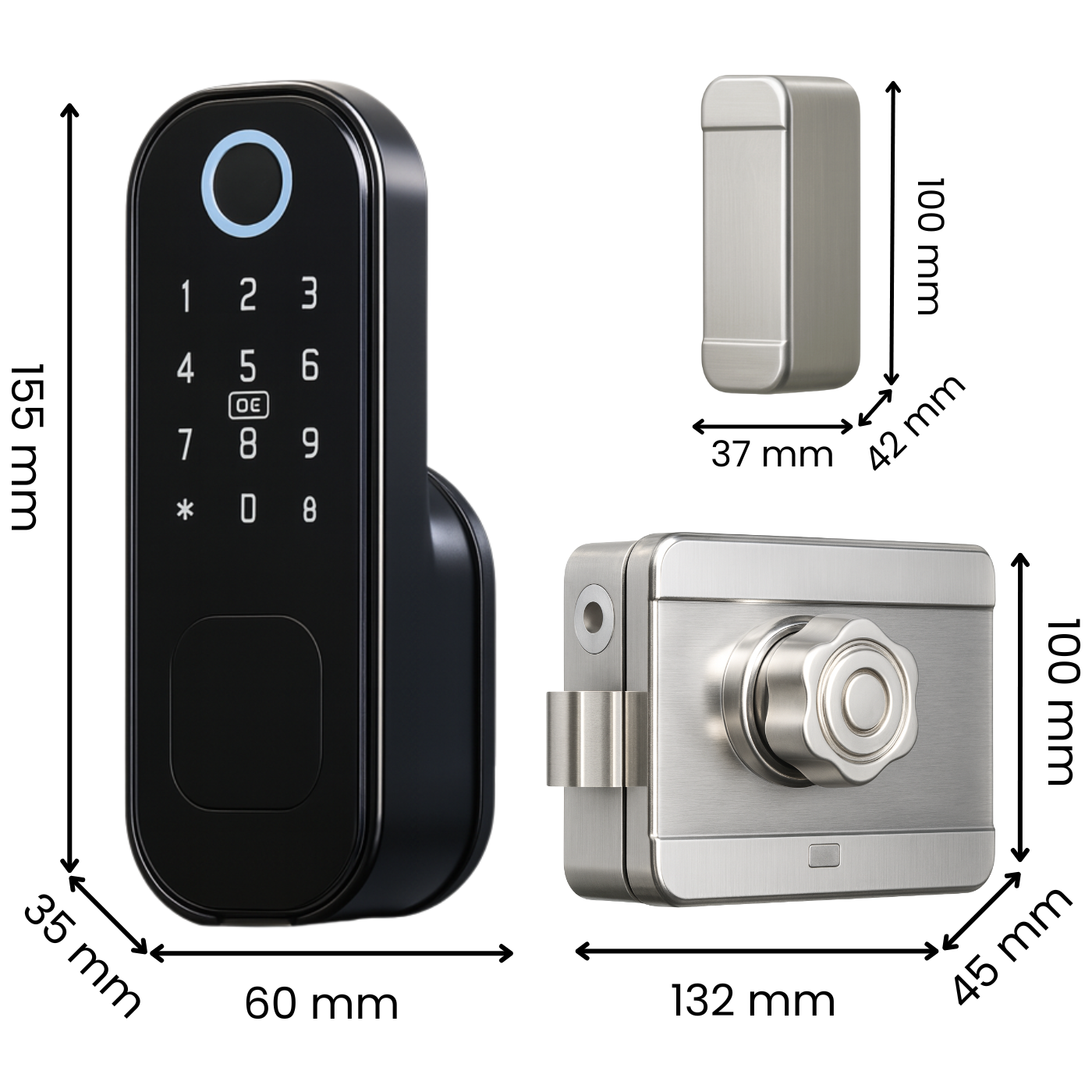
- Dimensions: outer panel 155 x 60 x 35 mm, inner zipper 132 x 100 x 45 mm and 100 x 42 x 37 mm
- Weight: 1572 g
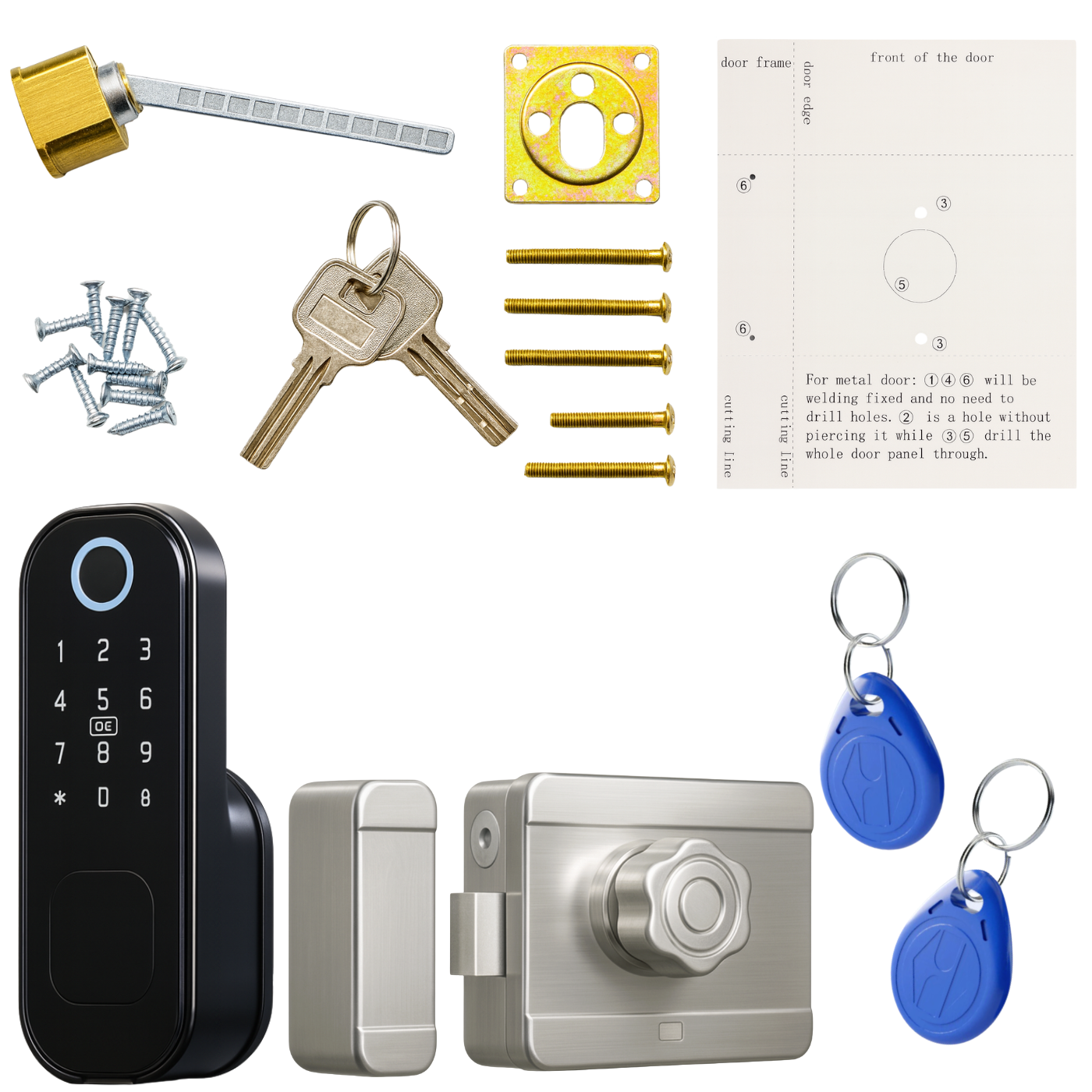
The set includes
- 1x Electronic lock iFinger-S TTLock insert
- 1x Mounting accessories for different door thicknesses (35-70mm)
- 1x Surface lock
- 1x Drilling template
- 2x Mechanical key
- 2x Access Card
- 1x User Manual
The Polish manual is available as an electronic download in the attachment. You can find it above or below our product description.
FAQ – frequently asked questions
1. Does the lock work without an internet gateway? - Yes. It's operated via Bluetooth – codes can only be sent while at the door, and the event history is synchronized upon reconnection.
2. Can the cylinder be positioned to the right or left? - Yes, the lock direction is variable and is set during installation.
3. What if the lock runs out of battery? - The lock warns when the battery is at ~30%. Once completely discharged, you can power it with a power bank through the charging port or open it with an emergency key.
4. What is a Wi-Fi gateway used for? - It allows you to open doors and assign codes remotely. One gateway supports multiple locks within Bluetooth range.
5. Does the app work on all smartphones? - TTLock is available on iOS ≥ 11 and Android ≥ 5.1 (with Bluetooth 4.0 or later support).
6. Is it possible to limit access to specific days or hours? - Yes. Cyclic codes or eKeys with a schedule can be created in the app (e.g., Mon-Fri 8am-4pm).
7. Can I export the opening logs to a file? - Yes, TTLock allows you to download the history in CSV or PDF format from the web panel.
8. How many users can I add? - Unlimited. Each can be assigned different permissions: owner, admin, reception, service.
9. Is the software paid? - No. The firmware is free and can be updated over-the-air (OTA) via Bluetooth (or remotely via a gateway).
10. What languages does the app support? - Polish, English, German, Spanish, French and a dozen others.
11. What to do if your phone is lost? - Log in on another device or in the web panel and immediately remove the lost eKey account/phone from the list of authorized users.