


Electronic lock with A1 TTLock insert
Lowest price in the 30 days before the discount: 376,09 zł
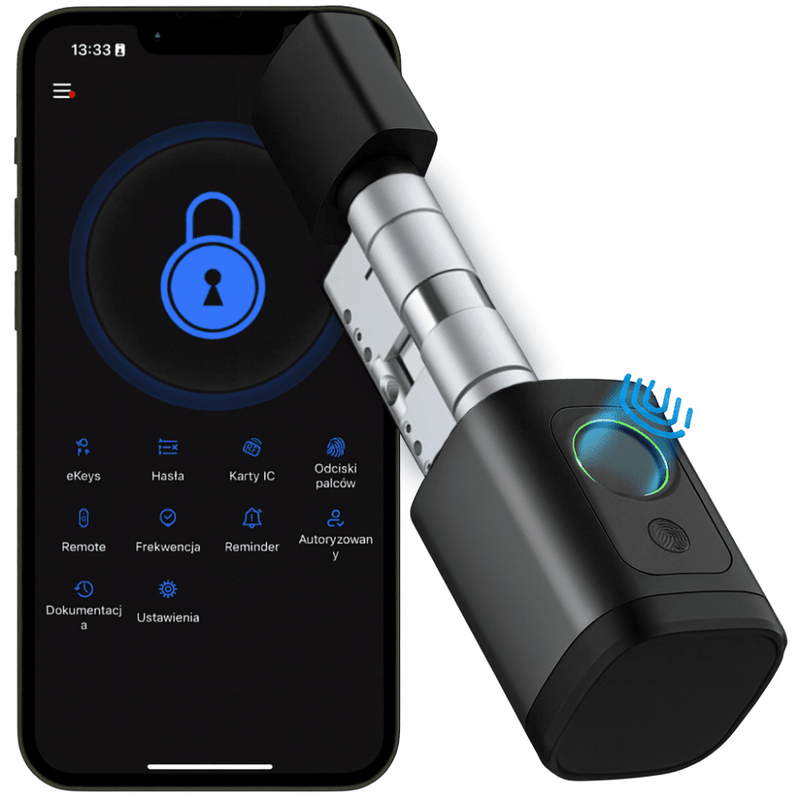
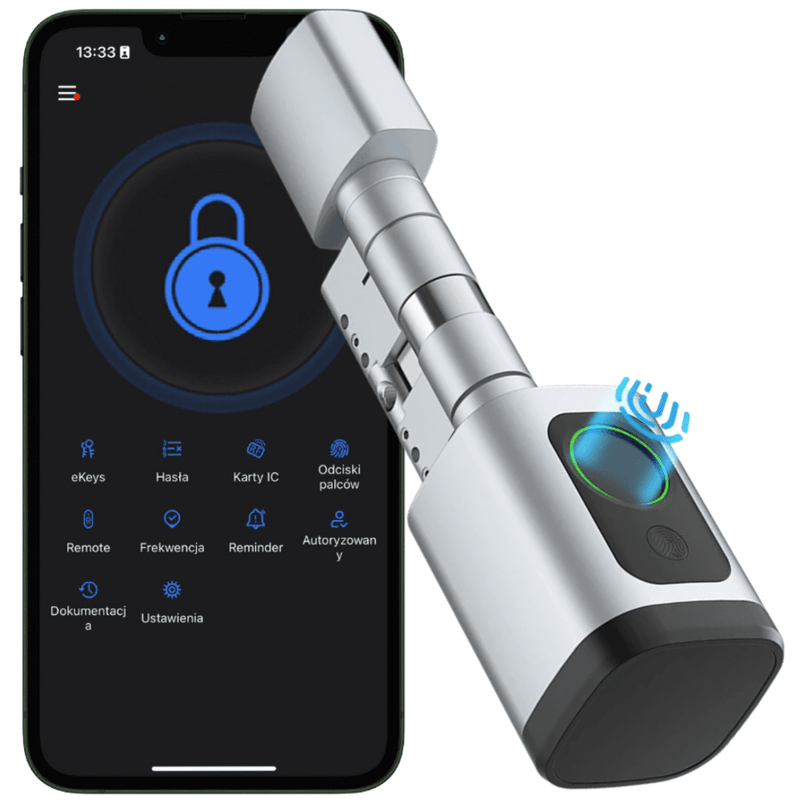



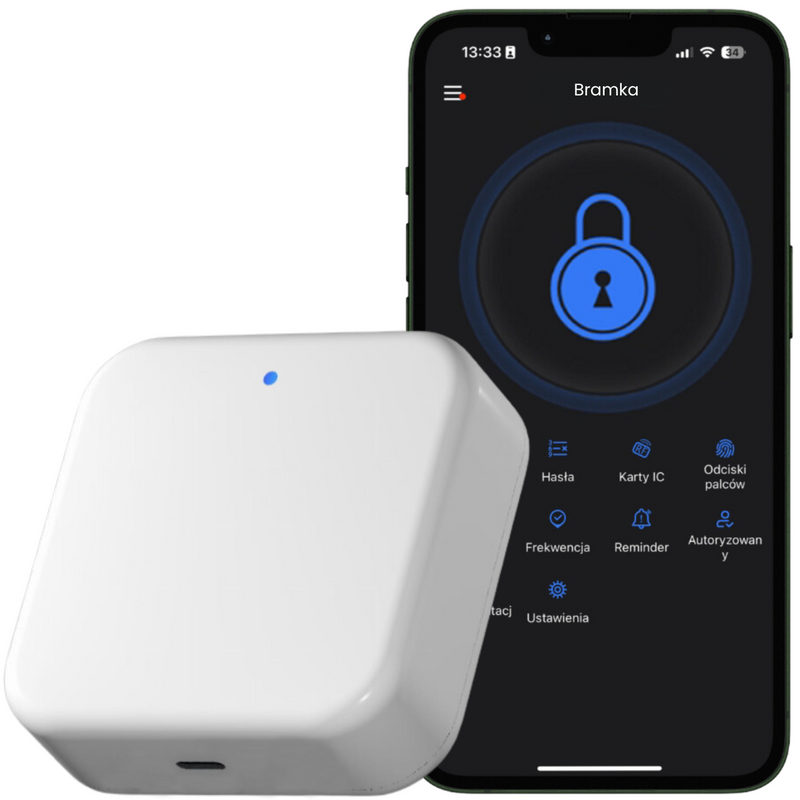
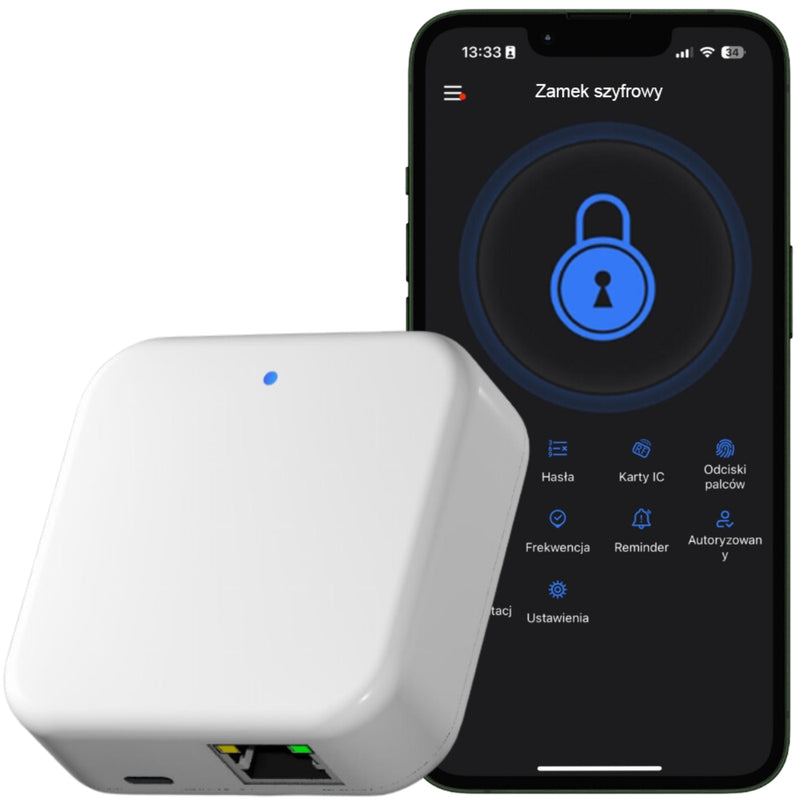


The A1 TTLock electronic cylinder lock by Spreest is a modern, convenient solution that turns an ordinary door into a smart access point in moments. Unlock it without keys — using a code, card, fingerprint or e-key in the app. Create a one-time code for a guest, grant time-limited access to the cleaning team or set the door to lock automatically when closed – everything is quick, hassle-free and completely secure.
This lock is ideal for short-term rentals (Airbnb), self-check-in hotels, offices and storage facilities, where you can grant remote access that is valid only at specific times.
Automatic locking when the door closes eliminates the risk of leaving it unlocked — the lock engages only when the door is closed, as monitored by a magnetic sensor.
Automatic locking when the door closes eliminates the risk of leaving it unlocked, while the built-in memory can store 1000 cards, 300 fingerprints, 300 PIN codes and an unlimited number of e-keys in the app. The lock also works offline, so access and user data are always secure.
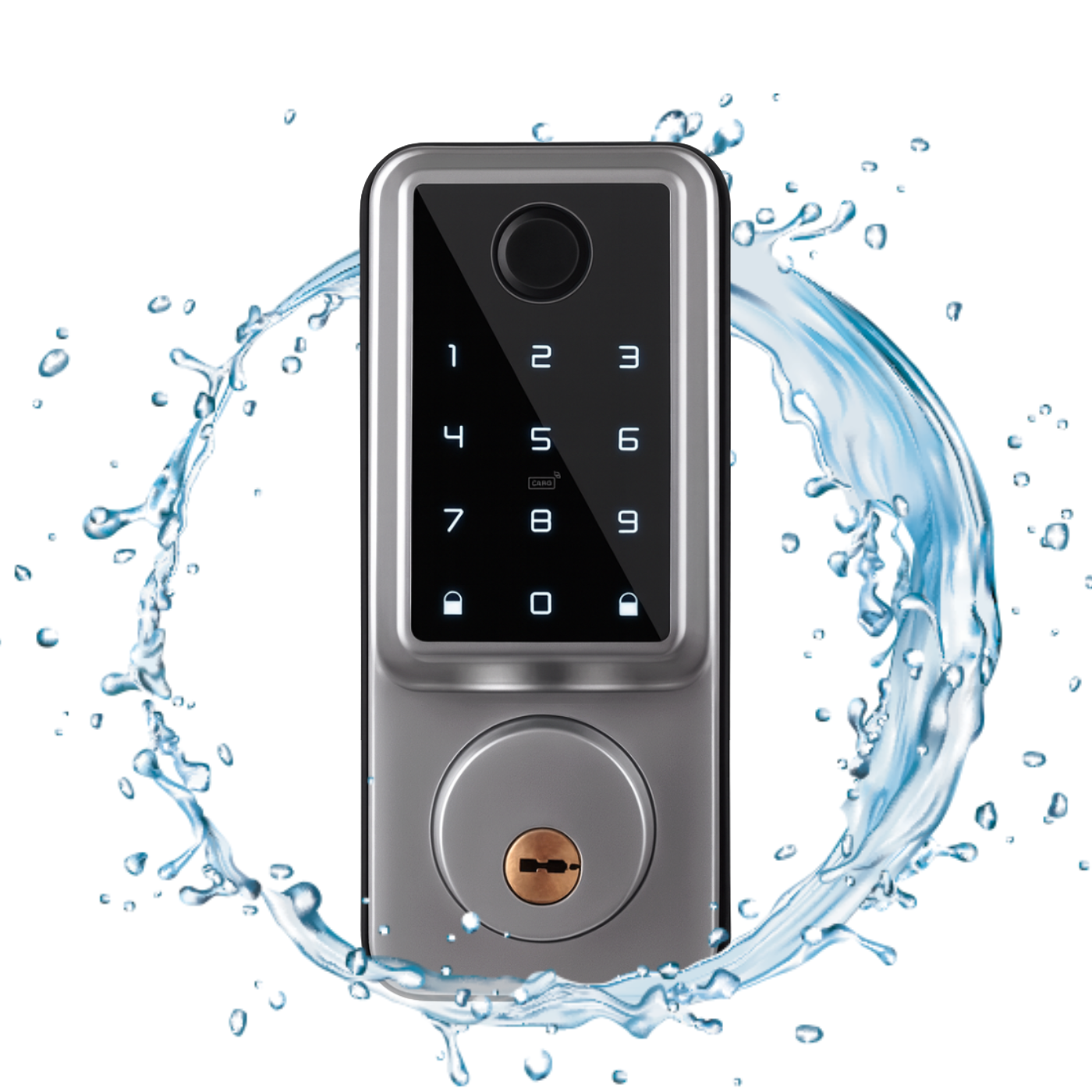
The panel can be installed outdoors, but it must be protected from direct contact with rain, for example by installing it under a canopy or fitting a protective cover. The batteries last around 12 months, and the system provides timely low-battery alerts. Suitable for left- and right-hand doors, 35–50 mm thick, made of wood, steel or aluminium.
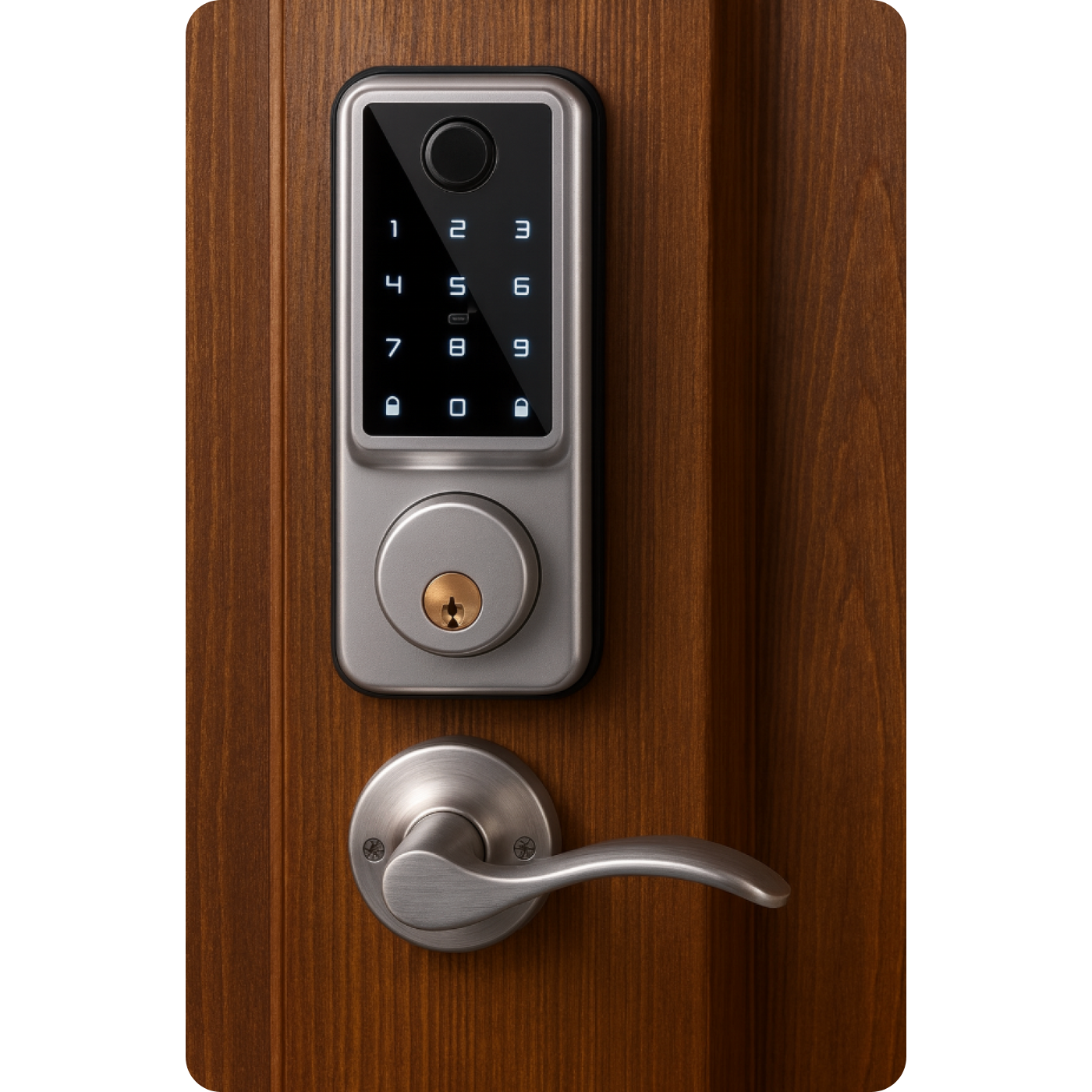
Unlocking methods
- Fingerprint – Quick entry with fingerprint recognition.
- Mechanical key – A classic emergency option if the batteries run out.
- Proximity card or fob – Hold it against the reader and you’re in.
- PIN code – Enter your own code to unlock the door without a key.
- Bluetooth and app – Unlock the door with a single tap on your phone.
- Apple Watch
App features
- Remote control – Unlock and configure the lock from anywhere (gateway required); without a gateway, you can connect within Bluetooth range.
- Automatic locking – Set how long it takes for the lock to engage automatically.
- Alerts and event log – Push notifications and a full history of unlocks.
- Code and eKey profiles – Permanent, time-limited, recurring or one-time access for guests.
- Manage cards, remote controls and fingerprints – Add and manage them in just a few taps.
- OTA updates – Wireless firmware updates.
- Voice integration – Use voice commands via Amazon Alexa and Google Assistant.
- Silent mode – Mute the lock’s sounds when you need some quiet.
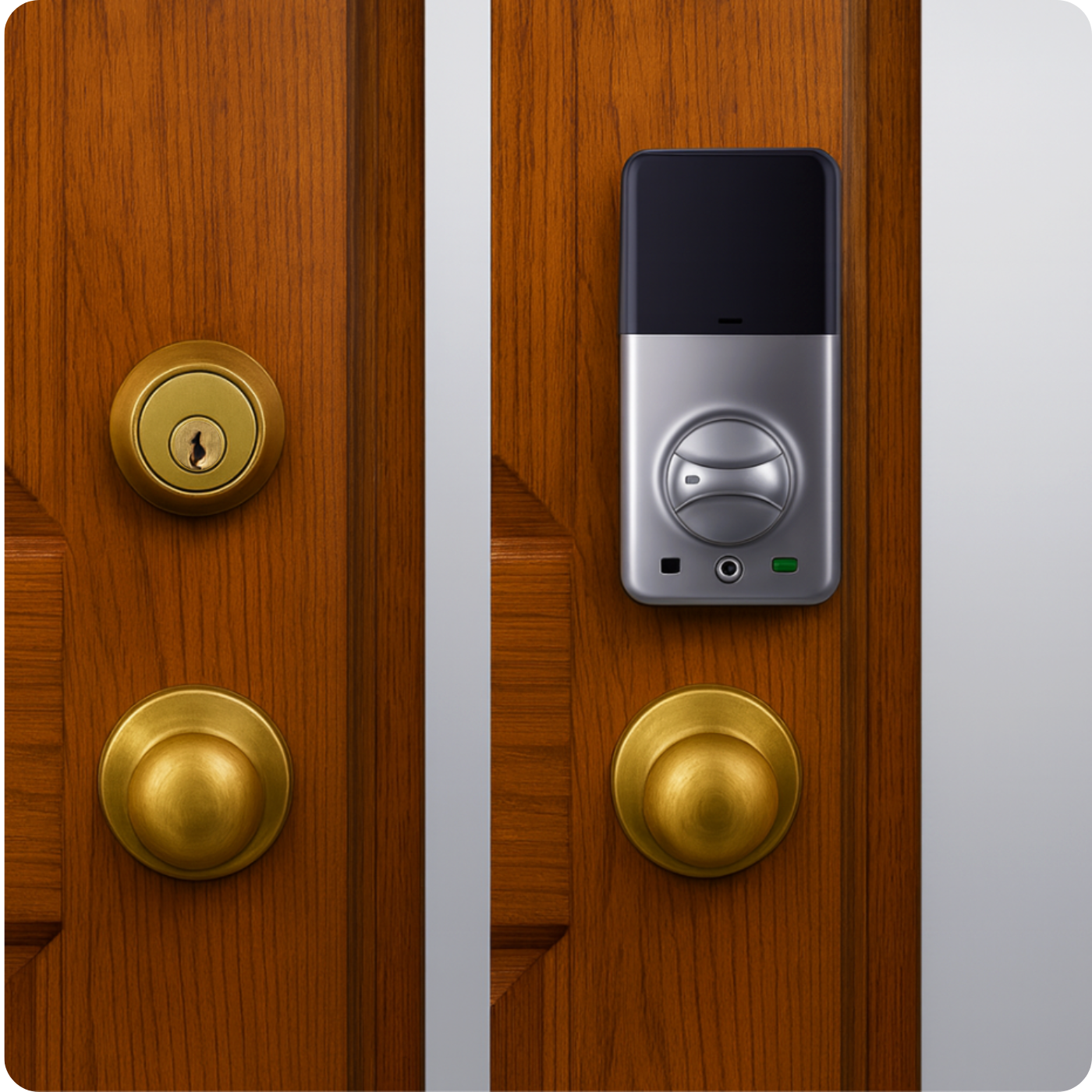
Additional features for businesses
- Integration with Booking, Airbnb, Hotres – Automatically generate codes for online bookings.
- Multi-location dashboard – Manage multiple locks and properties in one app.
- Roles and permissions – Create groups (administrator, reception, maintenance) with different levels of access.
- Work schedules – Set office opening hours and grant access only at specific times.
- Attendance reports – Export entry/exit records (late arrivals, early departures).
- “Freeze” lockout – Temporarily disable all electronic unlocking methods (e.g. during an alarm).
- Bulk user addition – Import a list of employees or tenants from a CSV file.
- Wi-Fi gateway → multiple locks – An economical way to expand the system across a large property.
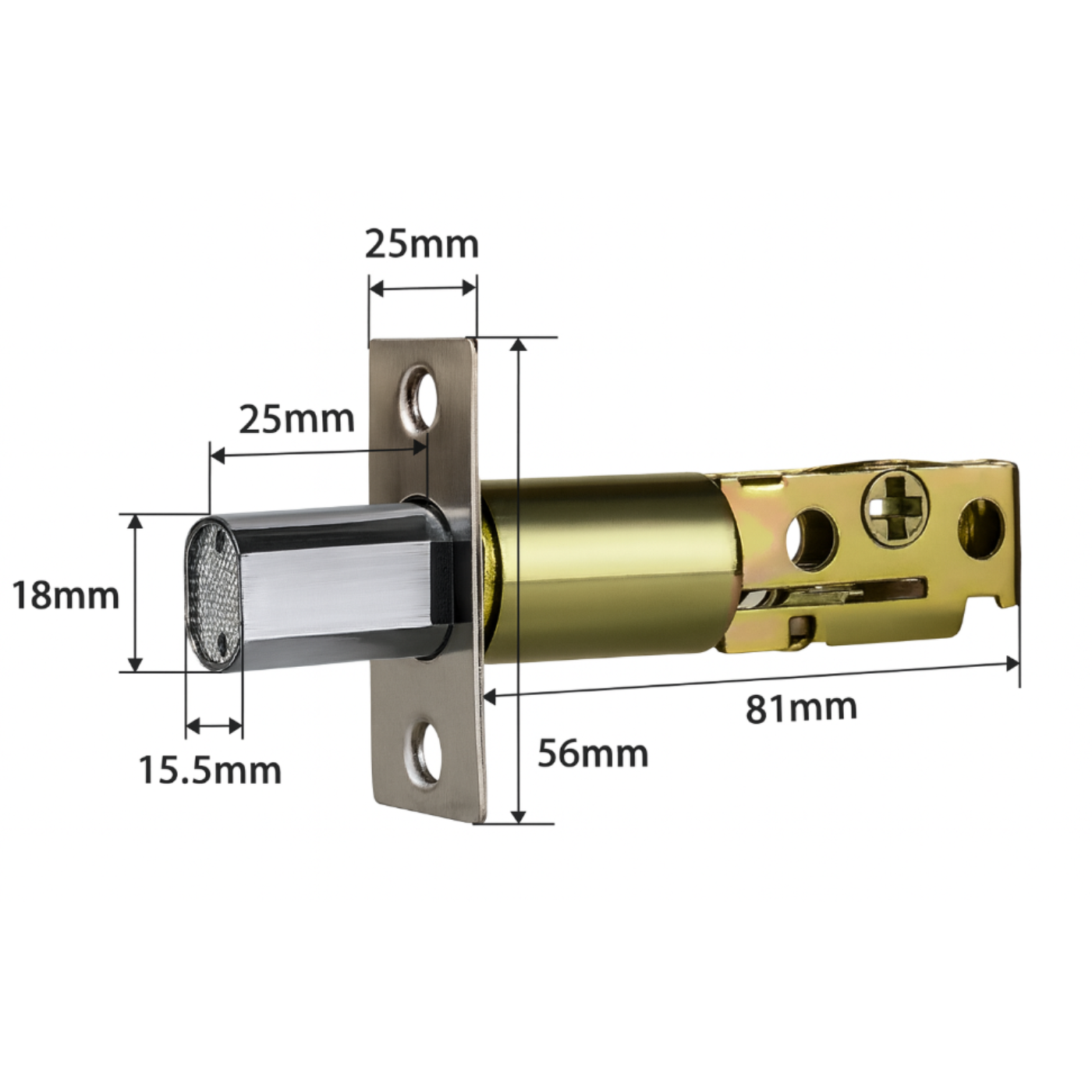
Installation
You can install the door handle yourself – it fits most doors 35–50 mm thick, both left- and right-hand, made of wood, steel or aluminium.
The set includes screw sets and spacer sleeves to suit the relevant door thickness.
The lock works with the single mortise lock included in the set.
Installation requirements:
- Installation hole diameter: Ø 54 mm
- Door thickness: 35–50 mm
The lock has an adjustable bolt – set its length to 60 mm or 70 mm depending on the door construction.
If your door does not have pre-drilled holes, the set includes a drilling template to help you drill them correctly.
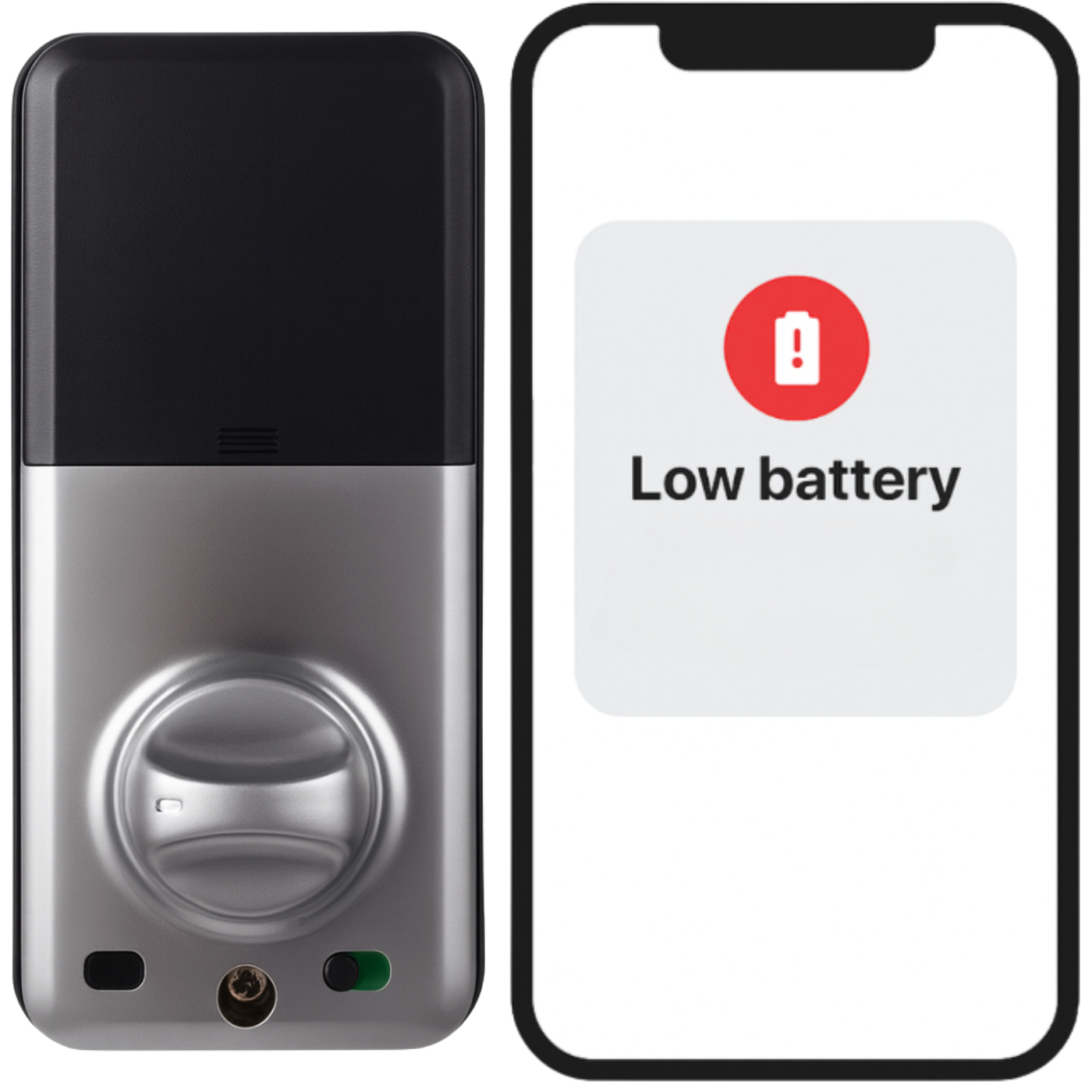
Low battery alarm
The lock features a low-battery alarm, allowing you to monitor the power level at all times. The app will send notifications when the battery level reaches ≥20%, ≥10%, ≥5%, and a red light will flash on the lock when it is unlocked (3 flashes).
The device is powered by four AA batteries, which can last for 9 to 12 months.
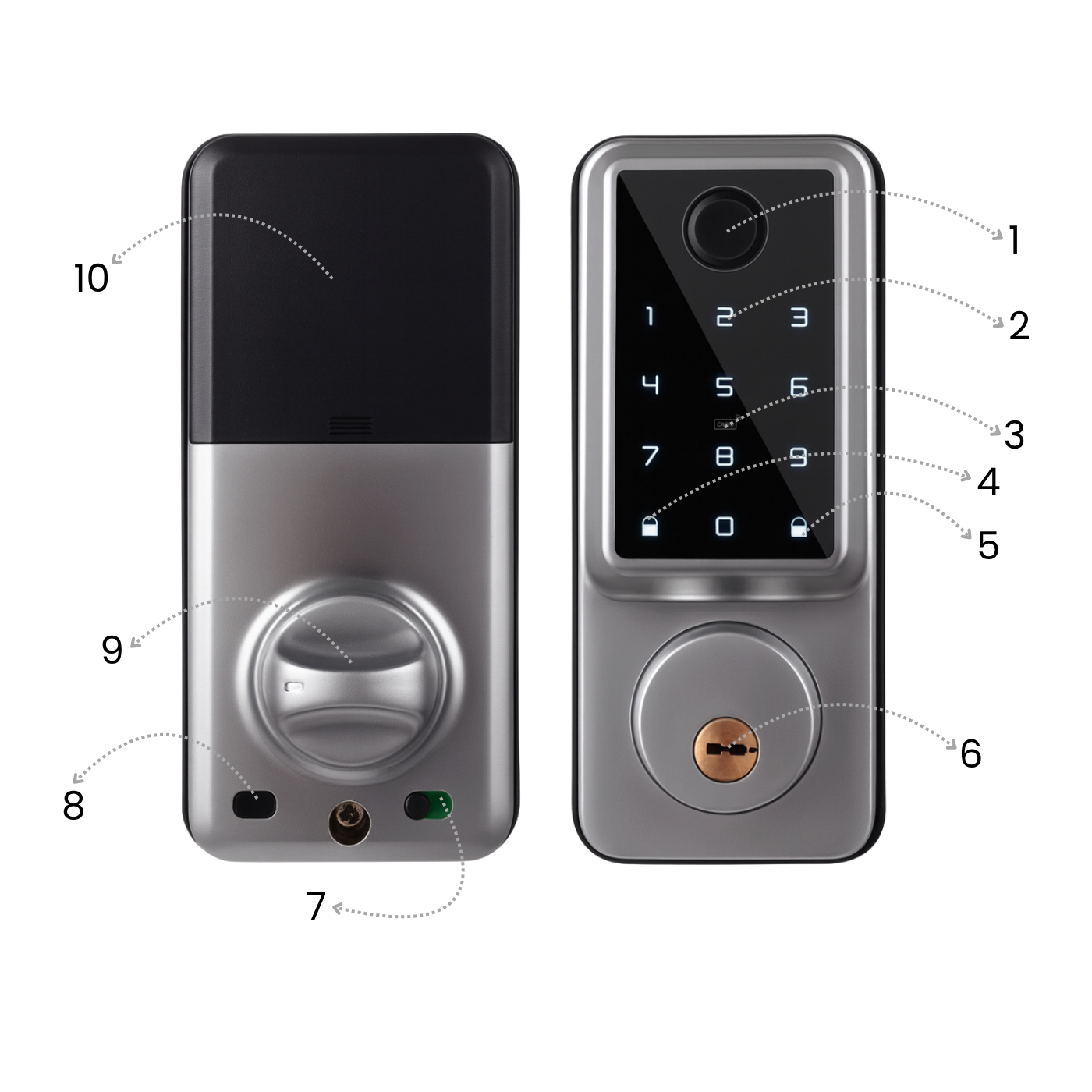
Product components
- Fingerprint reader
- Touch keypad
- Access card reader 13.56 MHz and NFC
- Button to disengage the lock after unlocking
- Button to engage the lock after unlocking
- Mechanical key slot
- Electronic lockout to prevent unlocking from the outside
- Button to unlock and lock the lock
- Interior locking knob
- Battery box 4x AA
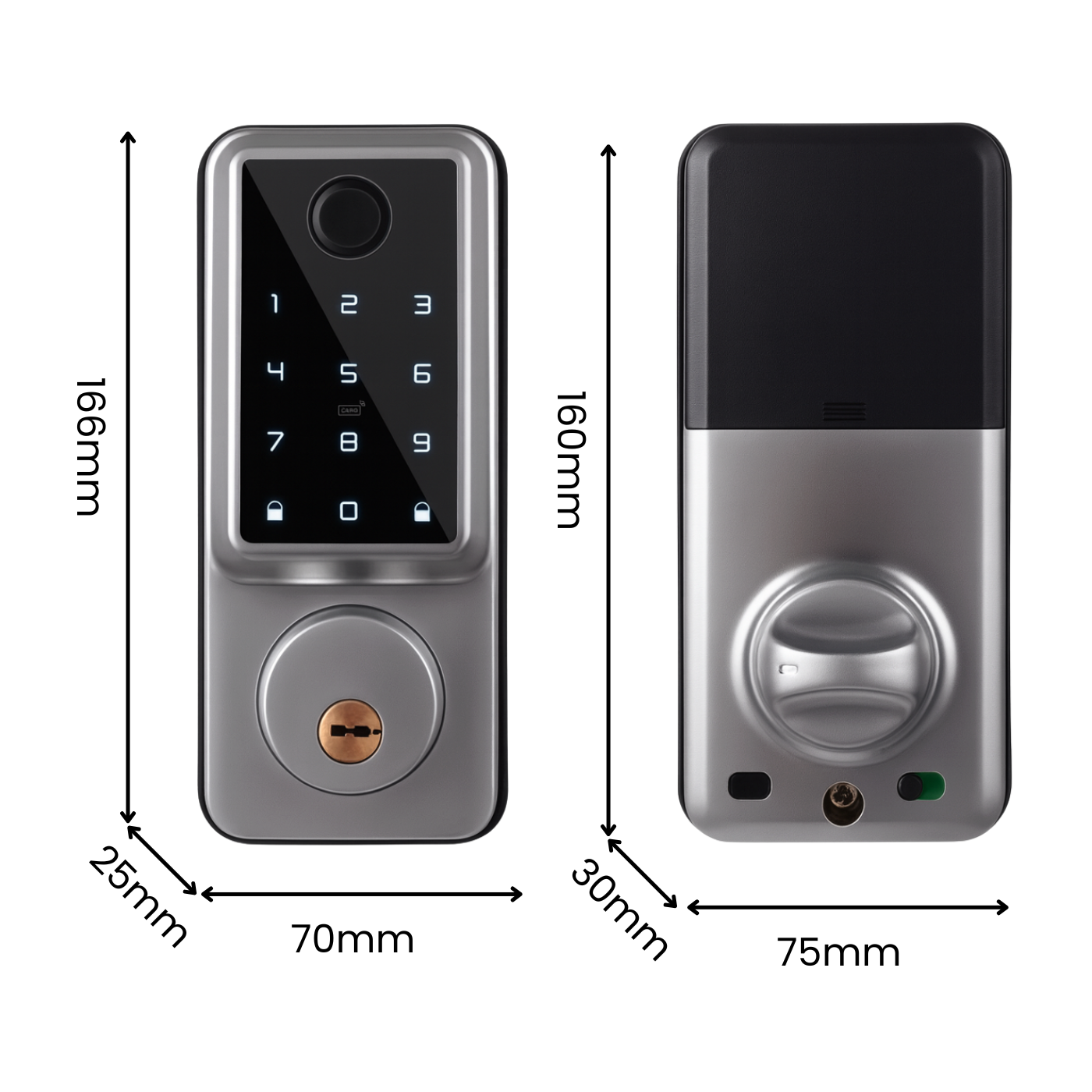
Technical specifications
- Unlocking methods: Fingerprint, PIN code, RFID card (13,56 MHz), TTLock app (Bluetooth BLE), mechanical key (emergency)
- Body material: Aluminium alloy
- Door thickness: 35–50 mm
- Bolt type: 60 mm / 70 mm (adjustable)
- Power supply: 6 V DC (4 × AA / LR06 alkaline batteries – not included)
- Operating current: < 200 mA
- Standby current: < 30 µA
- Operating temperature: –20°C to +70°C
- Operating humidity: 20–80% RH
- Weather resistance: Can be installed outdoors; protection from direct rain is recommended
- Dimensions: External panel 166 x 70 x 25 mm / Internal panel 160 x 75 x 30 mm
- Product weight: 1019 g
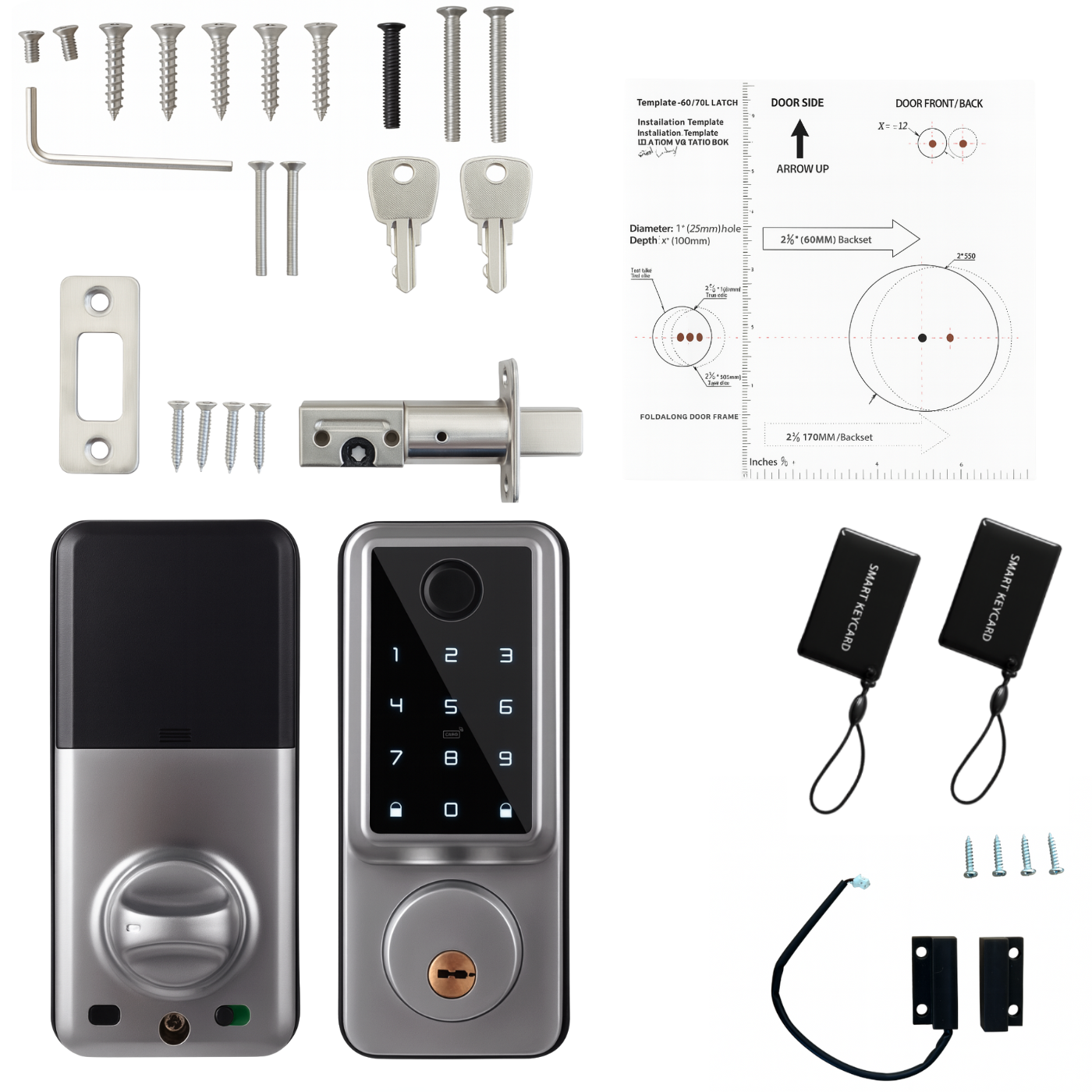
Set includes
- 1x A1 TTLock electronic cylinder lock
- 1x Installation accessories for different door thicknesses (35-50mm)
- 1x Single mortise lock (adjustable 60/70mm)
- 1x Magnetic sensor for automatic locking when the door closes
- 1x Drilling template
- 2x Mechanical keys
- 2x Access cards
- 1x User manual
FAQ – frequently asked questions
- Is the software paid? - The app is free for standard use. However, the manufacturer may charge for features used commercially, such as generating large numbers of access codes for hotels or short-term rentals.
- Is technical support available for the TTLock app? - The TTLock app is developed by its manufacturer. We have no control over its features, updates or terms of use. We provide support for the devices we sell and their initial setup.
- Does the lock work without an internet gateway? - Yes. It then works via Bluetooth – codes can only be issued while you are by the door, and the event history syncs when the connection is restored.
- Can the cylinder be set for left- or right-hand use? - Yes, the lock’s handing is adjustable during installation.
- What happens if the lock runs out of power? - The lock gives a warning when the battery level is ~30 %. If the batteries run out completely, you can power it with a power bank via the charging port or unlock it with the emergency key.
- What is the Wi-Fi gateway for? - It lets you unlock the door and issue codes remotely. One gateway supports several locks within Bluetooth range.
- Does the app work on all smartphones? - TTLock is available on iOS ≥ 11 and Android ≥ 5.1 (with Bluetooth 4.0 or later).
- Can access be restricted to specific days or times? - Yes. You can create recurring codes or scheduled eKeys in the app (e.g. Mon–Fri 8-16).
- Can I export unlock logs to a file? - Yes, TTLock lets you download the history in CSV or PDF format from the web dashboard.
- How many users can I add? - There is no limit. You can assign different permissions to each user: owner, admin, reception or maintenance.
- Which languages does the app support? - Polish, English, German, Spanish, French and a dozen other languages.
- What should I do if I lose my phone? - Log in on another device or via the web dashboard and immediately remove the lost eKey account/phone from the list of authorised users.