
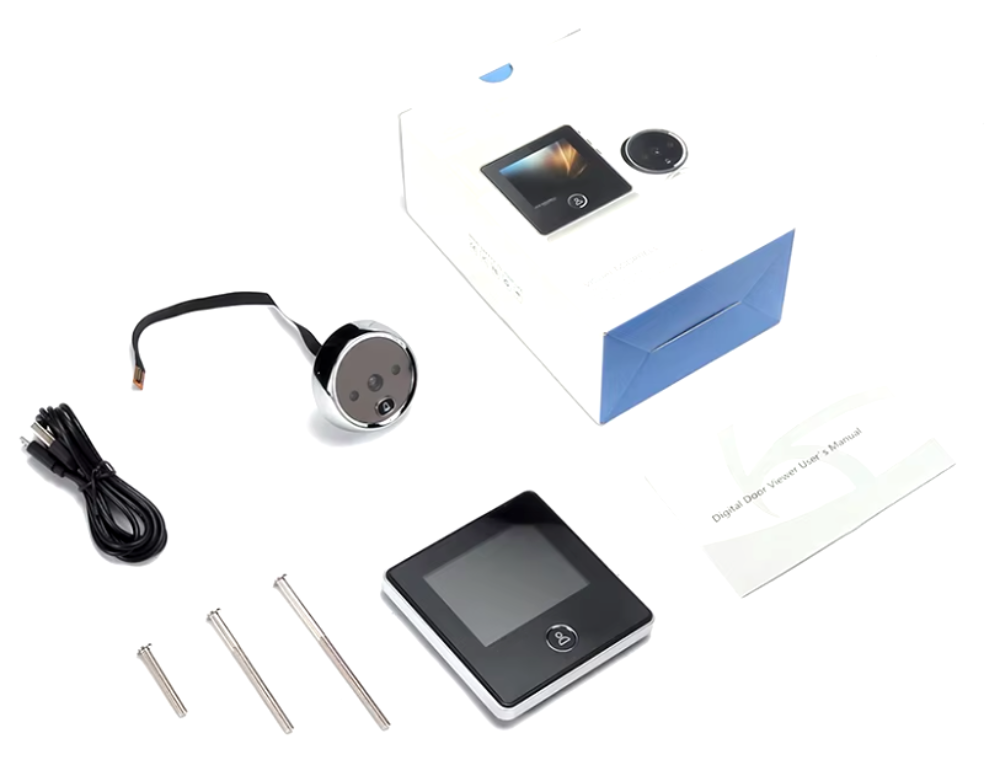

Electronic Peephole Viewer JD-DD2
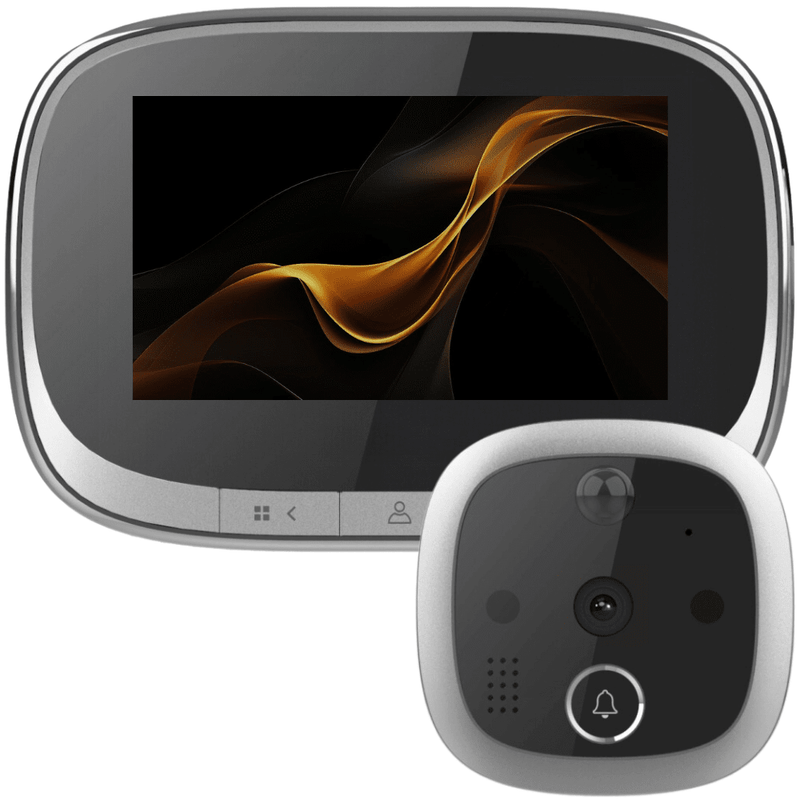
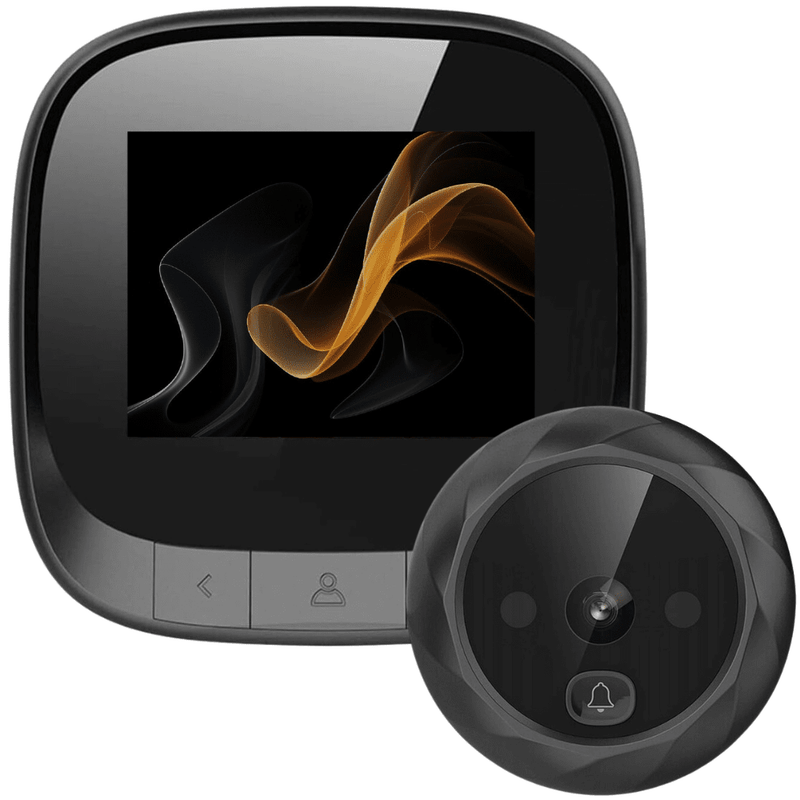
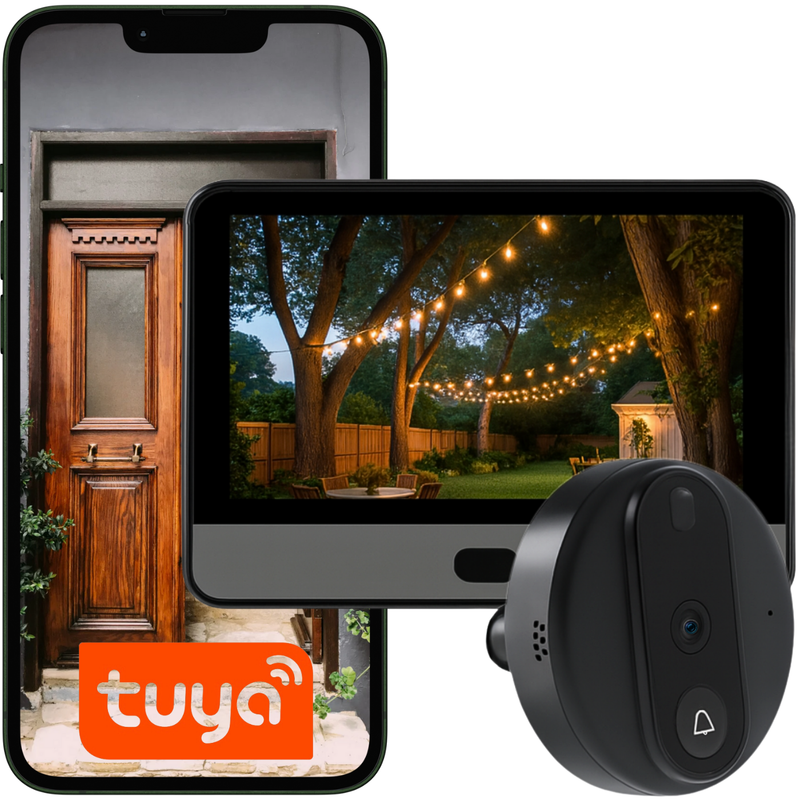




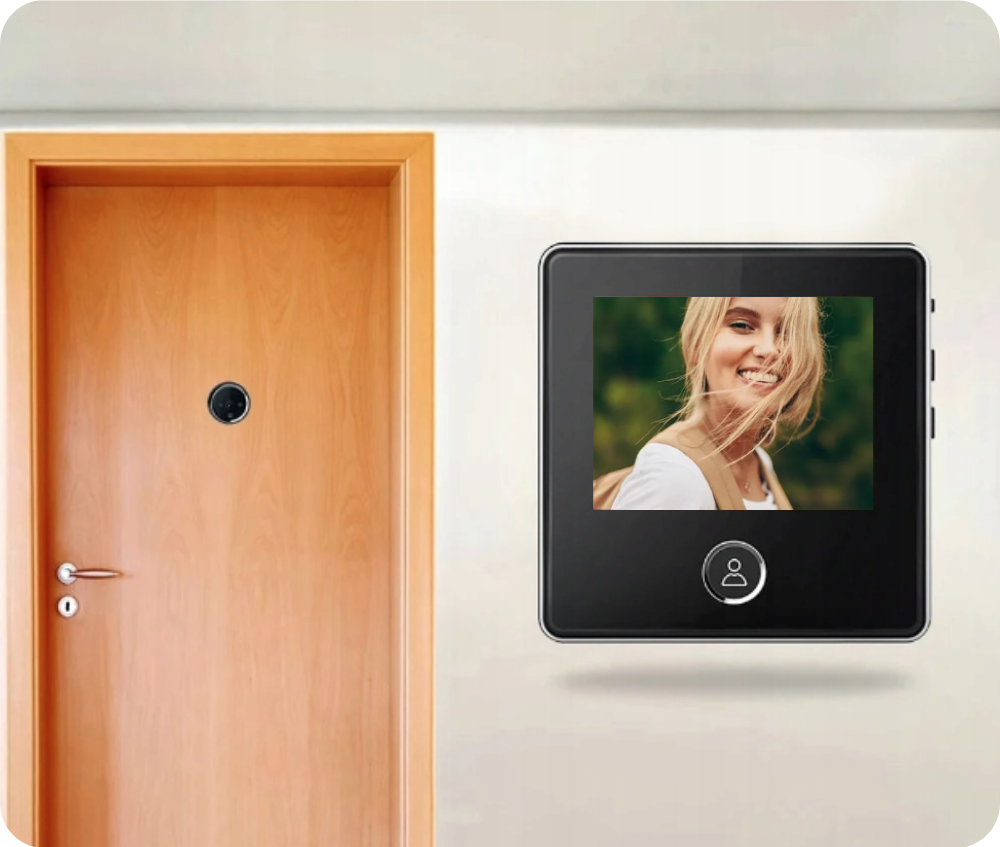
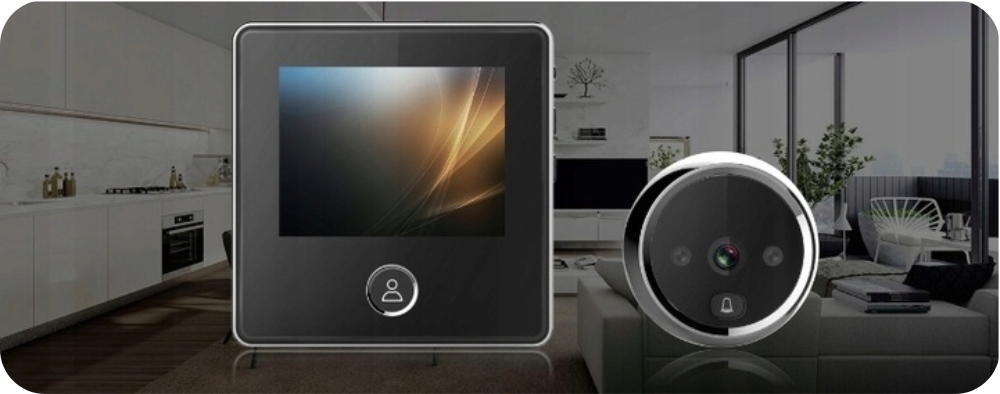
Introducing the Spreest electronic door viewer with photo capture function – a modern solution that will enhance the comfort and security of your home, apartment, or office.
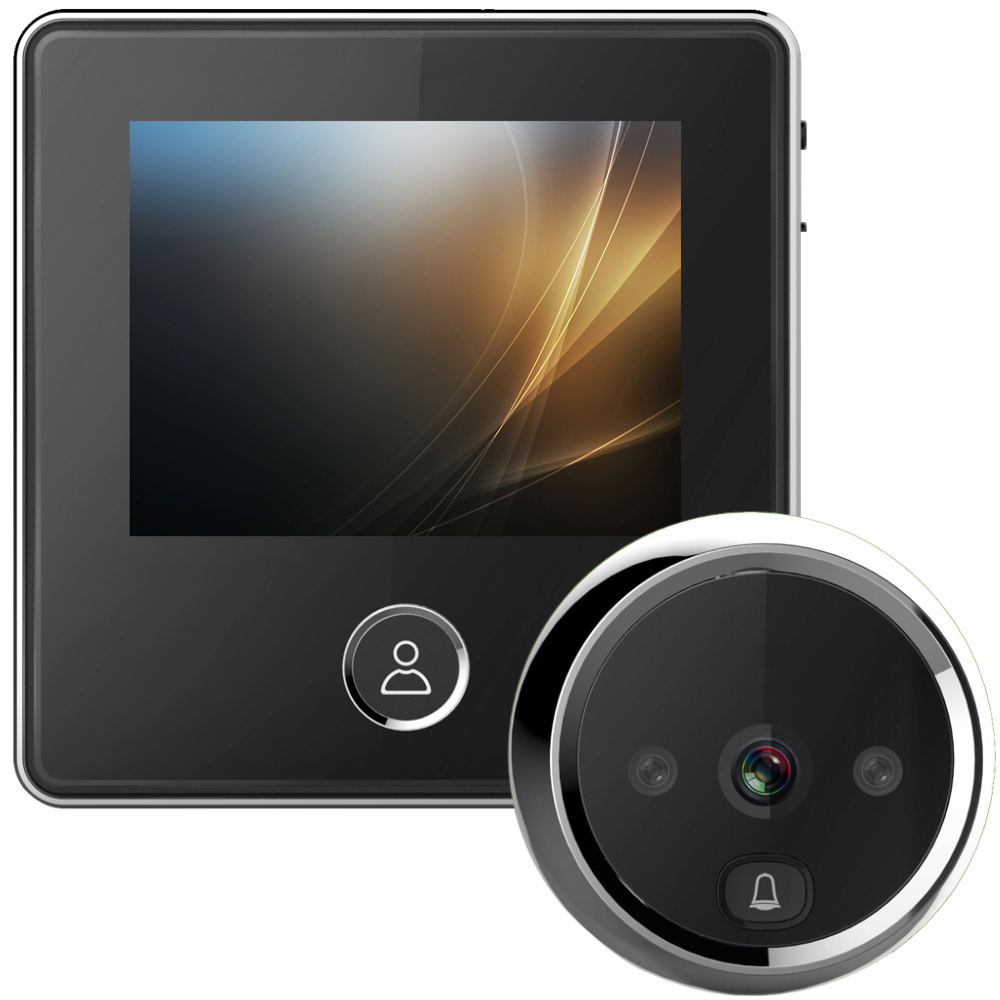
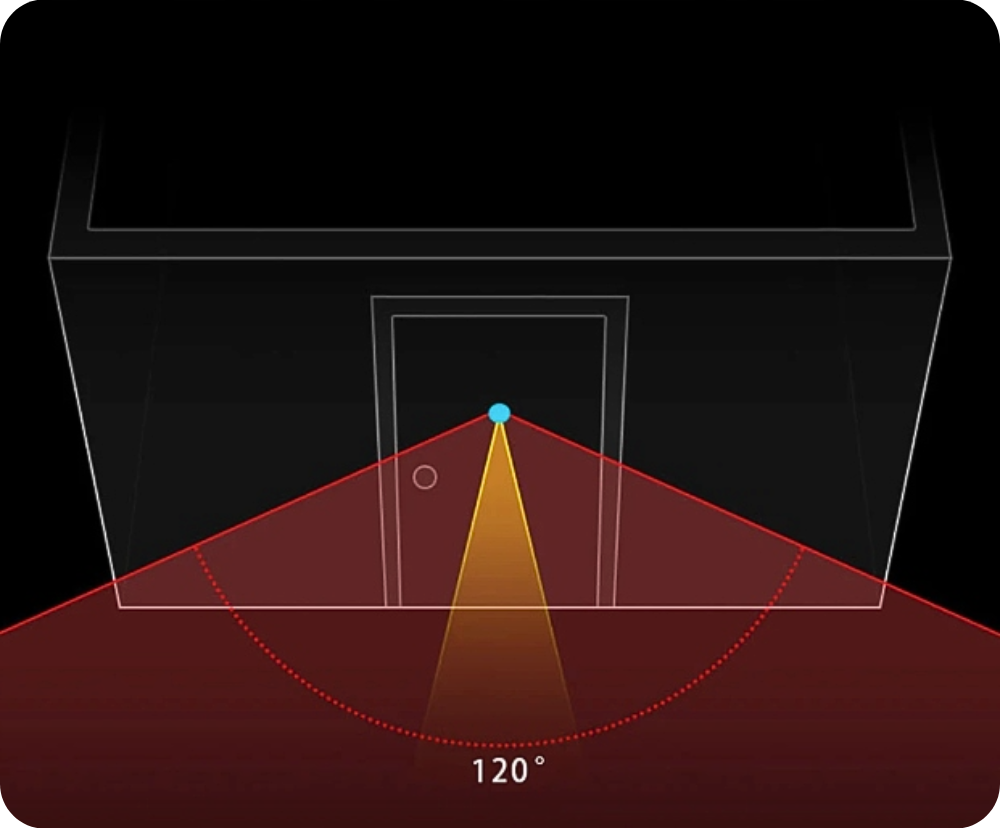
Equipped with a colorful 2.8" LCD screen, a CCD camera with a wide 120° viewing angle, and infrared night vision, it provides a clear image even in darkness. It allows you to take photos of visitors and save up to 40 images, with older photos automatically overwritten. The additional doorbell function ensures you won't miss any visits.

Key Features
1. Built-in 1000 mAh battery: A single charge provides up to 120 days of operation.
2. Doorbell function: When the doorbell button is pressed, you'll hear a pleasant chime, and the device will automatically take and save a photo of the person at the door.
3. Night mode: The camera, equipped with two IR LEDs, sees in complete darkness, providing visibility up to 5 meters.
4. Wide 120° viewing angle: Provides a full view of the area in front of the door.
5. Easy installation: Fits 99% of doors with a thickness of 32-120 mm and holes with a diameter of 14-22 mm. Installation is simple and non-invasive.
6. Built-in memory for 40 photos: Ability to manually take a photo during preview. Once full, the oldest photos are overwritten.
7. Automatic power on/off: The device turns on when the doorbell is pressed and turns off after approximately 15-25 seconds, saving energy.
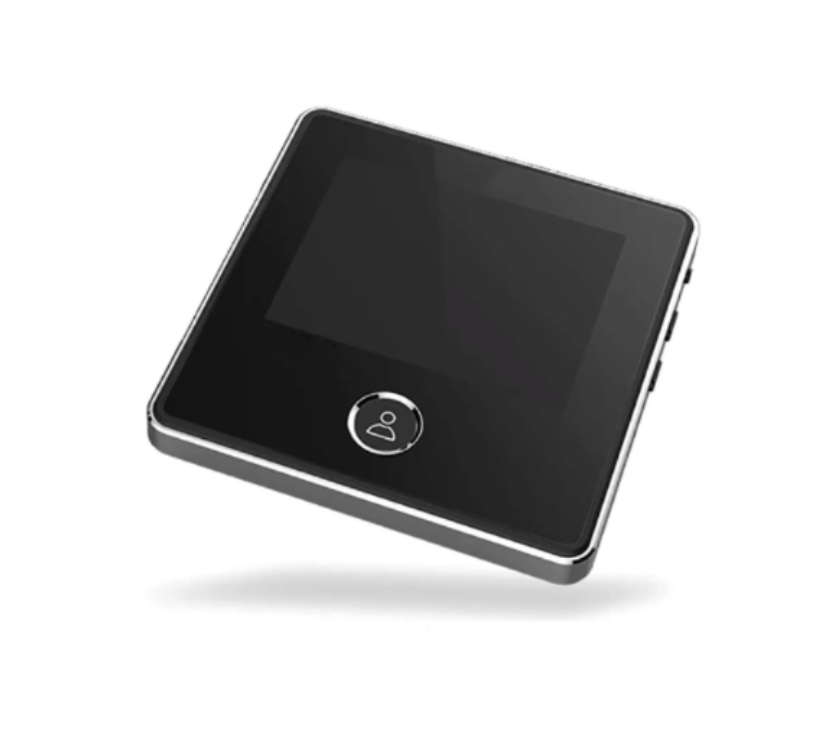
8. 2.8" LCD display - A large, clear display allows for comfortable viewing of what is happening in front of the door.

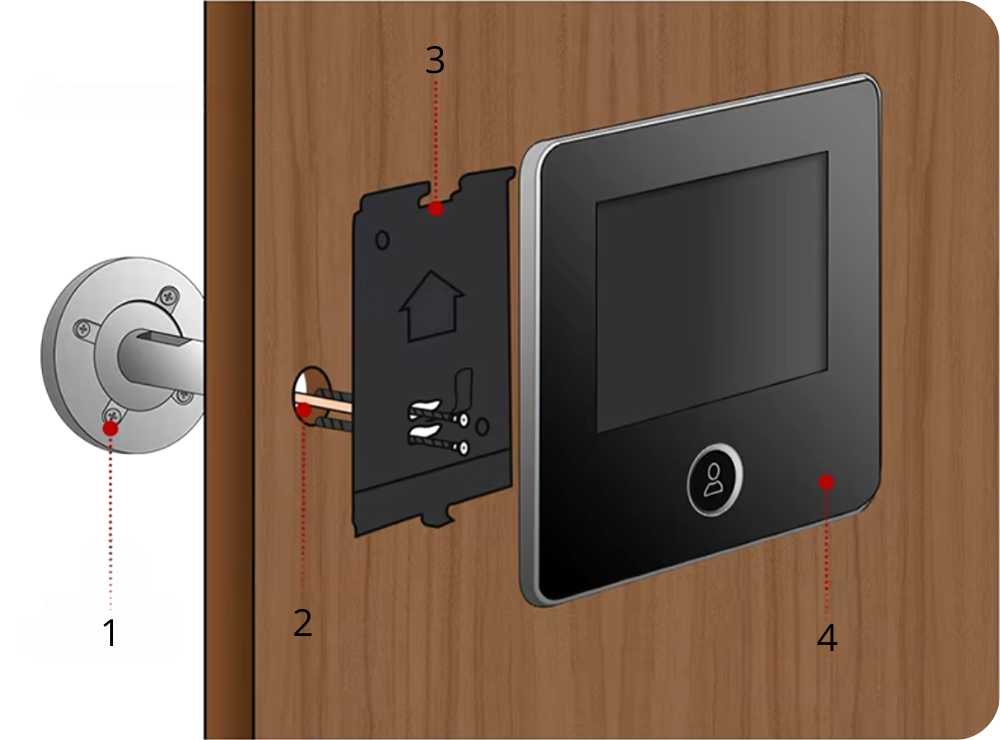
Simple 4-Step Installation
1. Prepare the screws: Choose a screw whose length matches the door thickness and screw it into the hole at the back of the peephole.
2. Install the peephole: Insert the peephole into the door hole, making sure the signal cable and screws protrude on the other side.
3. Mount the frame: Thread the signal cable through the upper slot and the screws through the lower slot of the metal frame. Tighten the screws to stabilize the peephole and frame.
4. Connect the display: Plug the signal connector into the display's socket and slide the display onto the frame on the door.

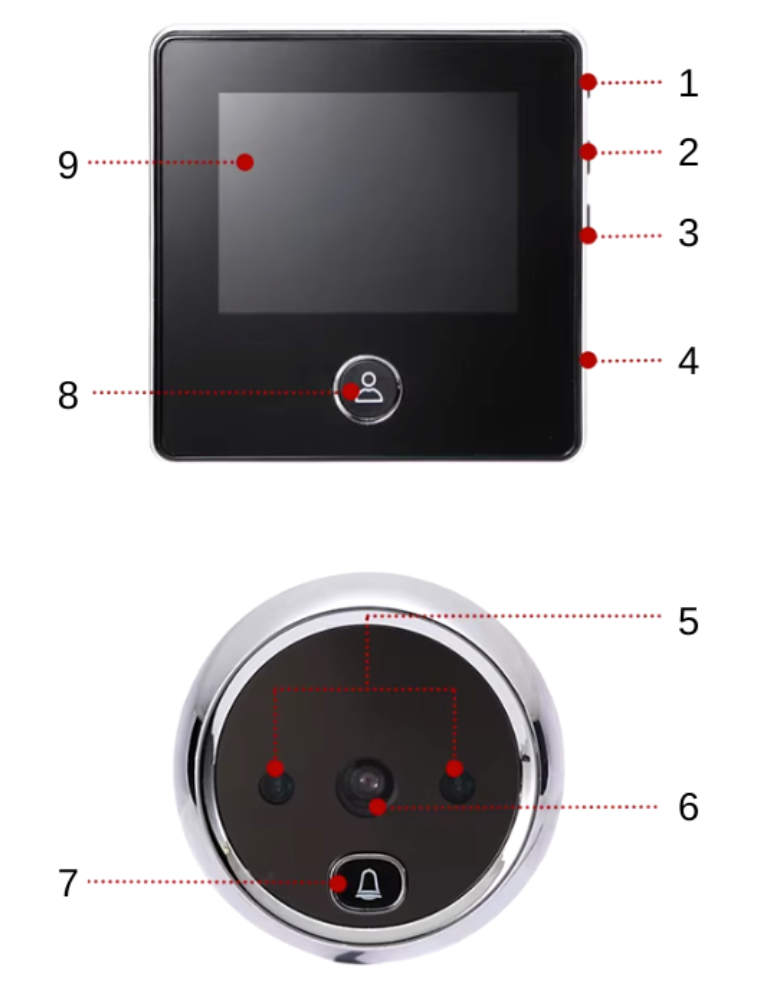
Door Viewer and Doorbell Components
1. Power button – allows you to turn the device on or off.
2. "Up" navigation button – allows you to view and delete saved photos.
3. "Down" navigation button – allows you to view and delete saved photos.
4. Micro USB port – used for charging the device.
5. IR LED diode – provides night vision, increasing security.
6. Camera – enables recording images and taking photos of people in front of the door.
7. Doorbell button – integrated with the camera, notifies of a visitor's presence.
8. "Reset" button – pressing it takes a photo of the person standing in front of the door.
9. 2.8-inch LCD display – allows for convenient live image preview.

Technical Specifications
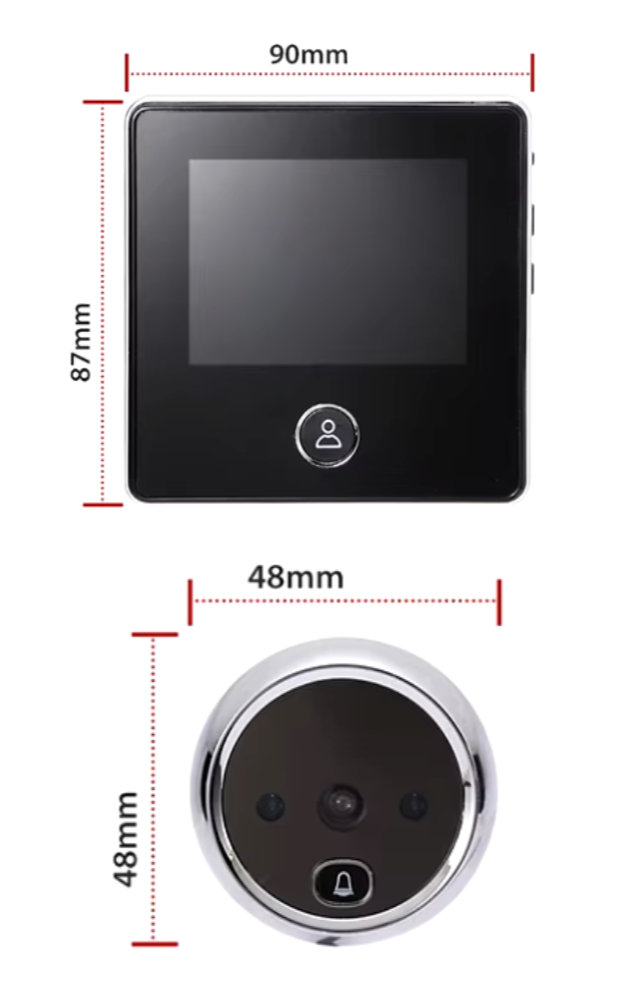
- Display: Color LCD 2.8" (480x320 px)
- Camera: Color CCD camera with 120° wide-angle lens
- Night mode: 2 IR diodes, visibility up to 5 m
- Door thickness: Fits doors with a thickness of 32-120 mm
- Mounting hole: Can be installed in holes with a diameter of 14-22 mm
- Power supply: Built-in 1000 mAh battery (up to 120 days of operation)
- Doorbell function: Yes
- Photo capture function: Yes (automatically when the doorbell is pressed or manually during preview)
- Built-in memory: Yes (up to 40 photos with overwrite option)
- Automatic on/off: Yes (when doorbell is pressed / after 15-25 s)
- Model: DD2

Set Includes
- 1x Electronic Door Viewer DD2
- 1x Power cable
- 1x Mounting accessories
- 1x User manual