


H320 WiFi Tuya Smart Alarm System

Order by 6:00 p.m. on weekdays using the InPost carrier and receive your parcel the next day!
Over 20,000 verified Spreest reviews, with an average rating of 4.7/5
Pickup available at Odbiór w Mińsku Mazowieckim
Usually ready in 1 hour

H320 WiFi Tuya Smart Alarm System
Odbiór w Mińsku Mazowieckim
Romualda Traugutta 19
05-300 Mińsk Mazowiecki
Poland

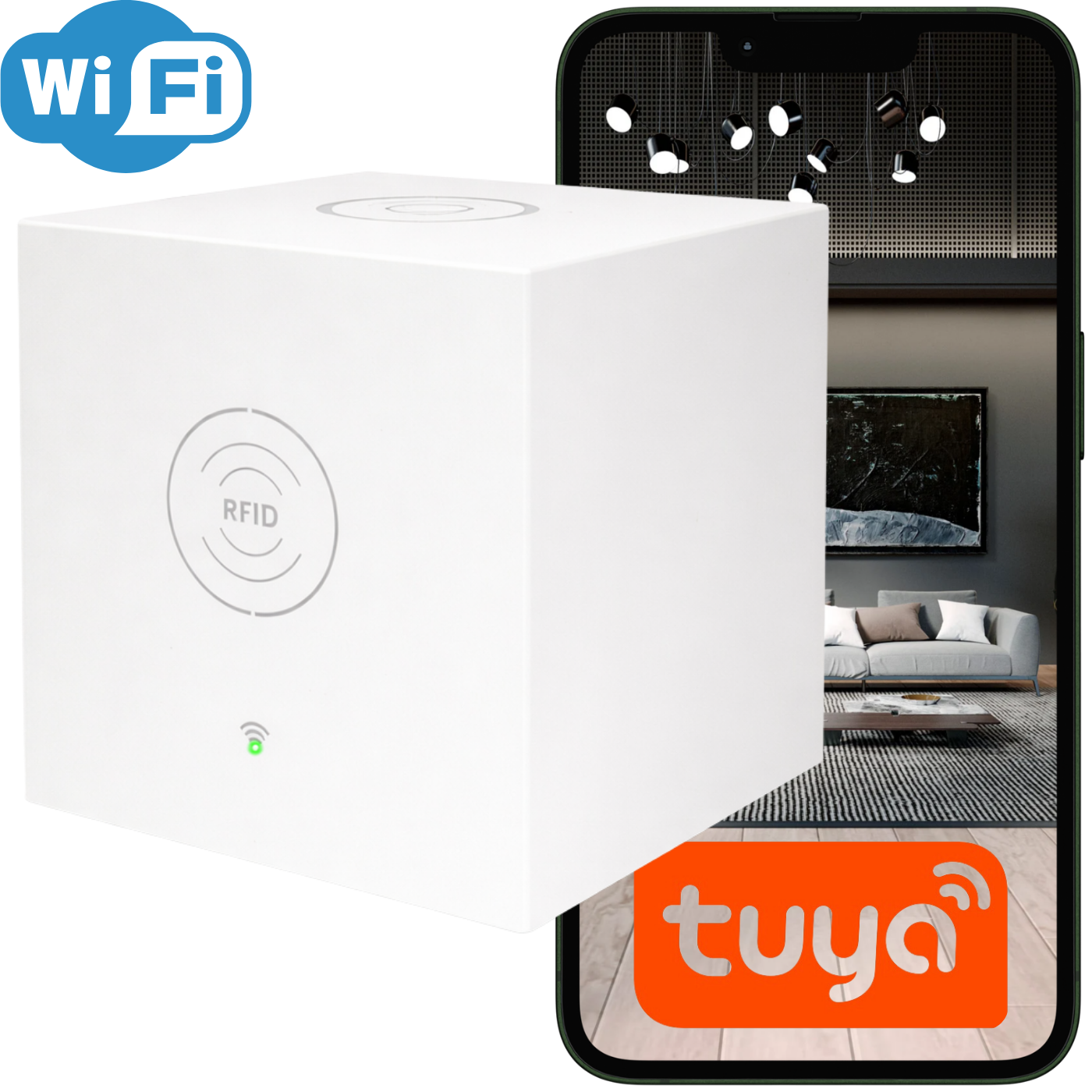
Introducing a new intercom kit, perfect for all homes, shops, and warehouses. We've gone beyond standard alarms to create a product that truly solves problems and provides mobility .
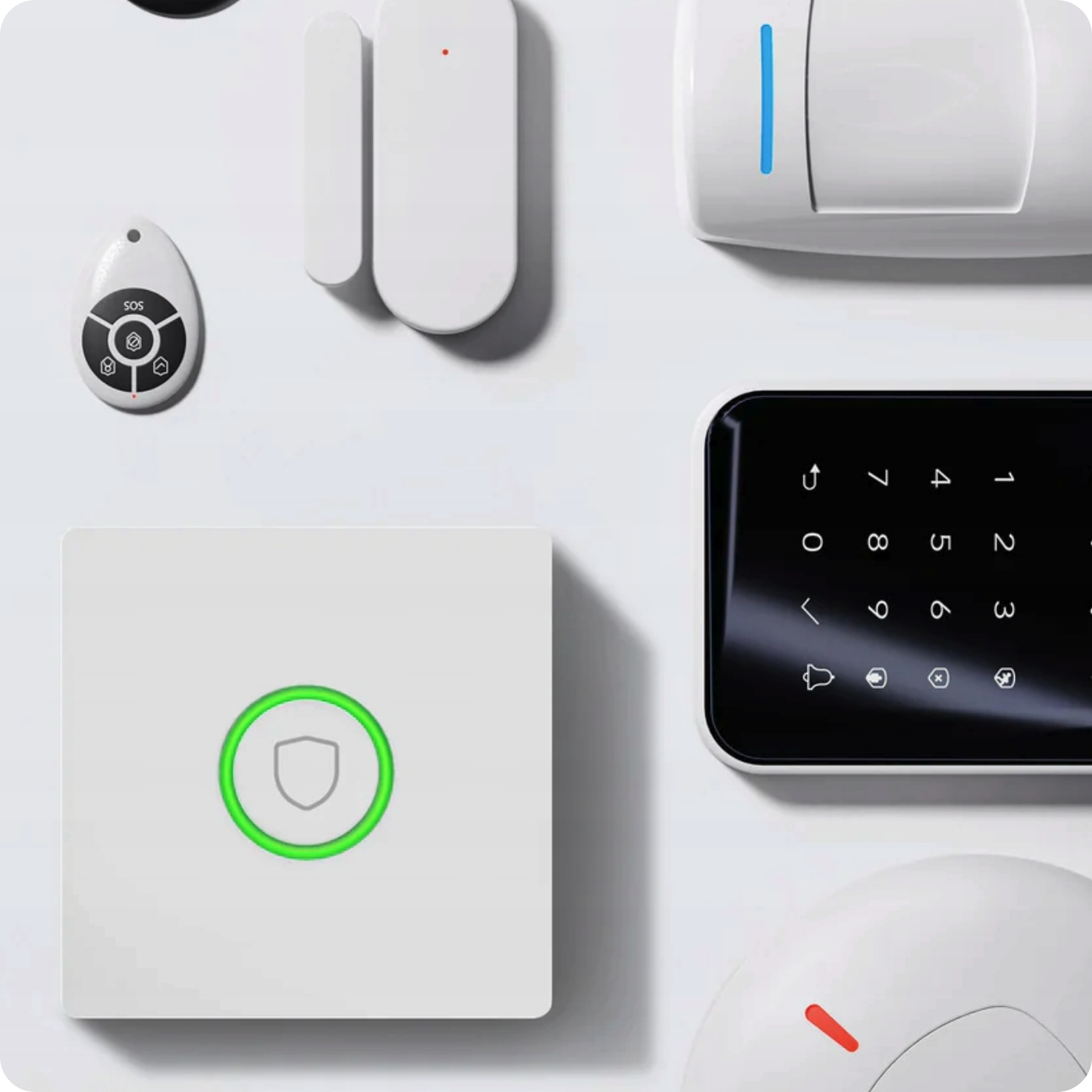
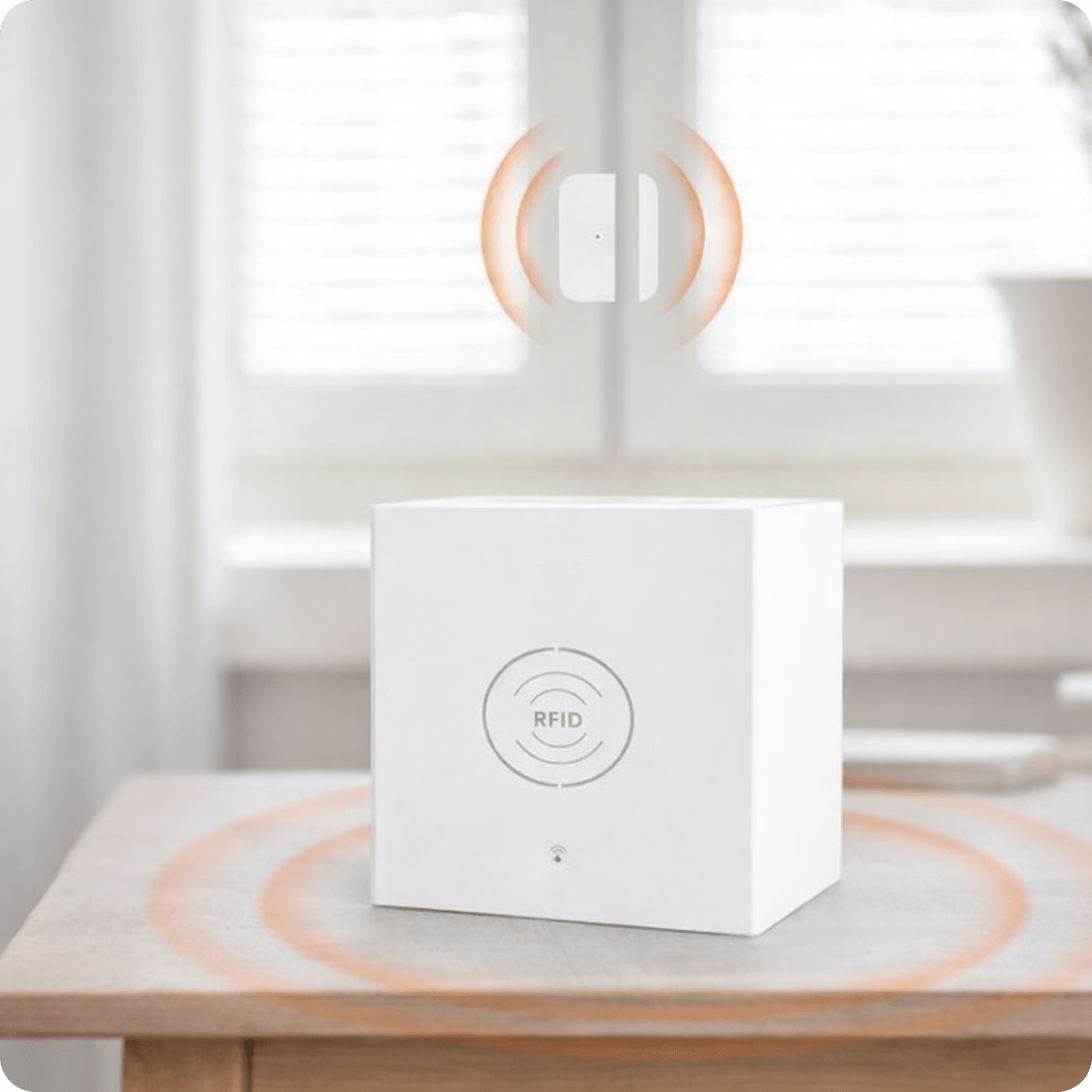
You can find additional sensors and alarm components in our offer, as well as many other intelligent products working in the Tuya automation ecosystem.
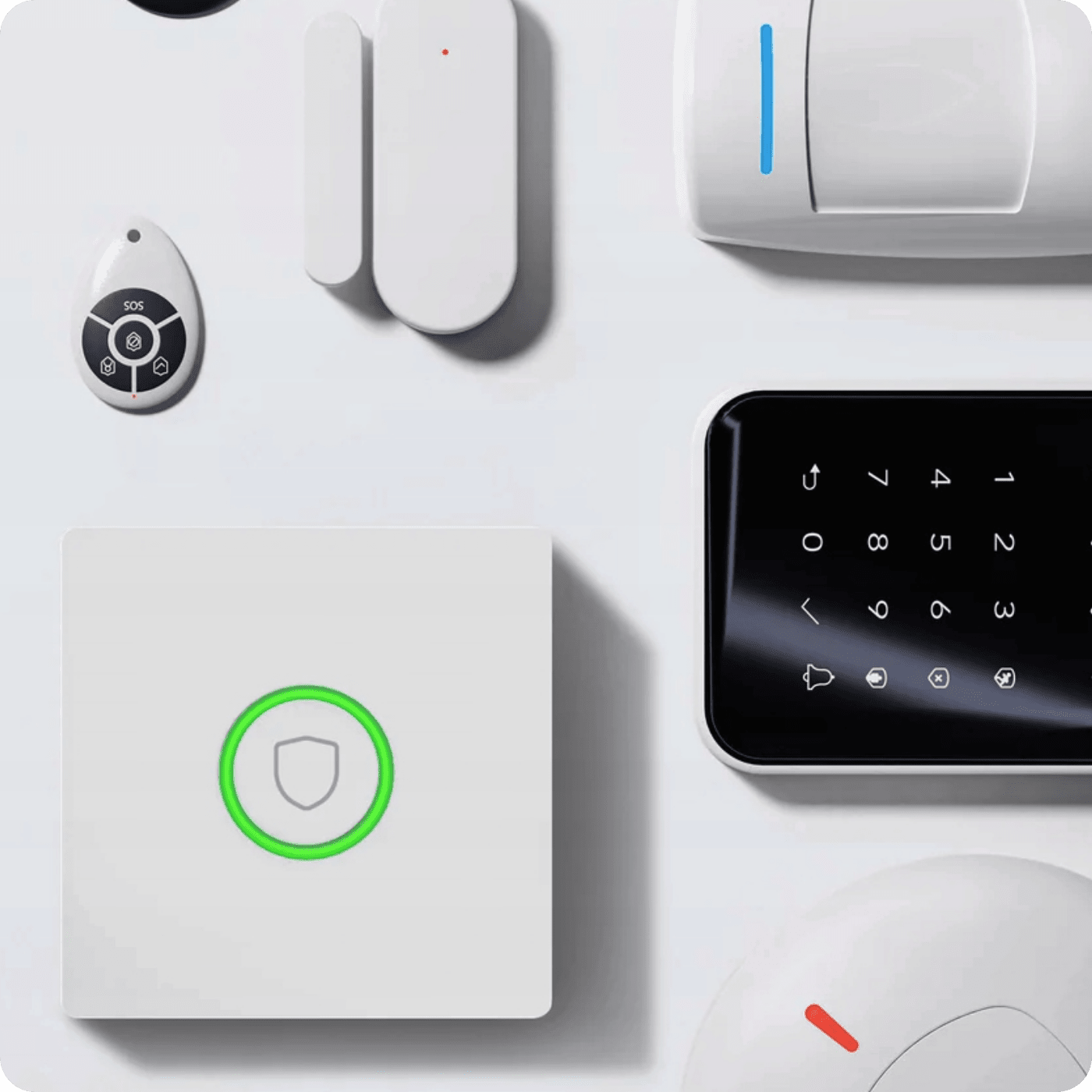
Sensors and components compatible with this alarm system are available in our offer:
- Motion sensor
- Vibration sensor
- Window or door opening sensor
- Smoke detector
- Gas sensor
- Flood sensor
- Heat sensor
- Gate opening sensor
- Roller shutter closing sensor
- Code lock with keypad
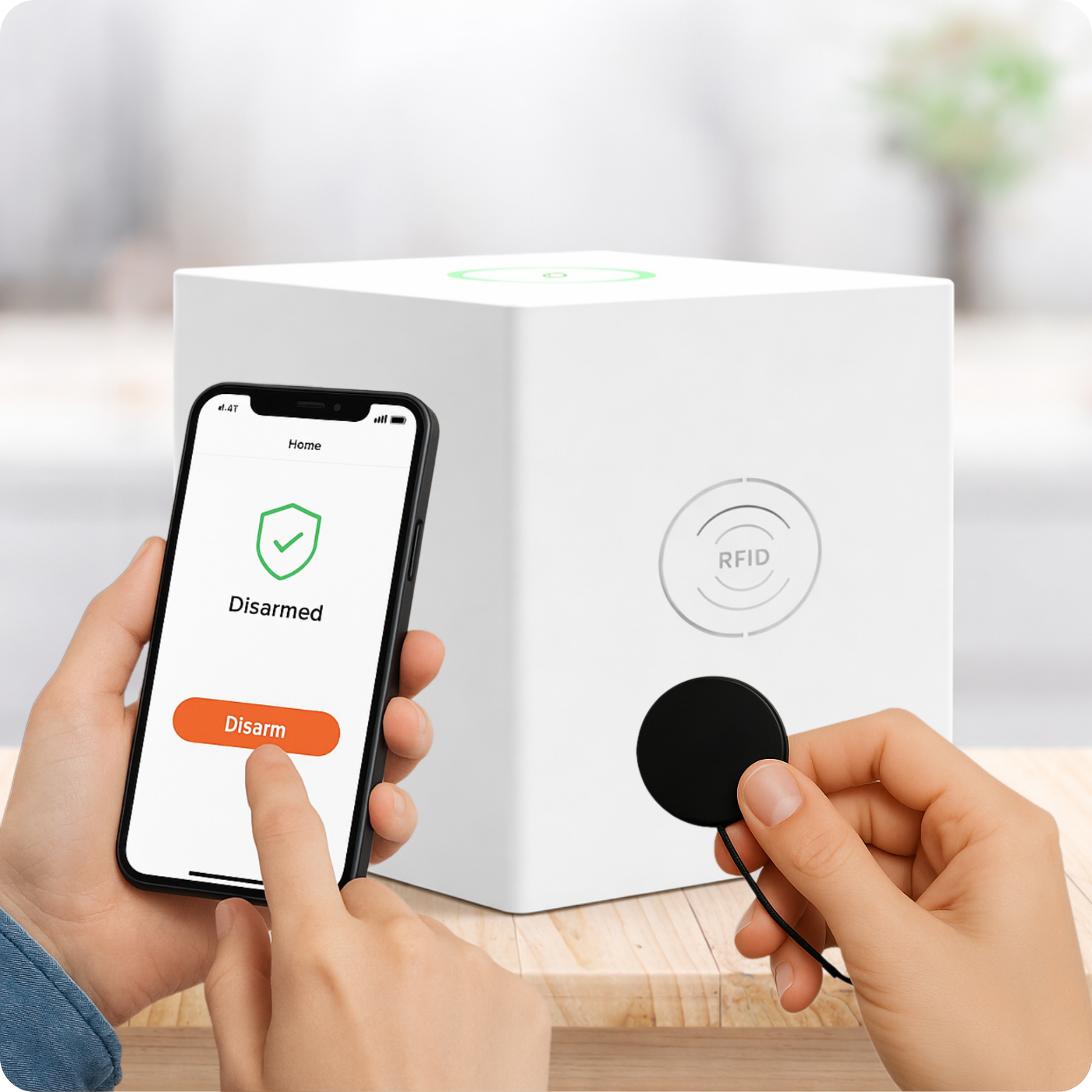
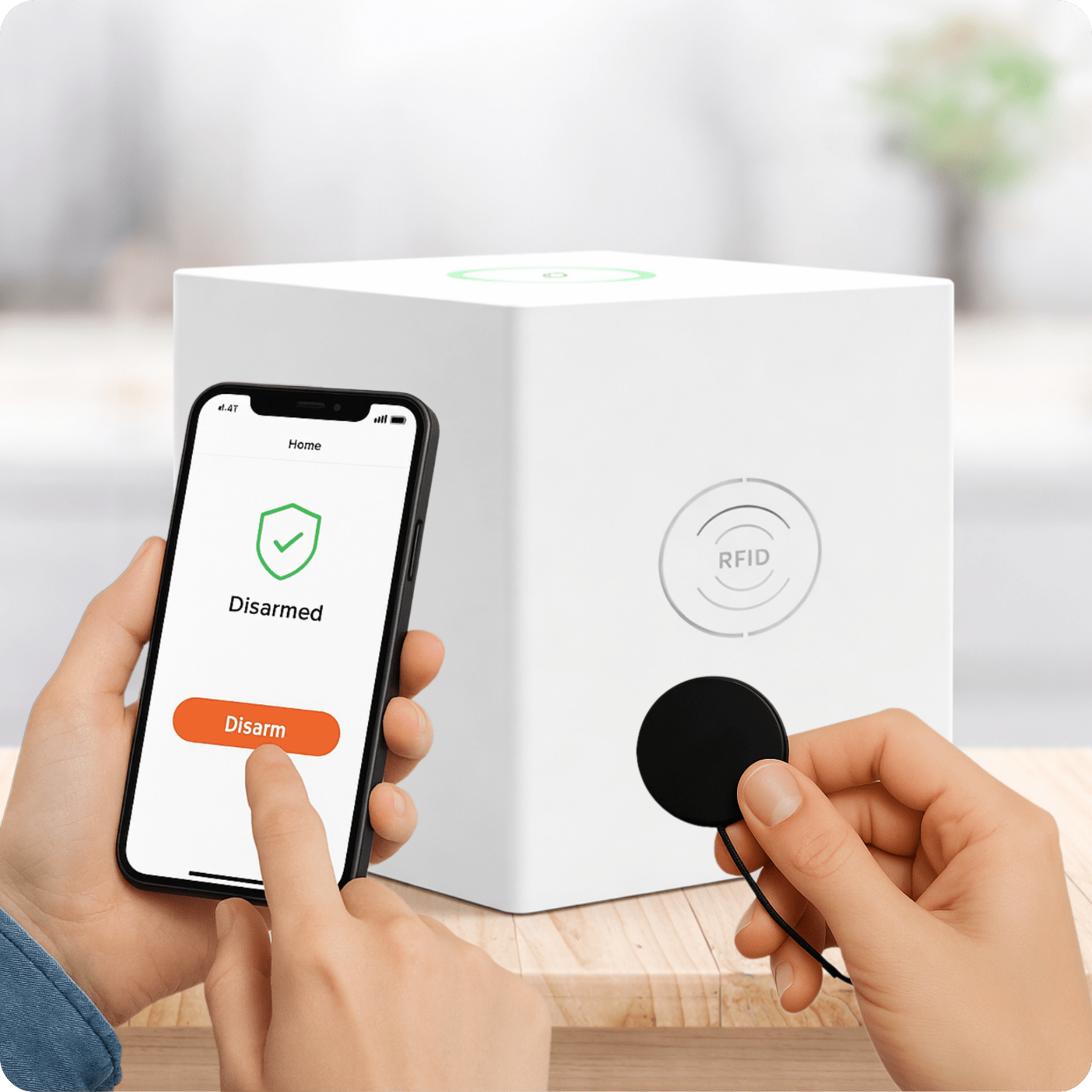
- Cards, key rings, RFID ID and IC stickers
- Wireless doorbell
- Wireless alarm bell
- Remote control
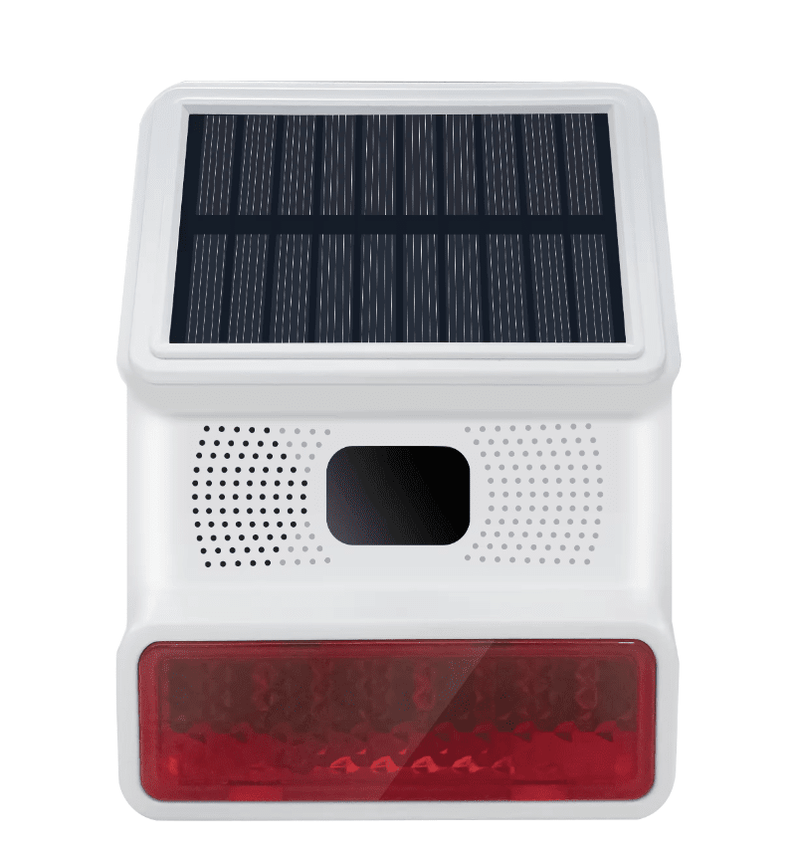
- Sirens (wired, wireless, solar)
- Signal amplifier
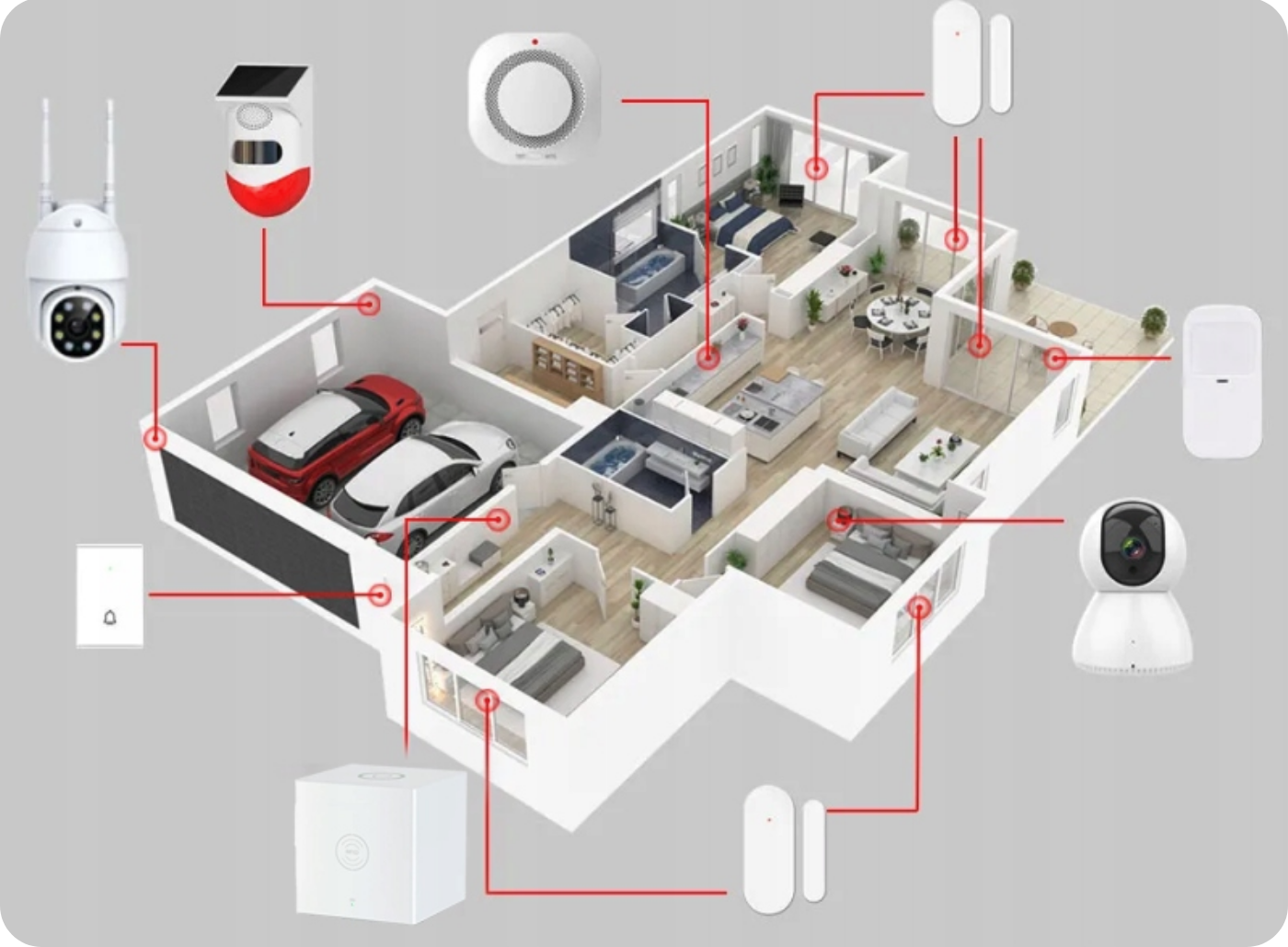
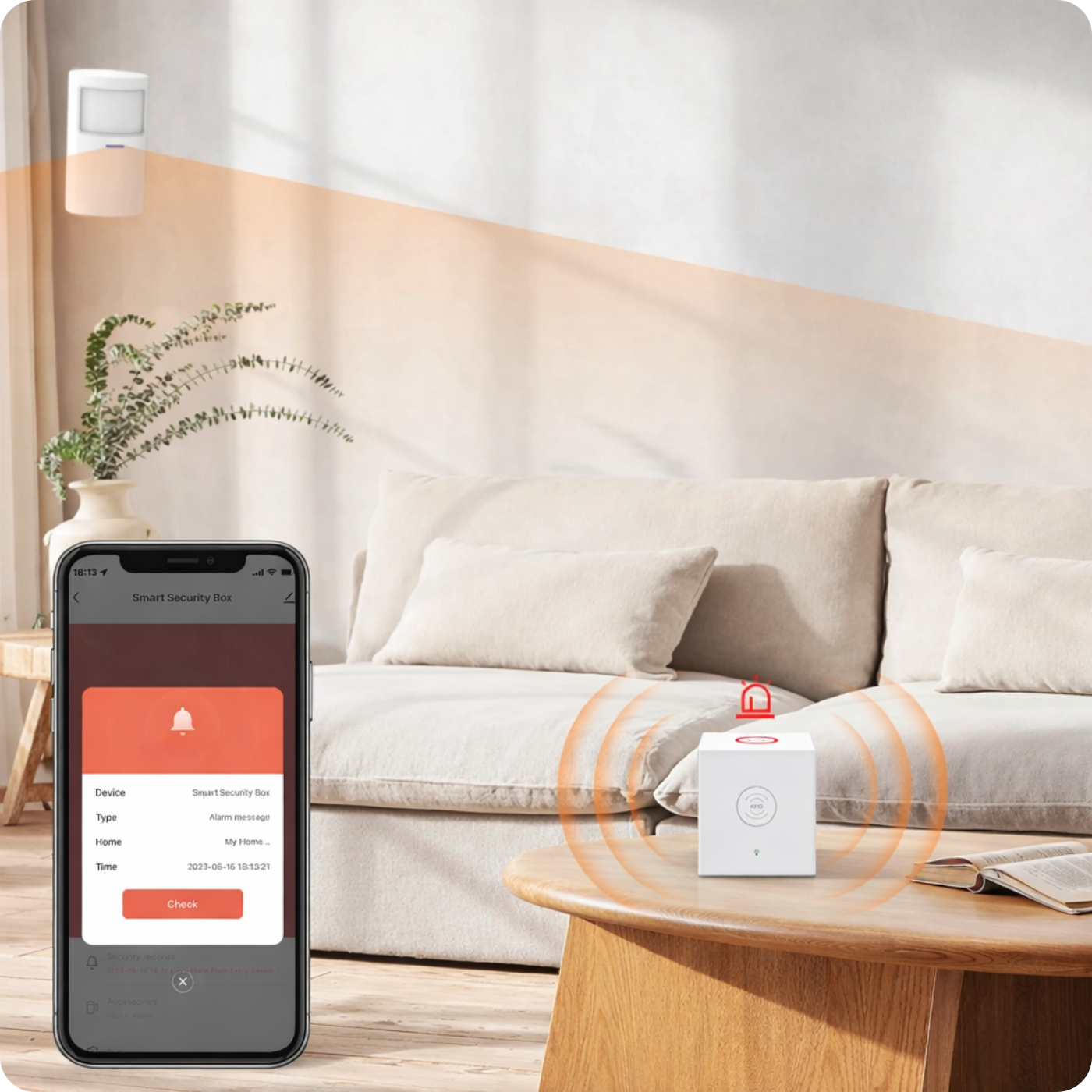
The Spreest alarm system, equipped with the Tuya app, is a highly effective solution for remotely managing home or office security . The app allows users to activate or deactivate the alarm system in real time, regardless of their location. For example, during a business trip, users can receive notifications when motion is detected by sensors installed in the home. Instant access to the app allows them to quickly decide what action to take or contact local authorities.
Every event detected by the sensors, such as door opening, smoke detection, or water leakage, is saved in the event log accessible through the app, allowing for a detailed chronology of events. This functionality not only gives users complete control over the alarm system but also provides peace of mind knowing they're always in the loop.
- Easy system expansion: You can add sensors as needed (up to 68 sensors, 6 remote controls, 6 wireless doorbells, 6 code locks, 10 RFID cards or fobs) to create a complete security system. You can add smoke, motion, flood, water leak, gas, door open, and much more.
- Real-time management: Every event detected by the sensors, such as door opening, smoke detection, or water leakage, is logged in the event log accessible via the app. Complete control provides peace of mind knowing you're always in control.
- SOS at your fingertips: A remote control with an SOS button can save lives when an elderly person needs help. One press of a button and the family receives an alert via mobile app or text message . You can also immediately respond to a burglary or robbery by instantly activating the alarm system , which will sound a siren and notify emergency numbers. The remote control is available for purchase separately.
- Share the responsibility: Family or roommates can manage the system together, so everyone can contribute to home security. Share system management via apps.
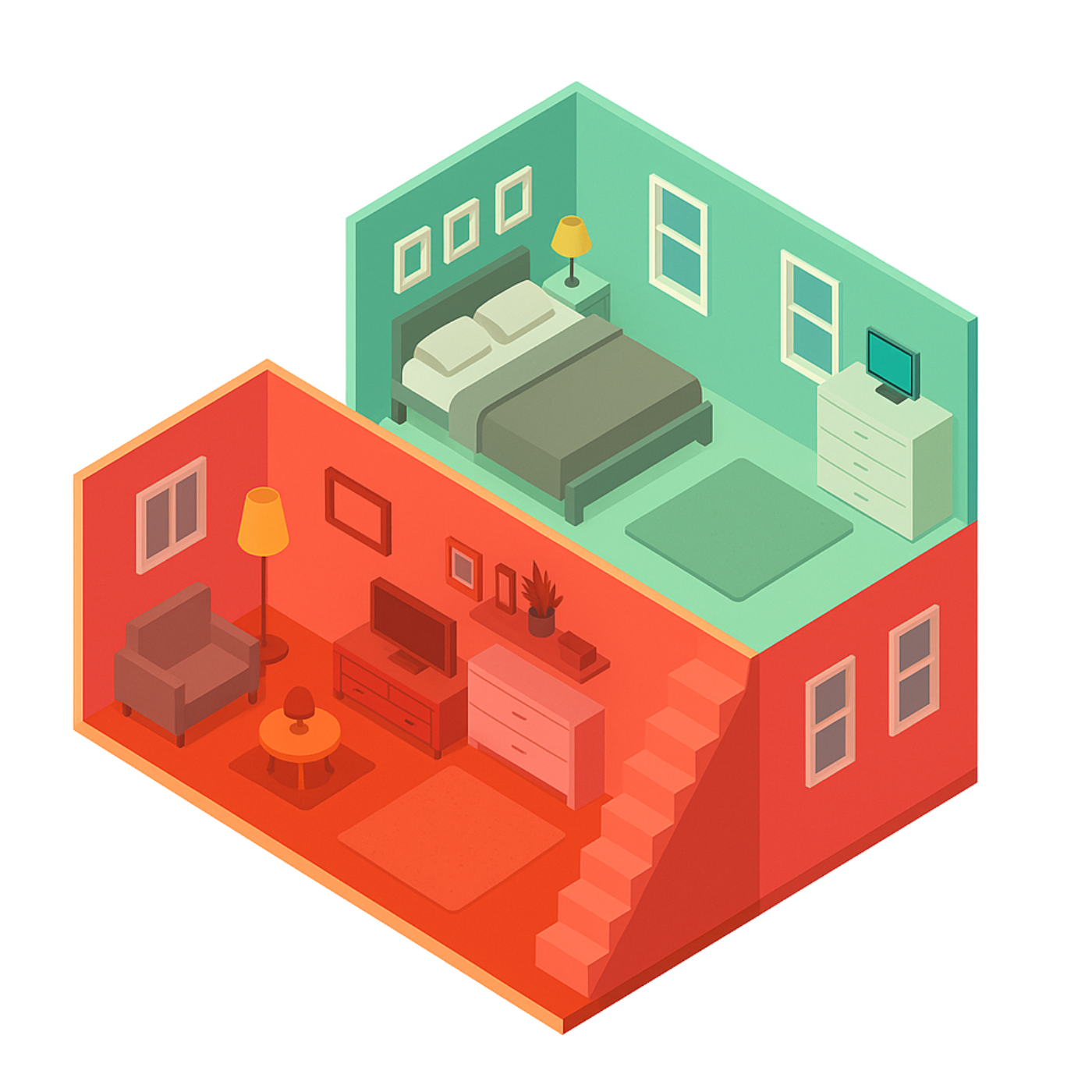
- Programmable security zones: Set the alarm so that, for example, all sensors are alert at night, except for your bedroom. You can set an emergency zone in which sensors will be active regardless of whether the alarm is armed .
- Effortless installation: Wireless sensors eliminate the need for running cables , and the intuitive connection to the Tuya app means you can easily install the system yourself.
- Polish language at every step: All messages, menus and notifications are in your native language, ensuring full understanding and ease of use.
- Before leaving the house, the app will remind you to close all windows and doors for maximum security.
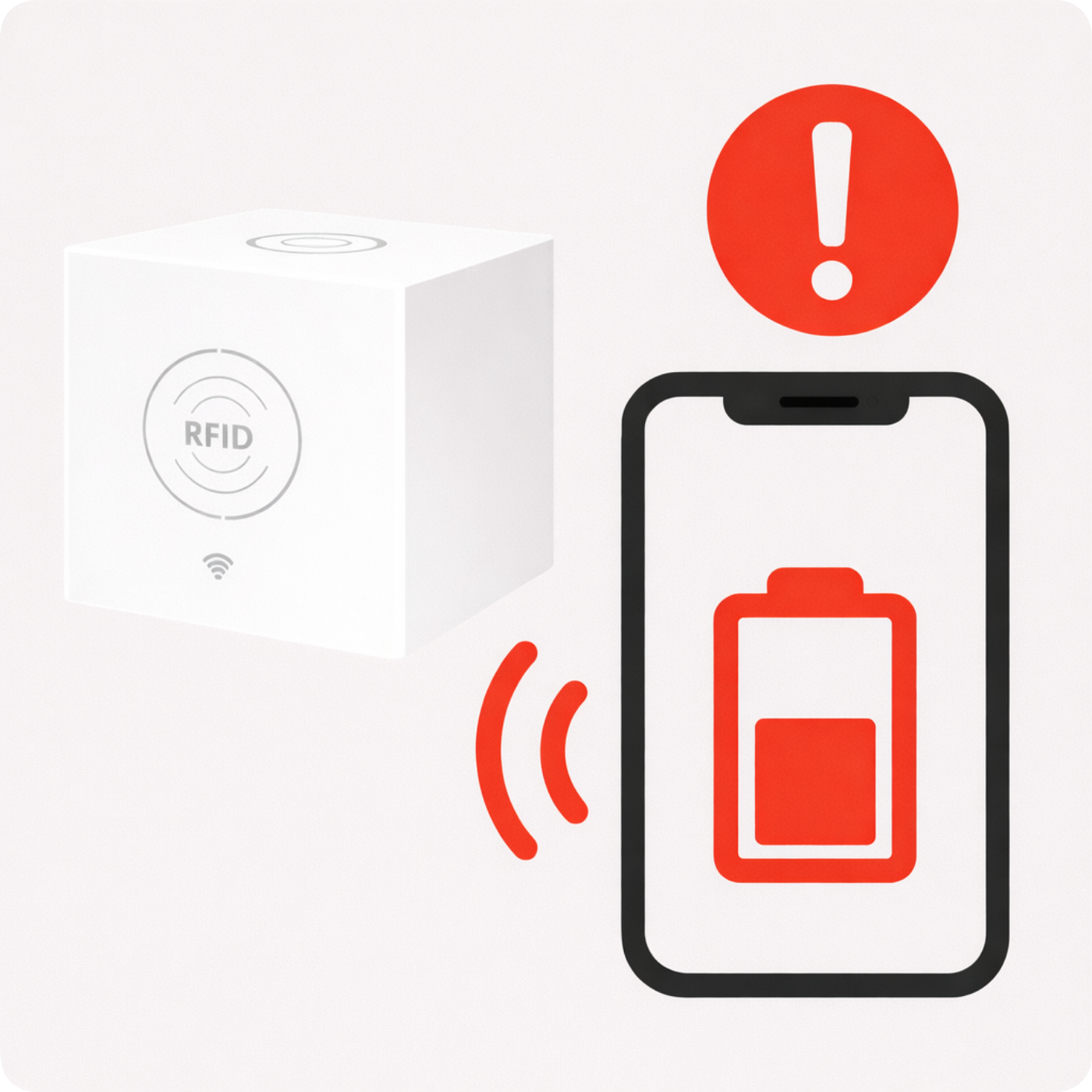
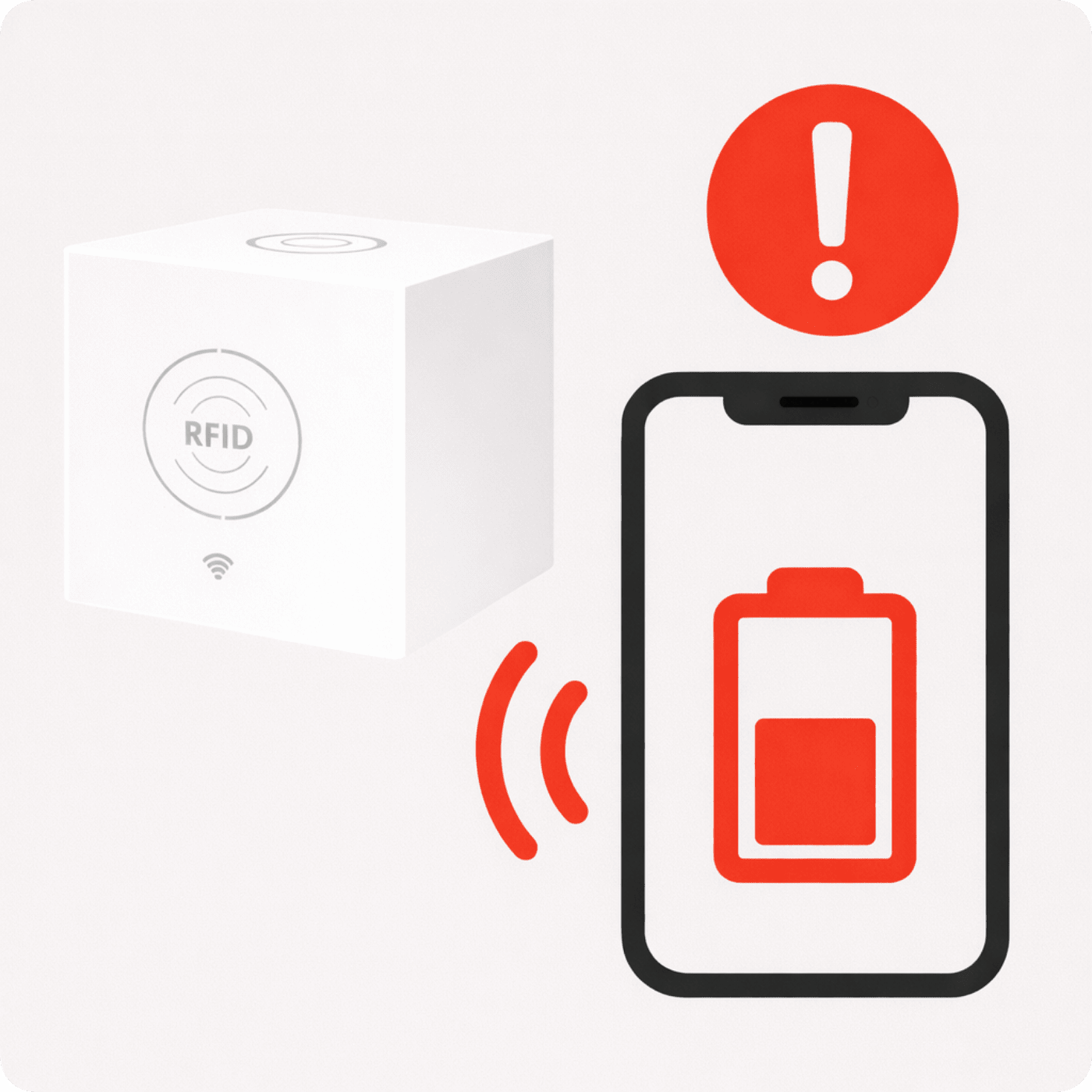
- Battery Monitoring: You won't be surprised by the sudden drain of the sensors' batteries; the system will inform you in time about low battery status.
- An alarm everyone can hear: The option to purchase a loud siren up to 110 dB and connect additional external and internal sirens ensures that the alarm won't go unnoticed. The siren is available in our offer.
- Personalization settings: Customize the system to your needs, for example, by setting the alarm delay, alarm notifications, alarm volume, emergency phone number, emergency text message, emergency call, and siren operating time.
- Reliability during power outages: The built-in 1000 mAh battery ensures the alarm works even during a power outage for up to 12 hours of standby time.
- Smart Arming and Disarming Schedule: Set automatic arming and disarming for specific times, for example, to turn on the system at night when everyone is asleep.
- Possibility to connect a wireless numeric keypad with RFID key fobs , video intercoms, an external doorbell and much more
- Tuya Smart Scenarios: Create automations like automatically turning on a kitchen lamp and then the radio two hours later, reenacting a quiet evening at home, or turning on a light when motion is detected to deter a potential burglar.
Forget about complicated installations. Our Spreest alarm system with wireless sensors guarantees simple, do-it-yourself setup. There's no need to drill holes or hide cables – each sensor is ready to use after a few simple setup steps.
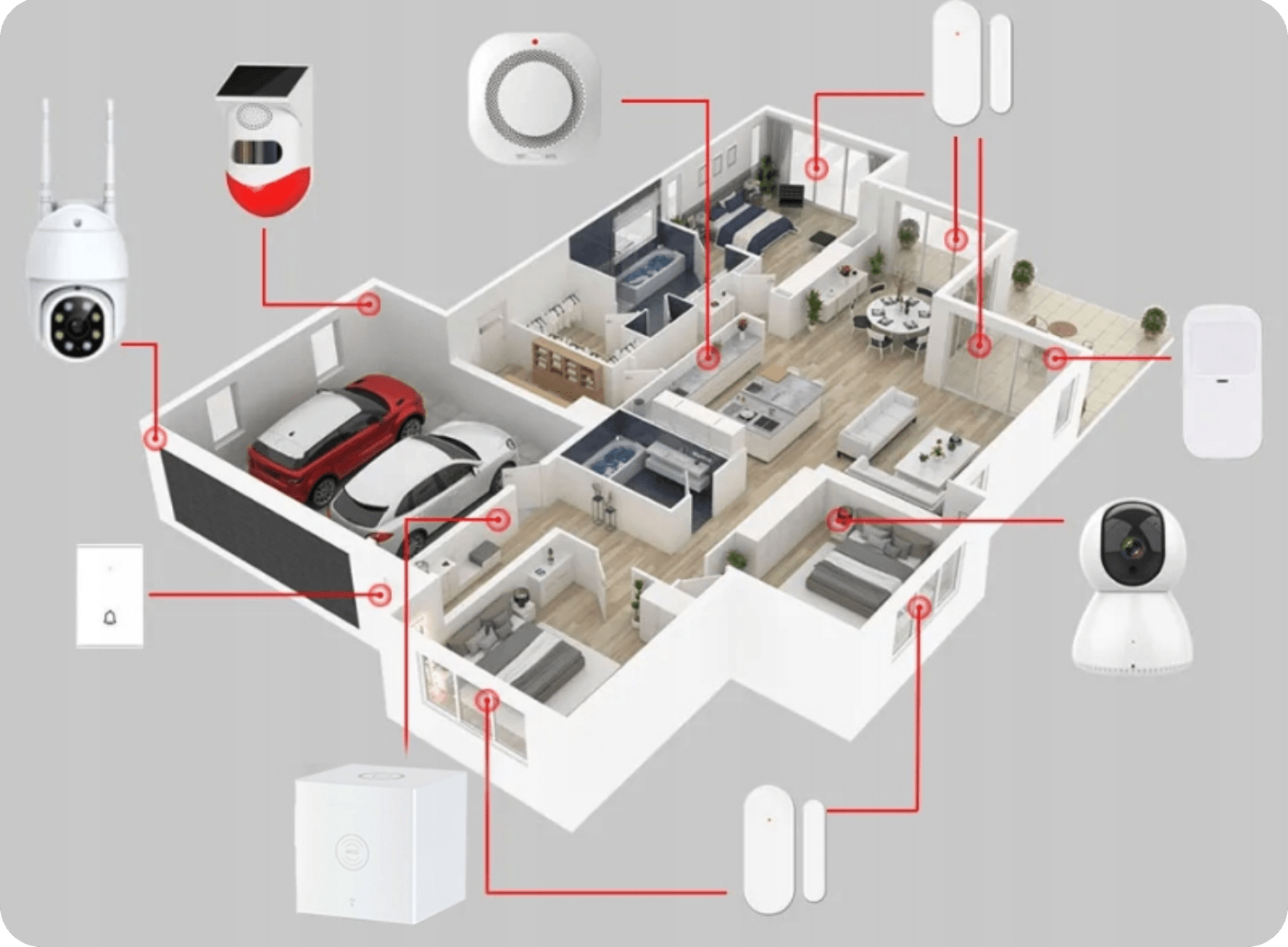
The variety of sensors compatible with the Tuya app allows you to create a comprehensive home security and automation system . Here's a list of sample sensors you can integrate with the Tuya app and your alarm system:
- PIR motion sensor – detects motion in designated areas.
- Door/window opening sensor – informs about opening or closing doors and windows.
- Smoke detector – detects smoke and potential fires in the home.
- Flood sensor – signals the presence of water, for example in the event of leaks.
- Gas leak sensor – responds to the detection of hazardous gases such as natural gas or carbon monoxide.
- Temperature and humidity sensor – monitors indoor climate conditions.
- Vibration/Glassbreak Sensor – detects vibrations that may indicate a break-in attempt.
- Air quality sensor – measures the level of pollutants in the air.
- Light sensor – detects changes in light intensity, can be used to automate lighting.
- Sound Sensor – Detects unexpected noises that may indicate a security breach.
Integrating these sensors with the Tuya app allows you not only to monitor and respond to dangers , but also to create scenarios and automation that make everyday life easier and increase the comfort of use.
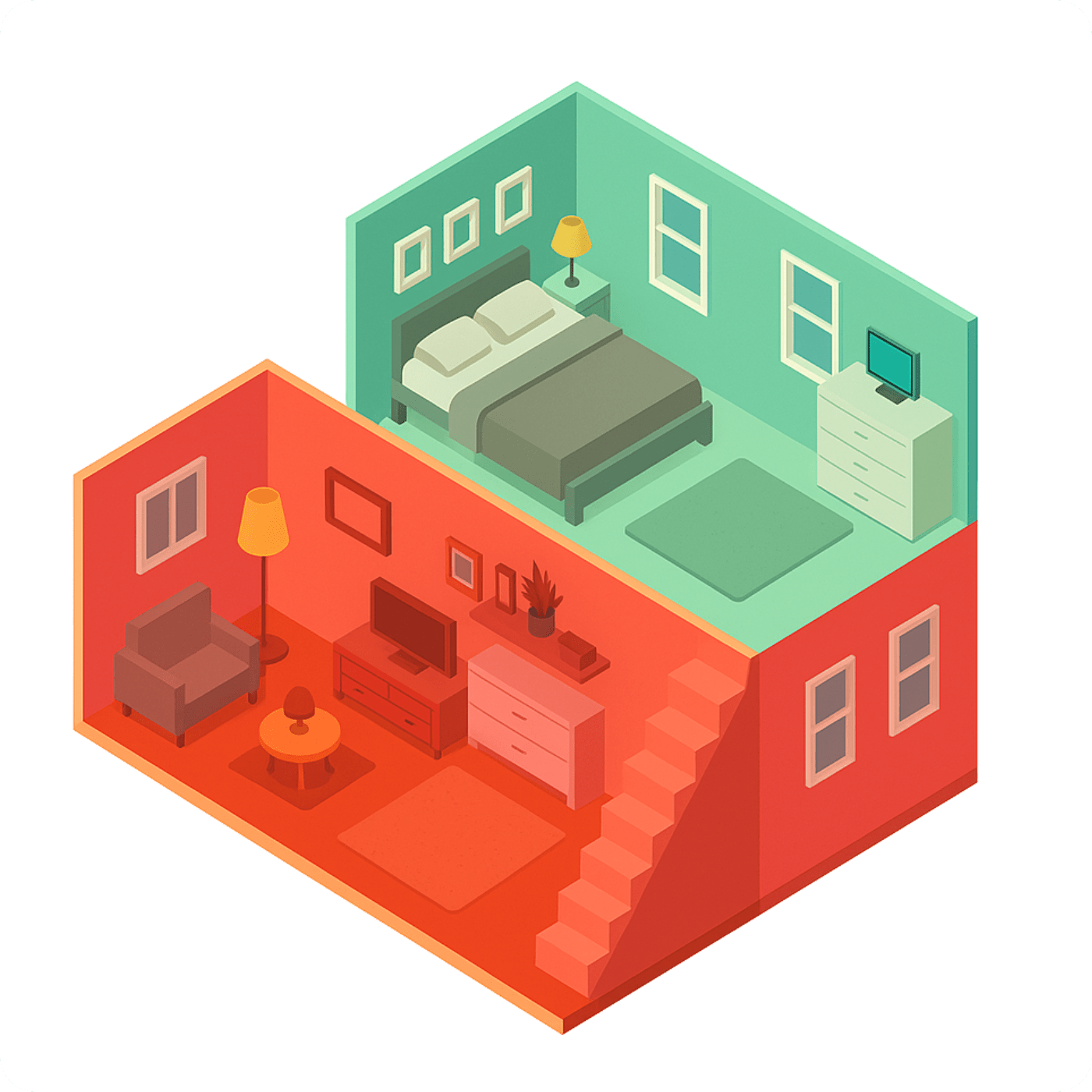
Our system allows for flexible security zone settings, allowing you to tailor your protection to your needs. At night, activate all sensors except those in your bedroom, ensuring a peaceful night's sleep without false alarms. Additionally, choose:
- 24-Hour Zone: Sensors operate continuously, regardless of system status. Ideal for sensitive areas such as entrances or places where valuables are stored.
- Interior Zone: Allows you to move freely around the house, with motion sensors disabled but door sensors activated. Without worrying about accidentally triggering the alarm.
- Outdoor Zone: All sensors are active, maximizing protection when the house is empty or everyone is asleep.
Such settings allow for full control over the system and home security, while ensuring comfort of use without unnecessary complications.
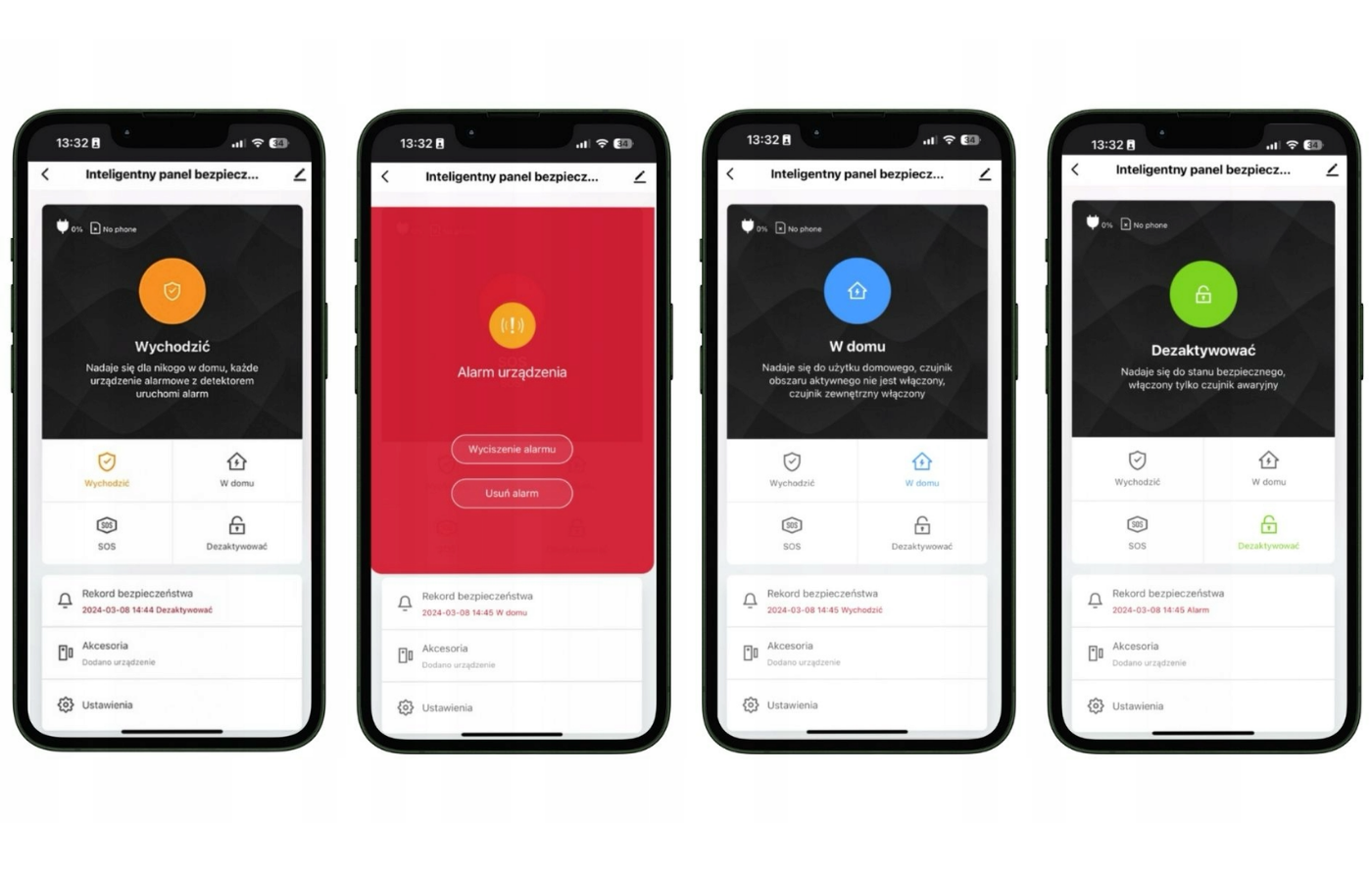
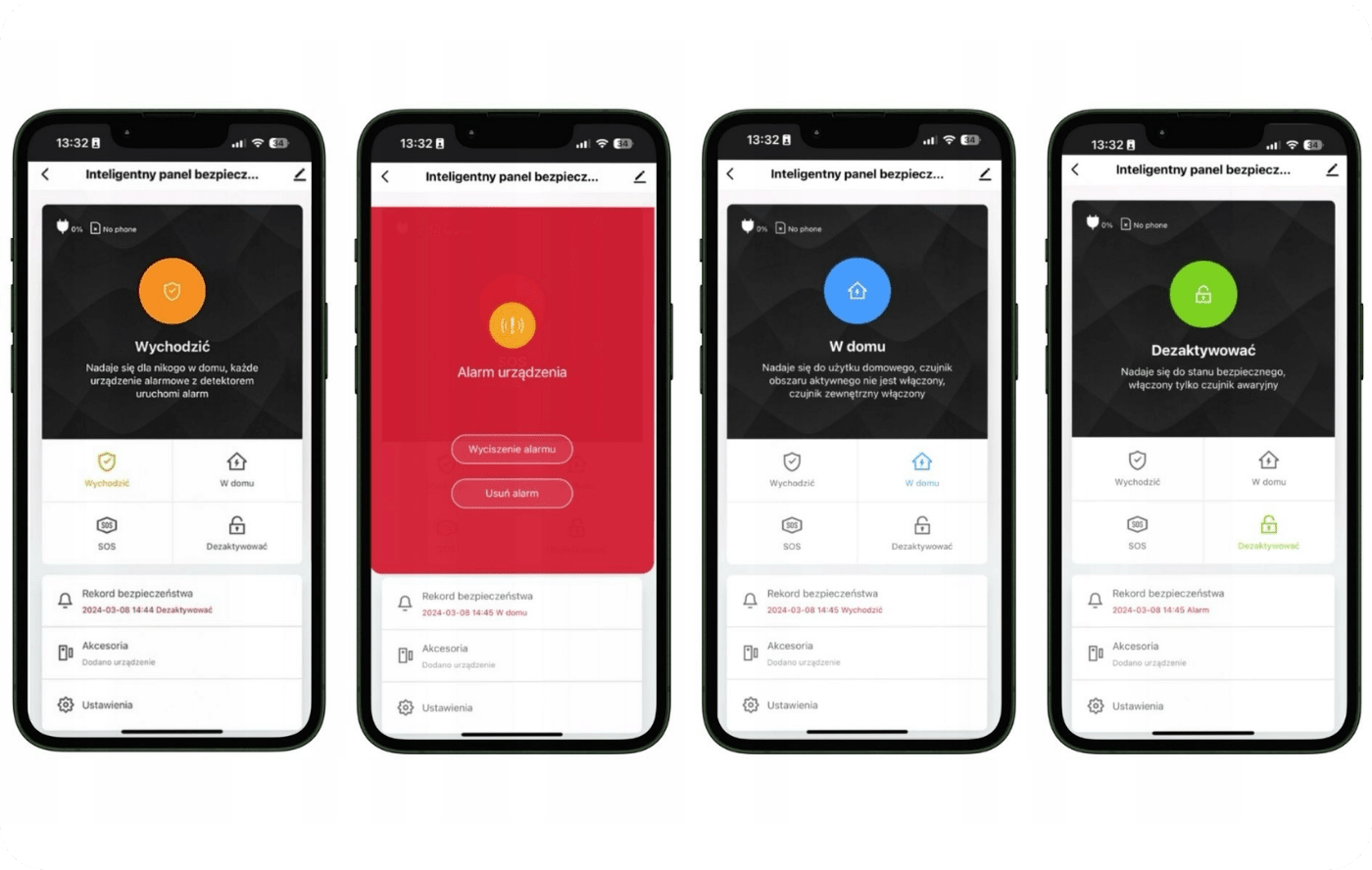
The alarm system, managed by the Tuya app, offers four intuitive scenes that provide flexibility and security tailored to modern needs:
- "Leaving" Scene: Designed for situations where you leave the house. Activating this scene activates all external and internal sensors, providing comprehensive protection during your absence. If motion is detected or a door is opened, the system will immediately trigger an alarm.
- The "Device Alert" scene : This is a special mode that you activate when you receive a notification of a potential threat. It gives you the ability to quickly respond to the danger . The alarm in this scene triggers a very loud siren.
- "At Home" Scene: Perfect for moments when you're at home and want to feel comfortable yet secure. Internal sensors are deactivated, allowing you to move around the house comfortably, while external sensors remain alert to respond to intrusion attempts.
- "Deactivate" Scene: Use this scene to completely disarm the system, for example, during family gatherings when the house is full of guests. You can rest assured that the sensors won't react to every movement, ensuring the comfort of you and your guests. Additionally, before activating the "Leaving" scene, the app will remind you to check all doors and windows. This smart solution ensures your home remains as secure as possible when you leave, eliminating the risk of leaving doors unlocked and becoming easy targets for uninvited guests.
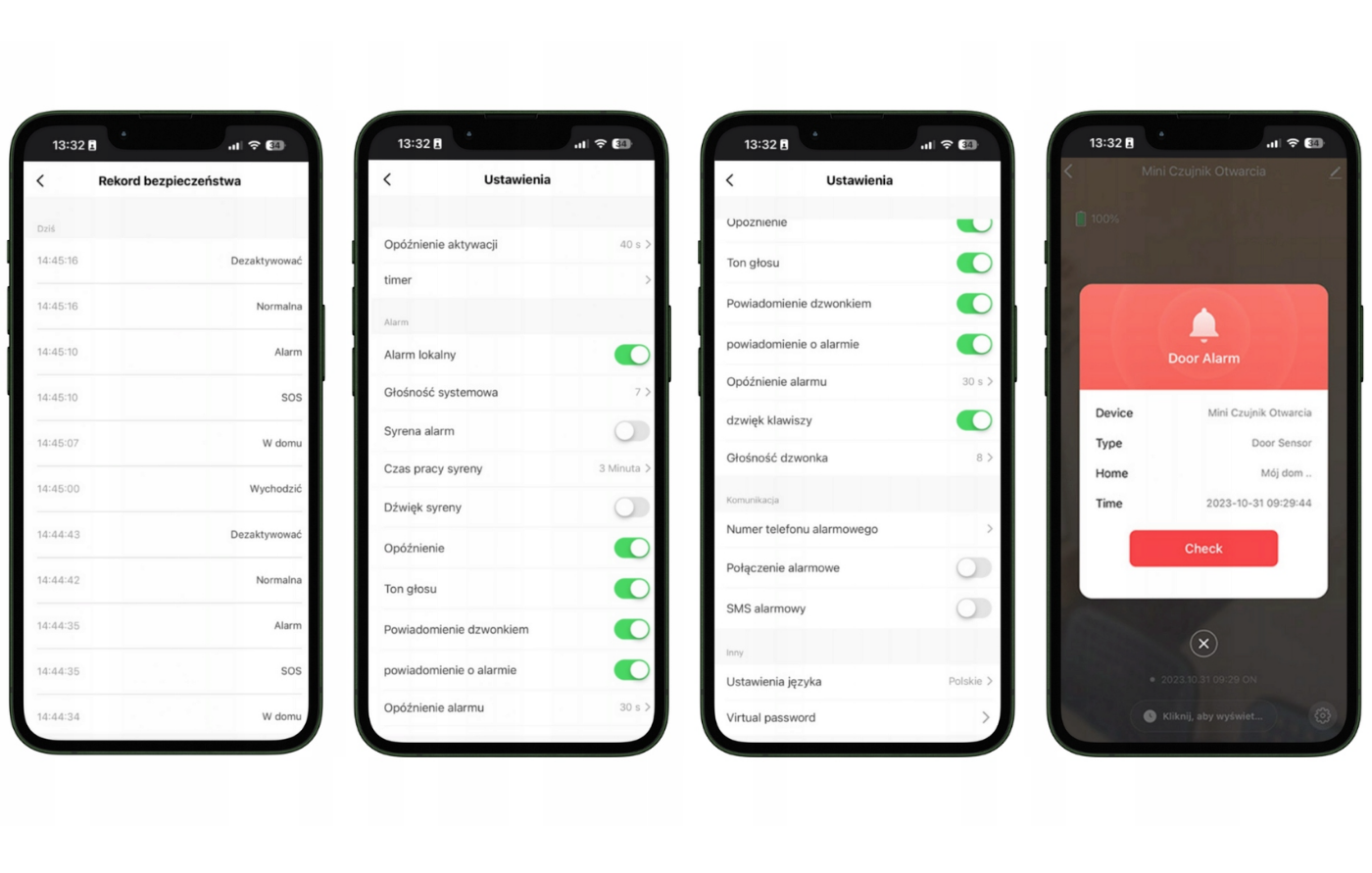
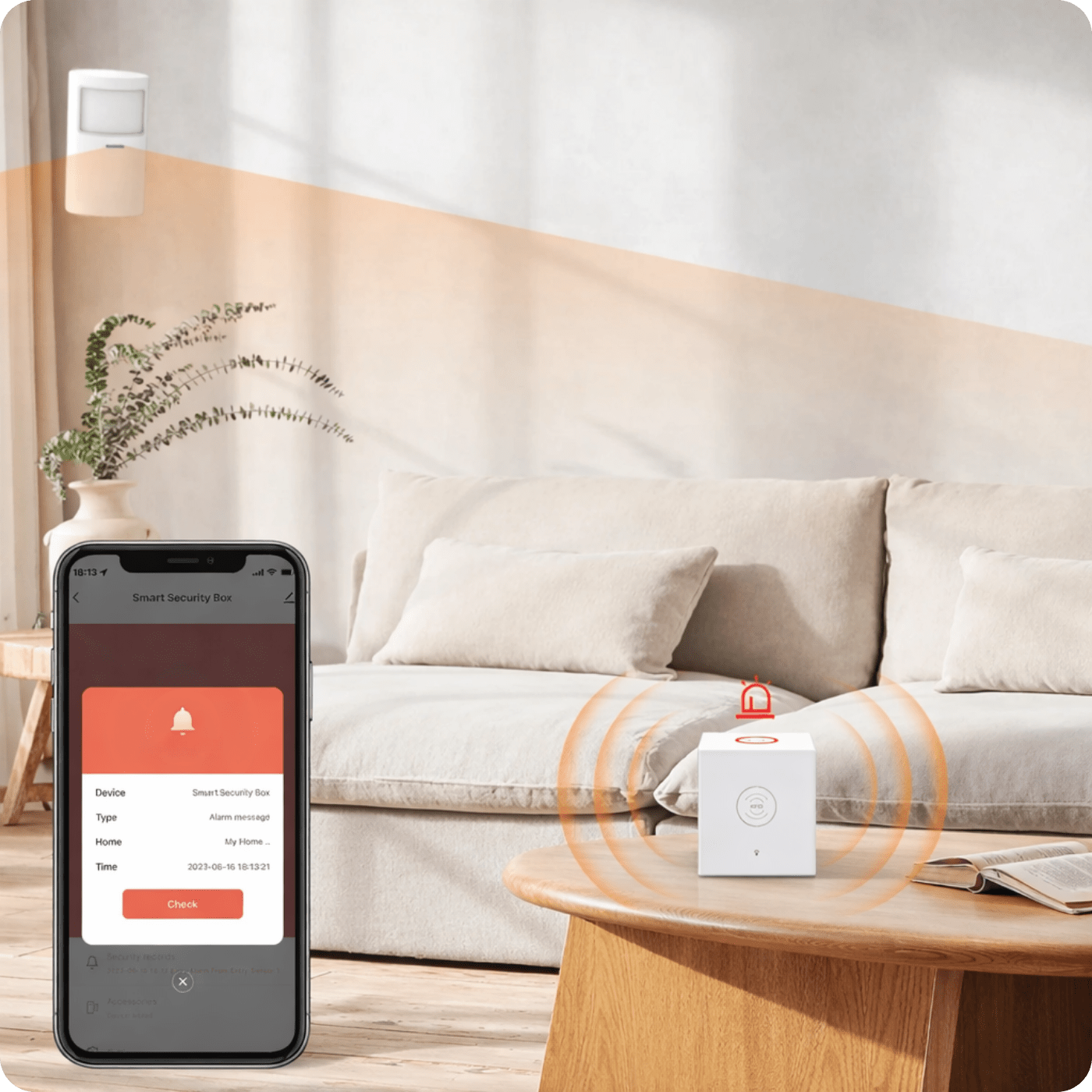
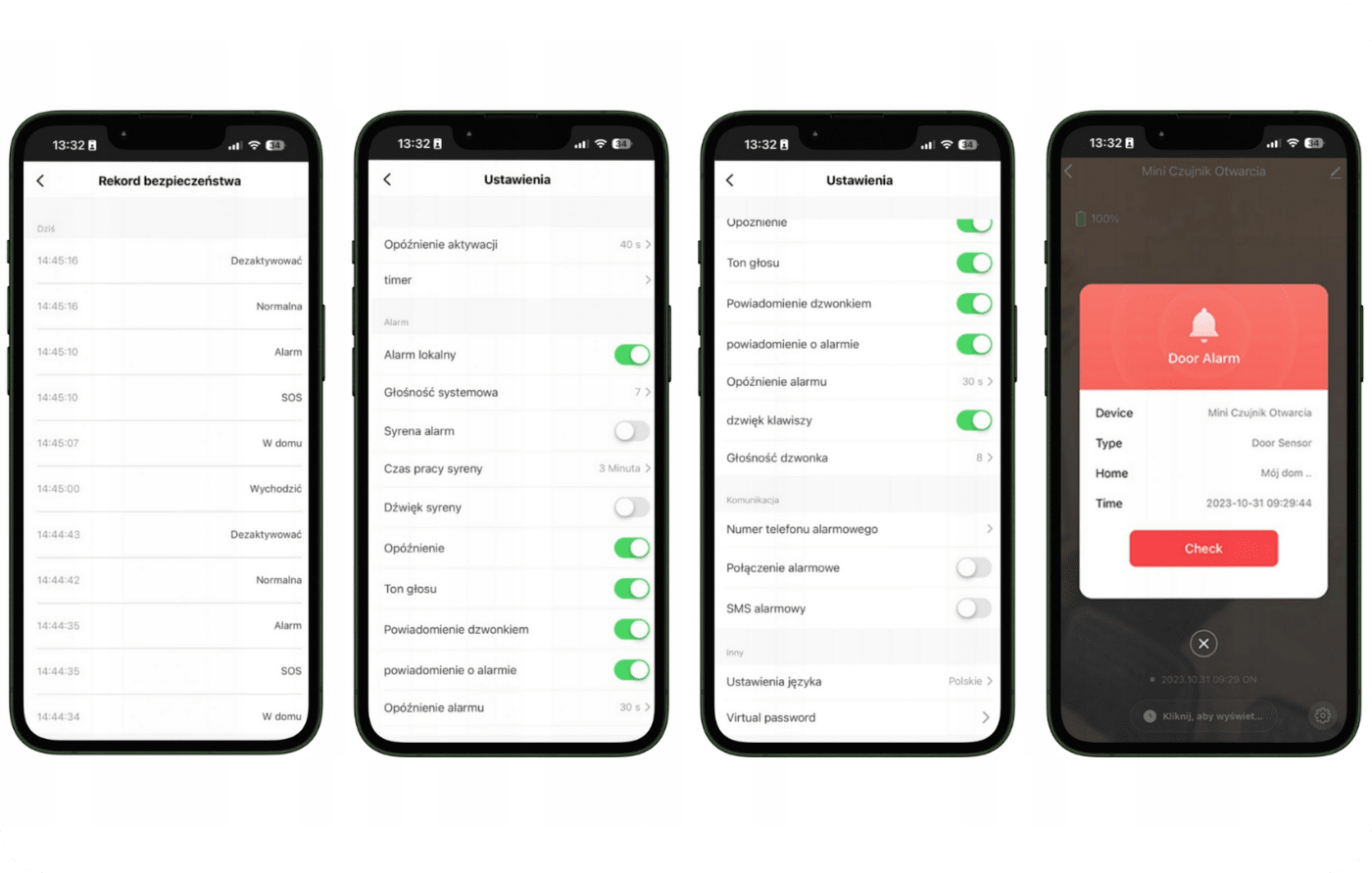
The alarm system offers advanced management and customization of security settings. The app provides users with access to a detailed event history that records every sensor movement, SOS alerts, and system status changes , such as arming and disarming the alarm. This ensures complete awareness of the situation in your home or business and allows you to quickly respond to potential threats.
A variety of system configuration options allows you to tailor the system to your individual needs. The application offers a wide range of configuration options, including:
- Activation Delay: You can set an alarm delay, which is useful when entering the house to avoid triggering a false alarm.
- Voice Tone: Adjusts the system's audio signals, which can be changed based on user preferences.
- Sound notifications: The user can turn the sound of alarm notifications on or off, as well as set their volume.
- Communication: Manage notification methods, including setting emergency phone numbers and configuring calls and SMS messages in the event of an alarm.
- Language settings: Adjust the application interface language to suit user needs.
- Virtual Password: Provides an additional layer of security by setting a system access code. Additionally, the image displays a notification of an alarm detected by the door sensor when the system is armed. This demonstrates how the system responds to potential threats in real time and informs the user about them, which is crucial for home or office security.
The remote control included with the alarm kit is not only a tool for contactless arming and disarming of the system, but also a key safety feature. Its built-in SOS button is invaluable in emergency situations – it can easily save lives. When pressed , the system sends an alert to family or caregivers via a mobile app or text message , informing them of the need for immediate assistance. This feature is particularly useful for the elderly or those requiring care, who can immediately report their situation in the event of a faint or other emergency. If a burglary or robbery is detected , having the remote control within reach allows for immediate activation of the alarm system. The alarm will sound a loud siren and notify pre-defined emergency numbers of the potential threat , ensuring a quick response and increasing the chance of avoiding or mitigating the negative consequences of such incidents. The remote control is available for purchase separately.
The advanced features of the alarm system , powered by the Tuya app, allow users to not only personalize their security but also create intelligent scenarios with the Tuya Smart app. The system offers timed programming that automatically arms the alarm when you leave for work at 8:00 a.m. and disarms it when you return home at 6:30 p.m., providing peace of mind and convenience without the need for manual changes. At 10:00 p.m., when you go to bed, the system re-arms, protecting your home during the night. The system can also disarm itself first thing in the morning at 7:00 a.m., allowing you to start your day without disruption.
In addition to everyday security management , you can use the app to create home automations that further improve your comfort. For example, the system can automatically turn on kitchen lamps at dusk and turn on the radio after a certain time, creating the illusion of someone being home, which acts as a deterrent to potential burglars. Integration with motion sensors can expand these scenarios with additional features, such as automatically turning on lights when motion is detected, thus increasing security.
The alarm system's reliability is ensured by a built-in 1000 mAh battery , which ensures the device remains alert even during power outages, maintaining protection for up to 12 hours without external power. This additional security ensures continuous monitoring and peace of mind when you're away from home. Furthermore, the system is equipped with intelligent battery monitoring. This means you don't have to worry about unexpected power outages – the system proactively notifies you when the sensors' batteries need to be charged or replaced. This makes the system exceptionally reliable, allowing users to rest assured that their home is protected in every situation.
The alarm system allows you to share security responsibilities by offering the option of co-managing the system with family members or roommates . Easily share control via the Tuya Smart app, any authorized user can, for example, set an alarm, monitor the system, or receive notifications. This feature fosters a sense of community and allows for an integrated approach to home security.
If a threat is detected, the system provides reliable multi-channel communication. Up to five designated individuals can receive alarm notifications via various methods, including phone, text message, and directly through the app, regardless of their current location. This ensures that all security personnel are informed and can take immediate action to protect their home or respond to other emergencies.
Technical specifications
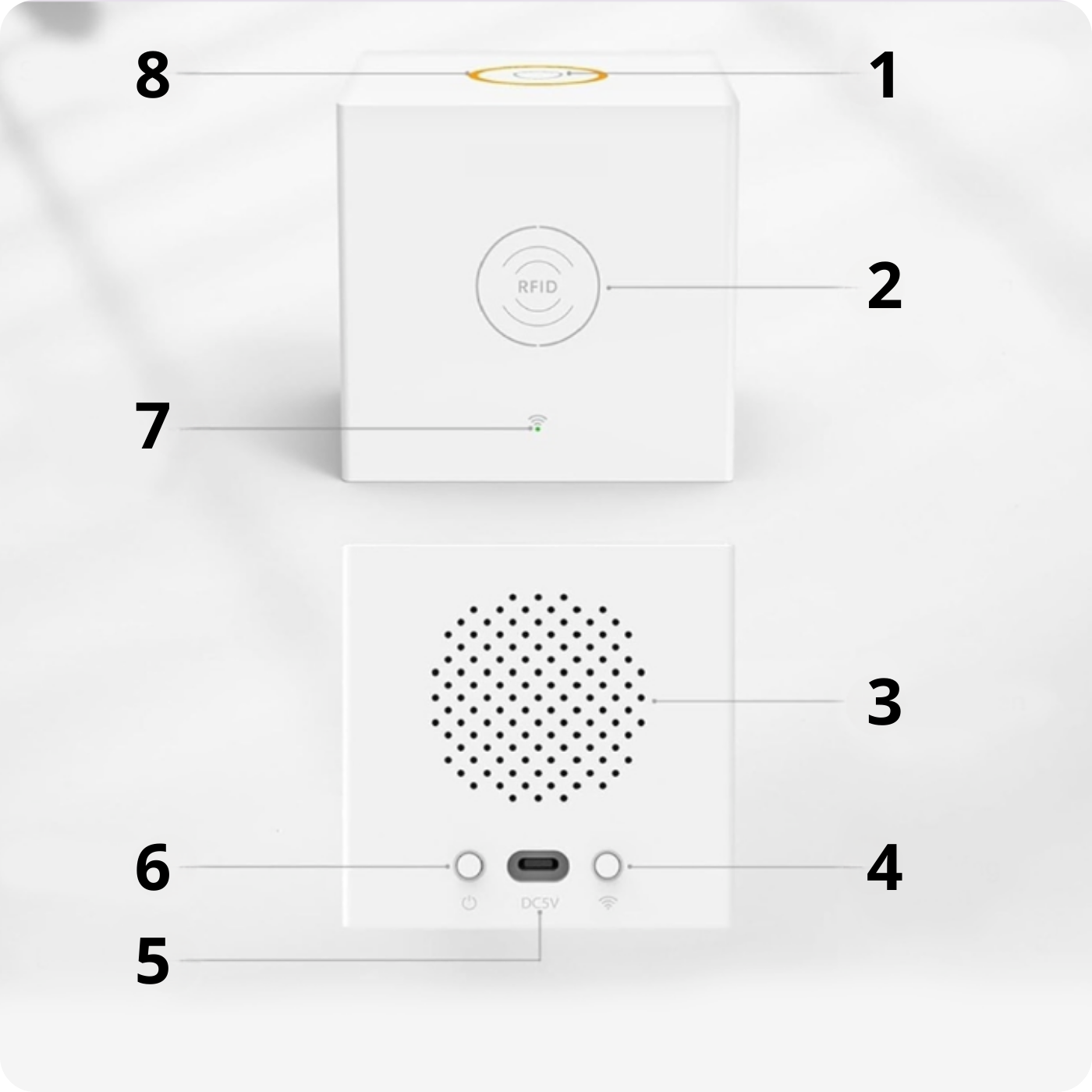
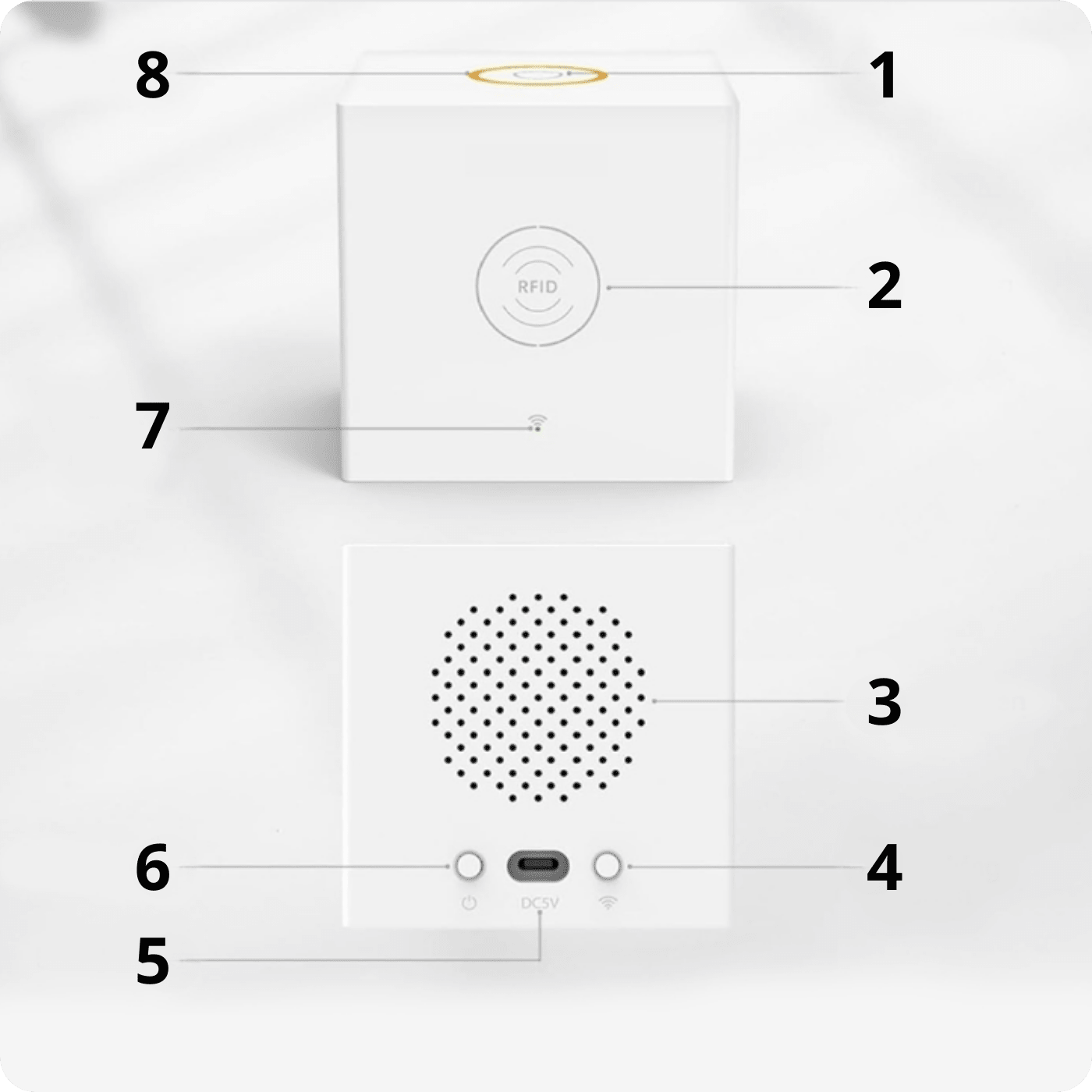
Central unit components
1. Safety button
2. A place to present RFID cards or keychains
3. Speaker
4. Wireless network pairing button
5. USB-C 5V 1A power input
6. Button to turn on the device's power supply
7. Network connection indicator light
8. Arming and alarm status indicator light
Indicator diode statuses:
- Red - the alarm system has triggered an alarm after detecting a threat
- Yellow - alarm system armed
- Green - alarm system disarmed
- Flashing yellow and green alternately - arming delay
- Red and green flashing alternately - delay in activating the alarm after detecting a threat
Description of additional functions:
- "Long Press Alarm" function: When you long press the button for 2 seconds, the system enters alarm status.
- Long Press Silence Function: When you long press the button for 2 seconds, the alarm is silenced.
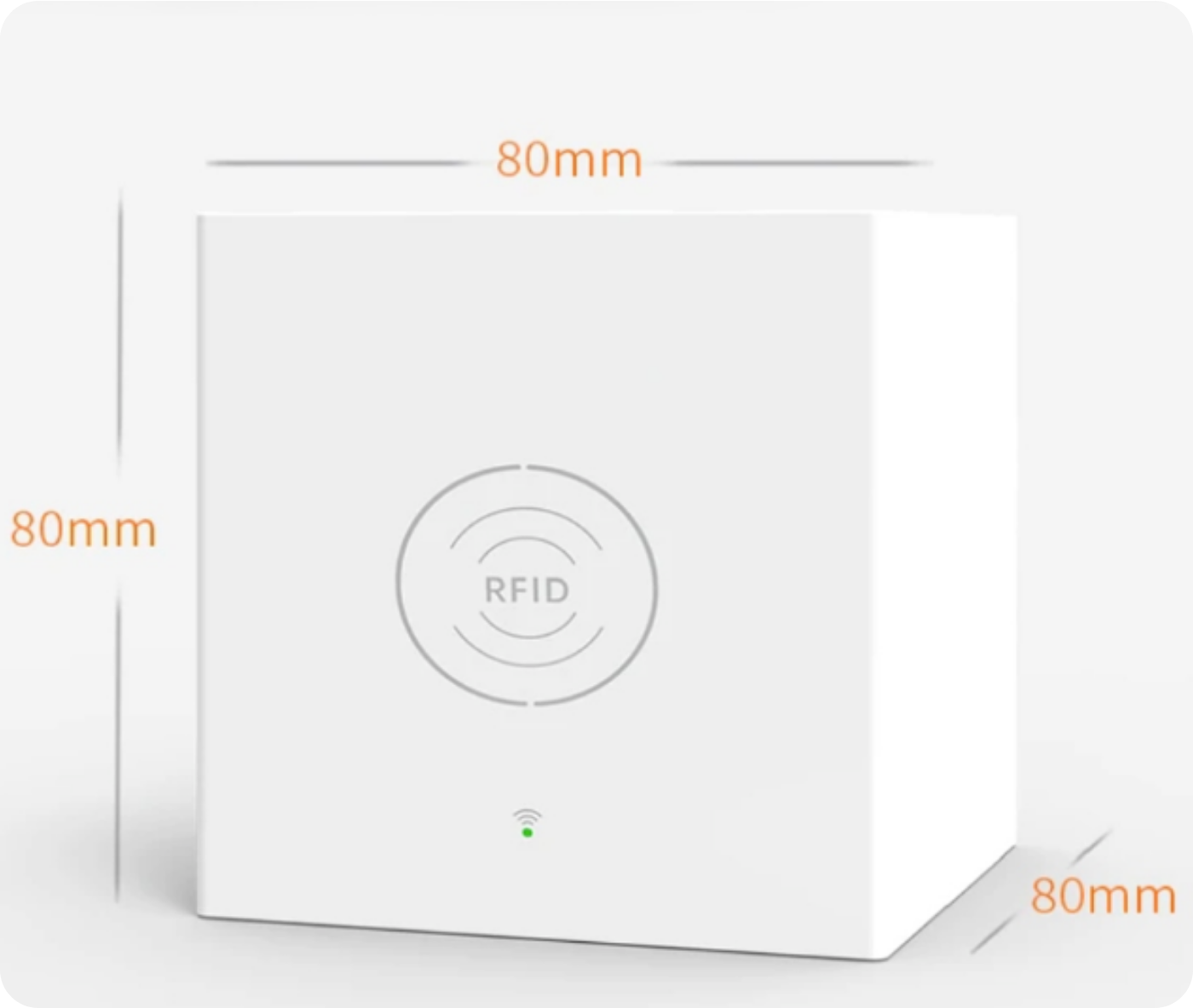
Central unit
- Power supply: DC 5V 1A, USB-C
- Power consumption: <1W
- Frequency: 433MHz
- Encoding: 1527
- WiFi: IEEE802.11b/g/n
- Battery: 3.7V 1000 mAh - up to 12 hours in power off state
- Material: ABS
- Operating temperature range: -10 C ~ +55*C
- Humidity: ≤95%RH
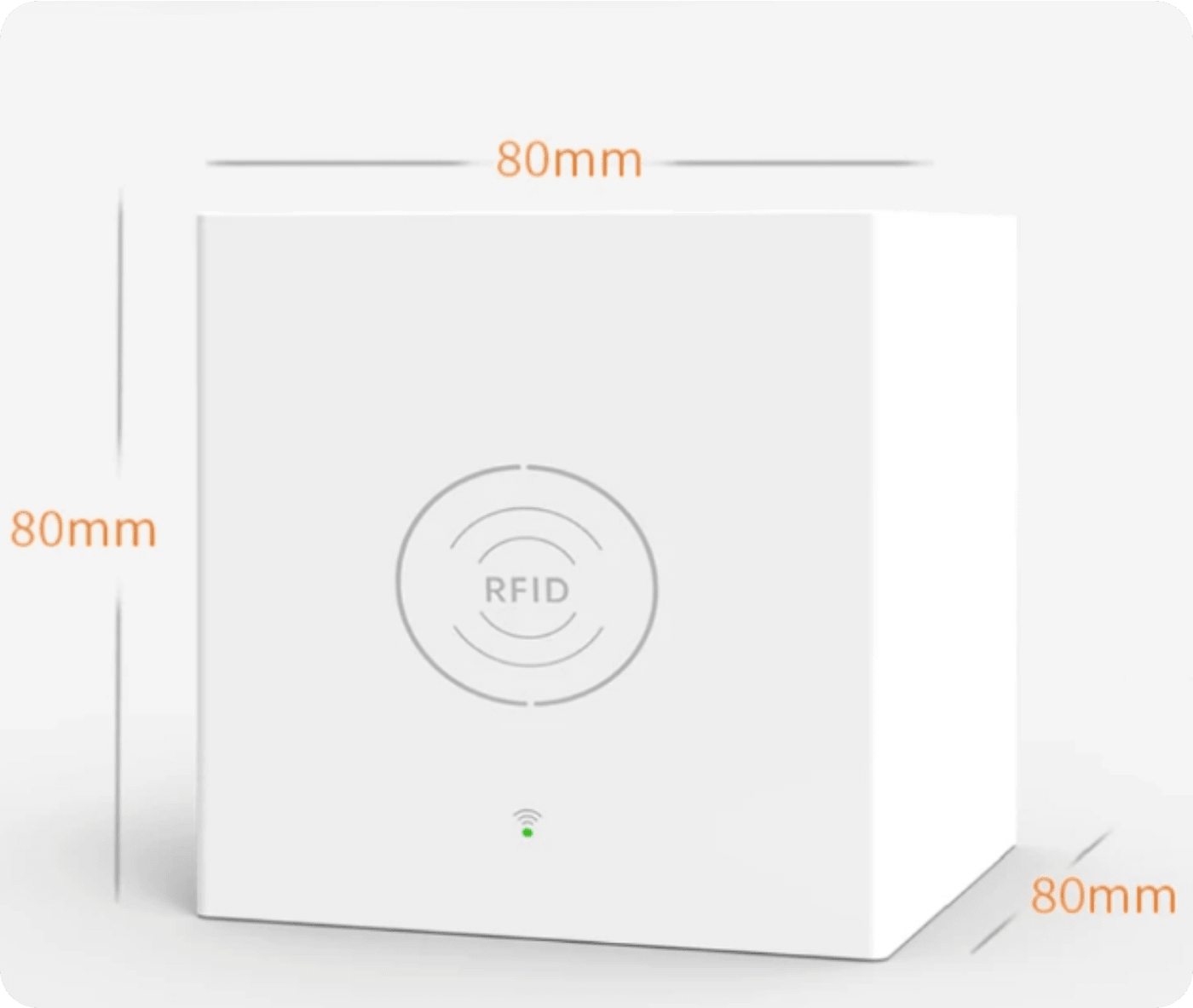
- Size: 80x80x80 mm
- Color: White
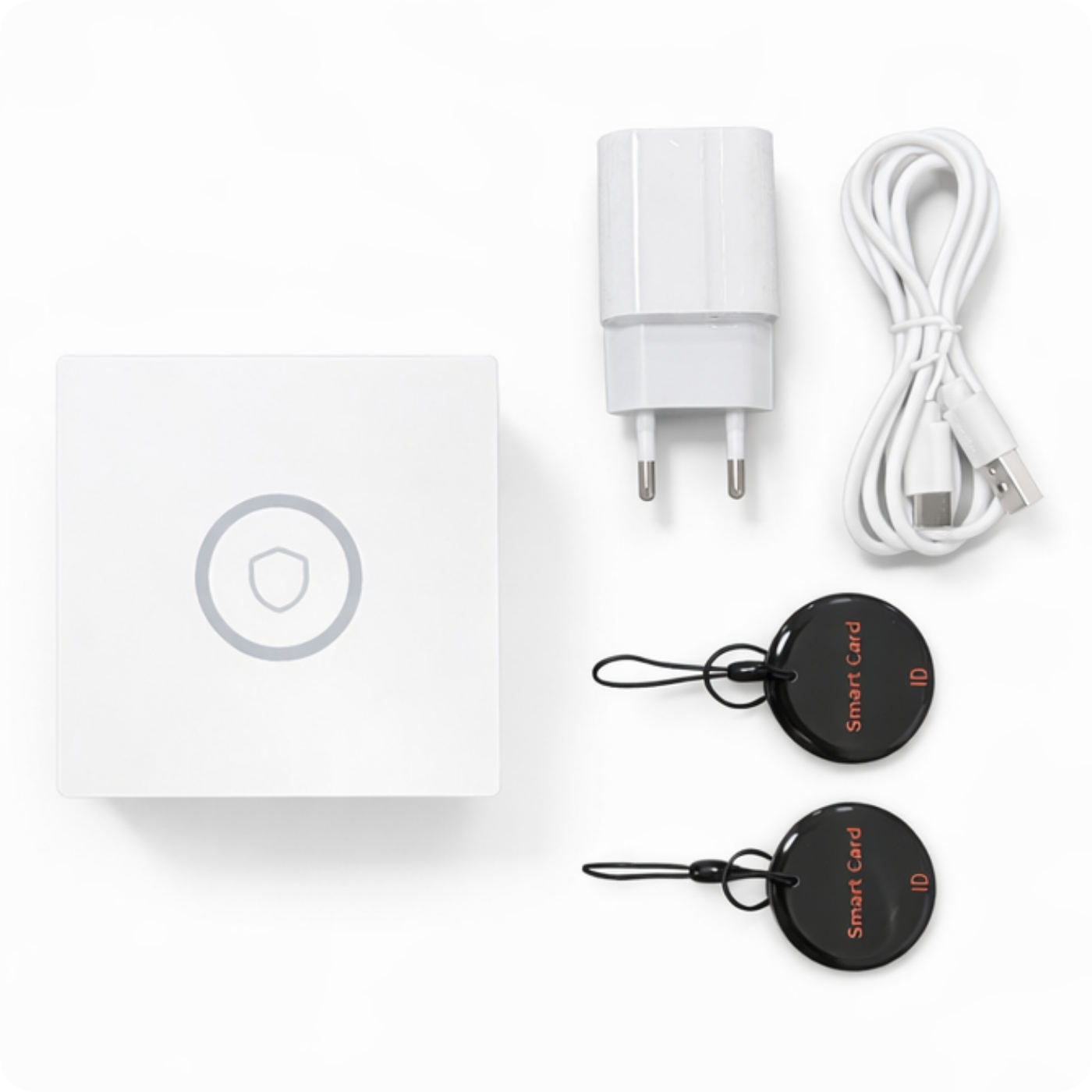
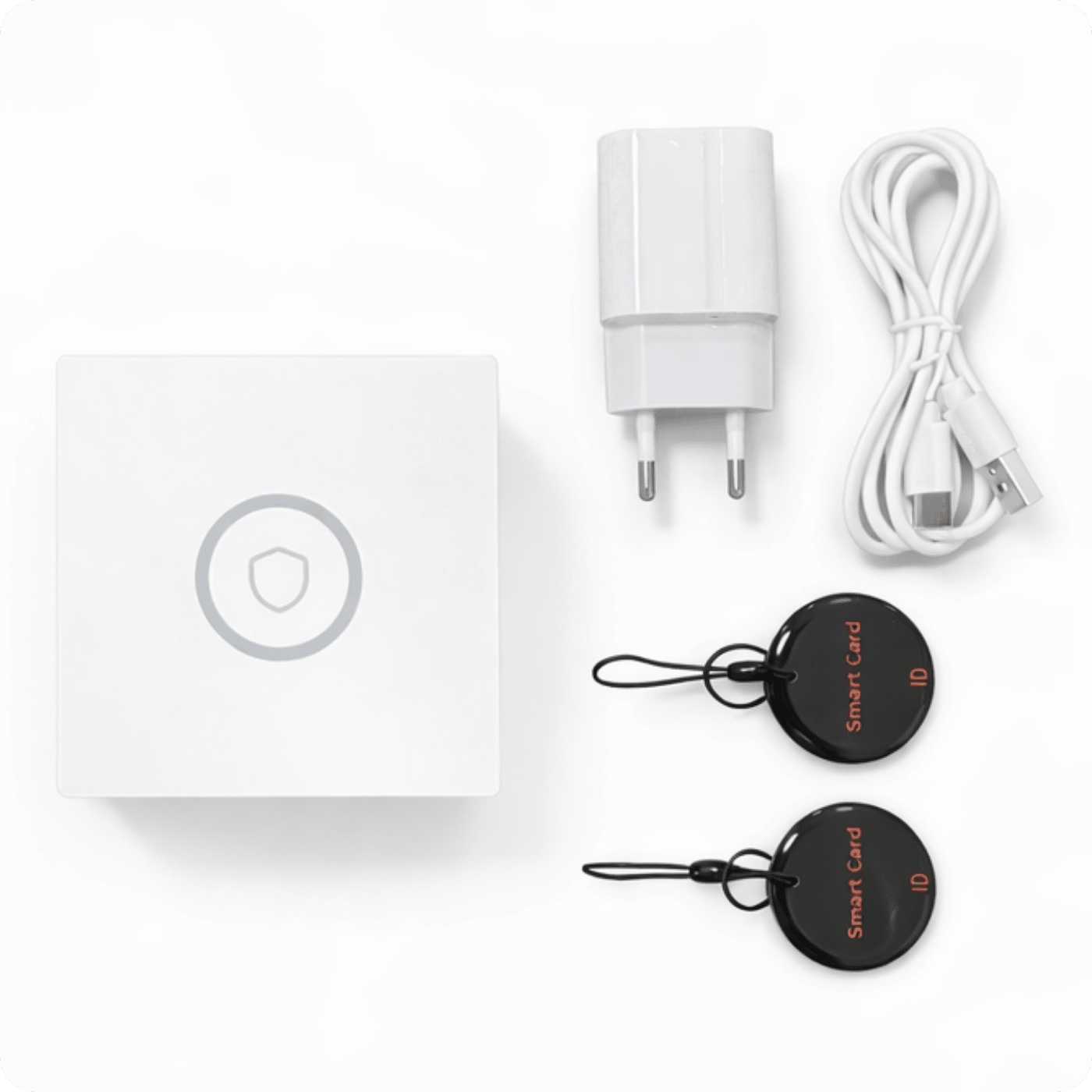
The set includes
- 1x Central Unit
- 2x RFID tags for arming and disarming the system
- 1x Power cube with cable
- 1x User Manual
You can find additional sensors and alarm components in our offer, as well as many other intelligent products working in the Tuya automation ecosystem.
FAQ
Q1: Is the alarm system compatible with other Tuya devices? A: Yes, the alarm system is compatible with a wide range of devices within the Tuya automation ecosystem, allowing you to easily add new sensors and accessories.
Q2: What alarm modes are available? A: The alarm system offers three basic modes: Away, Home, and Disarm. Each mode can be customized to suit individual needs, for example, by disabling internal sensors during Home mode.
Q3: What happens if the alarm system loses power? A: The system is equipped with a built-in 1000 mAh battery that ensures the alarm will continue to operate even during a power outage for up to 12 hours.
Q4: What are the traffic lights on the main unit? A:
- Red - the alarm system has triggered an alarm after detecting a threat.
- Yellow - alarm system armed.
- Green - alarm system disarmed.
- Flashing yellow and green alternately - arming delay.
- Flashing red and green alternately - delay in activating the alarm after detecting a threat.
Q5: How can I add new sensors to the system? A: New sensors can be added via the Tuya Smart app by selecting "Add Device" and following the on-screen instructions.
Q6: What should I do if my device doesn't respond when I press the security button? A: Make sure the device is connected to Wi-Fi and check if the network is working properly. You may need to re-pair the device to the Wi-Fi network.
Q7: What accessories can I add to the system? A: You can add various accessories such as motion sensors, smoke detectors, gas detectors, flood sensors, code locks, remote controls, alarm sirens, signal amplifiers, and many more.
Q8: Does the system support voice assistant integration? A: Yes, the system supports integration with voice assistants such as Amazon Alexa and Google Assistant, allowing you to control the alarm using voice commands.
Q9: What should I do if I lose my remote control or RFID card? A: If I lose my remote control or RFID card, I must immediately remove the lost accessories from the system to prevent unauthorized use. New remote controls or RFID cards can be added in the Tuya Smart app.
Q10: How can I monitor the sensors' battery status? A: The alarm system has a sensor battery monitoring function, and when the battery level is low, the user will receive a notification in the app.
Quick instructions
1. How to pair the unit with the app
- Download the App:
- For iOS: Scan the QR code from the Apple APP Store.
- For Android: Scan the QR code from the Google Play Store.
- Turn on the Central Unit:
- Connect the central unit to the power supply.
- Press the power button for 2 seconds to turn on the device.
- Enter Wi-Fi Pairing Mode:
- Press the Wi-Fi button on the main unit for 5 seconds until the red light starts flashing.
- Open the Smart Life App:
- Make sure you have Wi-Fi and Bluetooth turned on on your phone.
- Log in to your account or create a new one.
- Add Device:
- Click "+" in the upper right corner of the app.
- Select "Add Device" and follow the on-screen instructions.
- Enter your Wi-Fi network name and password, then click "Next".
- Evaporation:
- The application should automatically detect the CPU.
- Once pairing is complete, the device should be visible in the app.
2. How to add alarm accessories
- Preparation:
- Make sure your accessories are in pairing mode.
- Open the Smart Life app.
- Add Accessories:
- Click "+" in the upper right corner of the app.
- Select "Add Device" and then "Accessories".
- Start Accessory Pairing Mode:
- Turn on the accessories you want to add (e.g. motion sensors, door opening sensors, etc.).
- Press the appropriate button on the accessory to enter pairing mode (usually by holding the button for a few seconds).
- Confirm Addition:
- The app should automatically detect new accessories.
- Once you've added your accessories, you can name and configure them accordingly in the app.
3. How to share access in the app
- Open the Smart Life App:
- Log in to your account.
- Find Device:
- Select the alarm central unit you want to share.
- Device Sharing:
- Click the edit icon (pencil) or "Device Information".
- Select the "Share Device" option.
- Add User:
- Enter the email address or phone number of the person you want to share your device with.
- Click "Invite" or "Send Invitation".
- Confirmation:
- The invited person should receive a notification in the app.
- After accepting the invitation, she will have access to manage the alarm system.