3. Exit Button:
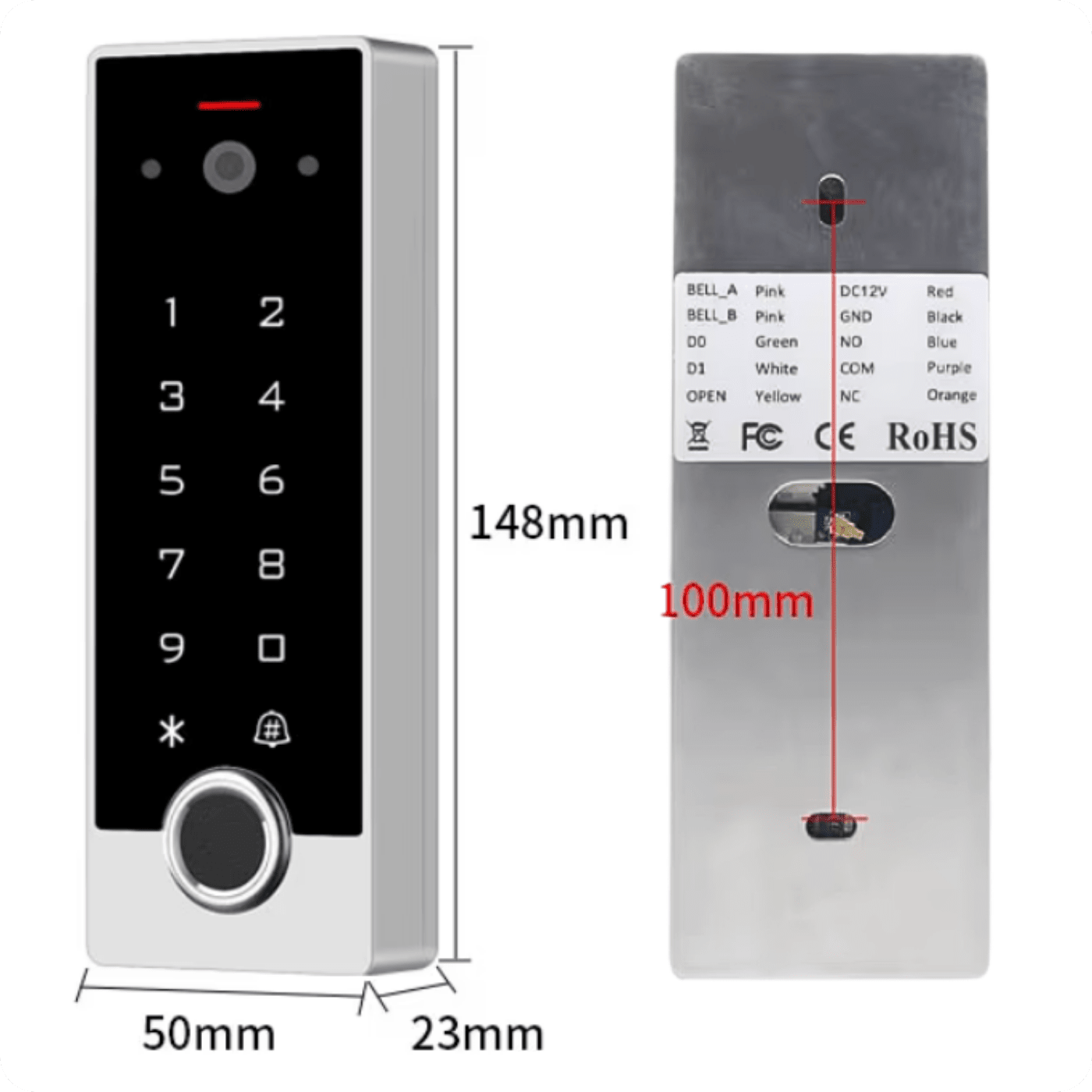
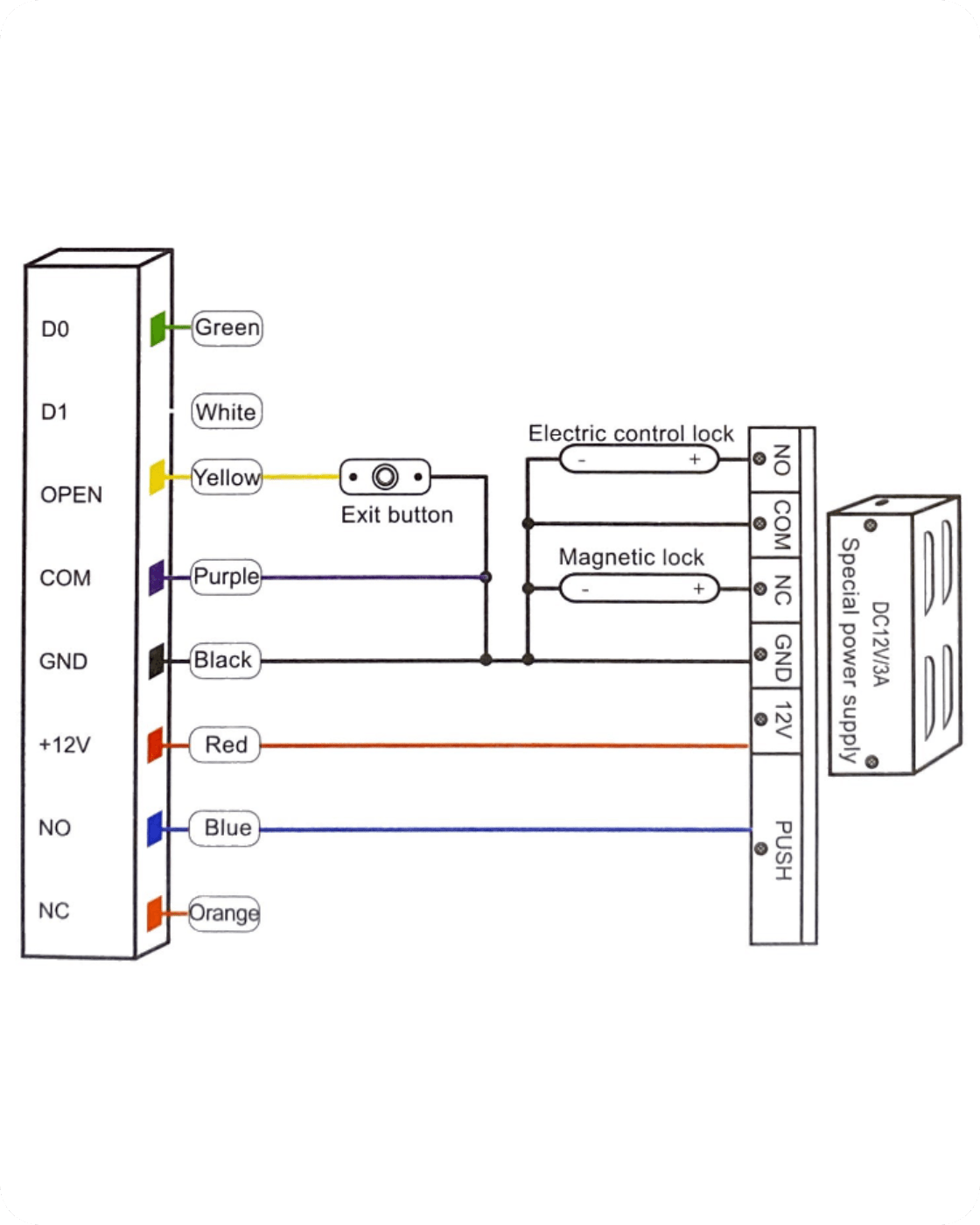
OPEN (Yellow) – signal input to control the opening of the door from the inside
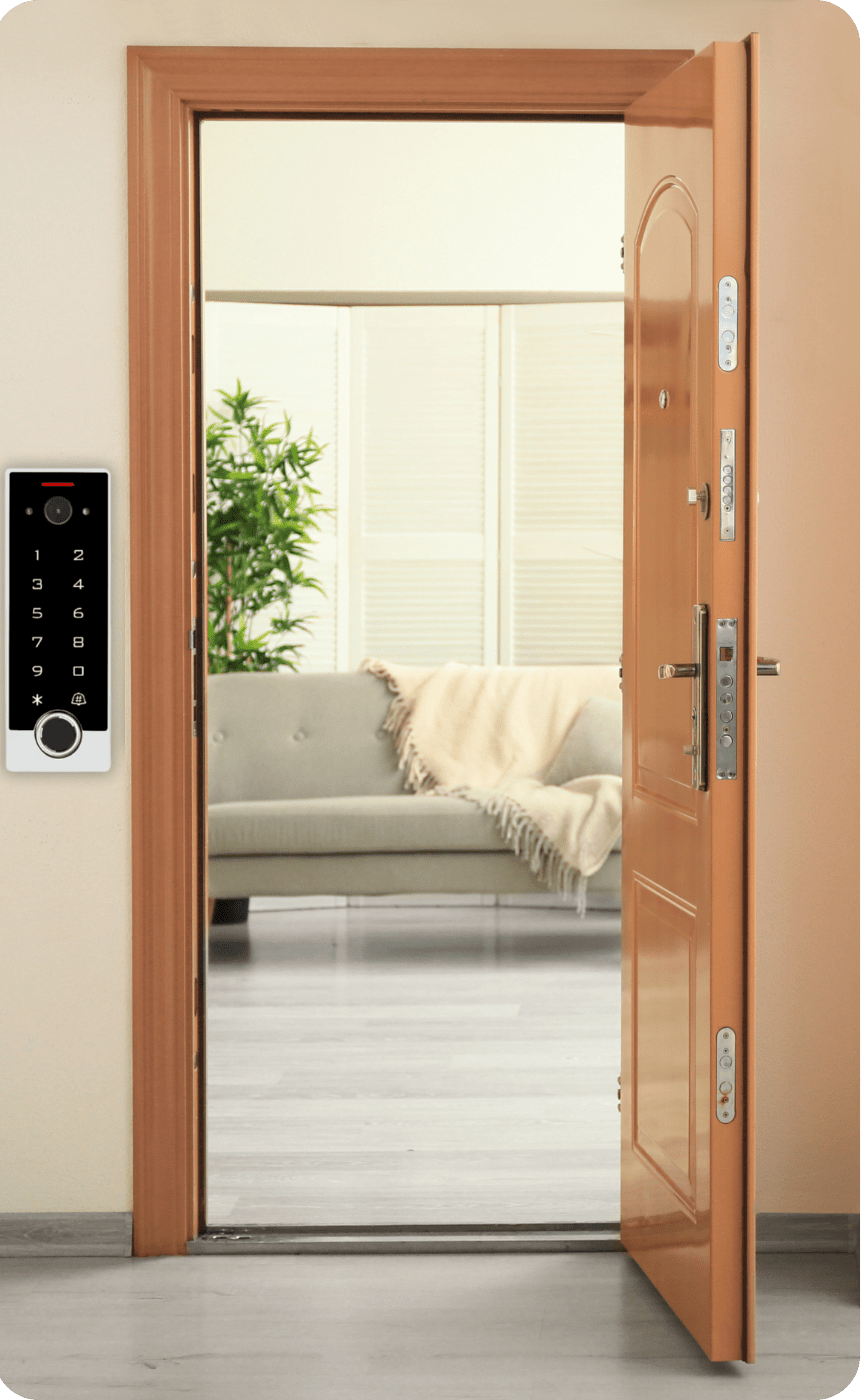
It allows you to open doors without using an app, card or code – a convenient solution for offices, homes and user zones.
4. Connecting the Wiegand reader (device as a controller):
D0 (Green) – Wiegand 0 data line D1 (White) – Wiegand 1 data line GND (Black) – common ground
Possibility to connect an external card reader, fingerprint reader, or keypad operating in the Wiegand 26-58 bit standard. The device operates as a master controller, receiving data from the additional reader.
5. Wiegand Reader Mode:
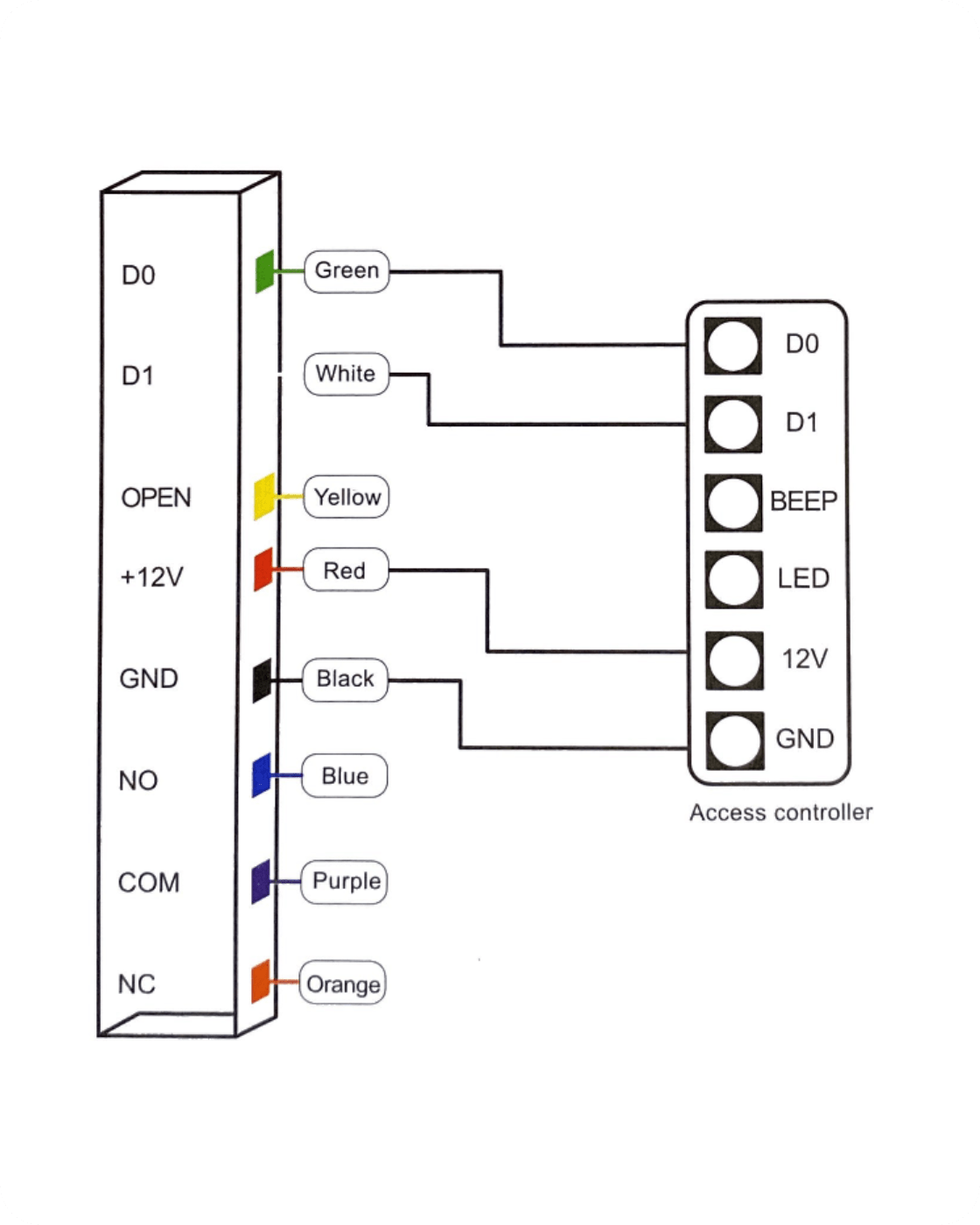
In this mode, the VF2EM device acts as a card, fingerprint or PIN reader and transmits data to an external controller.
Connections in reader mode:
-
D0 / D1 – Wiegand data lines to the controller
-
OPEN (Yellow) – buzzer function (BEEP)
-
+12V (Red) – reader power supply
-
GND (Black) – ground
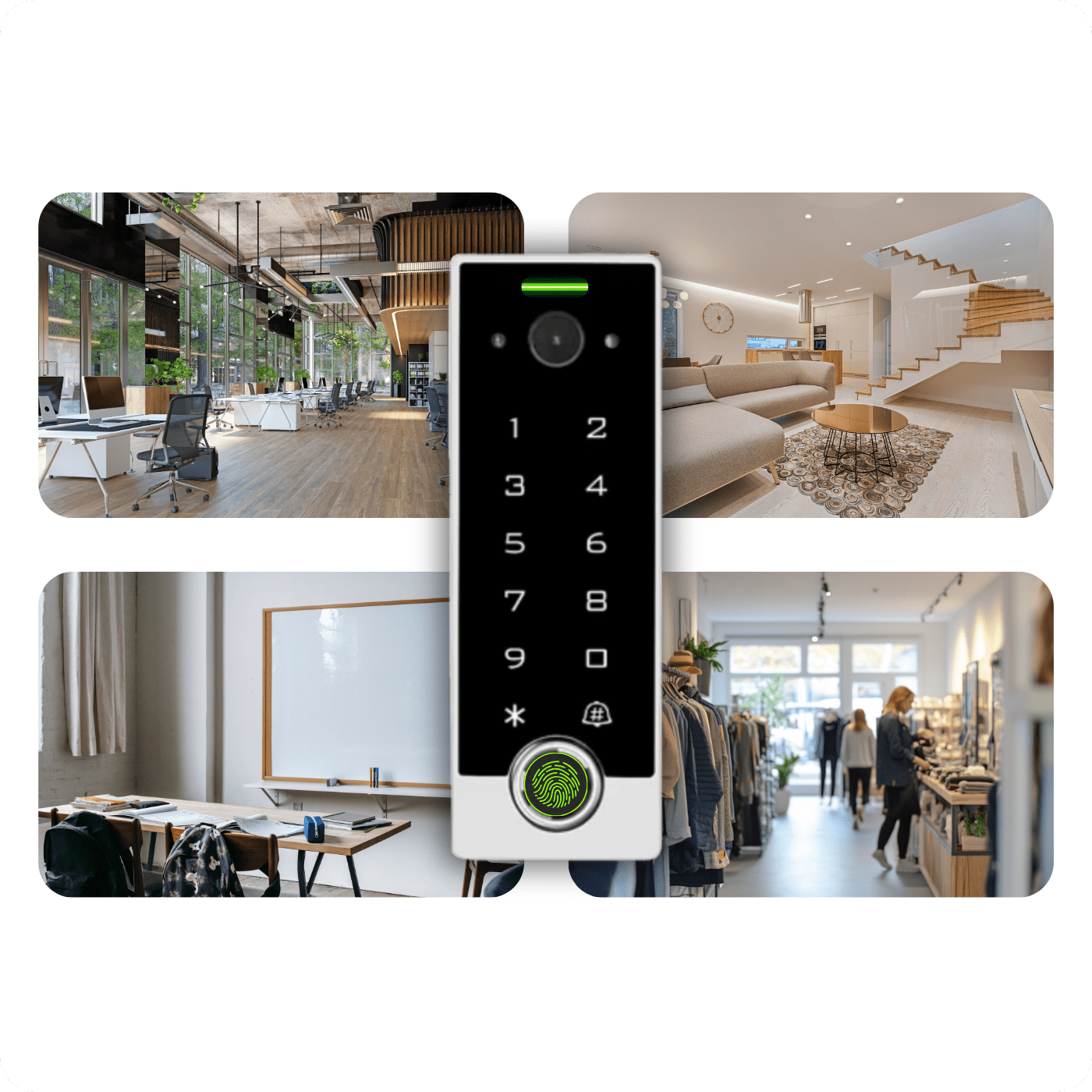
An ideal solution for centralized systems, e.g. in office buildings, schools or industrial plants.