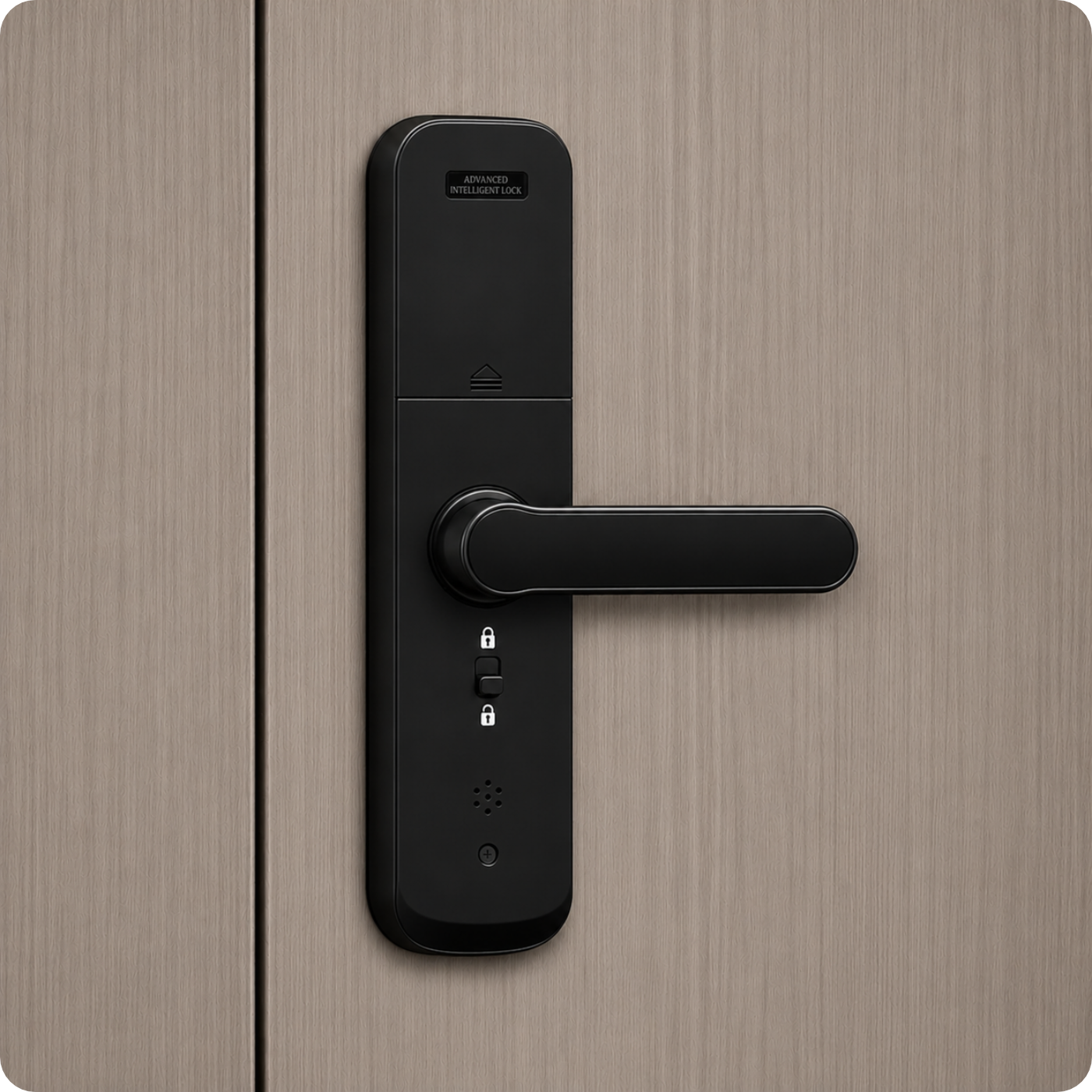
A260 TTLock Black electronic lock door handle

Sale price427,09 zł
Phone order
10:30–17:00
Call us if you'd like to place an order or have questions.
Installation service
🛠️ Available
For this product we offer installation within the marked area.
Order installation

Complementary products

User manual (PL)

The A260 electronic lock door handle by Spreest is a smart solution that turns an ordinary door into an intelligent access point. Let a guest in with a one-time code in seconds, give the cleaning team access “tomorrow from 10 to 12” without any hassle, and let the lock automatically lock when the door closes – all without having to take your keys out of your pocket.

It is ideal for Airbnb rentals, self-check-in hotels, warehouses and offices, where you can send guests a code or eKey remotely that is valid only during specified hours.

Automatic locking when the door closes eliminates the risk of leaving the door unlocked, while the built-in memory supports 150 cards, 100 fingerprints and 200 PIN codes – plus unlimited eKeys in the app. No internet connection? No problem – the handle works locally and stores user data internally.

The panel can be installed outdoors, but it must be protected from direct contact with rain e.g. by installing it under a canopy or fitting a protective cover.

The batteries last for around a year. When the batteries start to run low, the lock will alert you with notifications, giving you time to replace them.

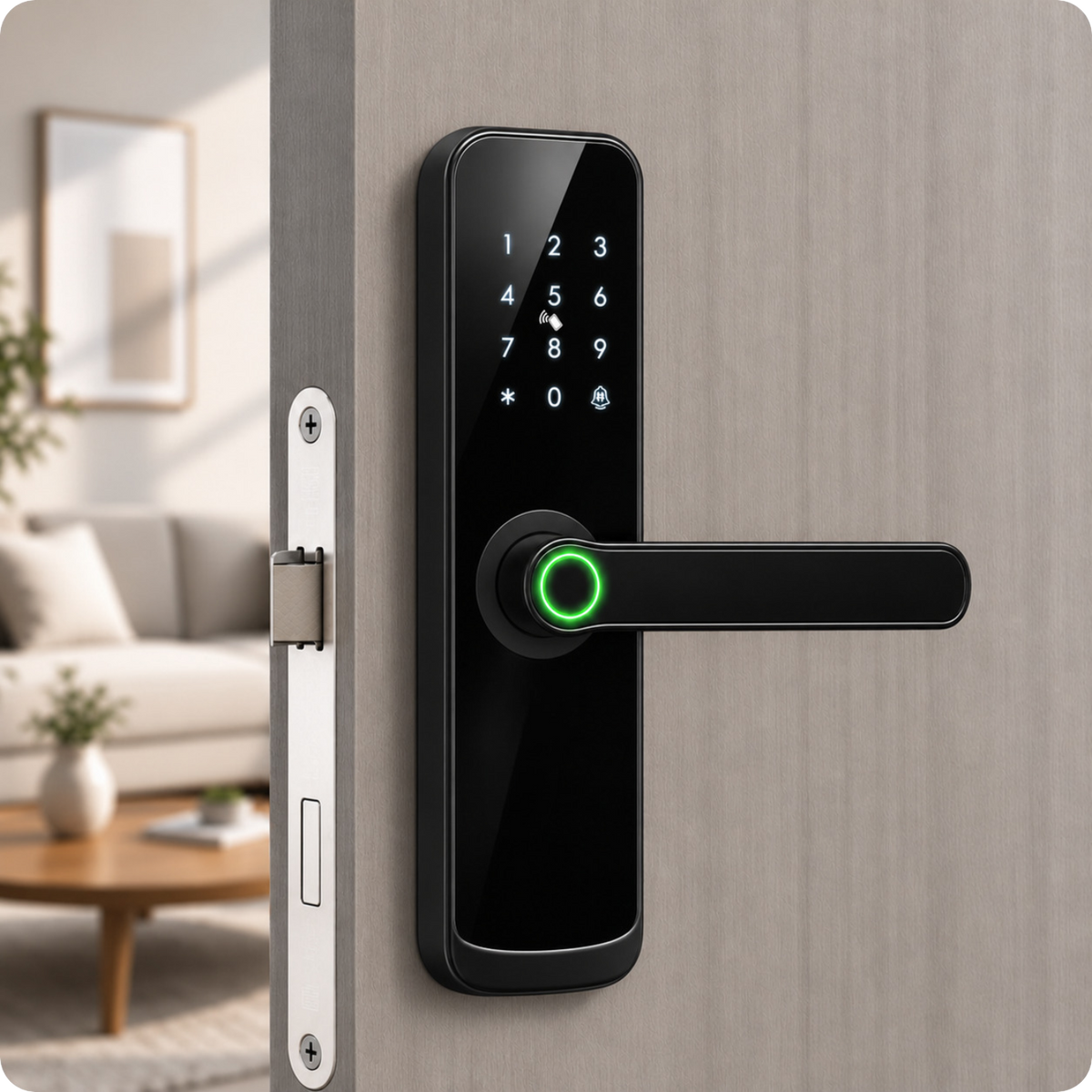
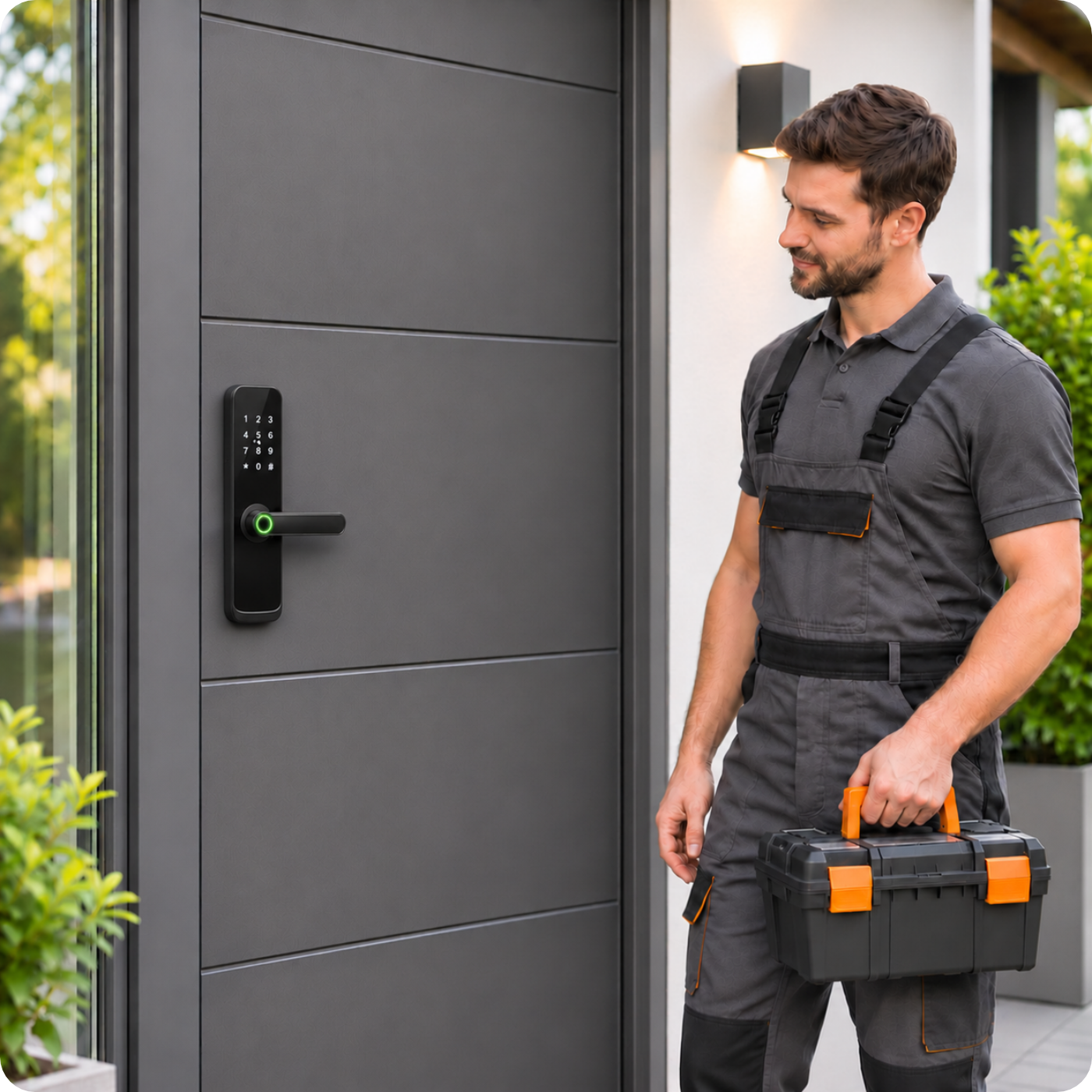
The handle fits left- and right-hand doors with a thickness of 35–60 mm – wooden, steel or aluminium.

Unlocking methods

  1. Fingerprint – Gain quick access with fingerprint recognition.
  2. Mechanical key – A traditional emergency option when the batteries are flat.
  3. Contactless card or key fob – Hold it against the reader and you’re in.
  4. PIN code – Enter your own code and get in without keys.
  5. Bluetooth and app – Unlock the lock with a single tap on your phone.
  6. Remote control – Conveniently unlock and lock the handle at the press of a button (within Bluetooth range).
  7. Apple Watch

App features

  • Remote control – Unlock and configure the lock from anywhere (gateway required); without a gateway, within Bluetooth range.
  • Automatic locking – Set how long it takes for the lock to lock automatically.
  • Alerts and event log – Push notifications and a full history of openings.
  • Code and eKey profiles – Permanent, timed, recurring or one-time access for guests.
  • Card, remote control and fingerprint management – Add and manage them in just a few taps.
  • OTA updates – Wireless firmware updates.
  • Voice integration – Control using Amazon Alexa and Google Assistant.
  • Silent mode – Mute the lock’s sounds when you need quiet.

Additional business features

  • Integration with Booking, Airbnb, Hotres – Automatically generate codes for online bookings.
  • Multi-location dashboard – Manage multiple locks and properties in one app.
  • Roles and permissions – Create groups (administrator, reception, maintenance) with different access levels.
  • Work schedules – Set office opening hours and grant access only at specified times.
  • Attendance reports – Export entry/exit reports (late arrivals, early departures).
  • “Freeze” lockout – Temporarily disable all electronic unlocking methods (e.g. in an alarm situation).
  • Bulk user management – Import a list of employees or tenants from a CSV file.
  • Wi-Fi gateway → multiple locks – Cost-effective system expansion for large properties.

Choosing the right handle for your door

Check whether the handle fits your door by completing the form below:

Go to the form

Installation

You can install the handle yourself in most flats and houses. It fits doors with a thickness of 35–60 mm, both left- and right-hand, wooden, steel or aluminium.

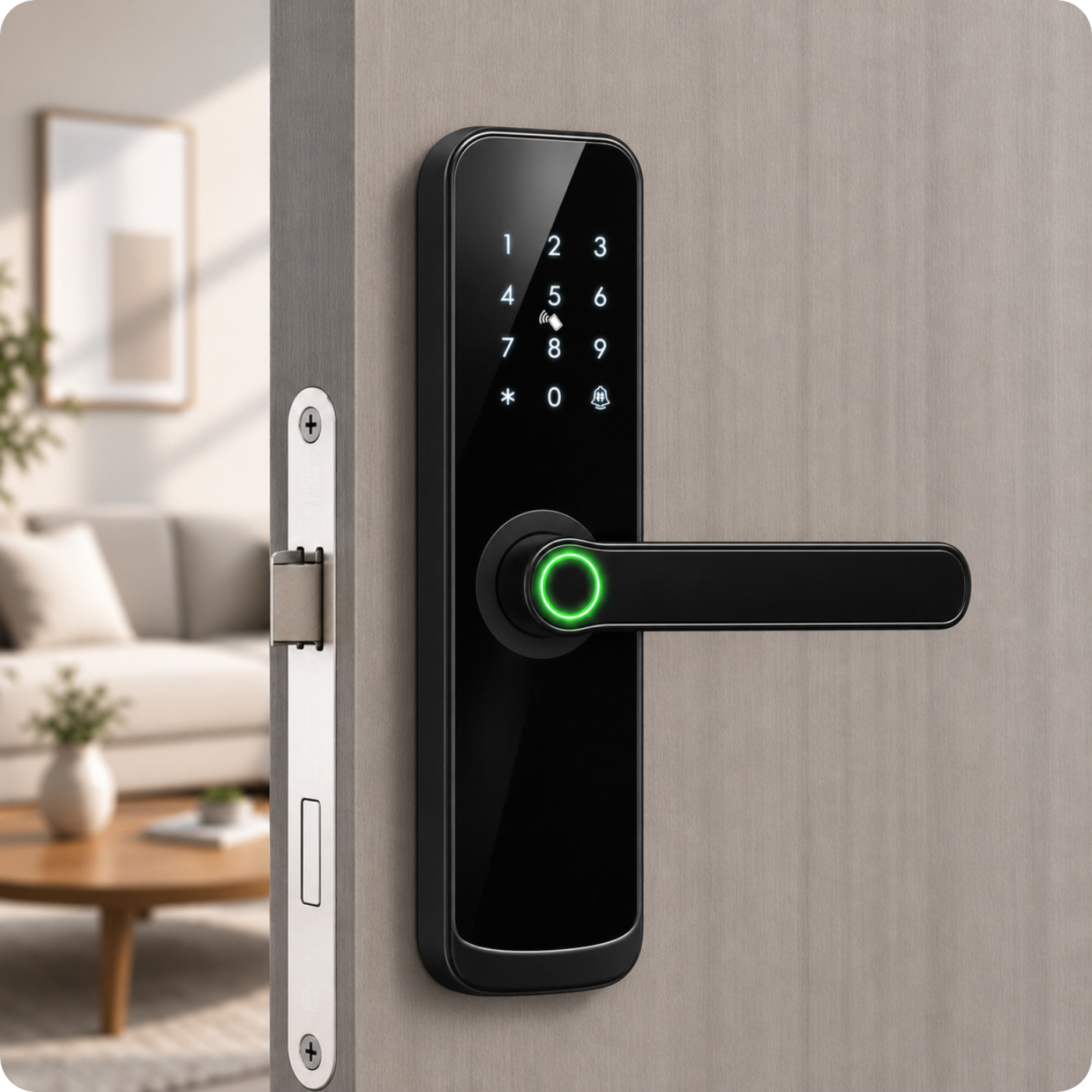
The handle works with standard mortise locks for doors, so you can install it on the existing mechanism without replacing the entire hardware.

Using your own mortise lock case means the additional locking function activated by lifting the handle is unavailable. However, this does not affect the door’s security, as the mechanism built into the handle takes over the locking function, preventing the latch from retracting and the door from opening.

PLEASE NOTE! This offer includes the handle only, without a mortise lock case. Before purchasing, make sure the mortise lock in your door is compatible with the handle.

You can also buy the handle together with a mortise lock case from our range.

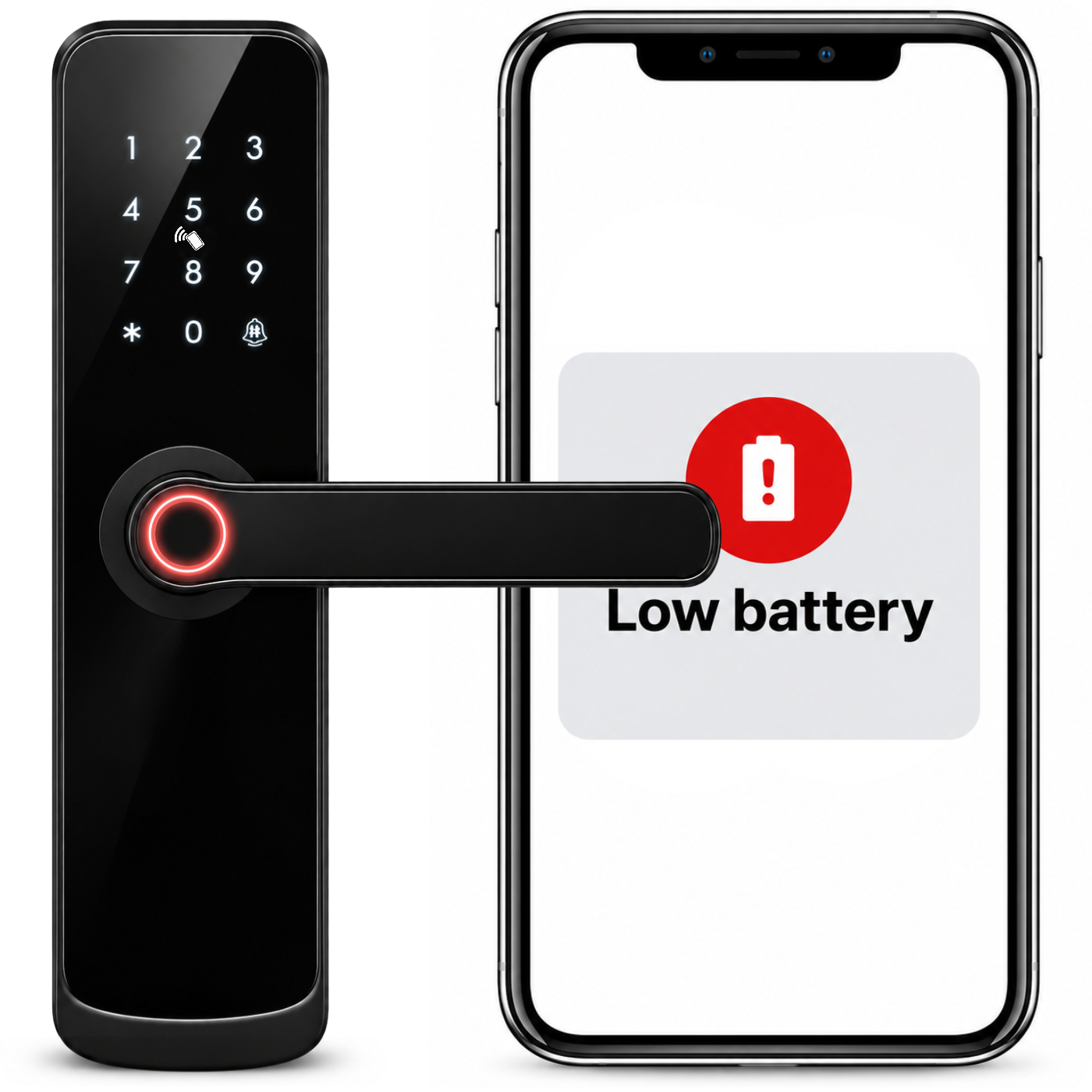
Low battery alert

The lock has a low battery alert, allowing you to monitor the battery level. A low battery notification will be sent to the app at ≥20%, ≥10%, ≥5%, and a red light on the lock will flash when it is unlocked (3 flashes).

The device is powered by four AA batteries, which can last for 9 to 12 months.

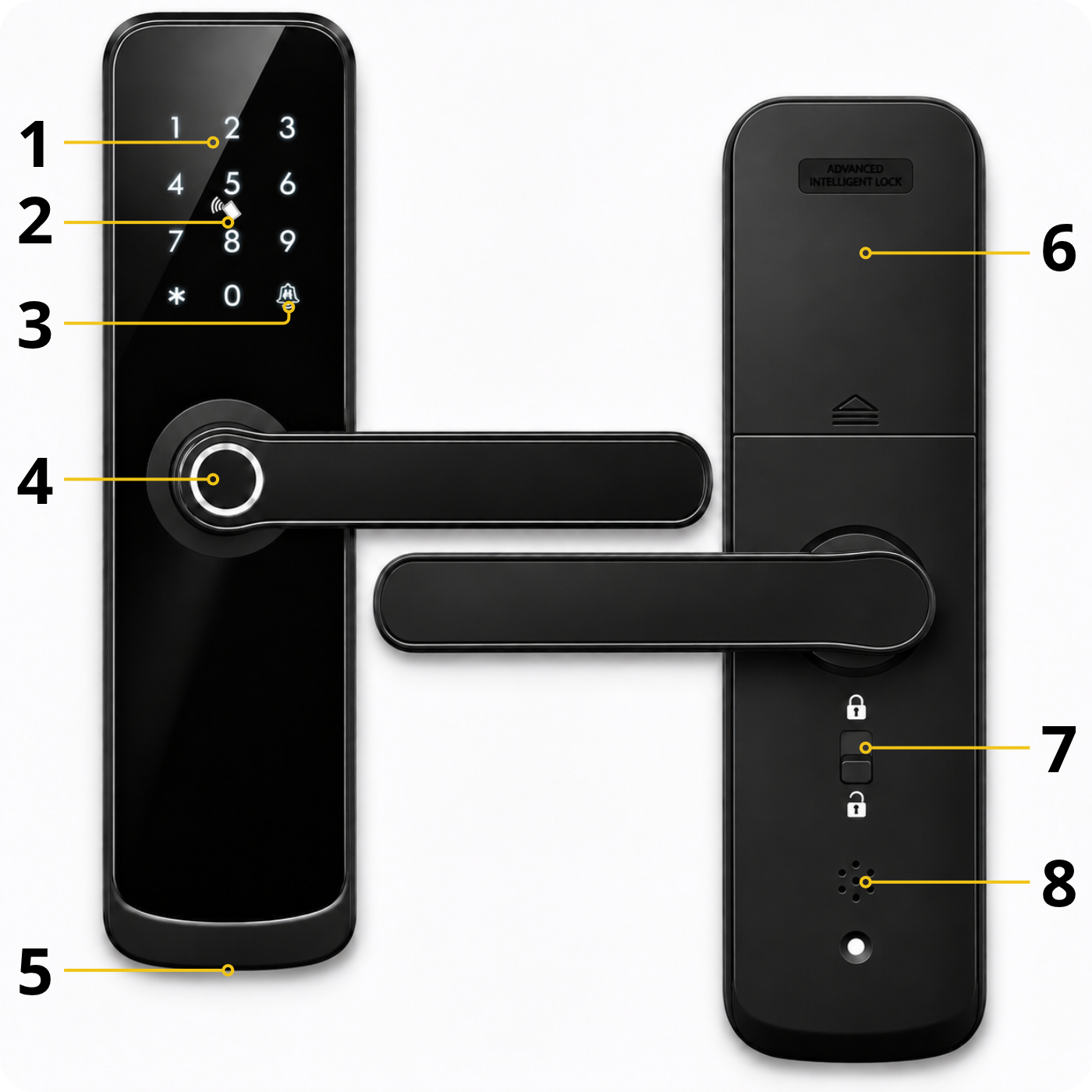
Handle components

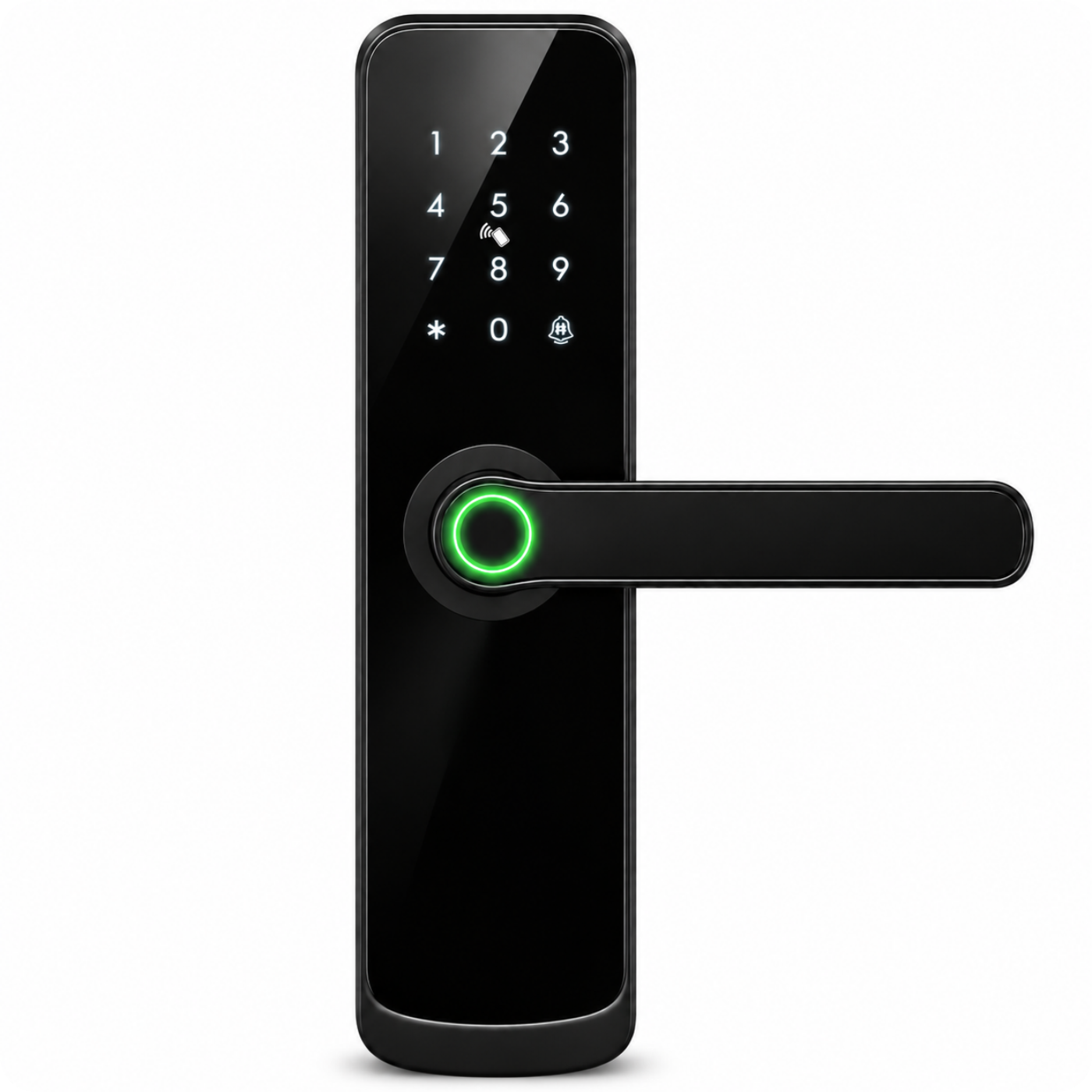
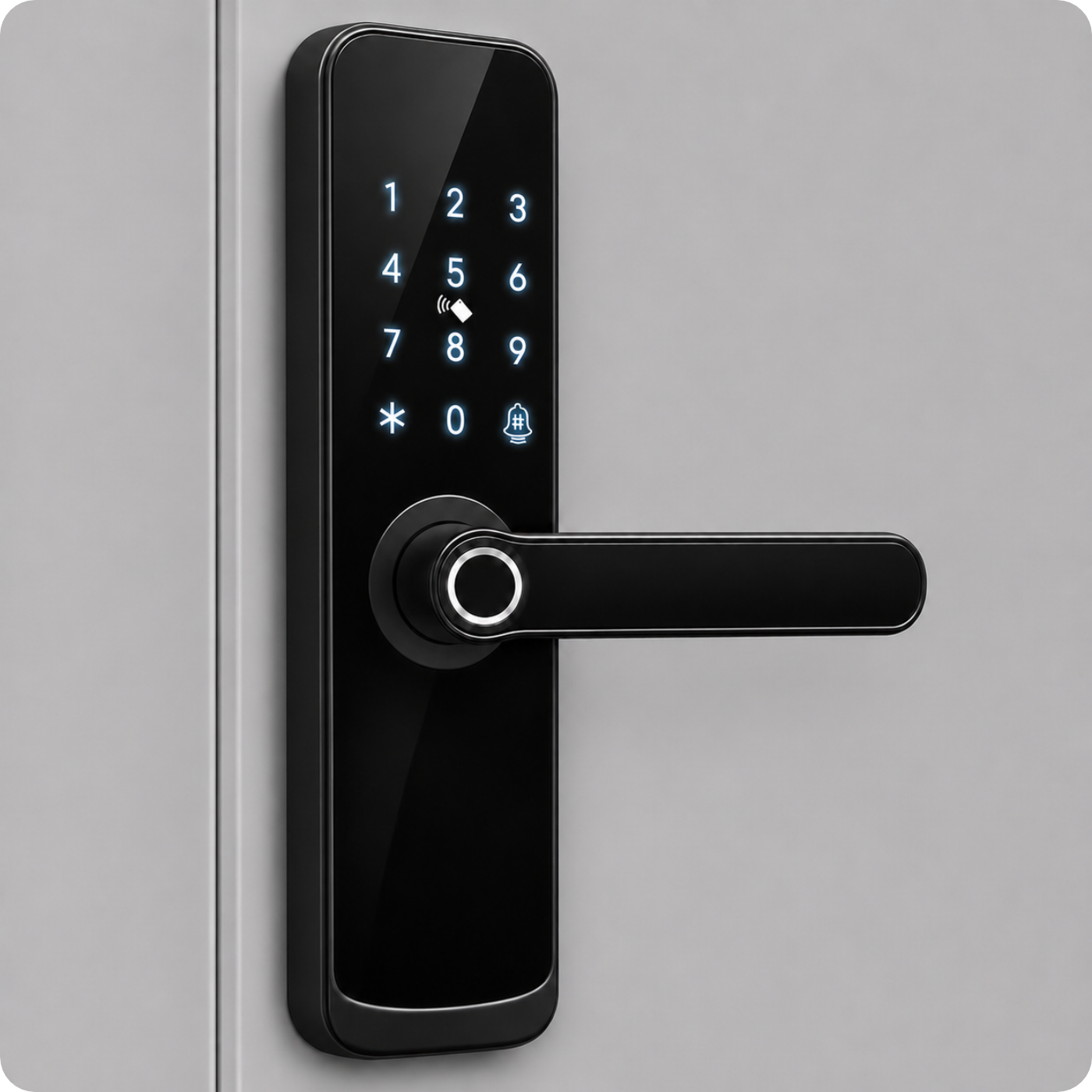
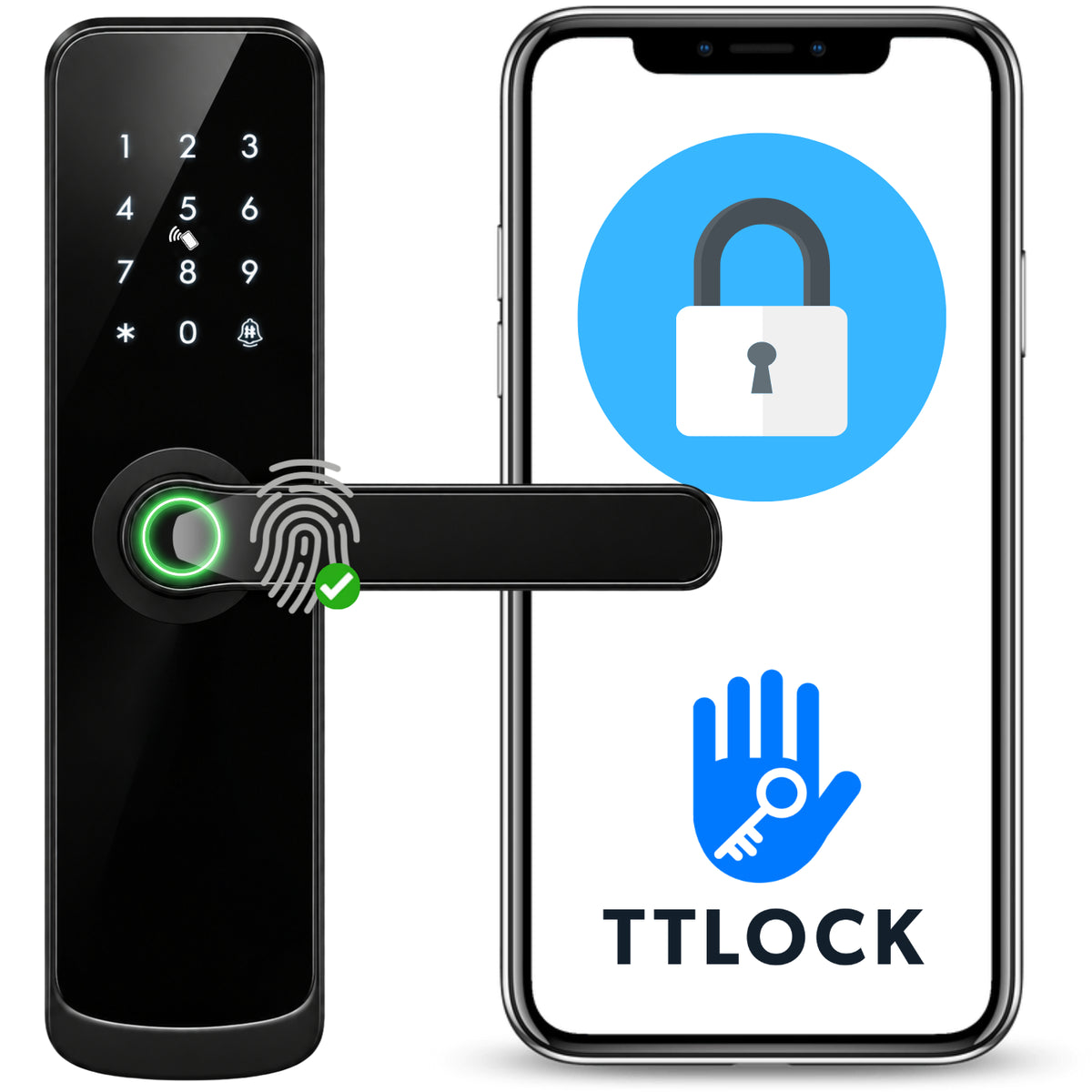
  1. Touch keypad
  2. Access card reader 13.56 MHz
  3. Doorbell (sound and app notification)
  4. Fingerprint reader
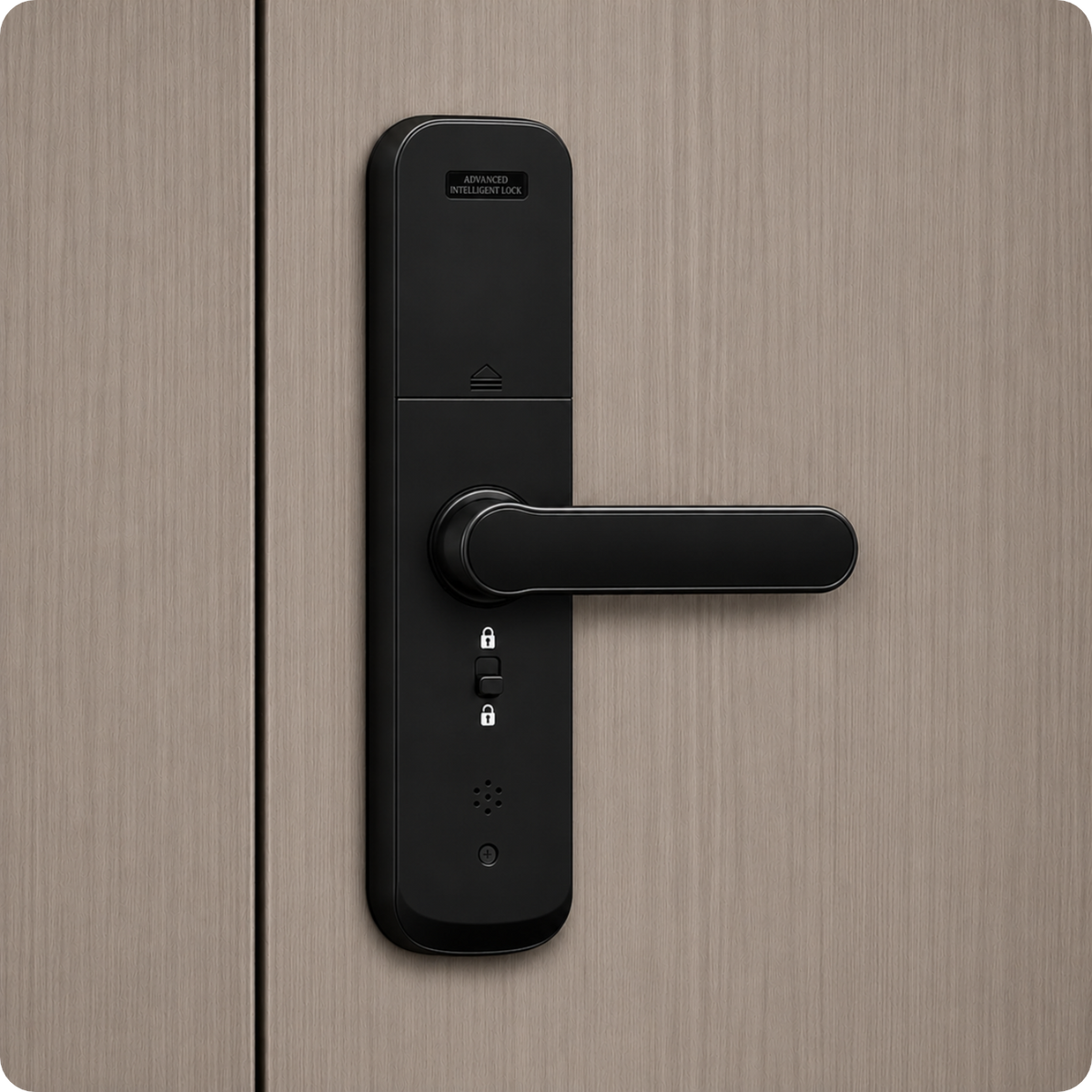
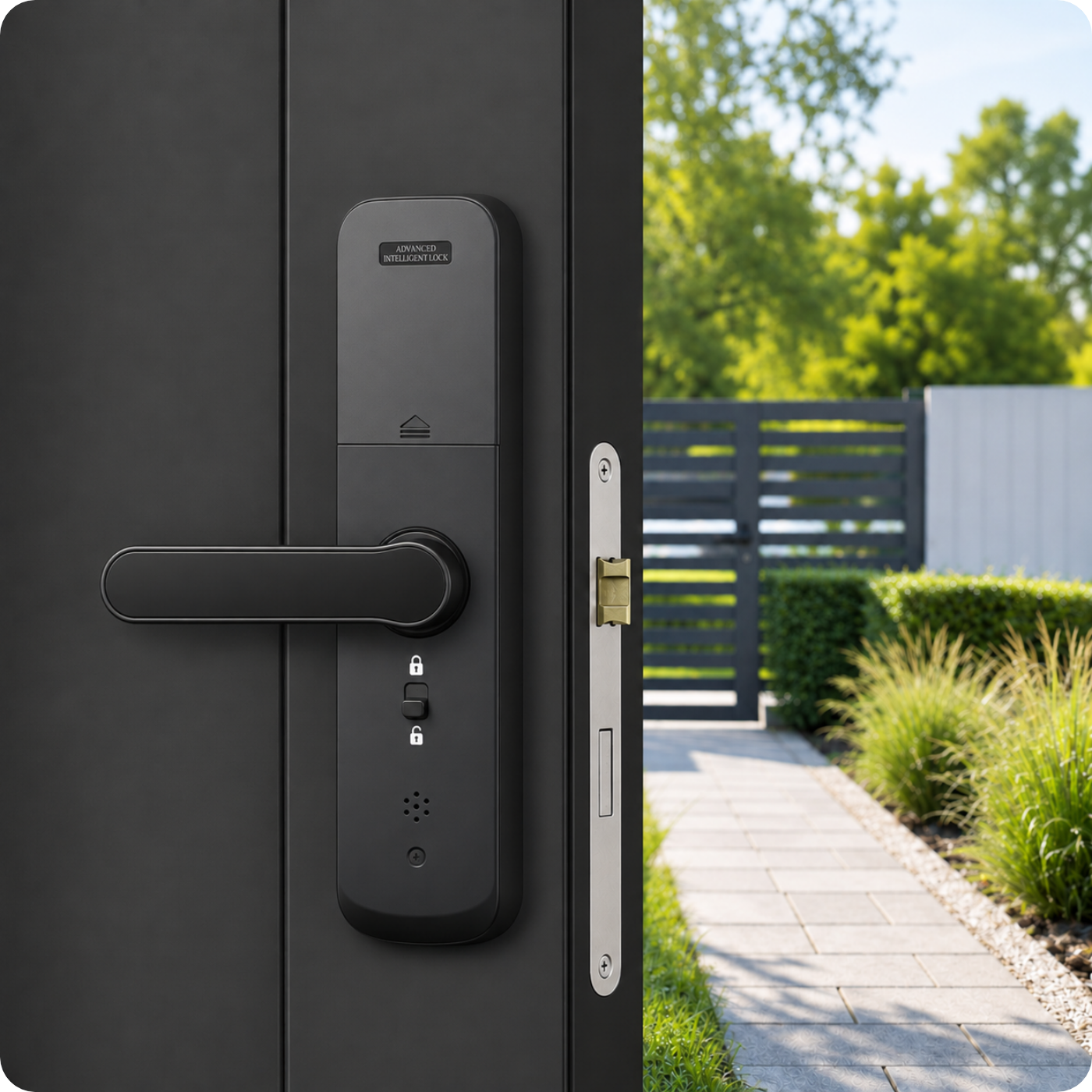
  5. Emergency charging port and mechanical keyhole
  6. Battery compartment 4x AA
  7. Internal lock switch
  8. Speaker

Technical specifications

  • Unlocking methods: Fingerprint, 13.56 MHz card, password, app, mechanical key
  • User capacity: 200 access cards, 150 codes, 100 fingerprints
  • Door thickness: 35–60 mm
  • Communication: Bluetooth 5.0
  • Battery life: 12 months at ~ 20 openings per day
  • Power supply: DC 6 V – 4 AA batteries
  • Standby current: < 50 µA
  • Operating current: < 200 mA
  • Unlocking time: 0.5~1.5 seconds
  • Operating temperature: –30 °C to +80 °C
  • Operating humidity: 10 % – 95 %
  • Colour: Black
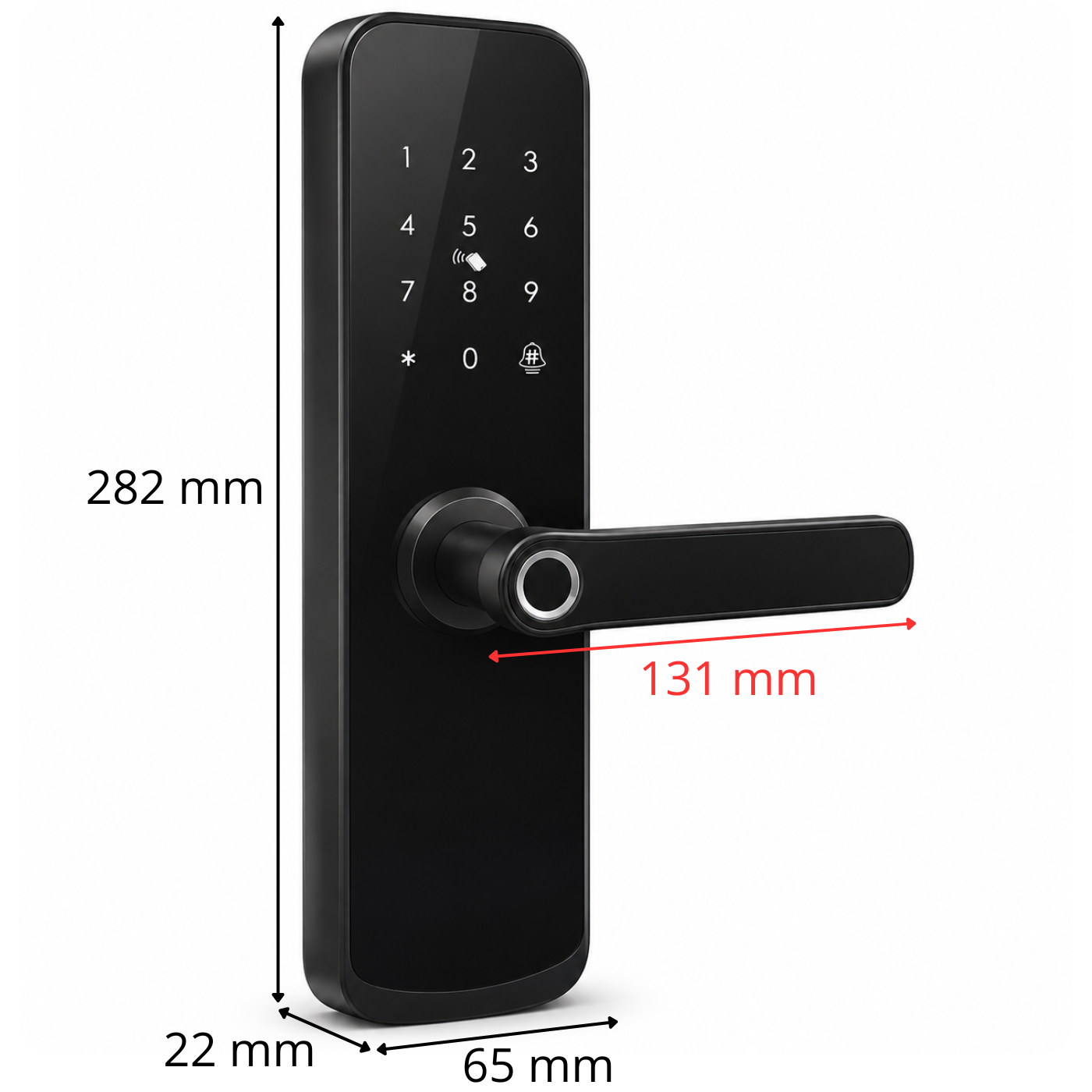
  • Dimensions: 282 x 65 x 22 mm
  • Weight: 1040 g

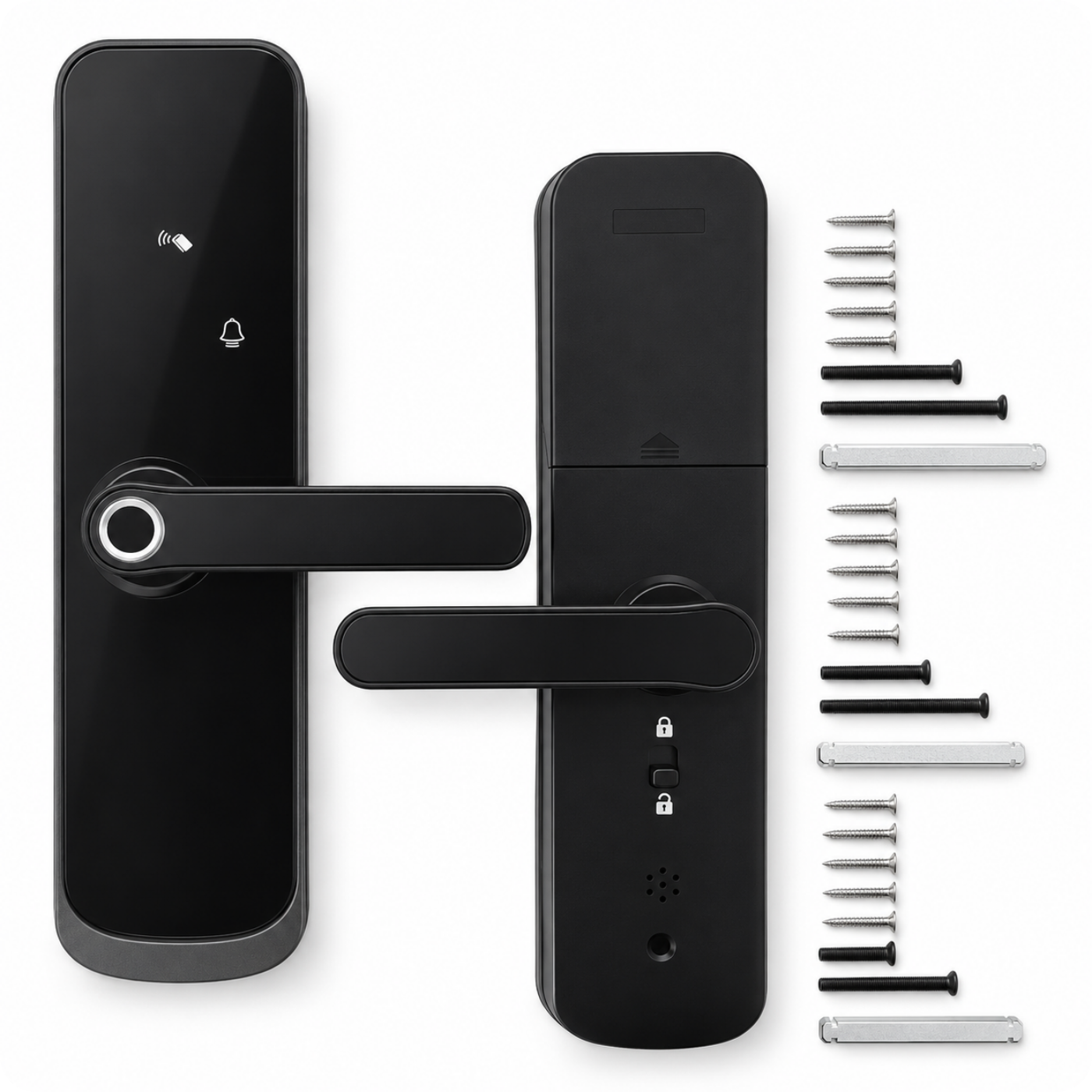
Set contents

  • 1x A260 TTLock Black electronic lock door handle
  • 1x Installation accessories for different door thicknesses (35-60mm)
  • 2x Mechanical keys
  • 2x Access cards
  • 1x User manual

FAQ – Frequently asked questions

  1. Is the software paid? - The app is free for standard use. However, the manufacturer may charge for commercially used features, such as generating a large number of access codes, e.g. for hotels or short-term rentals.
  2. Is technical support available for the TTLock app? - The TTLock app is developed by its manufacturer. We have no control over its features, updates or terms of use. We provide support for the devices we offer and their initial setup.
  3. Does the lock work without an internet gateway? - Yes. It is then operated via Bluetooth – codes can only be issued while you are by the door, and the event history syncs after the connection is restored.
  4. Can the handle be set for left- or right-hand doors? - Yes, the handle’s orientation is adjustable during installation.
  5. What happens if the lock runs out of battery? - The lock gives a warning at ~30 % battery. If the batteries run out completely, you can power it with a power bank via the charging port or unlock it with the emergency key.
  6. Does it lock the lower lock? - By default, it locks the upper latch. If the door has been locked with a cylinder, the code will not unlock the lower lock – a mortise lock with a cylinder-operated locking mechanism is required.
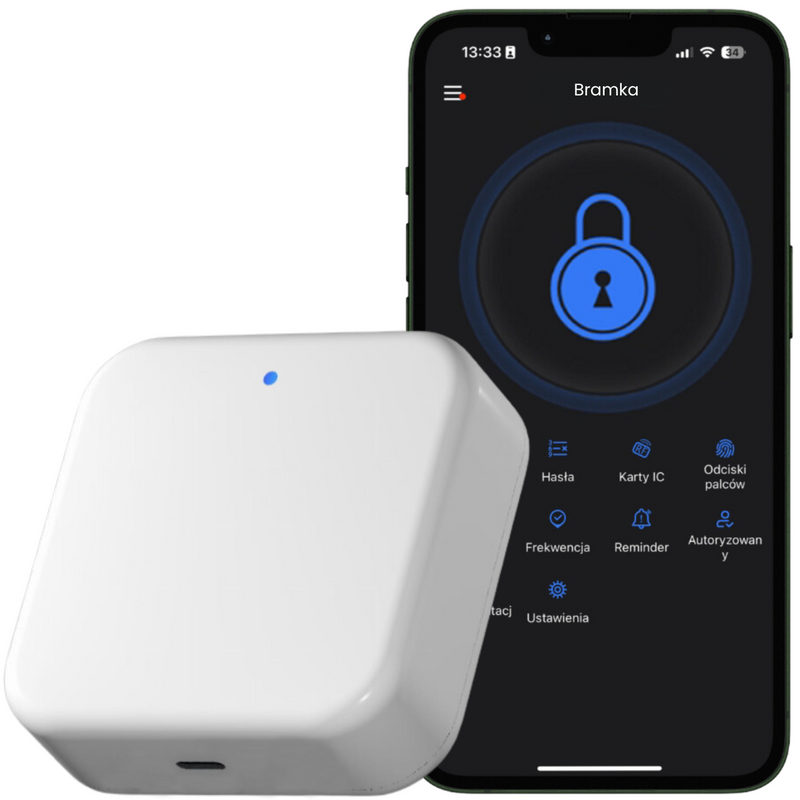
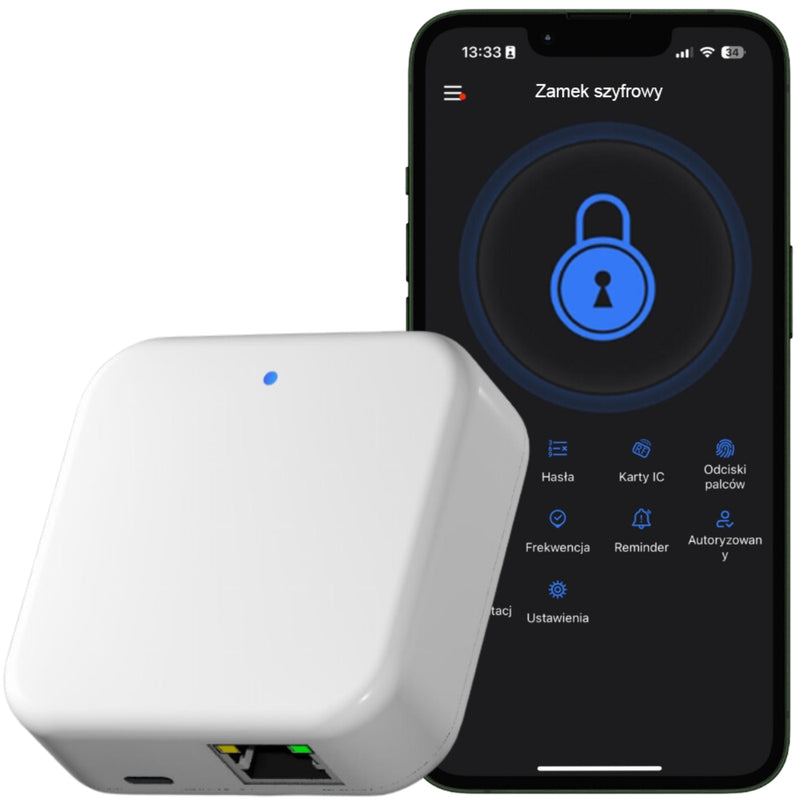
  7. What is the Wi-Fi gateway for? - It lets you unlock the door and issue codes remotely. One gateway supports several locks within Bluetooth range.
  8. Does the app work on all smartphones? - TTLock is available on iOS ≥ 11 and Android ≥ 5.1 (with Bluetooth 4.0 or newer support).
  9. Can access be limited to specific days or hours? - Yes. You can create recurring codes or eKeys with a schedule in the app (e.g. Mon-Fri 8-16).
  10. Can I export opening logs to a file? - Yes, TTLock lets you download the history in CSV or PDF format from the web dashboard.
  11. How many users can I add? - Unlimited. You can assign different permissions to each one: owner, admin, reception, maintenance.
  12. Which languages does the app support? - Polish, English, German, Spanish, French and a dozen or so others.
  13. What should I do if my phone is lost? - Log in on another device or in the web dashboard and immediately remove the lost eKey account/phone from the list of authorised users.
C…3 20.08.2026
Bought on Allegro

Works flawlessly! I recommend it

Translated from Polish
How do we verify reviews?

Store reviews are written by customers who bought the product in our store — we send a review request after delivery. They are marked “Verified purchase” when linked to a confirmed order.

Allegro reviews come from people who bought this product from Spreest on Allegro (“bought from Spreest” on Allegro). We show them with their source and do not edit them.

We never remove reviews because of a low rating. We only hide spam, unlawful content or personal data. Reviews written in exchange for a discount code (regardless of the rating) are marked. The “What customers say” summary is generated automatically (AI) from the reviews.

For a review written in our store we send a discount code for your next order — regardless of the rating.

Write a review

Anyone who bought this product from Spreest can write a review. On the next page you only enter your e-mail — if you bought this product from us, we will send a confirmation link and your review will be marked “Verified purchase”.

Write a review

Full after-sales support

Write to us or call 10:30 - 17:00 Monday - Friday. We advise before purchase and support you after your order is fulfilled.

Fast and secure delivery

Order by 17:30 on business days and receive your parcel as soon as the next day.
Free delivery from 150 zł for InPost, DHL and DPD couriers and pickup points.

Safe shopping

Secure payment methods and the long-standing experience of the Spreest brand on the Polish market.