
Electronic Lock Handle A209B 50/72 TTLock Black


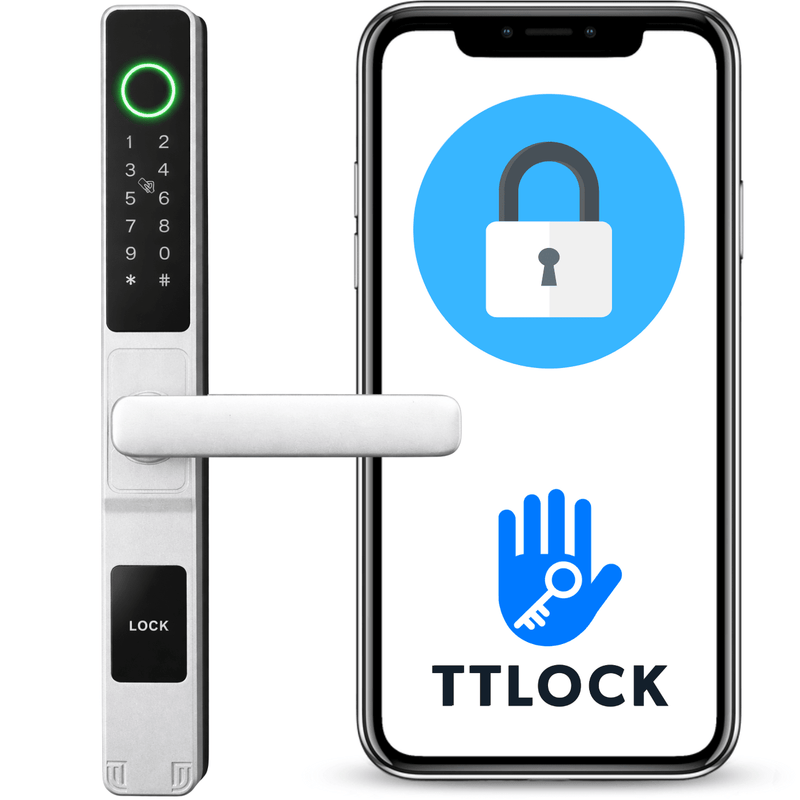







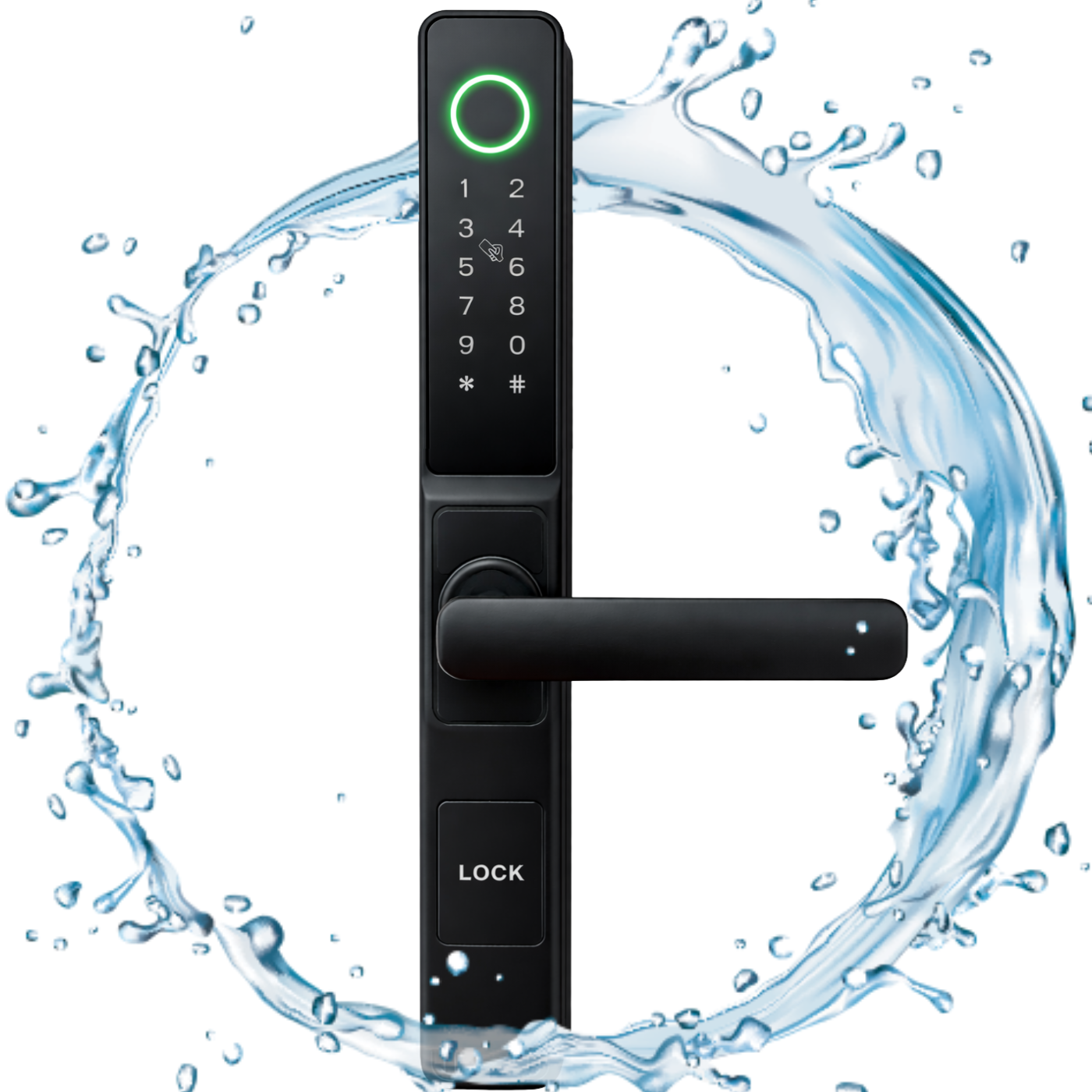
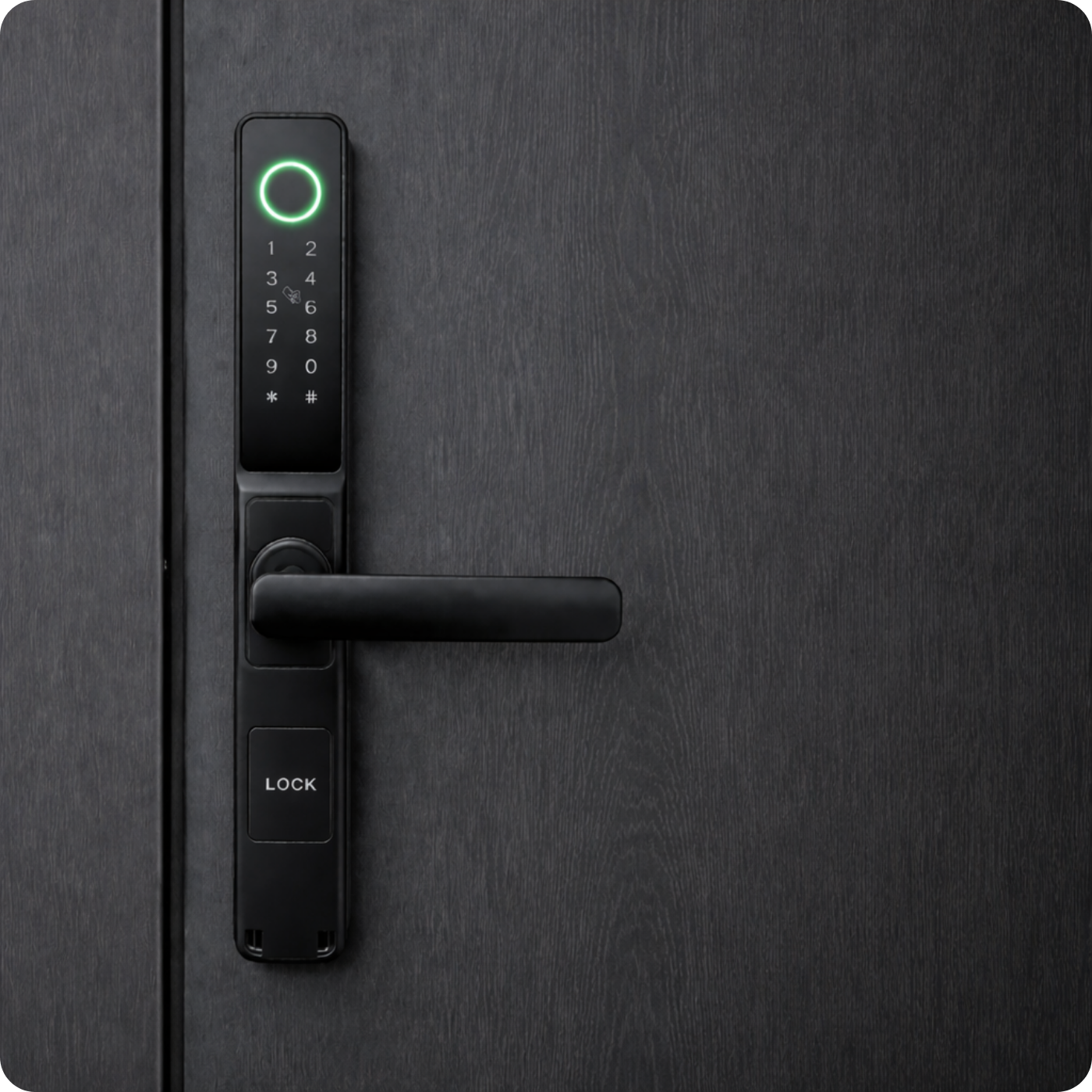
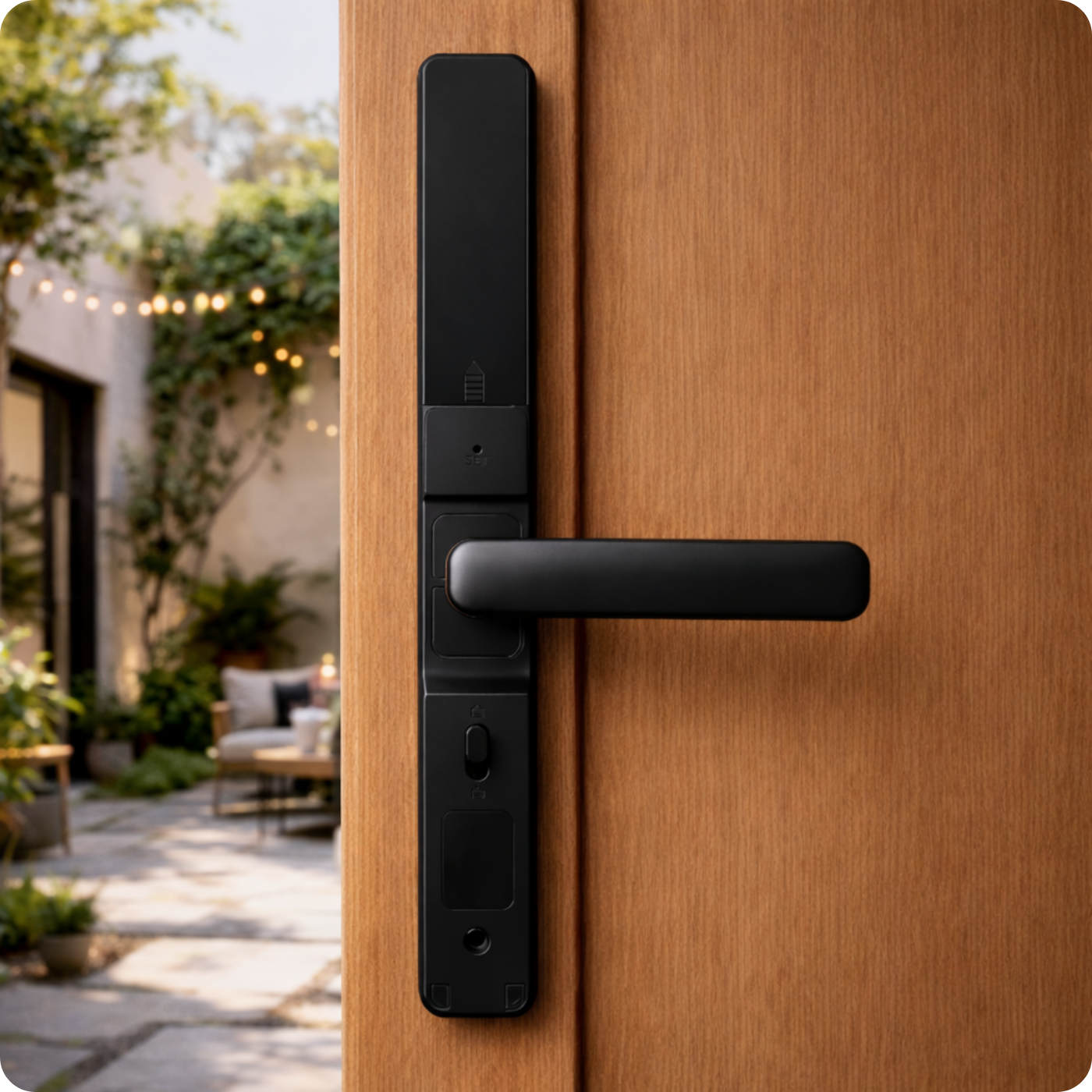
The A209B electronic smart lock by Spreest is a clever solution that allows you to transform ordinary doors into a smart access point, where you can instantly grant a guest access with a one-time code, stress-free provide the cleaning crew with access "for tomorrow 10-12," and the lock automatically closes when the door is shut – all without needing to take keys out of your pocket.
It's ideal for Airbnb rentals, self-check-in hotels, warehouses, or offices, where guests can be sent a code or e-key remotely, valid only during specific hours.
Automatic locking after the door closes eliminates the risk of leaving doors open. No internet? No problem – the handle works locally, and user data is stored internally.
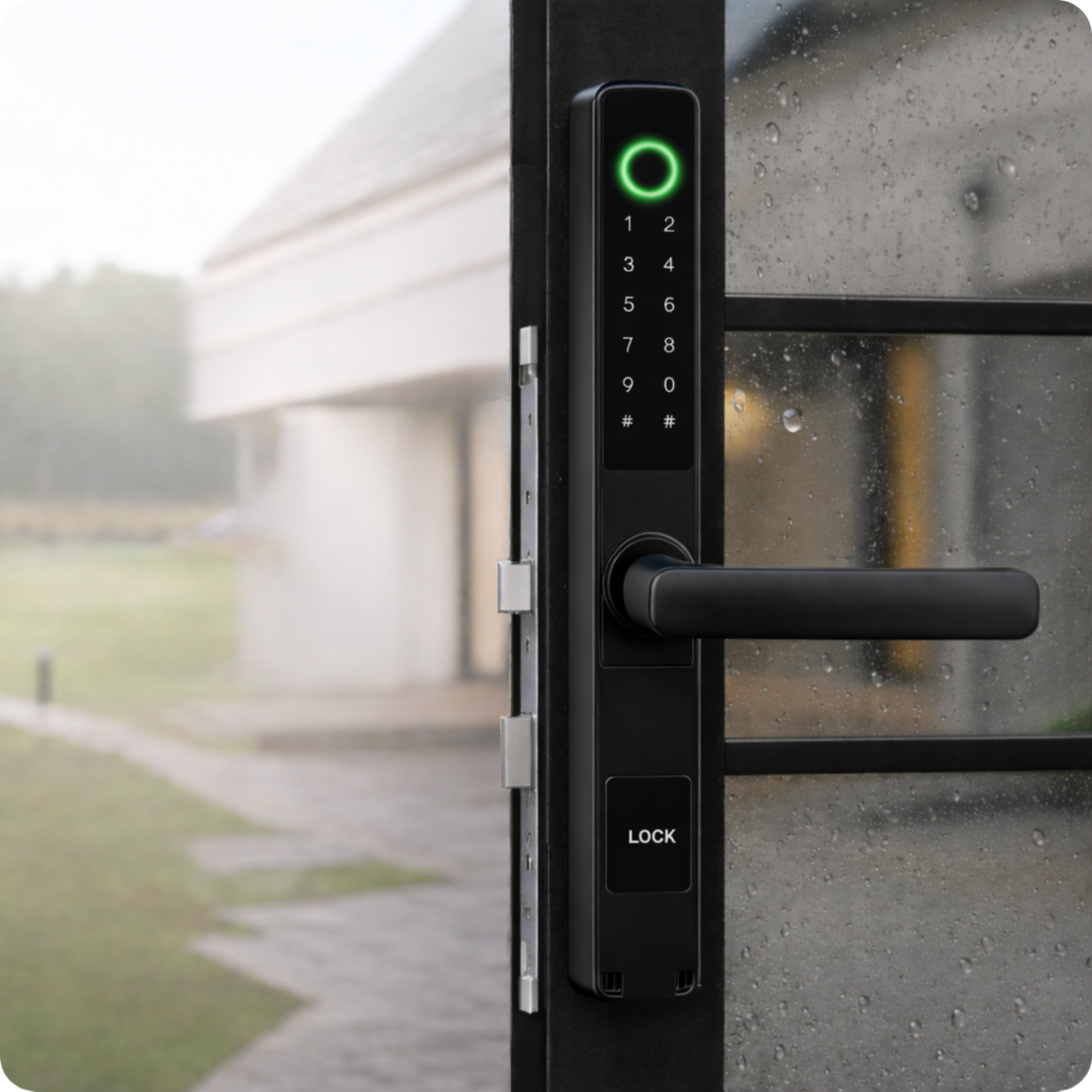
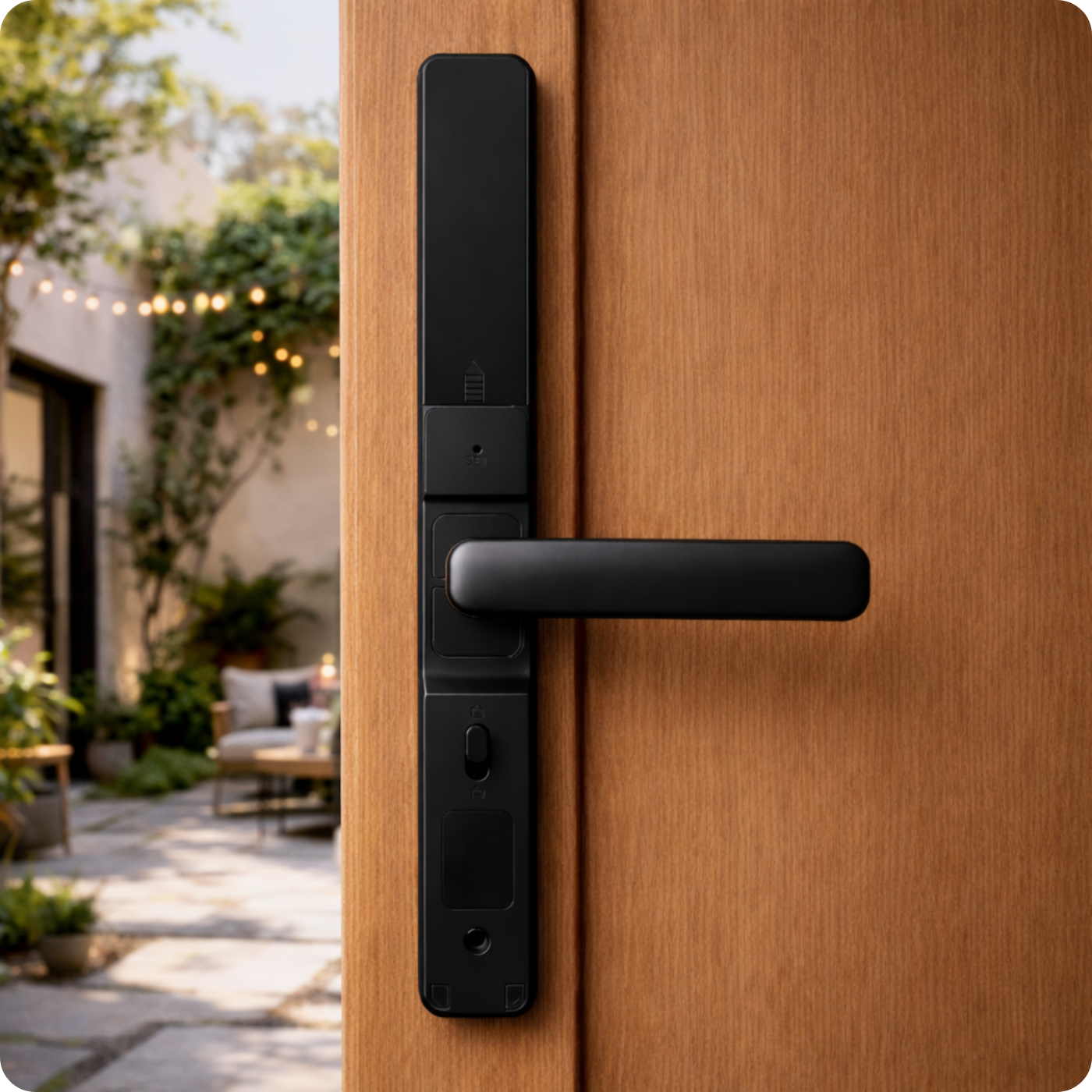
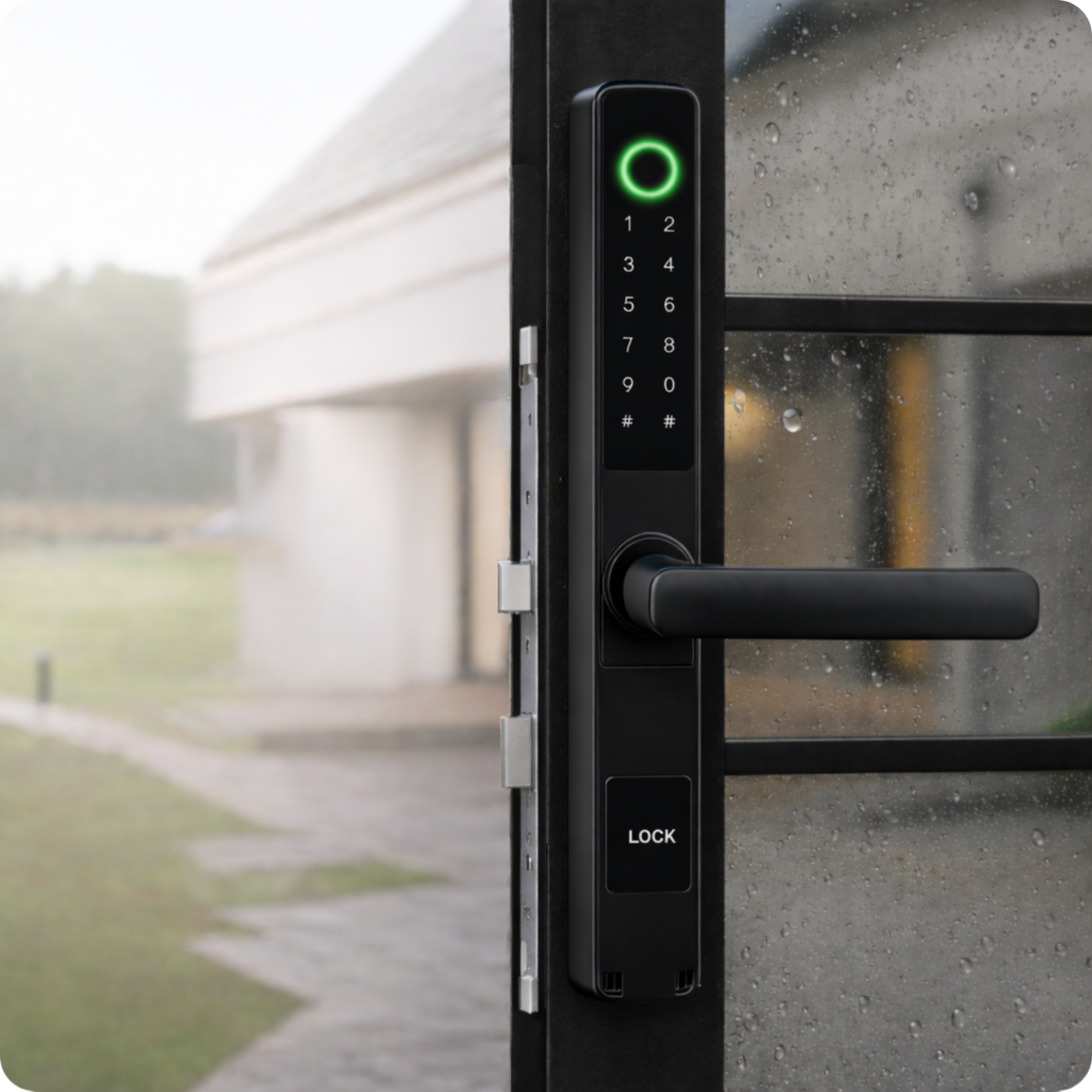
The panel can be mounted outdoors, but it must be protected from direct contact with rain, for example, under a roof or with a protective canopy.
Batteries last for about a year of operation. When the battery starts to run low, the lock will warn you, giving you time to replace it. The handle fits left and right-hand doors 45–75 mm thick – wooden, steel, or aluminum.
Opening methods
- Fingerprint – Quick entry thanks to fingerprint recognition.
- Mechanical key – A classic emergency option when batteries are dead.
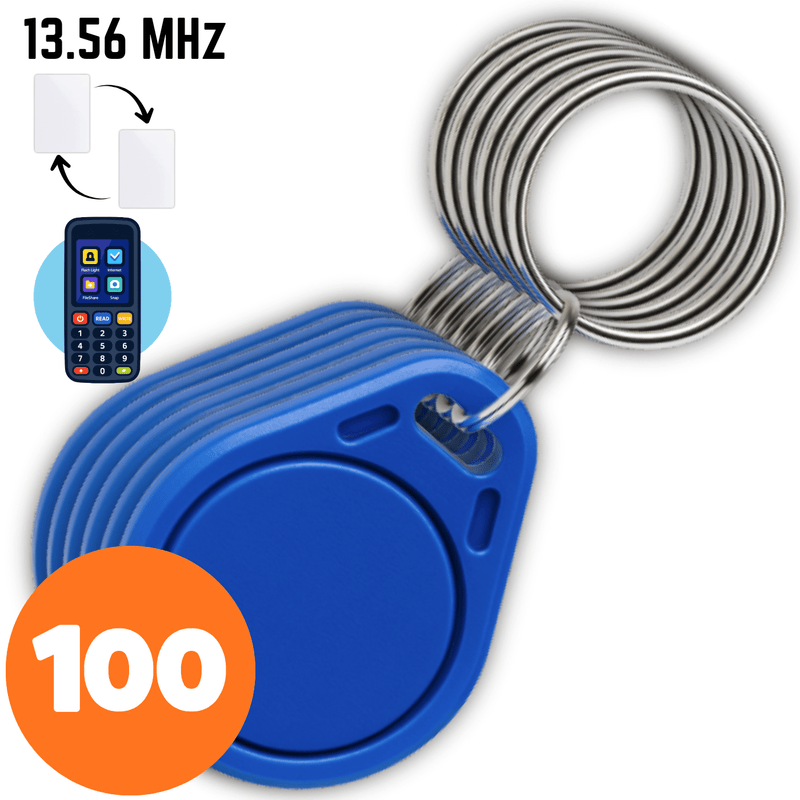
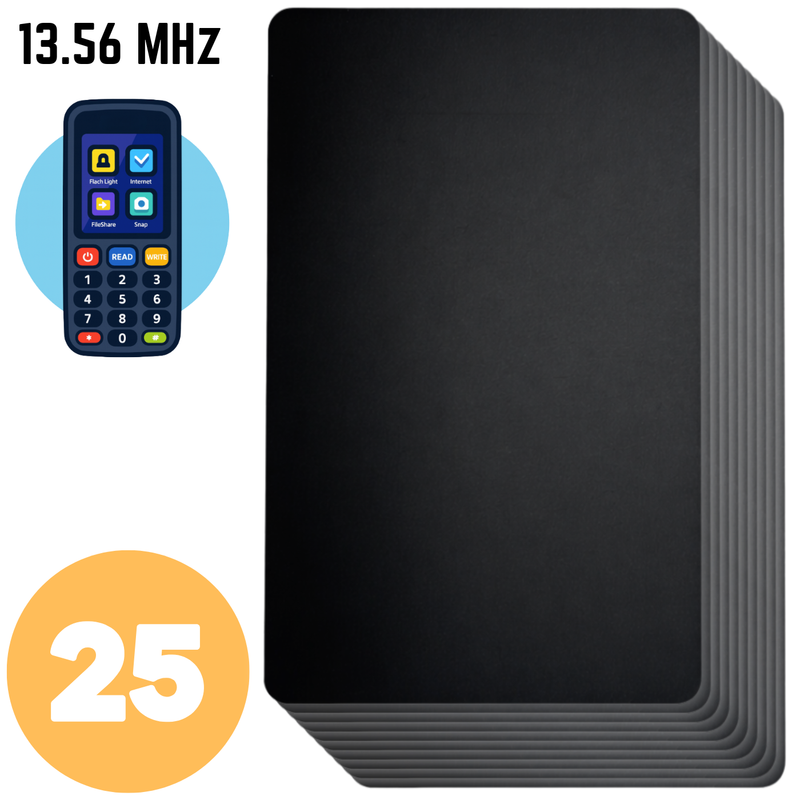
- Proximity card or fob – Tap it against the reader, and you're done.
- PIN code – Enter your own code and enter without keys.
- Bluetooth and app – The lock opens with a single click on your phone.
- Apple Watch
App capabilities
- Remote control – Open and configure the lock from anywhere (gateway required), within Bluetooth range without a gateway.
- Automatic locking – Set the time after which the lock will automatically close.
- Alerts and event log – Push notifications + full history of openings.
- Code and eKey profiles – Permanent, temporary, cyclical, or one-time access for guests.
- Card, remote, and fingerprint support – Add and manage in a few clicks.
- OTA updates – Wireless firmware updates.
- Voice integration – Commands via Amazon Alexa and Google Assistant.
- Silent mode – Mute lock signals when you need quiet.
Additional features for businesses
- Integration with Booking, Airbnb, Hotres – Automatic code generation for online reservations.
- Multi-location panel – Manage multiple locks and properties in one app.
- Roles and permissions – Create groups (administrator, reception, service) with different access levels.
- Work schedules – Define office opening hours and grant access only during specific times.
- Presence reports – Export entry/exit summaries (late arrivals, early departures).
- "Freeze" lock – Temporary disabling of all electronic opening methods (e.g., alarm).
- Bulk user addition – Import a list of employees or tenants from a CSV file.
- Wi-Fi gateway → multiple locks – Cost-effective system expansion in large facilities.
Installation
You can install the handle yourself in most apartments and houses; it fits doors 45-75 mm thick, both left and right-handed, made of wood, steel, or aluminum.
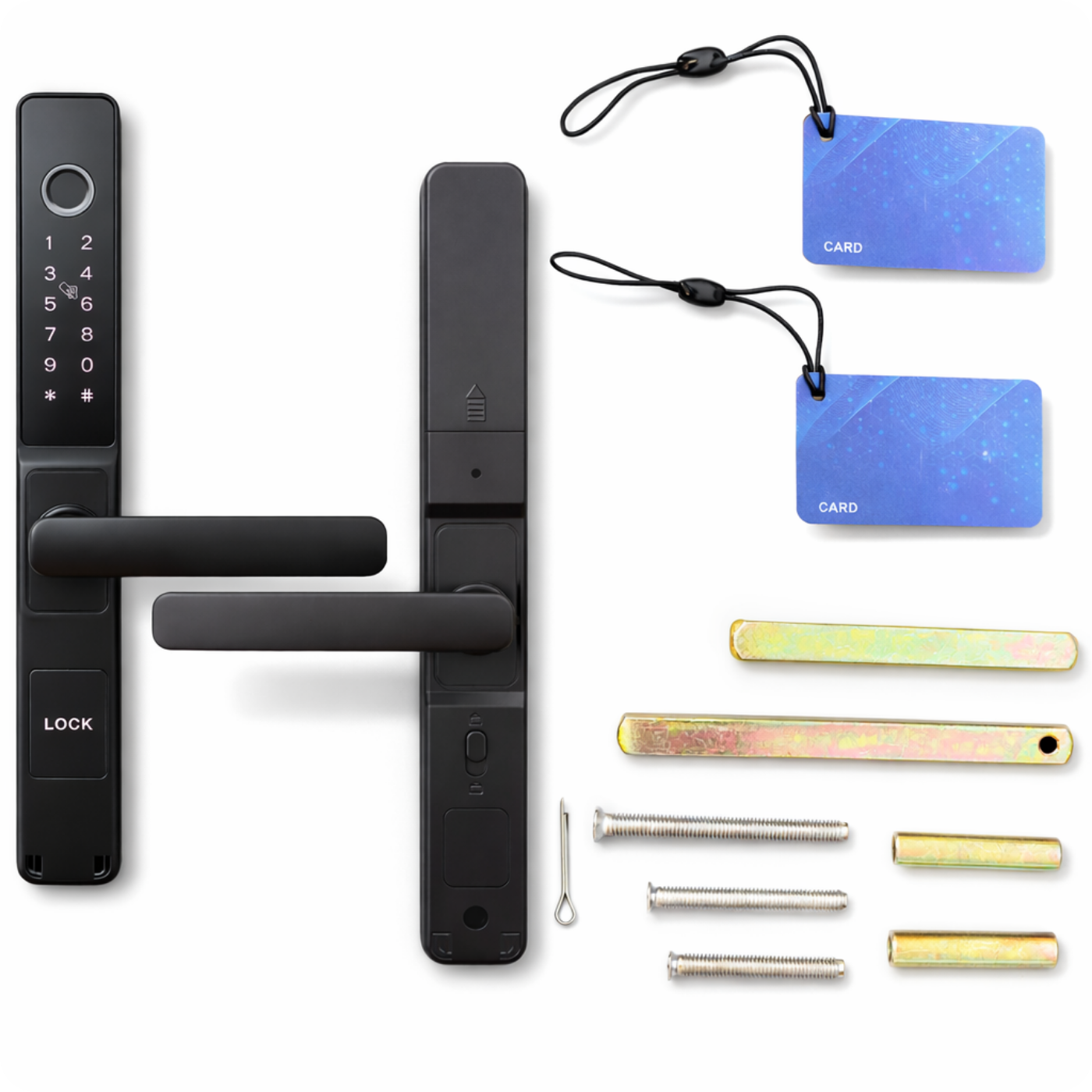
The box includes a set of screws and spindles that allow you to mount the handle on doors with a thickness of 45 mm to 75 mm.
The handle works with standard mortise locks – so you can mount it on an existing mechanism without replacing the entire fitting.
NOTE!
The mechanical lock is not included in the set. However, if your door is already equipped with a lock, simply transfer the spindle and screw on the handle to immediately enjoy smart access.
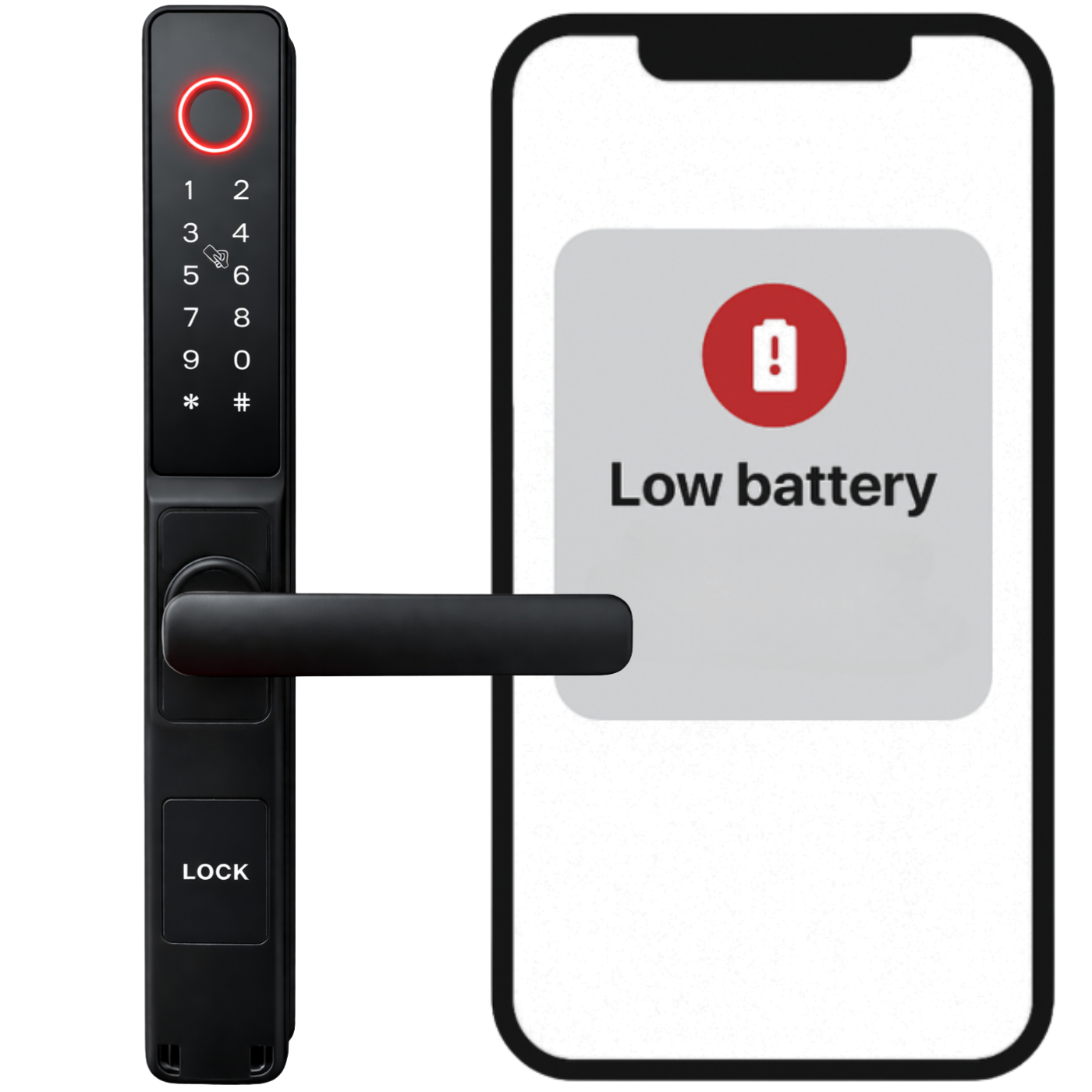
Low Battery Alarm
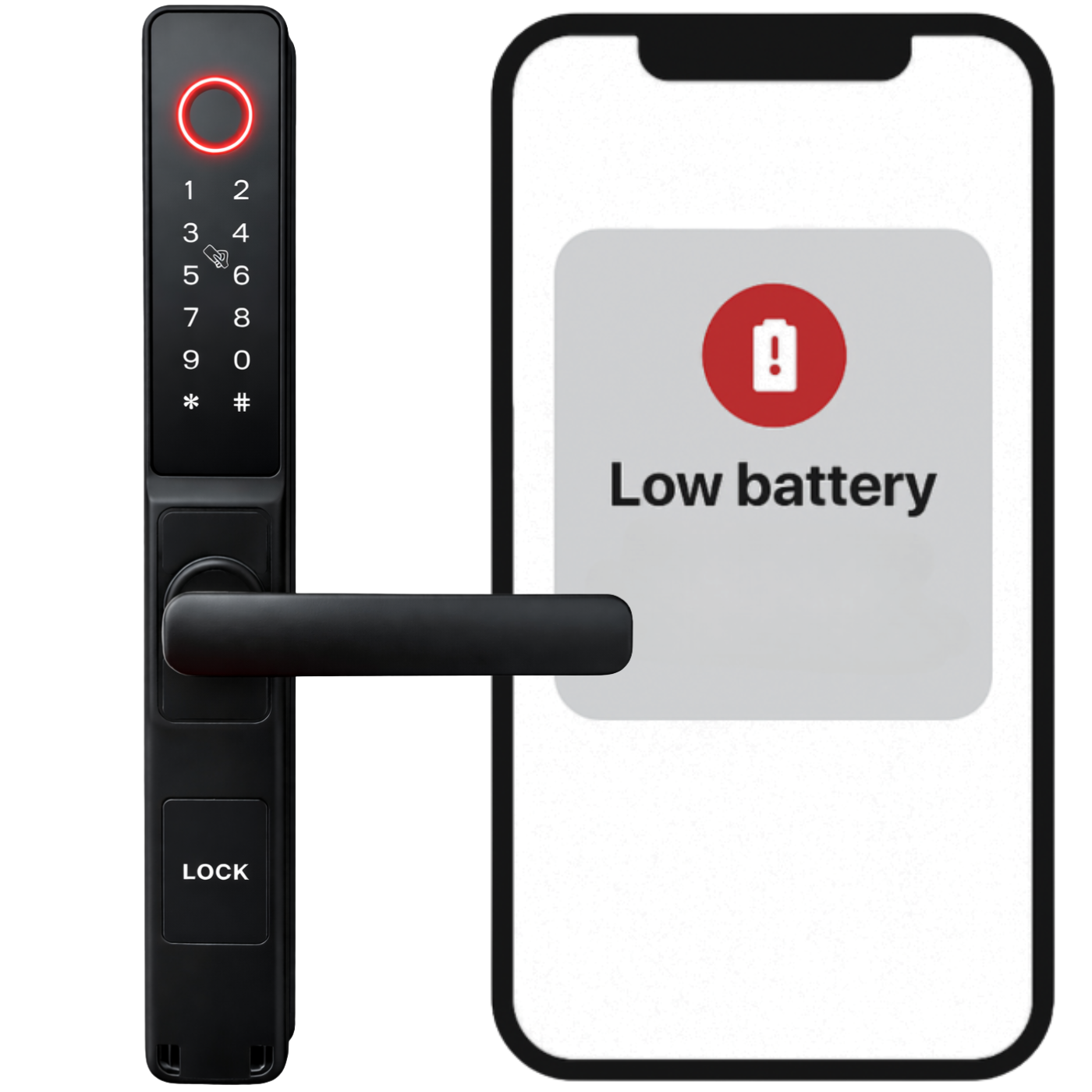
The lock is equipped with a low battery alarm, allowing you to continuously monitor the power status. A low battery notification will be sent to the app at ≥20%, ≥10%, ≥5%, and a red light will flash on the lock itself after unlocking (3 flashes).
The device is powered by four AA batteries, which can last for up to 9 to 12 months.
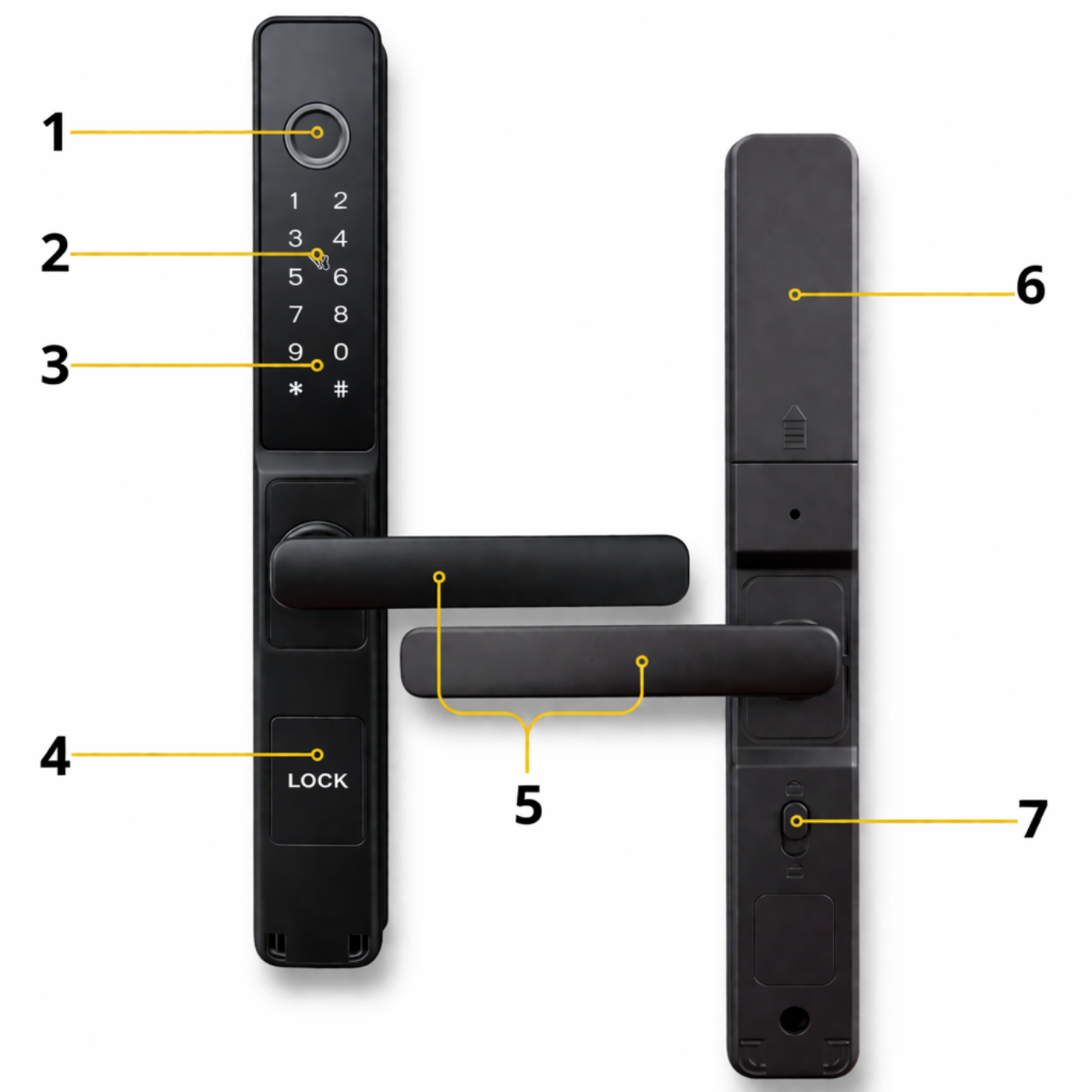
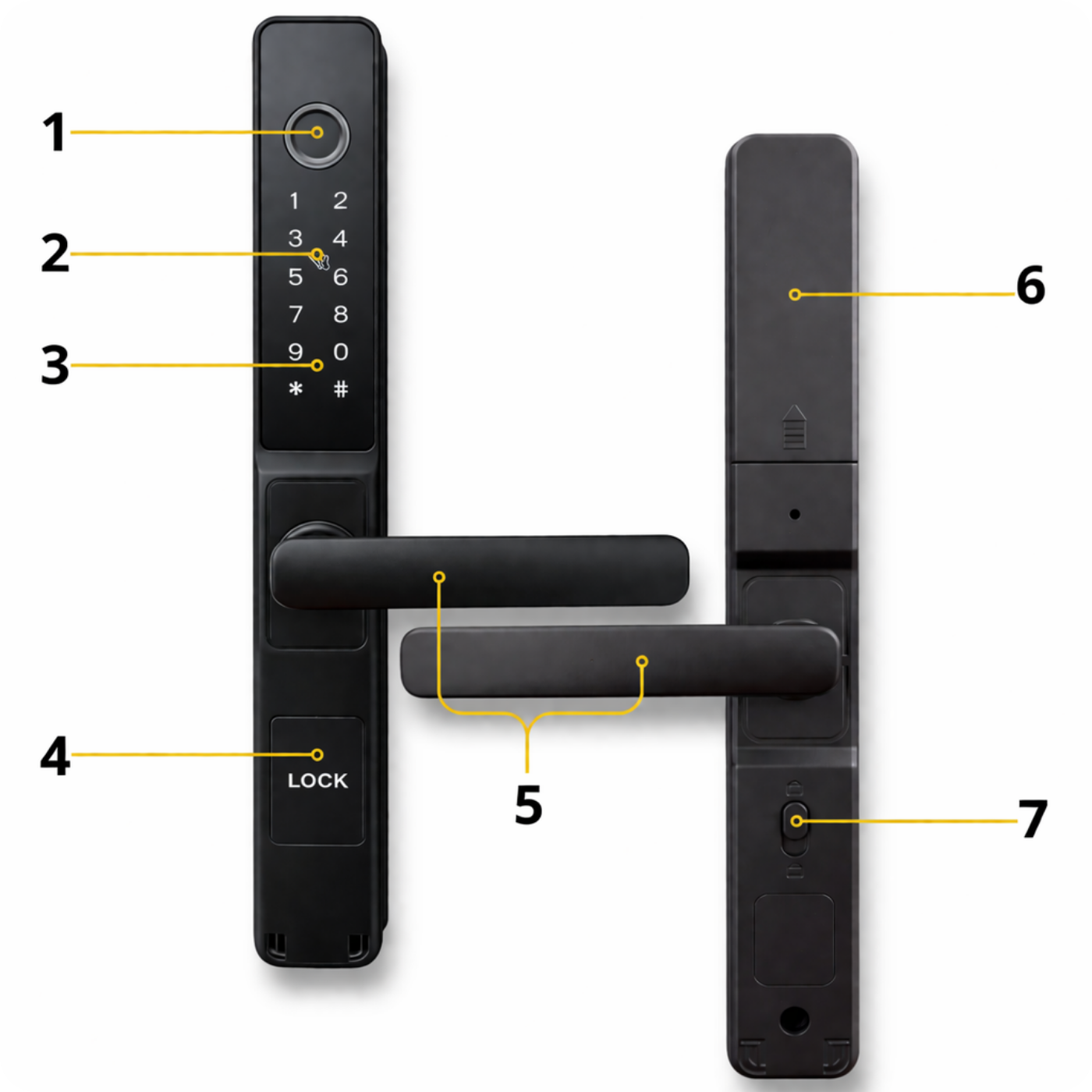
Handle components
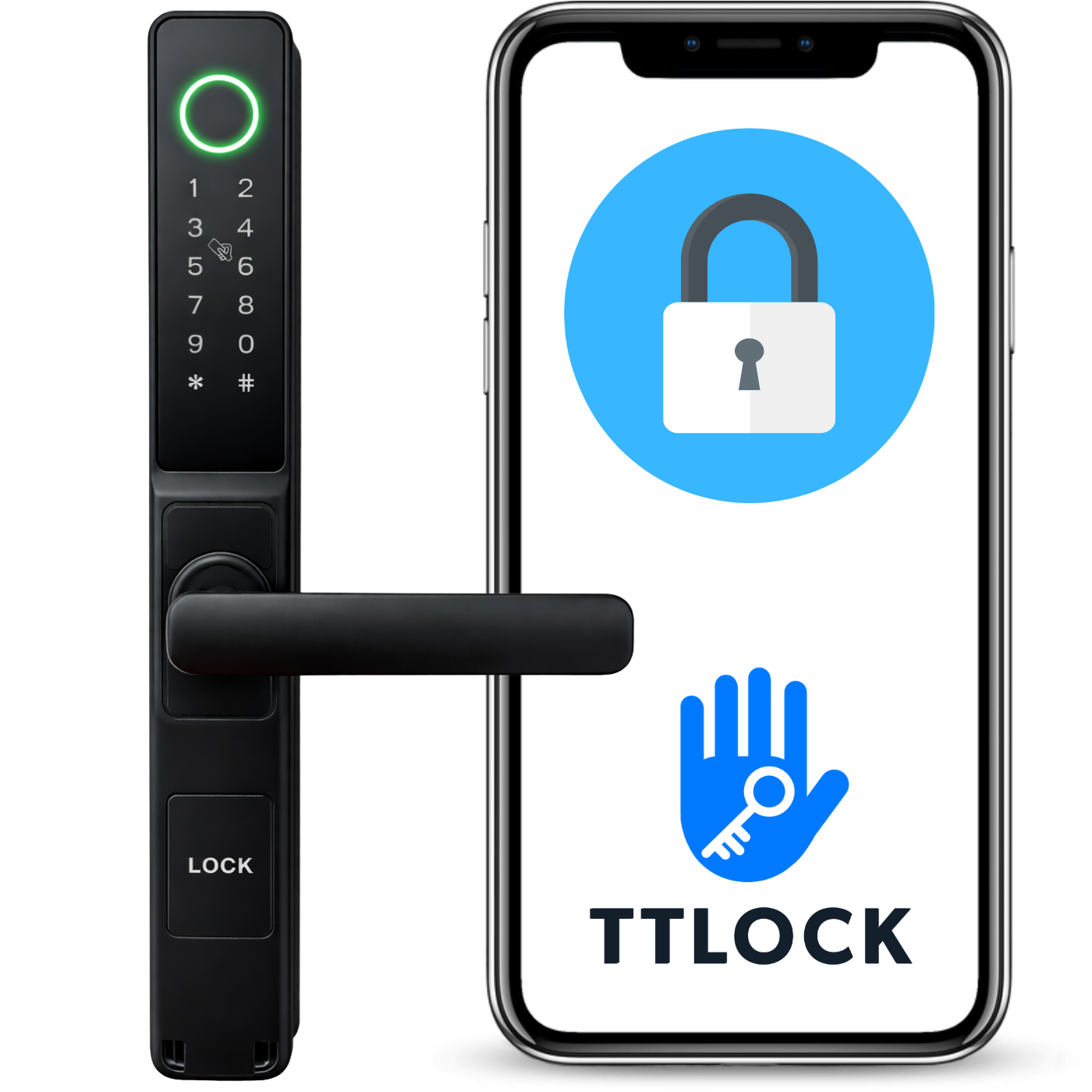
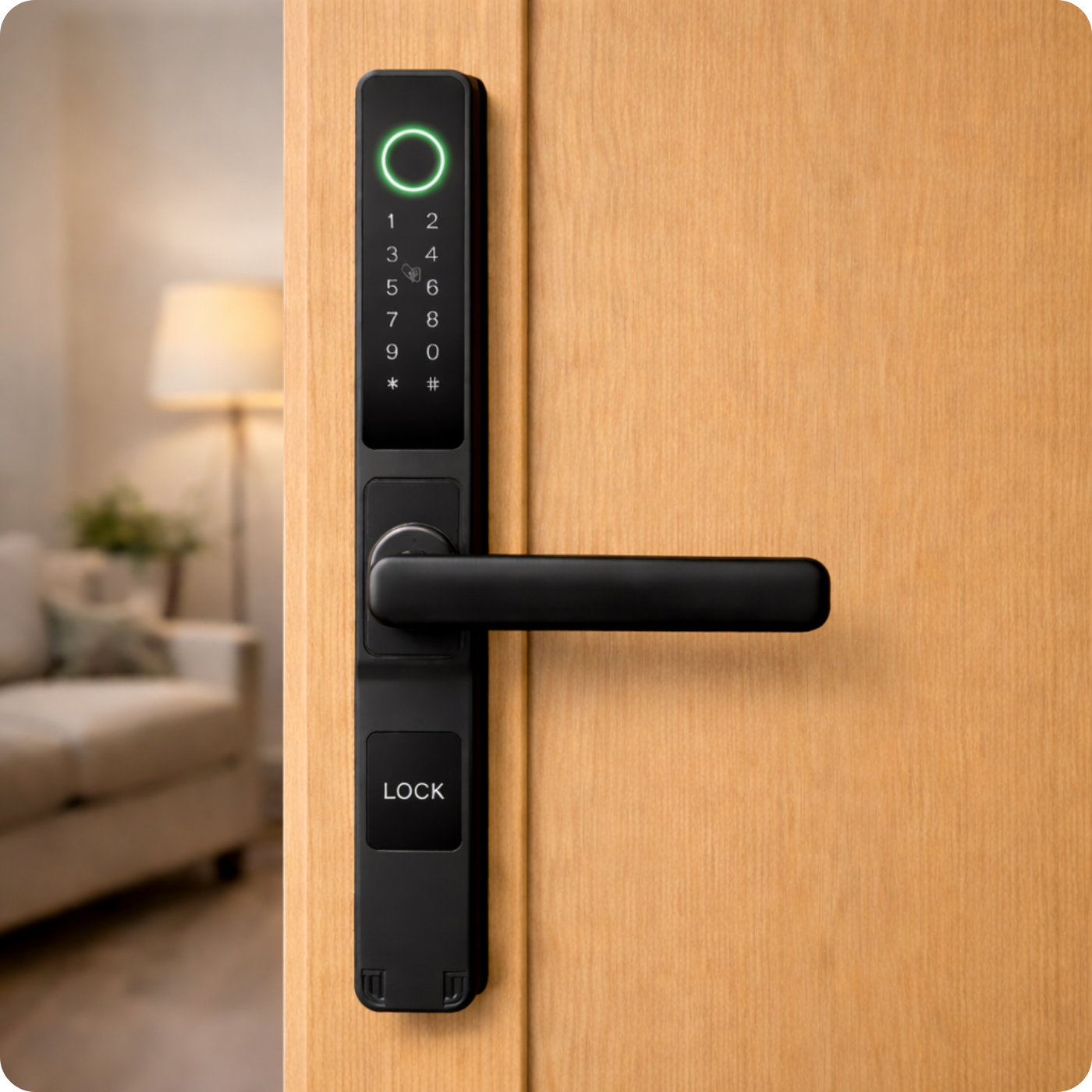
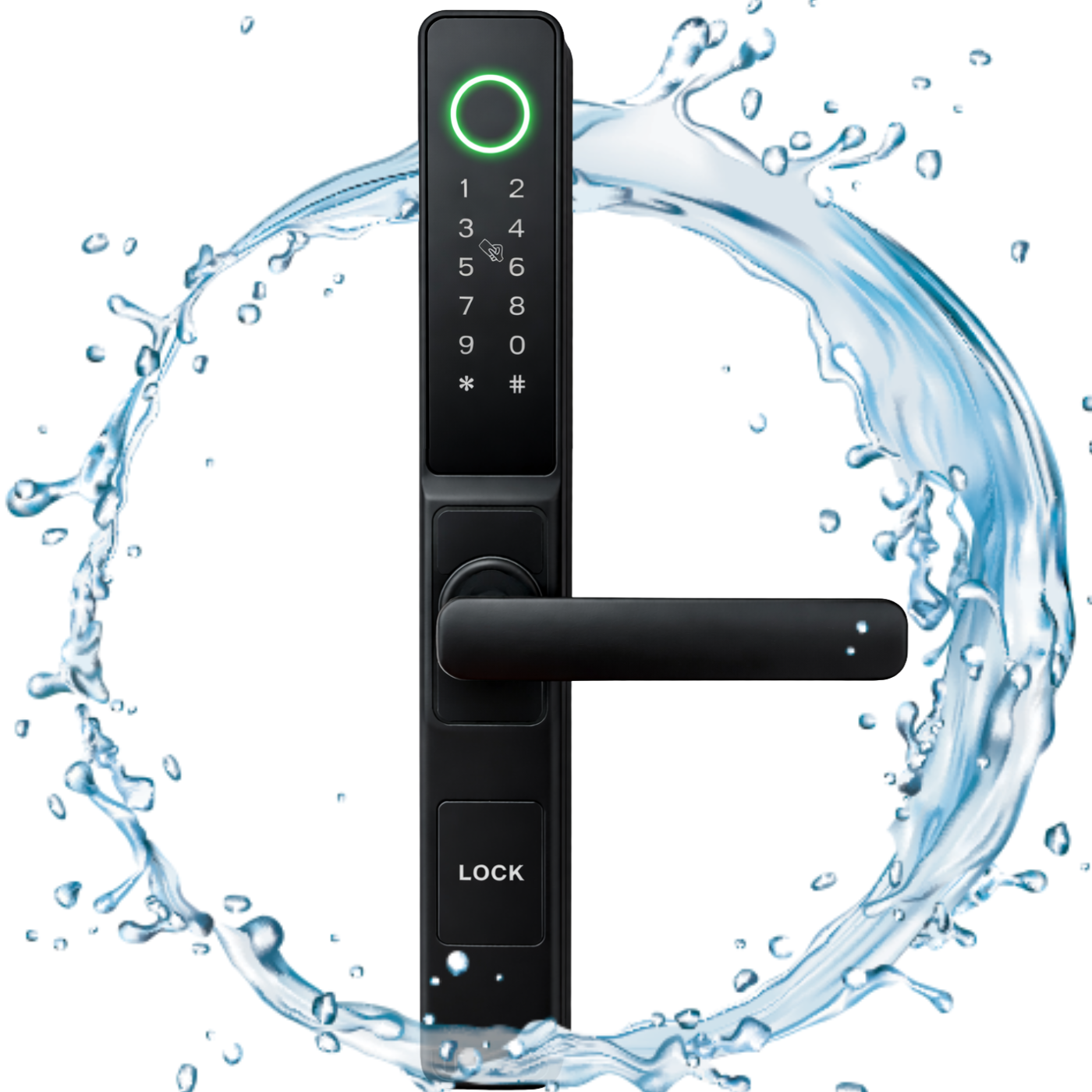
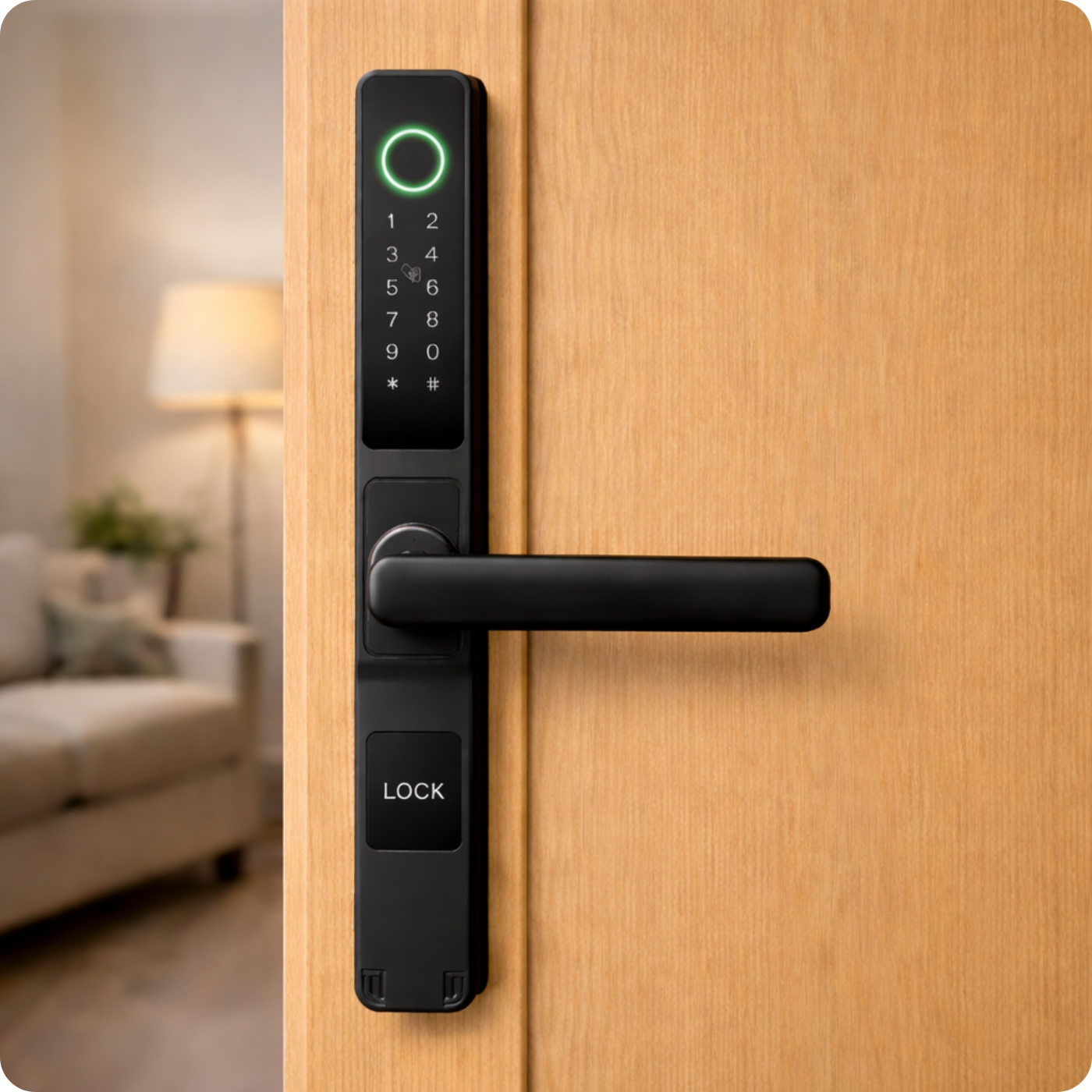
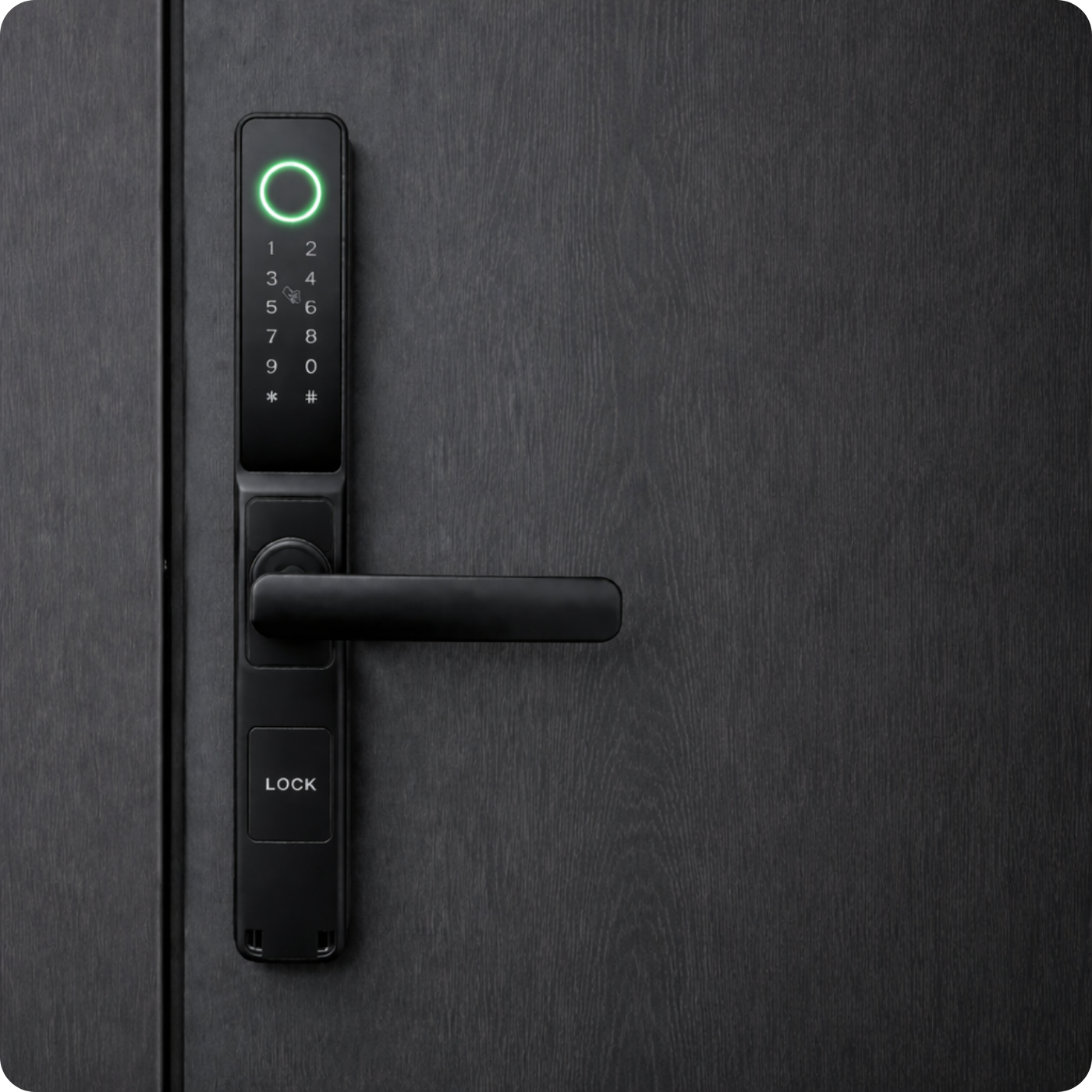
- Fingerprint reader
- 13.56 MHz access card reader
- Touch keypad
- Lock housing (the "LOCK" cover is removable)
- Handle grip (pulling the handle up locks the deadbolt, pulling it down opens the lock)
- Battery box for 4x AA batteries
- Handle lock
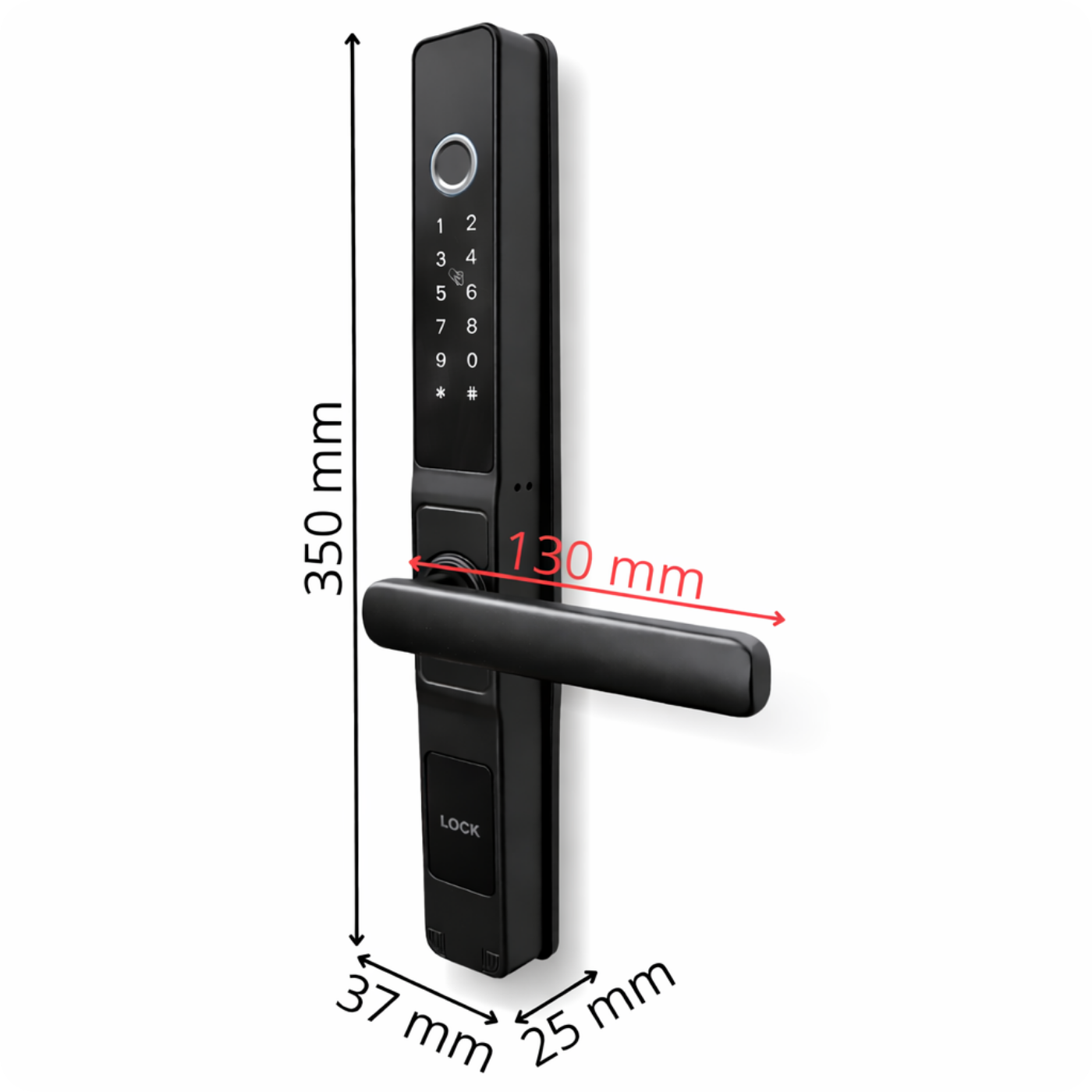
Technical Specification
- Material: Aluminum
- Color: Black
- Door thickness: 45-75 mm
- Communication: Bluetooth 4.0
- Battery life: Average 10-12 months
- Power supply: DC 6 V – 4 AA batteries
- Unlocking methods: Fingerprint, 13.56 MHz card, password, app, mechanical key
- Unlock time: 0.5~1.5 seconds
- Operating temperature: –30 °C to +60 °C
- Operating humidity: 10 % – 95 %
- User capacity: 200 access cards, 200 codes, 100 fingerprints
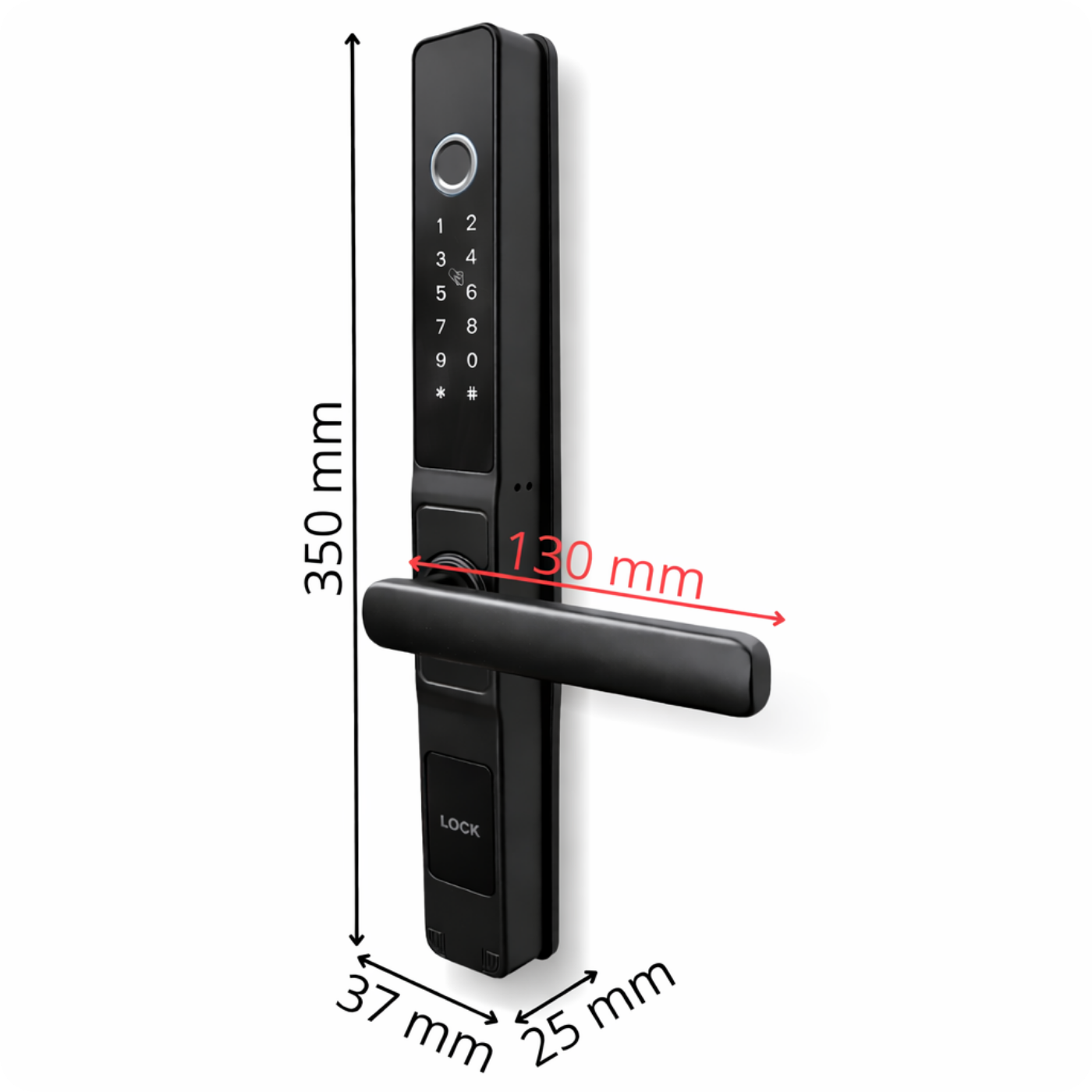
- Dimensions: 37 x 25 x 350 mm
- Weight: Handle with front panel – 492 g, handle with back panel – 437 g (total 929 g)
NOTE:
Due to the design of the handle, its installation on the external side is possible only if installed in a sheltered location, e.g., under a roof, which will protect it from direct exposure to weather conditions.
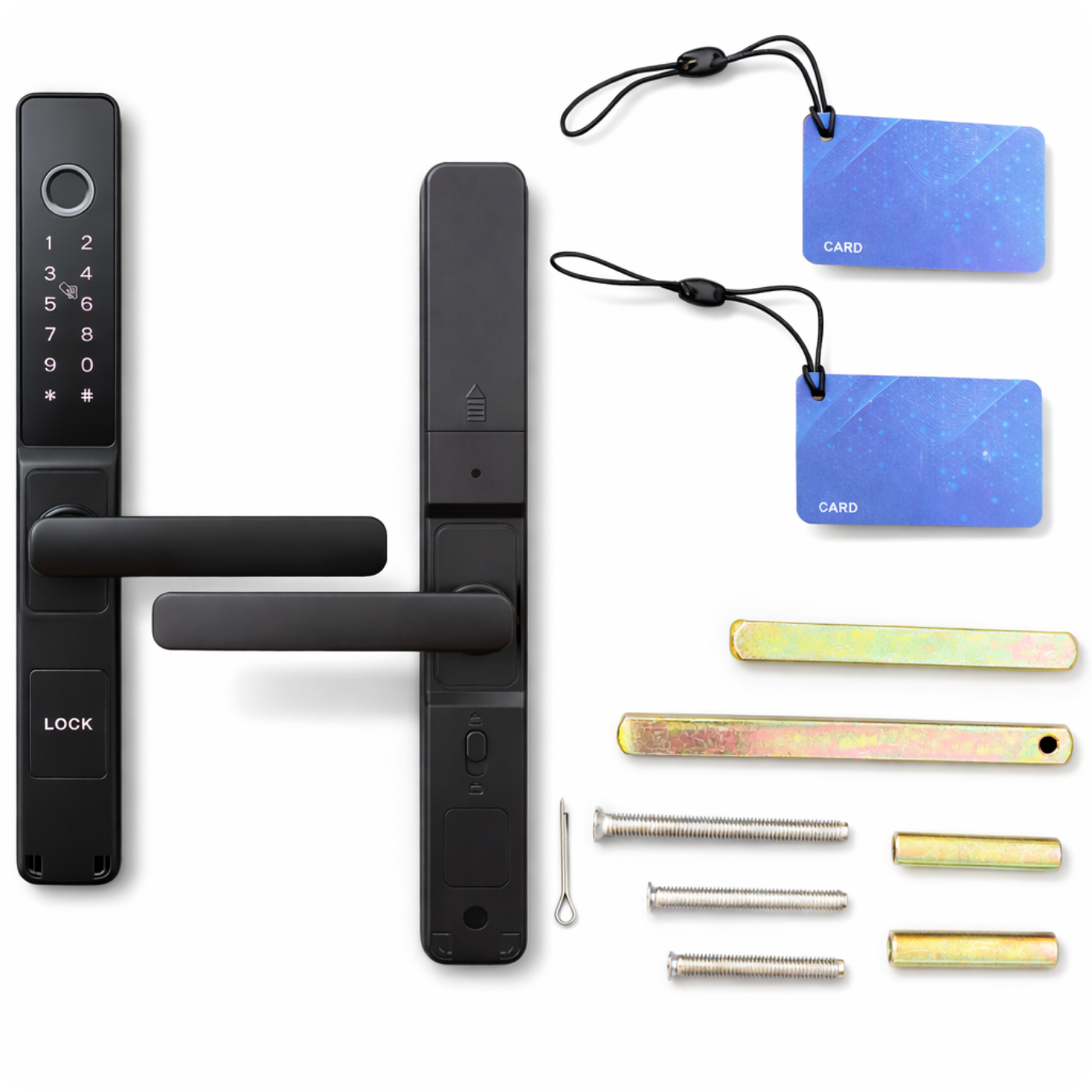
Set includes
- 1x Electronic smart lock handle A209B 50/72 TTLock Black
- 1x Mounting accessories for various door thicknesses (45-75mm)
- 2x Access cards
- 1x User manual
FAQ – Frequently Asked Questions
- Does the lock work without an internet gateway? – Yes. Operation is then via Bluetooth – codes can only be assigned when near the door, and event history synchronizes upon reconnecting.
- Can the handle be set to the right or left? – Yes, the handle direction is changeable and set during installation.
- What happens if the lock runs out of power? – The lock warns you at ~30% battery. After complete discharge, you can power it with a power bank via the charging port or open it with an emergency key.
- What is the Wi-Fi gateway for? – It allows you to open doors and assign codes remotely. One gateway supports several locks within Bluetooth range.
- Does the app work on all smartphones? – TTLock is available on iOS ≥ 11 and Android ≥ 5.1 (with Bluetooth 4.0 or newer support).
- Can access be restricted to specific days or hours? – Yes. In the app, you can create cyclical codes or eKeys with a schedule (e.g., Mon-Fri 8-16).
- Can I export opening logs to a file? – Yes, TTLock allows downloading history in CSV or PDF format from the web panel.
- How many users can I add? – Unlimited. Each can be given different permissions: owner, admin, reception, service.
- Is the software paid? – No. The firmware is free and updates wirelessly (OTA) for free via Bluetooth (or remotely via the gateway).
- What languages does the app support? – Polish, English, German, Spanish, French, and a dozen others.
- What to do if the phone is lost? – Log in on another device or the web panel and immediately remove the lost account eKey/phone from the authorized list.