
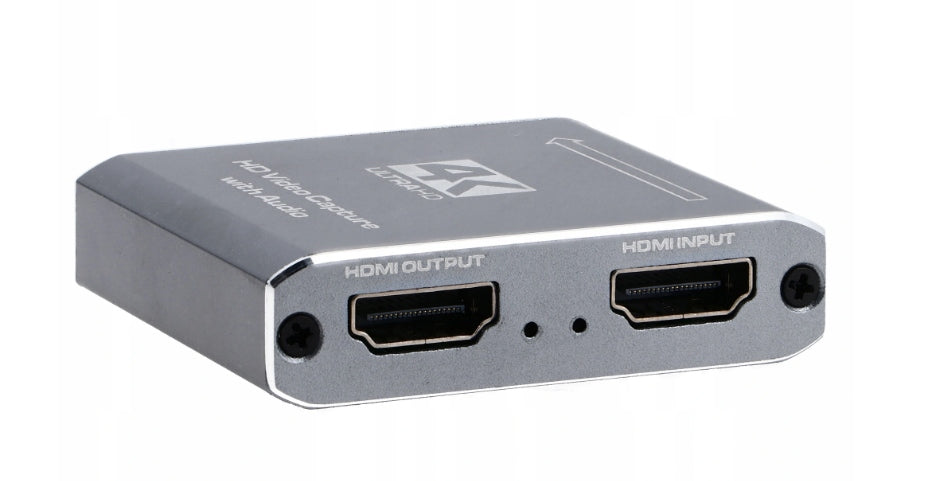
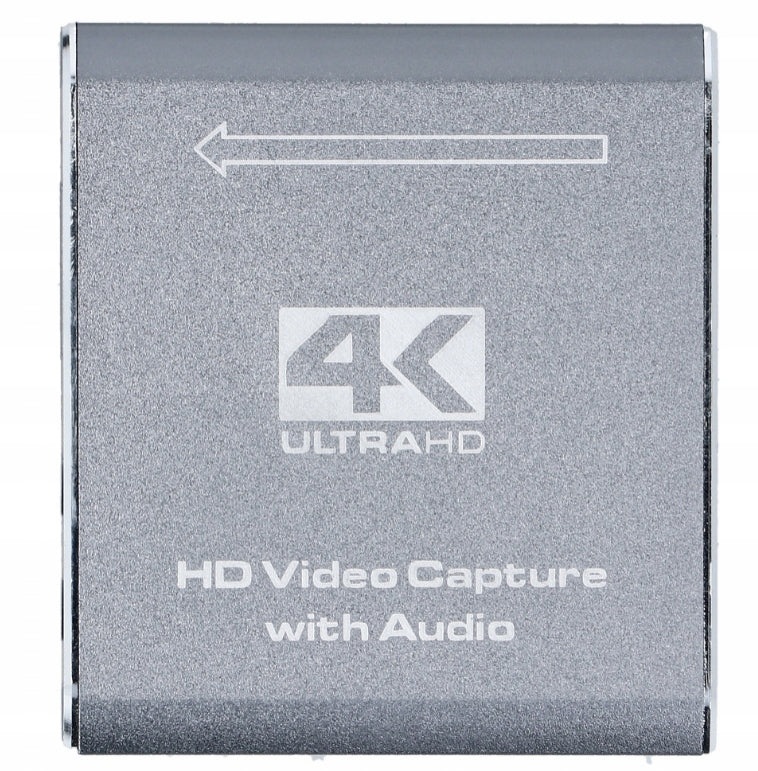
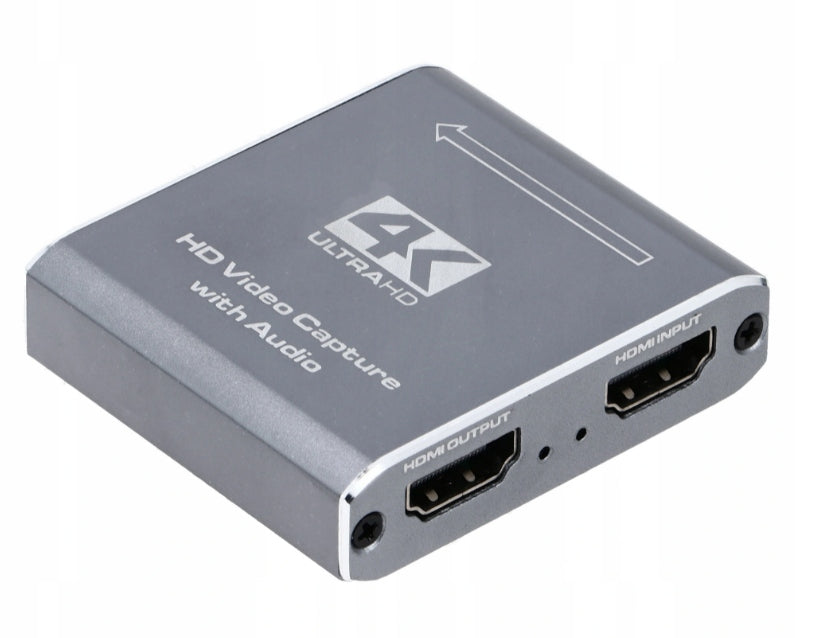

Grabber Image Recorder SC-USH335





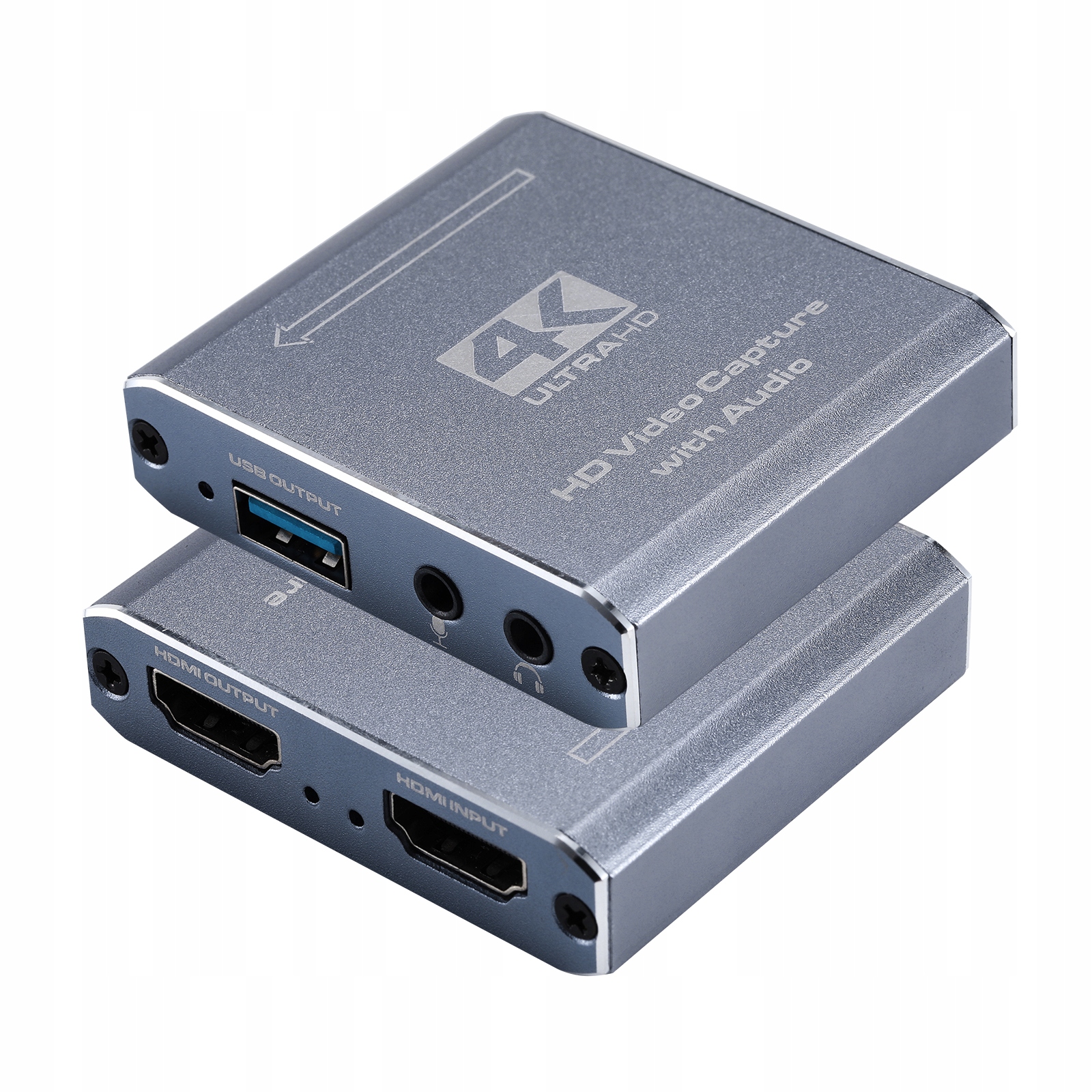
High-quality advanced grabber SC-USH229 HDMI video capture card allows you to record any signal from an HDMI source (players, consoles, etc.) to your PC's hard drive at a recording resolution of up to 1920×1080 @ 60Hz! It does not require an external power supply, is compact and portable. Works with Windows (7/8/10), Android, and macOS. Recording is done through the OBS Studio program (link to the program below).
- The recorder works perfectly with any source (that does not have DHCP recording protection) – from computers, through multimedia players, decoders, TV tuners, and game consoles.
This is an excellent device for users of pay-TV set-top boxes equipped with a hard drive. Thanks to the recorder, recordings from such a set-top box's hard drive can be stored in unencrypted form (pure MPEG4, .flv format). The recorded material is saved on the PC's hard drive in the default Video folder. Recording is started and stopped in OBS Studio.
- Interestingly, the device can serve as an HDMI to USB converter - it can be ideal for travel, e.g., when we want to connect a set-top box to a laptop.
Live streaming
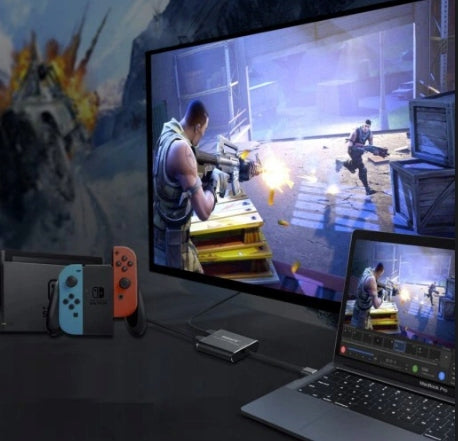
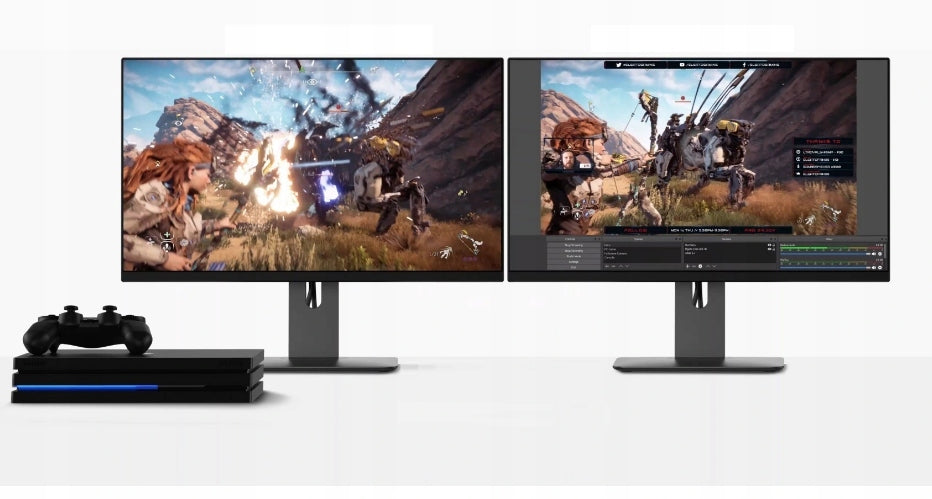
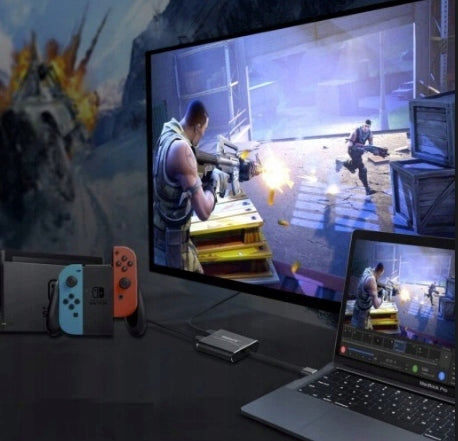
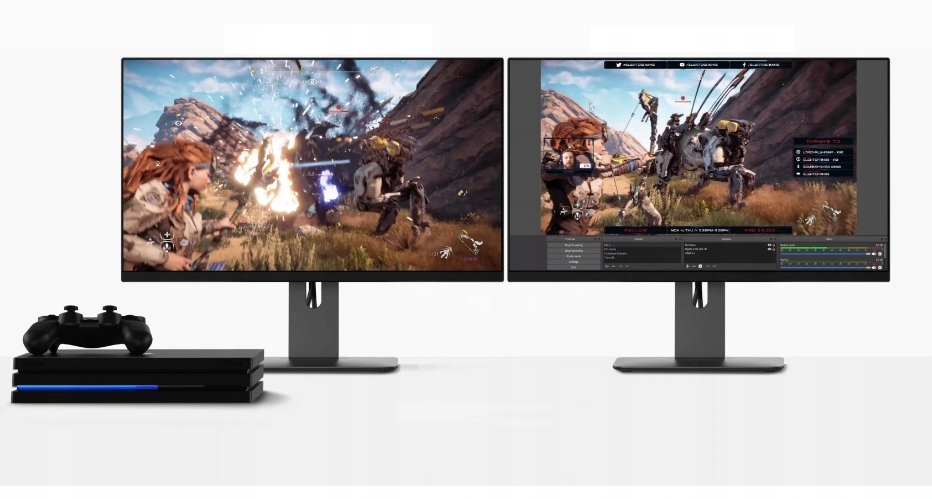
Fluently record and stream hours of gameplay from your console or PC, to share your gaming skills with others. Supports maximum input resolution of 3840×2160 @ 60Hz and Full HD (1080p) also at 60Hz.
Use top streaming platforms such as Twitch, YouTube, or Facebook Live.
Perfect for live streaming when connected to, for example, a digital camera or camcorder. It works very well for video conferences or online teaching. If you have a camera or camcorder at home, this grabber is the perfect solution for you!
Key features
- Supports Windows, Android, and macOS systems;
- Fast USB 3.0 input
- Supports maximum input resolution of 3840×2160 @ 60 Hz and Full HD (1080p) also at 60Hz.
- Supports maximum output resolution of 1920×1080 Full HD (1080p) also at 60Hz
- Supports 8/10/12-bit color depth;
- Supports standard AWG26 HDMI cable: input up to 15 meters (1080P and lower resolutions);
- Supports programs such as: VLC, OBS, Acap etc.;
- Compliant with USB Video and Audio standards – UVC and UAC;
- The device does not require an additional external power supply
- Thanks to its small size, it is compact and portable
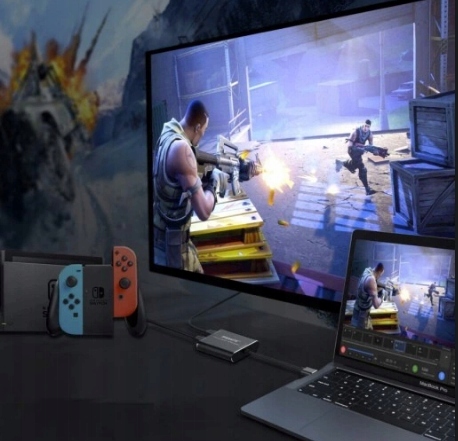
Compatibility:
- Game consoles (Switch / PS4 / Xbox)
- TV boxes
- Cameras
- Camcorders
- Smartphones
- Tablets
- Connect another computer - your gaming machine.
EASILY Connect older type CCTV recorders with an HDMI port to your computer.
Also works with e.g. microscopes with HDMI output - record screen preview on your computer.
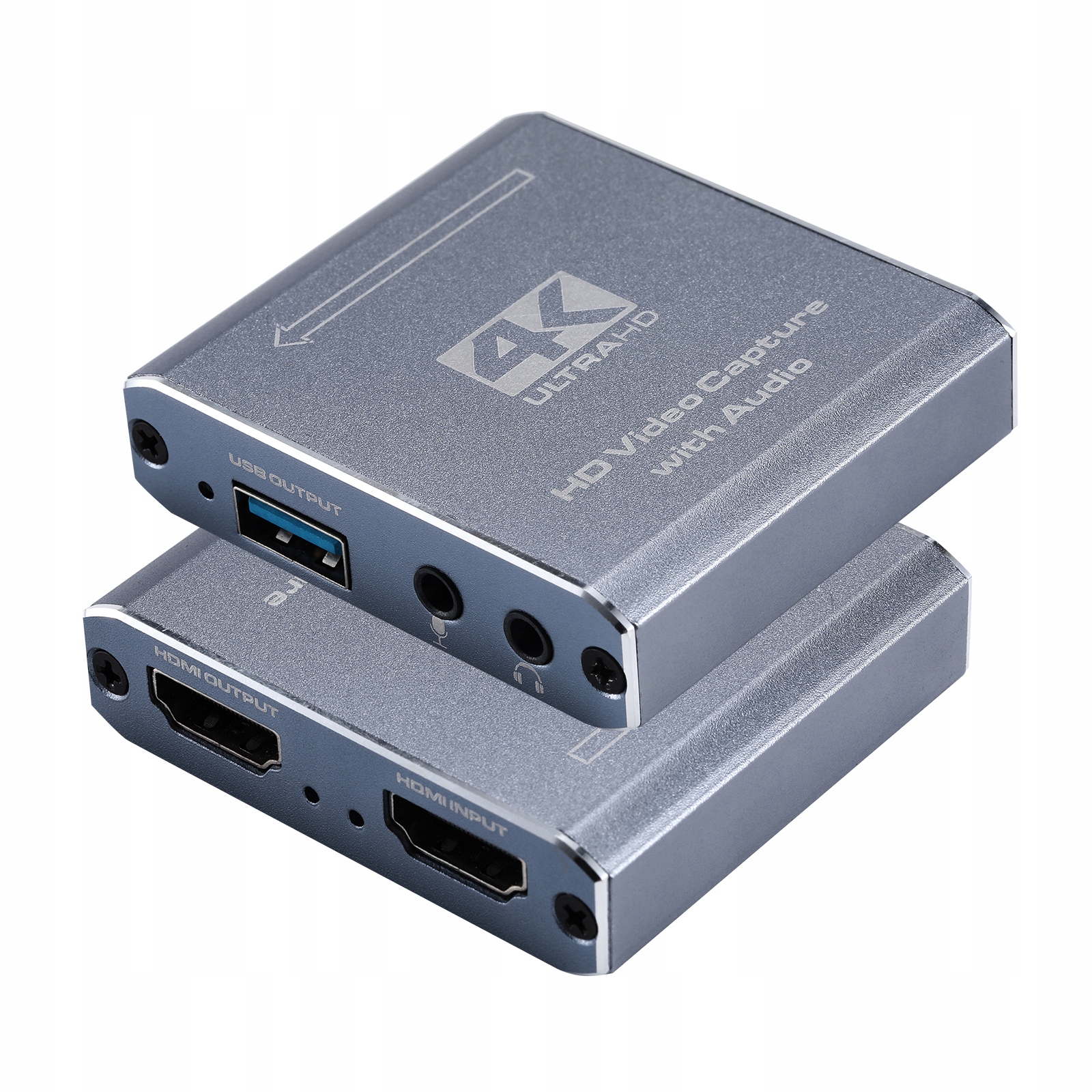
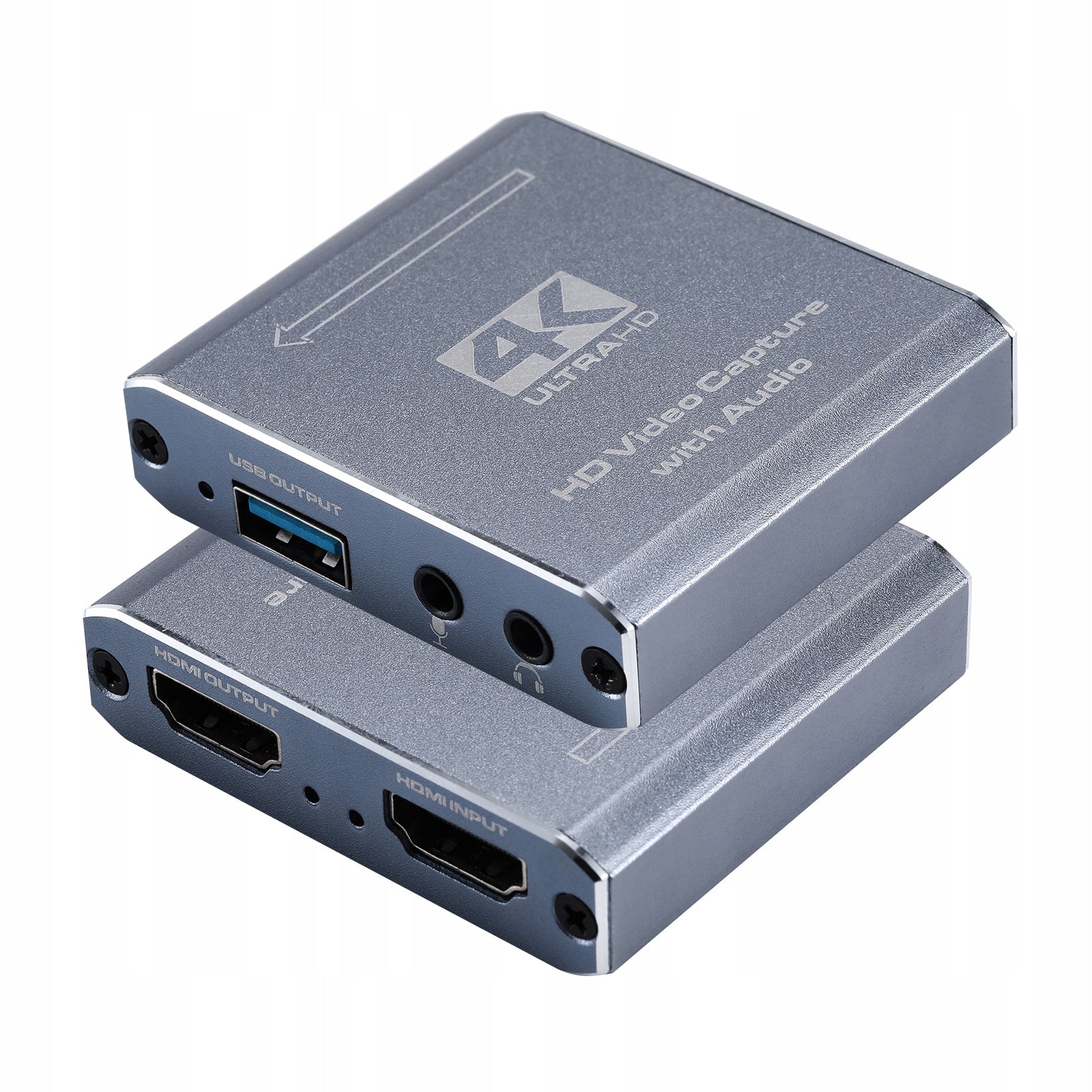
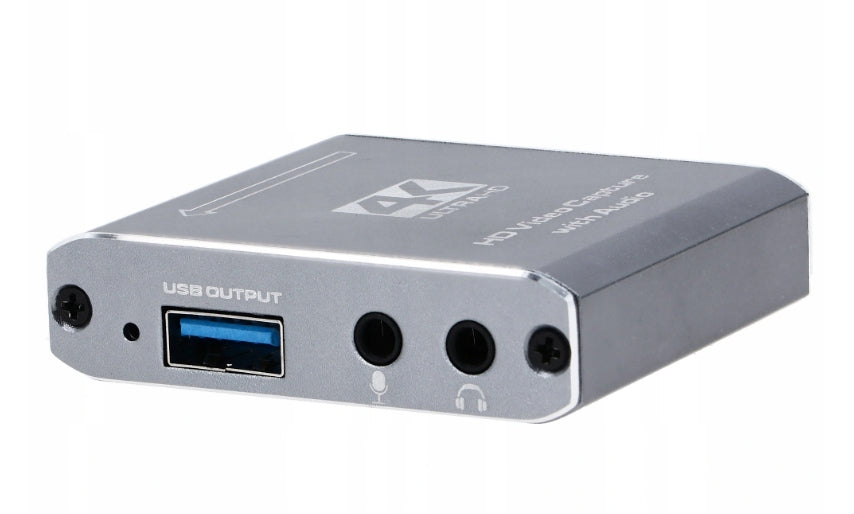
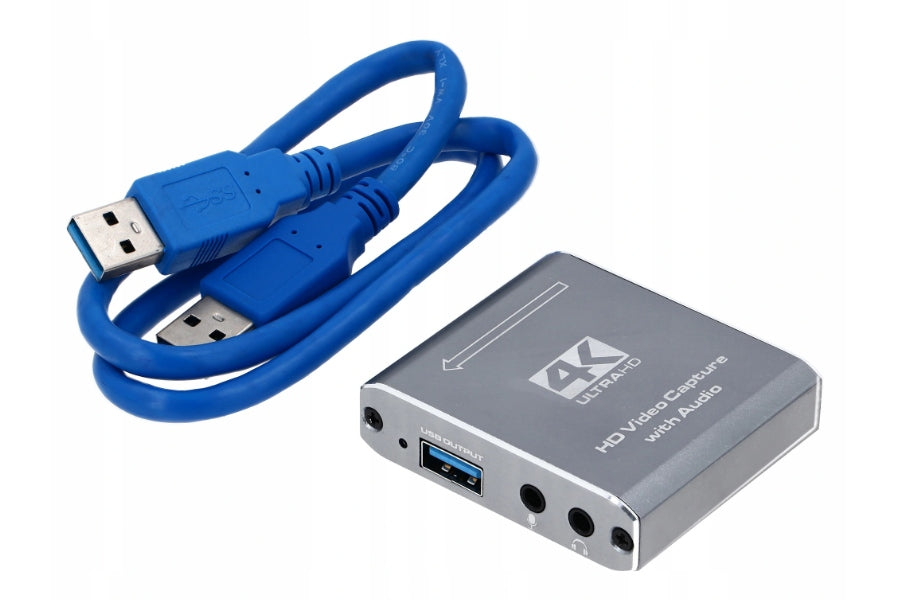
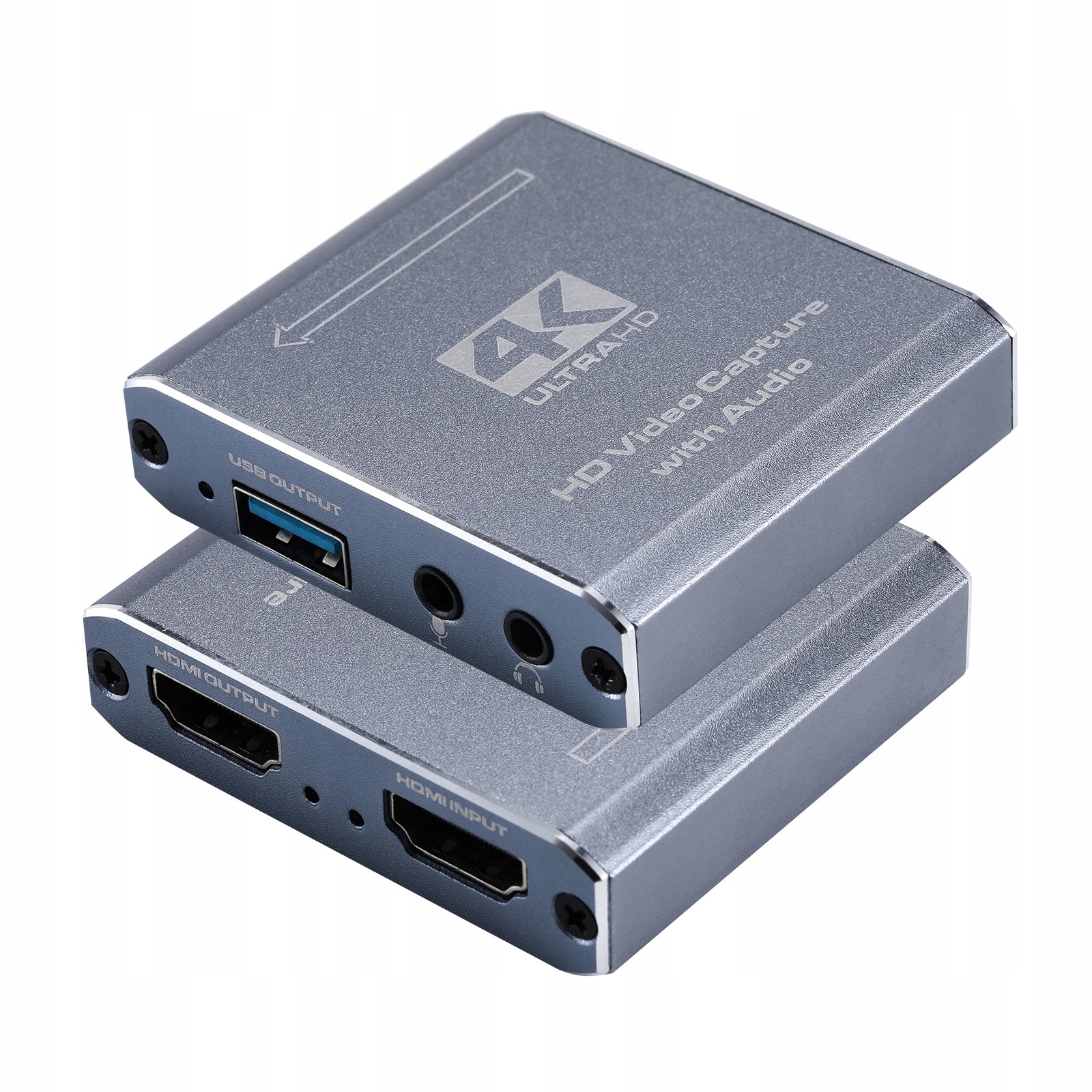
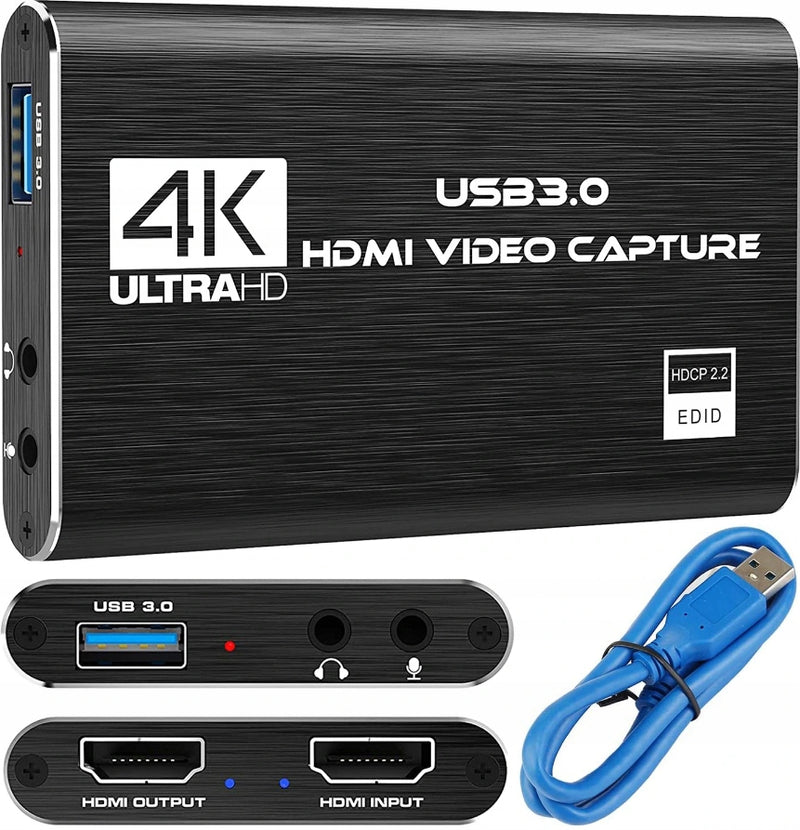
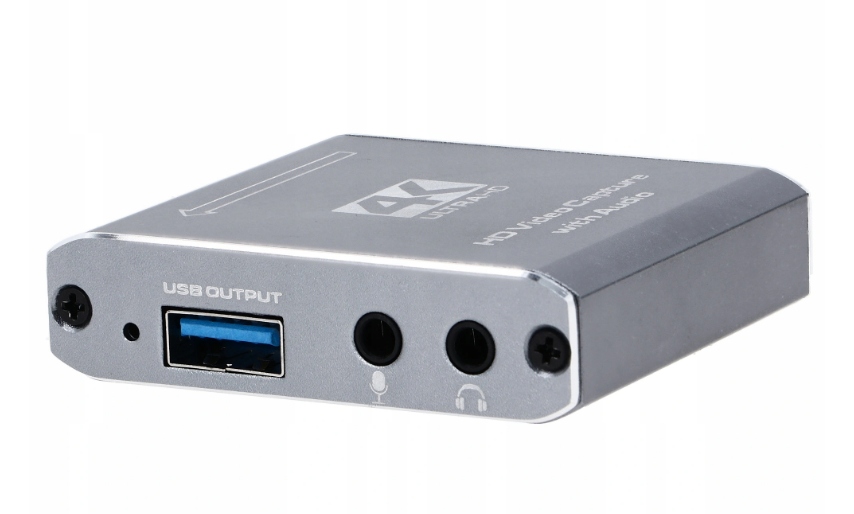
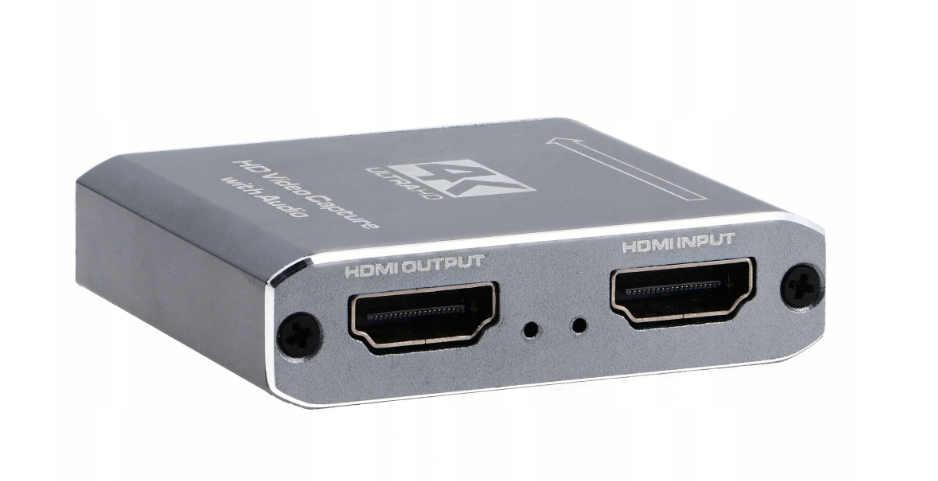
Built-in ports
1. USB 3.0 to PC
2. Jack port - for microphone
3. Audio output - Stereo
4. HDMI output
5. HDMI input
Technical specifications:
- HDMI resolution: Maximum input can be 3840 × 2160 at 60Hz and Full HD (1080p) also at 60Hz.
- Supports video format: 8/10/12-bit deep color
- Video output format: YUV JPEG
- Video output resolution: Maximum output can be 1920×1080 Full HD (1080p) also at 60Hz.
- Supports HDCP 1.3
- Supports audio format: L-PCM
- Input cable distance: ≤15m, standard AWG26 HDMI cable
- Maximum operating current: 0.4A / 5VDC
- Operating temperature range: (-10 to + 55 )
Quick setup guide:
- Connect the device to the USB port on your PC; it will automatically install through driver auto-installation;
- Check if the device is visible in Device Manager, under Sound, video and game controllers, name: FHD Capture / FHD Webcamera;
- In the control panel, in the sound tab, set "Digital Audio Interface" as default and adjust parameters in the Advanced tab;
- Download and install OBS Studio (https://obsproject.com/download), ORIGINAL WINDOWS SYSTEM REQUIRED, the program downloads and installs Microsoft VC software;
- Launch OBS, add a source by clicking on "+" and selecting Video Capture Device;
- In the Device category, select FHD Capture / FHD Webcamera;
- Click OK, or configure other categories in this window as desired.
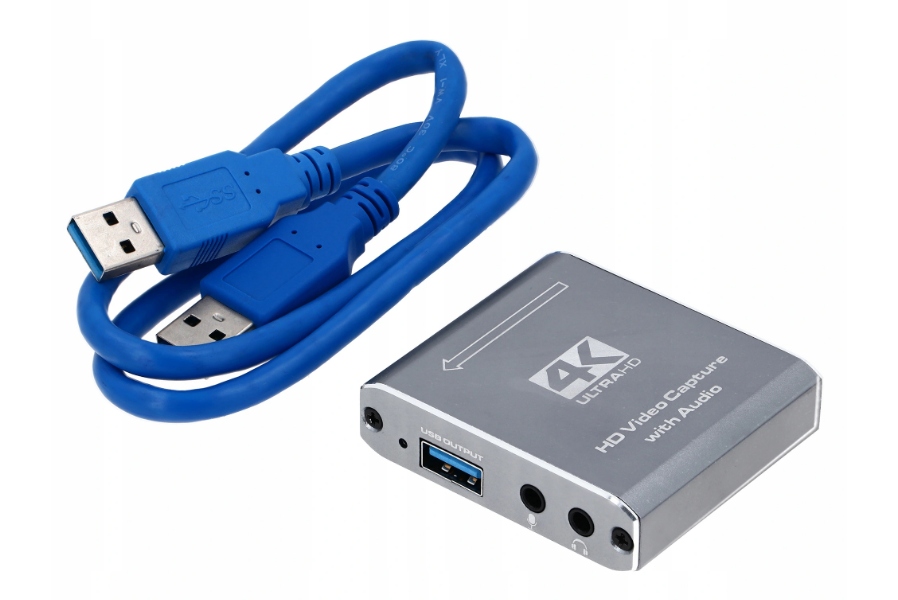
Set includes
- 1x USB 3.0 Grabber PC Image Recorder HDMI 4K OBS
- 1x user manual
- 1x USB 3.0 Cable