
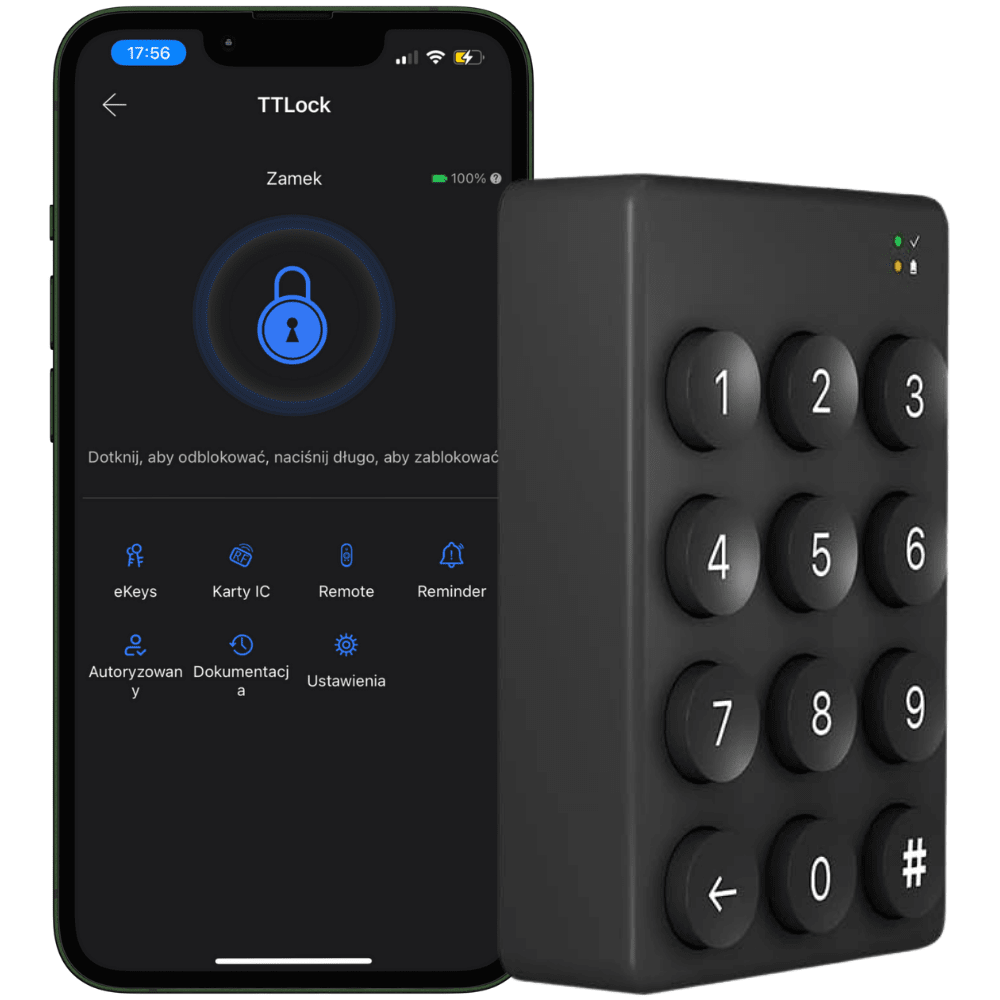
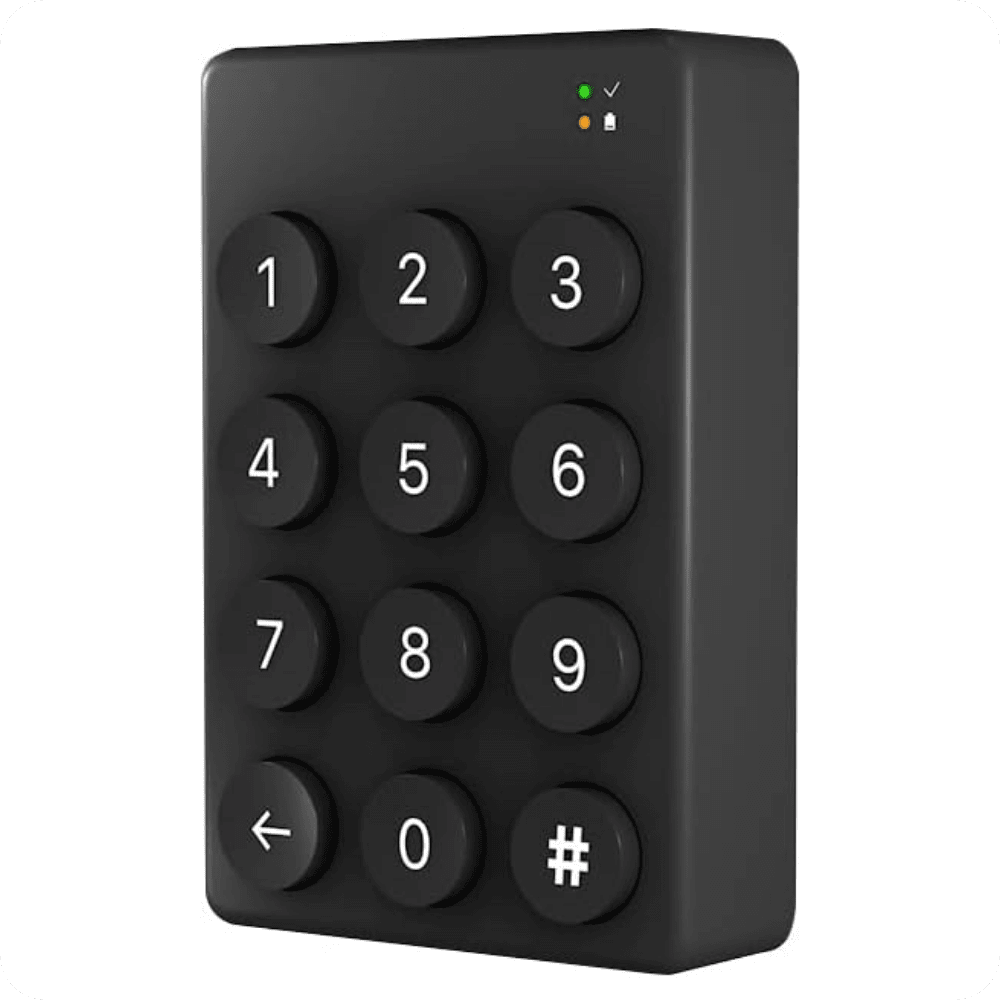

WK2 TTLock Wireless Keyboard
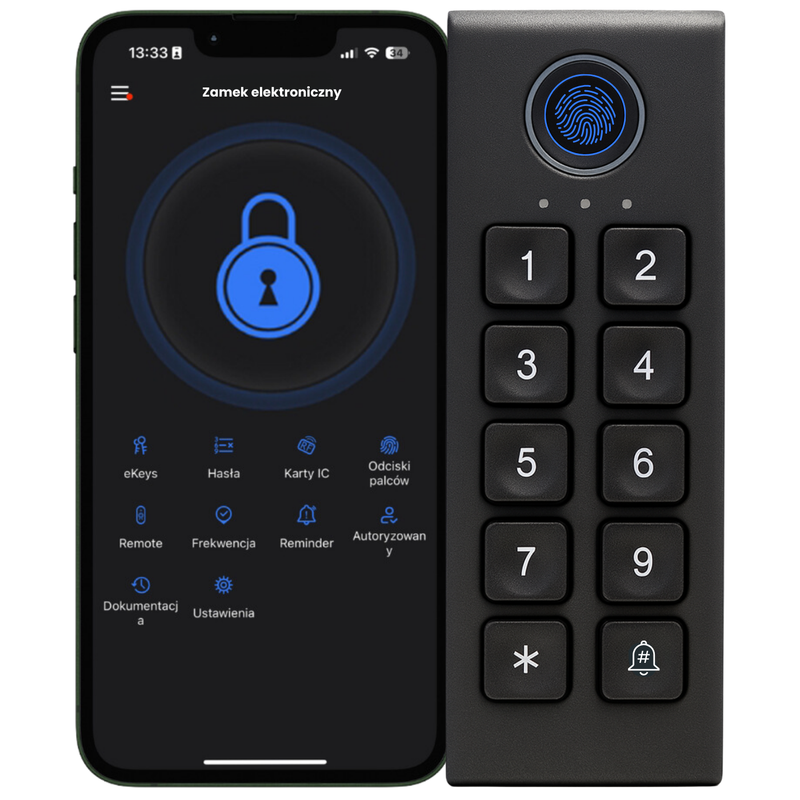





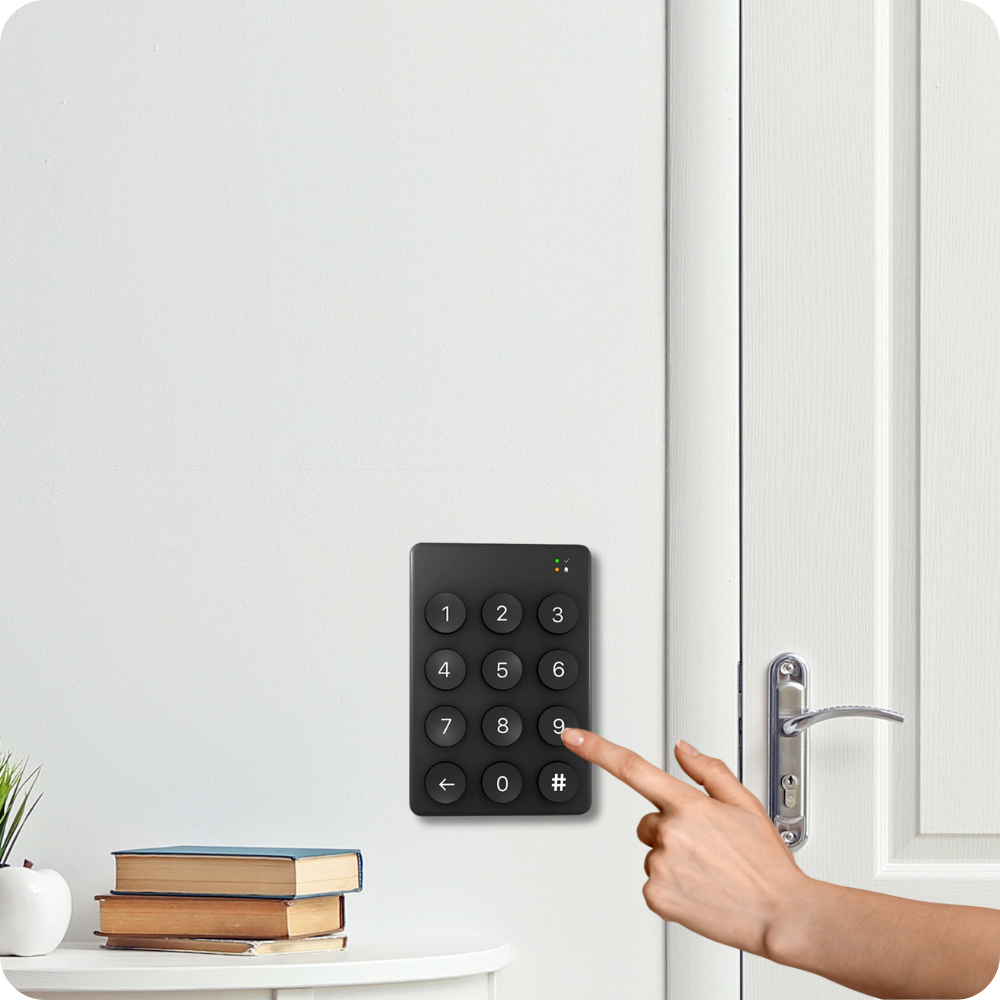
The WK2 wireless keypad by Spreest is a modern addition to a smart access control system, compatible with the TTLock mobile app.
It allows you to unlock the door quickly and conveniently using a PIN code – without needing keys, a phone or contactless cards.
Ideal for rental properties – such as Airbnb – where there is no need to hand over physical keys. Simply generate a code and send it to your guest by SMS or email. Once their stay is over, the code expires automatically, with no need to reconfigure the system.
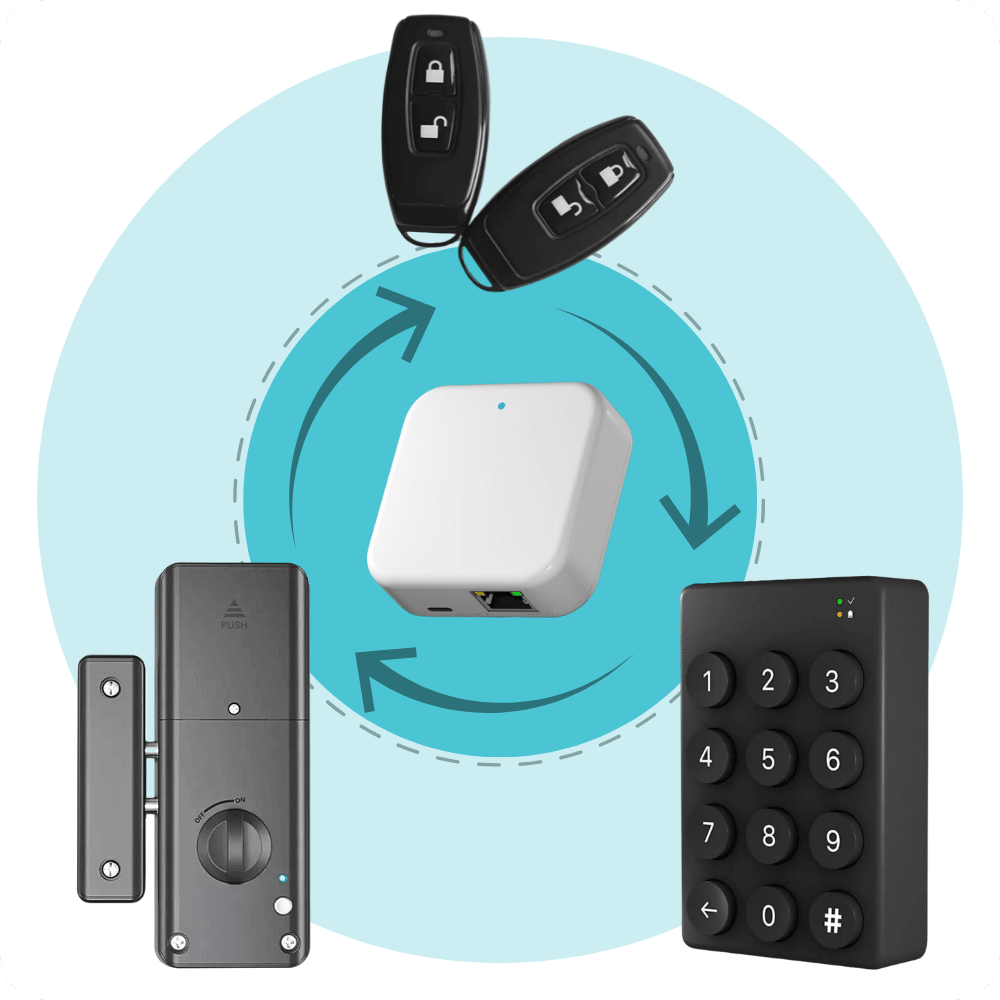
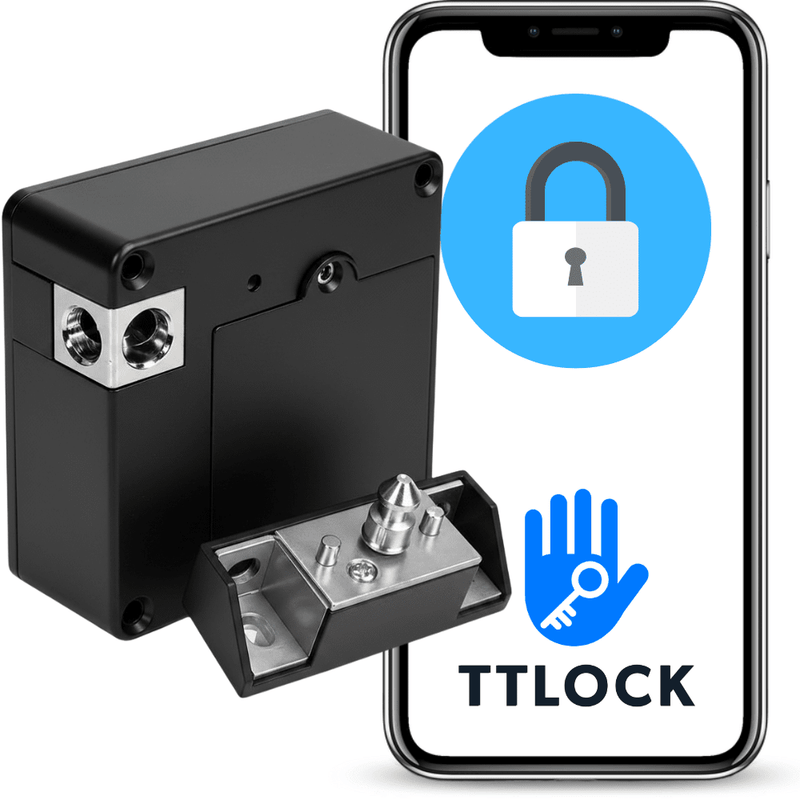
The TTLock keypad can be integrated with many devices in the TTLock ecosystem, creating a unified access system. It can control door locks, electronic padlocks, cabinet locks and door cylinders. All these products are available in our range.

Key features
1. Grant access remotely – The TTLock app lets you send a code remotely by SMS or email – with no physical contact. Access expires automatically when the code expires.
2. Compatibility with other TTLock devices – The keypad can be connected to various smart locks in the TTLock ecosystem, allowing you to create one unified access system for multiple spaces.
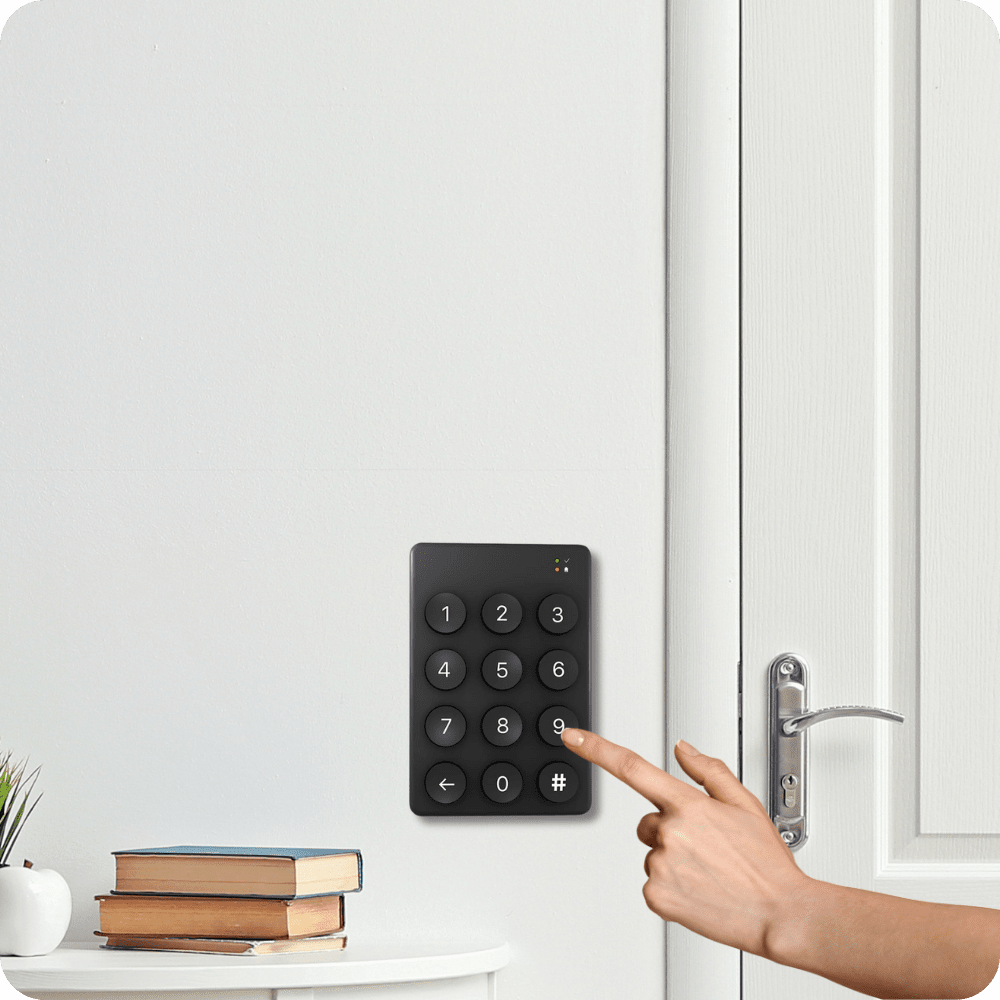
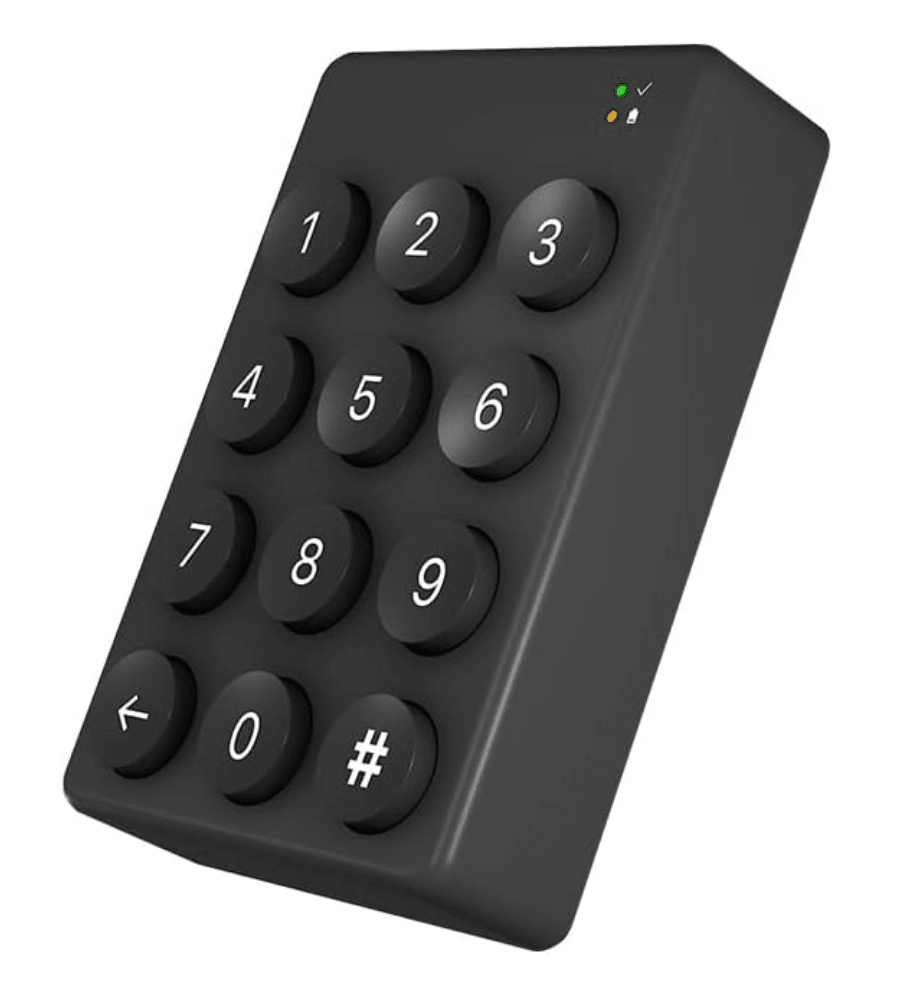
3. Instant access with a PIN code – Enter a 4–8-digit code and press # to open the door – conveniently, without a phone. Ideal for household members, guests or children returning from school.
4. Advanced access code management – From the TTLock app, you can create and assign four types of code:
- Permanent – for household members and staff (you can assign each of them a name, for easy identification)
- Timed – with a specific date and time
- One-time – ideal for a courier or guest
- Recurring – e.g. access at weekends only. Codes are generated automatically using secure algorithms and are never repeated
5. Bluetooth and eKey – Share access via Bluetooth – known as an eKey – with users who have the app. They do not need to know the PIN code to open the door.
6. Event log and opening history – Every keypad use is recorded in the TTLock access history, which you can view in the mobile app or web panel (with the option to export data).
7. Silent mode and clear LED indicators – You can turn off sounds, while status indicators (correct/incorrect code, low battery, pairing) make the keypad easy to use in all conditions.
8. Quick installation and flexible mounting – Installing the keypad takes just a few minutes. Use double-sided tape on a smooth surface or screws and plugs on an uneven wall or door frame.

The TTLock system in practice
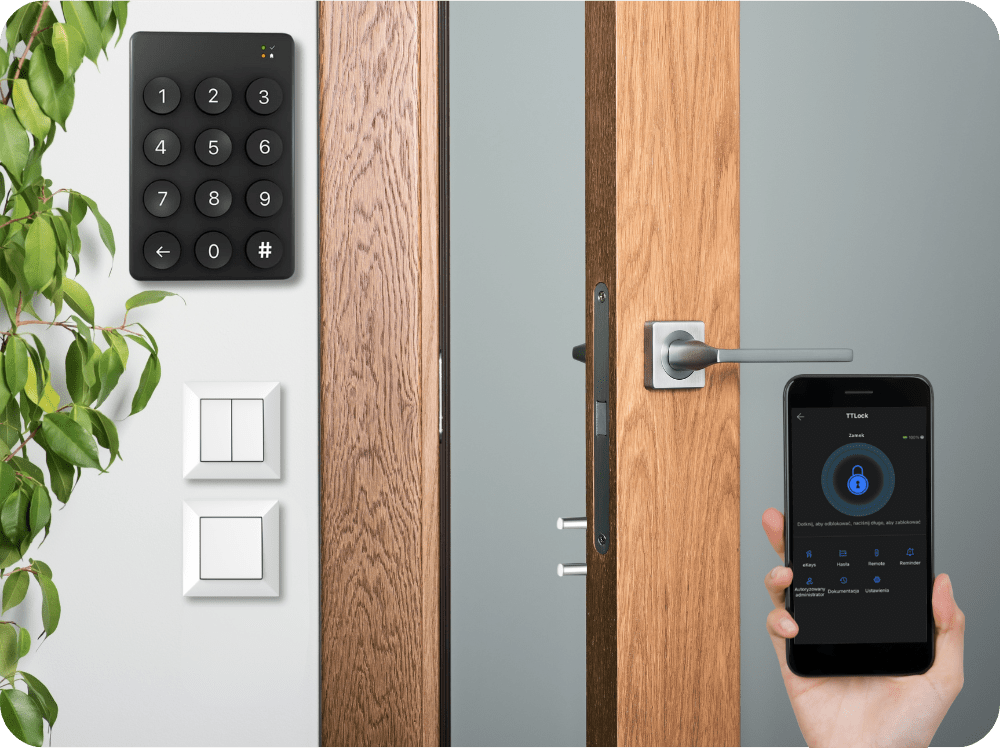
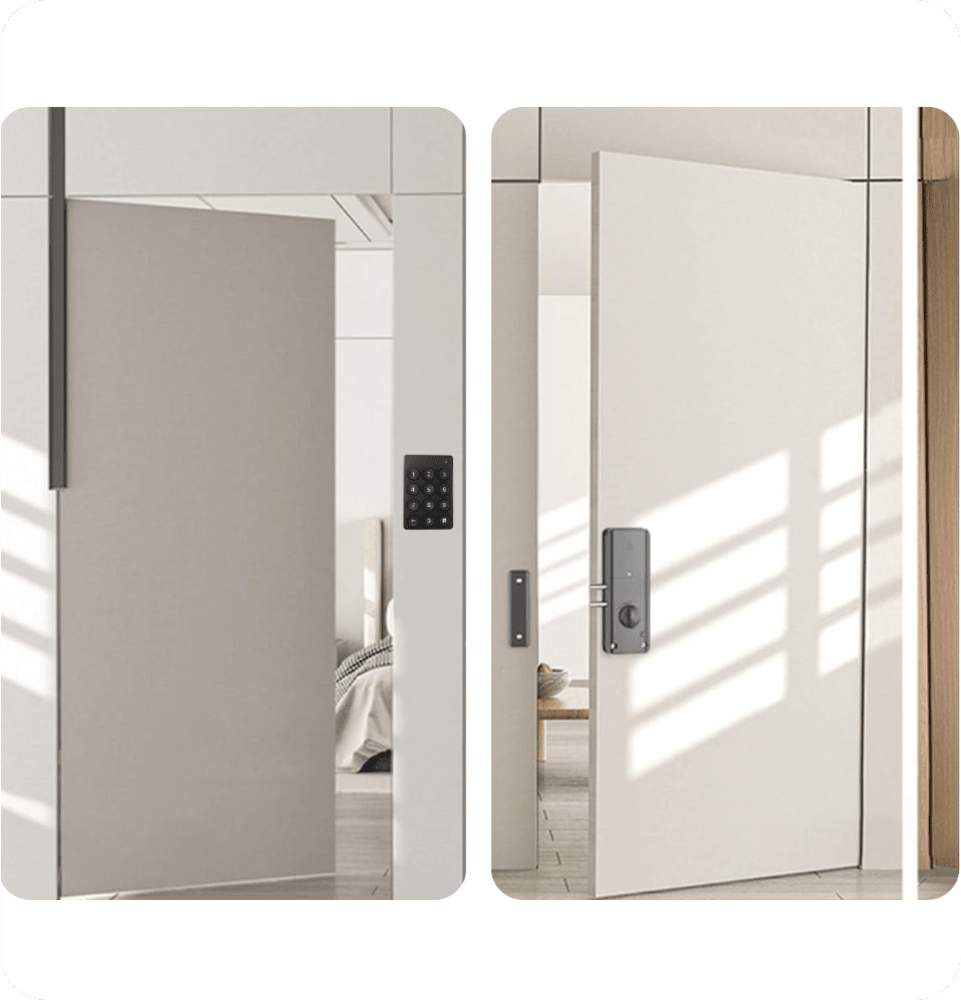
The keypad is located on the outside of the door – enter the code and the door opens. Instead of searching for your keys, simply enter your assigned PIN to open the door yourself or grant access remotely.
Users can also use a remote control to open the door without approaching it – for example, from a car, reception desk or flat on an upper floor.
For example, an RX2052 lock is fitted on the inside of the door. It can be opened manually using the knob, with an IC card or via the app.
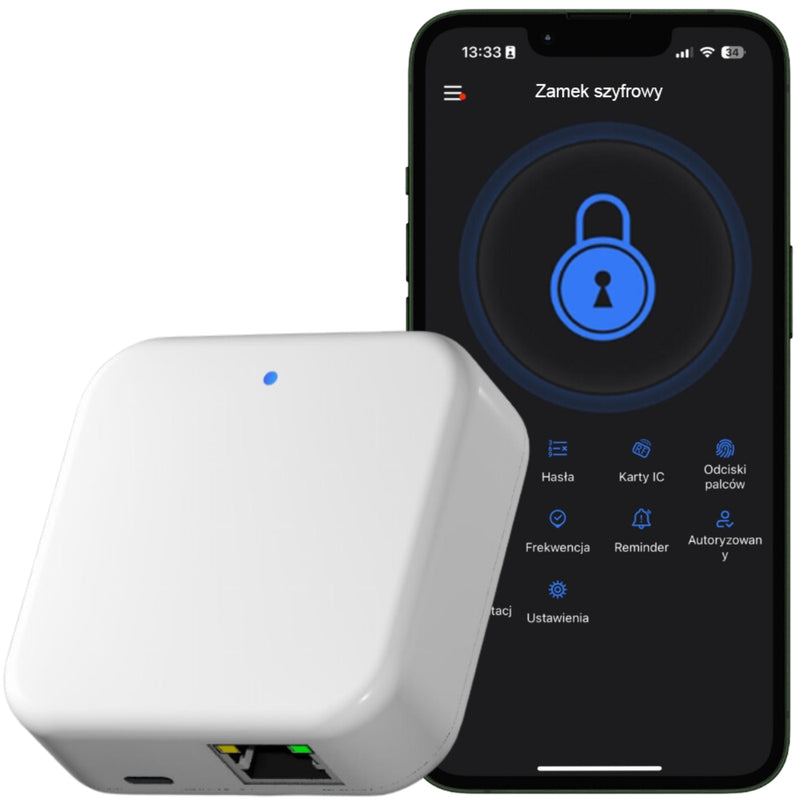
For an even faster system with full remote access, you can add a TTLock Wi-Fi gateway, which enables instant data synchronisation between the app and devices – without needing to be physically nearby.
A practical and reliable solution
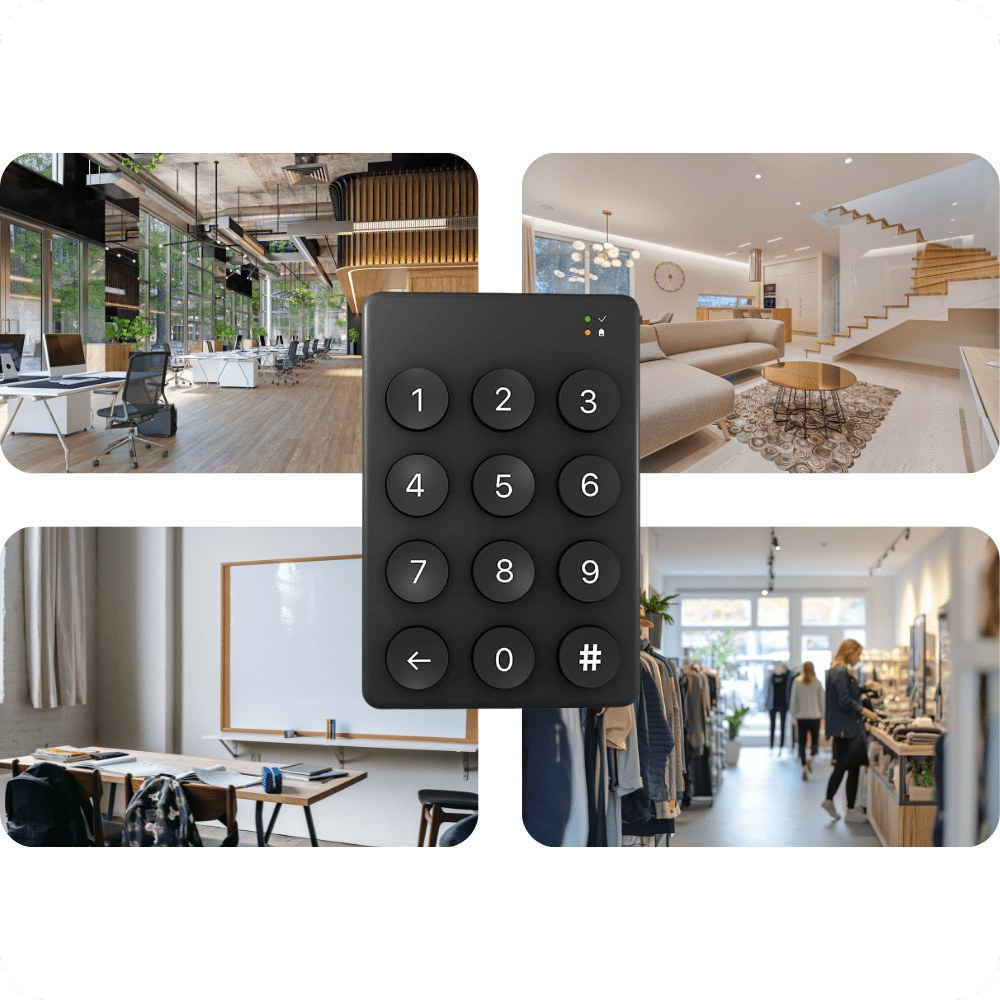
- homes and flats (e.g. for children, a babysitter or family),
- short-term rentals (e.g. Airbnb, booking),
- offices and commercial premises (e.g. consulting rooms, warehouses, server rooms),
- service businesses (e.g. beauty salons, small businesses).
All system components – the keypad, remote control, lock and Wi-Fi gateway – are available in our range and can be combined as you wish to create a setup tailored to your needs.
You can also expand your setup with devices compatible with the TTLock app, such as door locks, electronic padlocks, cabinet locks and door cylinders.

Installing the keypad
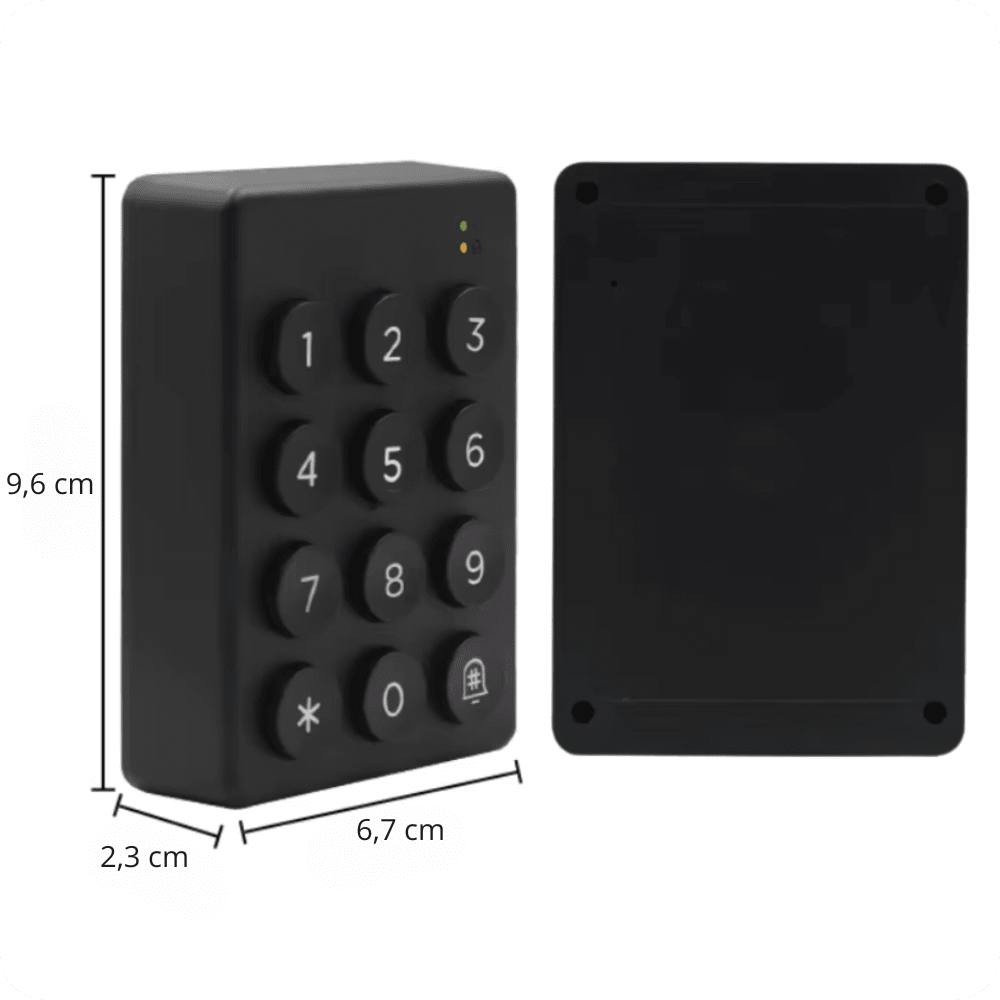
The WK2 wireless keypad can be mounted on both smooth surfaces (using double-sided tape) and uneven walls using the mounting plate, screws and plugs.
- Drill-free installation: Stick the keypad to a flat surface using the tape.
- Traditional installation: Screw the mounting plate into place, then attach the keypad.
Installation is quick and non-invasive, and requires no specialist tools.

Power supply and LED indicators
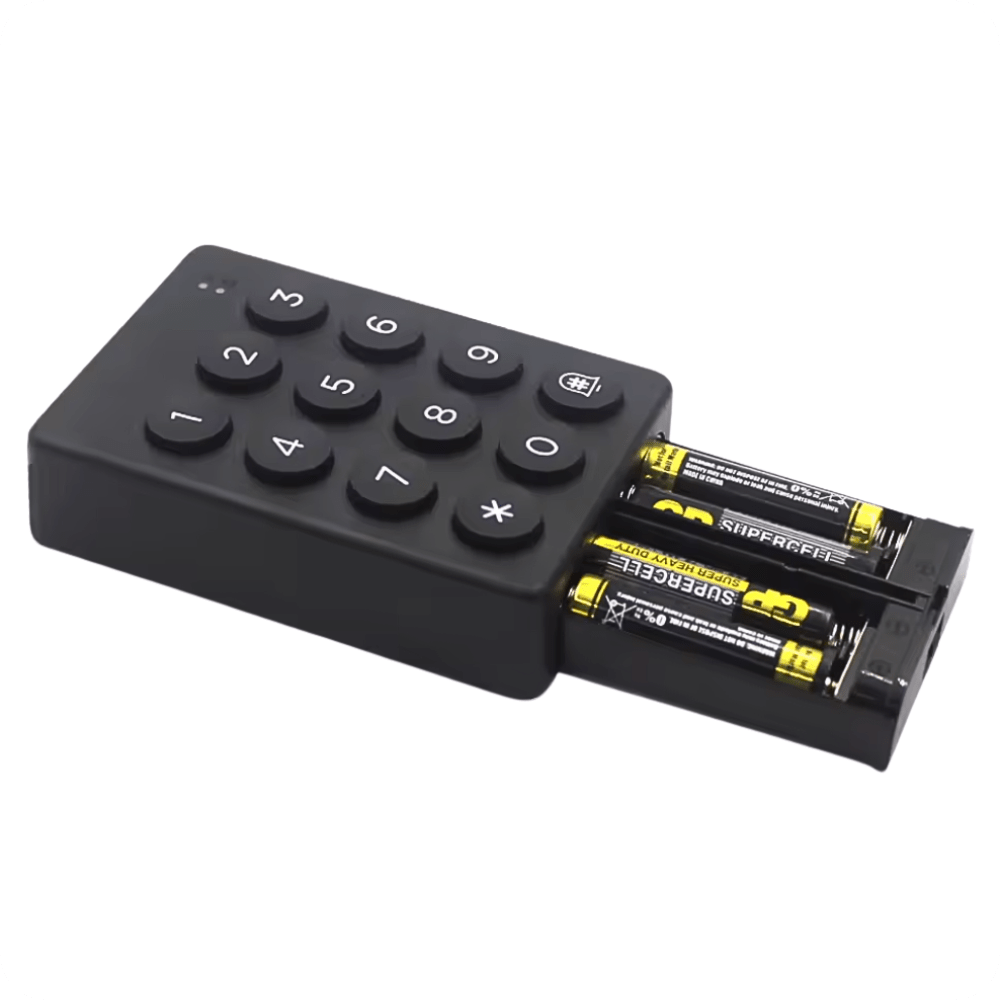
The keypad is powered by four AAA batteries (1,5 V) – they can be replaced quickly without tools. Low power consumption ensures long battery life from a single set of batteries.
The LED indicators show:
- correct code – green LED
- incorrect code – red LED
- no connection to the lock – red LED
- low battery – the battery indicator lights up when activated,
- pairing mode – green LED flashes

Technical specifications
- App: TTLock
- Power supply: 4 × AAA (1,5 V)
- Operating voltage: 3 V
- Power consumption (standby): < 10 µA
- Connectivity: Bluetooth 4.0
- Code types: Permanent, timed, one-time, recurring
- Management: TTLock app (iOS / Android)
- Dimensions: 6,7 mm × 9,6 mm × 2,9 mm

Package contents
- 1x WK2 TTLock wireless keypad
- 1x Double-sided tape
- 1x Mounting cover
- 1x Mounting accessories kit
- 1x User manual
Information about the TTLock app: The TTLock app is developed by its manufacturer. We provide support for the devices we offer and their configuration, but we have no control over the app's functionality or any charges for selected commercial features.