
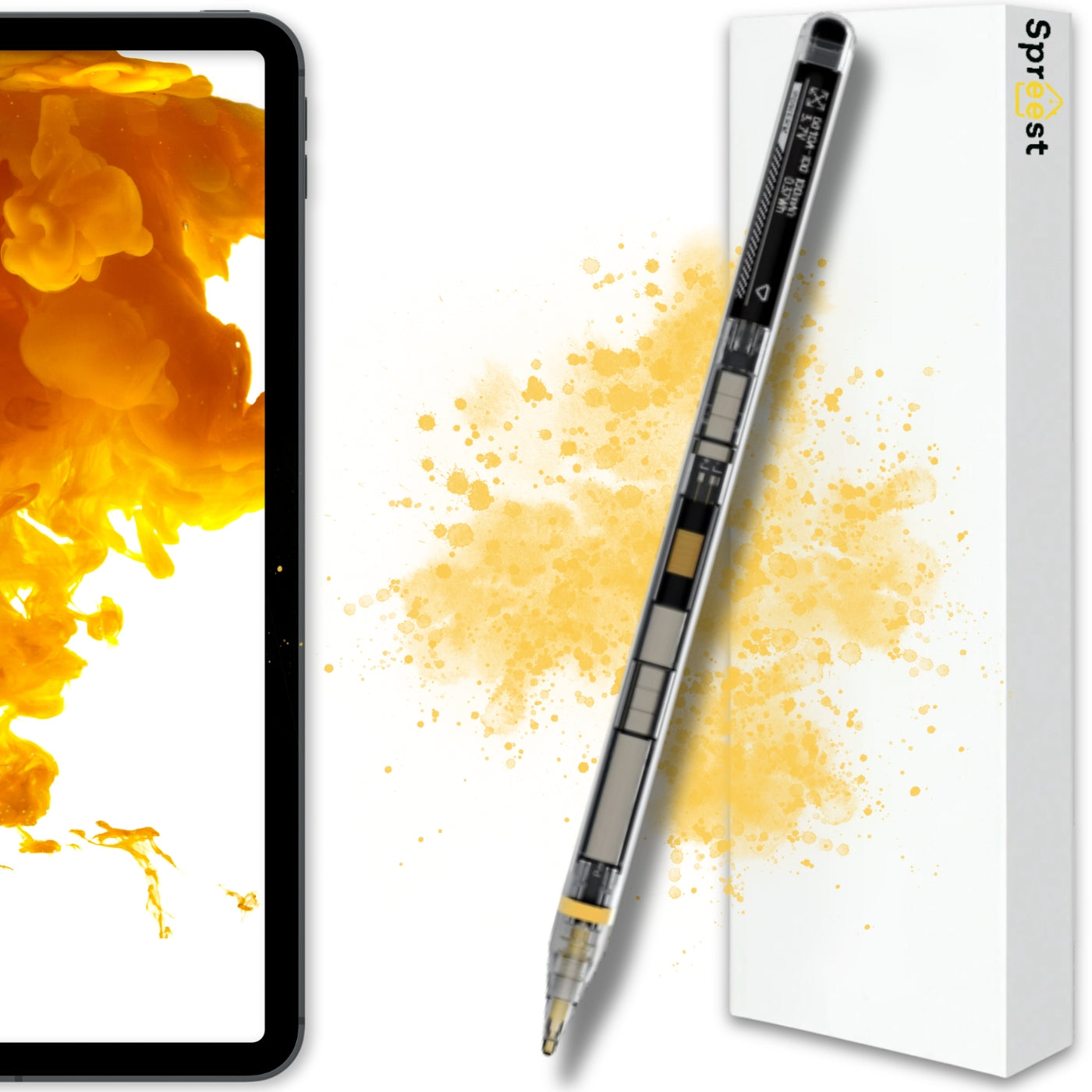

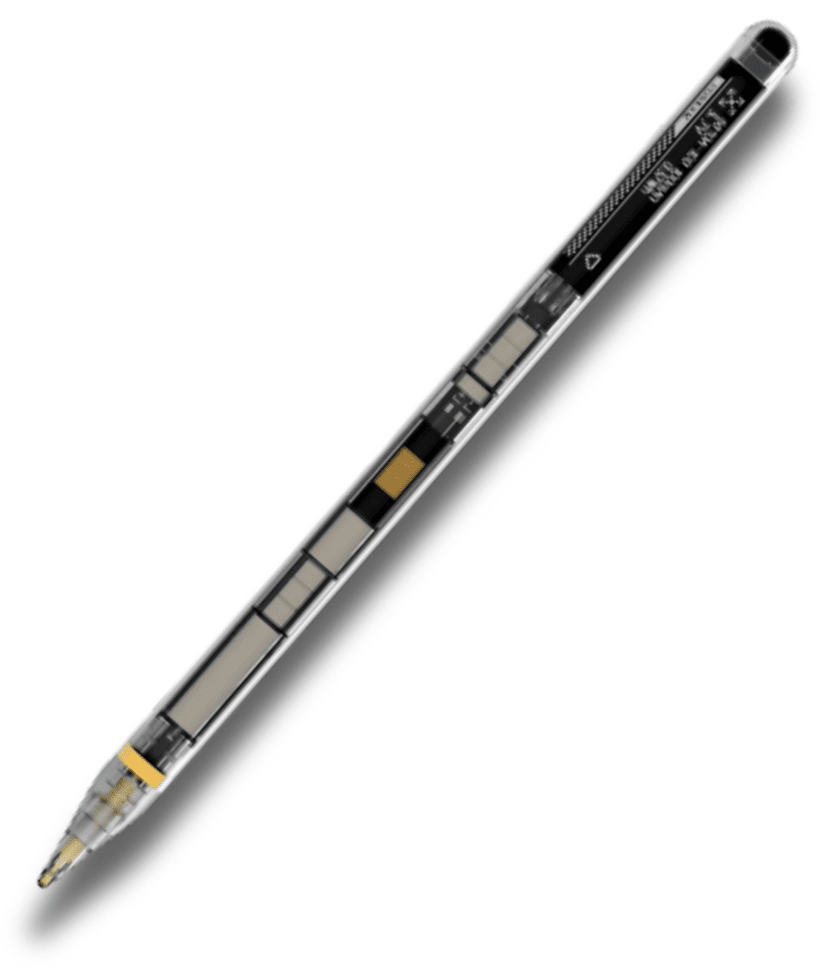
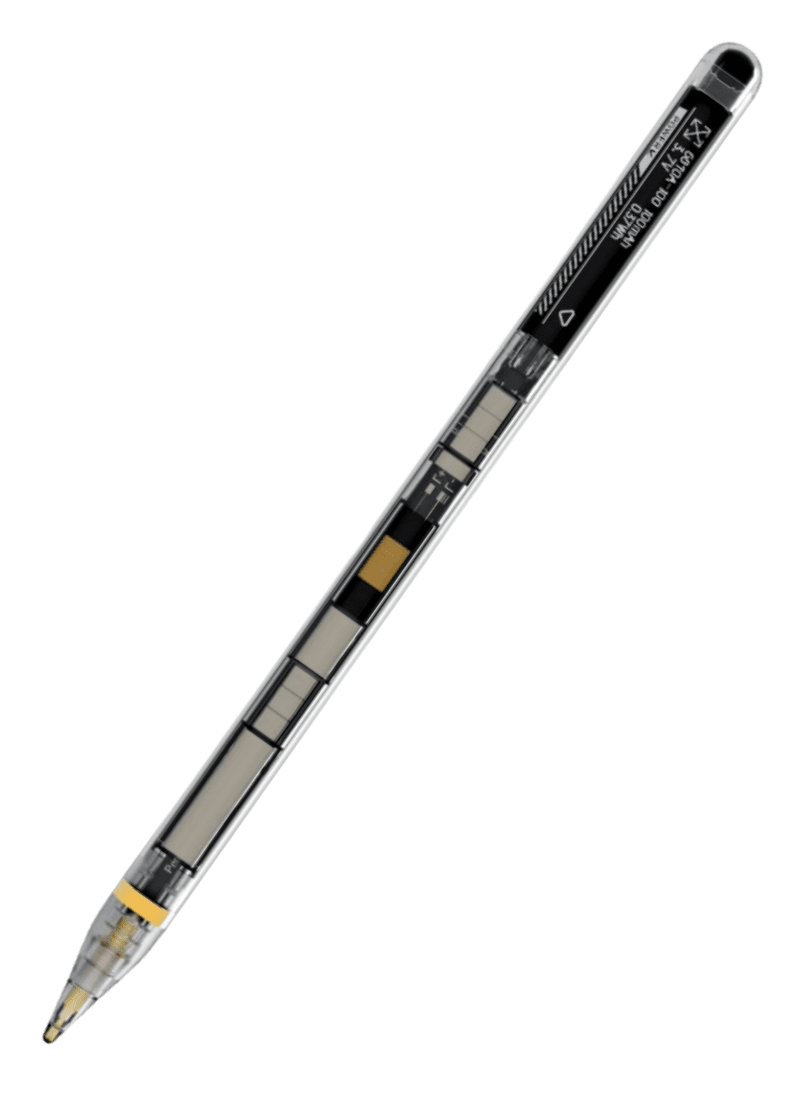
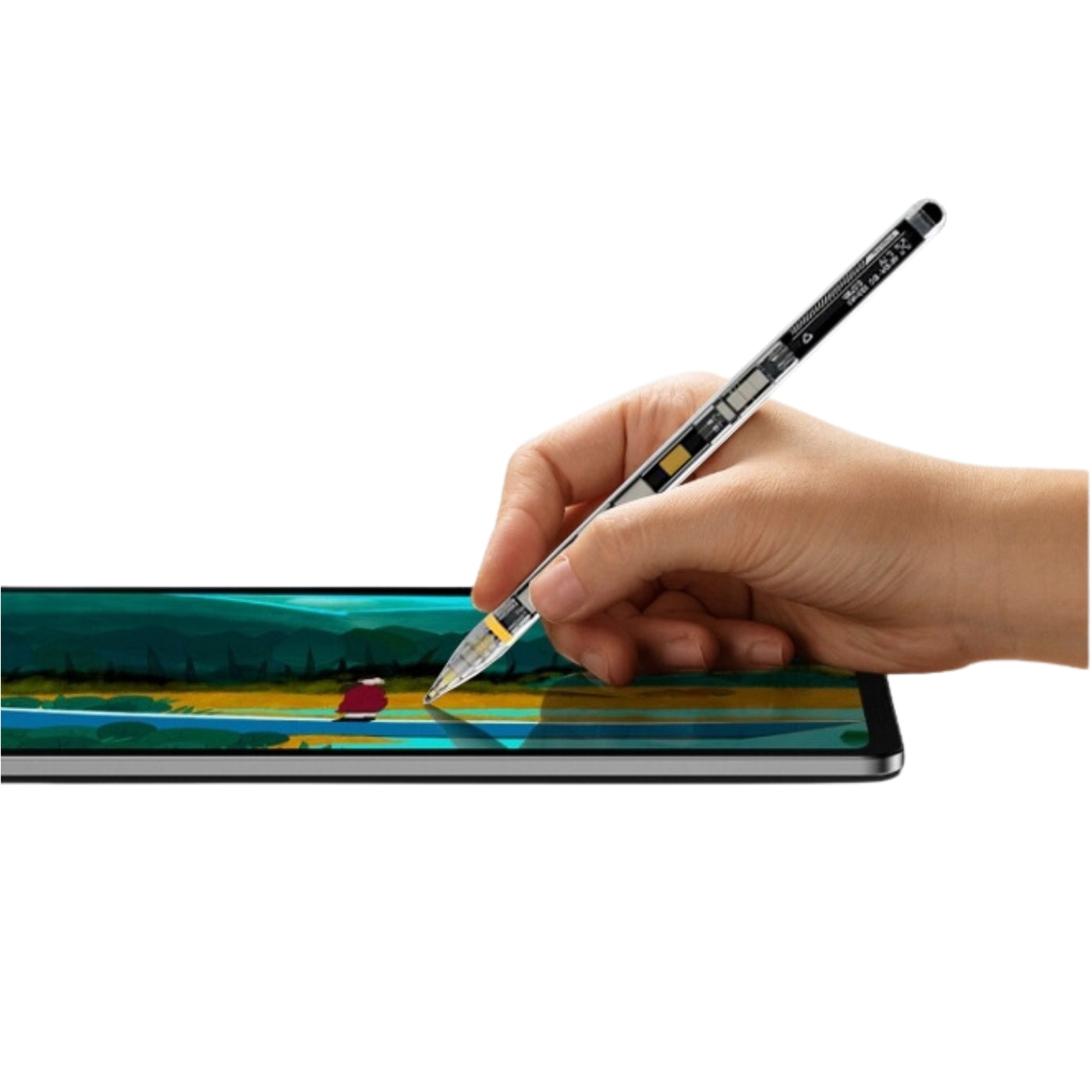

P10 Pro Glass Stylus
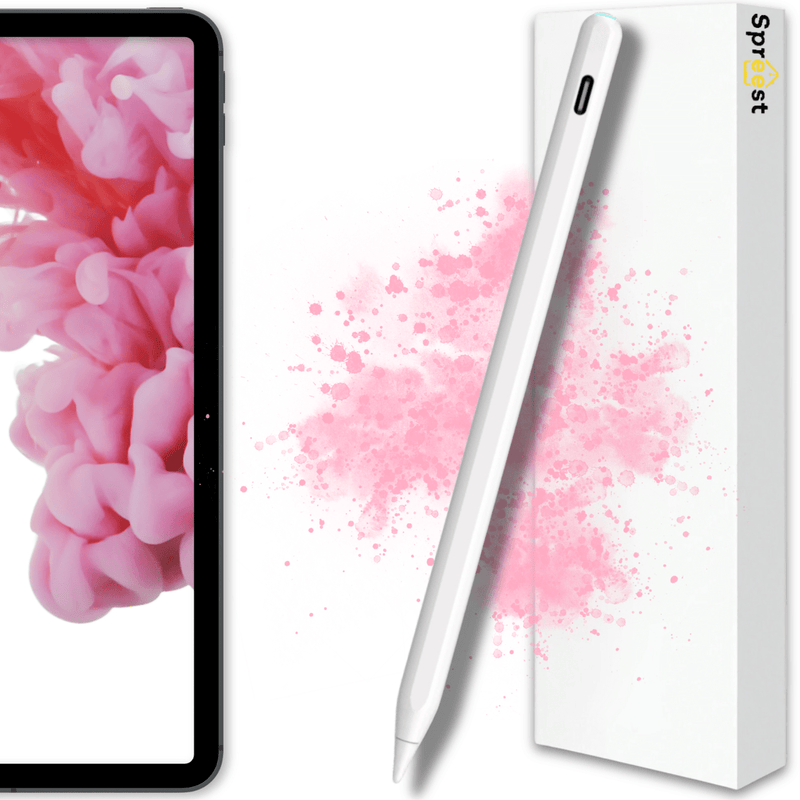





Enjoy even greater convenience when using your iPad with the Spreest stylus. The stylus makes working with your tablet simpler, more precise, and natural. With features such as Palm Rejection, Tilt Detection, and Pressure Sensitivity, it ensures a natural writing and drawing experience.
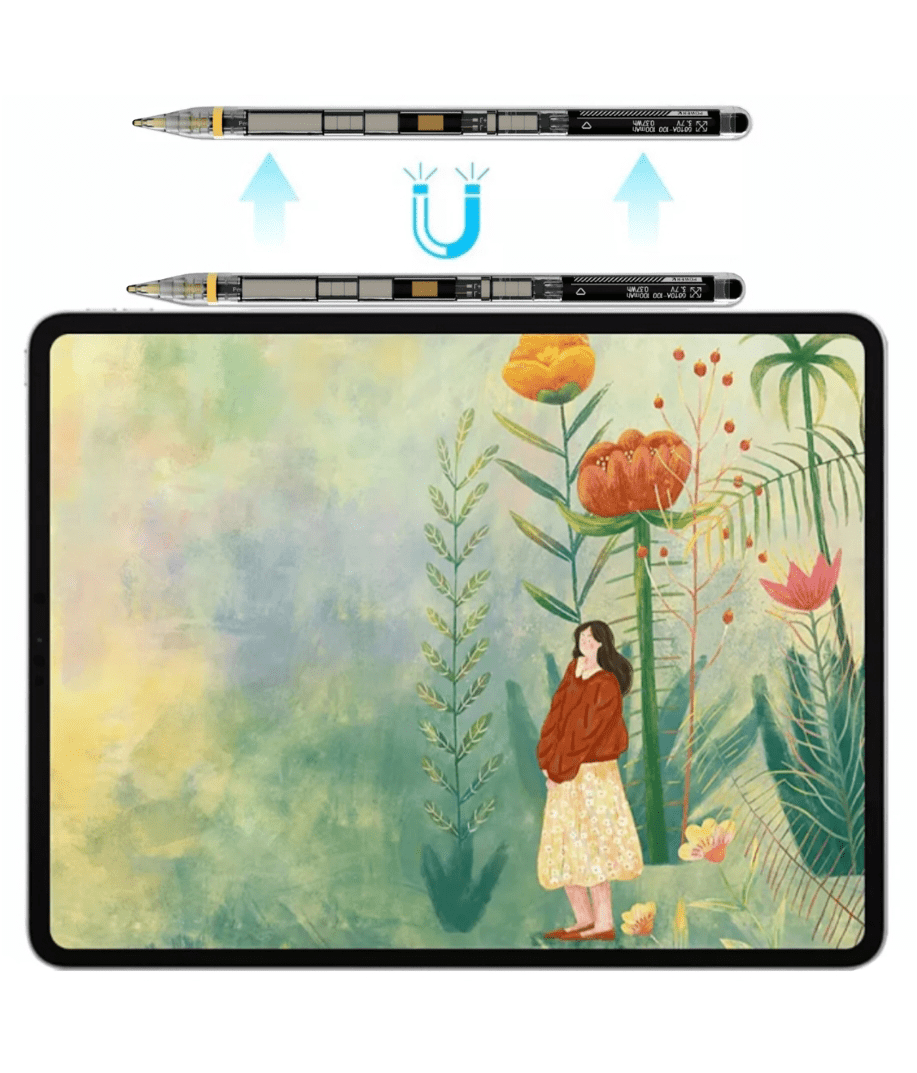
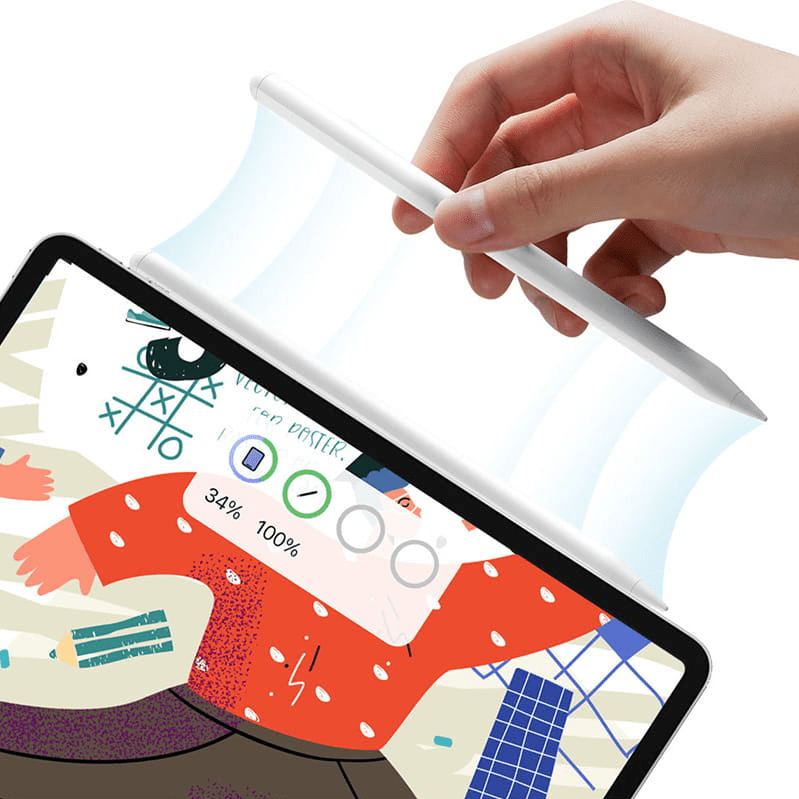
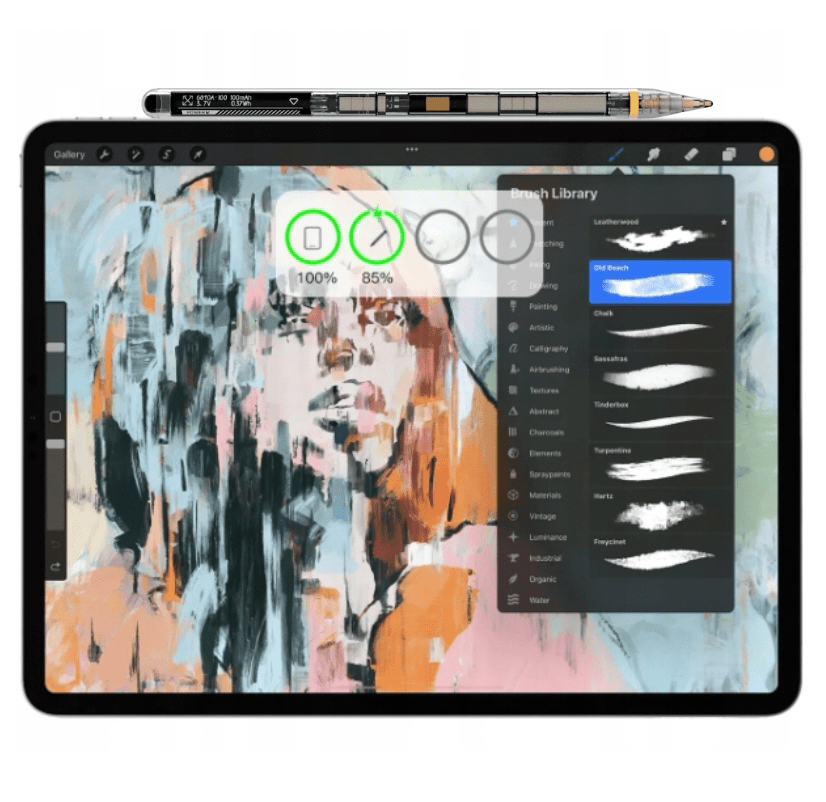
Charging is done by attaching the stylus to the edge of the iPad. This allows it to be automatically inductively charged when not in use, eliminating the need for cables or external chargers.
This model supports Bluetooth connection, providing additional features such as automatic pairing, battery status notifications, as well as the ability to use advanced gestures and intelligent power management.
Magnetic attachment keeps the stylus always at hand, and full compatibility with Apple Pencil apps opens up wide creative possibilities and efficient daily iPad use.
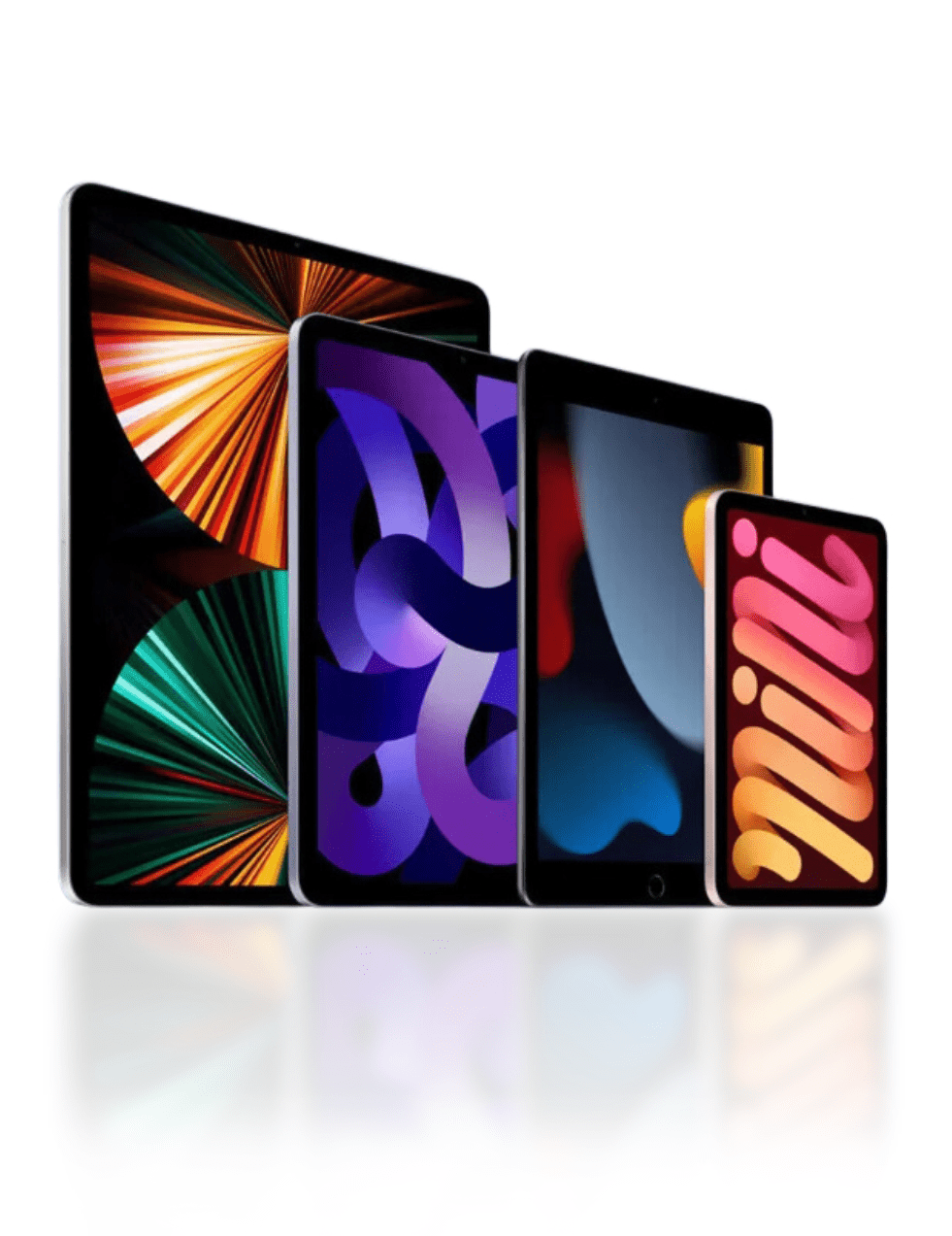
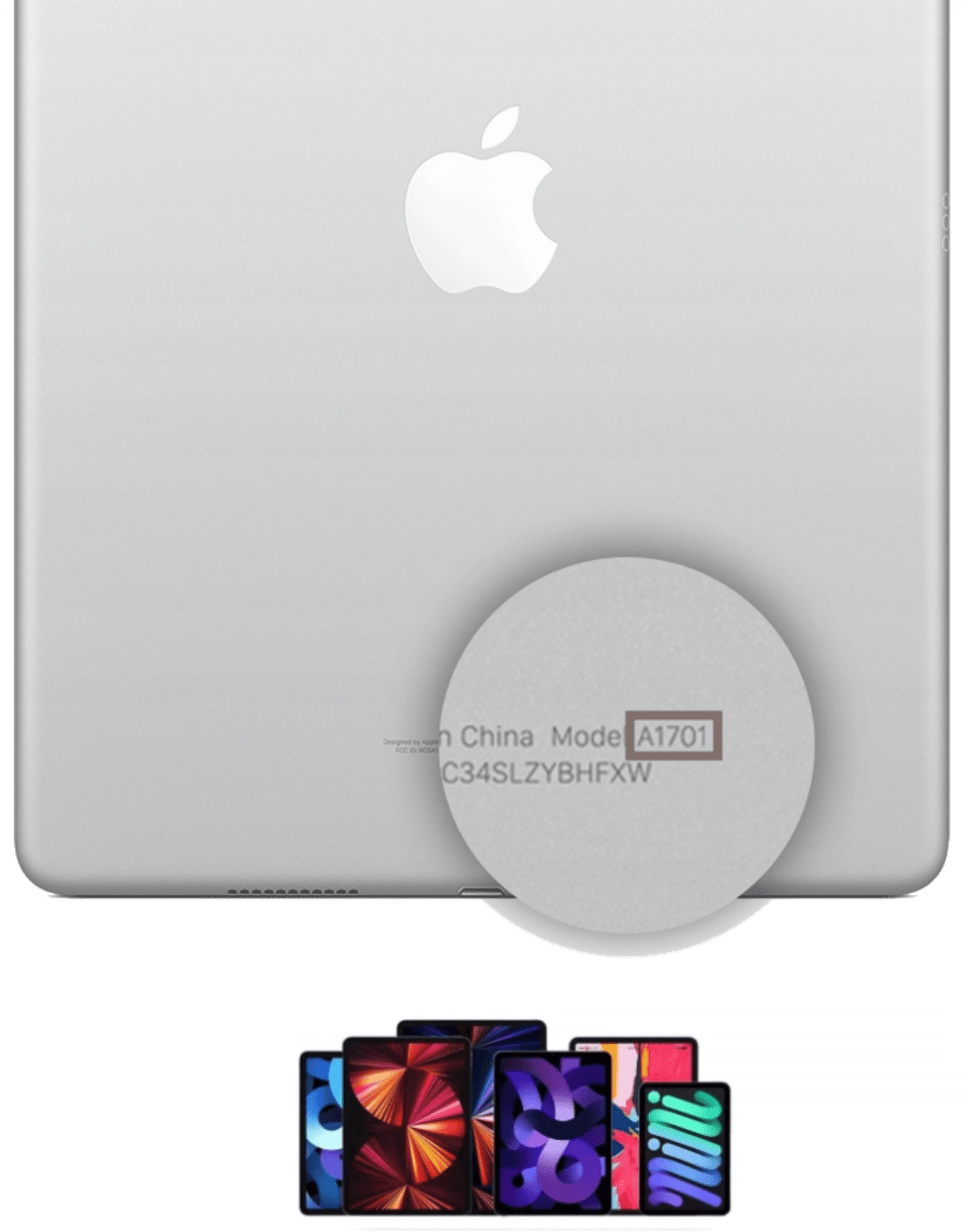
The stylus is compatible with many iPad generations including: iPad, iPad Pro, iPad Air and iPad Mini. A full list of supported models can be found further down the description – please check that your iPad model is supported before purchase.

Key features
1. Magnetic function: The stylus has a magnetic attachment that allows you to attach it to your tablet, providing convenient storage and easy access.
2. Inductive charging: Always charged and ready for use - providing up to 8 hours of continuous operation. Additionally, intelligent power management and an automatic shutdown function after 5 minutes allow for maximum extension of operating time.
3. Bluetooth connection: Bluetooth connectivity provides additional features such as automatic pairing, battery status notifications, and the ability to use advanced gestures and intelligent power management.
4. Palm Rejection: The ability to rest your palm freely on the screen without the risk of accidental touches, which increases comfort of work.
5. Tilt Detection: Detects the tilt angle of the stylus, allowing for precise adjustment of line width when drawing or writing.
6. Pressure Sensitivity: Pressure sensitivity allows for realistic reproduction of lines of varying thickness, depending on the pressure applied.
7. No lag: Smooth and responsive operation without lag, providing a natural writing and drawing experience.
8. Compatibility with the Apple ecosystem: The stylus works with all Apple Pencil-enabled apps, allowing you to create notes, draw, and edit in fully compatible applications.
9. Intuitive gestures: The ability to perform quick gestures, such as taking a screenshot or opening the last note, providing convenience in tablet operation.
10. Easy tip replacement: Simple and quick tip replacement, with additional tips available in the set and store, ensuring long-term use and significantly cheaper operation.
11. Versatility: The stylus is suitable for both everyday note-taking and advanced artistic projects, offering complete creative freedom.

Inductive charging
The stylus is equipped with an advanced algorithm that efficiently manages energy consumption, ensuring long and efficient operation. After just 2 hours of charging, you can use the stylus for another 8 hours.
Additionally, the intelligent shutdown function automatically deactivates the stylus after 5 minutes of inactivity, saving battery life. Charging is done by attaching the stylus to the tablet (using the magnetic function). There is a signal LED on the stylus tip indicating the current operation of the stylus. Furthermore, through a Bluetooth connection, we can see the stylus's battery percentage on the tablet in real time.
LED indicator operation
- Yellow light flashes: The stylus is charging.
- Yellow light is solid: The stylus is fully charged and ready for use. After 5 minutes of full charge, the light will turn off.
- Yellow light is solid for 1 minute: When the stylus is turned on for active use, the light will be solid for 1 minute and then turn off.
- Yellow light flashes: The stylus indicates a low battery level. The device needs to be charged.

Application Compatibility
It works perfectly with all Apple Pencil-enabled apps on your iPad. Whether you're creating, taking notes, or drawing, you can enjoy full support for your favorite tools that you know and love.
iPad Gesture Support
Thanks to intuitive gestures, using the iPad becomes even more fluid and convenient. For example, with one quick swipe, you can drag the stylus from the bottom corner of the screen to immediately take a screenshot and then instantly open it in the editor. You can also set which bottom corner of the screen corresponds to this gesture. What's more, the stylus allows you to quickly open the last note or create a new one – just a swipe gesture to instantly go to the Notes app.

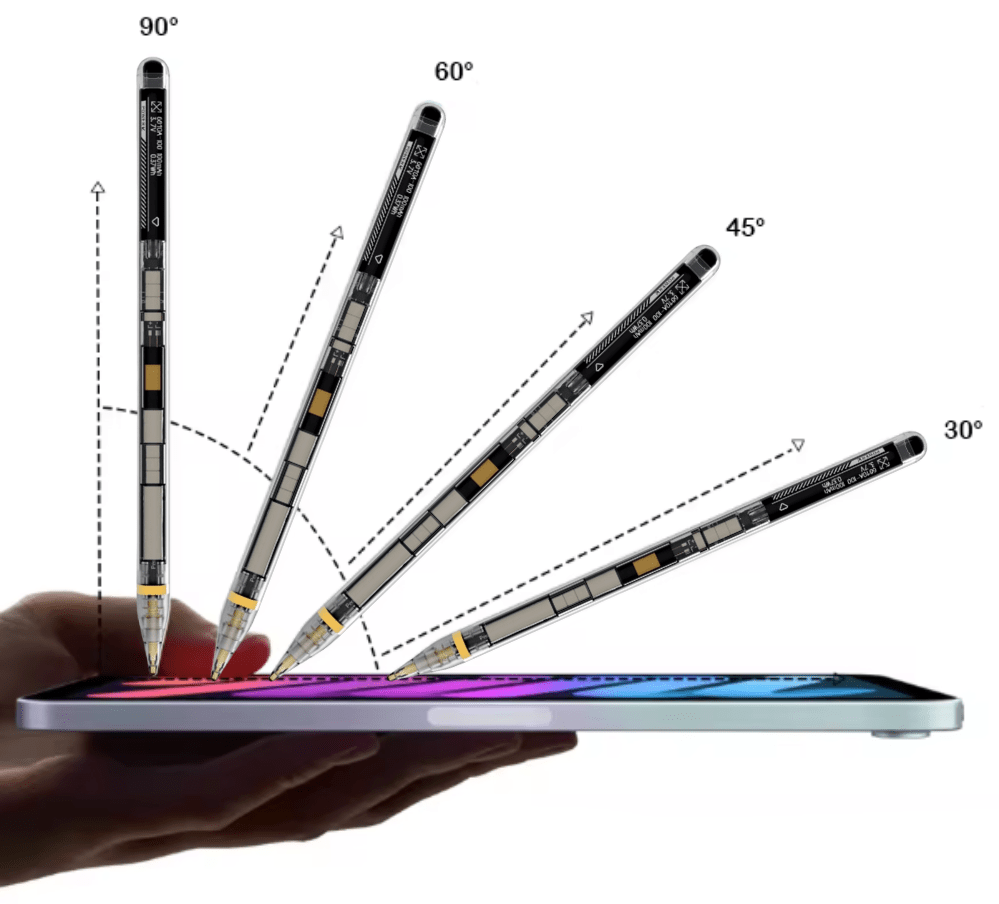
Tilt Level Detection
Thanks to the tilt level detection feature, the stylus adjusts the line width to the angle at which you hold it. Just tilt the stylus to shade and use other effects.
When taking notes, hold the stylus at a 90° angle to create fine, precise marks. When you need wider lines, simply tilt the stylus to 60°, and for filling larger areas, a 30° angle will work easily.
Pressure Sensitivity
The stylus responds to your every movement, allowing for natural rendering of lines with varied thickness, depending on the pressure you apply. Create detailed sketches, thin outlines, or broad strokes with ease and full control, as if you were drawing with a traditional tool.

Minimal Lag
No lag or interference, you write or draw as naturally and quickly as with a pencil on paper.
Palm Rejection
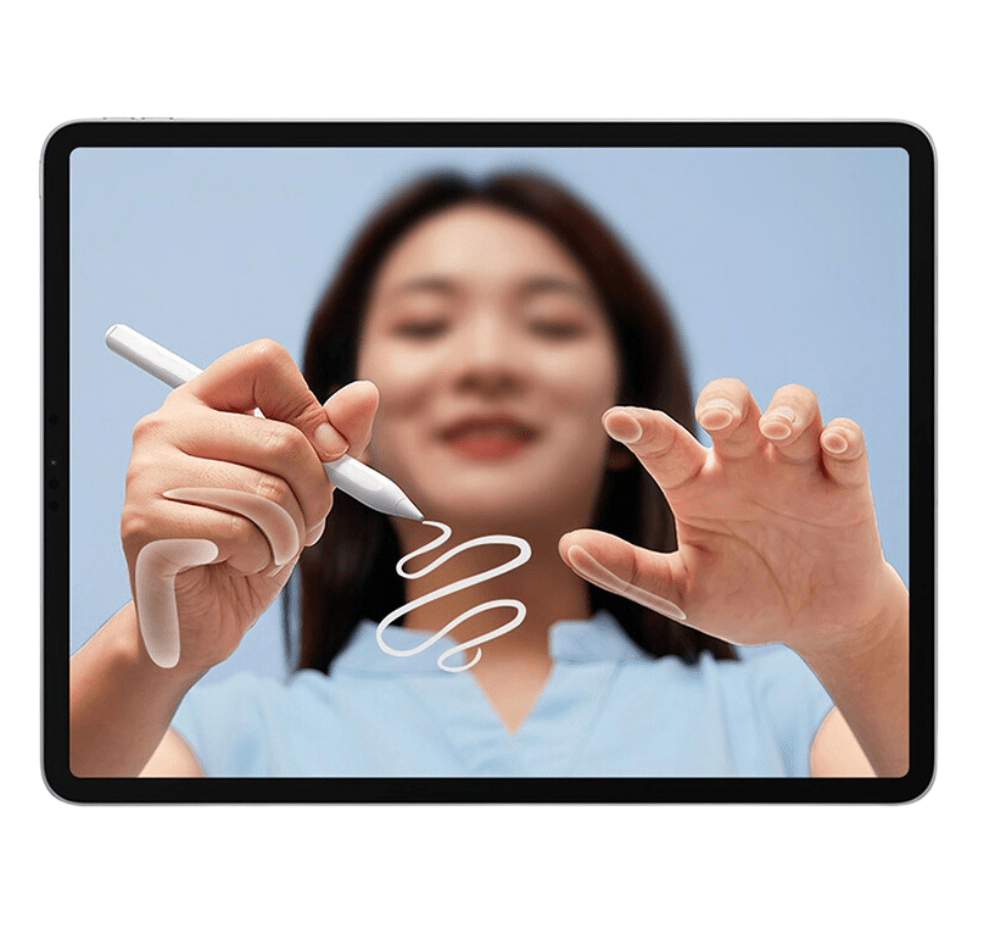
The implemented palm rejection feature eliminates the problem of accidental touches – you can freely rest your hand on the screen while writing or drawing, without the risk of leaving unwanted marks or exiting applications. Working with the stylus is as natural and comfortable as writing on paper, without the need for special gloves.

Replaceable tip
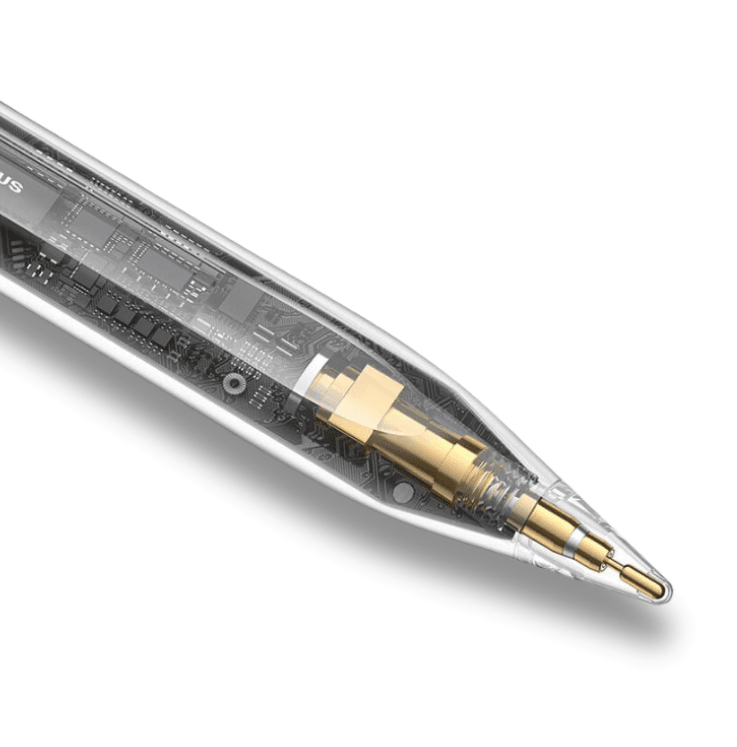
When the tip wears out, you can easily replace it with a new one, which will last for up to a whole year. The tips are significantly cheaper than original ones and readily available for purchase in our store.
The set includes an additional tip, so you'll be prepared for the future right away.

Unleash creative work
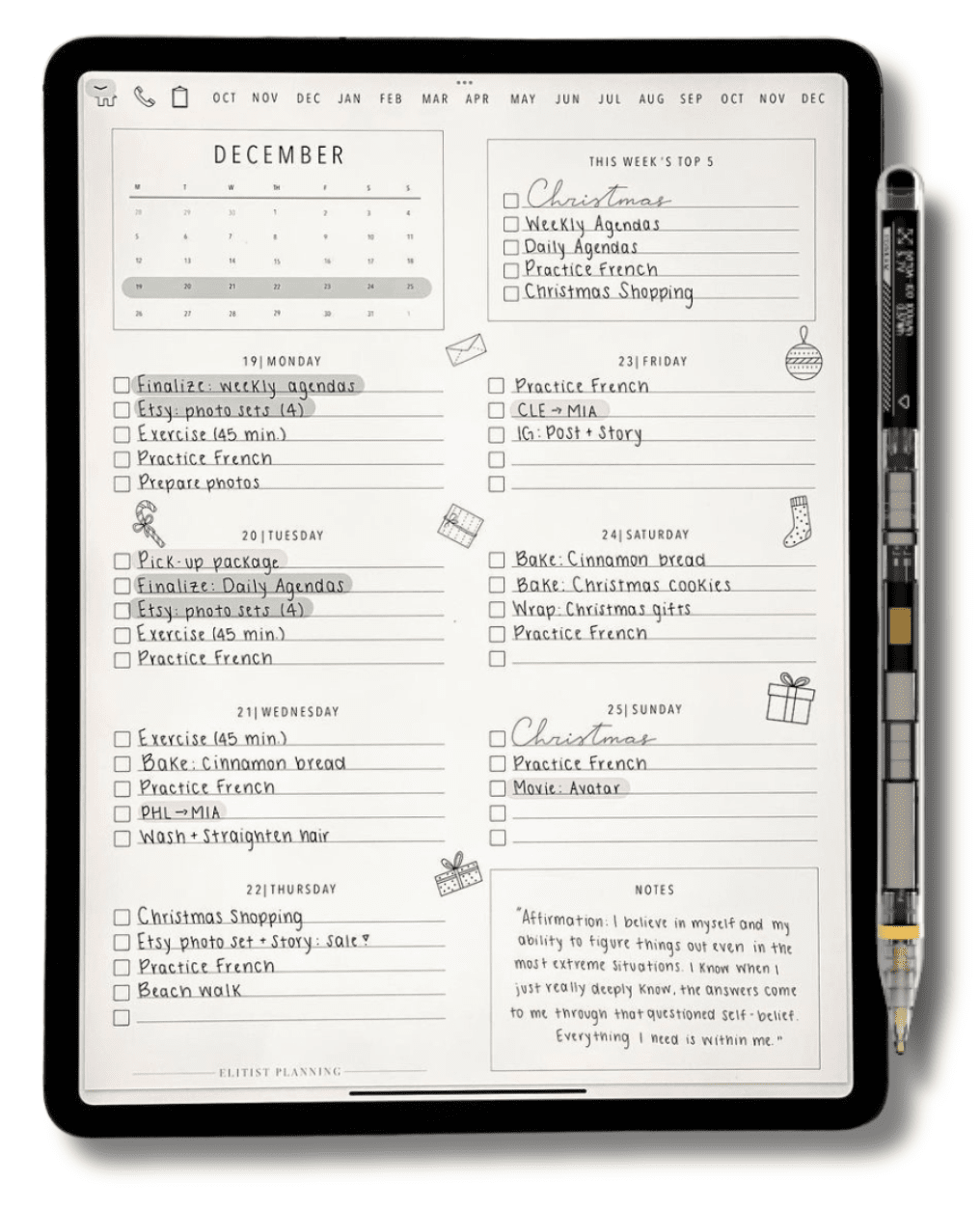
The stylus has a wide range of applications in everyday work and hobbies. You can use it for both creative and office work. It enables, among other things, precise drawing, sketching, and coloring. It is also perfectly suited for taking notes, handwritten notes in emails, drawing on screenshots, and even creating notes directly on PDF documents. It can speed up your daily work and make it more intuitive.

Magnetic function
The stylus is equipped with a magnetic function, allowing you to conveniently attach it directly to your tablet after finishing work. The stylus will always be within reach, ready to use whenever you need it.

Compatibility
1. iPad:
- iPad 10.9" 2022 (10th Generation) (A2757 / A2696 / A2777)
2. iPad Air:
- iPad Air 4 10.9" 2020 (4th Generation) (A2324 / A2072 / A2325 / A2316)
- iPad Air 5 10.9" 2022 (5th Generation) (A2589 / A2591)
3. iPad Mini:
- iPad Mini 6 8.3" 2021 (6th Generation) (A2568 / A2569)
4. iPad Pro:
- iPad Pro 12.9" 2018 (3rd Generation) (A2014 / A1895 / A1876 / A1983)
- iPad Pro 11" 2018 (1st Generation) (A1980 / A2013 / A1934 / A1979)
- iPad Pro 12.9" 2020 (4th Generation) (A2069 / A2232 / A2233 / A2229)
- iPad Pro 11" 2020 (2nd Generation) (A2068 / A2230 / A2228 / A2231)
- iPad Pro 12.9" 2021 (5th Generation) (A2379 / A2461 / A2462)
- iPad Pro 11" 2021 (3rd Generation) (A2301 / A2459 / A2460)
- iPad Pro 12.9" 2022 (6th Generation) (A2379 / A2461 / A2462)
- iPad Pro 11" 2022 (4th Generation) (A2435 / A2761 / A2762)
- iPad Pro 13" 2024 (7th Generation) (A2925 / A2926)
- iPad Pro 11" 2024 (5th Generation) (A2836 / A2837)
The stylus will not work with iPad generations not listed here.
If you own an iPad generation listed, but the specific model is not mentioned, the iPad will be compatible.

Technical specifications
- Working time: 8 hours
- Charging time: 2 hours
- Power supply: 5V-1/2A
- Charging: Inductive
- Length: 167 mm
- Diameter: 6 mm
- Weight: 14 g
- Bluetooth: Yes
- Palm Rejection: Yes
- Tilt Detection: Yes
- Pressure Sensitivity: Yes
- Magnetic function: Yes
- Replaceable tip: Lasts about a year of use

Available colors
- White
- Clear (currently selected)
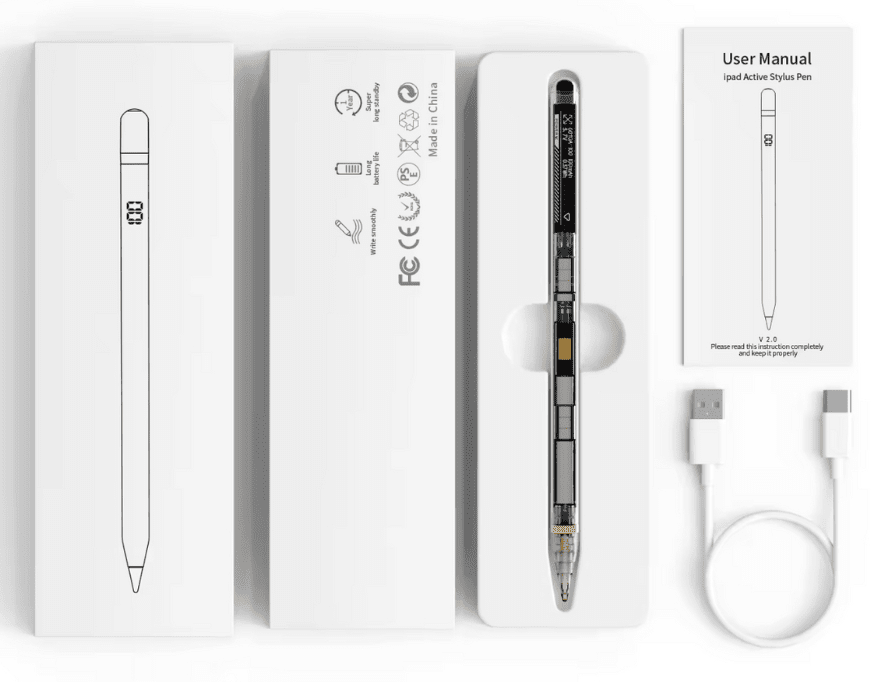
Set includes
- 1x P10 PRO Glass Stylus
- 1x Replaceable tip
- 1x User manual
Instruction manual in Polish (electronic version) available as an attachment for download. You will find it below our product description.