


Electronic lock with A1 TTLock insert
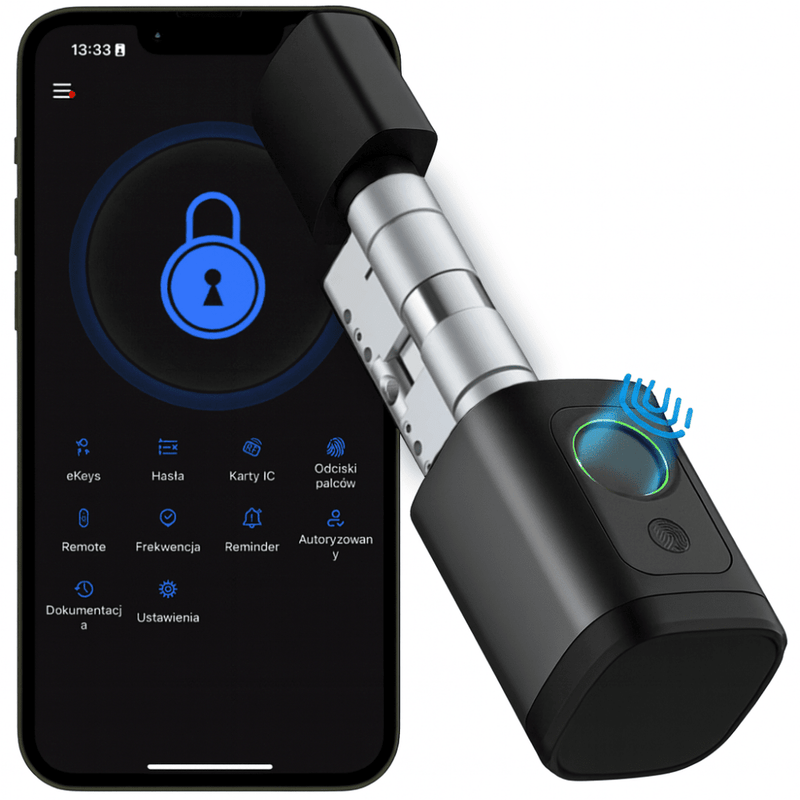
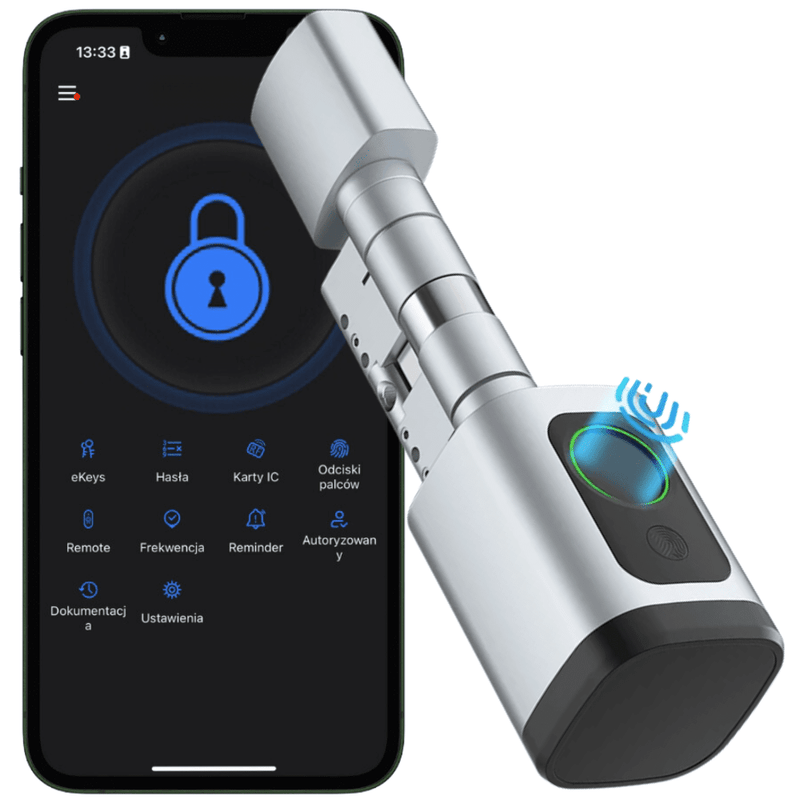





The A1 TTLock electronic cylinder lock from the Spreest brand is a modern and convenient solution that instantly transforms ordinary doors into an intelligent access point. You open them without keys – with a code, card, fingerprint, or an e-key in the app. A one-time code for a guest, temporary access for a cleaning crew, or automatic locking after the door closes – everything happens quickly, without stress, and completely securely.
The lock is perfect for short-term rentals (Airbnb), self-check-in hotels, offices, or warehouses, where access can be granted remotely, valid only during specific hours.
Automatic closing after latching eliminates the risk of leaving doors open – the lock only engages when the door is closed, which is controlled by a magnetic sensor.
Automatic closing after latching eliminates the risk of leaving doors open, and the built-in memory allows for saving 1000 cards, 300 fingerprints, 300 PIN codes, and an unlimited number of e-keys in the app. The lock also works offline, so access and user data are always secure.
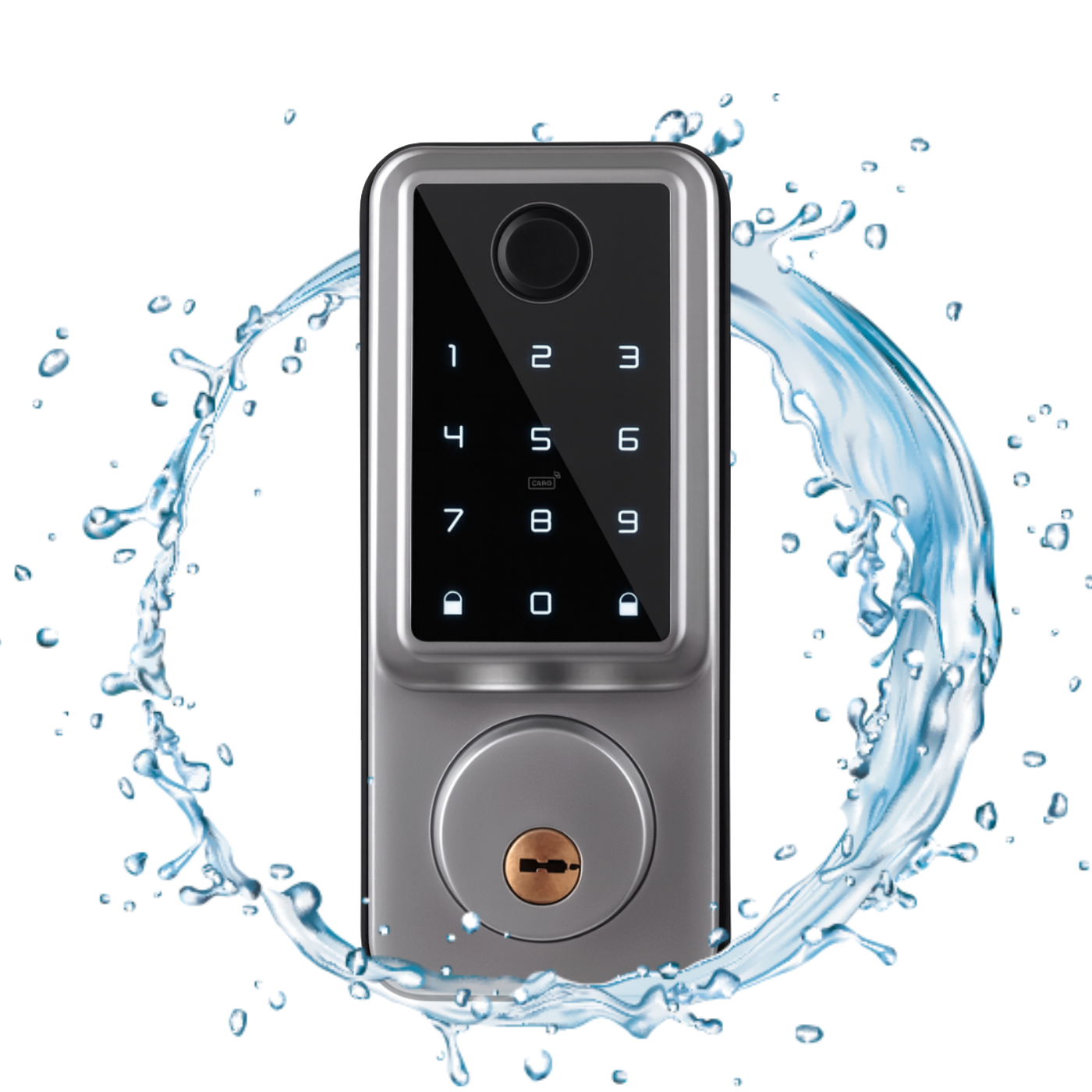
The panel can be installed outdoors, but it must be protected from direct contact with rain, for example, under a roof or by using a protective cover. Battery power is sufficient for approximately 12 months of operation, and the system promptly notifies you of a low battery level. It fits left and right doors with a thickness of 35–50 mm, made of wood, steel, or aluminum.
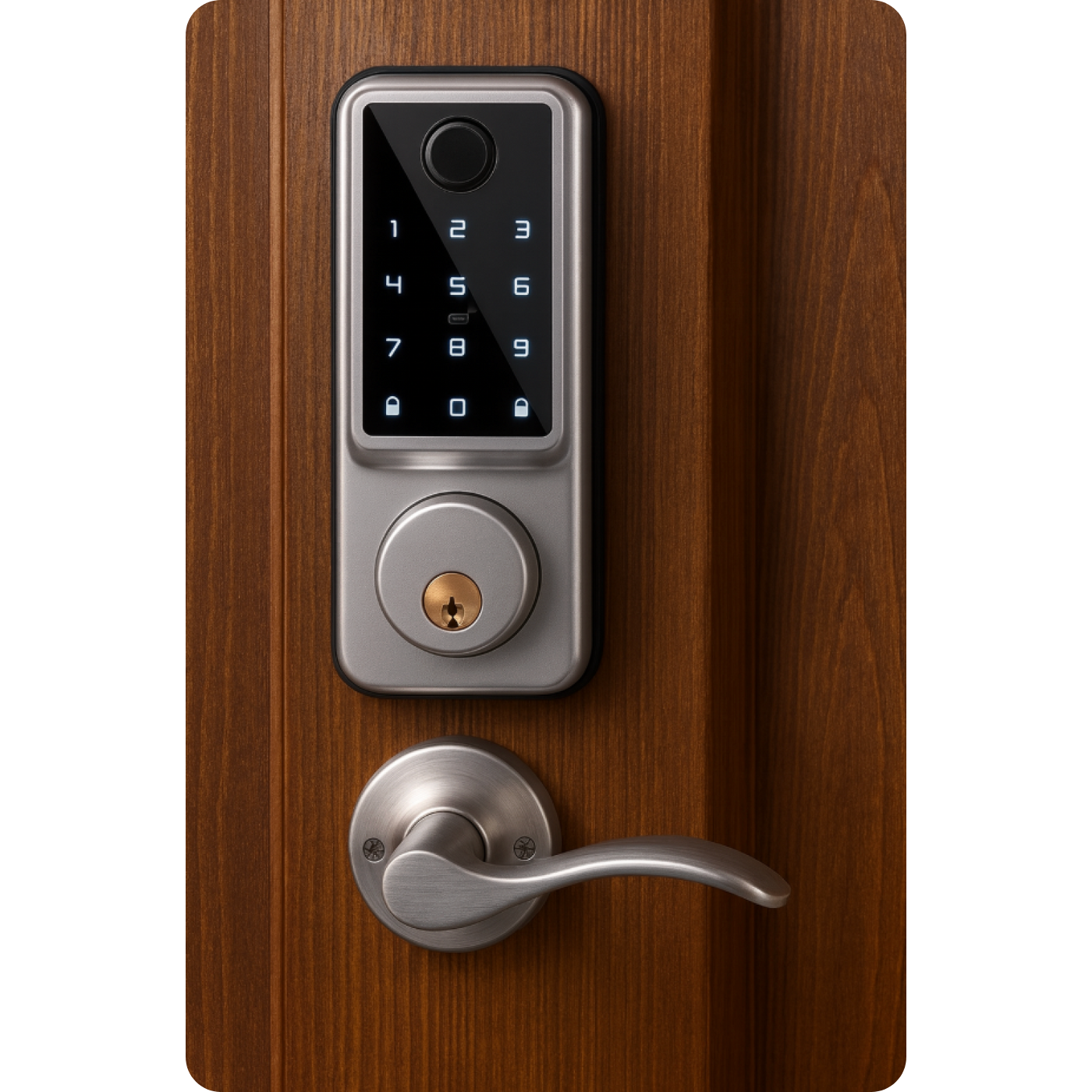
Opening methods
- Fingerprint – fast entry through fingerprint recognition.
- Mechanical key – classic emergency option when batteries are discharged.
- Proximity card or fob – just tap it against the reader.
- PIN code – enter your custom code and enter without keys.
- Bluetooth and app – the lock opens with one click on your phone.
- Apple Watch
App capabilities
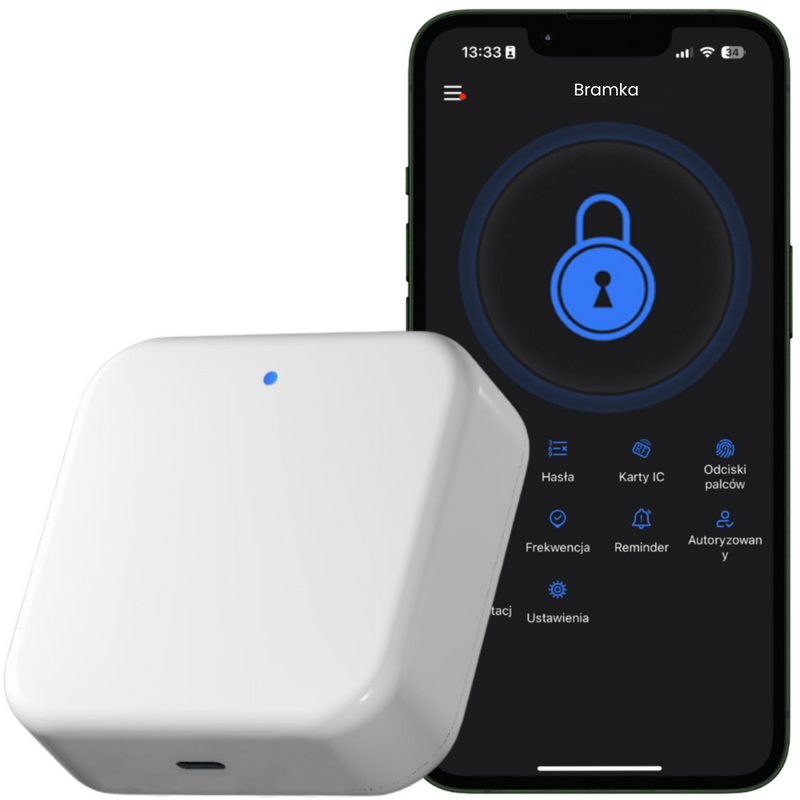
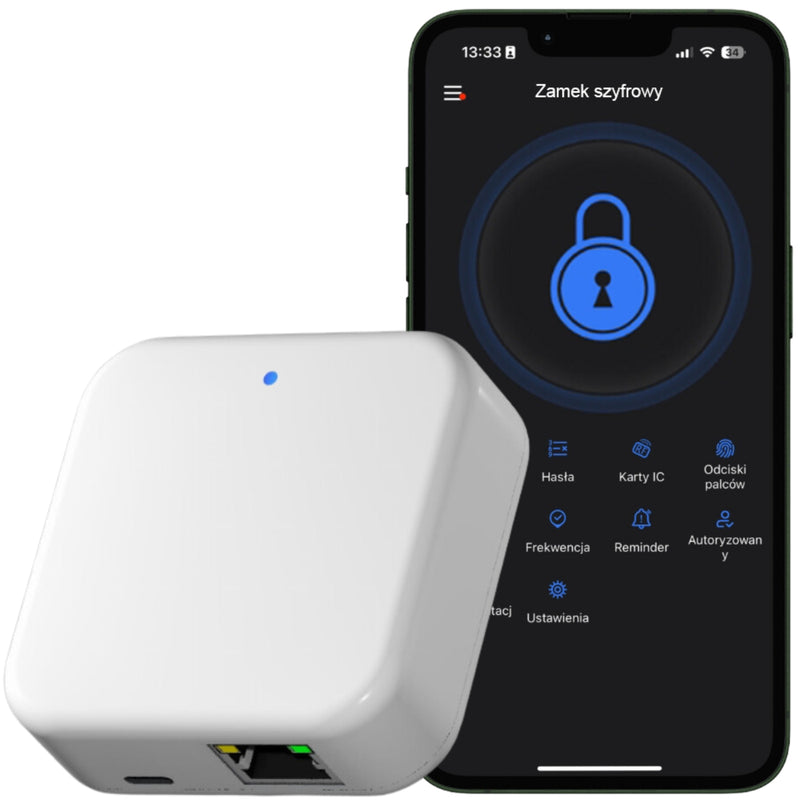
- Remote control – open and configure the lock from anywhere (gateway required), within Bluetooth range without a gateway.
- Automatic re-locking – set the time after which the lock will close itself.
- Alerts and event log – push notifications + full history of openings.
- Code and eKey profiles – permanent, temporary, cyclical, or one-time access for guests.
- Card, remote, and fingerprint support – add and manage in a few clicks.
- OTA updates – wireless firmware updates.
- Voice integration – commands via Amazon Alexa and Google Assistant.
- Silent mode – mute lock signals when you need quiet.
Additional features for businesses
- Integration with Booking, Airbnb, Hotres – automatic code assignment for online reservations.
- Multi-location panel – manage multiple locks and properties in one application.
- Roles and permissions – create groups (administrator, reception, service) with different access levels.
- Work schedules – define office opening hours and assign access only during specified times.
- Attendance reports – export entry/exit summaries (late arrivals, early departures).
- "Freeze" lock – temporary disabling of all electronic opening methods (e.g., alarm).
- Bulk user addition – import a list of employees or tenants from a CSV file.
- Wi-Fi Gateway → multiple locks – cost-effective system expansion in a large facility.
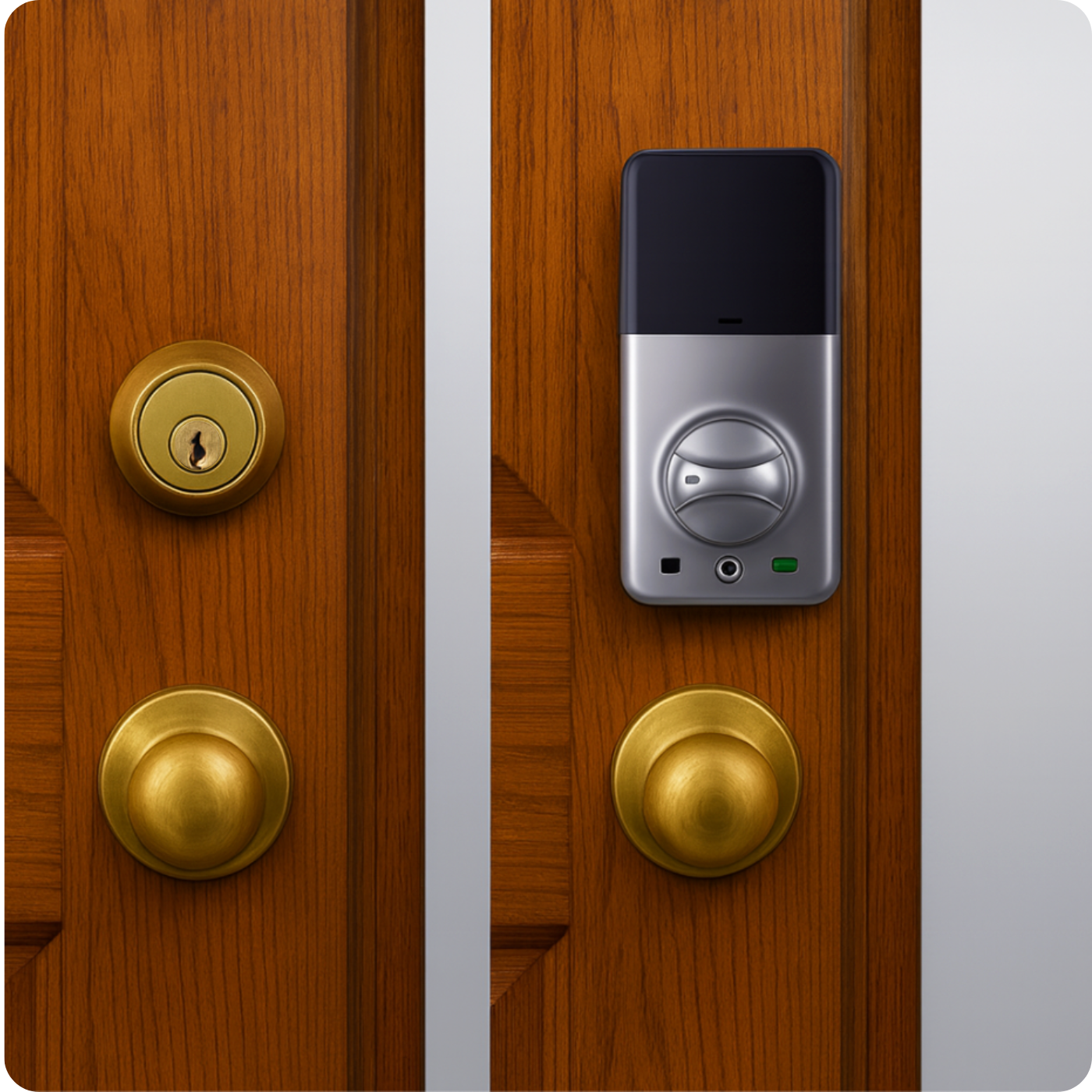
Installation
You can install the handle yourself – it fits most doors with a thickness of 35–50 mm, both left-hand and right-hand, made of wood, steel, or aluminum.
The set includes complete sets of screws and spacer sleeves, designed for the given door thickness.
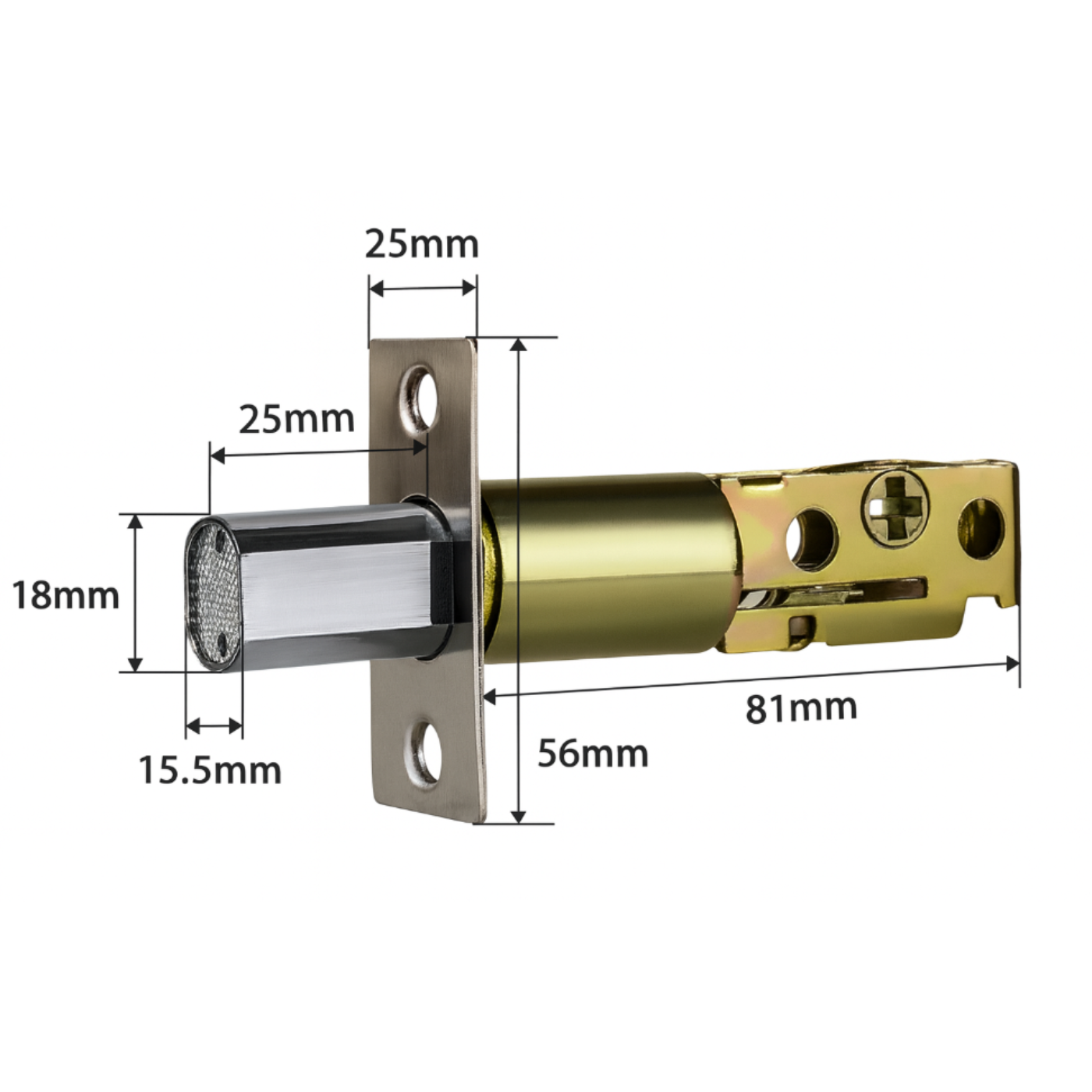
The lock works with the single mortise lock included in the set.
Installation requirements:
- Mounting hole diameter: Ø 54 mm
- Door thickness: 35–50 mm
The lock features an adjustable latch bolt – the length can be set to 60 mm or 70 mm depending on the door construction.
If there are no pre-drilled holes, the set includes a drilling template to facilitate their correct execution.
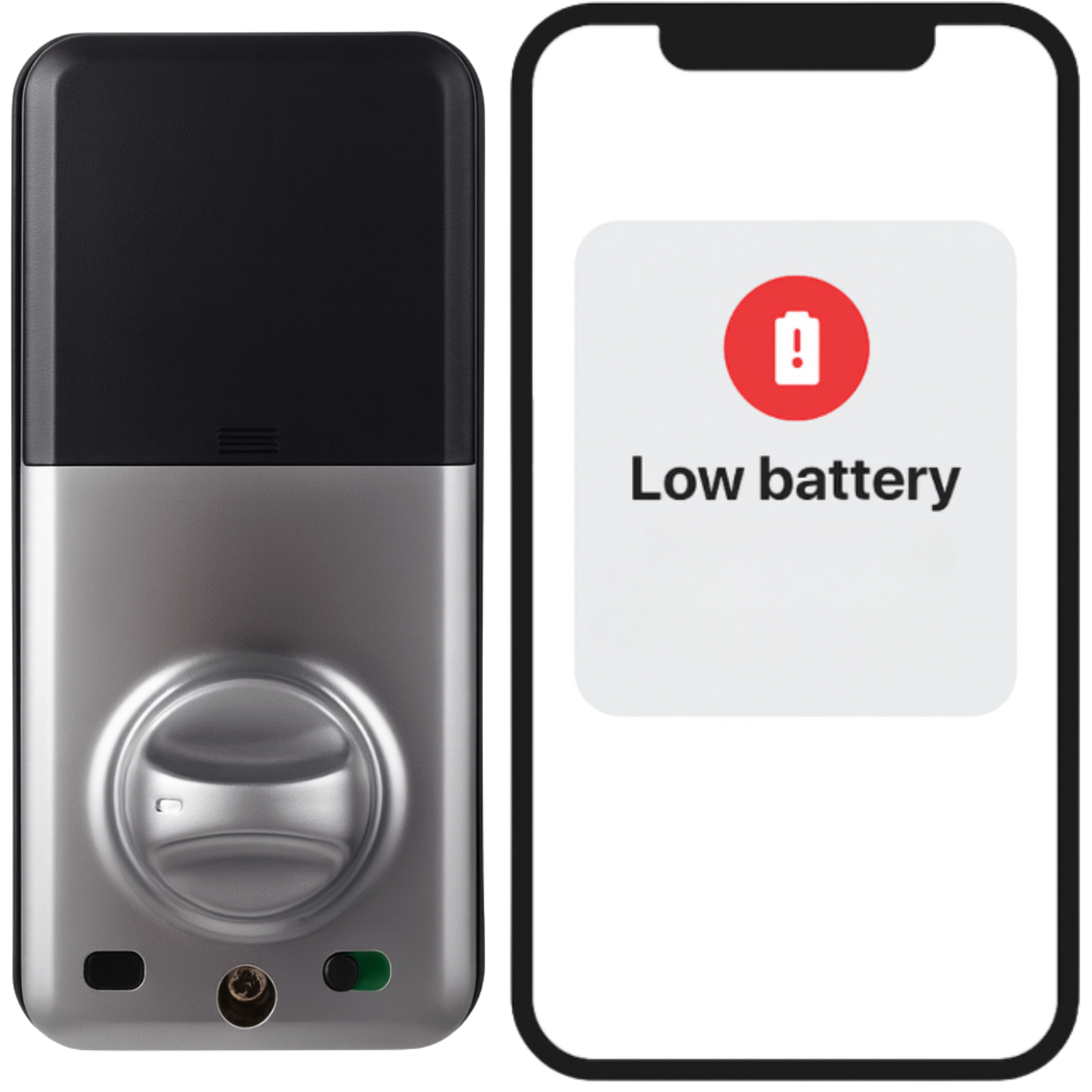
Low battery alarm
The lock is equipped with a low battery alarm, which allows you to monitor the power status continuously. A low battery notification will be sent to the application at ≥20%, ≥10%, ≥5%, and a red light will flash on the lock itself after unlocking it (3 flashes).
The device is powered by four AA batteries, which can last for 9 to 12 months.
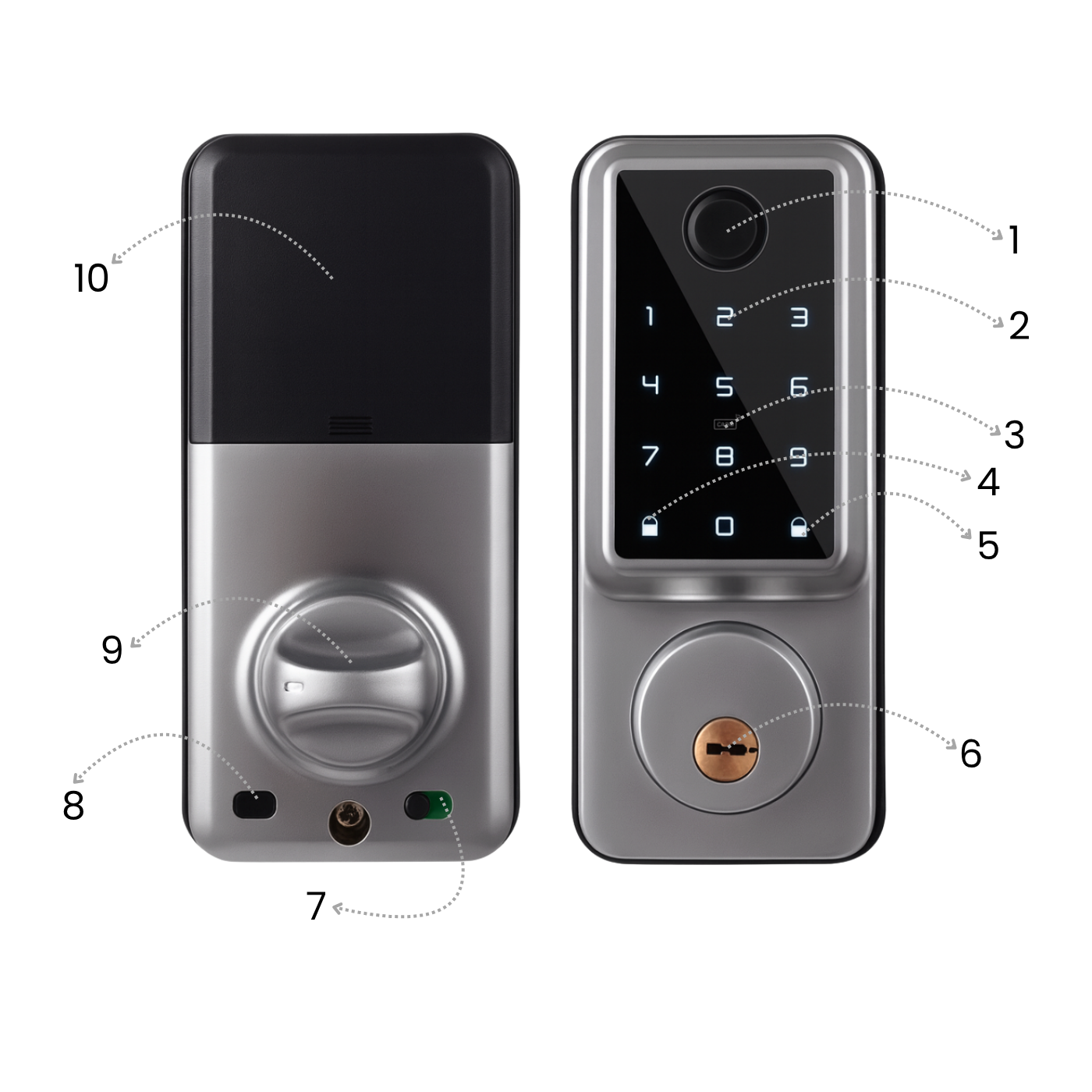
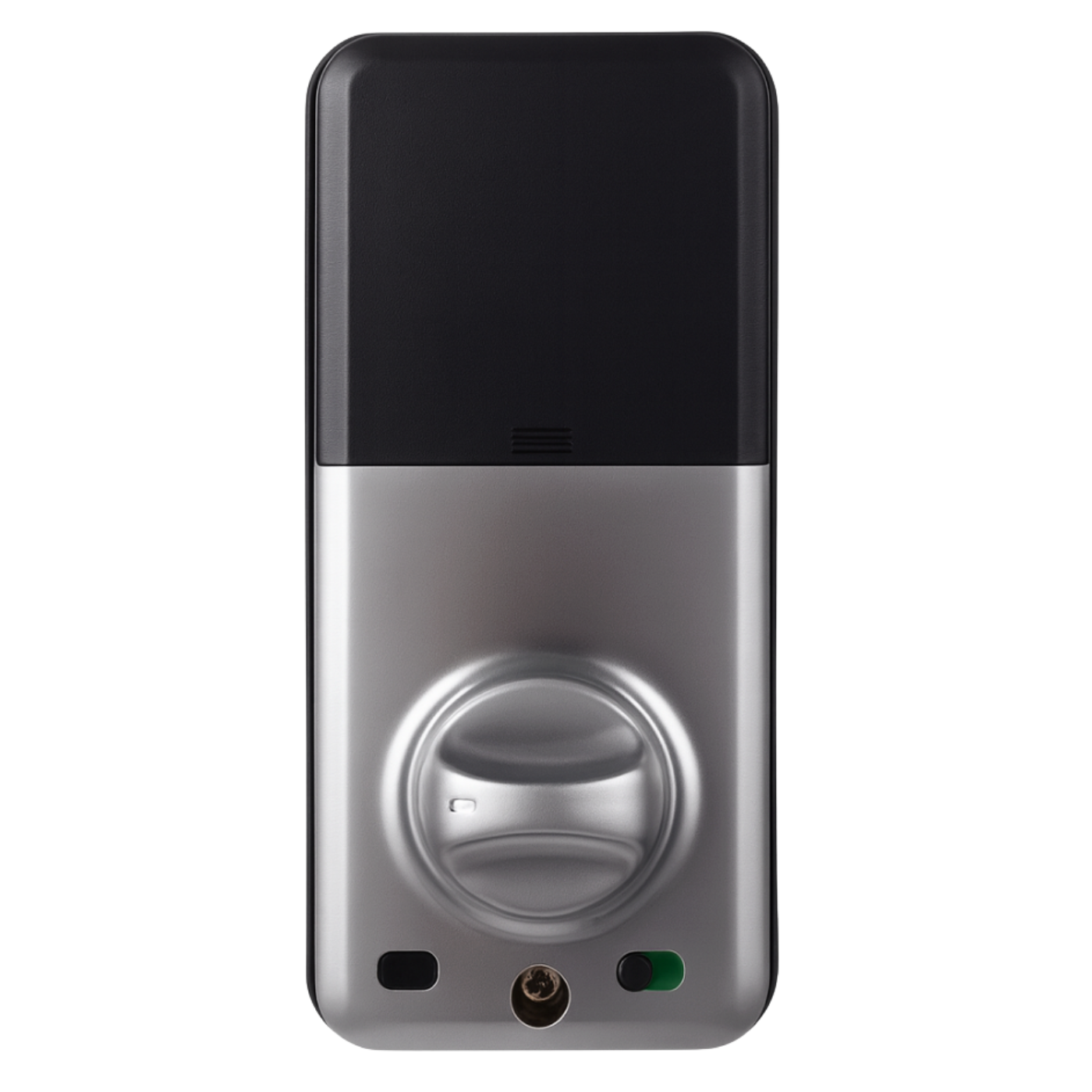
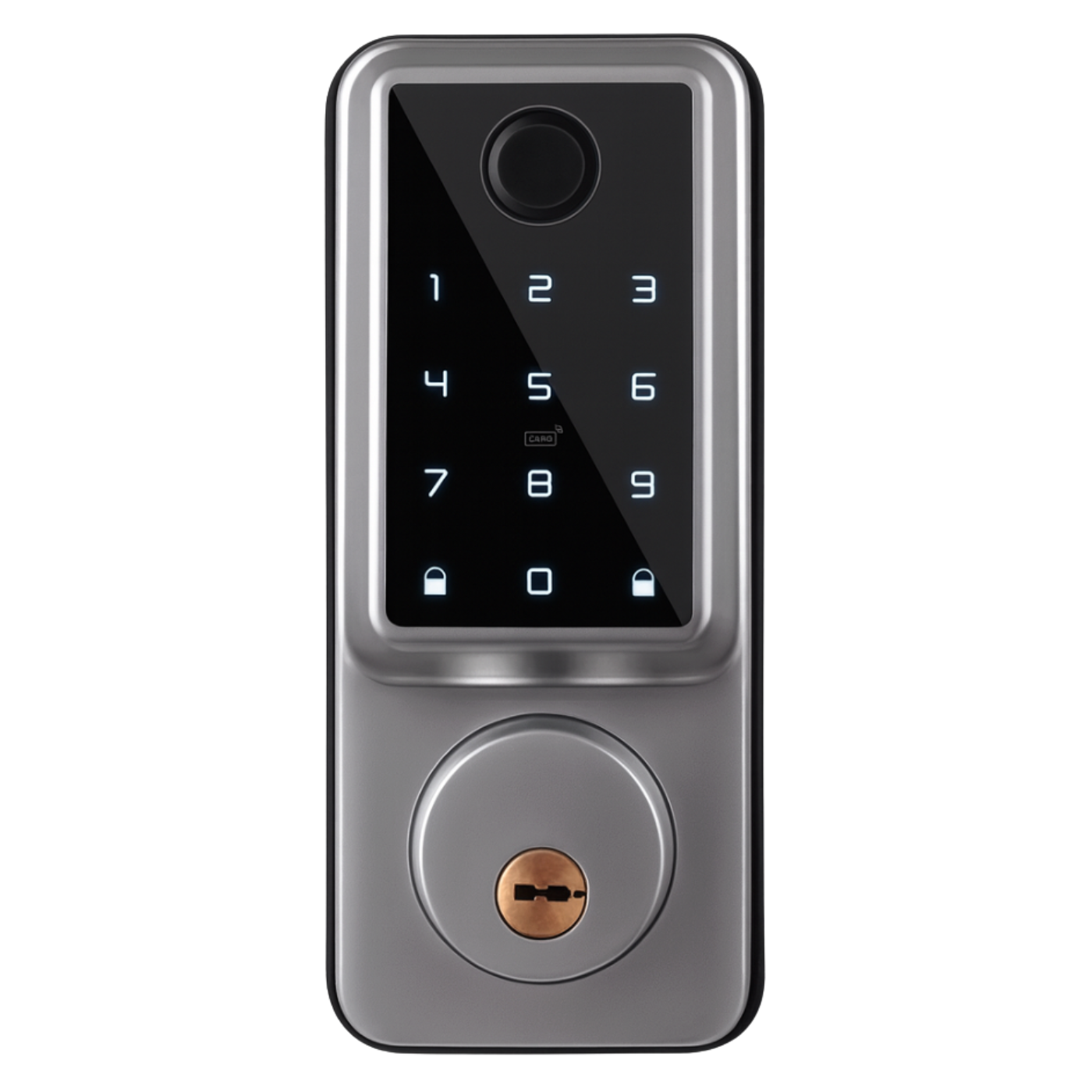
Product elements
- Fingerprint reader
- Touch keypad
- 13.56 MHz and NFC access card reader
- Button to unlatch the lock after unlocking
- Button to latch the lock after unlocking
- Mechanical key entry
- Electronic lock for external unlocking
- Unlock and lock button
- Internal lock knob
- Battery box 4x AA
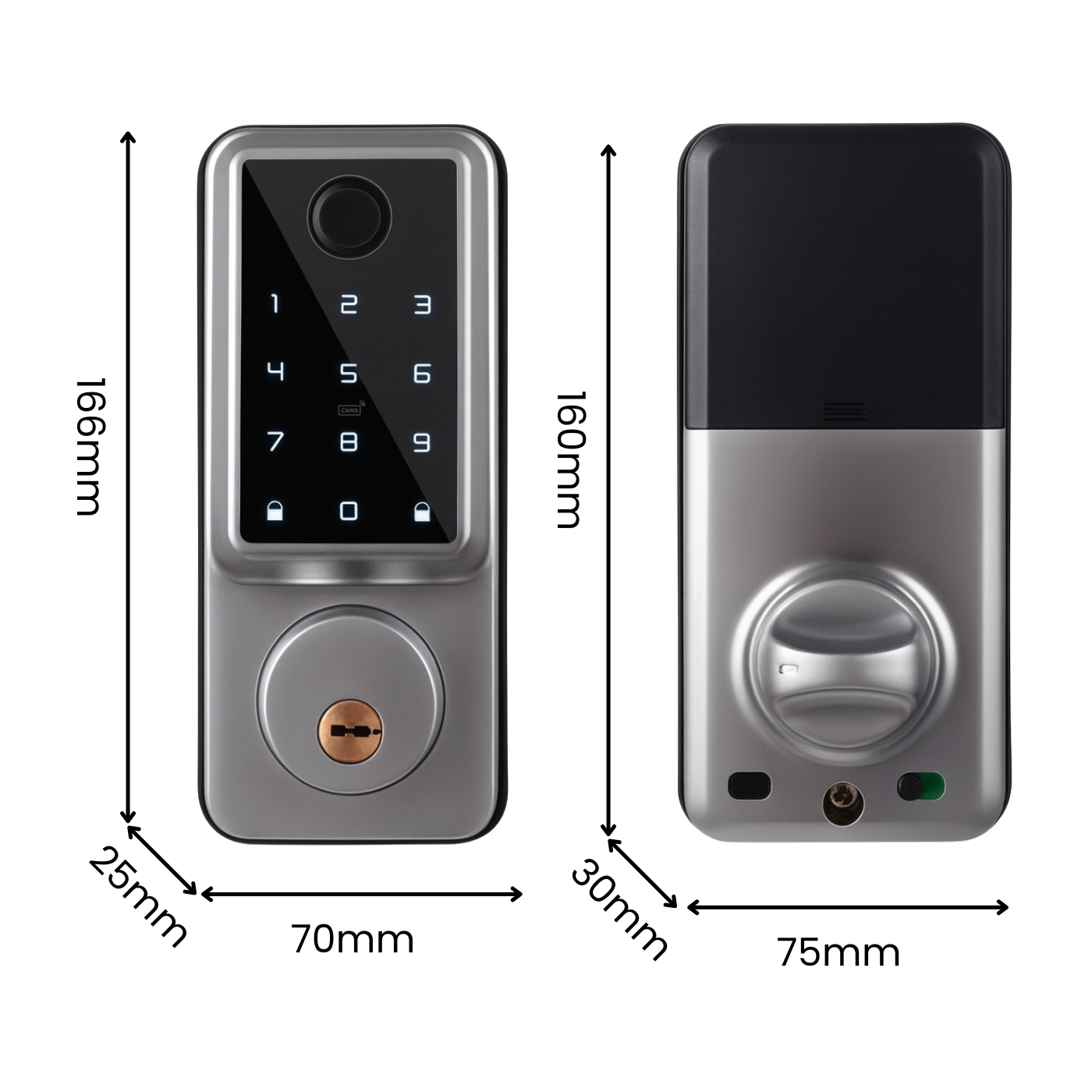
Technical specification
- Body material: Aluminum alloy
- Door thickness: 35–50 mm
- Latch type: 60 mm / 70 mm (adjustable)
- Power supply: 6 V DC (4 × AA / LR06 alkaline batteries – not included)
- Operating current consumption: < 200 mA
- Standby current consumption: < 30 µA
- Operating temperature: –20°C to +70°C
- Operating humidity: 20–80% RH
- Weather resistance: outdoor installation possible; protection from direct rain recommended
- Unlocking methods: Fingerprint, PIN code, RFID card (13.56 MHz), TTLock app (Bluetooth BLE), Mechanical key (emergency)
- Dimensions: external panel 166 x 70 x 25 mm / internal panel 160 x 75 x 30 mm
- Product weight: 1019 g
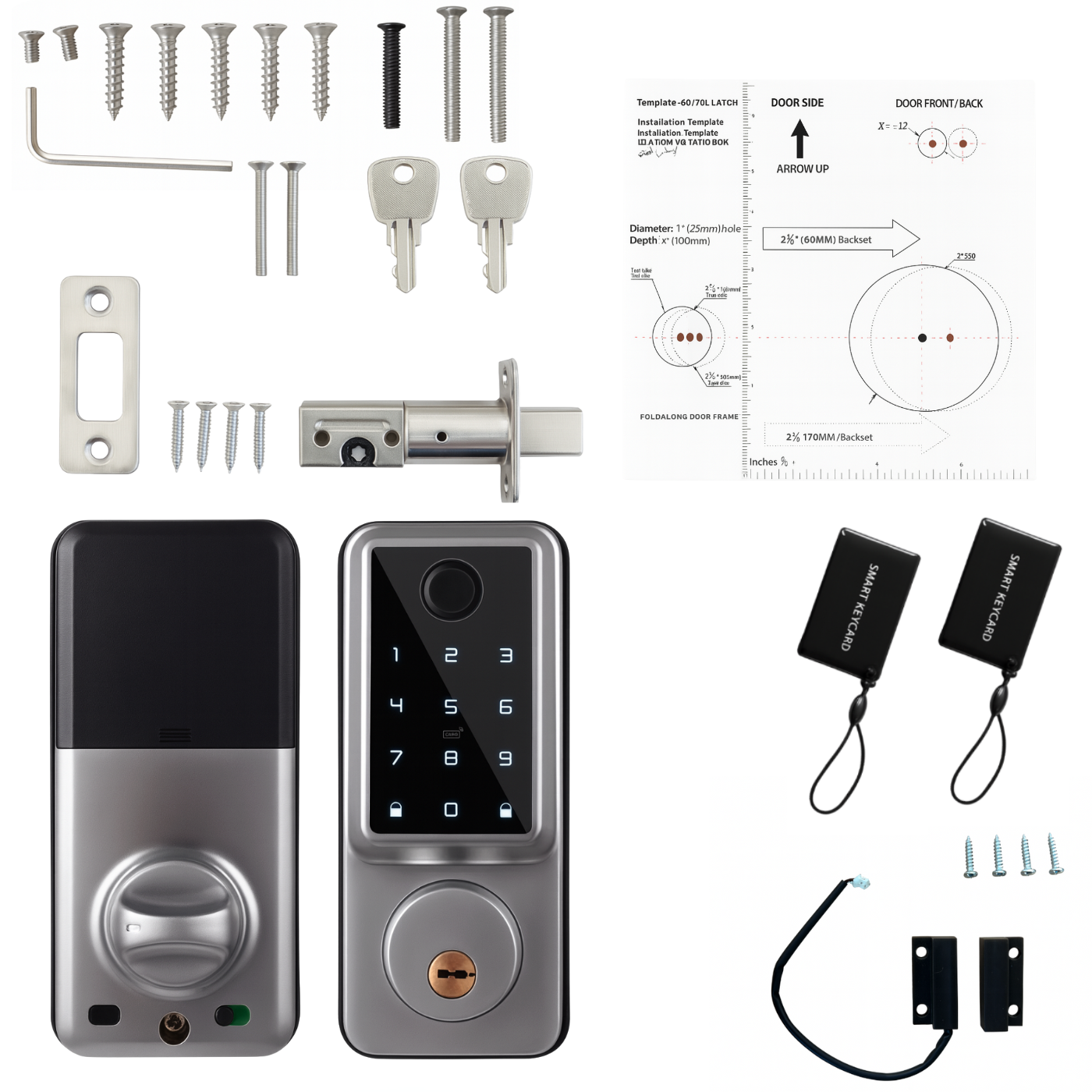
Set includes
- 1x A1 TTLock electronic lock with cylinder
- 1x Mounting accessories for various door thicknesses (35-50mm)
- 1x Single mortise lock (adjustable 60/70mm)
- 1x Magnetic sensor for automatic re-locking after door closure
- 1x Drilling template
- 2x Mechanical key
- 2x Access card
- 1x User manual
Instructions in Polish in electronic version available for download in the attachment. You can find it below or above our product description.
FAQ – frequently asked questions
1. Does the lock work without an internet gateway? - Yes. Operation then occurs via Bluetooth – codes can only be assigned when at the door, and event history synchronizes upon re-connection.
2. Can the cylinder be set to the right or left? - Yes, the direction of the lock is changeable and set during installation.
3. What if the lock runs out of power? - The lock warns at ~30% battery. After a complete discharge, it can be powered by a power bank via the charging socket or opened with an emergency key.
4. What is the Wi-Fi gateway for? - It allows remote door opening and code assignment. One gateway supports multiple locks within Bluetooth range.
5. Does the app work on all smartphones? - TTLock is available for iOS ≥ 11 and Android ≥ 5.1 (with Bluetooth 4.0 or newer support).
6. Is it possible to restrict access to specific days or hours only? - Yes. In the app, you create cyclical codes or eKeys with a schedule (e.g., Mon-Fri 8-16).
7. Can I export access logs to a file? - Yes, TTLock allows downloading history in CSV or PDF format from the web panel.
8. How many users can I add? - Unlimited. Each can be assigned different permissions: owner, admin, reception, service.
9. Is the software paid? - No. The firmware is free and updates OTA for free via Bluetooth (or remotely via the gateway).
10. What languages does the app support? - Polish, English, German, Spanish, French, and several others.
11. What to do if the phone is lost? - Log in on another device or in the web panel and immediately remove the lost eKey/phone account from the authorized list.