

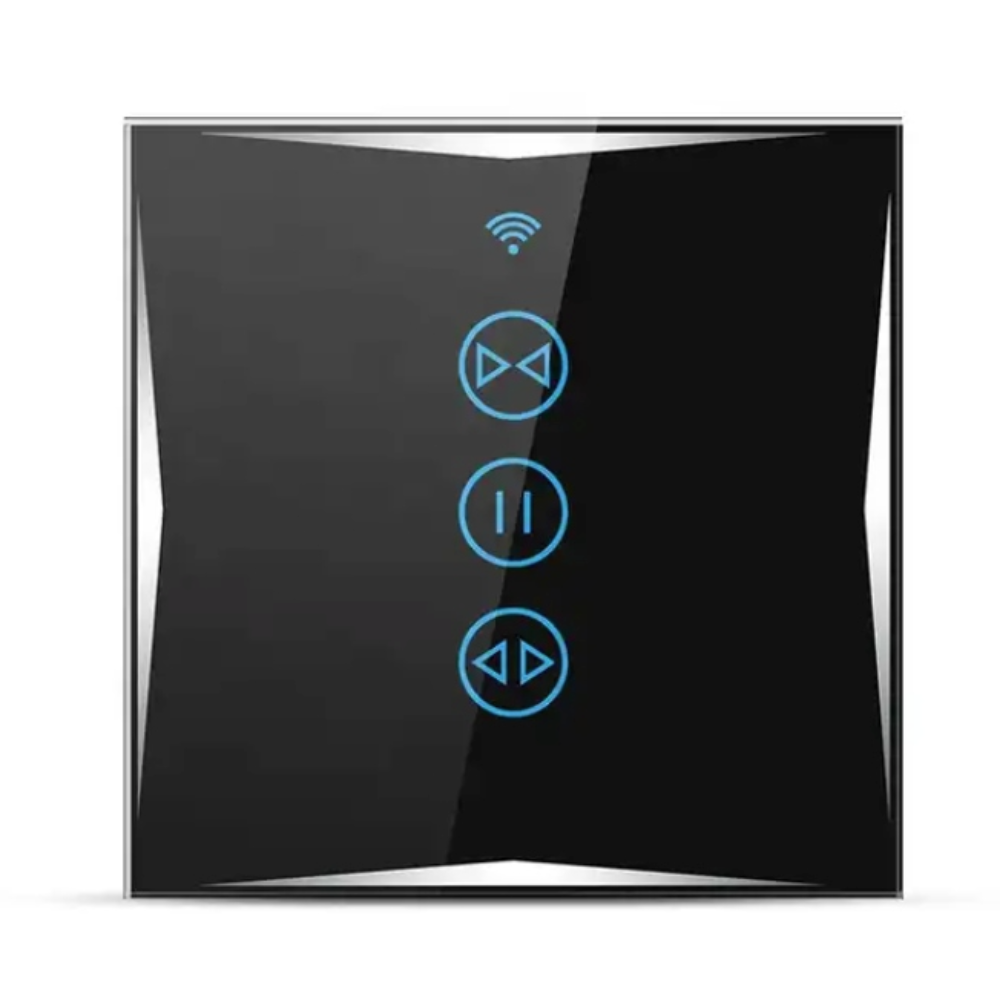
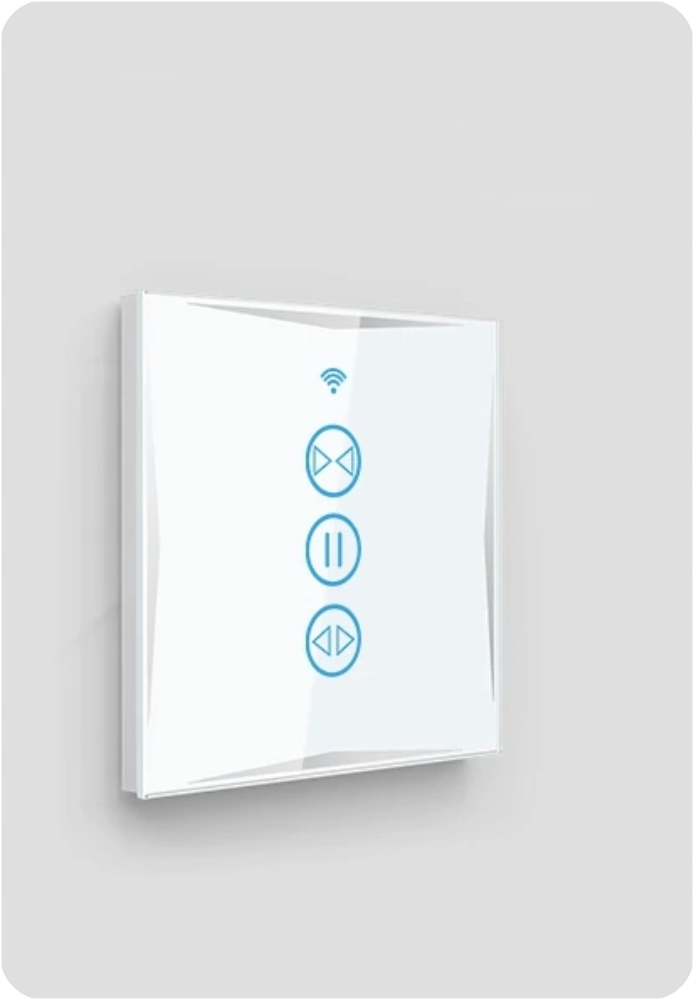

WiFi Blind Switch KS607 Black




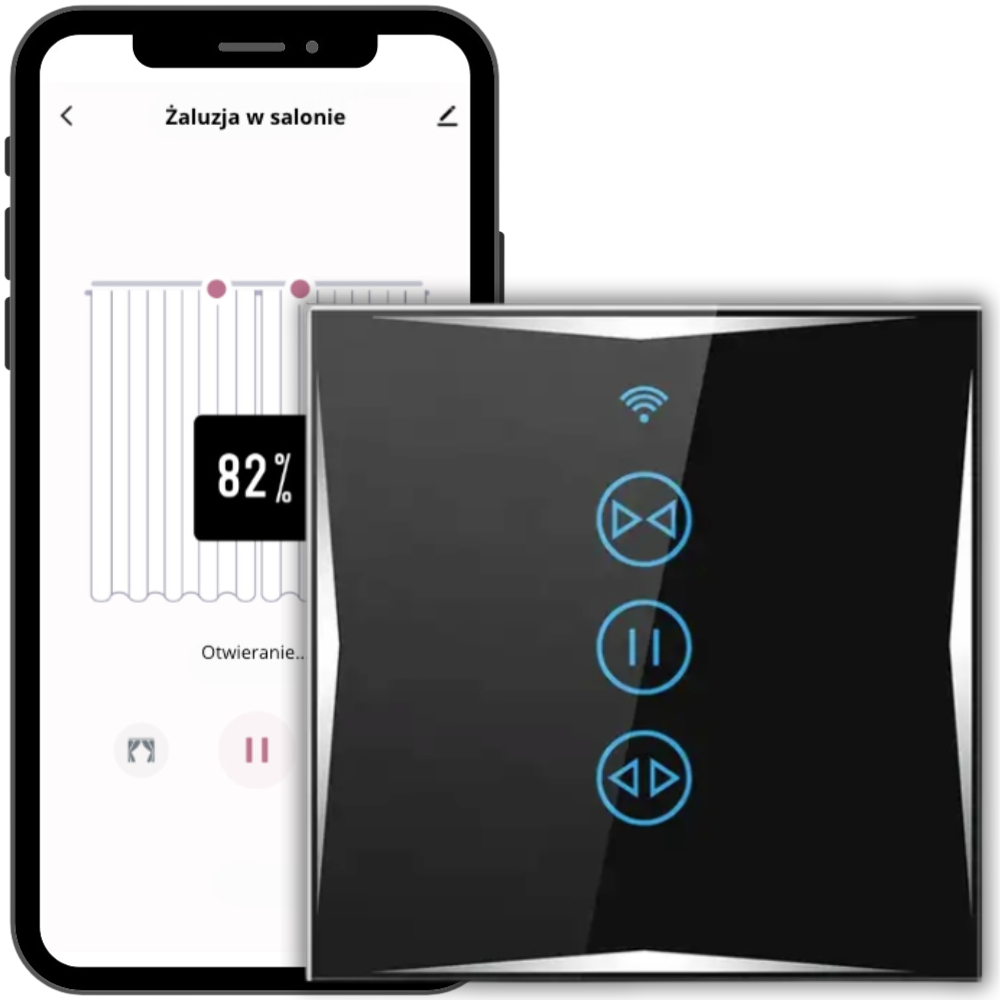
Discover the world of smart home with the latest touch switch from Spreest. Made of the highest quality tempered glass, this innovative light switch combines elegance with advanced technology, bringing luxury and convenience to your everyday life.
- The switch has a very solid and aesthetic construction, while maintaining a fashionable modern look.
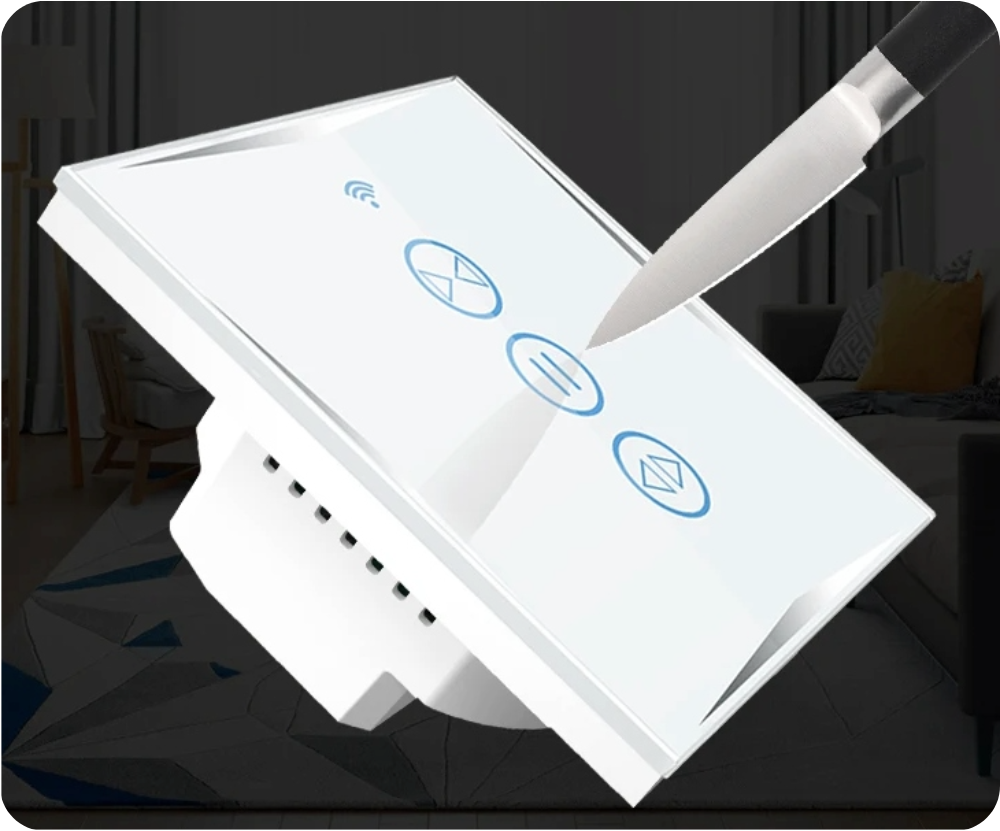
- Made of reinforced glass resistant to scratches and discoloration. An additional advantage of using tempered glass is the ease of keeping the switch clean.
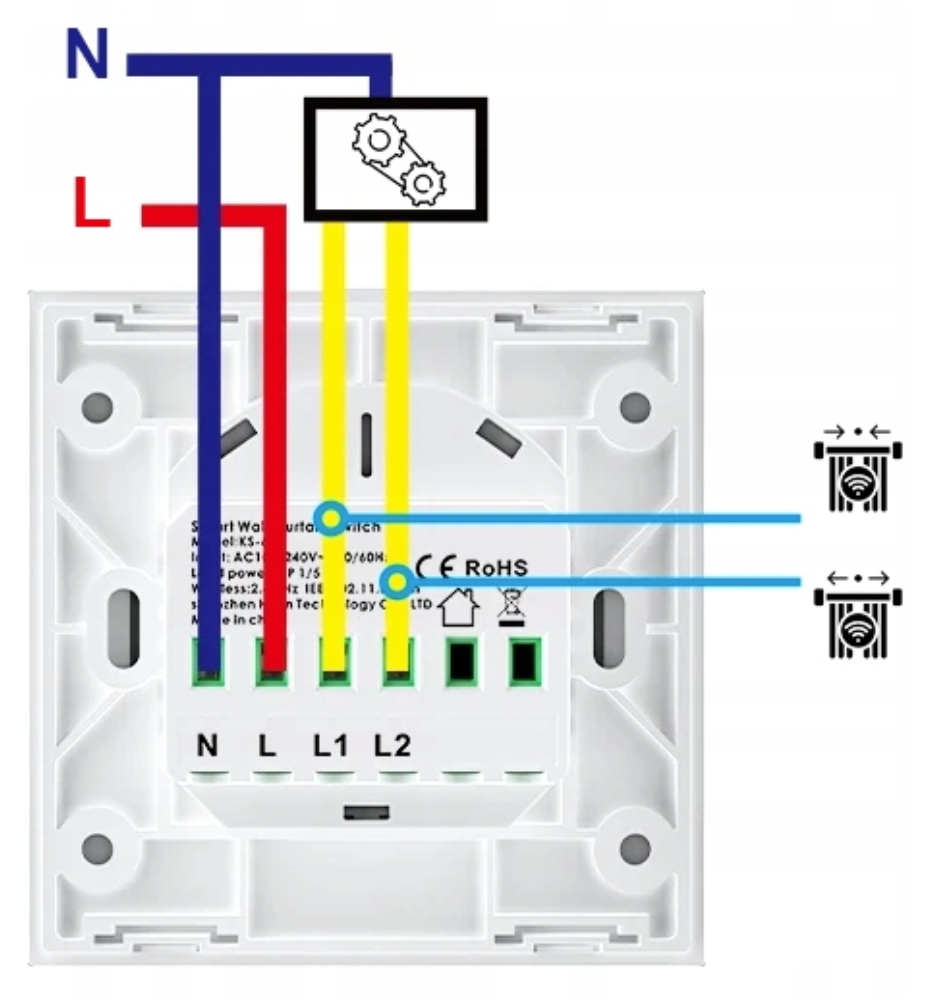
- The switch fits standard FI60 drywall boxes, our switches require a neutral (N) wire connection
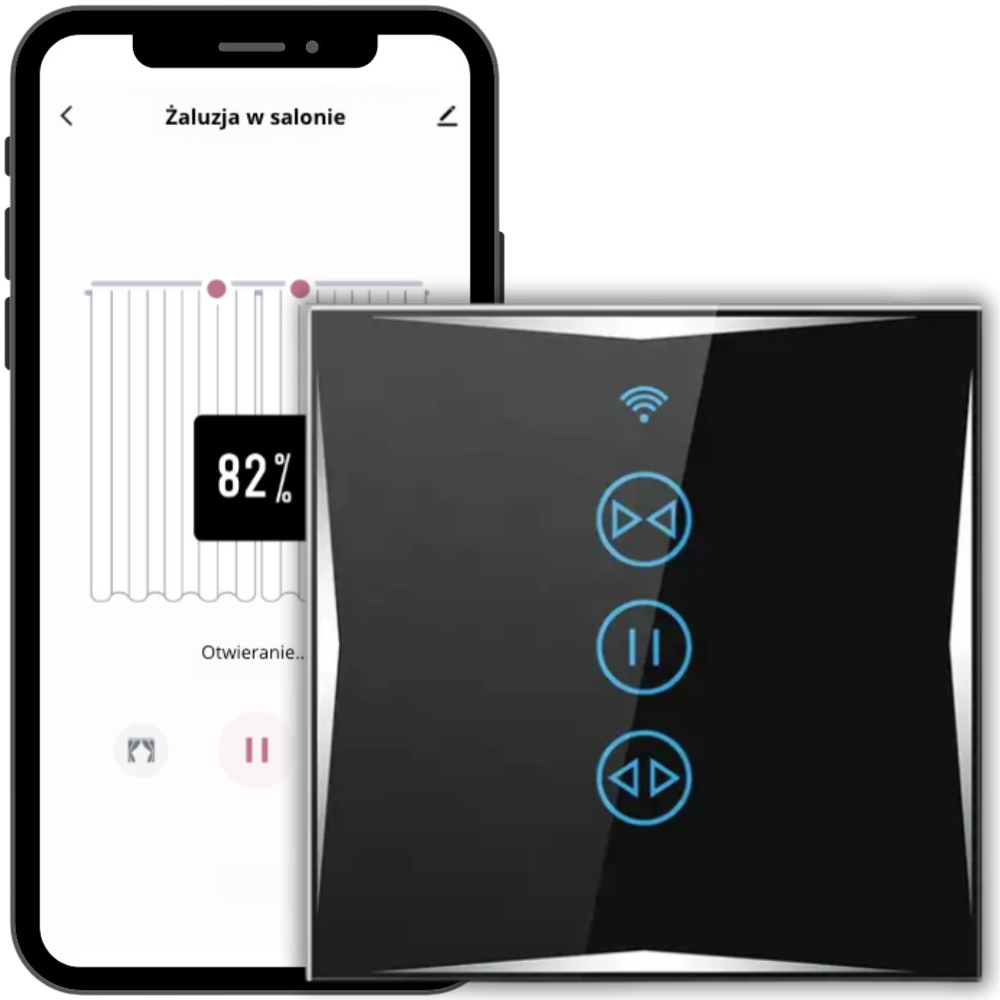
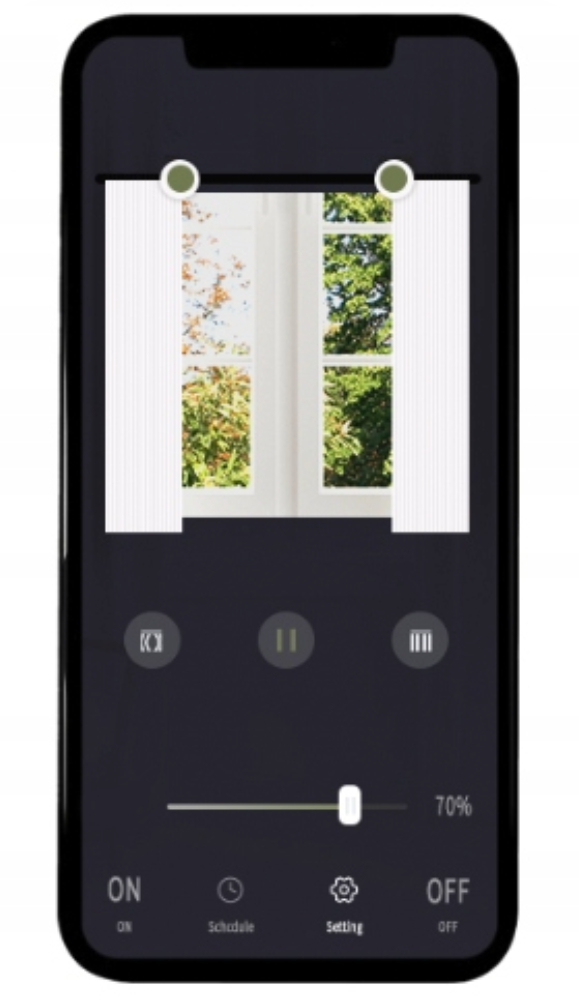
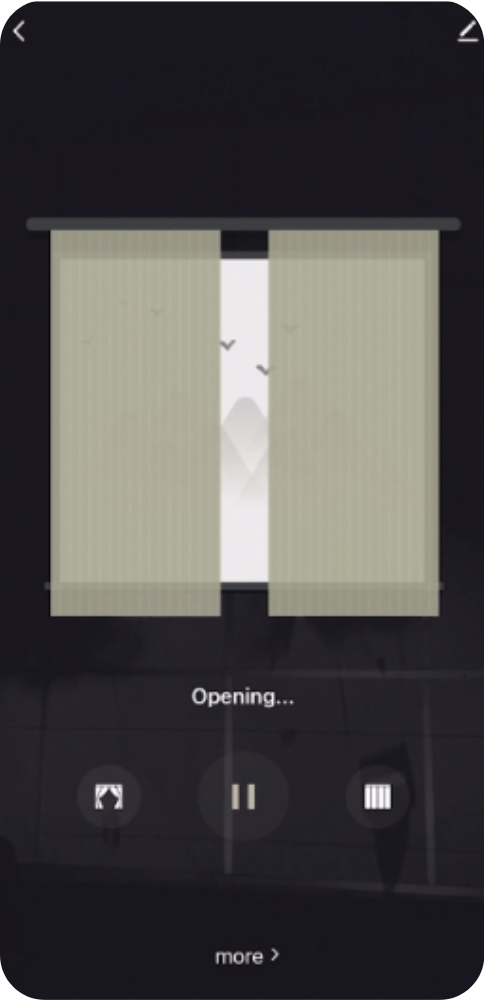
- The switch works with Smart Life, Tuya, Amazon Alexa, Google Assistant
Ability to control lights using a remote control.
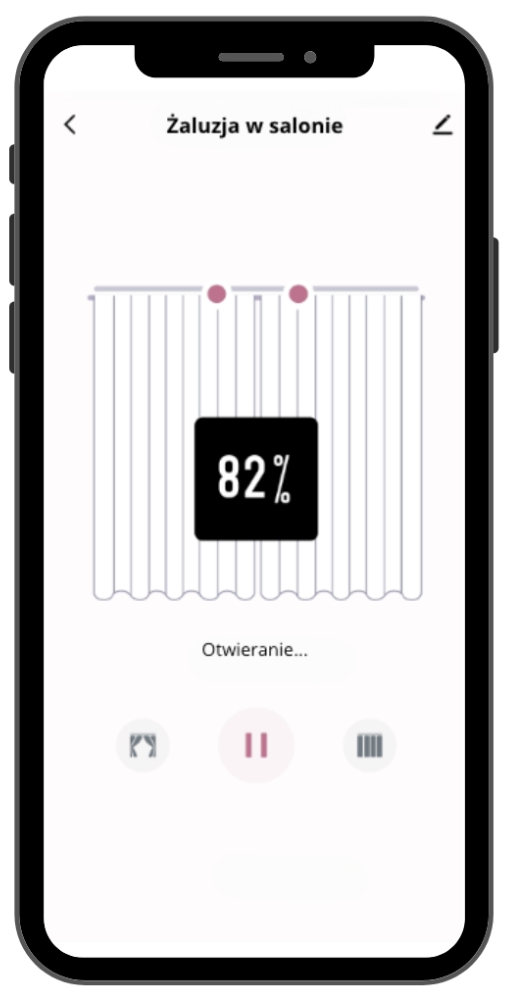
Planning and Schedules
Set precise schedules for each light source in your home. Do you want the morning kitchen light to turn on automatically at 7 AM when you start your day? Or perhaps you prefer the living room curtains to close at midnight? All of this is possible with just a few clicks in the app.
Scene Modes
Advanced scene modes allow you to create an atmosphere tailored to different occasions. Set different curtain combinations for a romantic dinner, a movie night, or intense reading. You can even integrate the switch with smart devices from other manufacturers, creating comprehensive scenarios.
Dependencies and Connections
Create dependencies between various devices in your home. For example, when the TV is on, the room lighting can automatically dim, creating ideal conditions for watching movies. Or set it so that after the alarm in the bedroom is turned off, the coffee machine starts brewing, and the bathroom lights gently turn on.
Control from Anywhere
With app access from anywhere in the world, you have the ability to adapt settings in real time. If you forget to turn off the lights, you can do so from your phone, regardless of your location.
Timer and Scheduler
Set time limits for lighting in different rooms. The timer and scheduler functions allow for automatic light shut-off after a specified time, which is especially useful for children who forget to turn off the lights in their rooms.
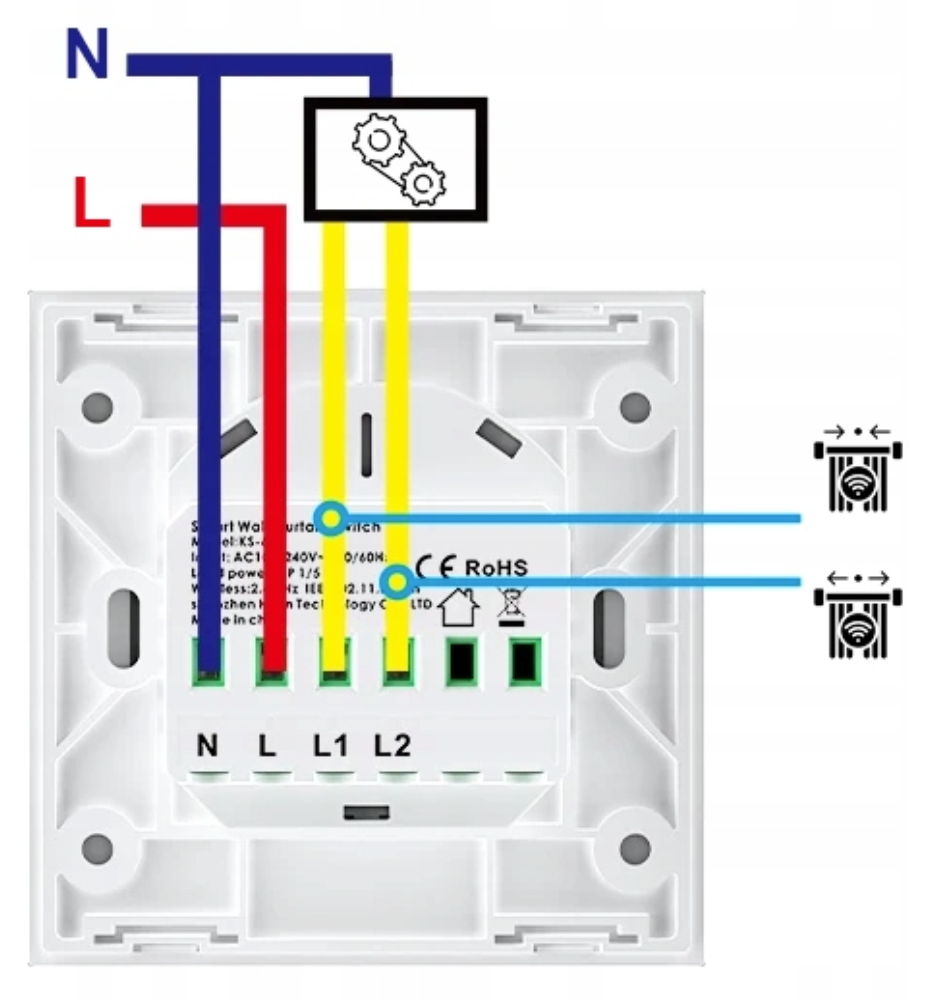
Switch Installation
- remove the casing,
- connect the wires and adapter,
- tighten the mounting screws,
- replace the casing.
Installation of the switch in a standard 60 mm drywall box.
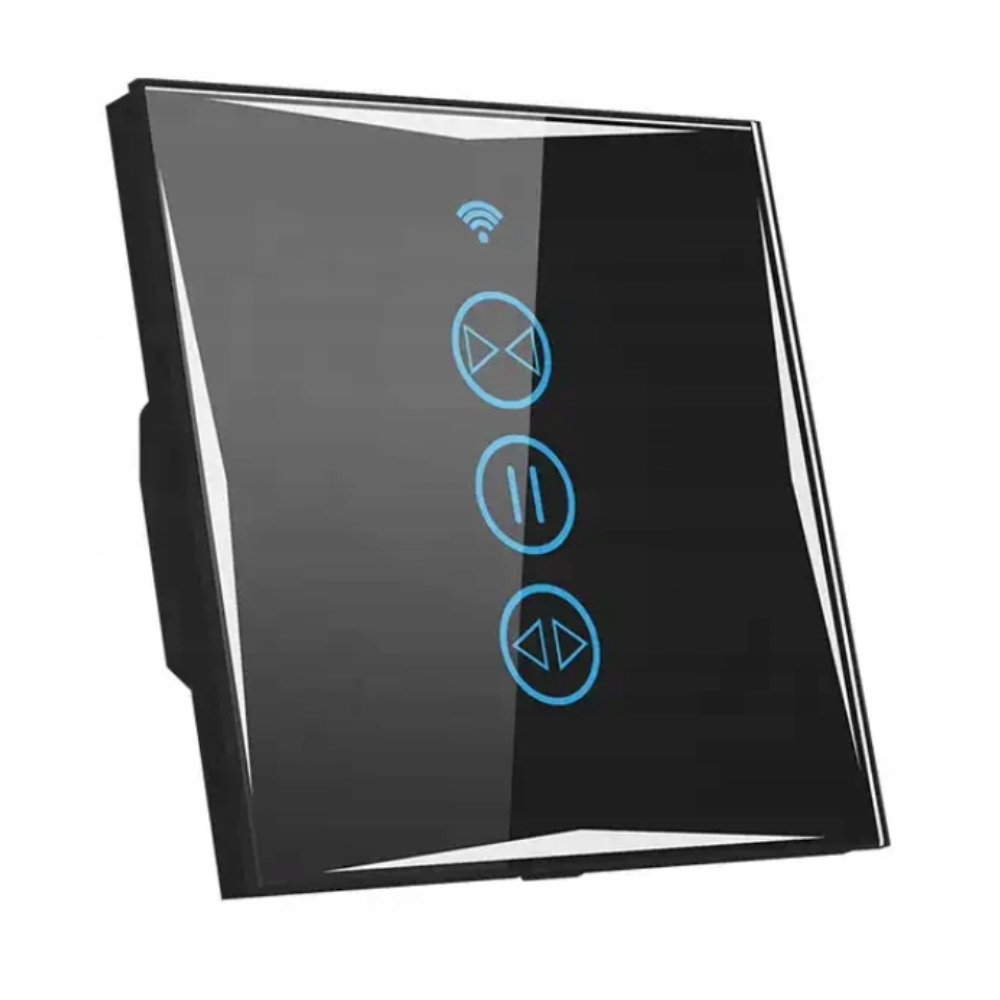
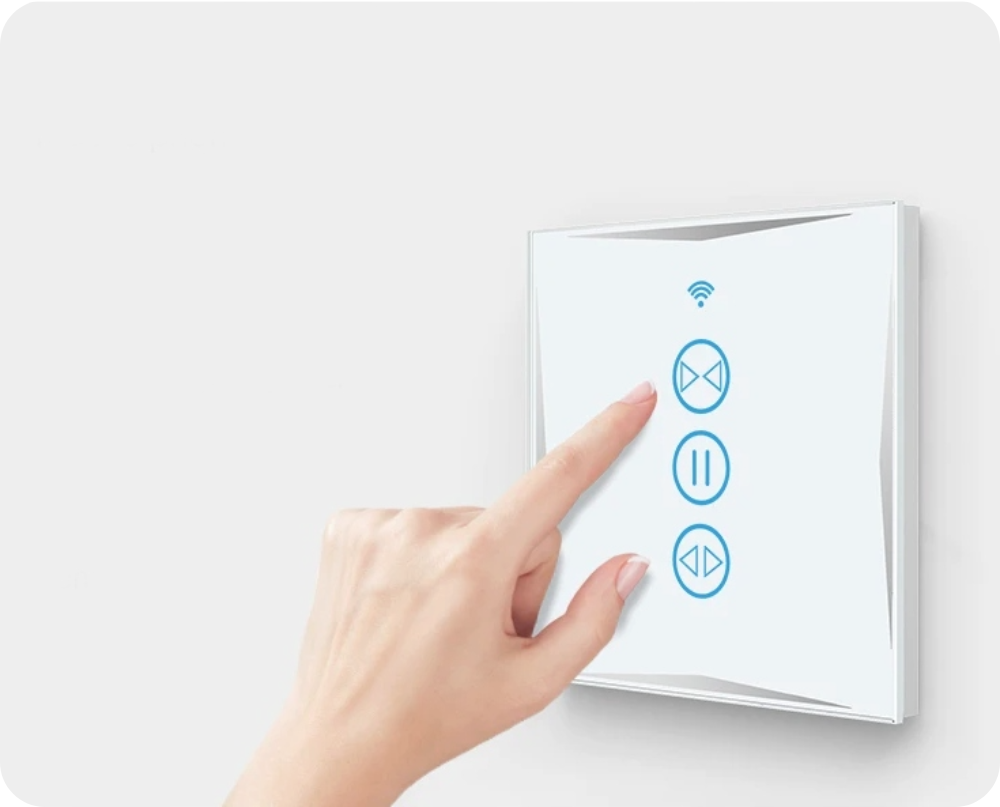
The switch has the functions (from left to right): open, stop, close. There is no need to hold the button, just a single touch of the appropriate button. The middle button stops opening or closing at any time. The switch fits a standard drywall box, mounted with the screws included with the switch.
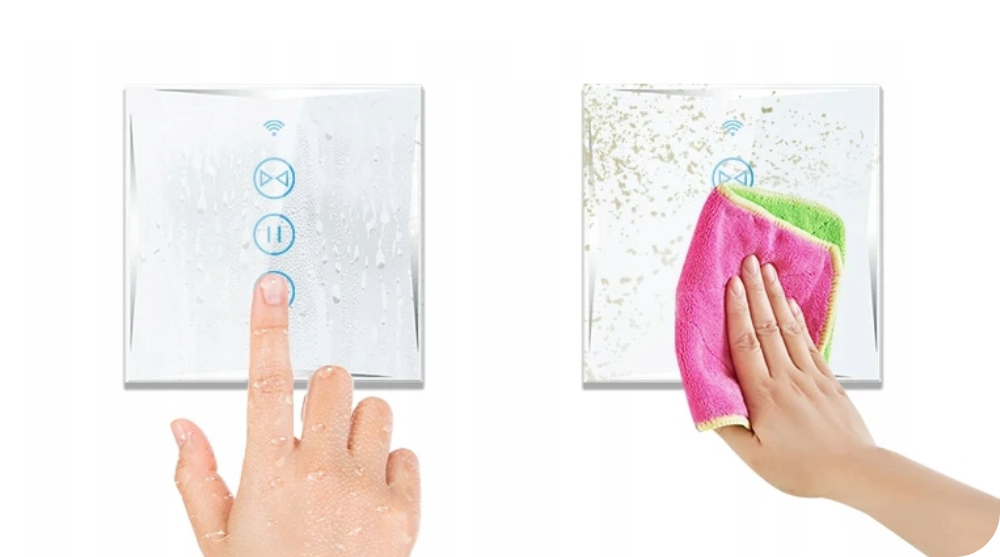
Aesthetic and Durable Solution
Tempered glass ensures durability and contributes to the excellent appearance of the switch.
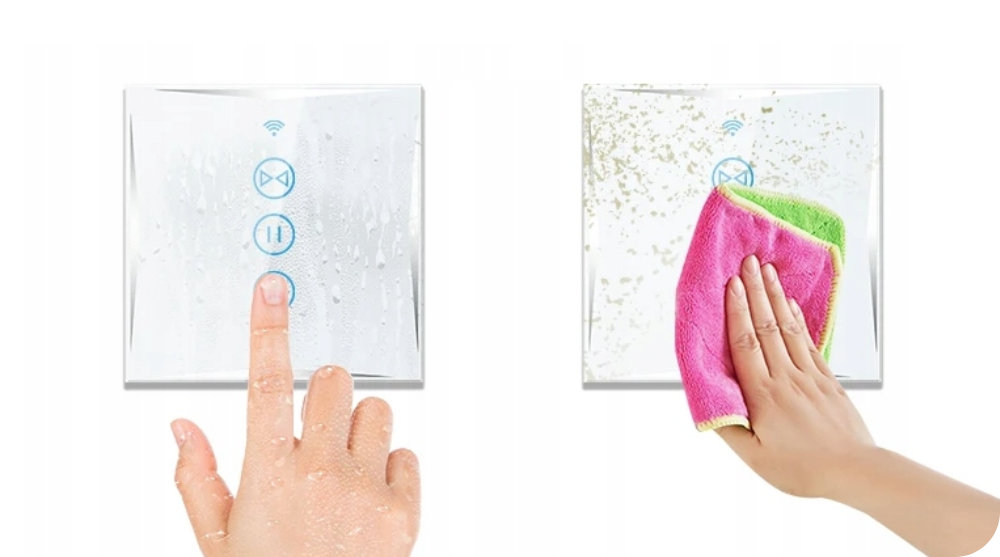
An additional advantage of glass switches is their resistance to dirt and easy maintenance.
The switch can be wiped with a damp cloth, squeegee, or towel.
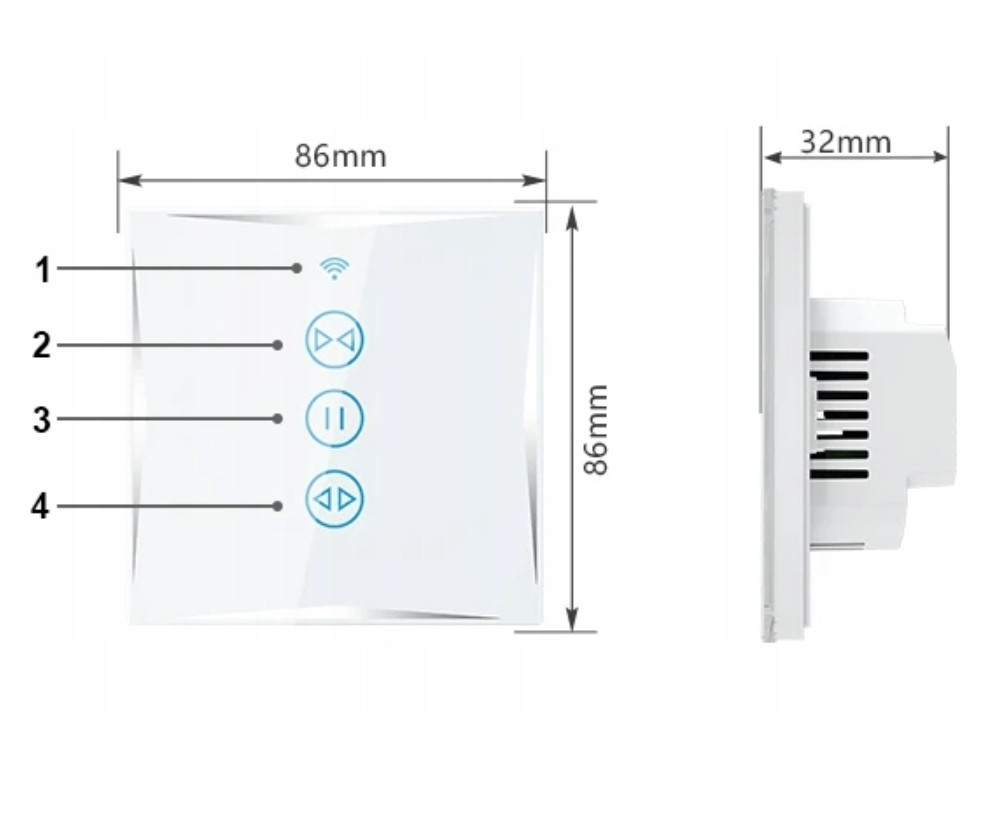
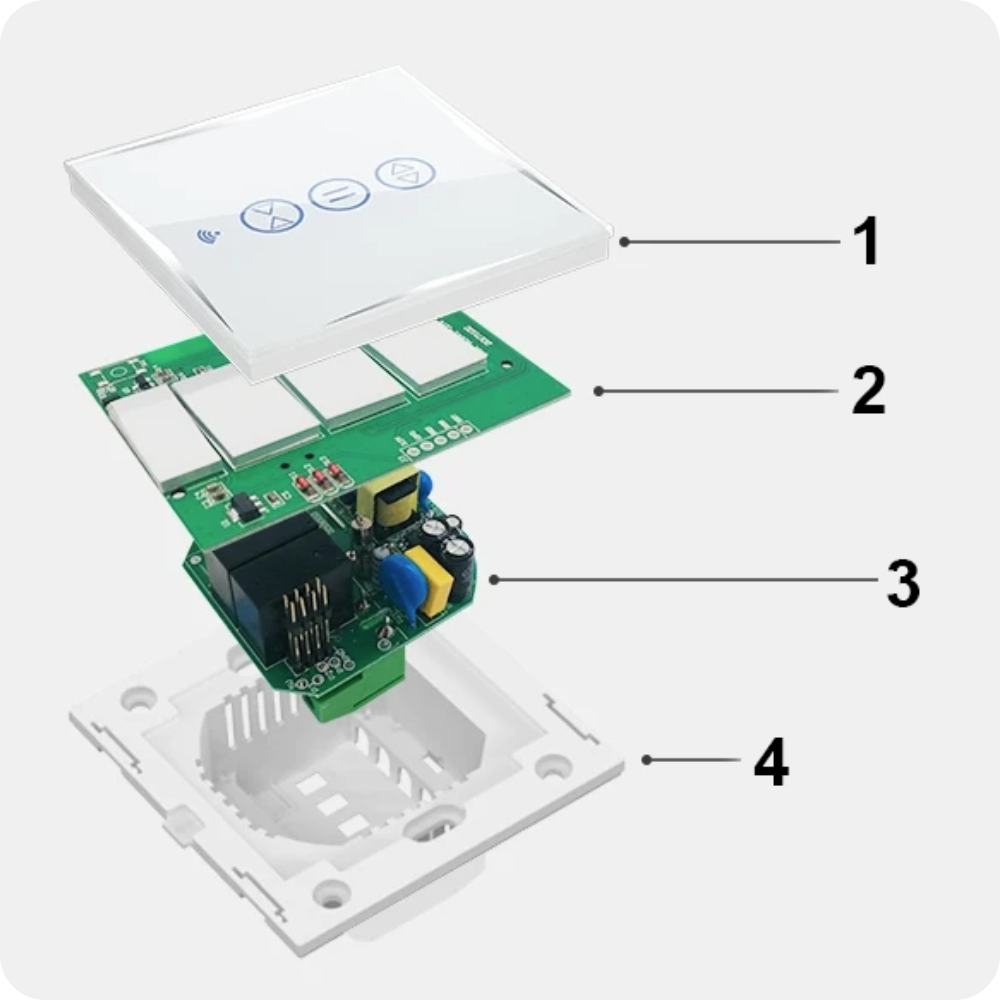
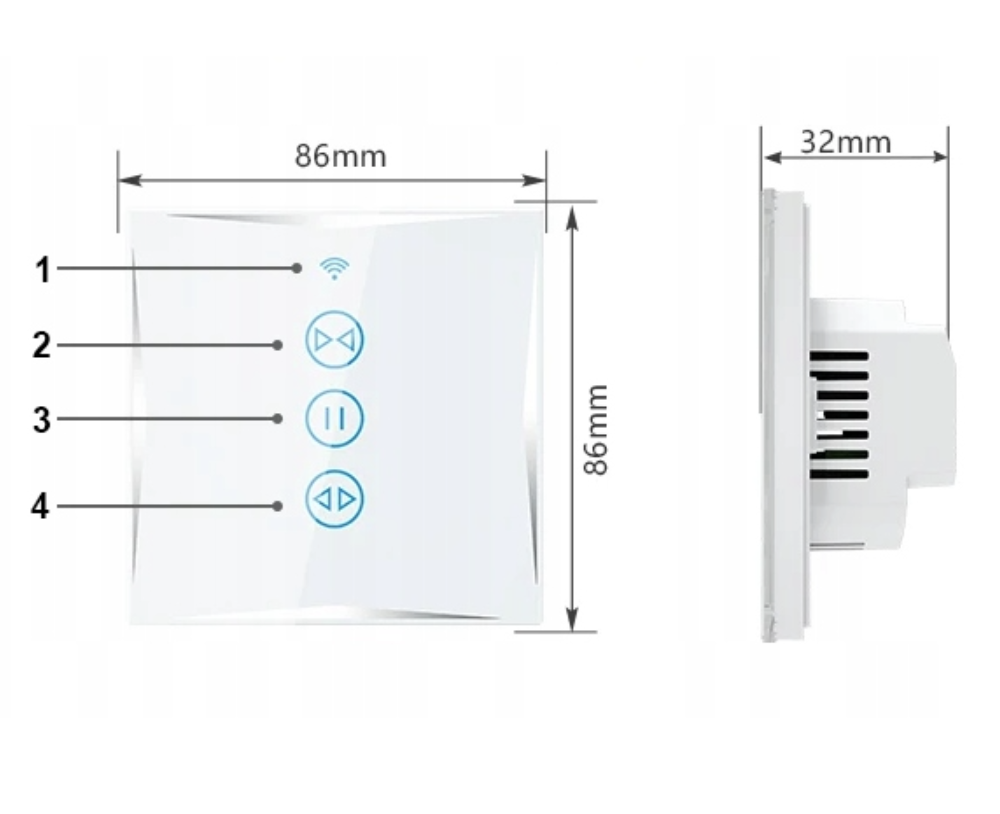
Switch Elements
- Indicator light
- Close button
- Pause closing/opening action button
- Open button
Technical Specification
- Control method: Touch control / wireless remote control
- Material: Fireproof PC with V0 flame retardant
- Dimensions: 86x86x32 mm
- Wiring method: Single live wire wiring
- Operating voltage: 100V - 240V (50HZ/60HZ)
- Standby power consumption: 0.5W/hour
- Maximum load: 1000W
- Working environment: -20 ~ 50°C
Certificates and Standards
- Certificates: CE, ROHS
- Ingress protection rating: Compliant with IP45 standard and fire resistance
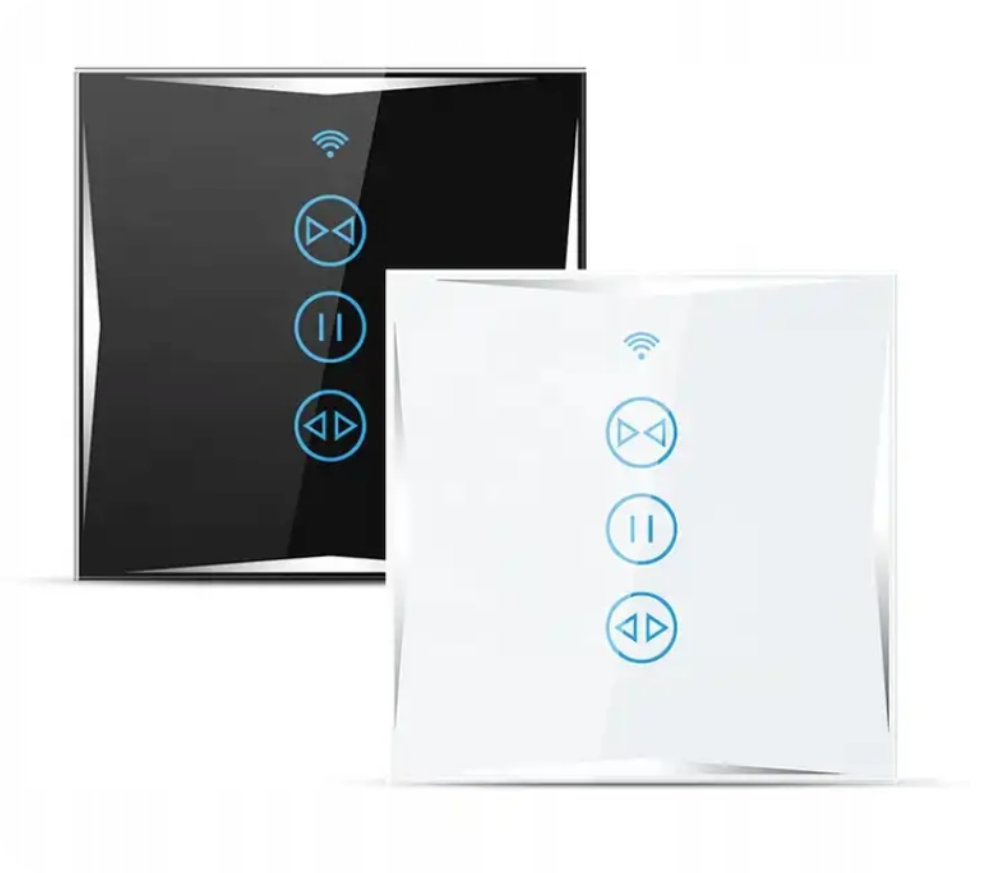
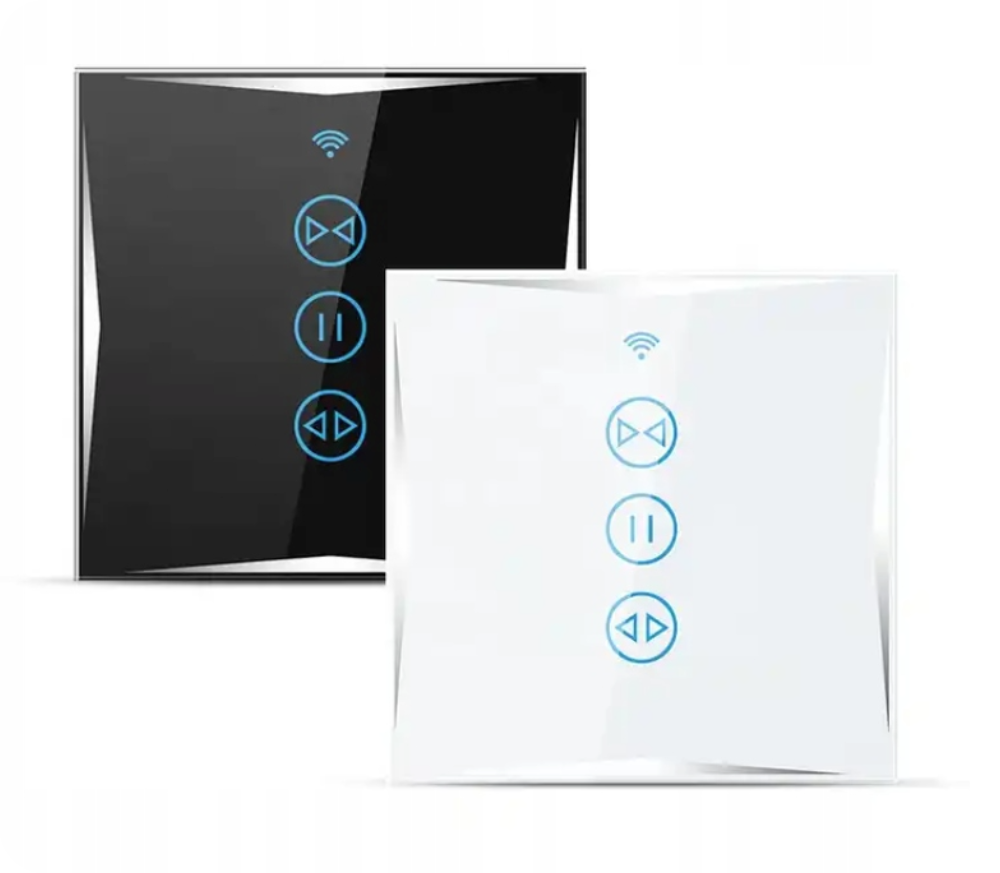
Available Colors
- Black (currently selected)
- White
Set includes
- 1x WiFi Blind Roller Shutter Switch KS607 Black
- 1x Set of mounting screws
- 1x User manual
Installation and Calibration
I invite you to a simple and pleasant process of installing and calibrating your new, intelligent roller blind switch. For your convenience, we have prepared a step-by-step guide on how to do it. Ready for the future of blind control? Here's how:
1. First Step: Connecting the Wires
Make sure that wires L1 and L3 are connected in the correct order to the switch. This is crucial to avoid problems with the motor's direction of operation.
2. Second Step: Activating the Switch
Hold your finger on the middle pause button on the switch until the buttons start flashing. This indicates it is ready for calibration.
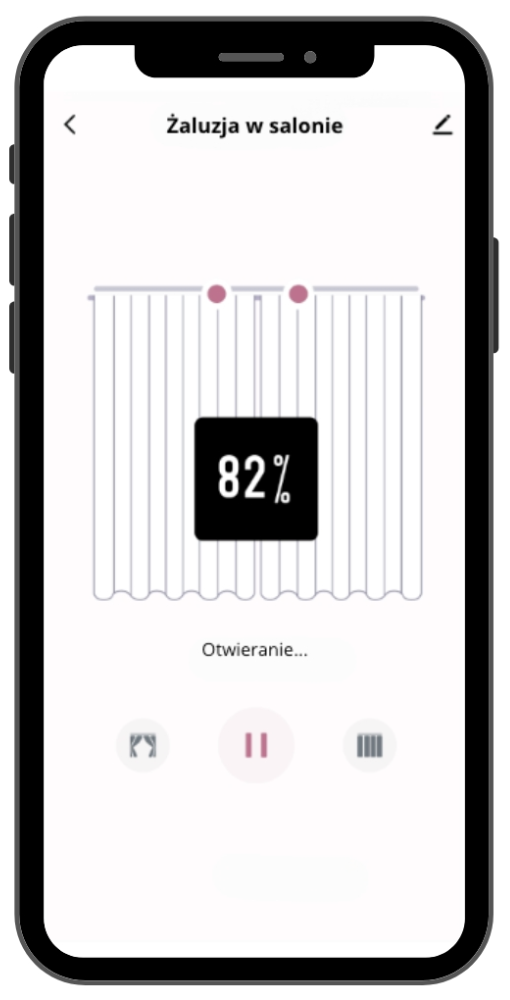
3. Third Step: Using the Tuya Smart App
Open the Tuya Smart app on your smartphone, connected to your home 2.4GHz WiFi network.
Select the option to add a new device and choose "Curtain Switch - Przełącznik zasłony (other)".
The app should automatically detect your switch. Add it to your list of devices.
4. Fourth Step: Calibration
In the app, go to Setting > Accurate Calibration > Prepare Calibration > Next Step.
Make sure the roller blind is fully open (rolled up).
Press the button for the roller blind to go all the way down.
Press the middle pause button.
Press the button for the roller blind to fully open.
Press the middle pause button again.
Press "Next" in the app and await the message "The Calibration Completed".
Congratulations!
Your roller blind is now fully calibrated and ready for use. You can open and close it manually, using the switch, or remotely, thanks to the Tuya Smart app. Enjoy a new level of comfort and control in your smart home!