
How to Build an Electronic Access System? A Step-by-Step Guide
In the age of modern technology, electronic access systems are gaining popularity not only in offices and businesses but also in private homes. They allow for effective control over who can enter a given room or building and when. In this article, we'll explain what you need to purchase to create a fully functional electronic access control system.
Why is it worth choosing an electronic access system?
The electronic access system is a modern and secure solution that:
- Increases control over access to buildings,
- Allows user registration and management,
- Offers convenience through the use of cards, key rings, codes or mobile applications,
- Reduces the risk of unauthorized entry.
What do you need to buy to create an electronic access control system?
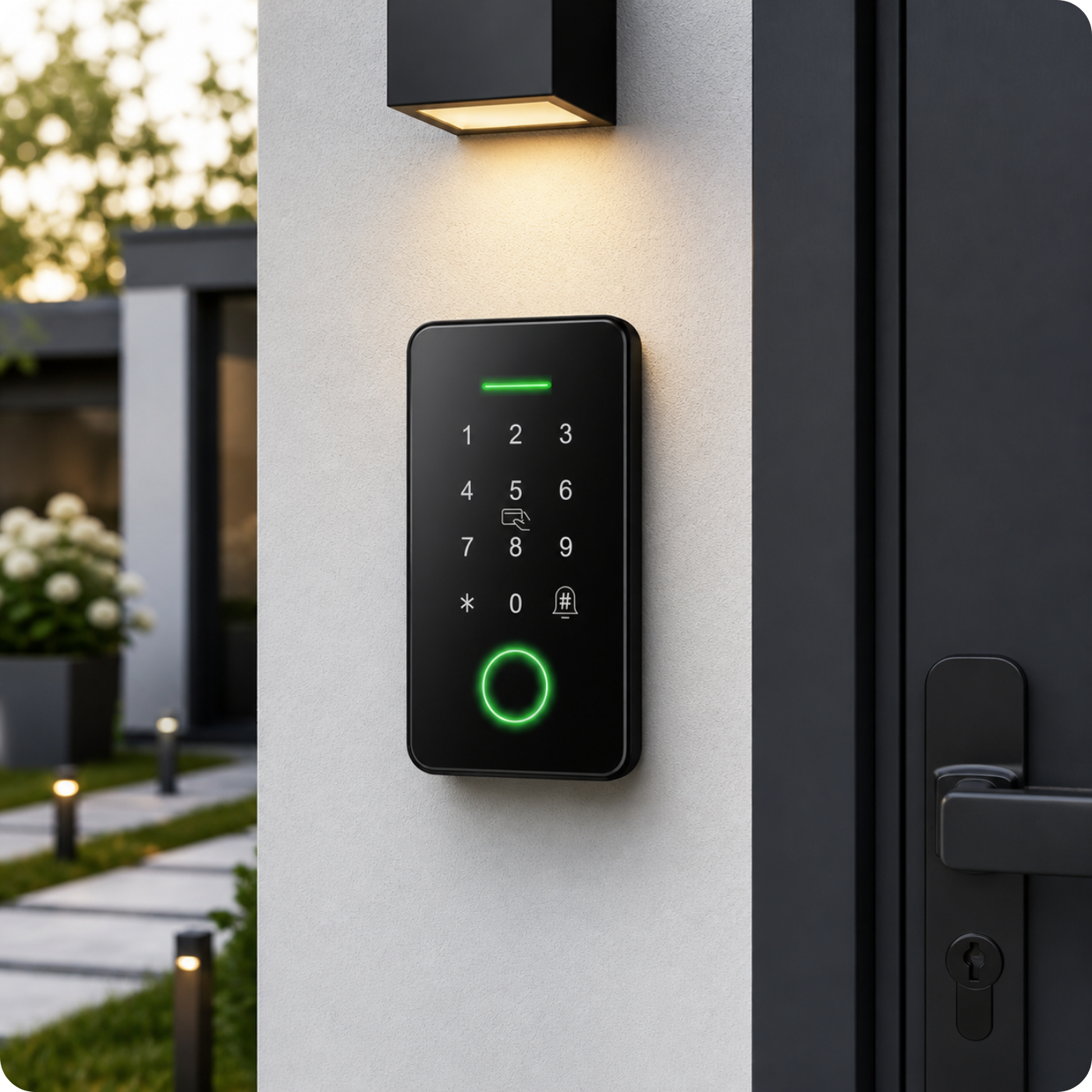
1. Access panel or combination lock
This is the heart of the system. The electronic lock or encryption key allows user authorization via:
- PIN code,
- RFID cards or keychains
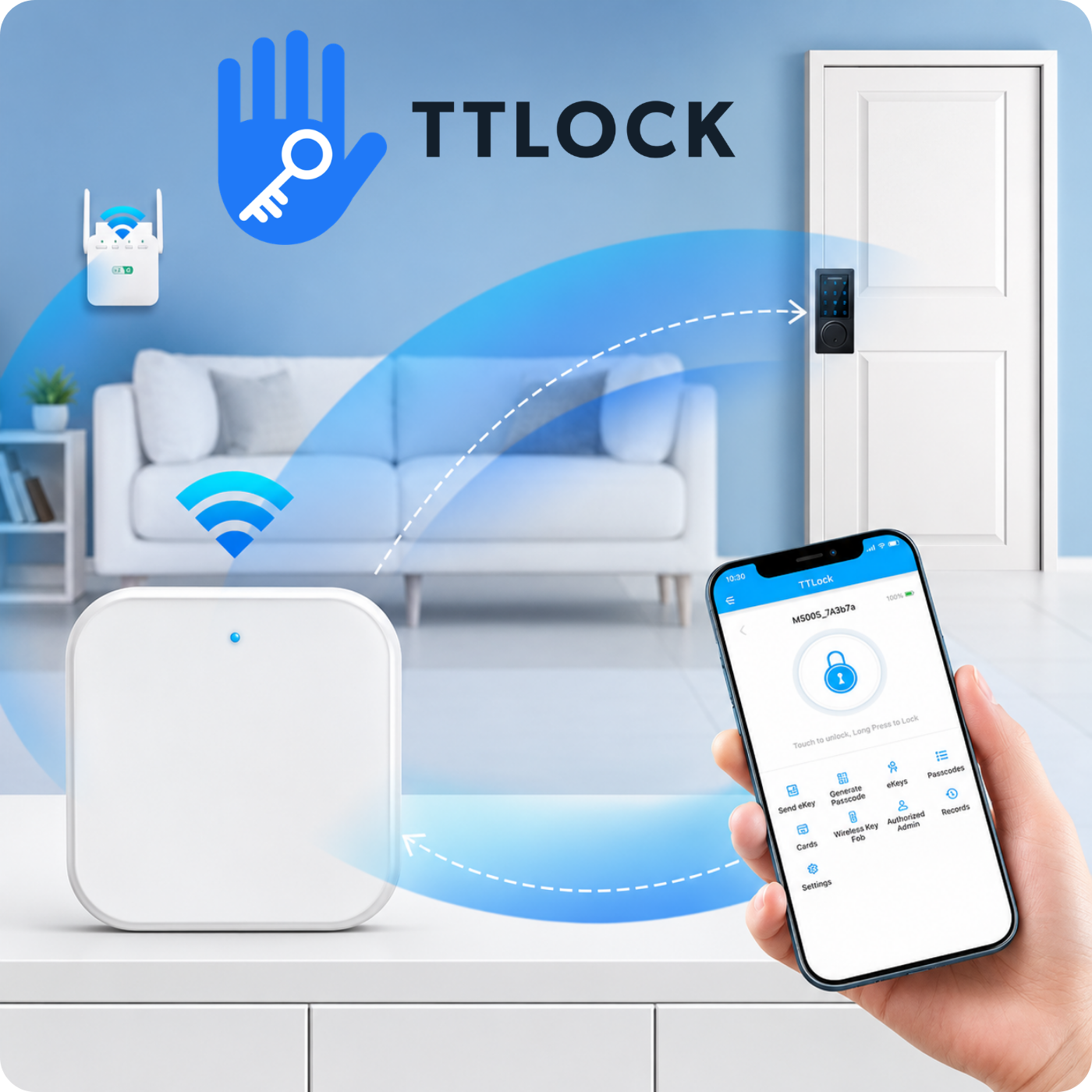
- Mobile application (e.g. TTLock, Tuya Smart),
- Fingerprint,
- Face scan.
The panel is responsible for sending the impulse that opens or closes the door. This is the first and most important component you need to purchase. We've described the types of combination locks in this article.
2. Electromagnetic lock, bolt or electric strike
This device physically locks or unlocks the door. Depending on your needs, locks can be divided into main categories:
- Electric strikes – most often used in homes and small offices.
- Electric bolt – works on a very similar principle to an electric strike, the difference is in the way access is blocked.
- Electromagnetic lock – ideal for glass doors and where high holding force is required.
A well-chosen locking mechanism must be compatible with the panel and door structure. Before purchasing, you should pay attention to the lock's dimensions and verify whether it will be compatible with your gate or door.
3. Power supply
Most access control system components require a 12V or 24V DC power supply. The power supply should provide stable and safe voltage. In some cases, it's worth adding a backup battery to ensure continued operation during power outages.
4. Exit button
It allows the user to leave the zone without requiring re-authorization. It is mounted on the inside of the door. The following buttons are available:
- Wired (classic or stainless steel),
- Tactile or mechanical,
- Wireless – installed without interfering with the installation.
The exit button is an inexpensive but very important element of the system.
5. Complementary accessories
- 12V wired doorbell – informs about the presence of a person waiting for access,
- Remote controls and wireless keyboards – increase the functionality of the system,
- Voltage converters, mounting brackets – help to properly install and adapt devices to specific usage scenarios.
- Access Cards and Keyfobs - Most of the combination locks we offer also feature specially designed keyfobs. This allows you to avoid entering a combination every time you need to gain entry.
What to pay attention to when choosing components?
- Compatibility – Make sure the selected devices work together (e.g. the panel supports the lock type, operates on the same voltage).
- Door type – Different solutions are used for wooden doors, glass or aluminum doors.
- Where to use - Depending on the type of lock, they will either be locked or unlocked in the event of a power outage. Before choosing, consider which lock you need.
- Ease of management – Mobile app dashboards allow you to easily add and remove users.
Summary
Building your own electronic access system is not difficult, but it does require the purchase of a few key components:
- Access panel or code lock – for user authorization,
- Electromagnetic lock, electric strike or bolt – for physical control of the door,
- Power supply – to power the entire system,
- Exit button – for conveniently leaving a secured area
- Additional accessories – increasing comfort of use.
With this set, you will create a modern, secure and functional access control system – suitable for both home and commercial applications.

1 comment
Michał
Szybko, zwięźle i na temat.
Leave a comment
This site is protected by hCaptcha and the hCaptcha Privacy Policy and Terms of Service apply.