Filtry
25 produktů






Recenze zákazníků

L…d
Ok
I've been using it intensively for 2 months and it still works :D You can connect several devices in parallel and – surprisingly – that's ok too :D

J…0
No problems
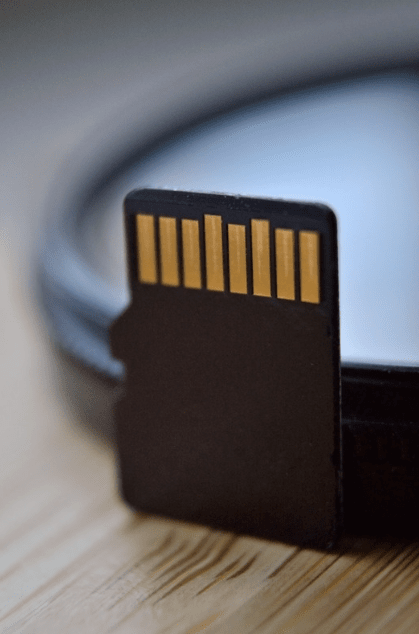
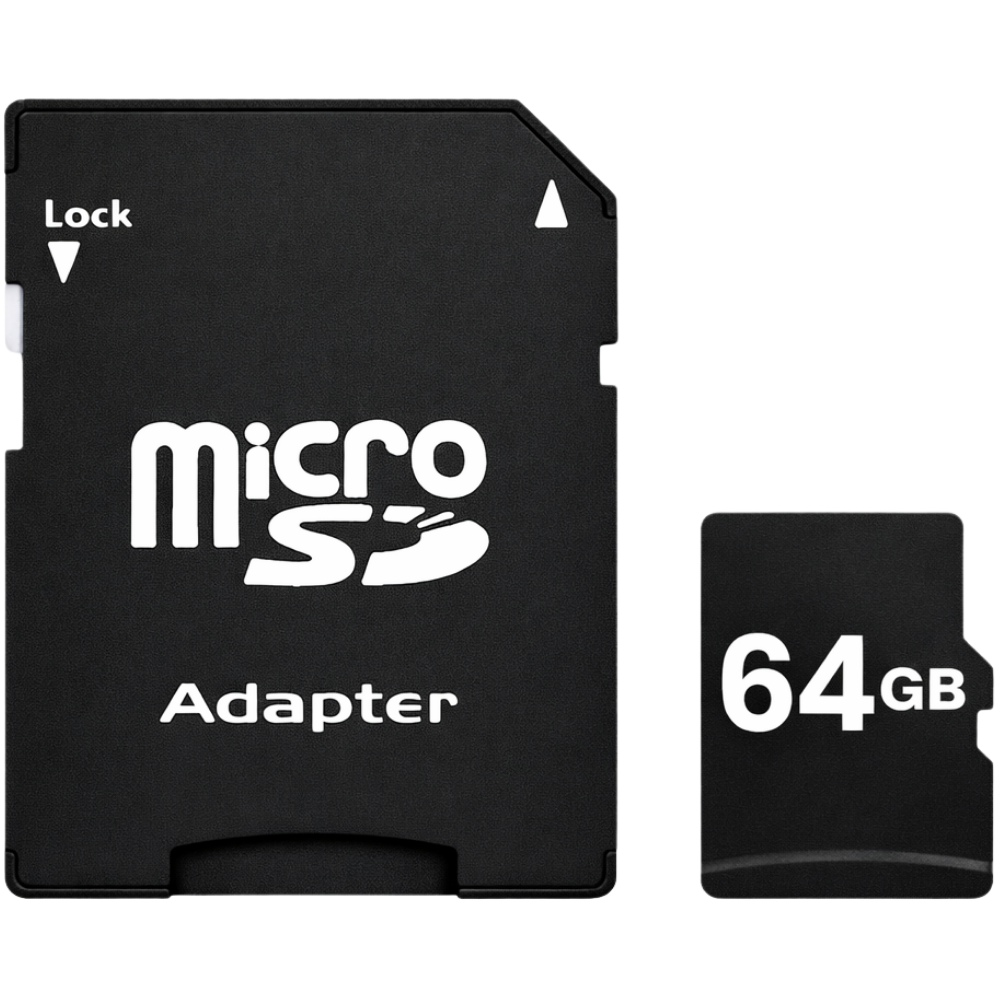
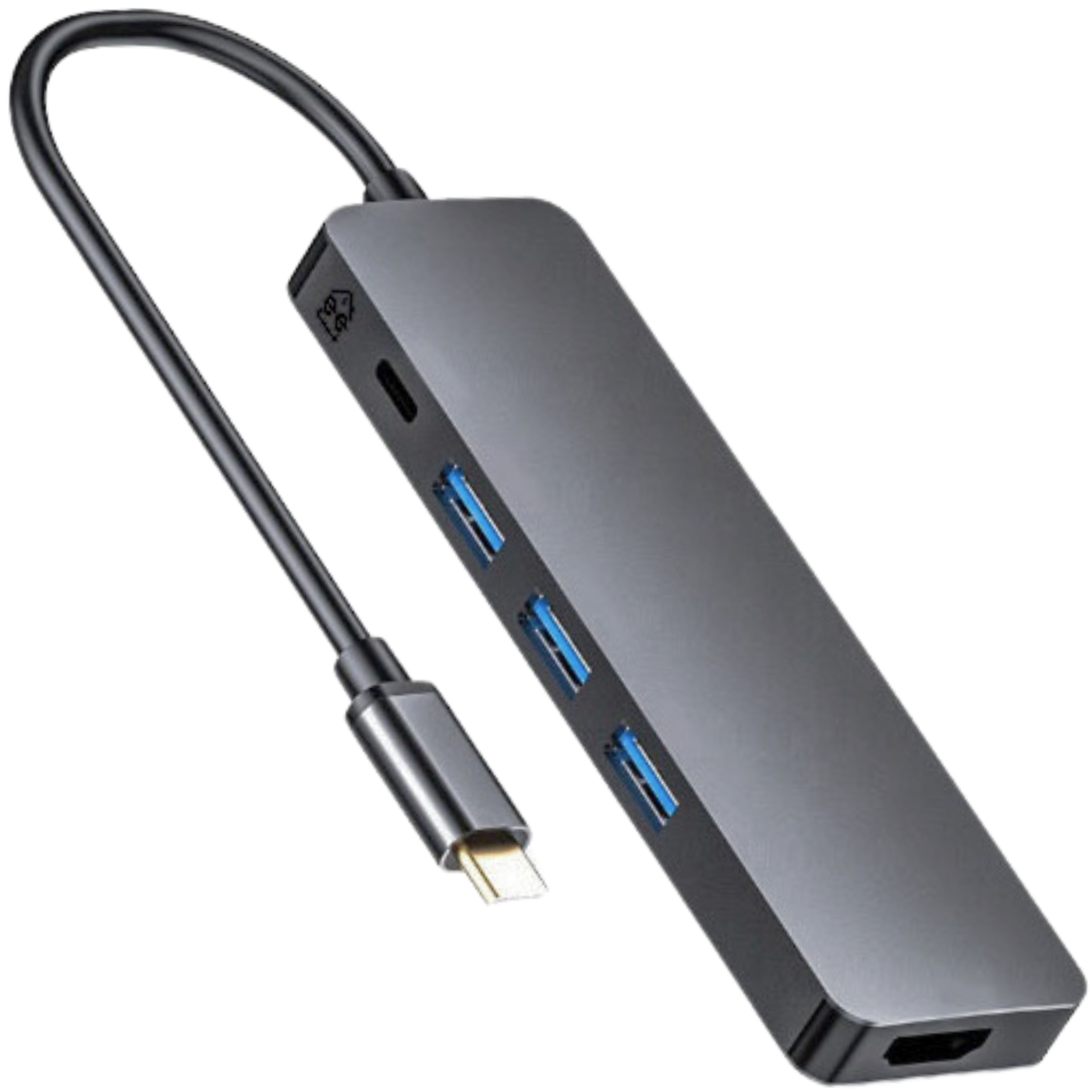
The hub works without any problem, although it reads a 64GB micro SD card more easily from the adapter; the remaining ports work fine. The build quality is fantastic.

C…3
Works flawlessly with M1 chips
Finally a hub that works flawlessly with an Apple MacBook Air M1! I have a more expensive Green Cell AK50 that constantly had to be unplugged and plugged back in for the ports and battery charging to work at the same time. I haven't tested HDMI because I connect directly with my own DisplayPort to USB-C cable on the Mac.
Časté dotazy
What are USB-C hubs and adapters for?
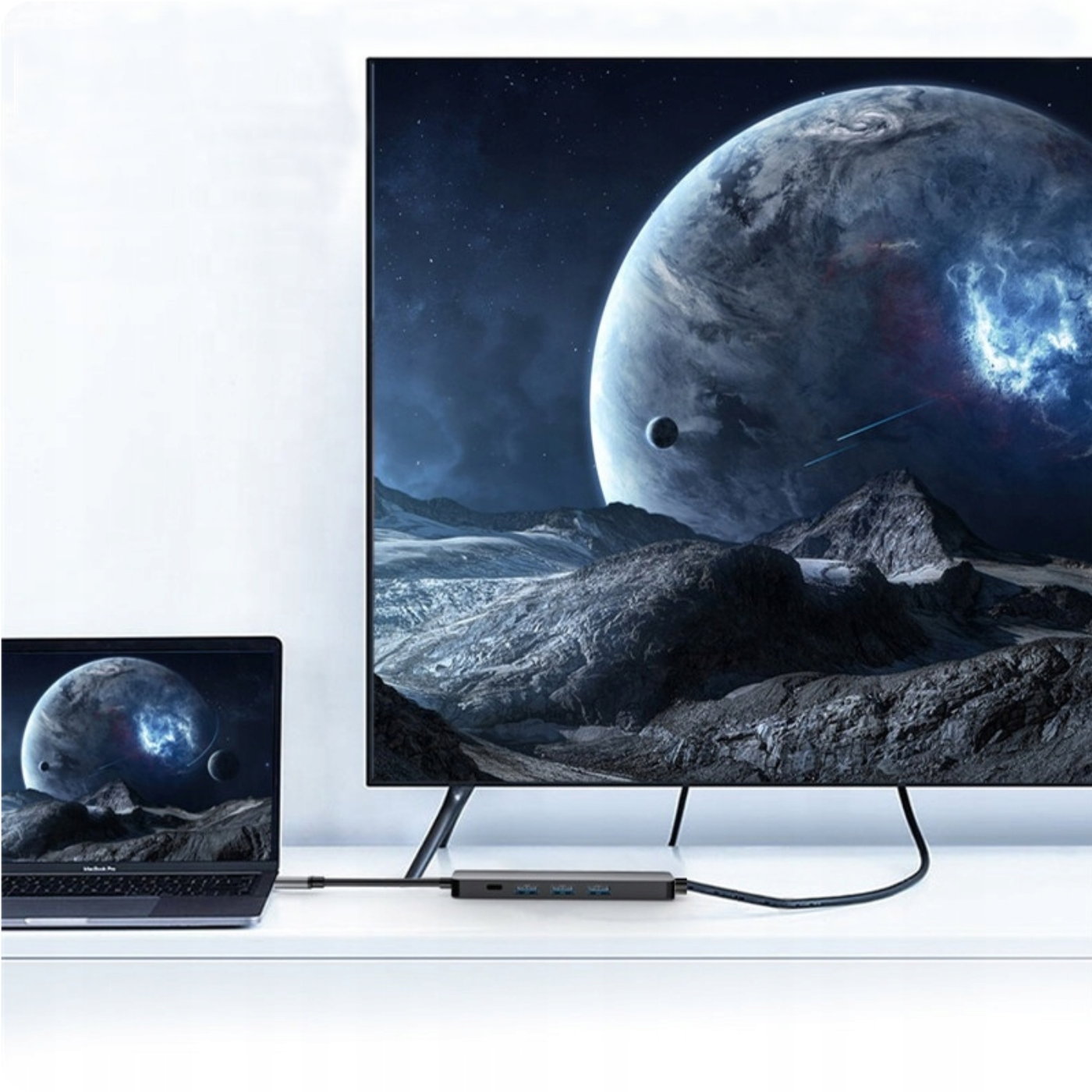
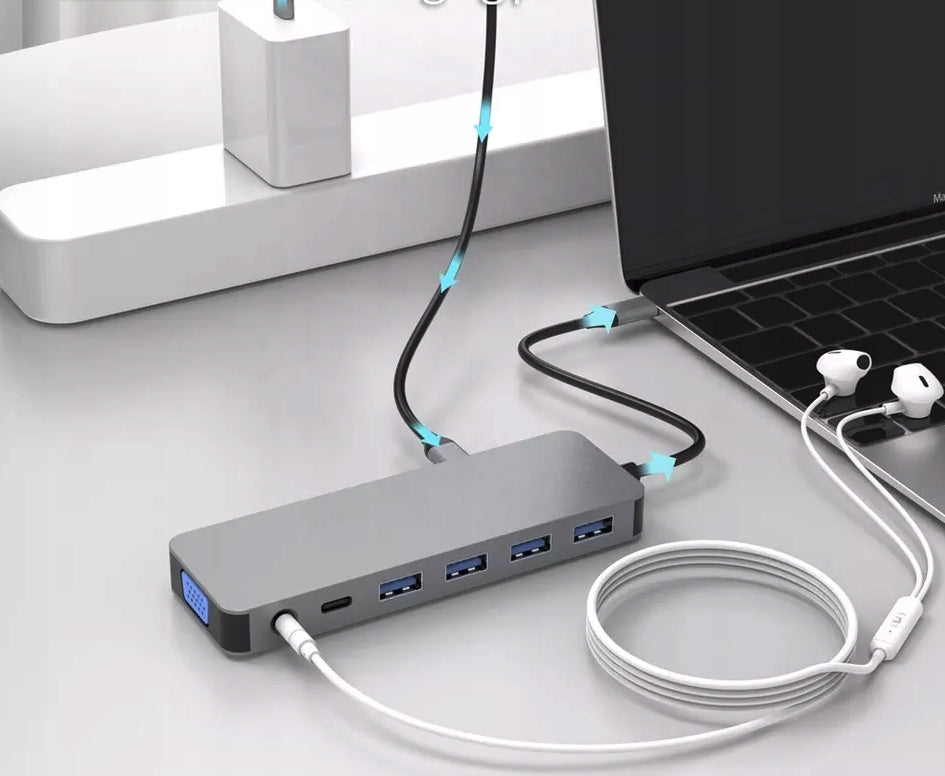
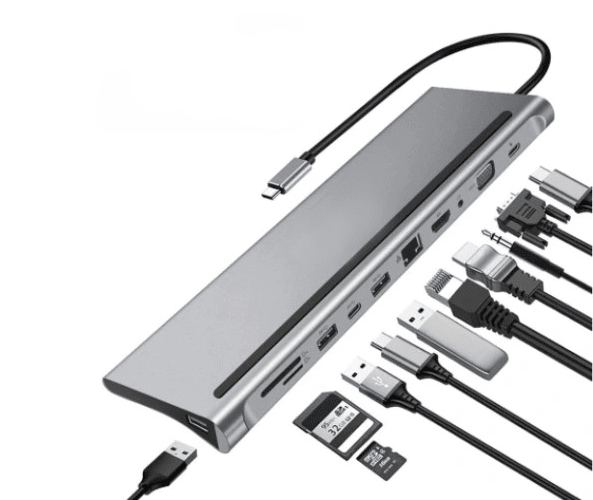
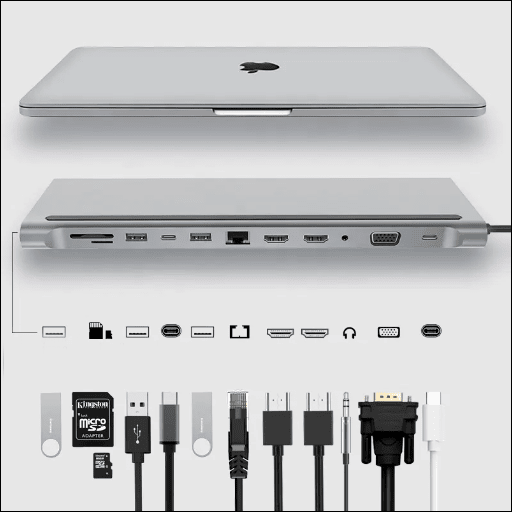
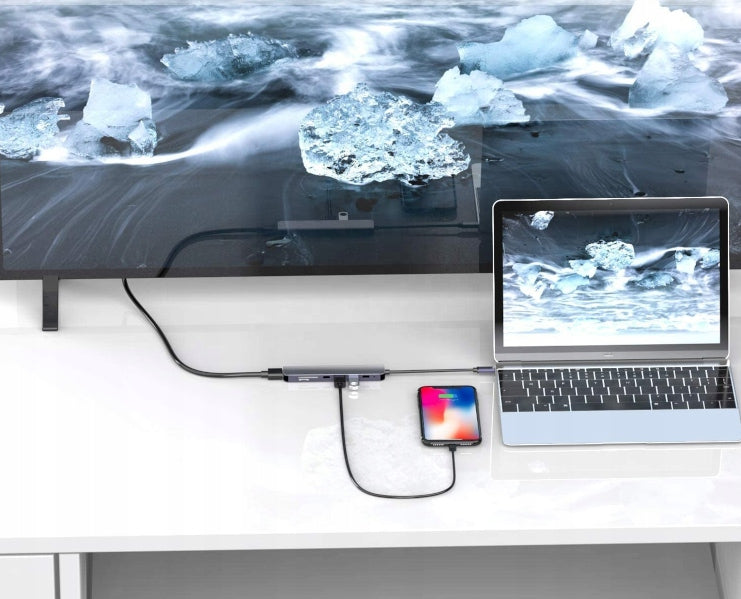
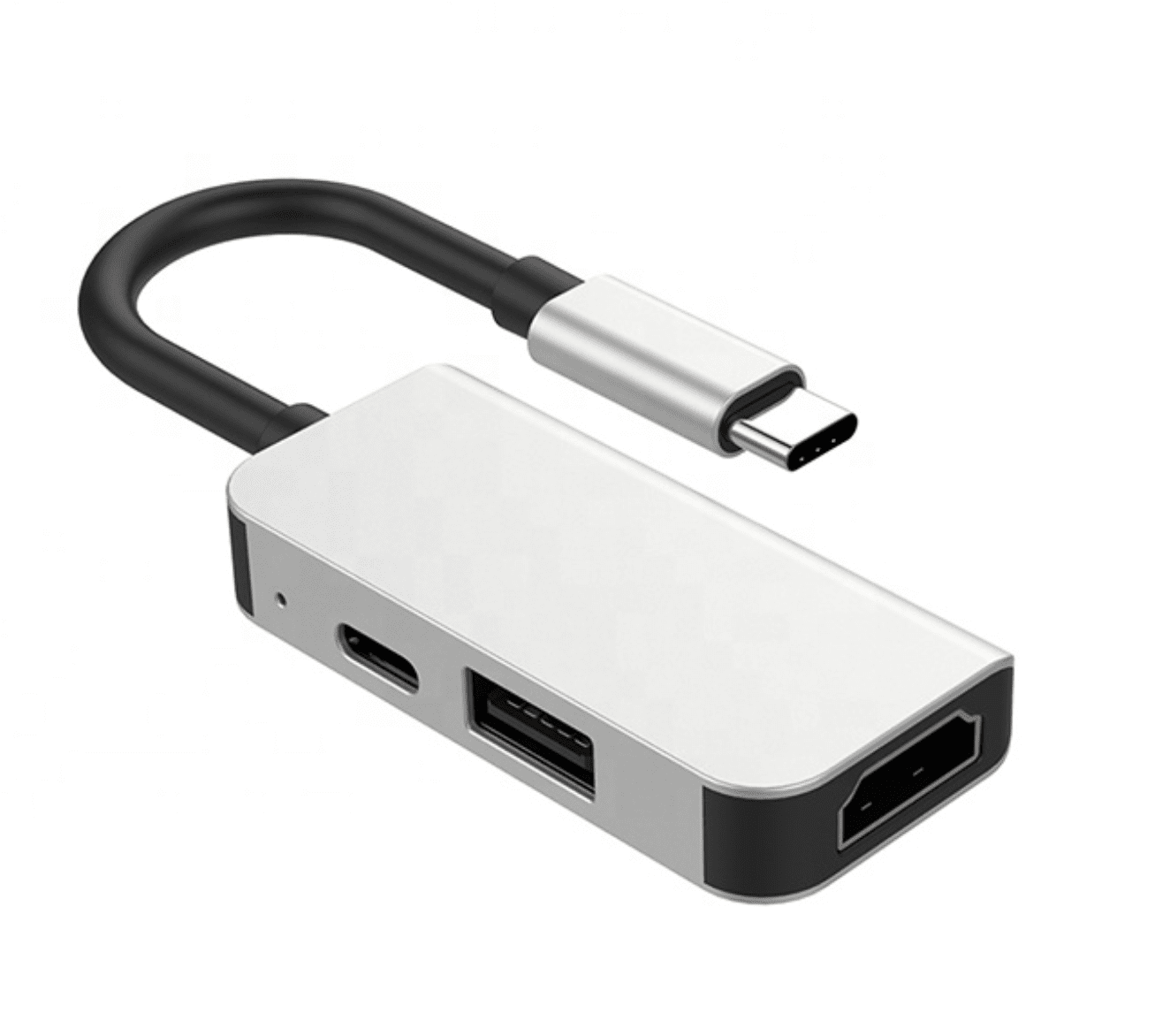
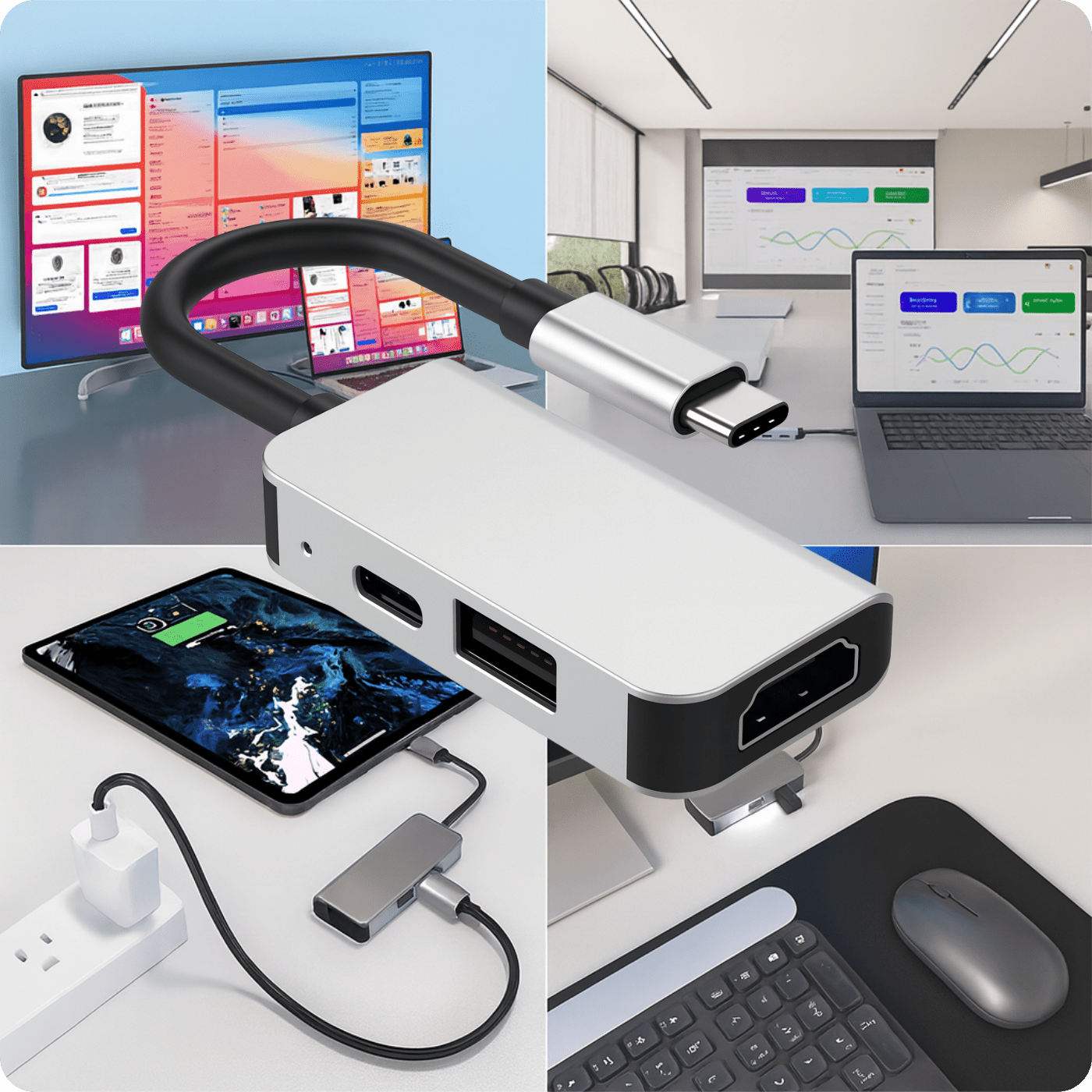
USB-C hubs and adapters are used to extend the functionality of devices with a limited number of ports. They let you connect a monitor, TV, external drive, keyboard, mouse, memory card, wired internet or charging through a single USB-C connector.
What ports can USB-C adapters and hubs have?
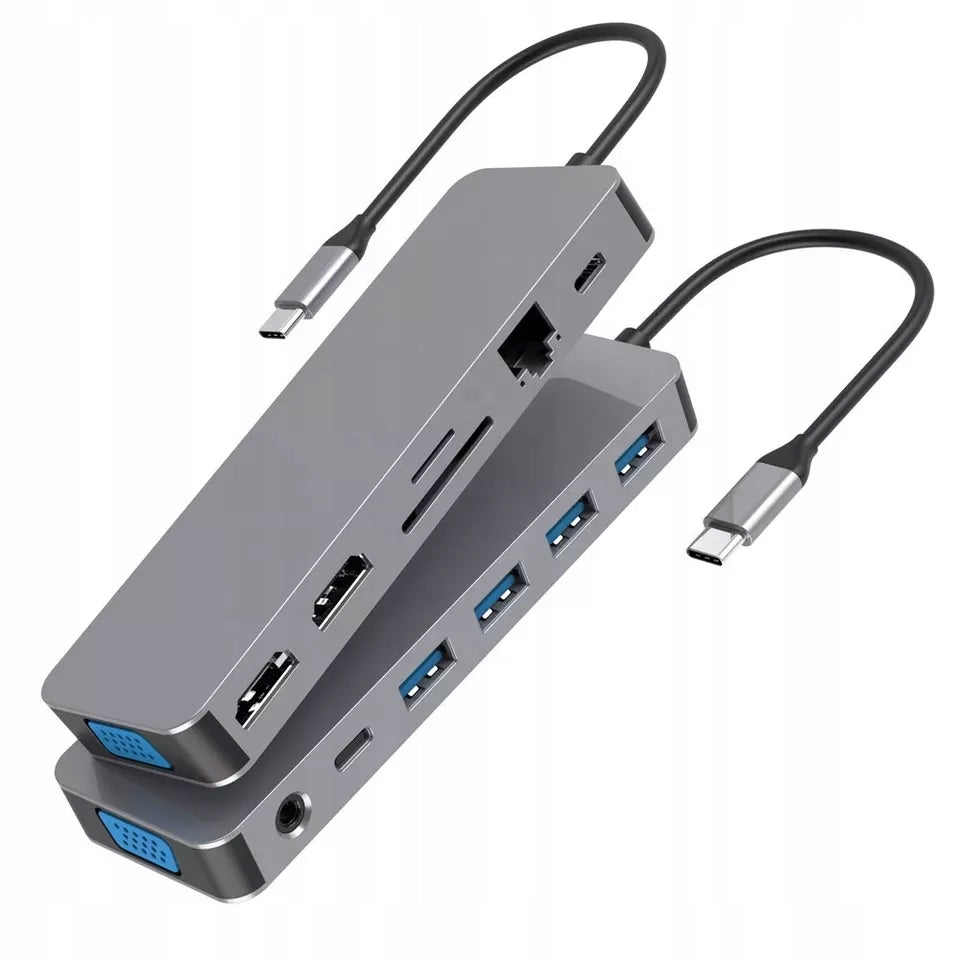
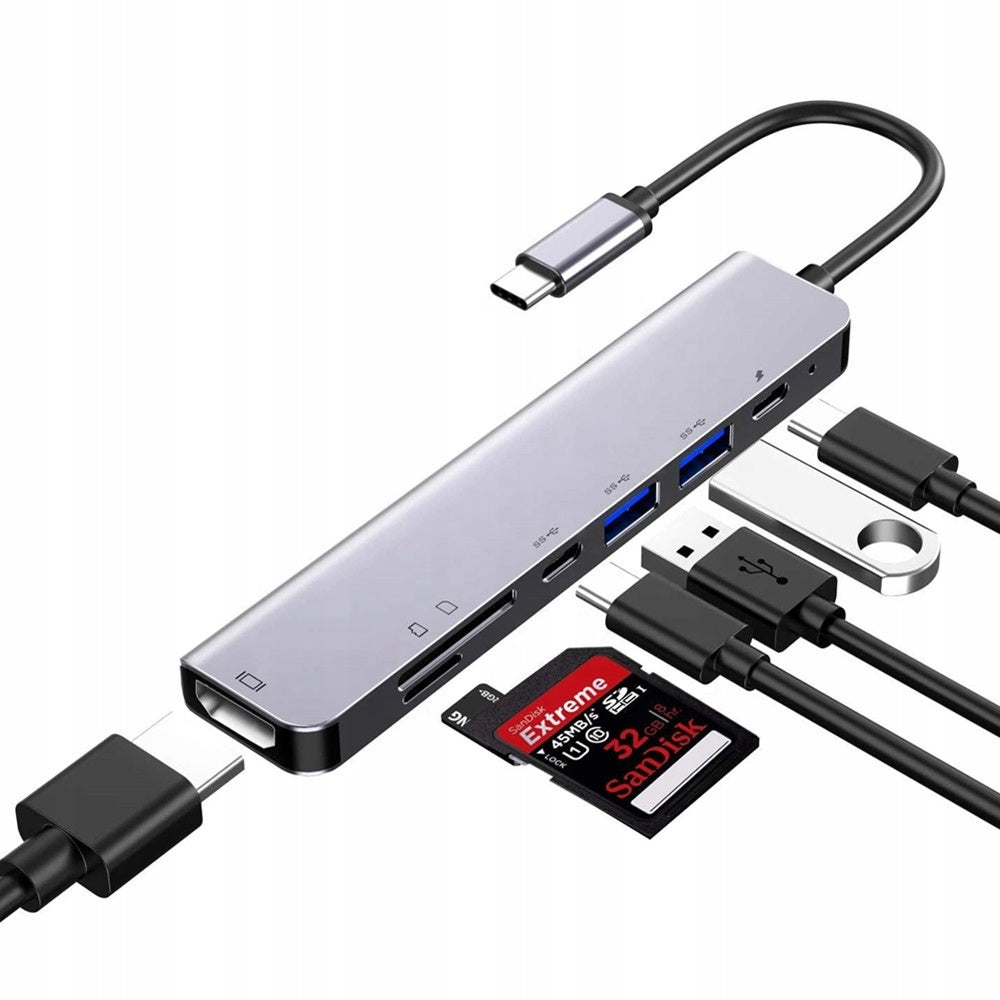
Depending on the model, the adapters can be fitted with HDMI, USB-A, USB-C, VGA, RJ45 Ethernet and 3.5 mm AUX ports as well as SD and microSD card readers. This lets you match the device to your own needs at work, at home or when travelling.
Do USB-C adapters support high-resolution image?
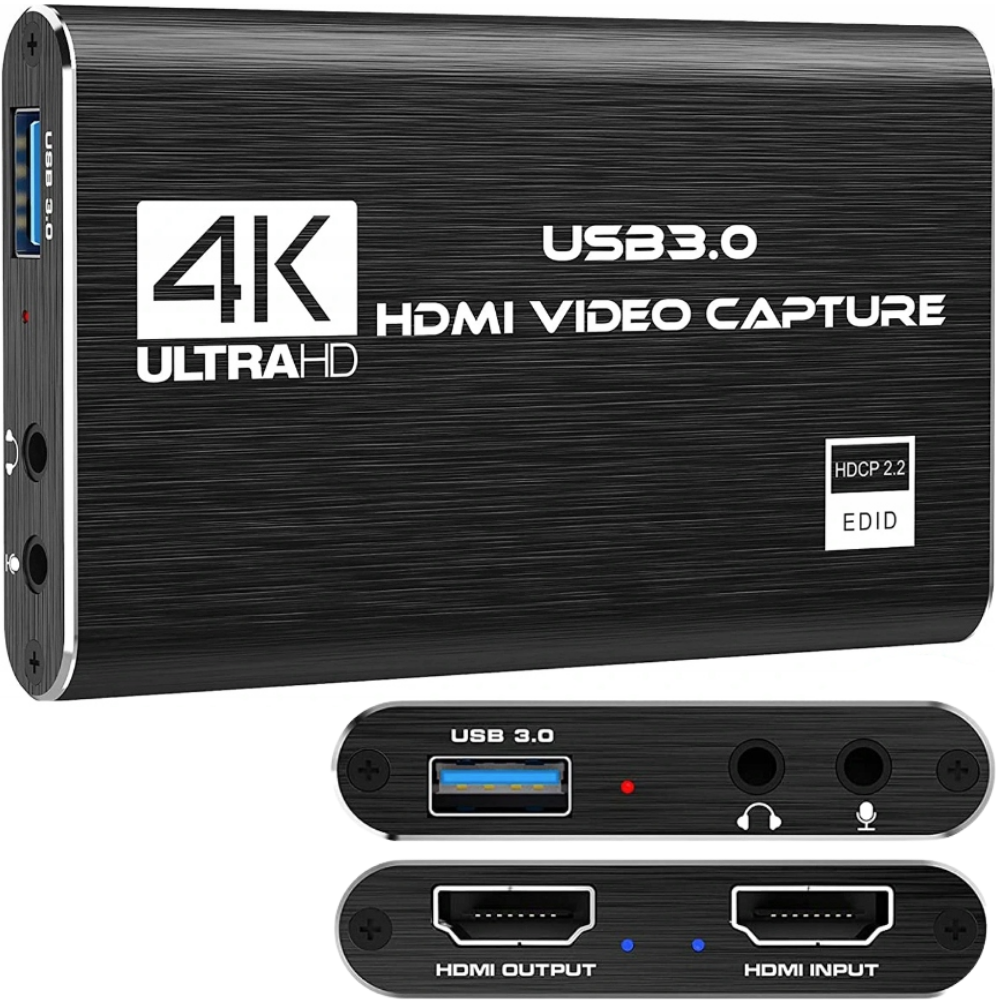
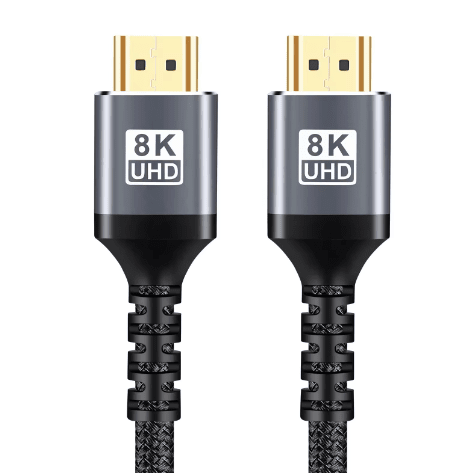
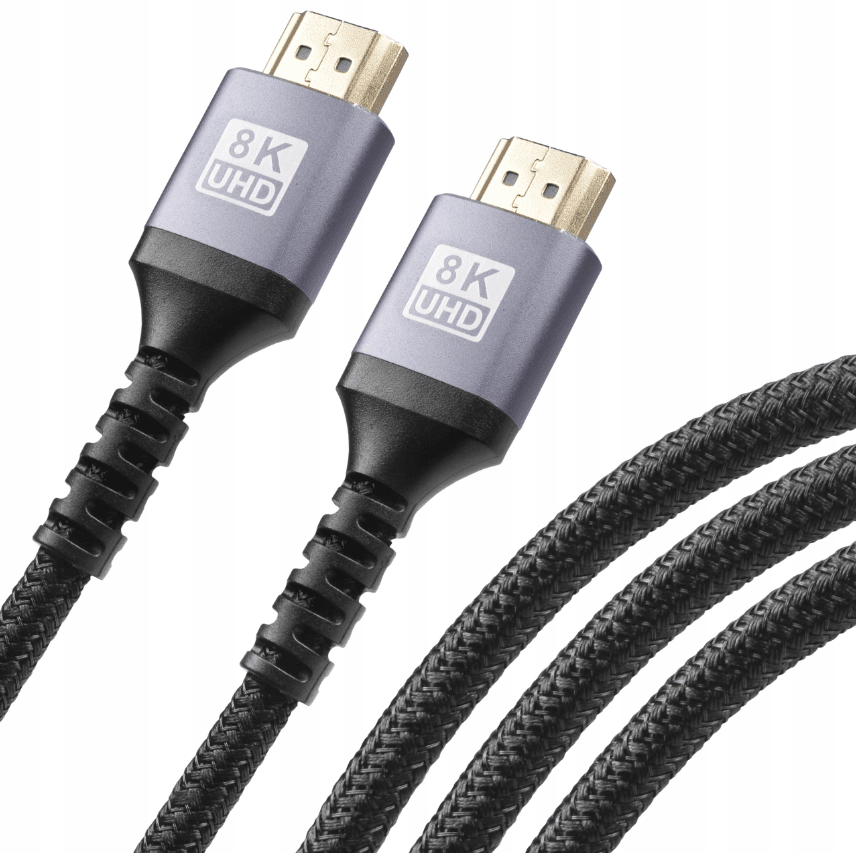
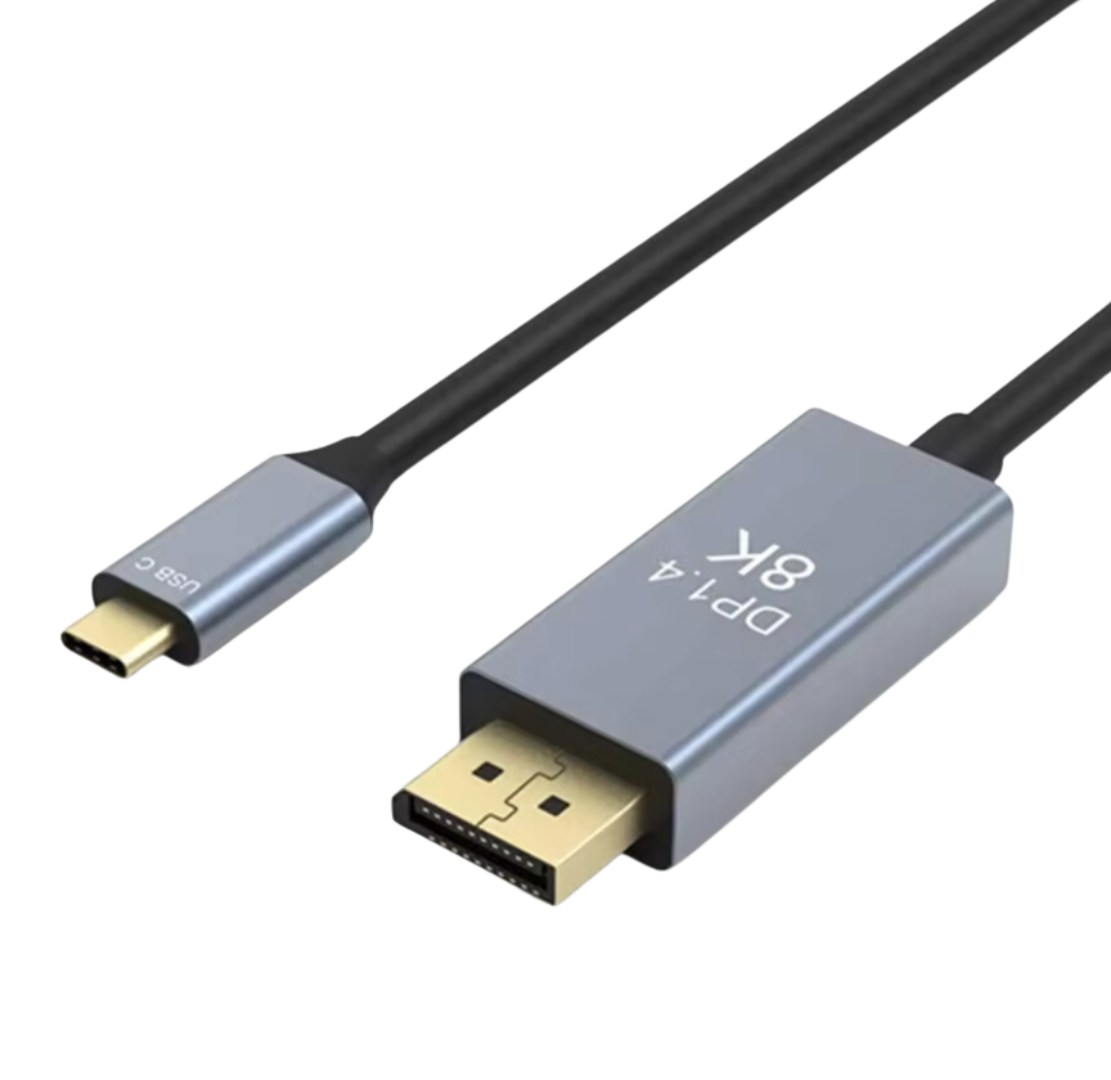
Yes, products in this category can support high image resolutions, including 4K, and selected cables and adapters also 8K. The range of supported parameters depends on the specific model and the compatibility of the connected devices.
Are drivers needed for a USB-C adapter to work?
Many products work in Plug and Play mode, so they don't require installing any additional software. Once connected, the device is ready to use, which makes everyday work easier.
Can a USB-C hub charge a laptop and use other ports at the same time?
Yes, selected models support Power Delivery and pass-through technology. This means you can charge the device and use the ports for data transfer, image or connecting accessories at the same time.
Adaptéry a rozbočovače
Adaptéry a rozbočovače
Hledáte spolehlivá řešení pro připojení svých zařízení? V této kategorii najdete široký výběr adaptérů, redukcí, USB rozbočovačů a kabelů HDMI, které zajistí plnou kompatibilitu a pohodlí při používání.
Nabízíme moderní rozbočovače pro notebooky se systémem Windows a rozbočovače pro MacBooky – ideální pro rozšíření počtu portů USB, HDMI, Ethernet a dalších konektorů. Naše produkty umožňují rychlé připojení dalších zařízení, jako jsou monitory, klávesnice, externí disky nebo projektory.
V sortimentu se nacházejí také adaptéry USB-C, HDMI, Ethernet a také vysoce kvalitní kabely HDMI podporující přenos obrazu v kvalitě 4K. Díky nim snadno propojíte notebook, počítač nebo tablet s televizorem, monitorem nebo projektorem.
Which USB-C hub should I choose for a laptop?
The choice of a USB-C hub depends on which ports you need day to day. It's worth looking out for the presence of HDMI, USB 3.0, USB-C Power Delivery, card readers and a LAN port if the device is meant for multitasking work.
What is a USB-C to HDMI adapter useful for?
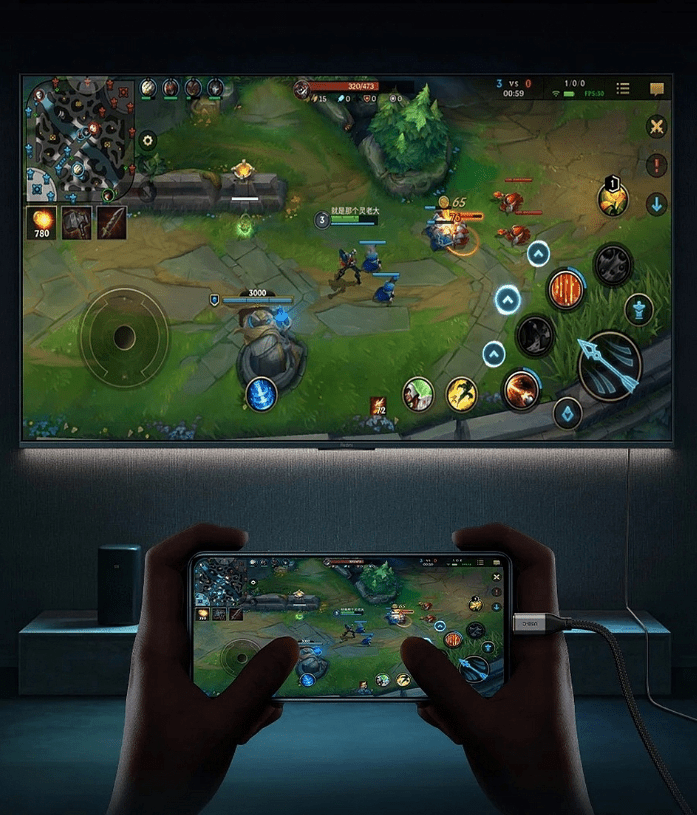
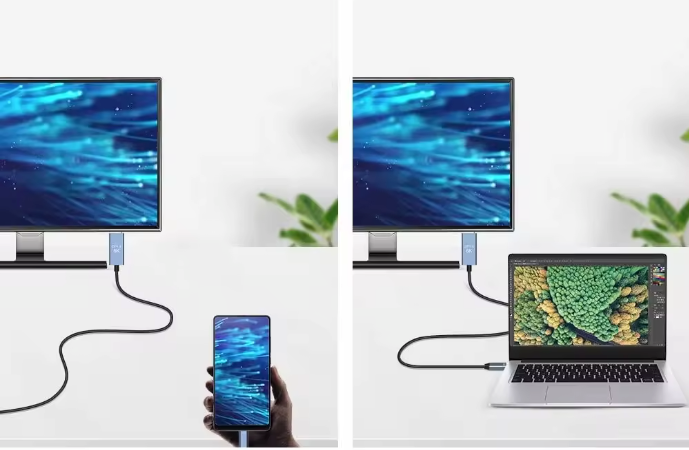
A USB-C to HDMI adapter lets you connect a laptop, tablet or smartphone to a monitor, TV or projector. It's a practical solution for work, study, watching films and giving presentations.
Does the HDMI cable matter for image quality?
Yes, a suitably chosen HDMI cable matters for the stability of signal transmission and the supported image and audio parameters. With modern equipment it's worth using cables compliant with the newer standards.
Is a USB-C hub suitable for connecting a keyboard and mouse?
Yes, the USB ports on the hubs make it easy to connect a keyboard, mouse, flash drive, external drive and other accessories. It's a simple way to increase your comfort when working on a laptop.
Doporučení pro vás